Hairstyle Changer
Try a new haircut before you book it. Upload a photo, pick bangs, curls, a bob, a pixie or braids, and AI restyles your hair while keeping your face and color.
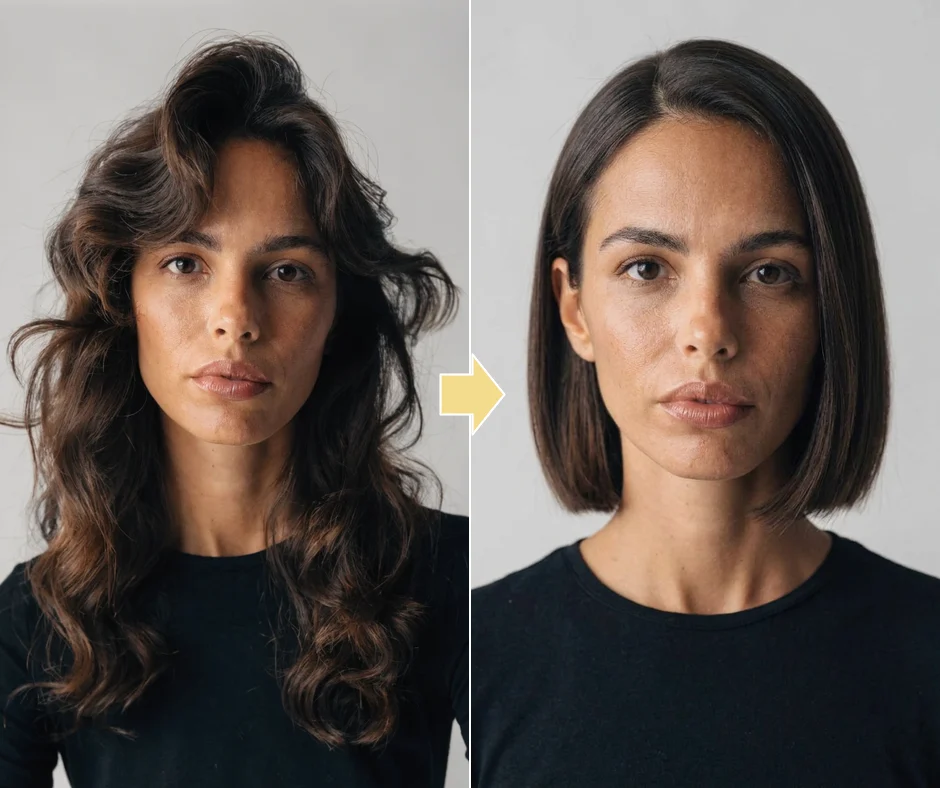
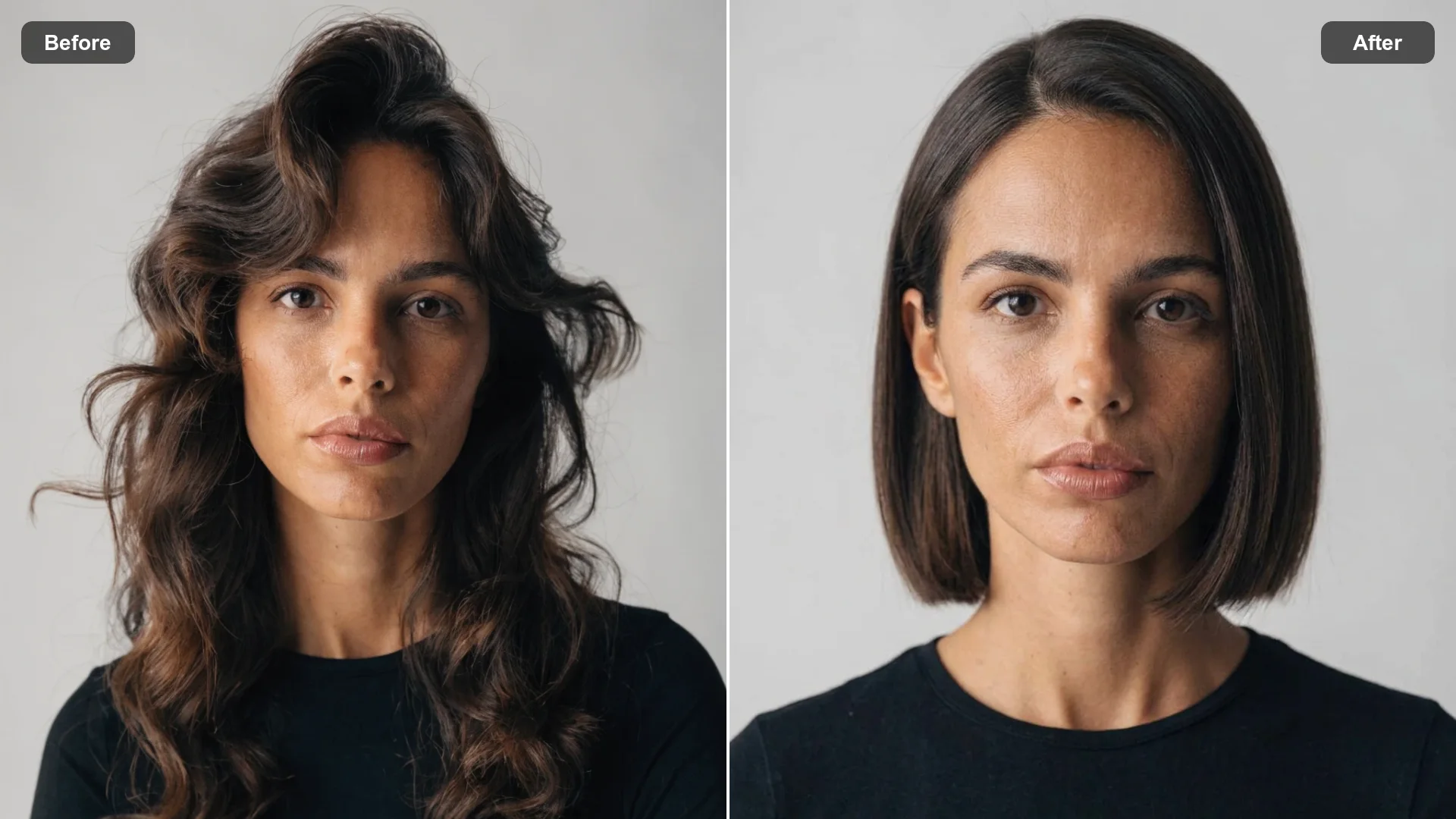
Try a New Haircut Before the Scissors Come Out
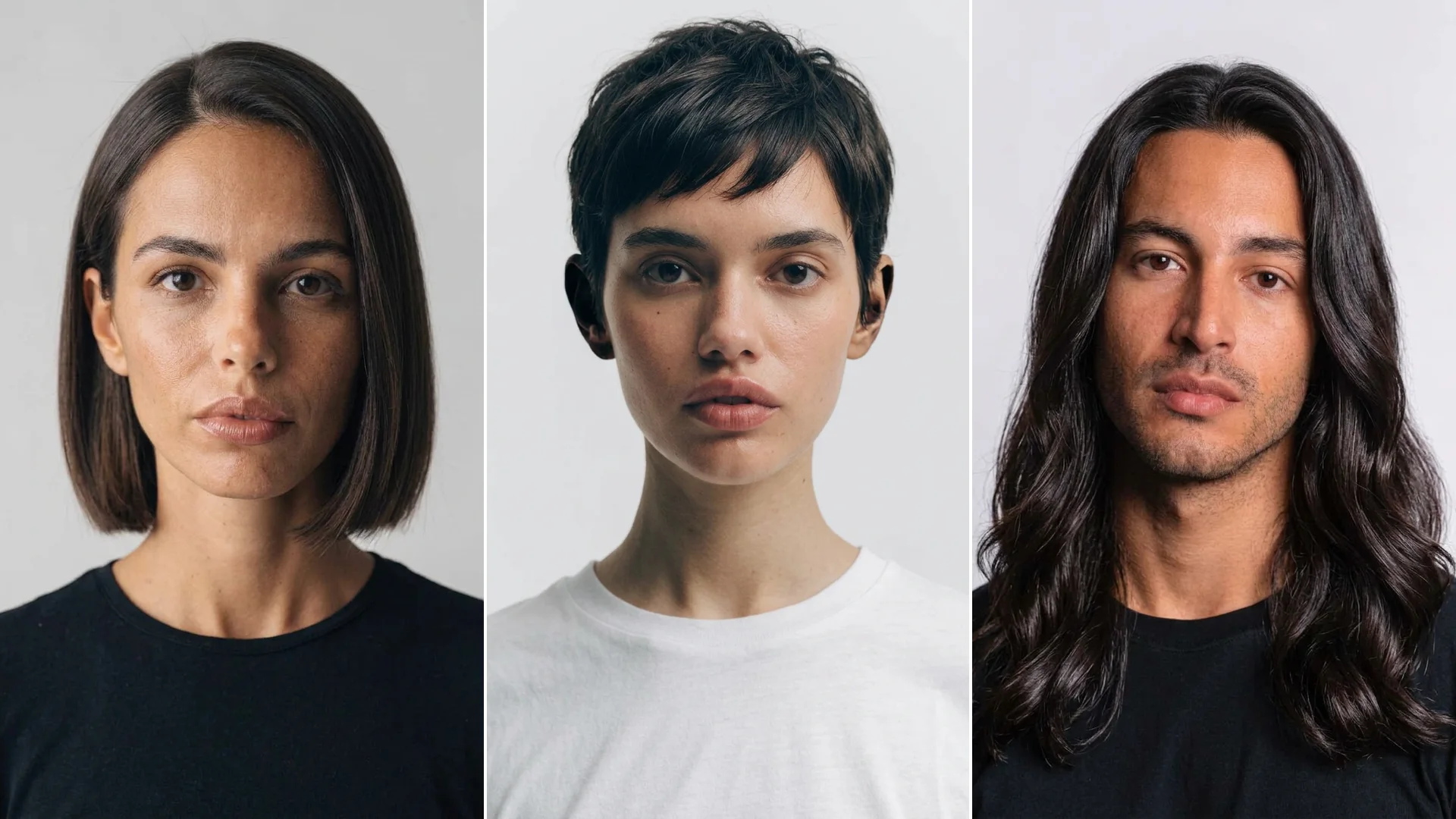
A haircut takes months to grow back, and a photo of someone else in a magazine says little about how the cut will look on you. Upload a photo, pick a style and the AI Hairstyle Changer gives you that haircut, growing from your own hairline and fitted to the shape of your head. Your face, expression and hair color stay exactly as they are, so the cut is the only thing that changes.
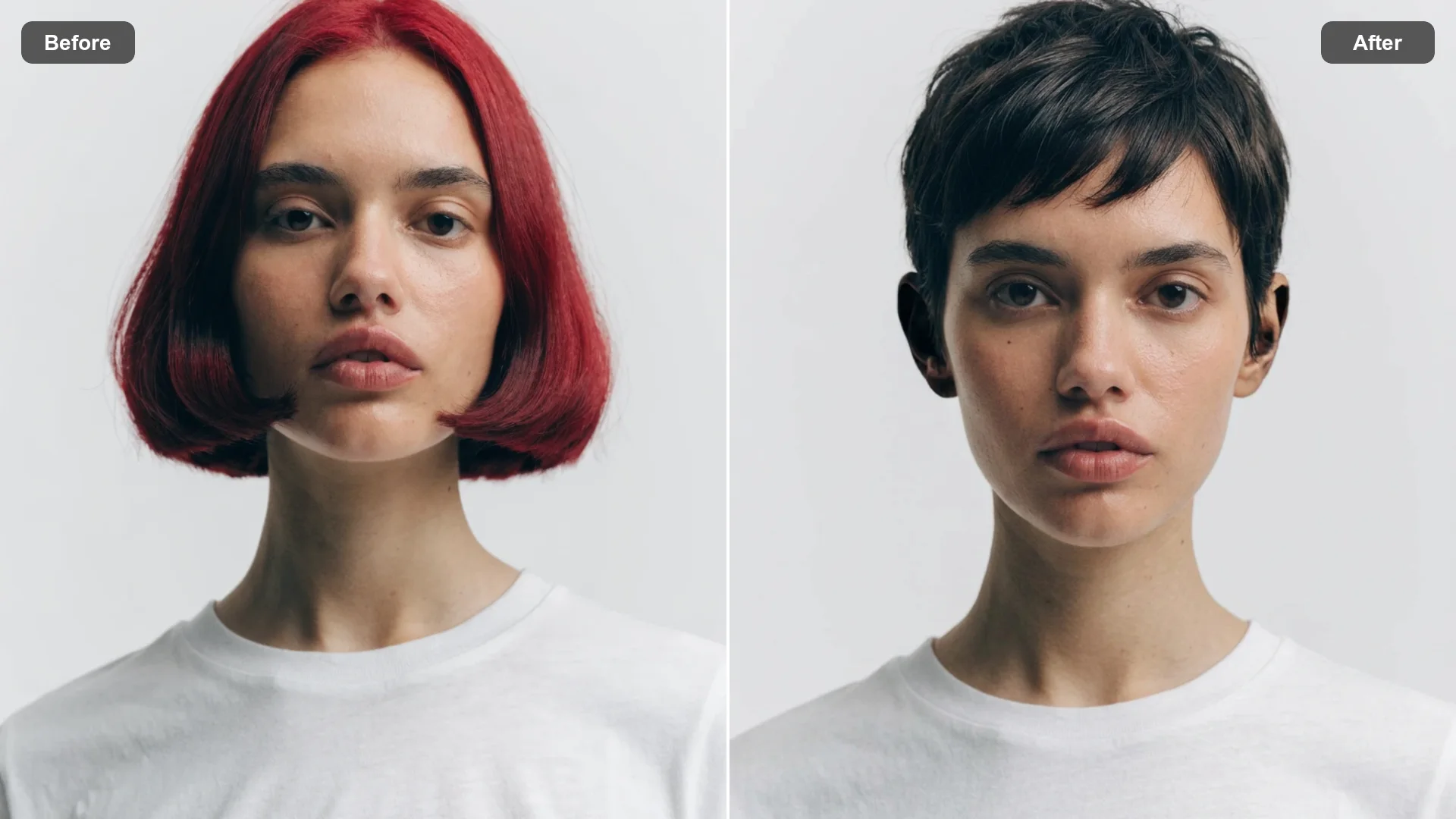
Eight Styles, From a Fringe to a Full Shave
Choose bangs, curly, long waves, a bob, a pixie cut, box braids, a buzz cut or bald. Switch styles and run the filter again on the same photo to compare them side by side, from a small change at the front to a completely new look.
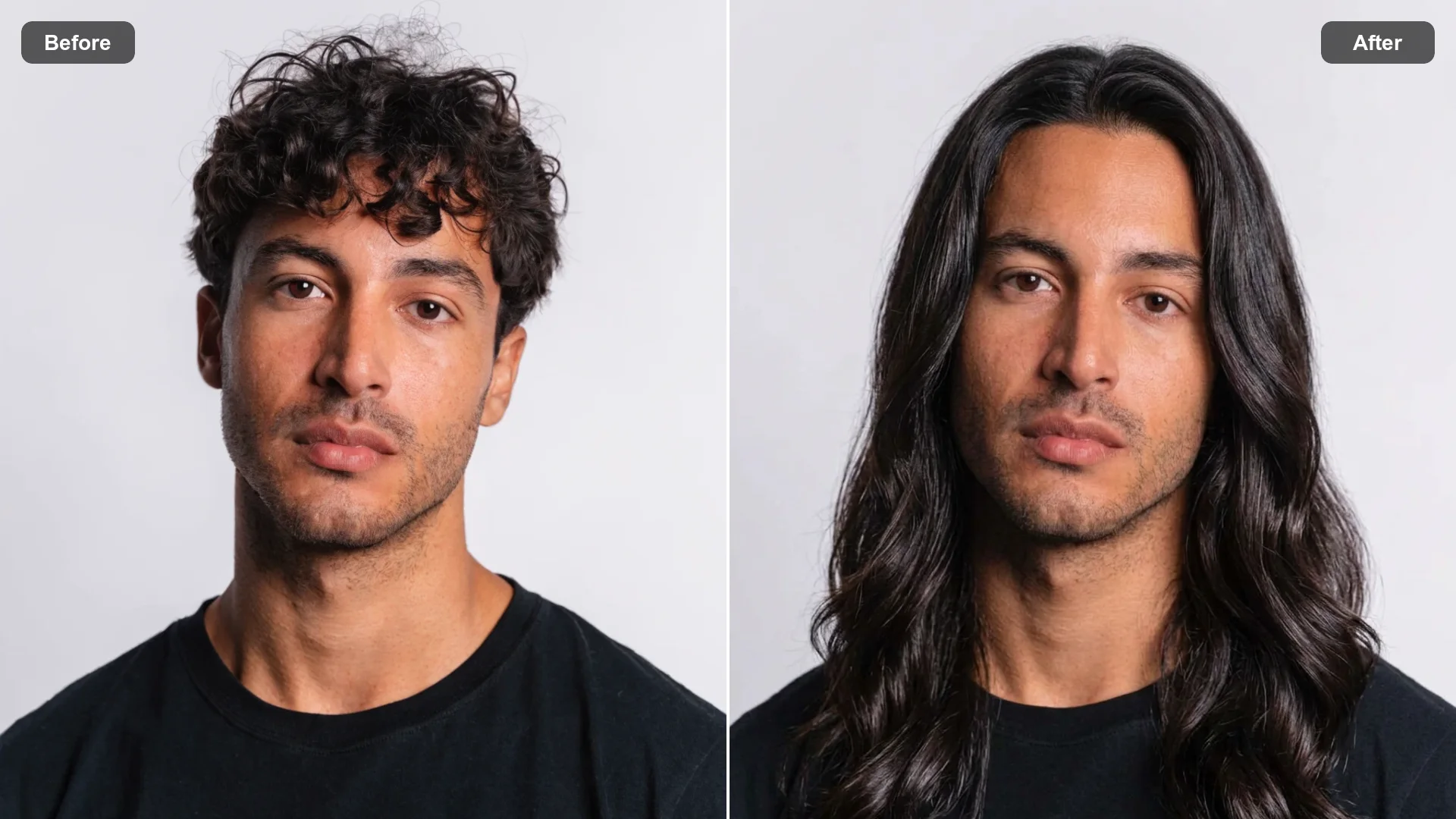
Your Face and Hair Color Stay Yours
The filter changes the cut and nothing else. Your natural hair color is carried into the new style, and your face, eyebrows, skin, makeup, clothing, lighting and background are kept, so the result looks like a photo of you after a visit to the salon rather than a different person.
Realistic Hair, Not a Wig Pasted On
Every style is drawn strand by strand, with natural volume, shine and shadow in the light of your photo, and any old hair the new cut does not have is cleaned away from the shoulders and the background. Pro members can apply a style to up to ten photos at once to see it from different angles.
Discover the Possibilities
Choose Your Next Haircut With Confidence
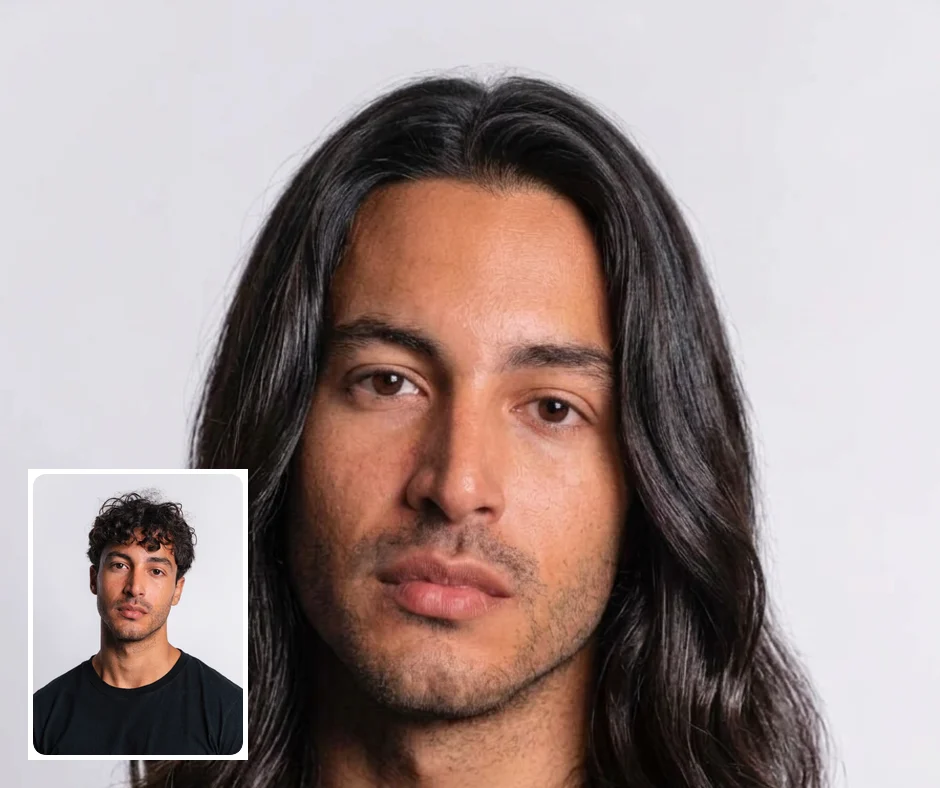
Show Your Stylist What You Want
Bring a picture of yourself with the haircut you have in mind, so you and your stylist agree on the length and shape before the first snip.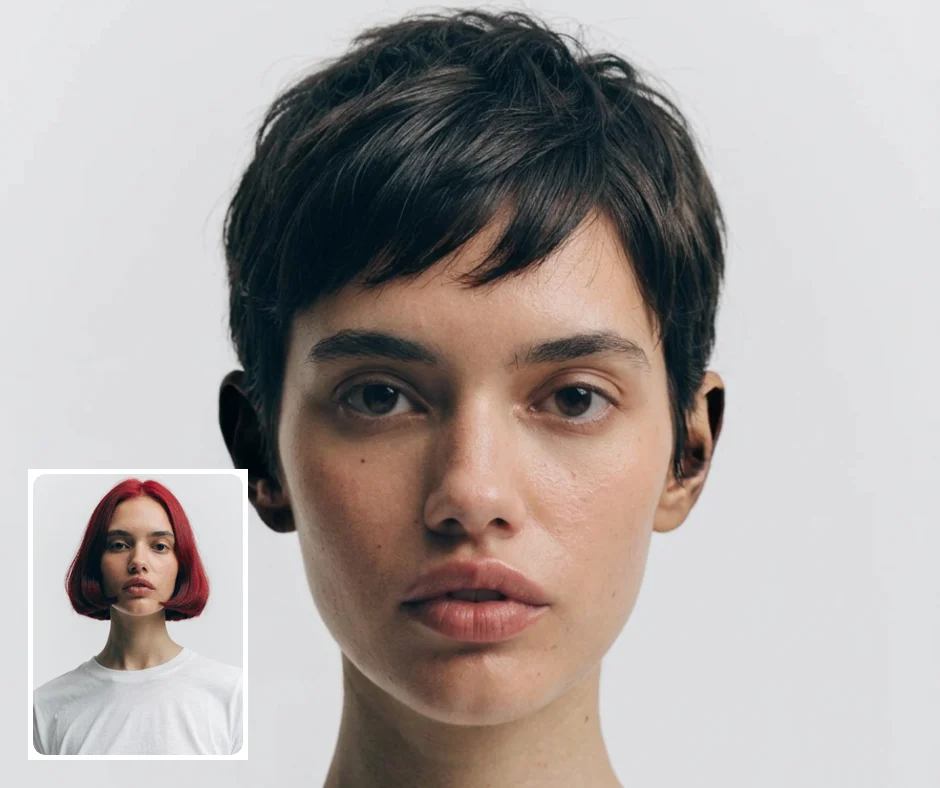
Settle a Big Change Before You Make It
Thinking of going from long hair to a pixie, or adding bangs for the first time? See the result on your own face before you commit.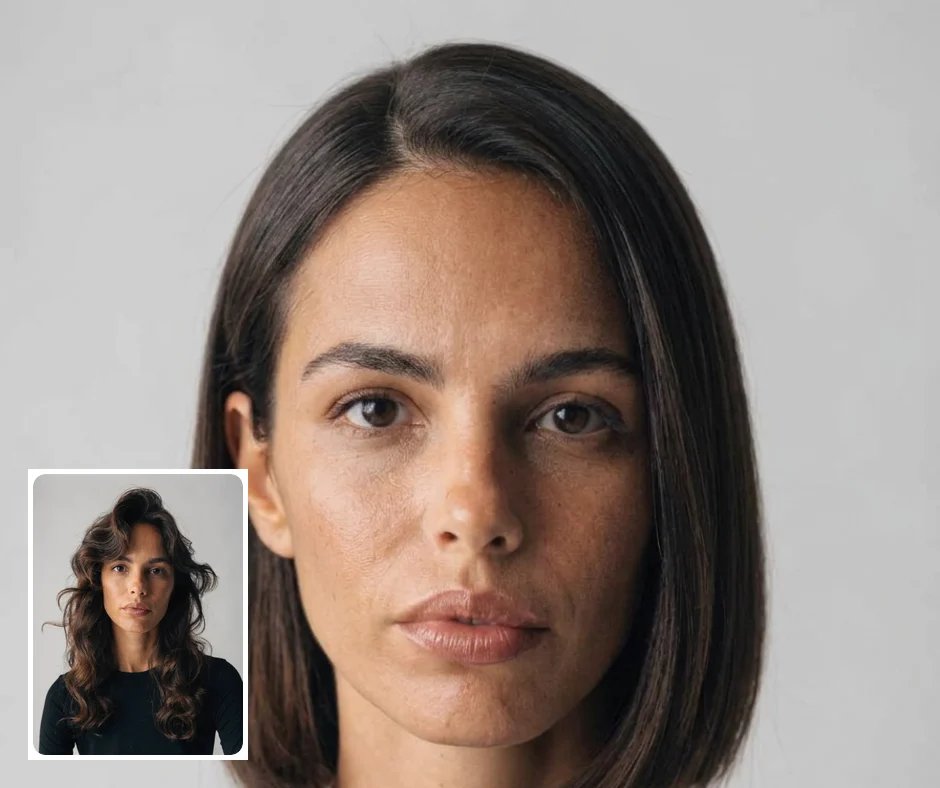
Find a Look for a Role, Shoot or Event
Actors, cosplayers, photographers and wedding parties can preview how a hairstyle reads on camera and plan the look ahead of the day.
Transform Your Photos
Explore More AI Image Filters
Frequently Asked Questions
What is the AI Hairstyle Changer?
It is an AI photo filter that gives the person in your photo a new haircut of your choice, keeping their face, natural hair color, clothing, lighting and background as they were.
Which hairstyles can I try?
Bangs, curly hair, long waves, a bob, a pixie cut, box braids, a buzz cut and bald. Pick one before you apply the filter, and run it again to try another.
Will it change my hair color or my face?
No. The new style keeps your natural hair color, and your face, eyebrows, skin and features are left untouched. To try a new color as well, use the AI Hair Color Changer.
What kind of photo works best?
A clear, front-facing photo of one person with the head and hair fully in the frame, in even light. Hats, heavy shadows and heads cut off by the edge of the photo give weaker results.
Can I try a hairstyle on several photos at once?
Pro members can apply the filter to up to ten photos in one go. On other plans, one photo is processed at a time.
How much does it cost?
Each photo uses credits from your Patternful plan, whichever style you pick. The Generate button shows the exact cost before you apply the filter, and you are not charged for a photo that fails.