Oil Painting Filter
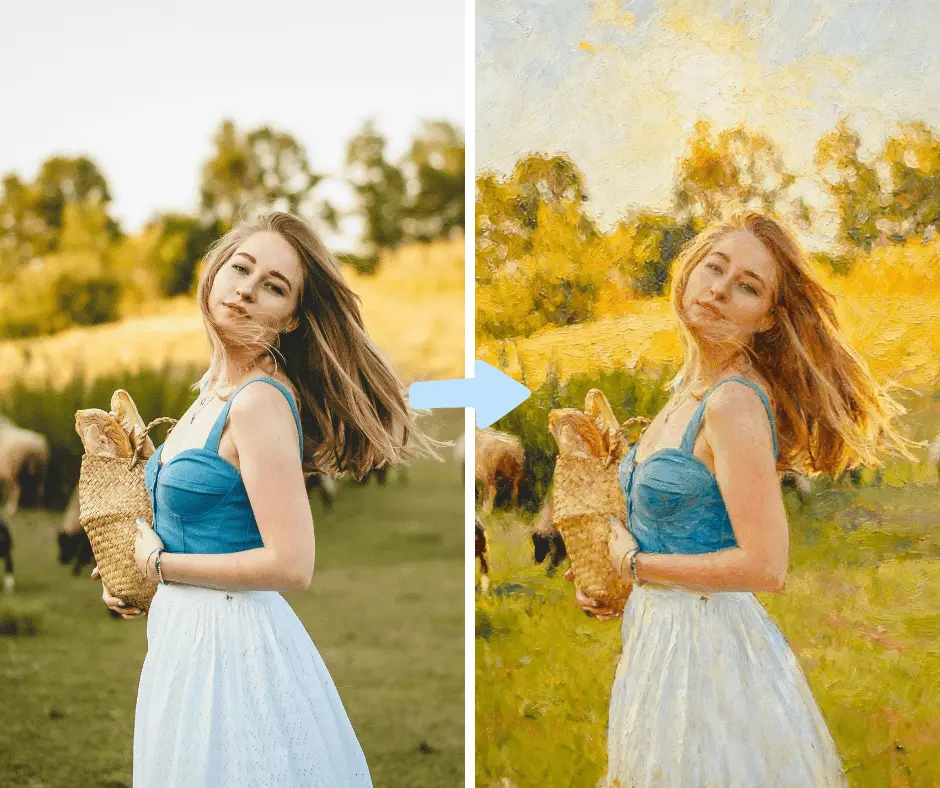
Turn photos into oil paintings. AI rebuilds your image with visible brushwork, rich impasto texture, and the depth of a gallery canvas.
Transform Photos into Elegant Oil Paintings
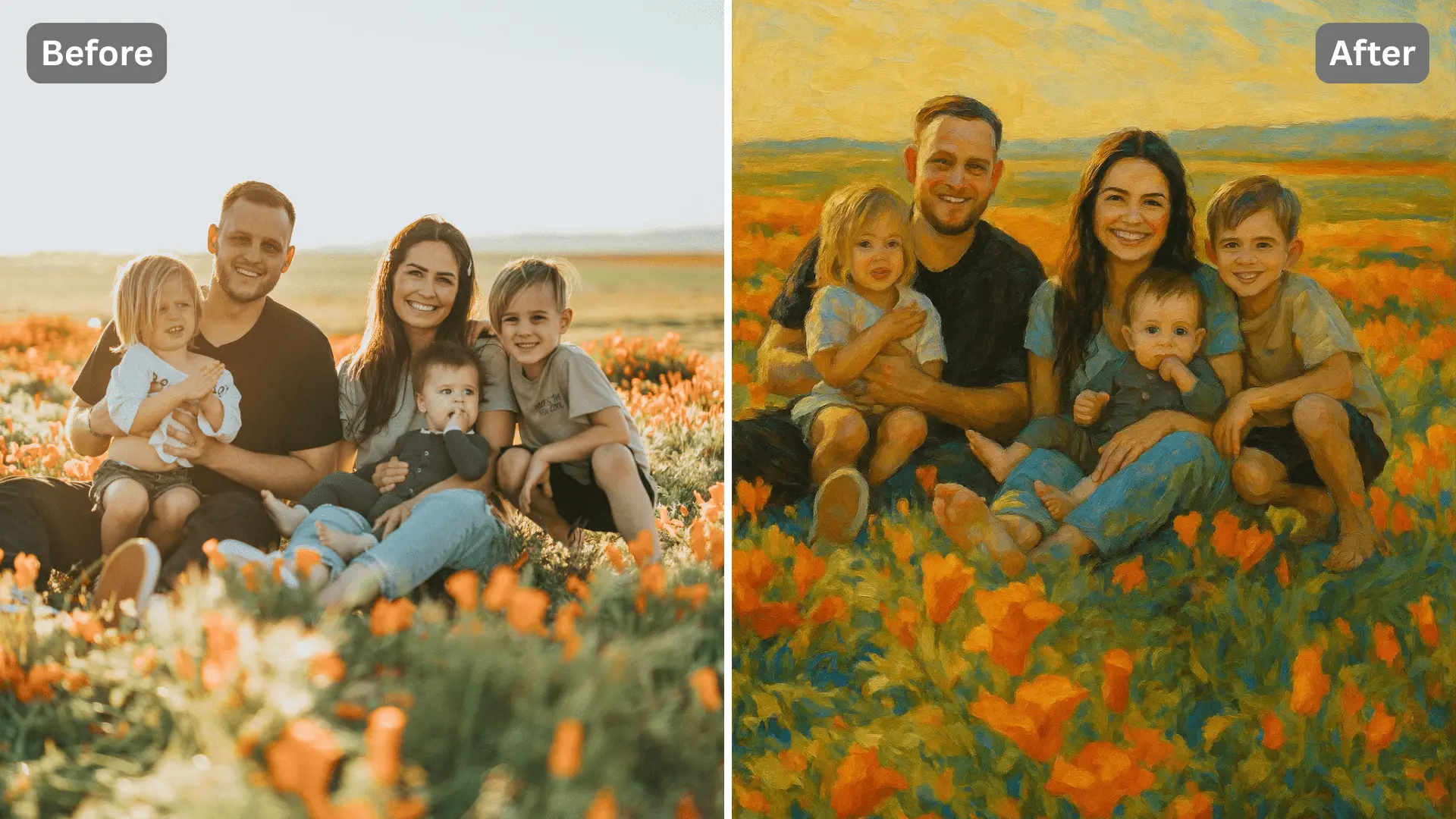
Experience your photos as timeless works of art. The Oil Painting Filter recreates the depth, texture, and brush detail of real oil paint — blending colors with precision to produce smooth, painterly compositions worthy of a canvas.
Create Classic Portraits with Realistic Brushwork
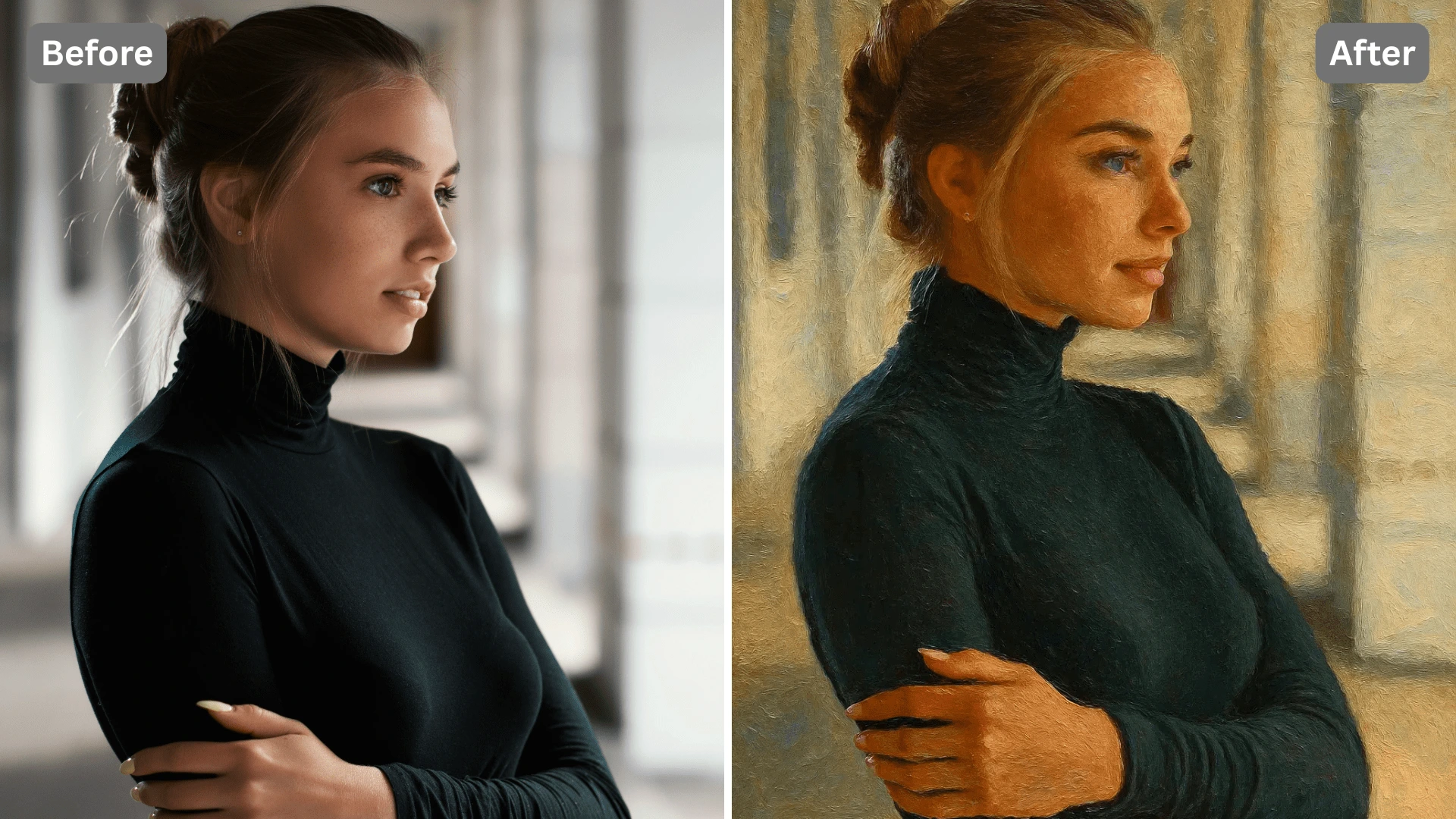
The AI highlights facial features and lighting to give your portraits the look of traditional oil portraiture. Soft transitions, rich tones, and hand-painted effects make each result feel unique and expressive.
Turn Landscapes and Objects into Painted Scenes
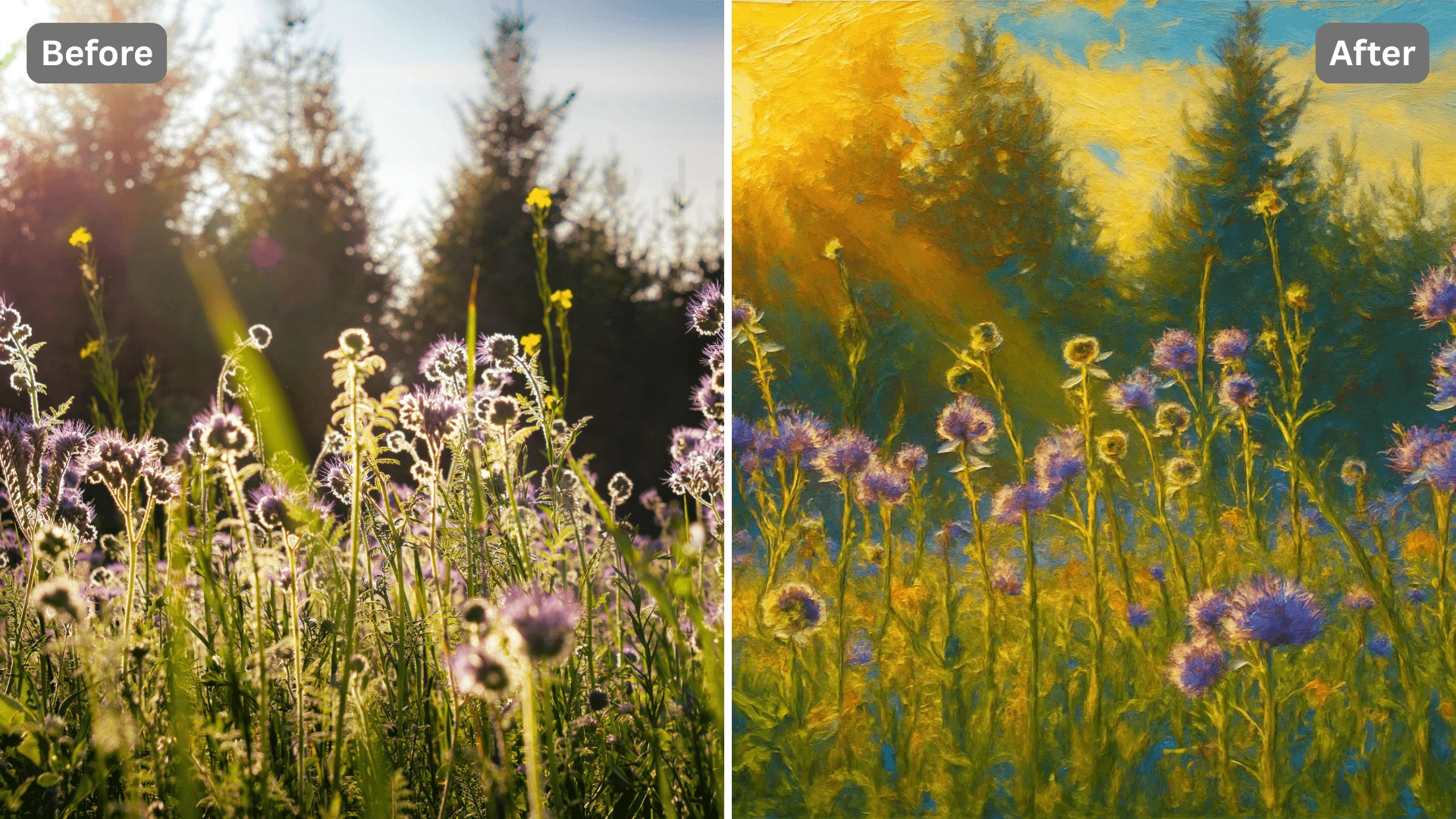
Bring your travel, nature, or architecture photos to life with painterly texture. The Oil Painting Filter enhances light, shadow, and color depth — giving your images a serene, gallery-worthy finish.
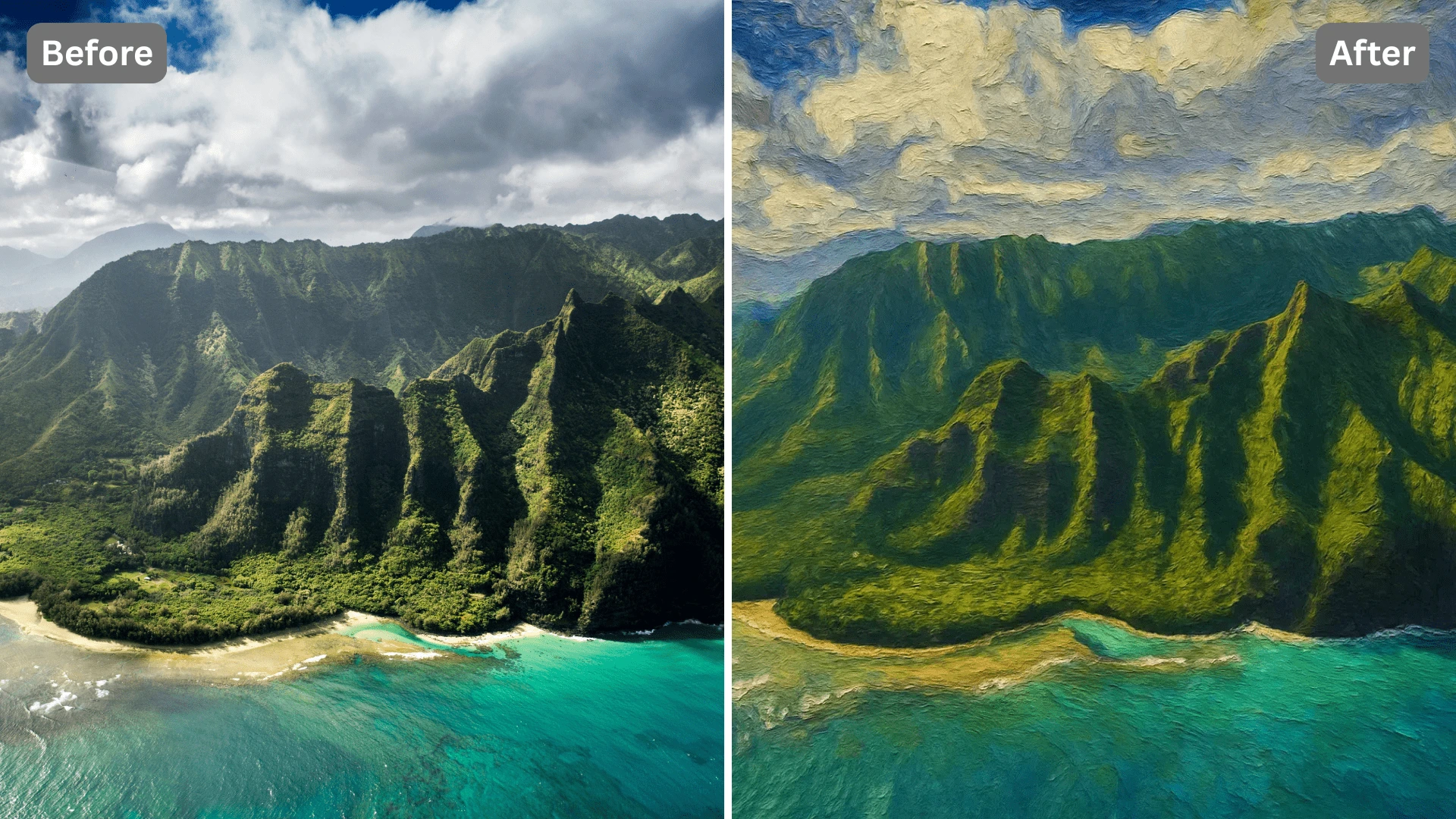
Perfect for Art Prints and Professional Projects
Whether you're printing a family portrait or designing for a creative campaign, the Oil Painting Filter offers studio-grade quality and realistic brush detail for professional or personal use.
Discover the Possibilities
Creative and Pretty Oil Painting Filters for Everyone
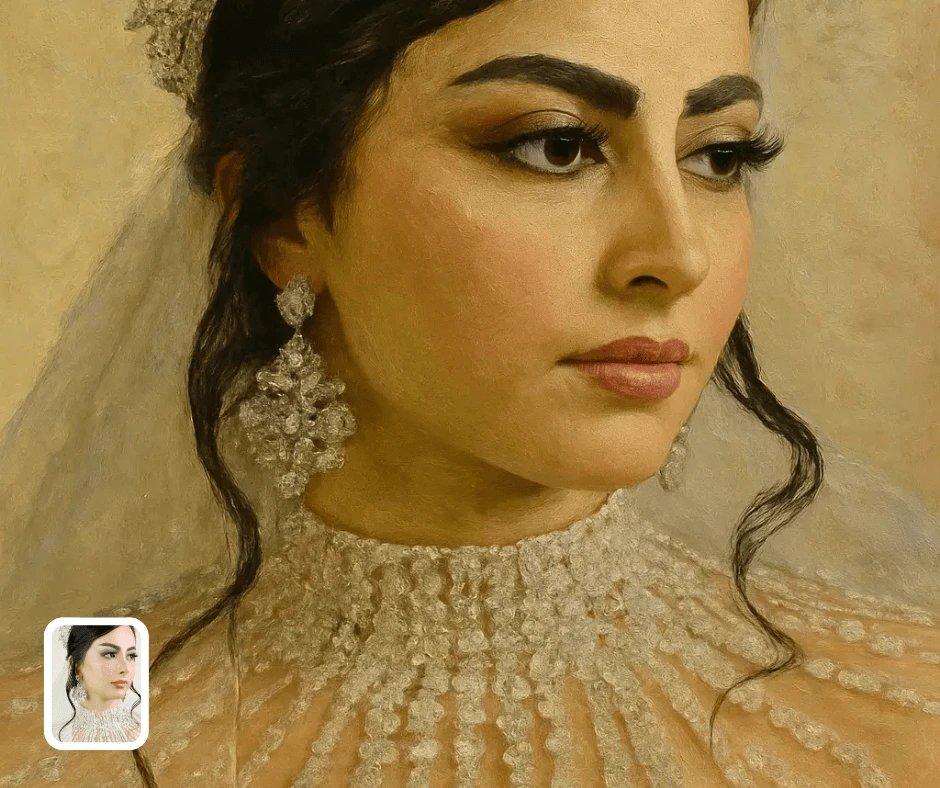
Artistic Portraits
Turn your selfies or professional portraits into museum-quality oil paintings. Ideal for profile pictures, wall art, or digital keepsakes that look timeless and elegant.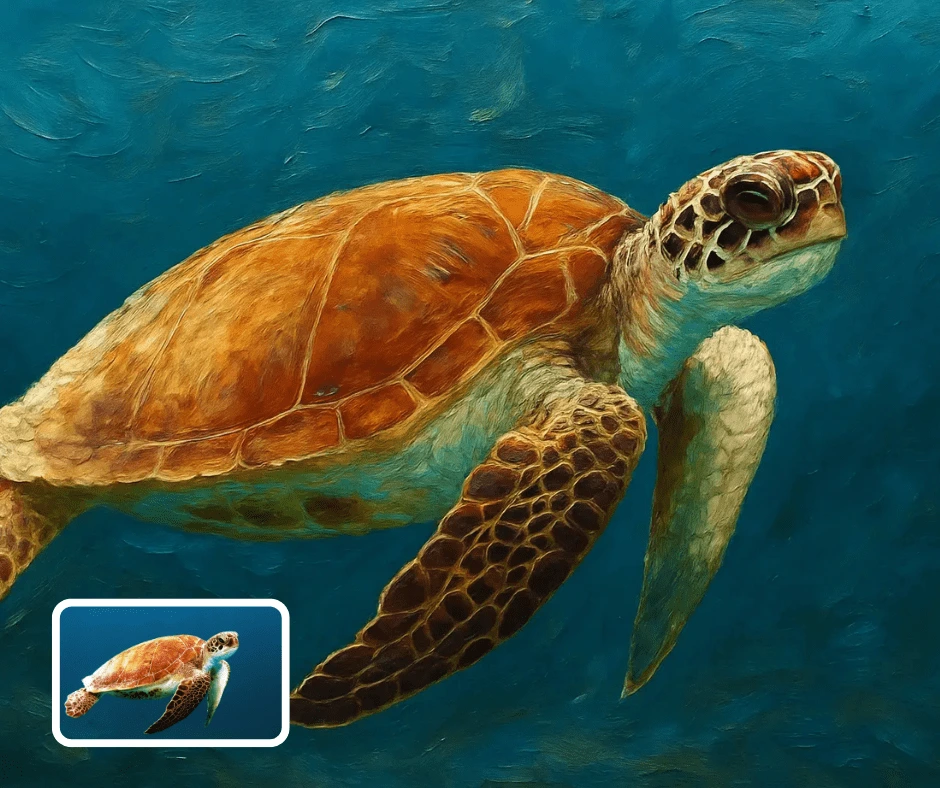
Interior Decor & Prints
Use your AI-painted artwork for framed prints, canvas displays, or gifts. The Oil Painting Filter adds artistic texture and sophistication to any home or office decor.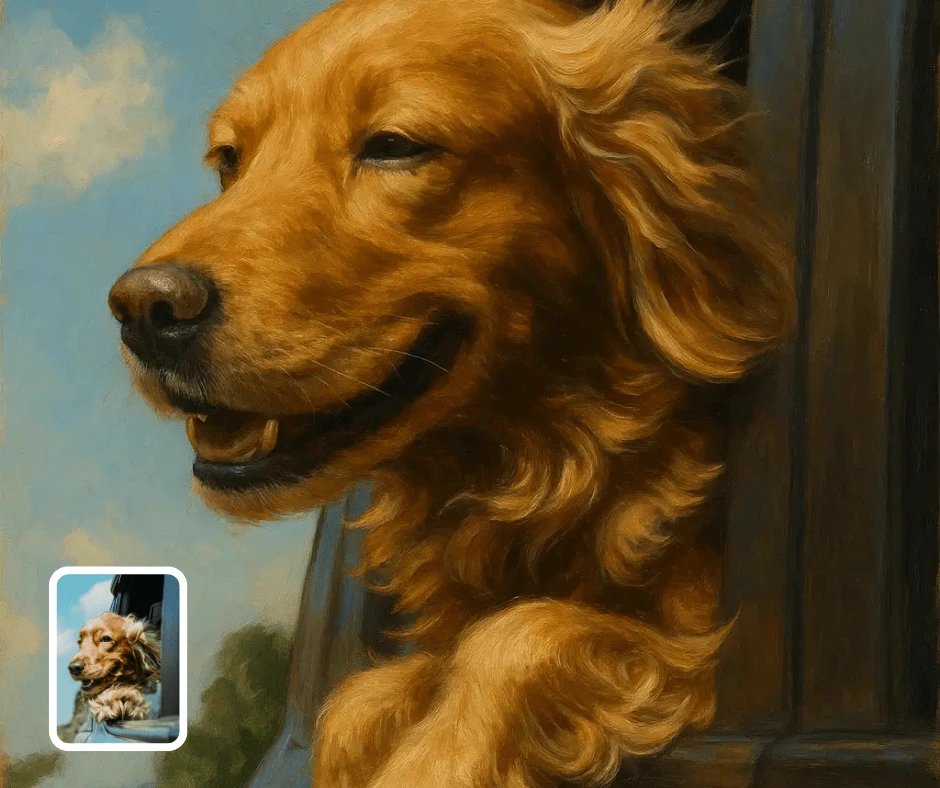
Creative Storytelling & Branding
Create painterly visuals for book covers, album art, or digital storytelling projects. Perfect for artists, brands, and creators looking for a premium artistic finish.
Transform Your Photos
Explore More AI Image Filters
Frequently Asked Questions
What is the Oil Painting Filter, and how does it work?
The Oil Painting Filter is an AI tool that transforms photos into classic hand-painted artwork. It applies realistic brush strokes, canvas textures, and color blending techniques to give your photo the timeless look of an oil painting.
Do I need any painting or design experience to use the Oil Painting Filter?
No experience is required. The Oil Painting Filter handles everything automatically — simply upload your image, and the AI converts it into a beautifully detailed digital painting in seconds.
What kinds of photos work best with the Oil Painting Filter?
Portraits, landscapes, and still-life images work especially well. The filter enhances depth, lighting, and texture to emulate the warmth and richness of traditional oil paintings.
Are my uploaded images private and secure?
Yes, all photos are private and automatically deleted several hours later after processing. Patternful.ai ensures full privacy and ownership of your generated artwork.