Marketing Studio · Virtual try-on
Your product, worn — without a shoot
Upload a photo of a jacket, a dress, a pair of boots or a pair of earrings, and a photo of the person who should wear it. The studio dresses them and photographs the look, anywhere you like.
10 free credits when you sign up. No card required.
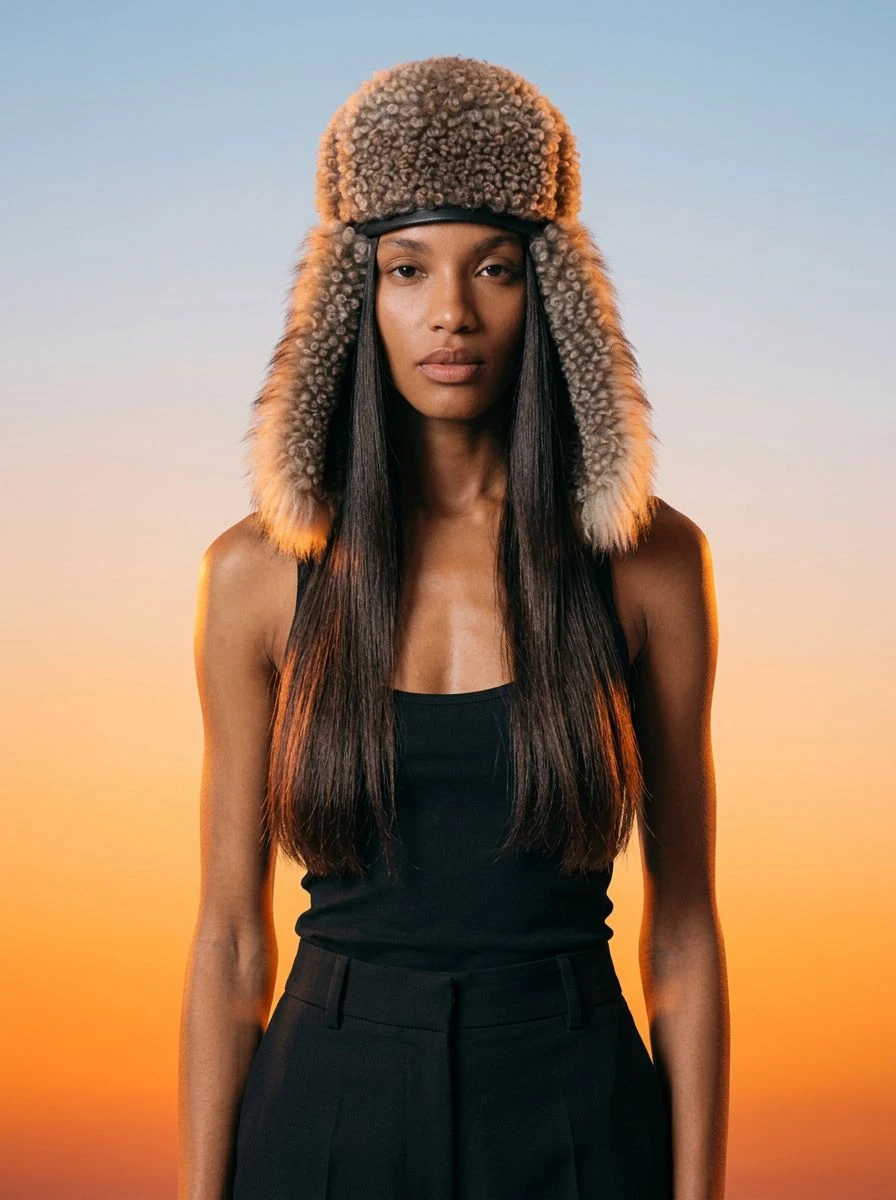
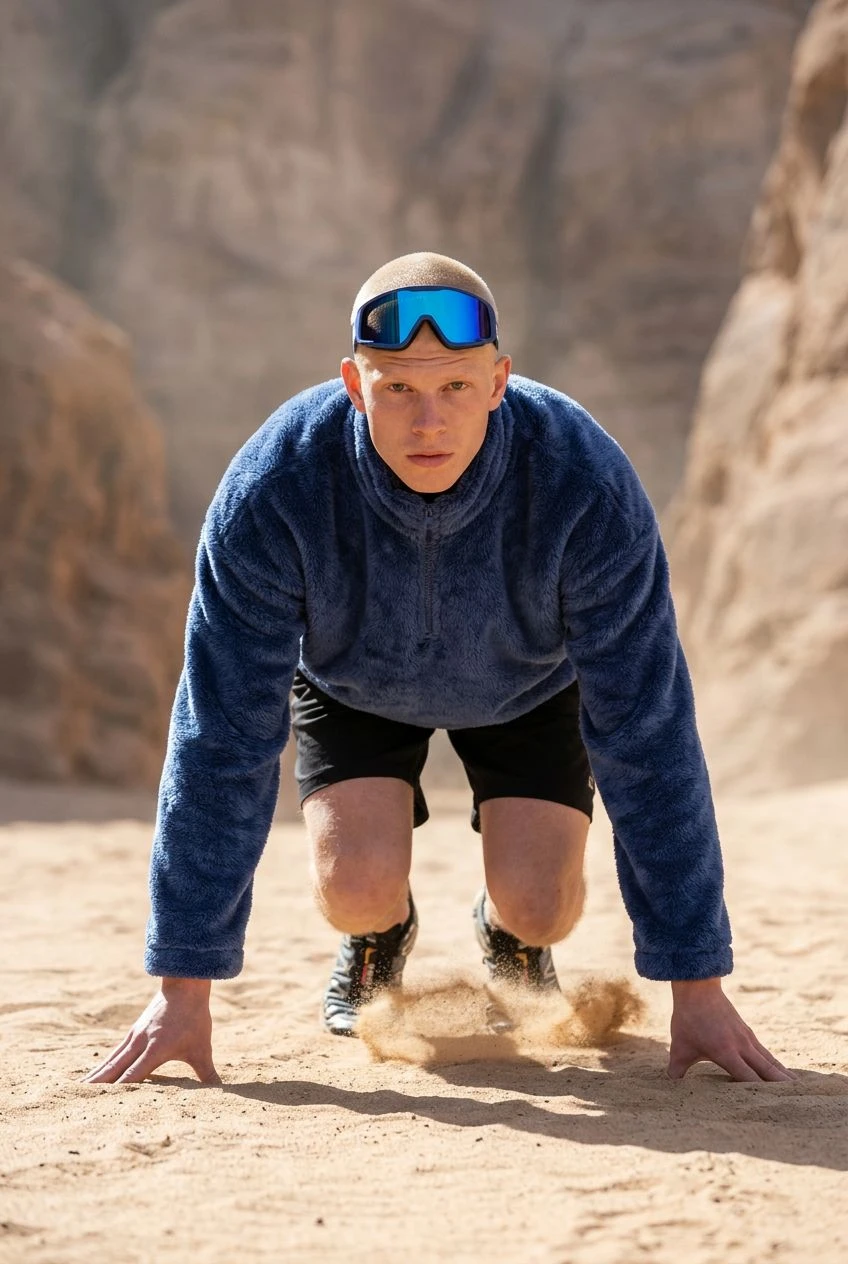
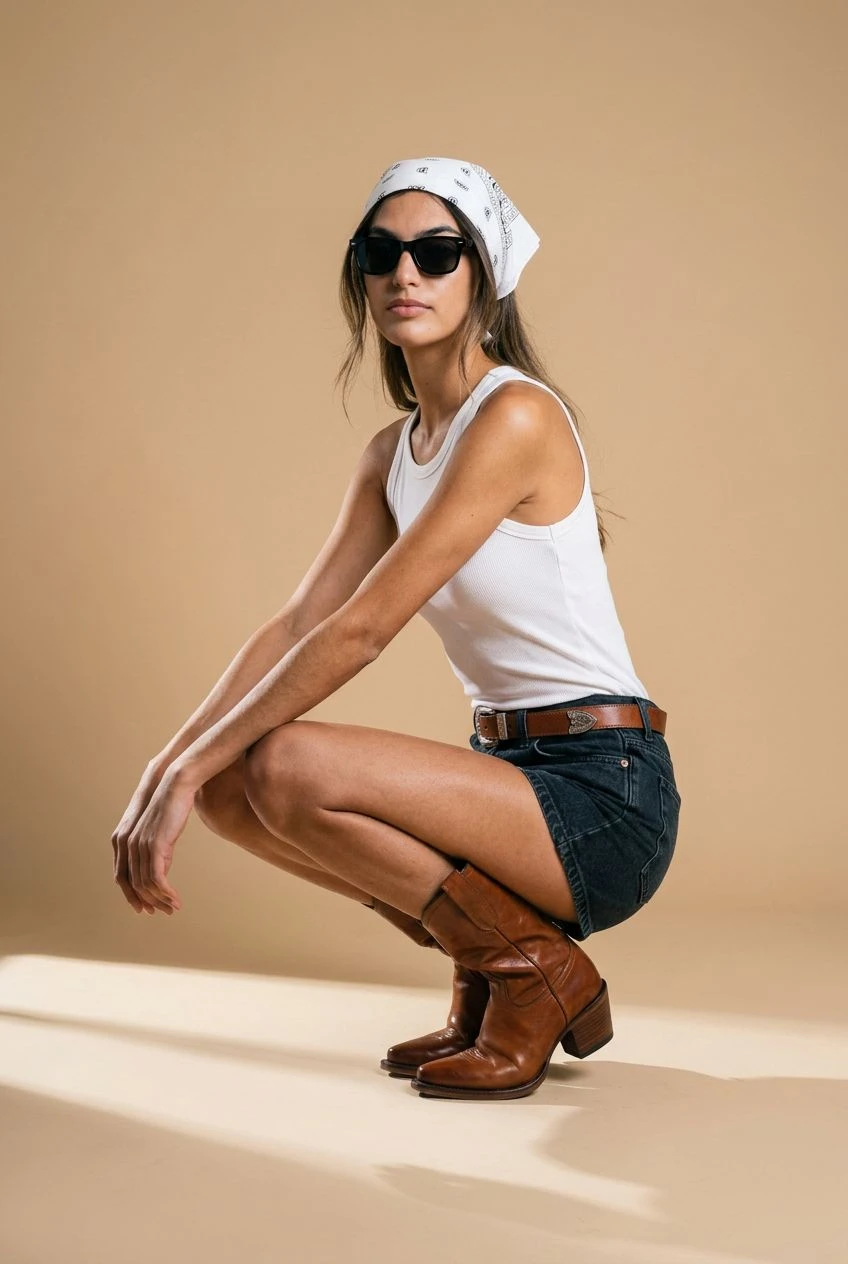
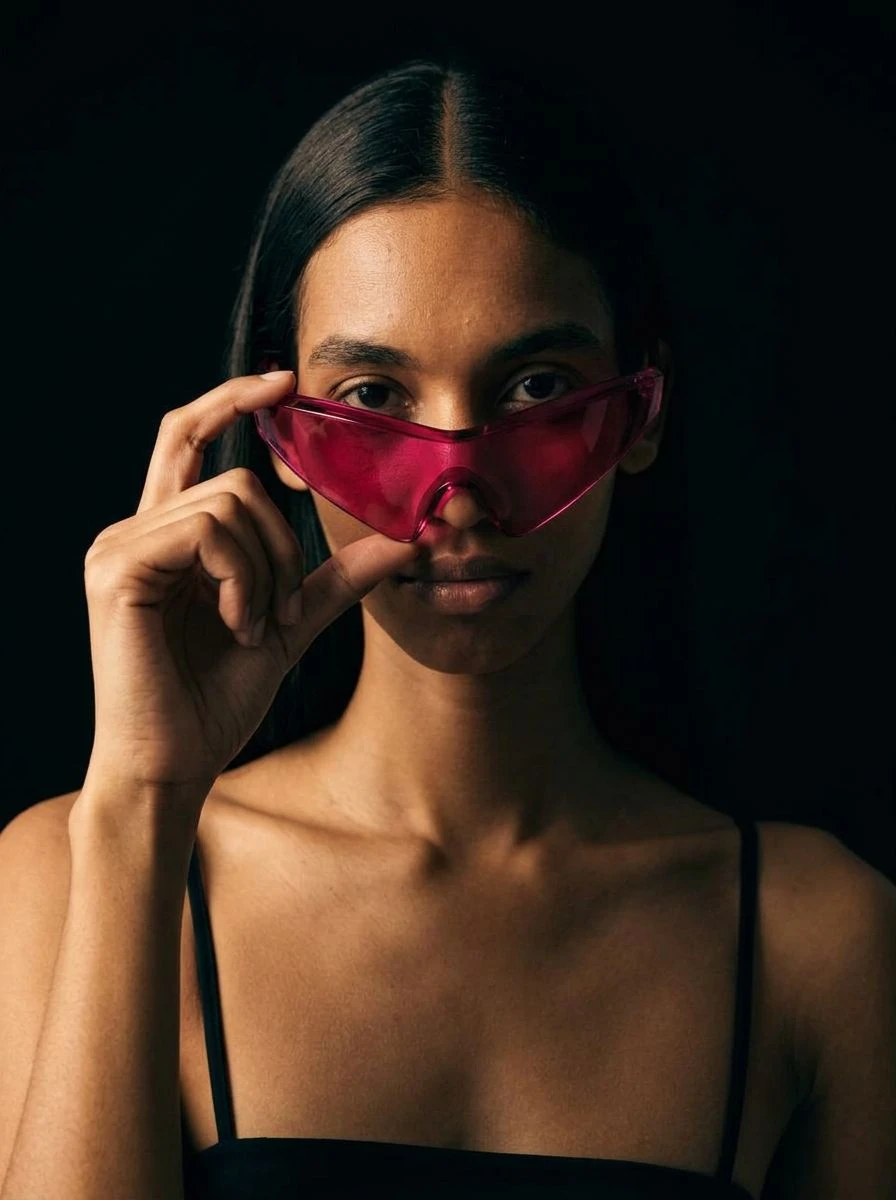
What it is
On-body photos, from two photos
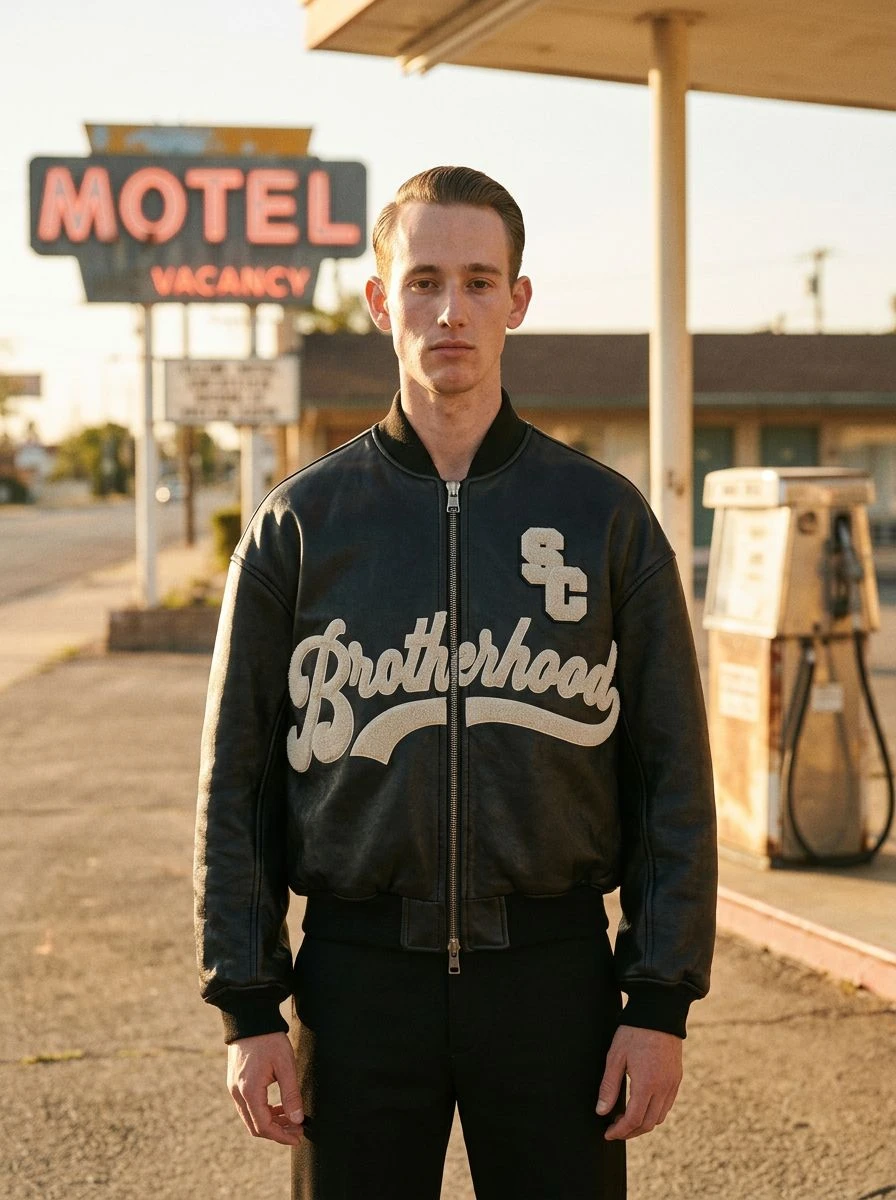
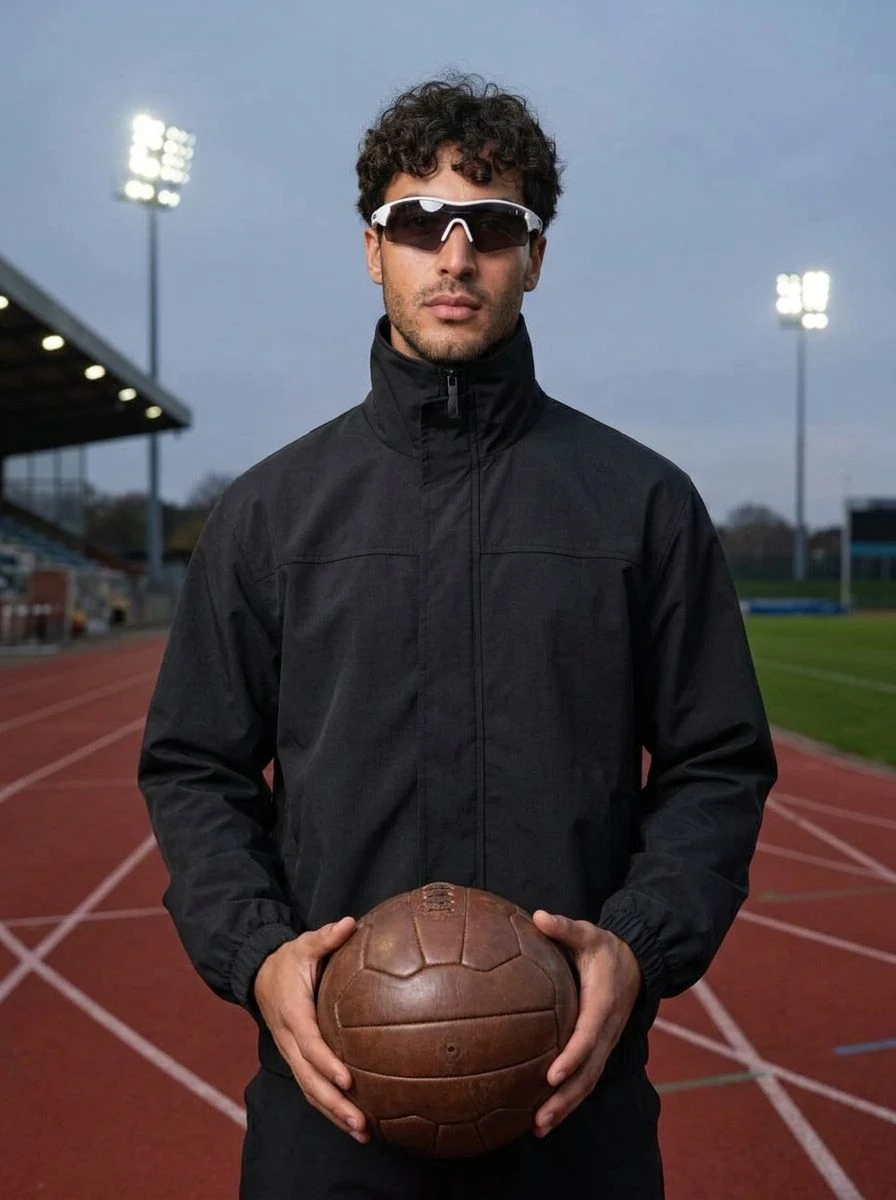
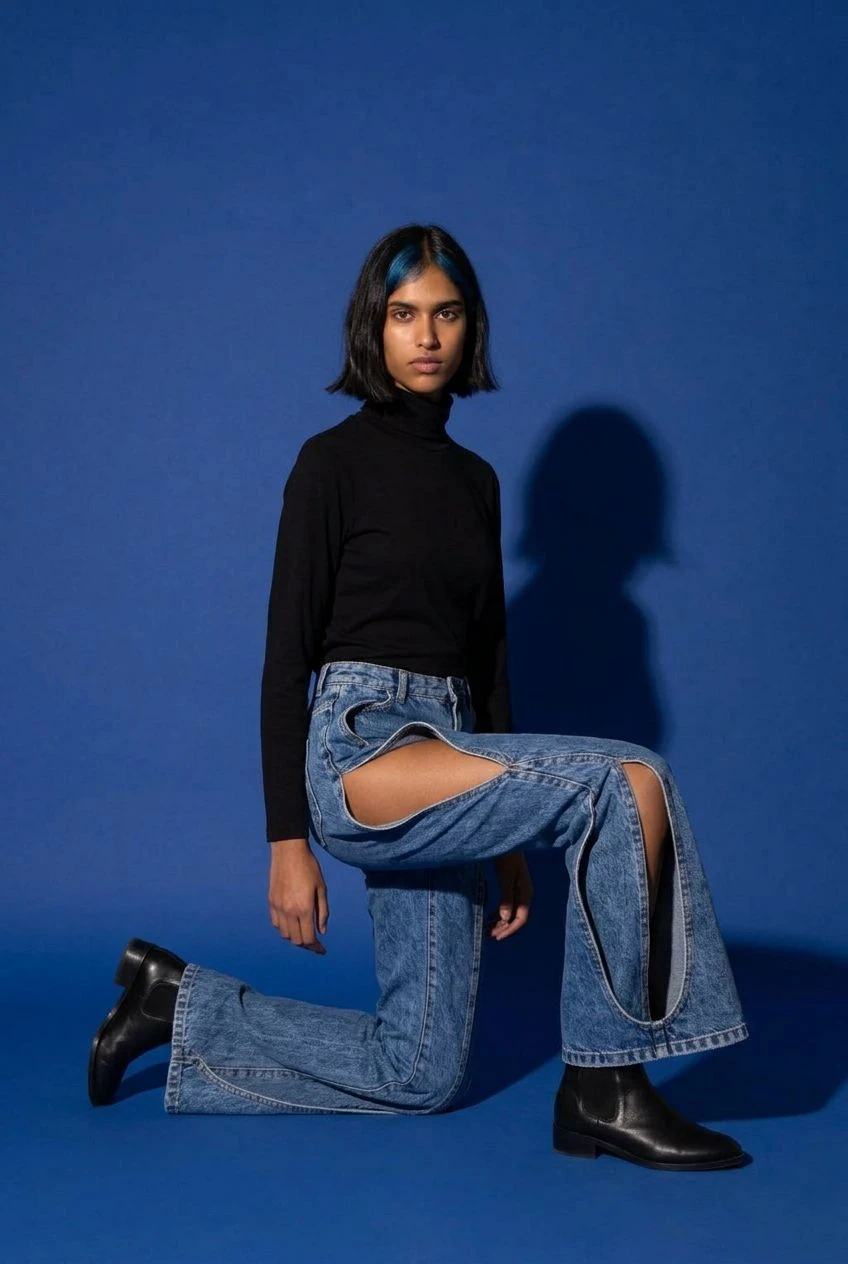
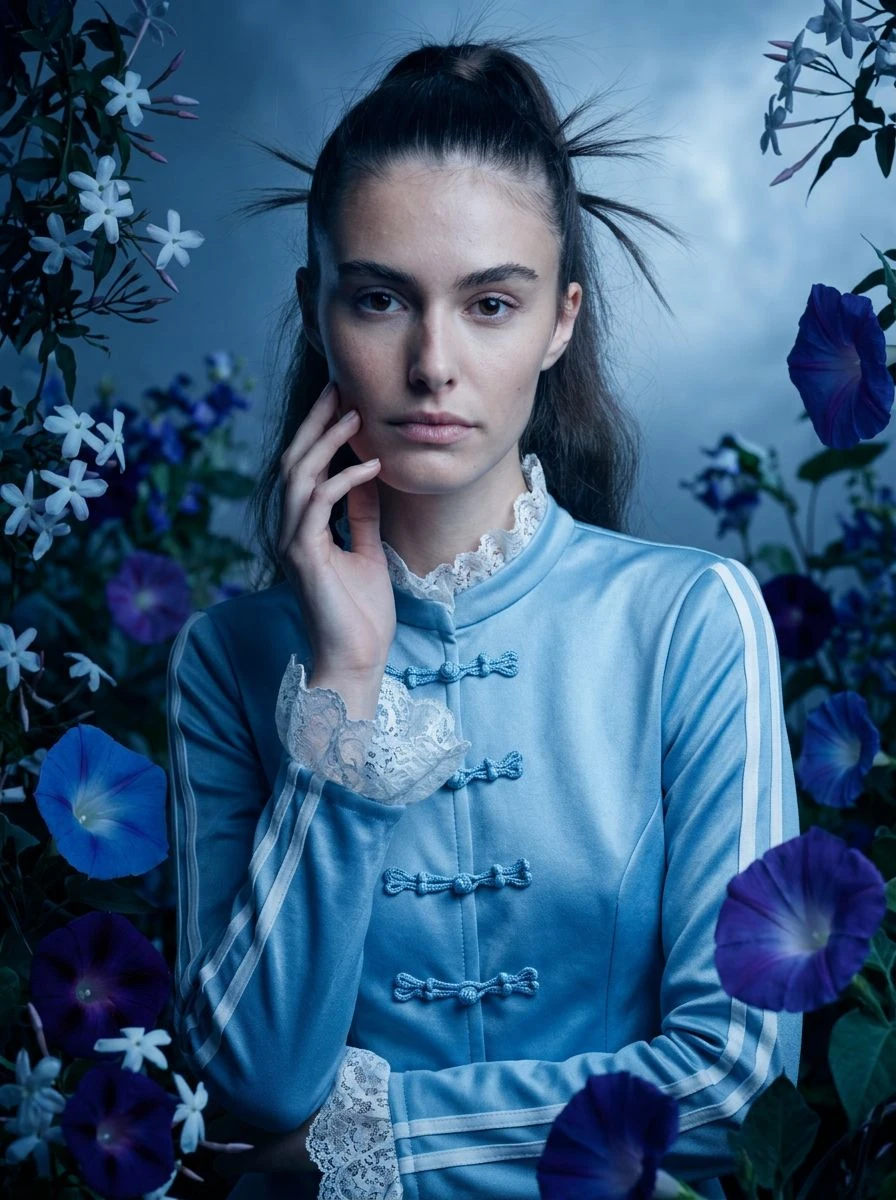
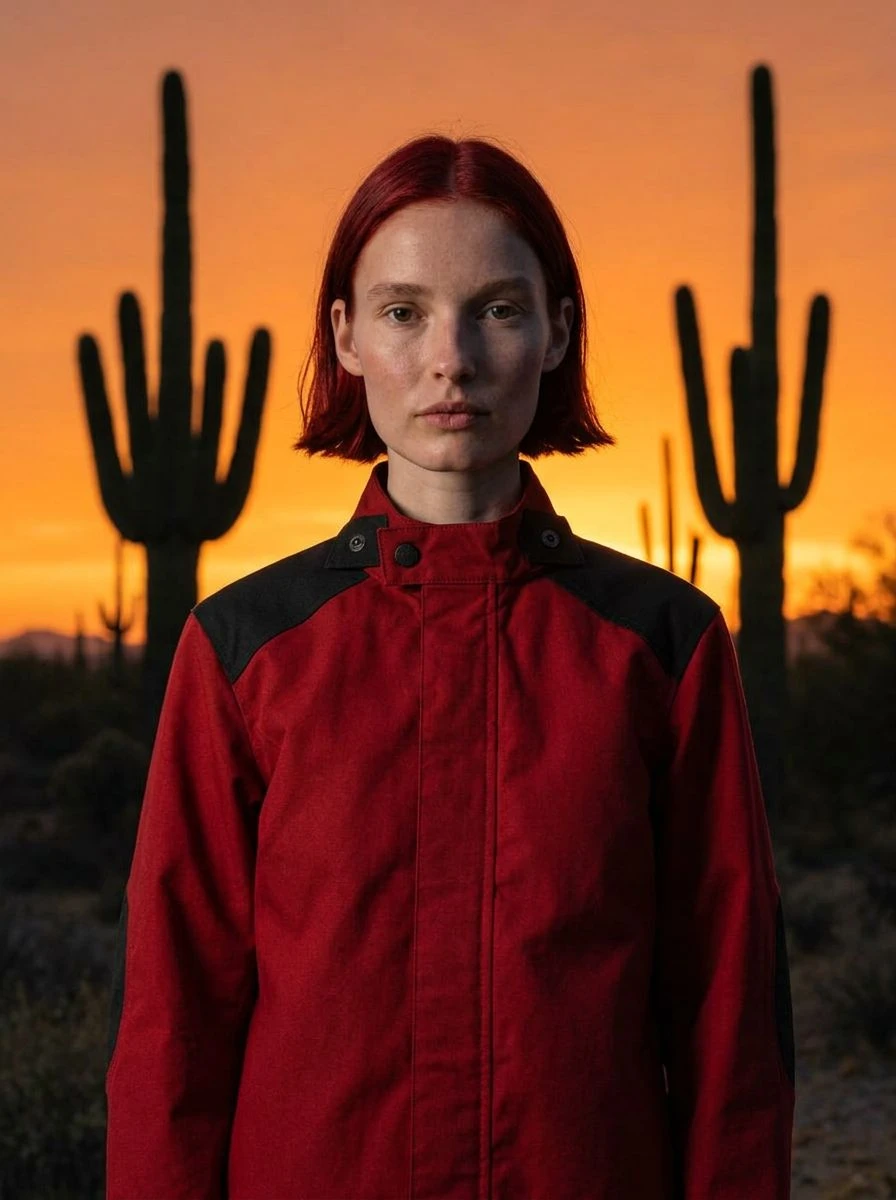
Clothes and accessories sell on a body. Flat lays and ghost mannequins show what a piece is; a person wearing it shows how it looks, how it hangs and who it is for. Virtual try-on puts your product on a person — your own model, a friend, yourself, or one the studio picks — and photographs them in a scene of your choosing, from a desert at sunset to a tennis court at noon.
Your product, on a person
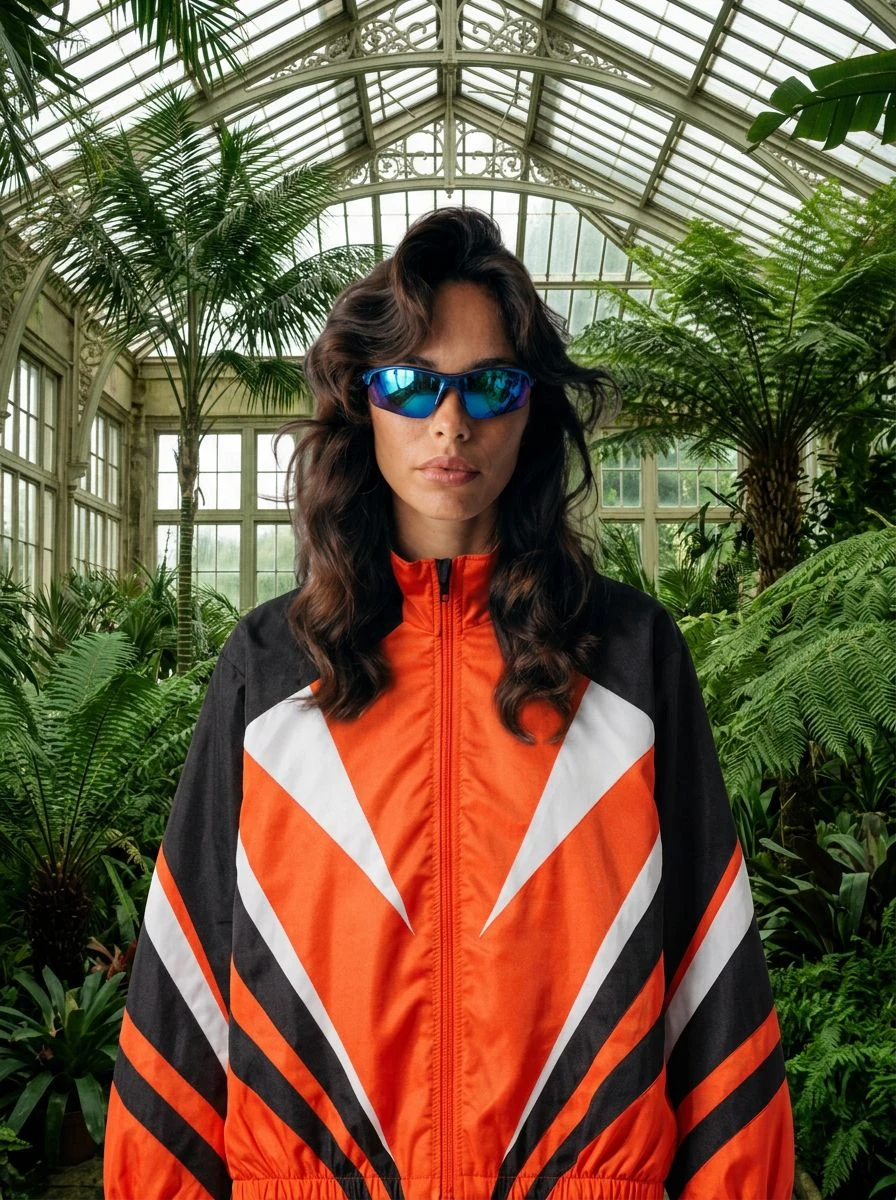
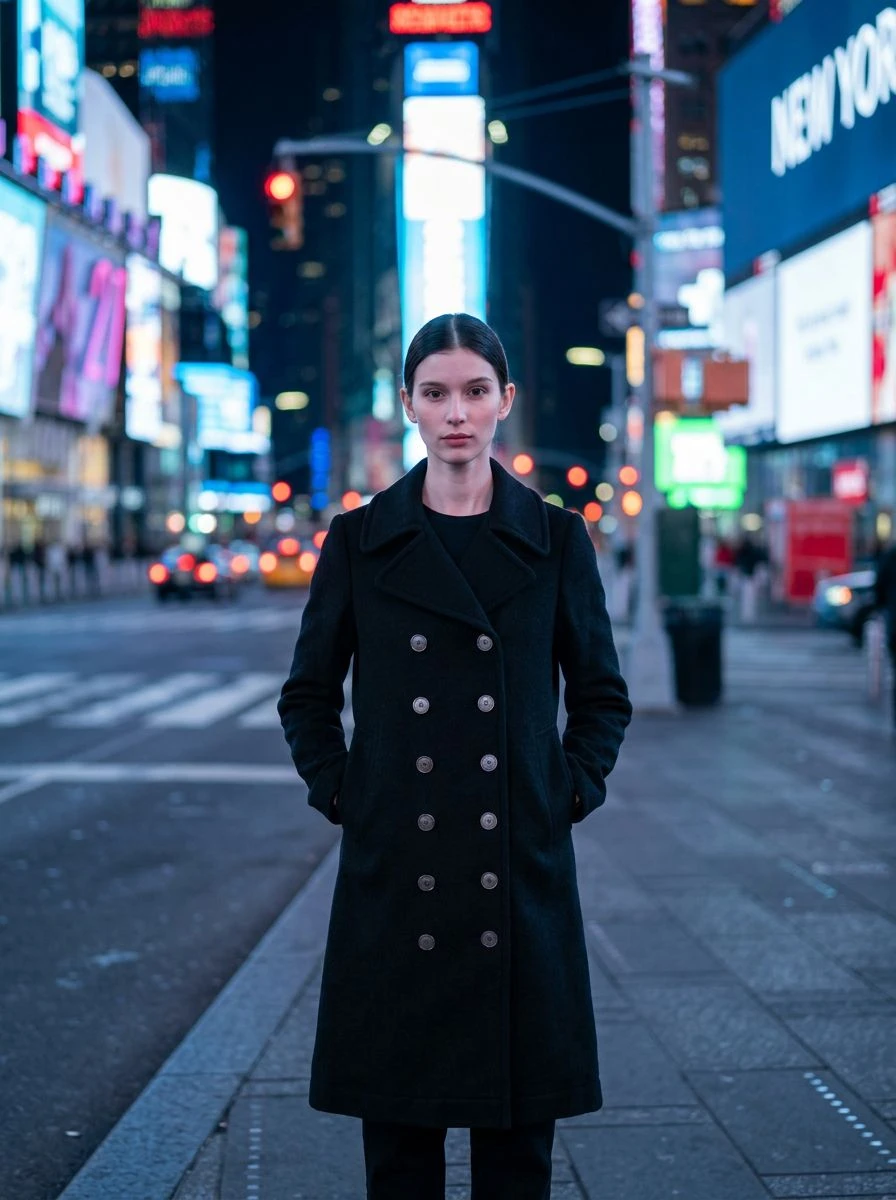
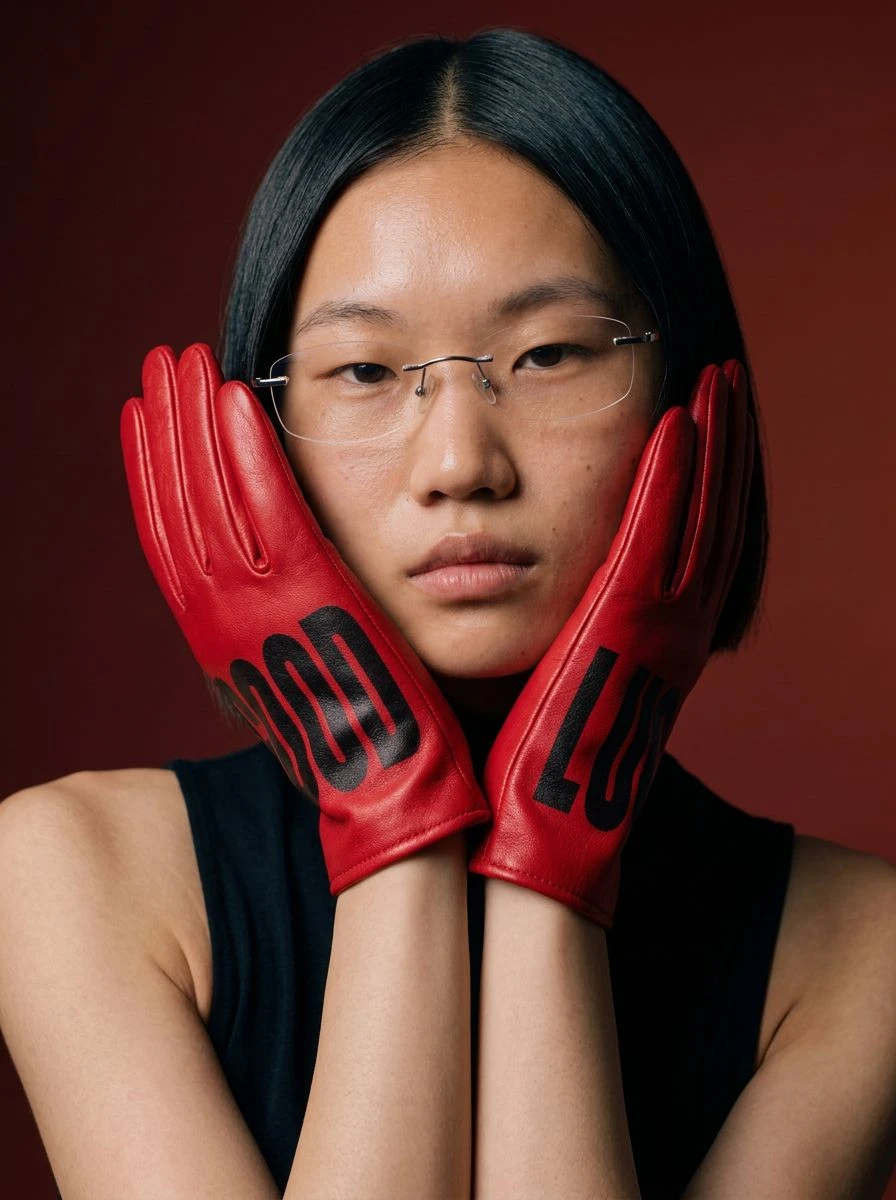
Jackets zipped up, coats buttoned, gloves on raised hands, boots on a crouching model. The studio fits the product to the body and the pose, keeping its shape, colour, material, logo and print — the piece you sell, not a lookalike.
Your own model, kept as they are
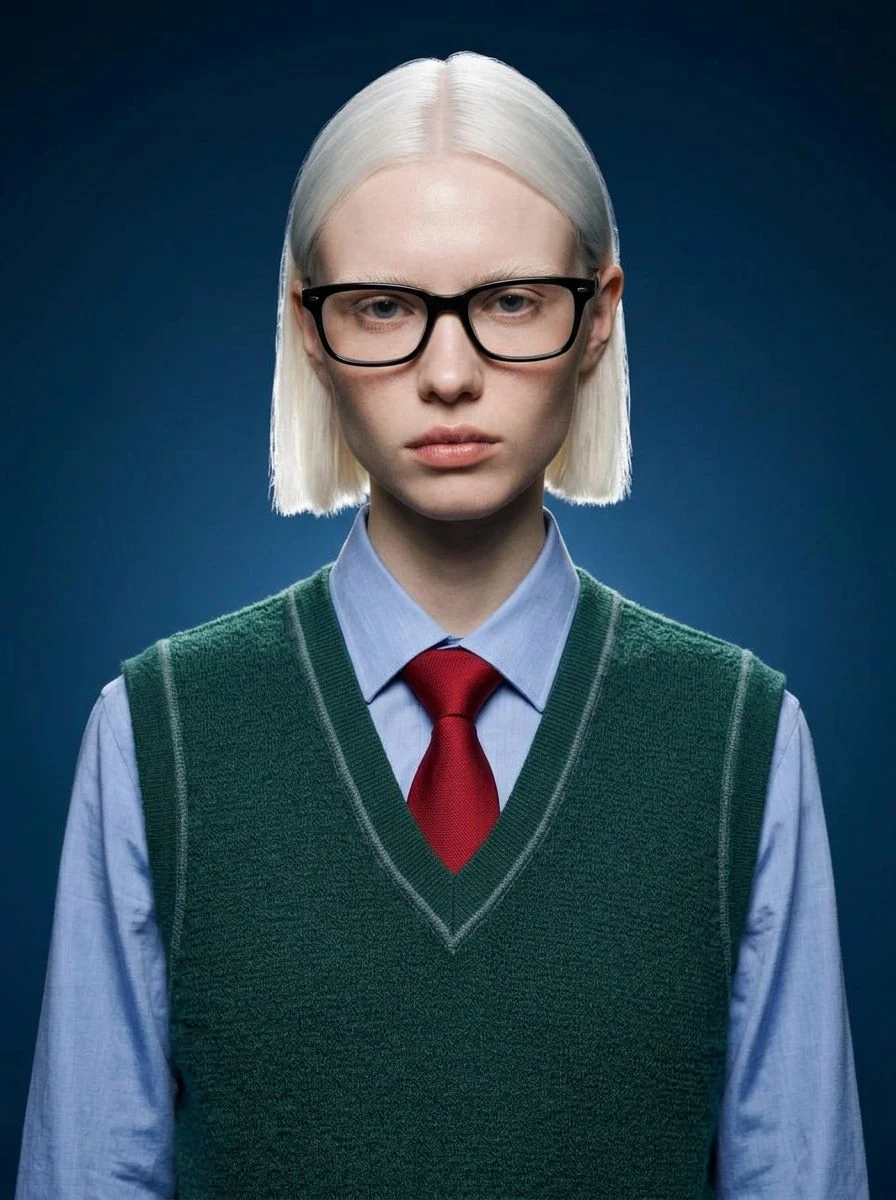
Upload a photo of the person who should wear it and the studio keeps their face, skin tone, hair and body proportions unchanged. Use the same model across a whole collection for one consistent look — or leave the photo out, and the studio chooses a natural-looking model that suits the product.
Any setting, any light
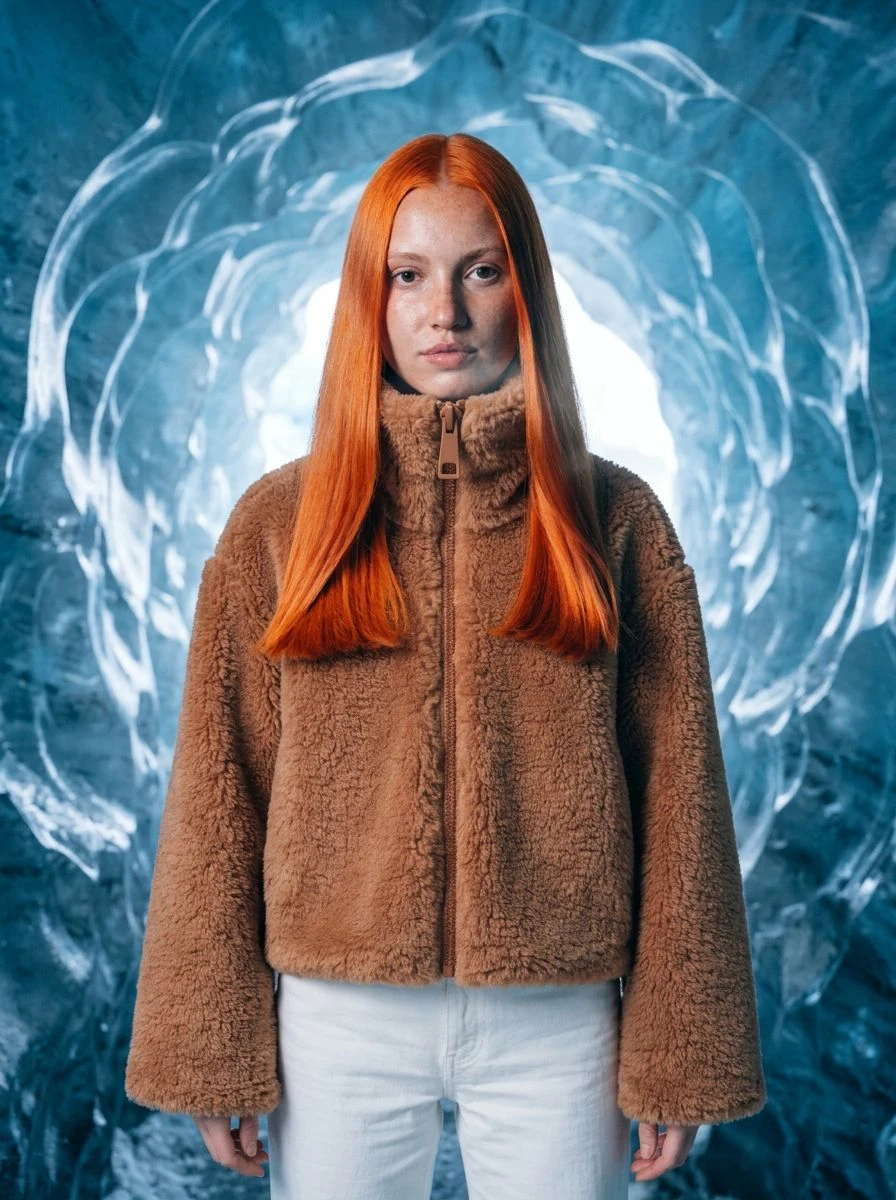
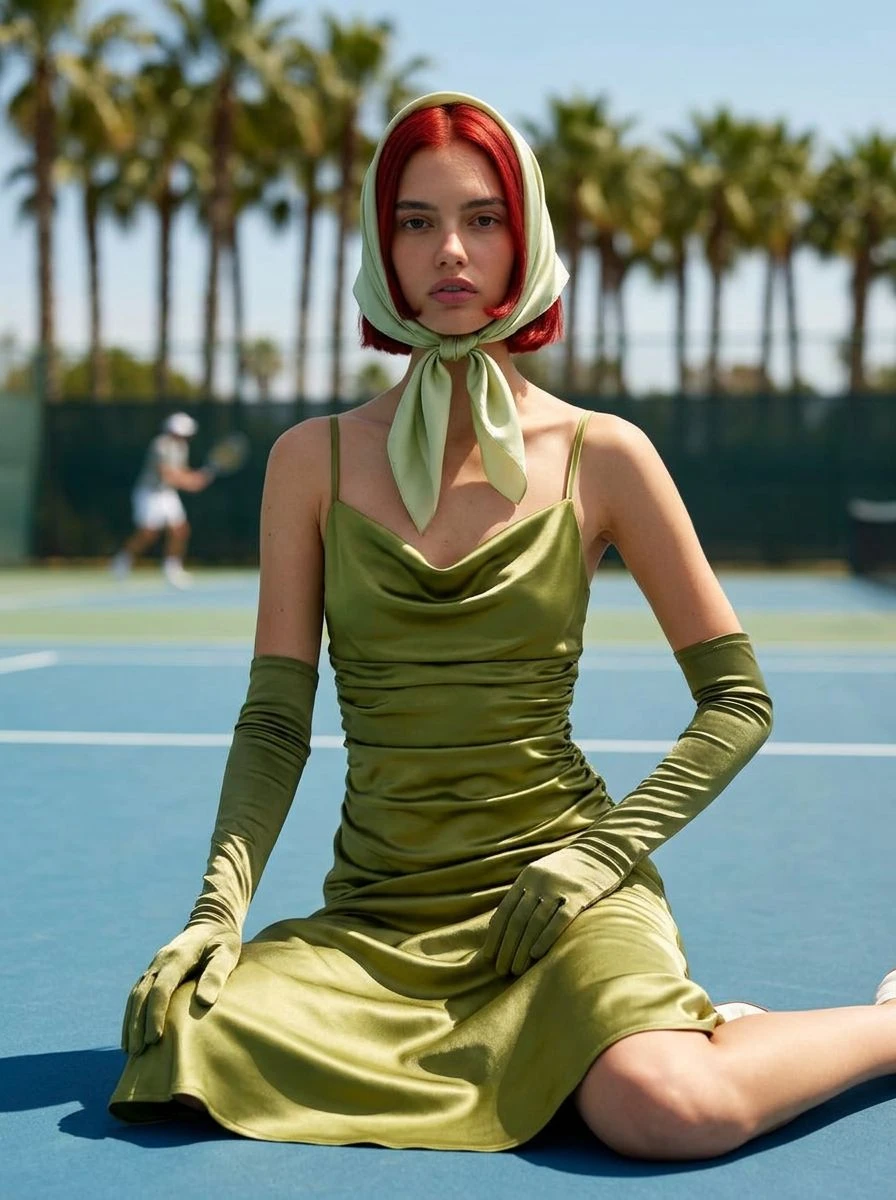
An ice cave, a Times Square sidewalk at night, a glasshouse full of palms, a blue court in midday sun. Describe the place and the light and the look is photographed there — the kind of location shoot that normally needs a permit, a van and good weather.
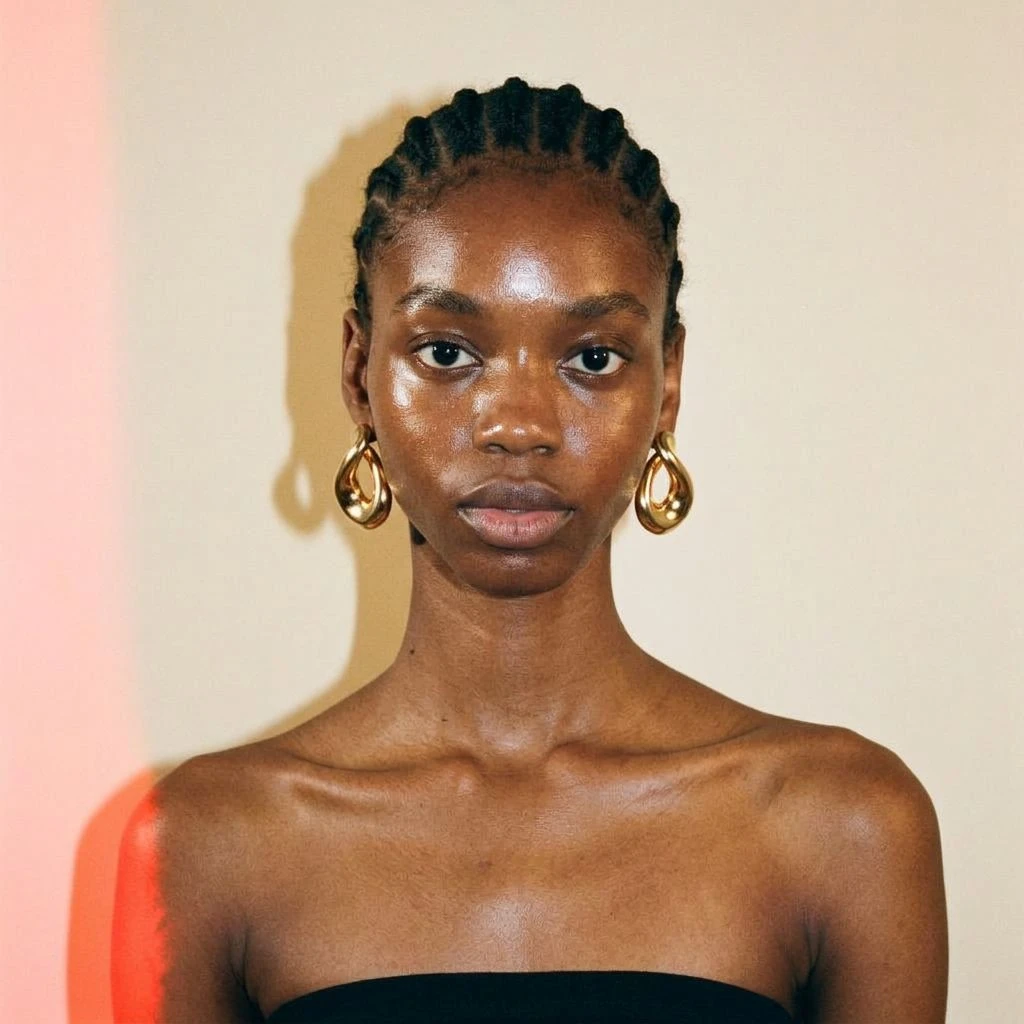
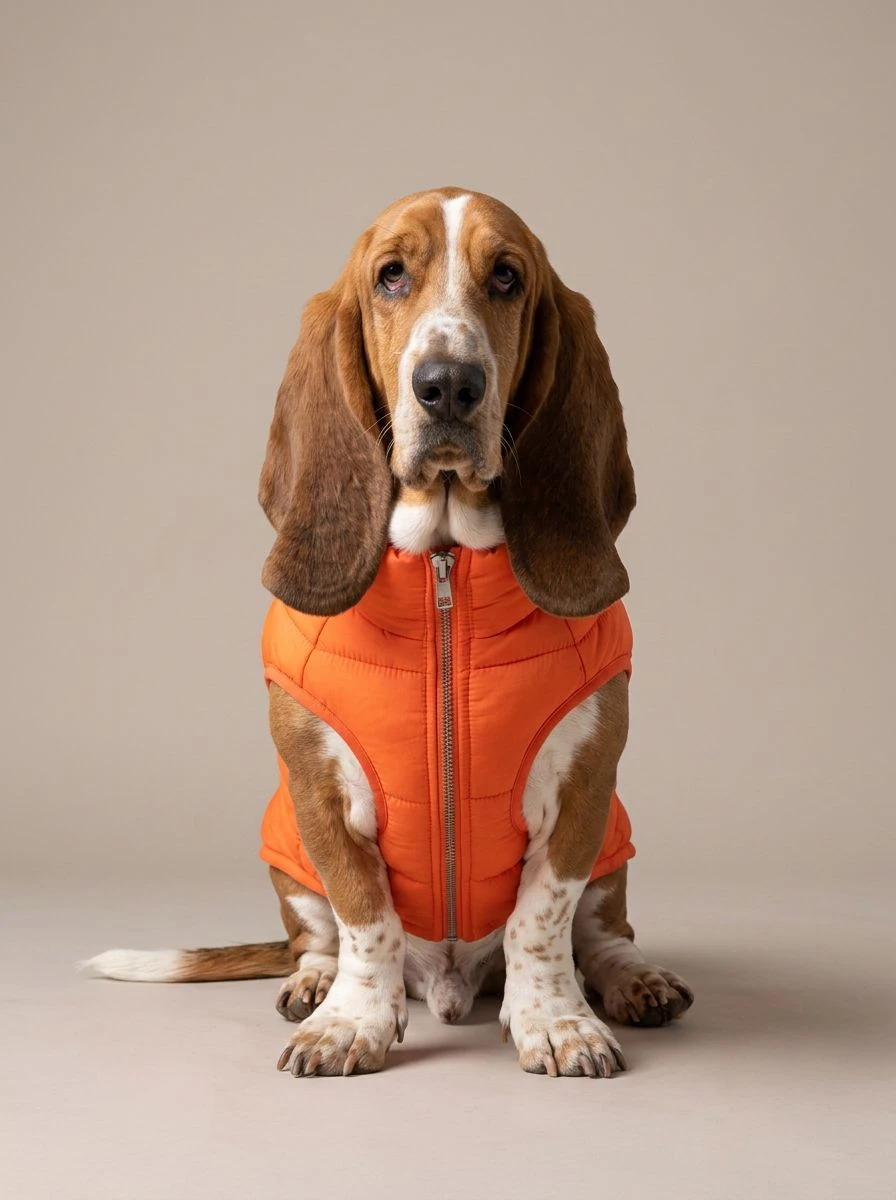
Clothes, accessories — even pets
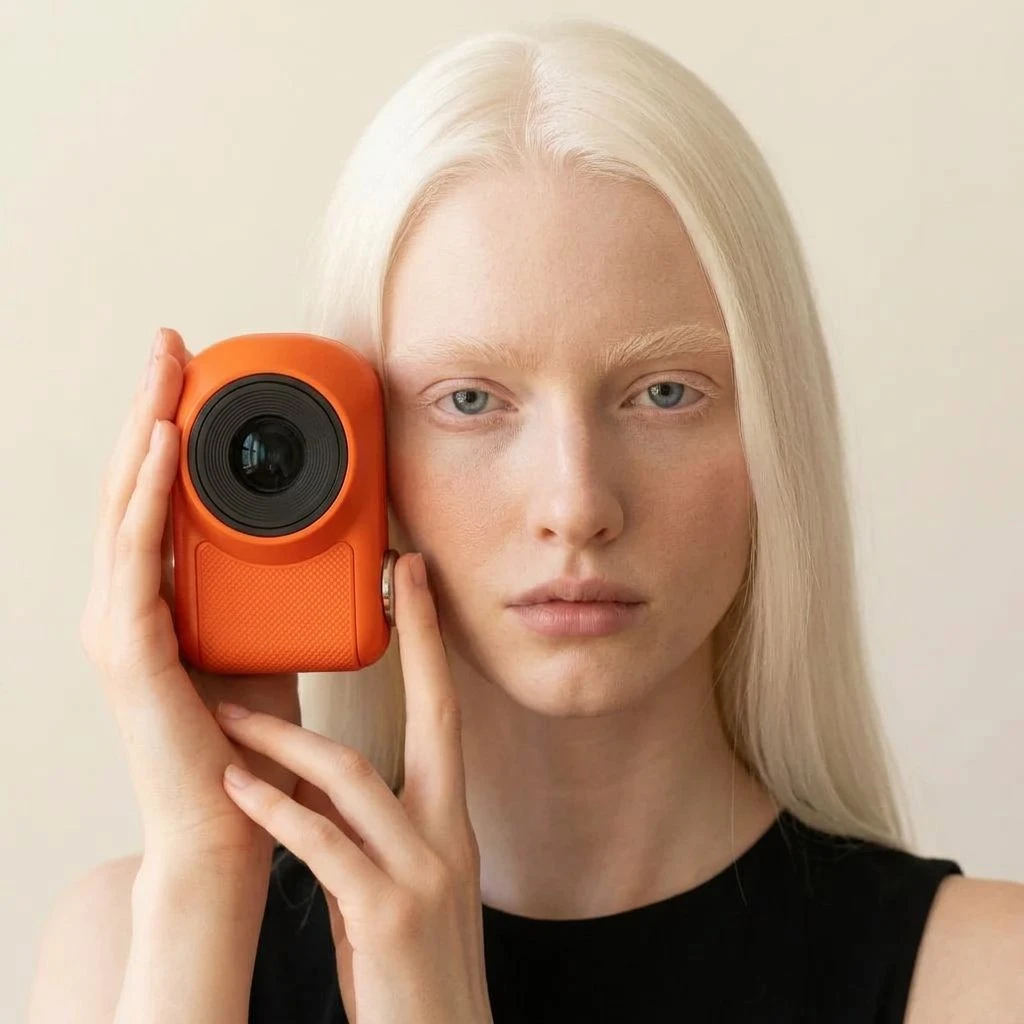
It is not only for tops and dresses. Earrings, sunglasses, hats, gloves and cameras can be worn or held, and a dog can model its own puffer vest. If someone can wear it or hold it, it can be tried on.
Use cases
Where it earns its place
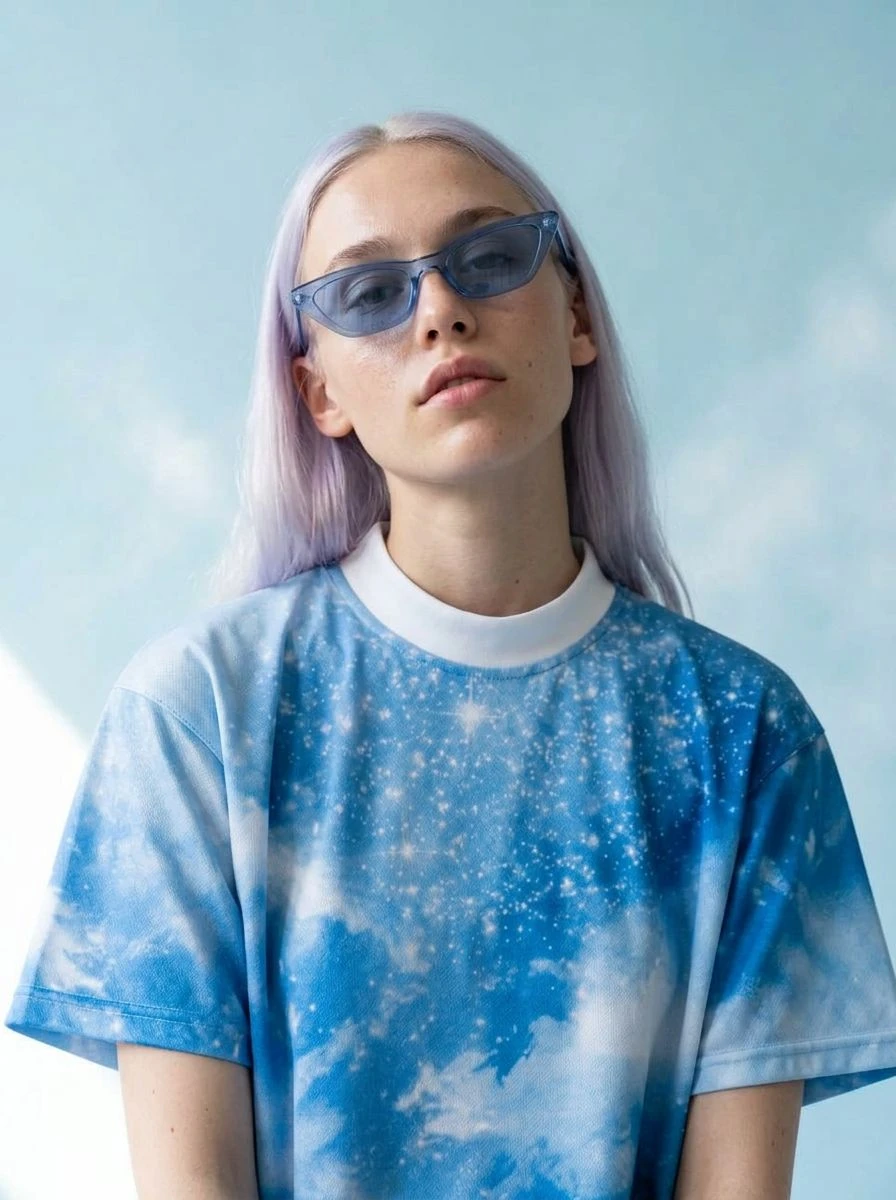
Fashion product pages
Show every piece on a body, in the same style, from the same model — the shots shoppers look for before they buy.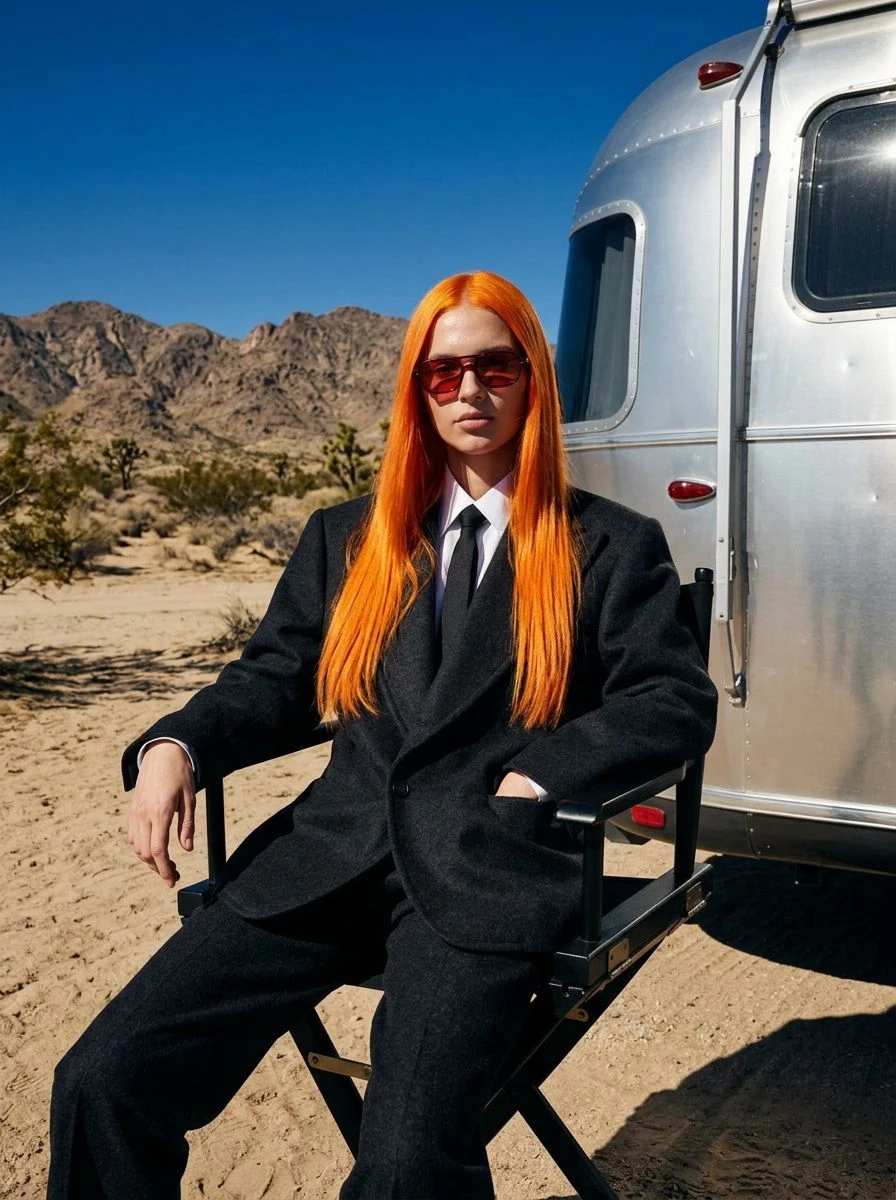
Lookbooks and campaigns
Build a season's story in locations you could never book, with one model carrying the whole collection from the first look to the last.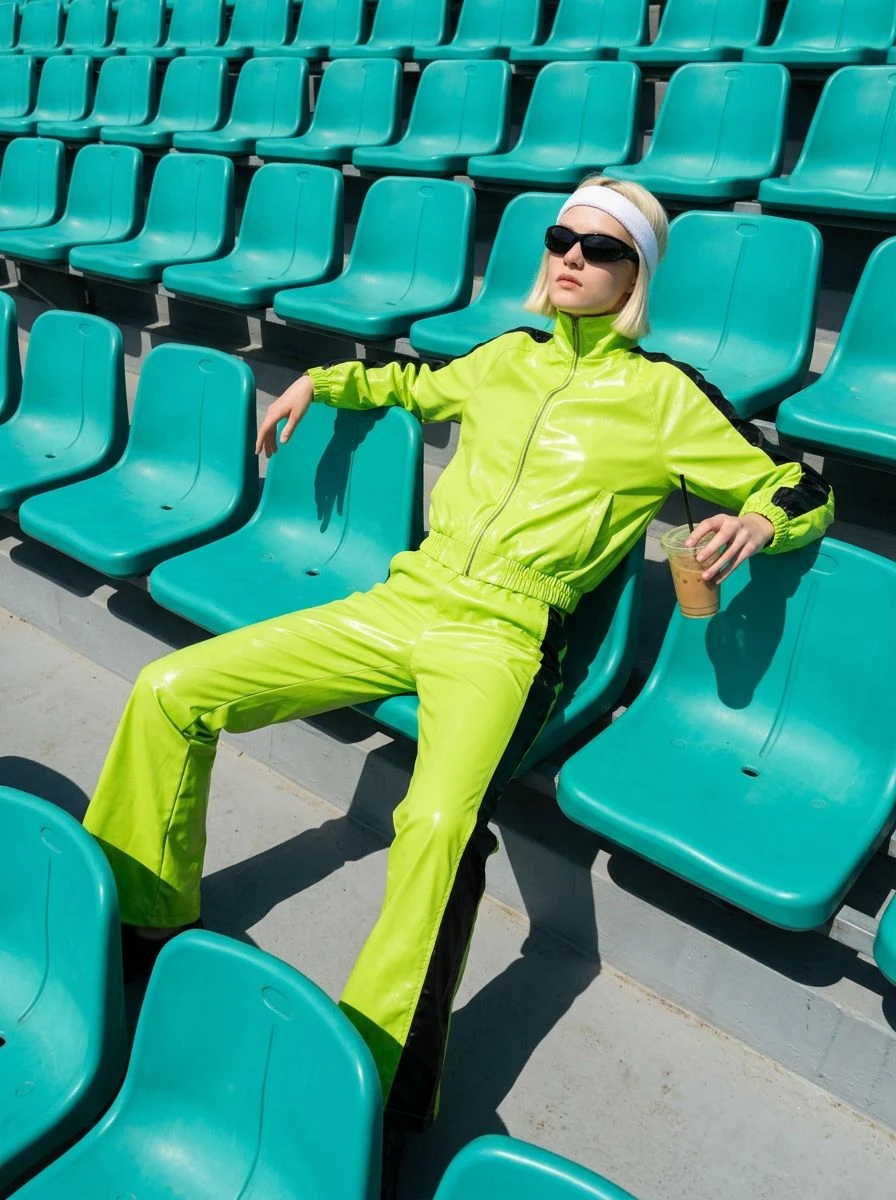
Social posts and ads
Fresh on-body content for every drop, every colourway and every channel, without a shoot for each one — and new pictures the day a piece goes live.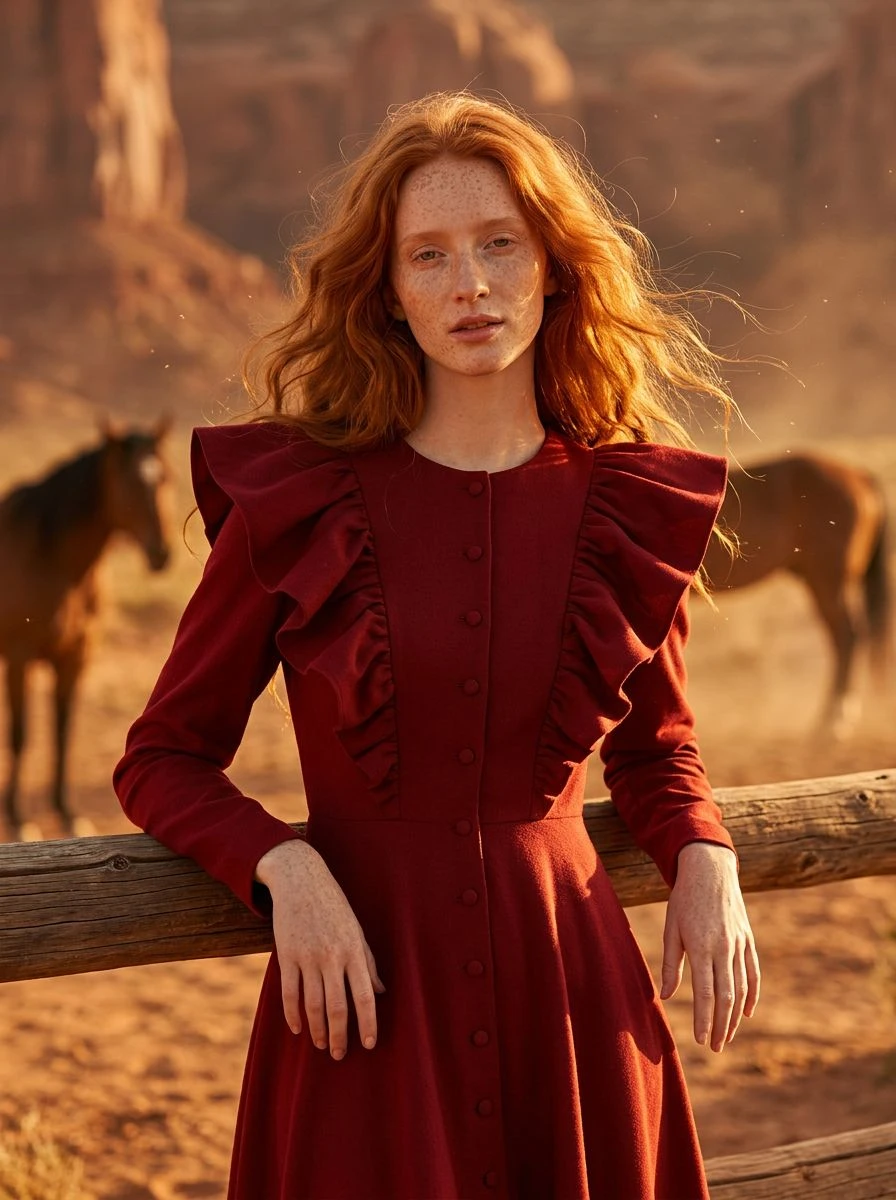
Previews before production
See a sample, a new colour or a one-off piece on a person before you commit to a full run or a full shoot.
Examples
Start from one of these
Open any of them, put your own in, and run it. There are many more in the studio.
Questions
Do I need a photo of a model?
No. With a person's photo, the studio dresses that person and keeps their face, skin tone, hair and body unchanged. Without one, it uses a natural-looking model that suits the product.
What can be tried on?
Clothing, outerwear, shoes, hats, gloves, glasses, jewellery and things a person holds — and pet wear on a pet.
Will the product change?
The studio is told to keep the product's shape, colour, material, logo and text exactly as in your photo. Fit and drape are generated, so check the details before you publish.
What does it cost?
Every run is priced in credits, and the price is on the button before you press it. New accounts get 10 free credits.
Who owns the content I create?
You do. Content you generate on Patternful.ai is yours to use, including commercially, under our AI license.
More from the Marketing Studio
Everything else the studio makes, from the same one photo — or see the whole studio.
Video ads
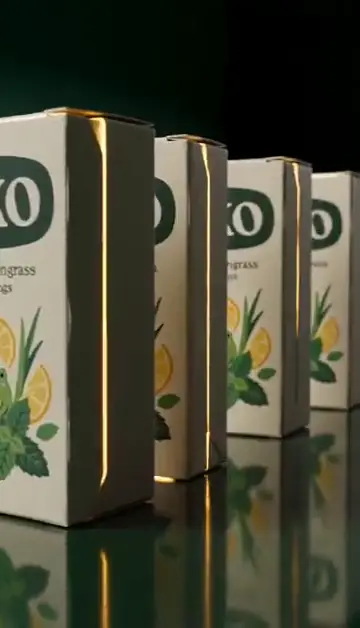
Finished short video ads from one product photo — every shot and beat already planned.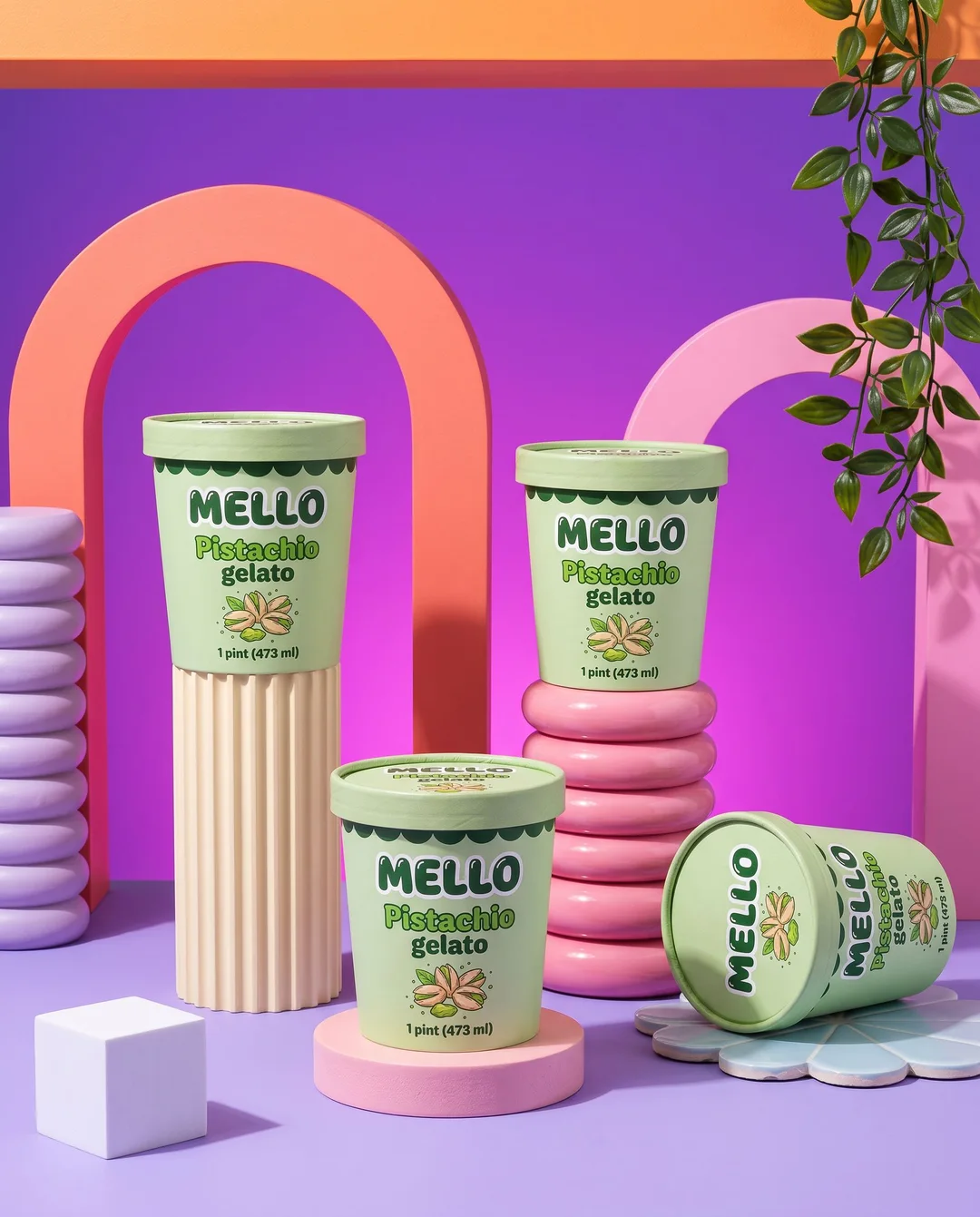
Product shots
Studio, lifestyle and on-model scenes for your product, label and all.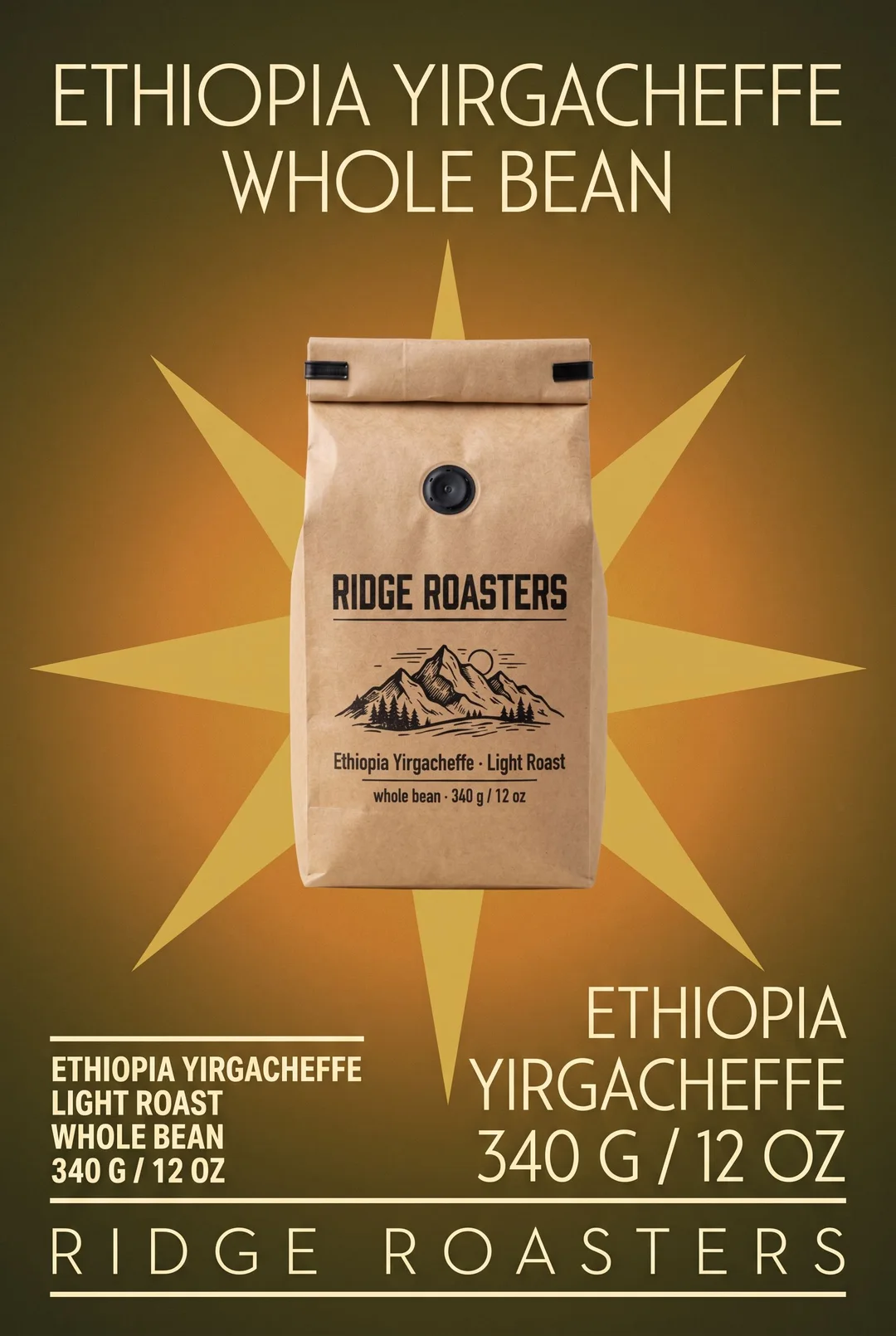
Posters
Product and event posters — photographed, set in big type, or drawn by hand.
Logos
Clean, flat brand marks that read on a sign and on a favicon.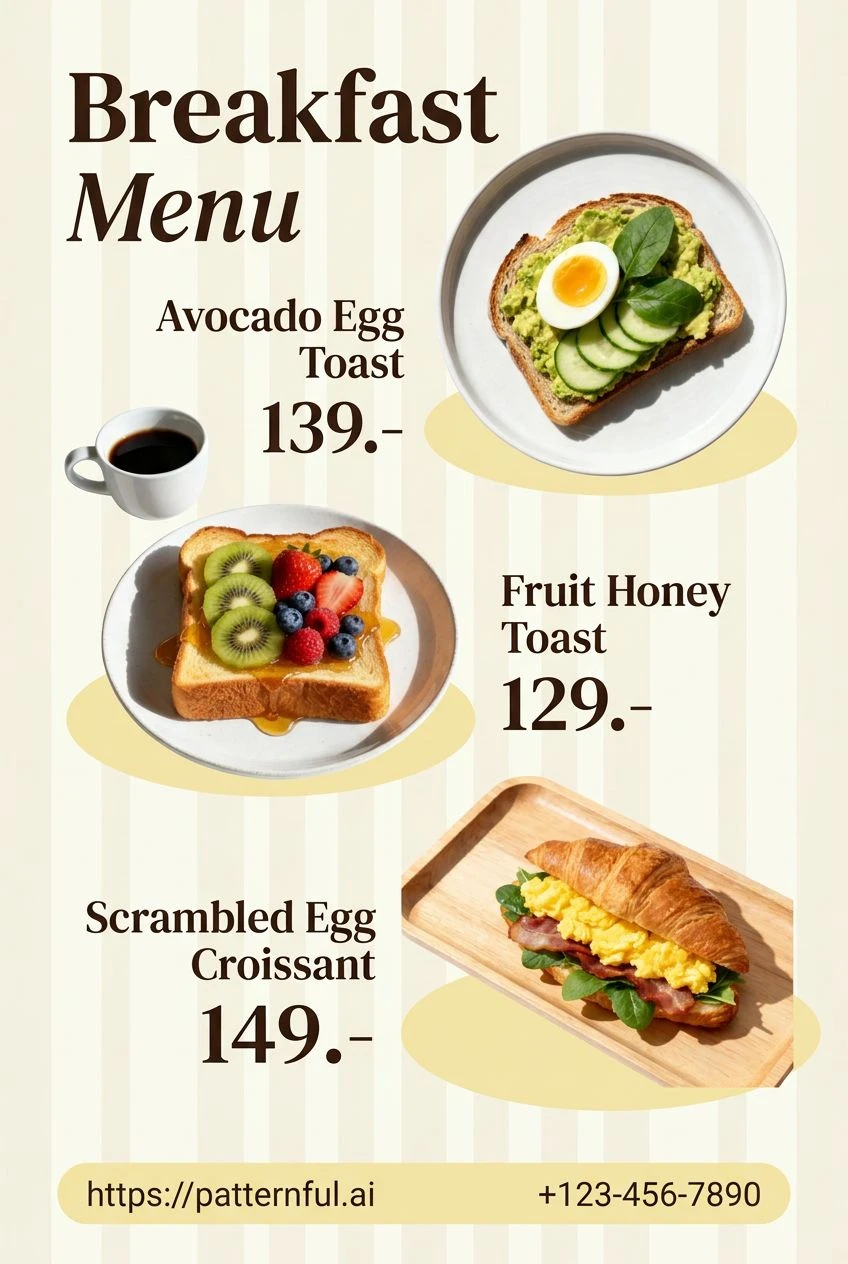
Menus
Readable, styled menus with every item lined up against its price.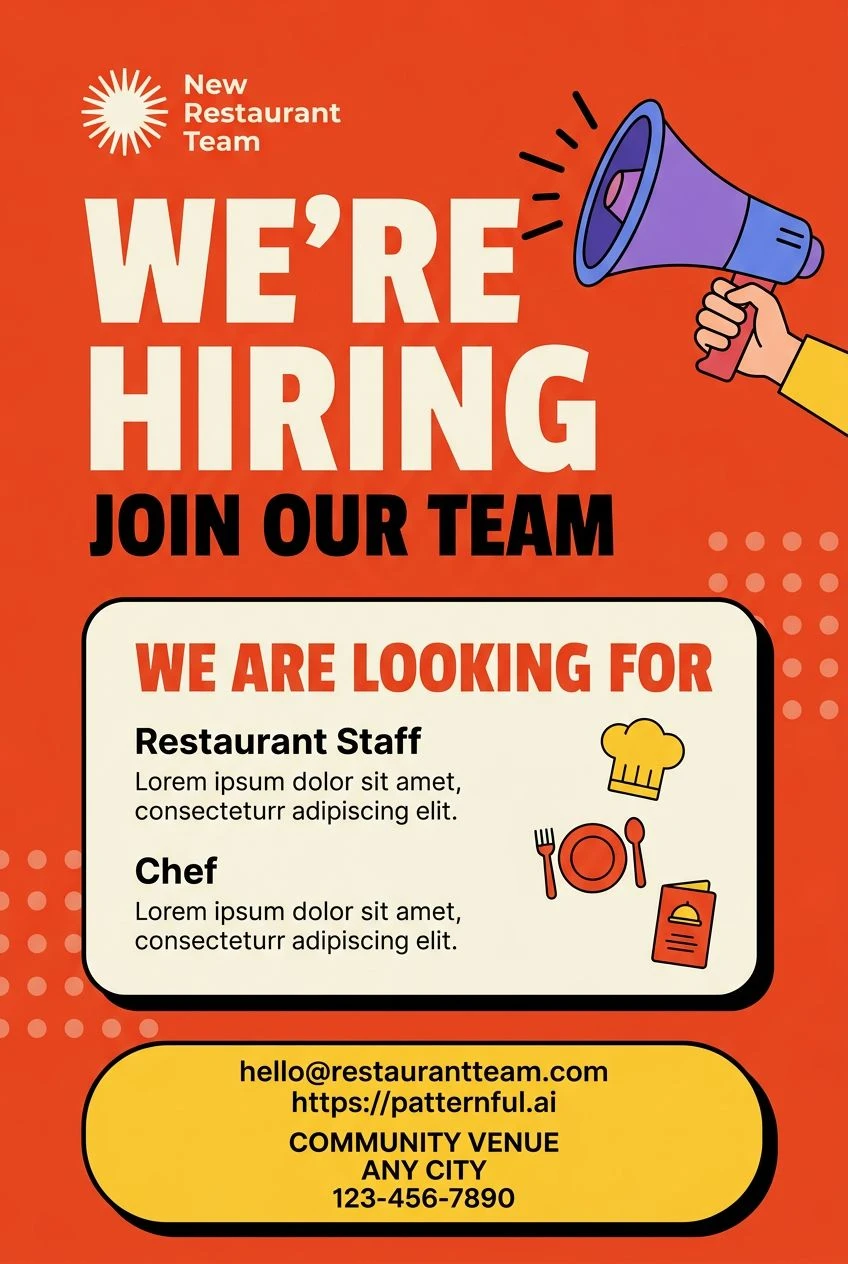
Flyers
Promo and event flyers built around one message you cannot miss.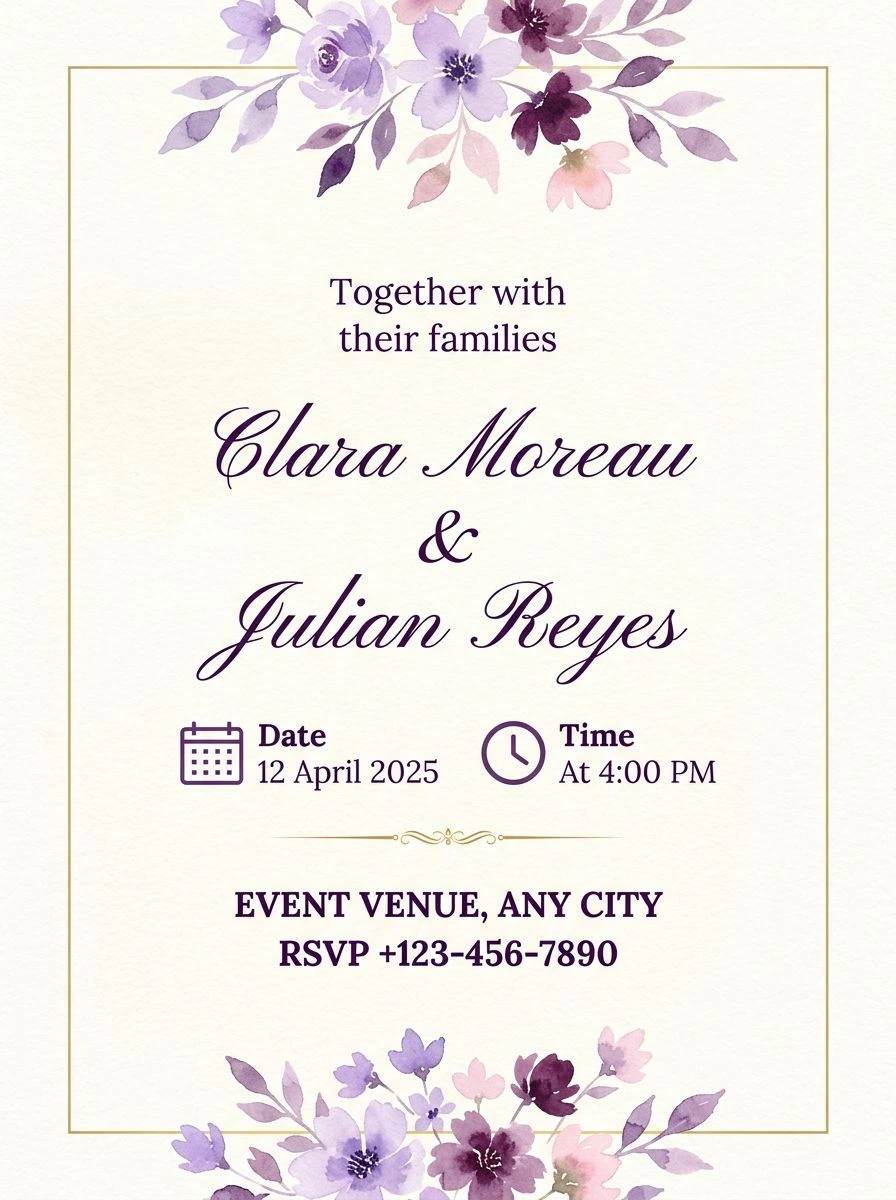
Invitations
Wedding, birthday and party invitations — names first, details quiet.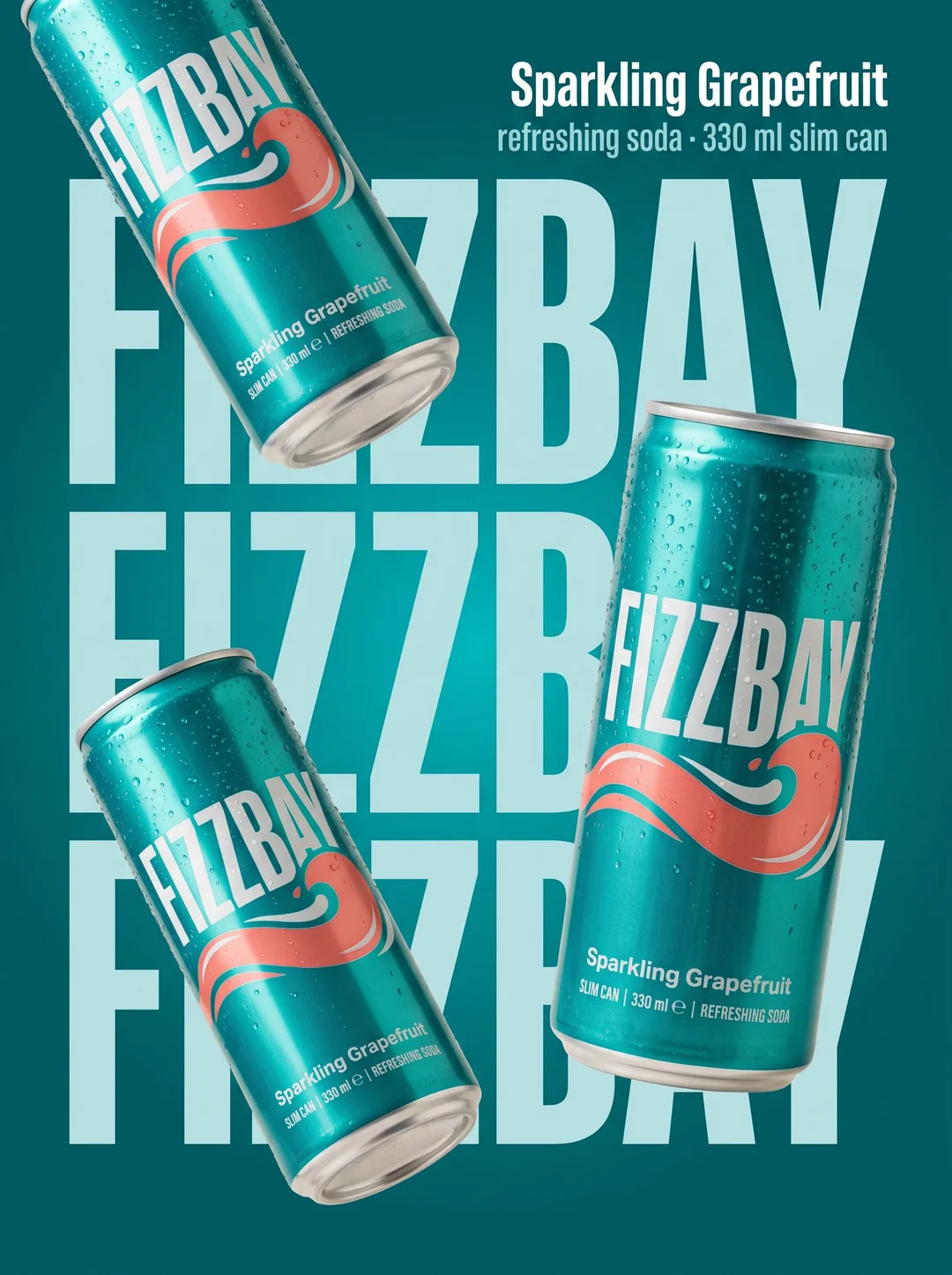
Marketplace
Listing images with your product's name and details, laid out to sell.