Marketing Studio · Marketplace
Listing images for your store
Lead your product page with an image that explains it — the product, its name and its details, laid out. Upload a photo; the words come from its packaging and from you.
10 free credits when you sign up. No card required.
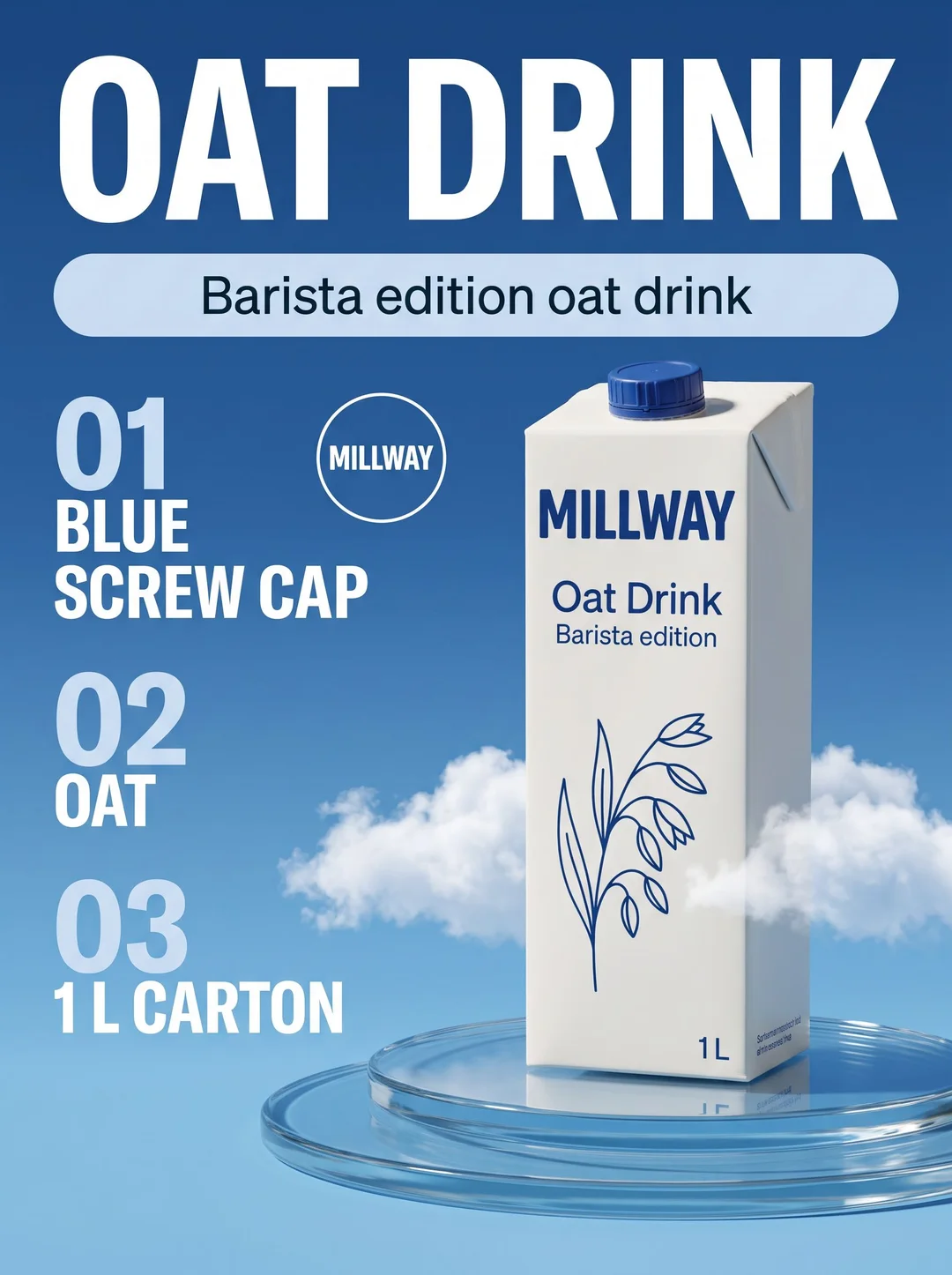
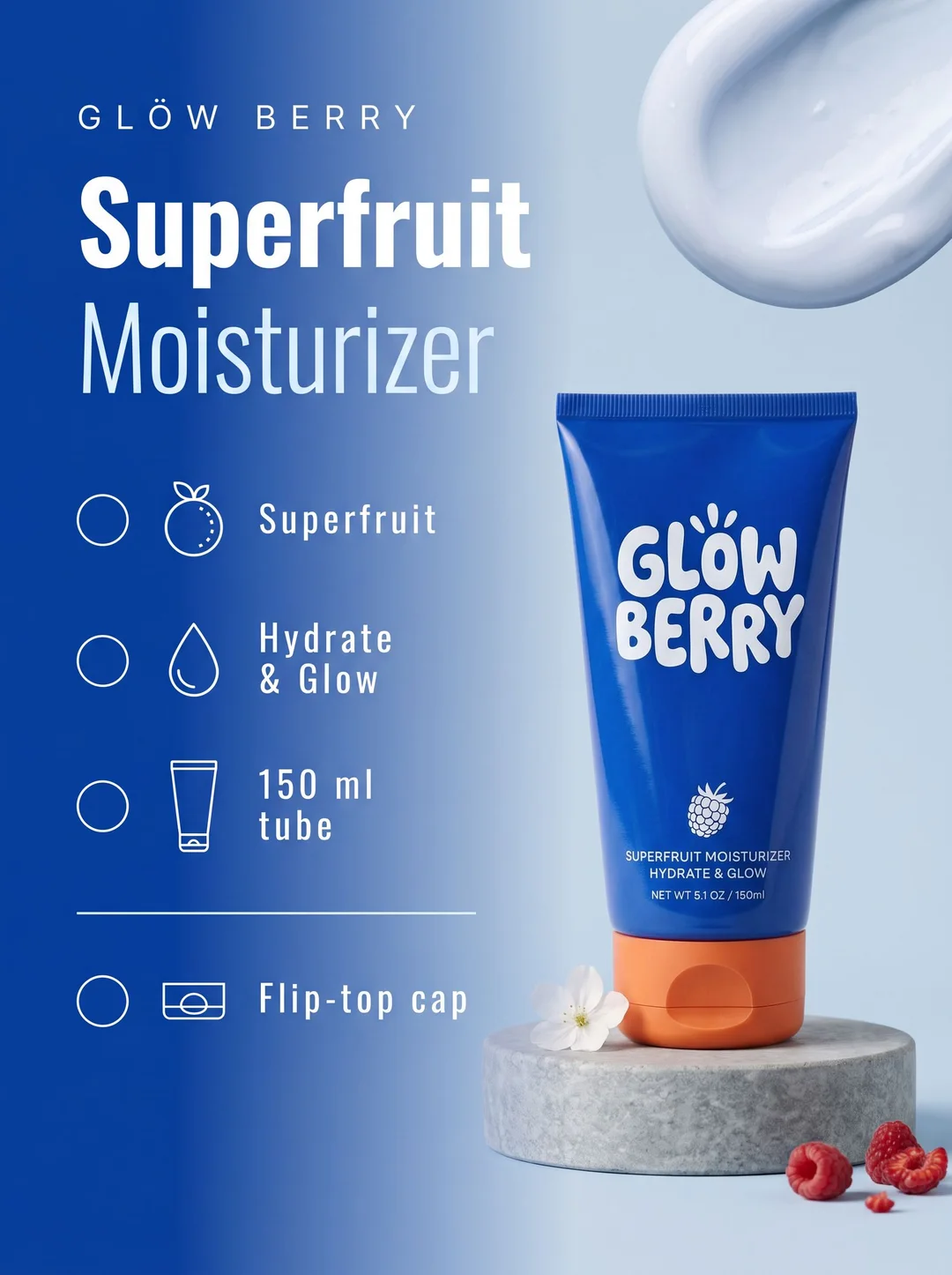
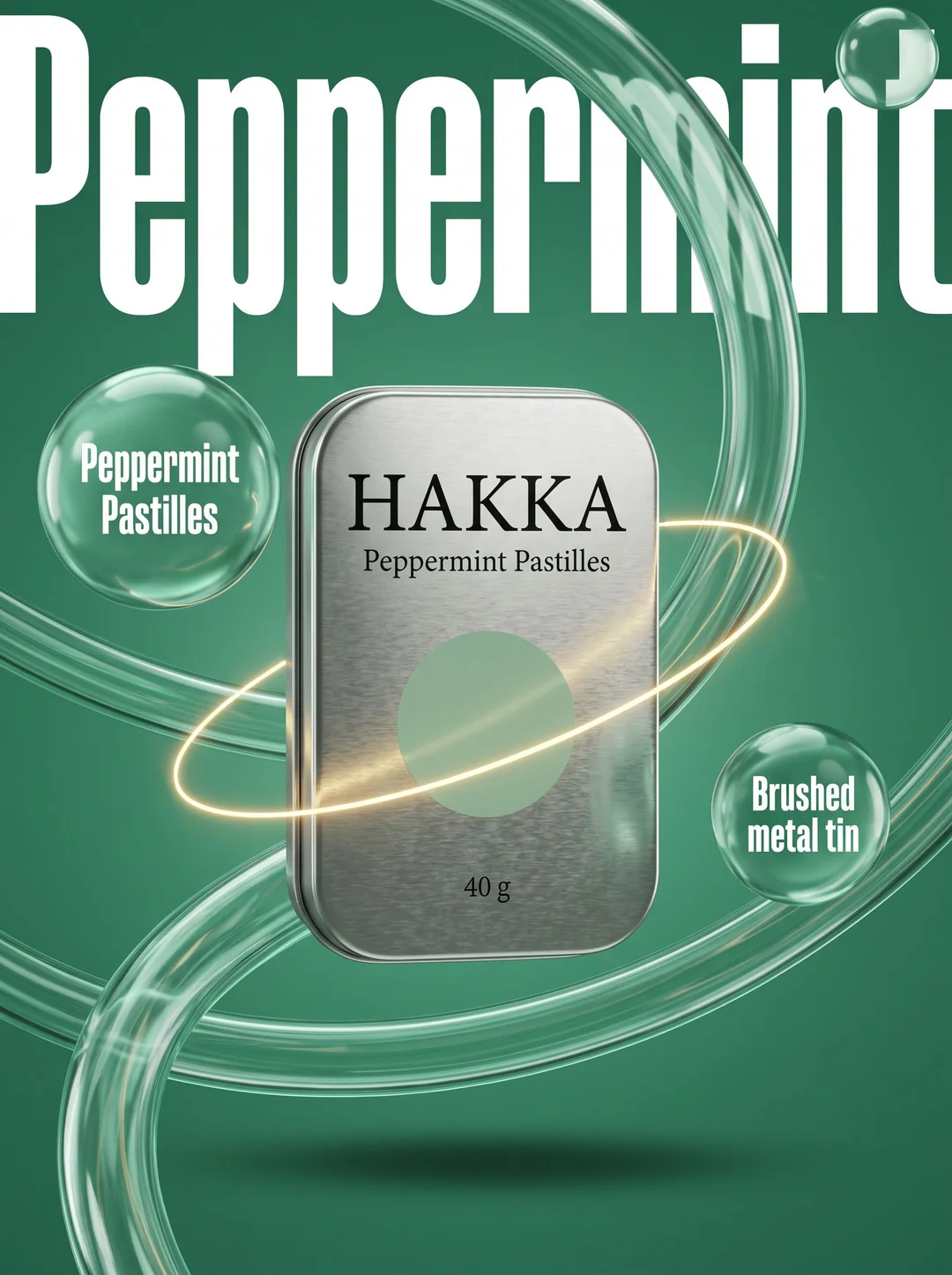
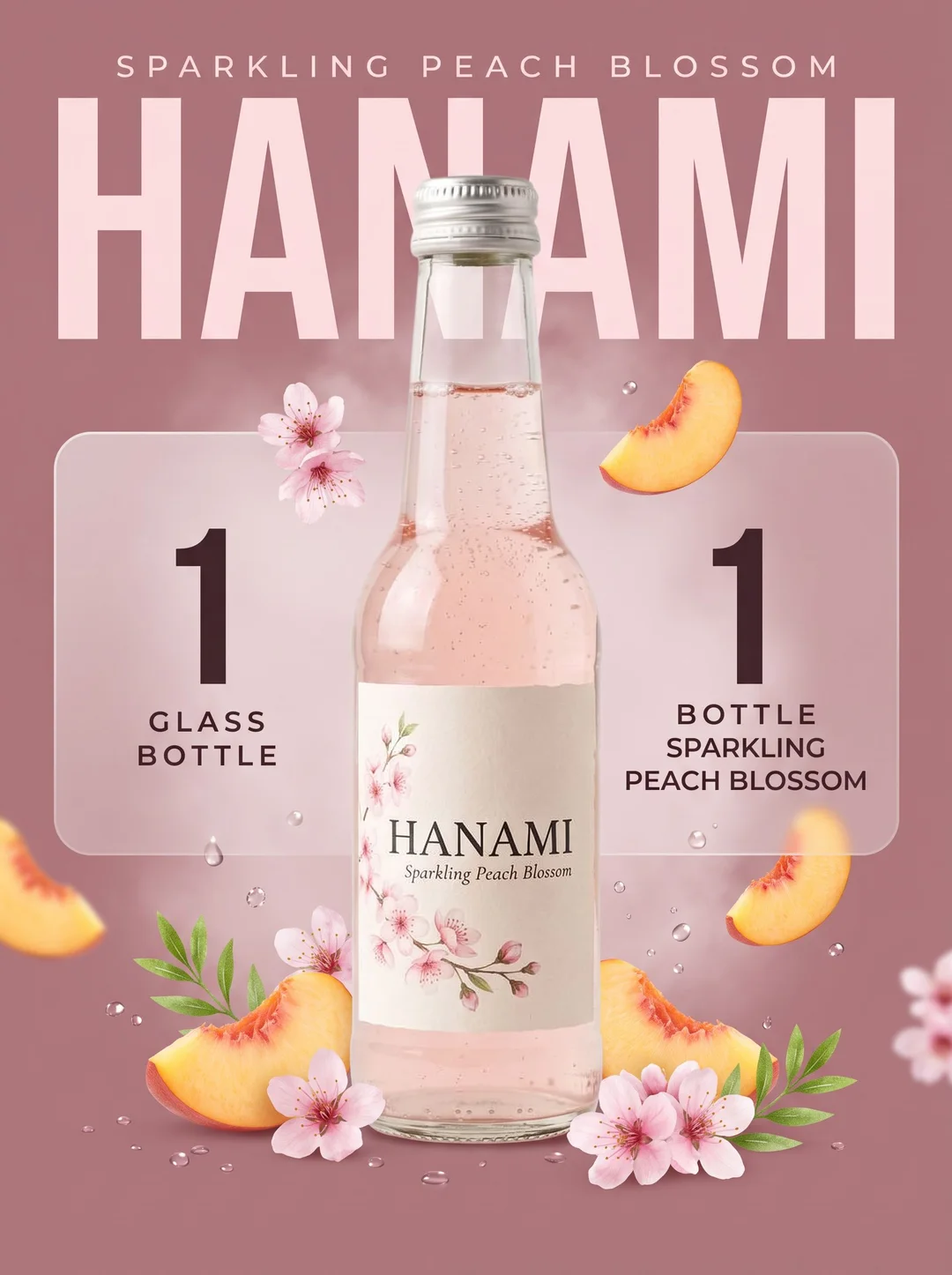
What it is
The image that does the explaining
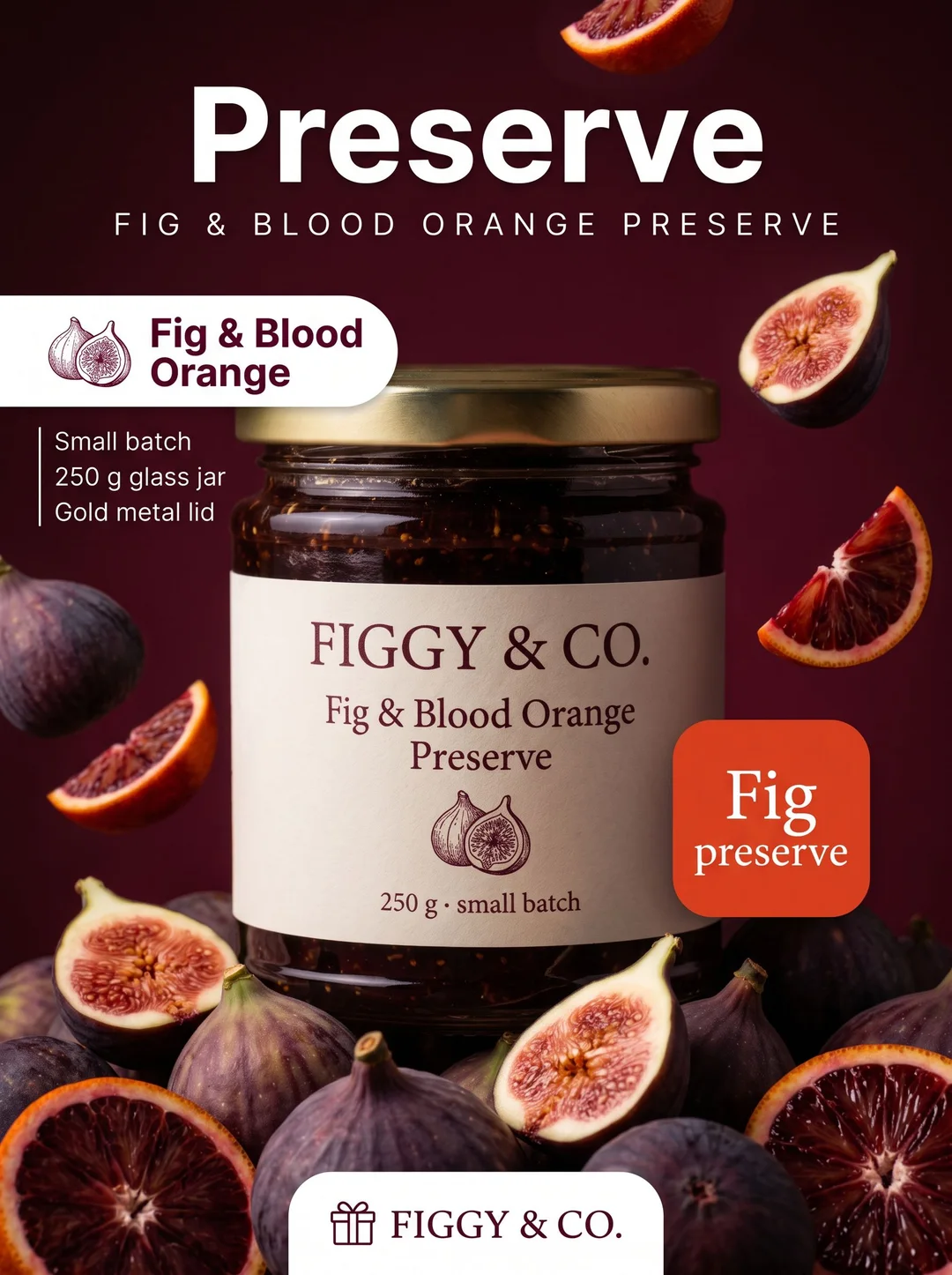
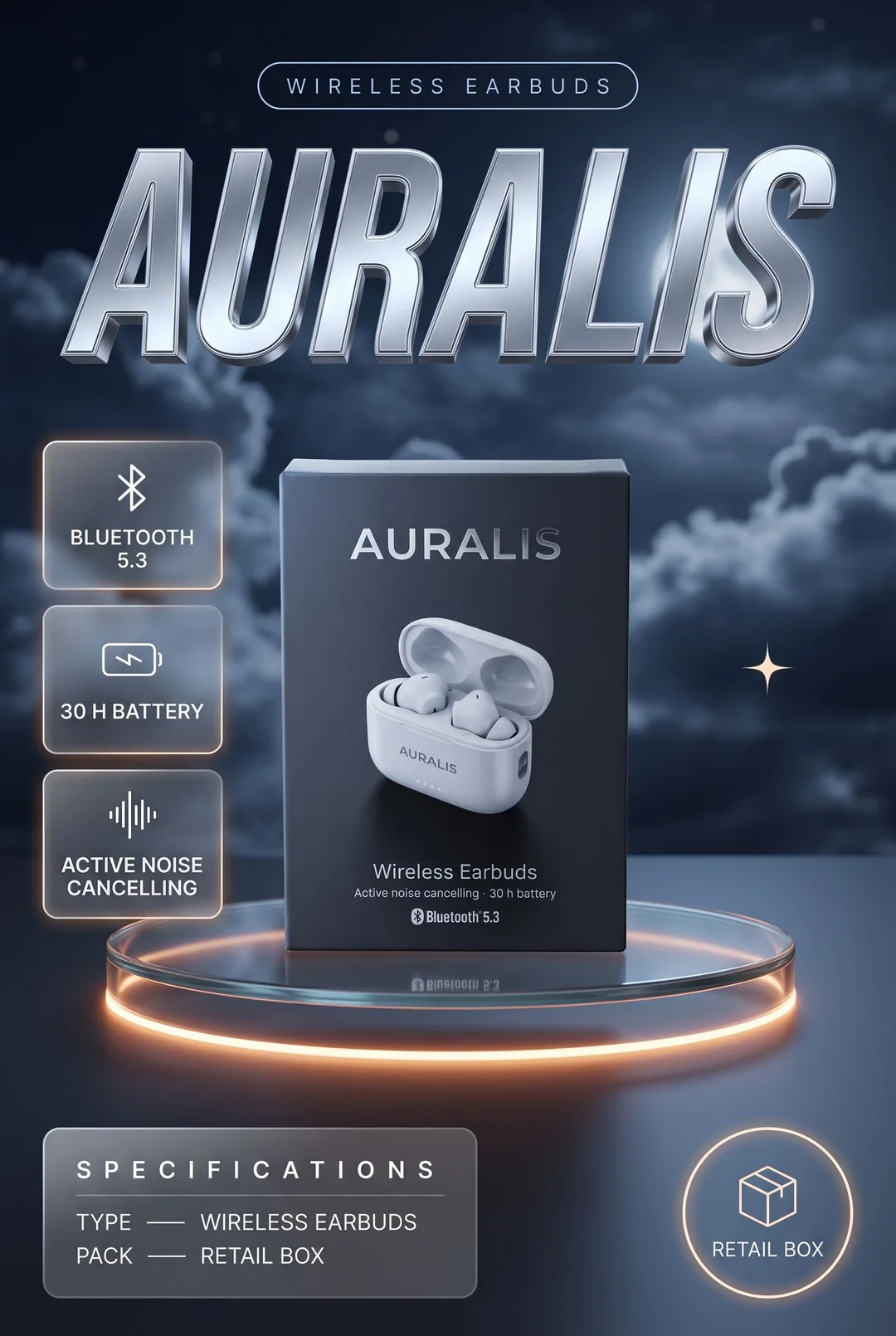
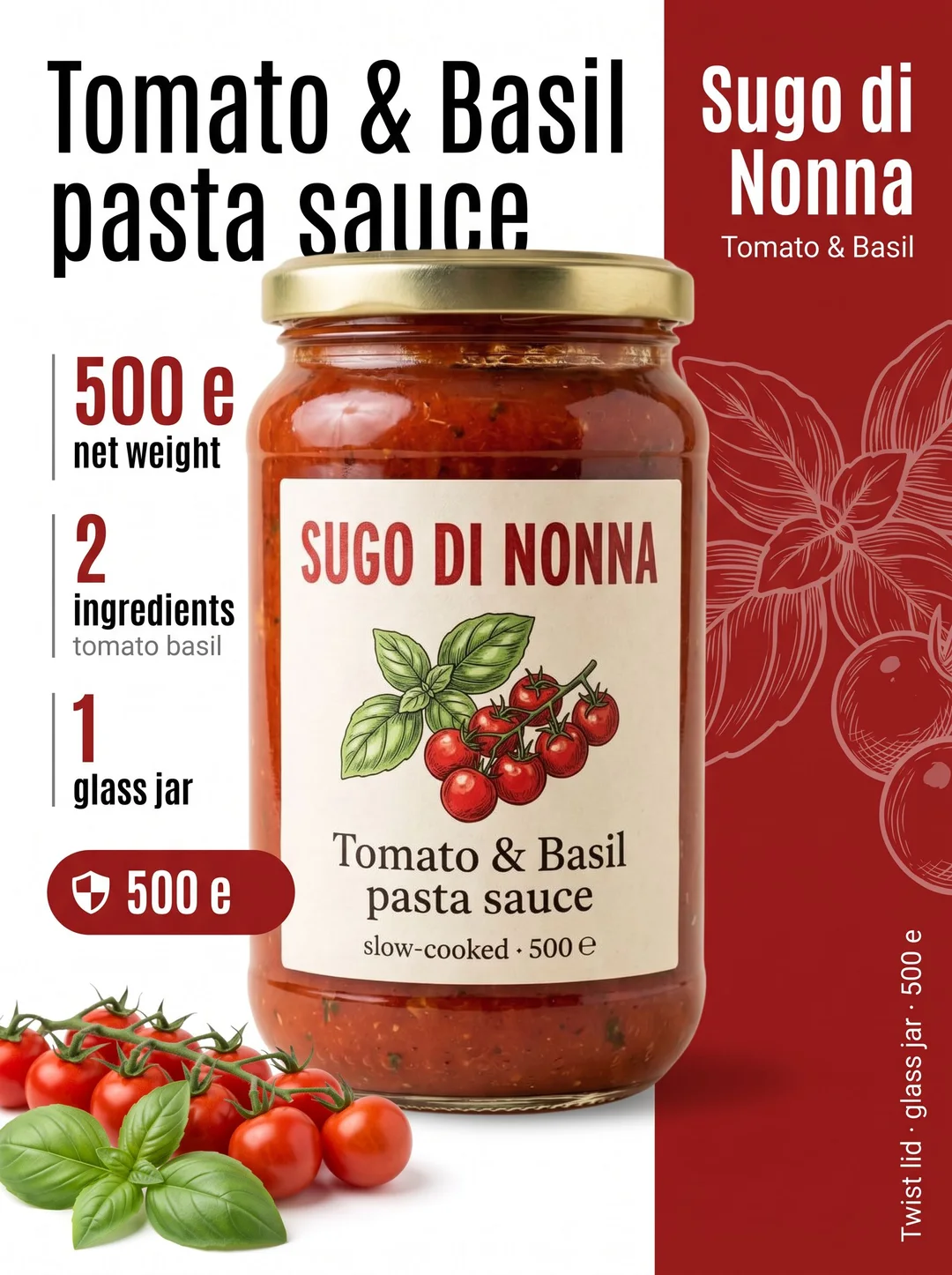
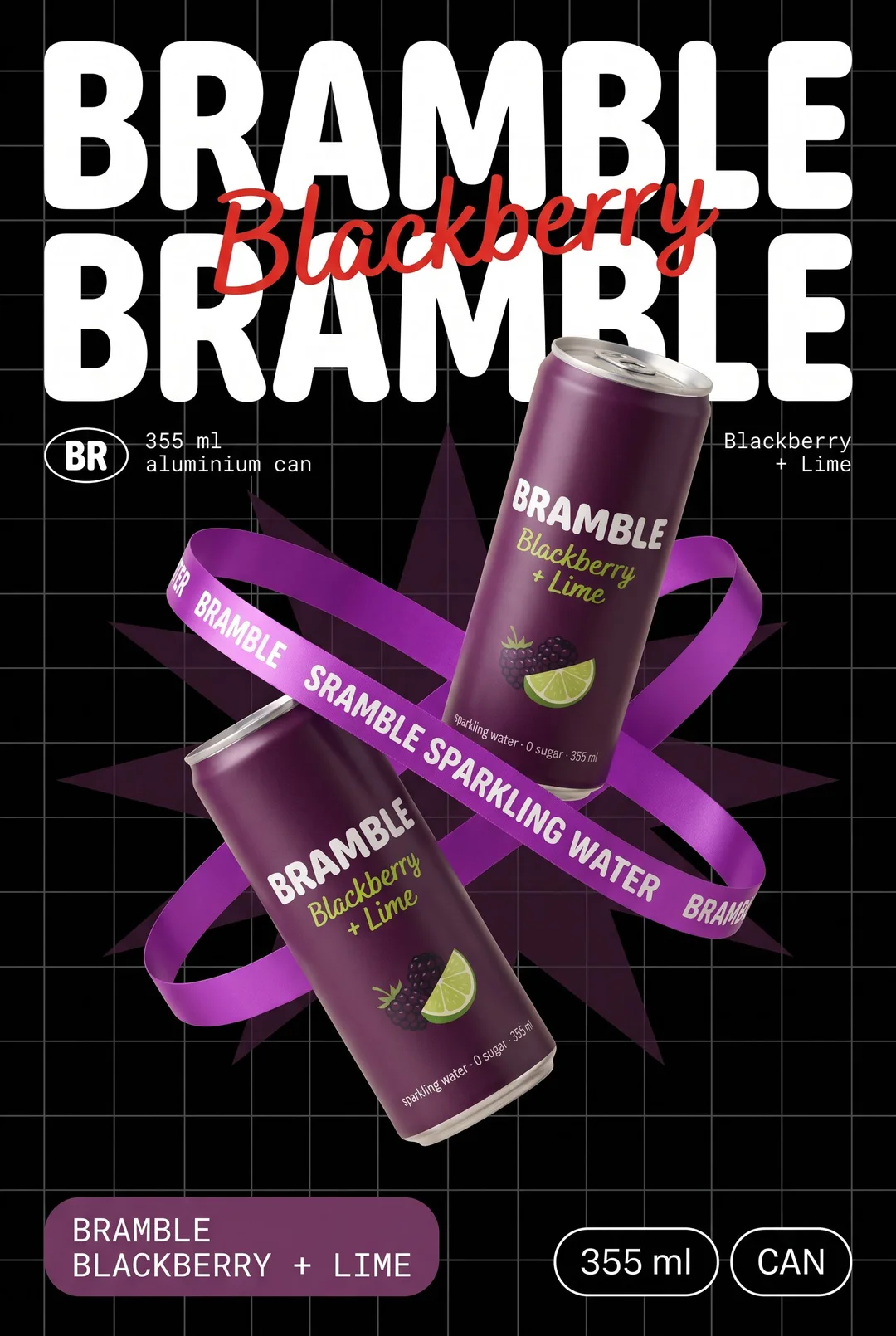
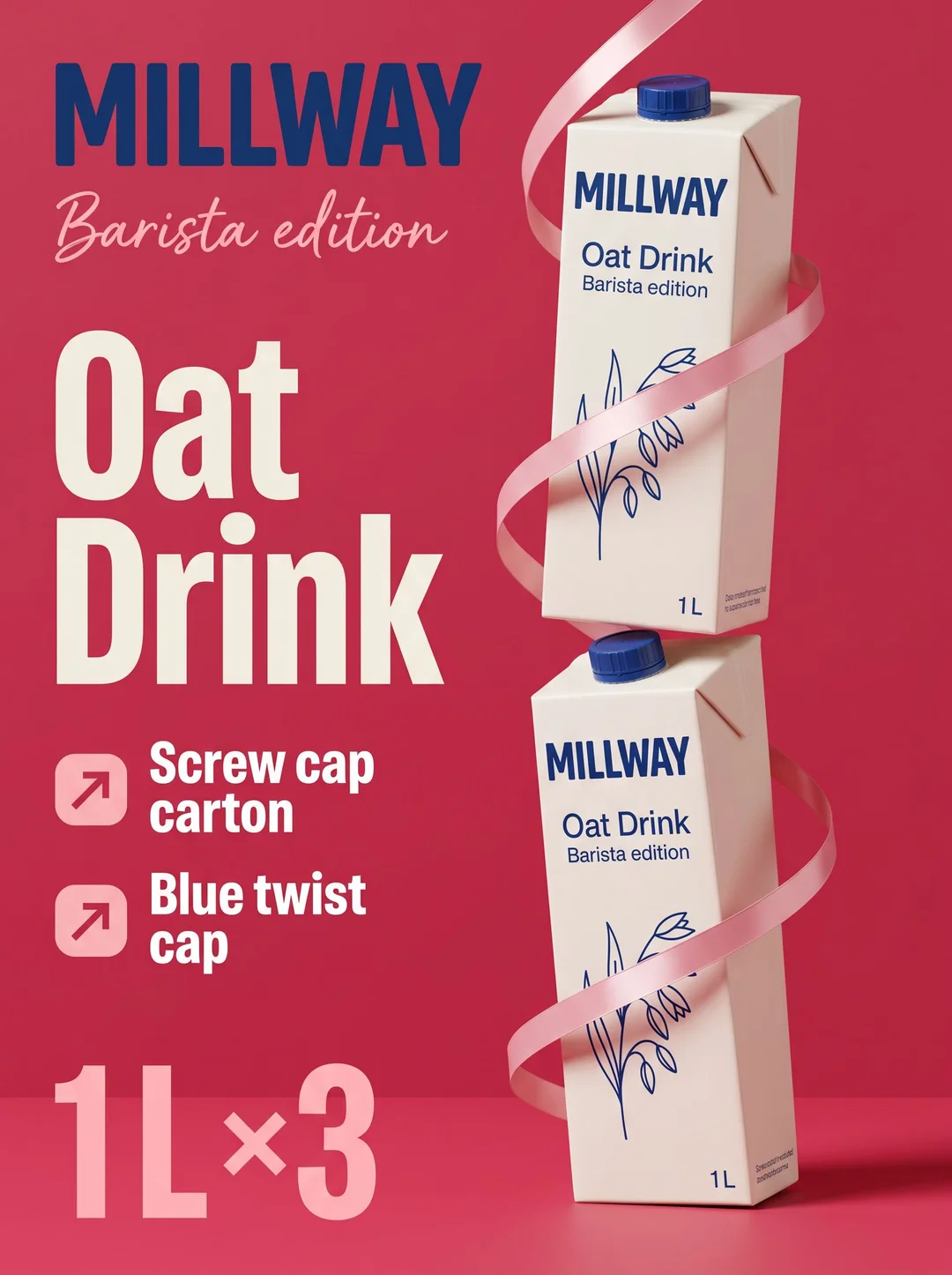
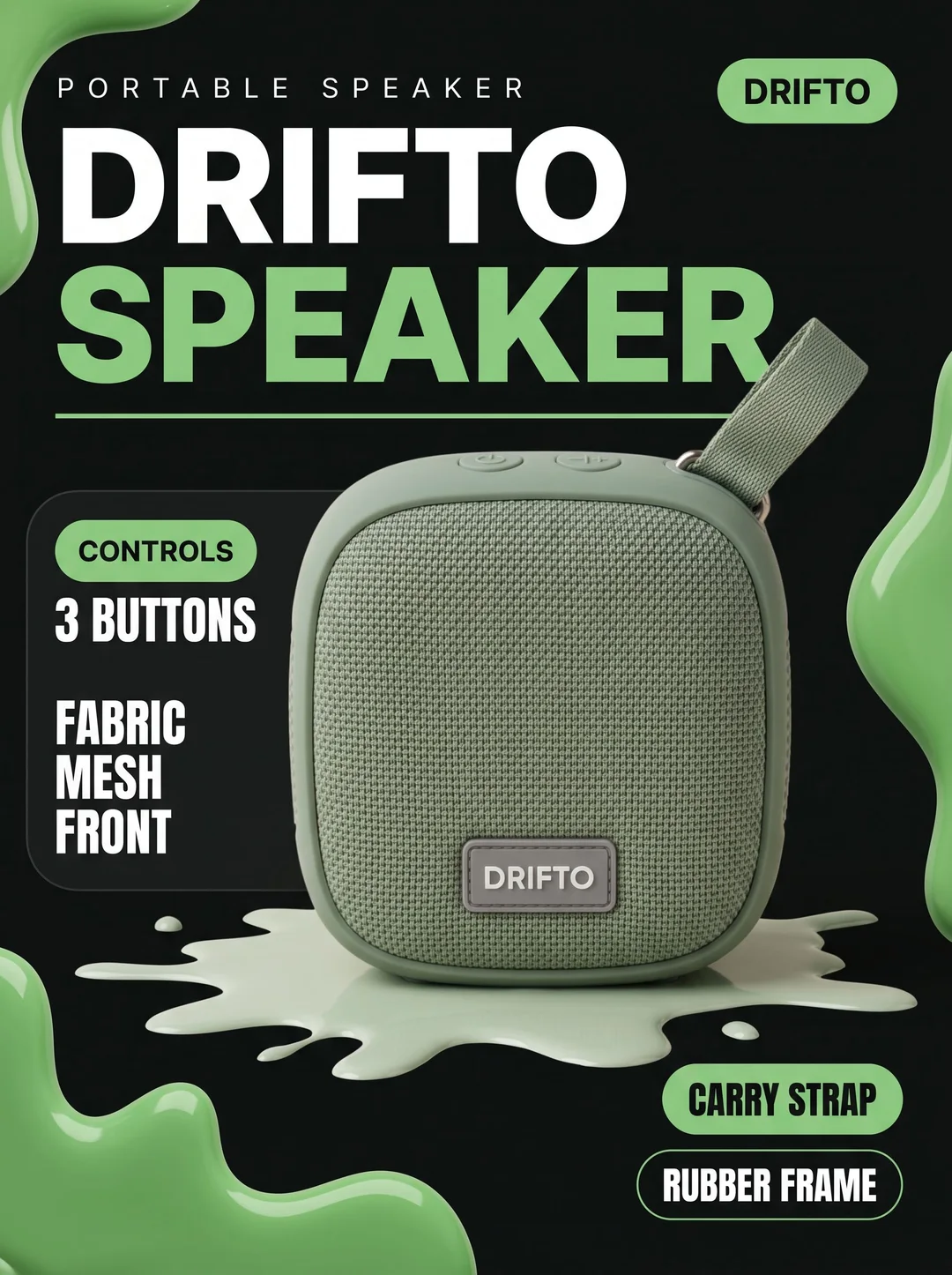
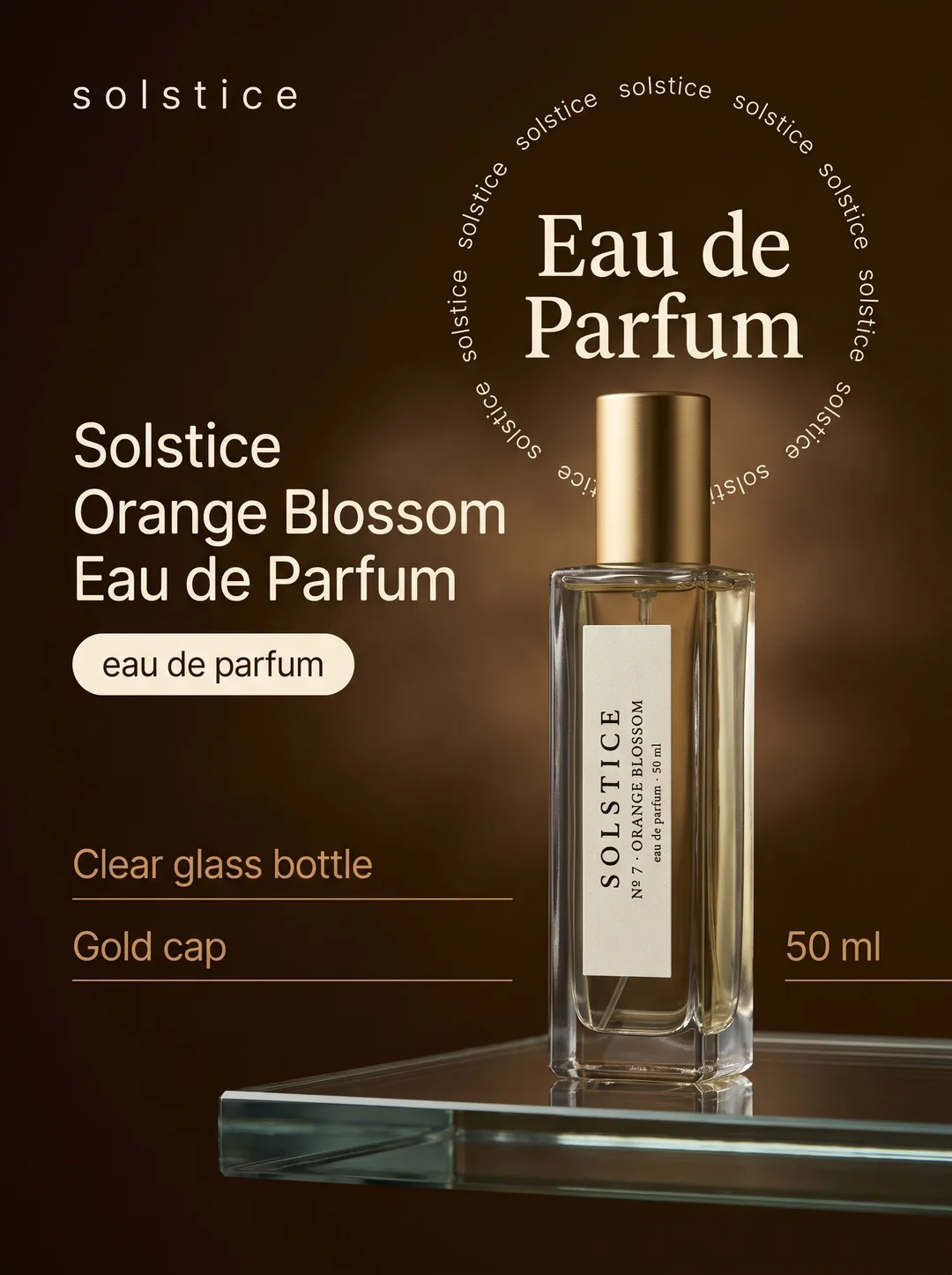
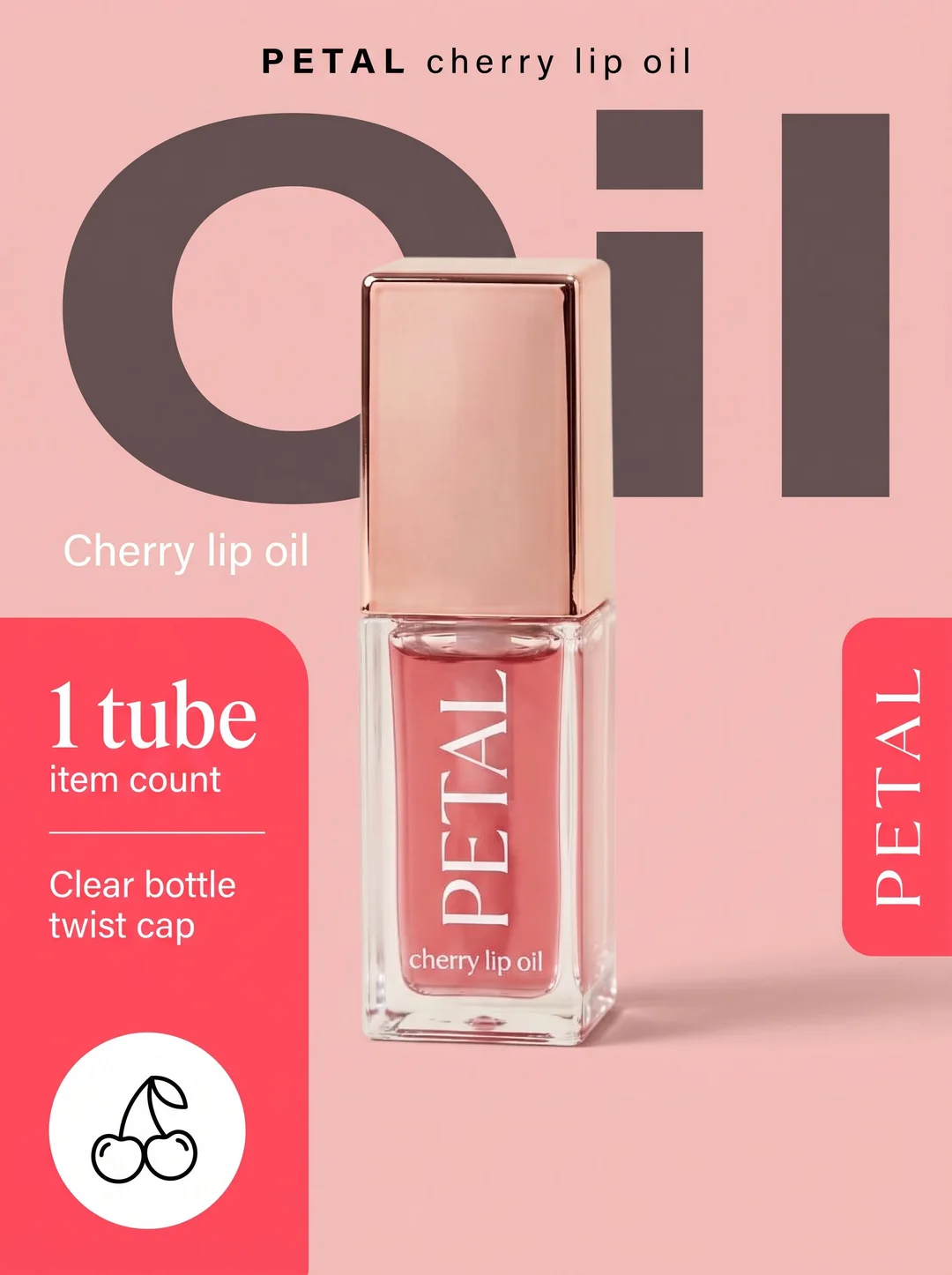
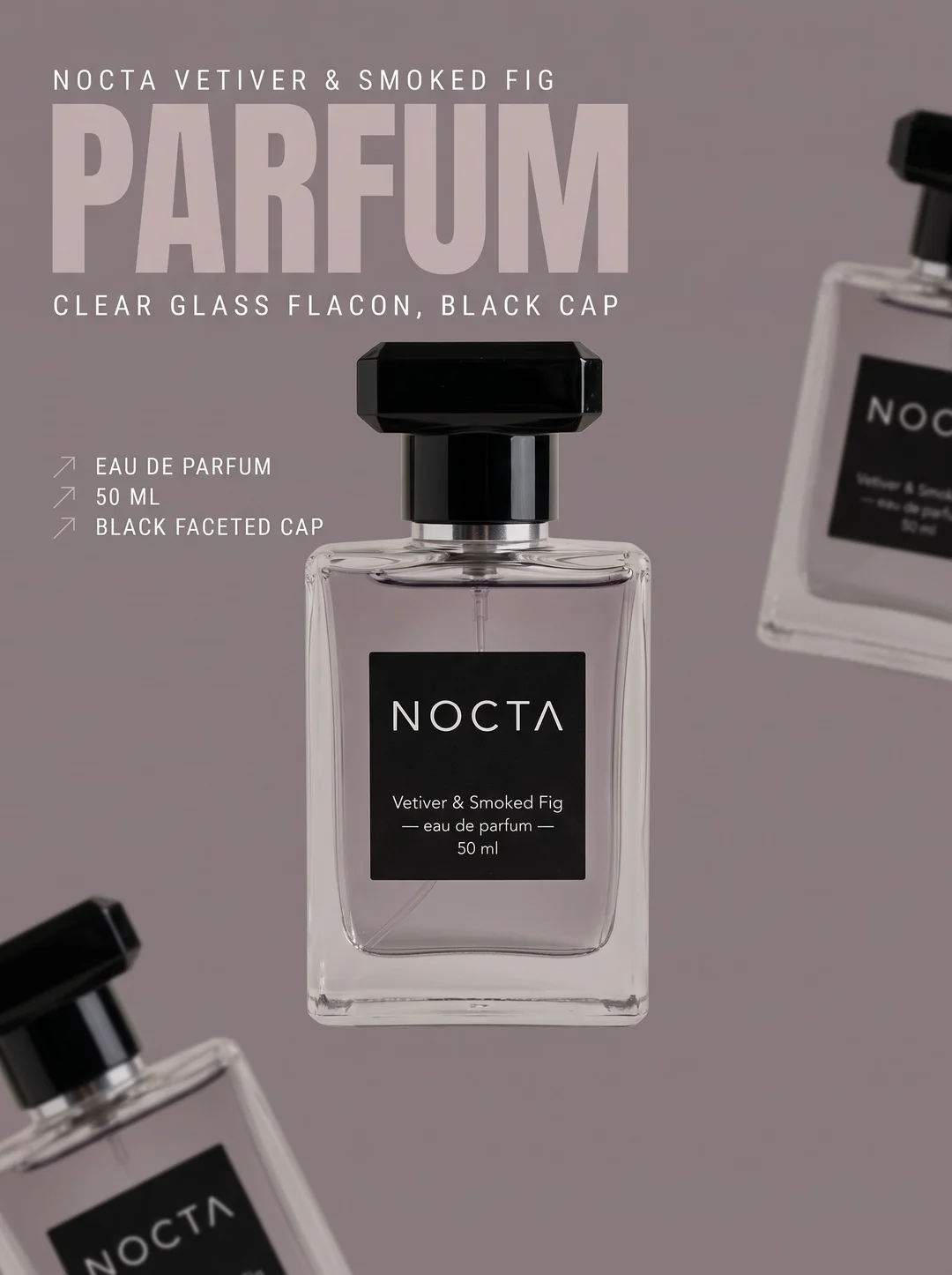
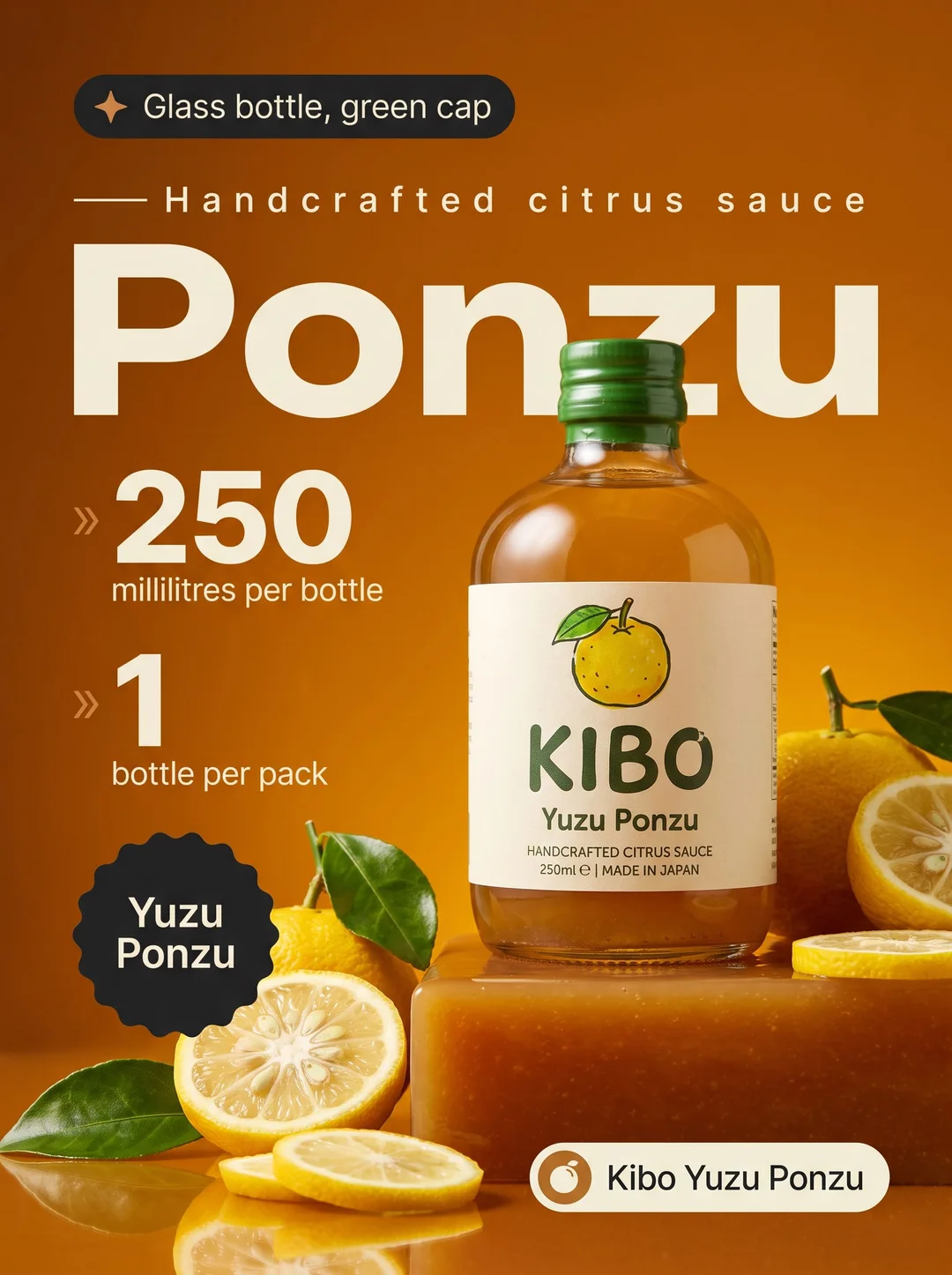
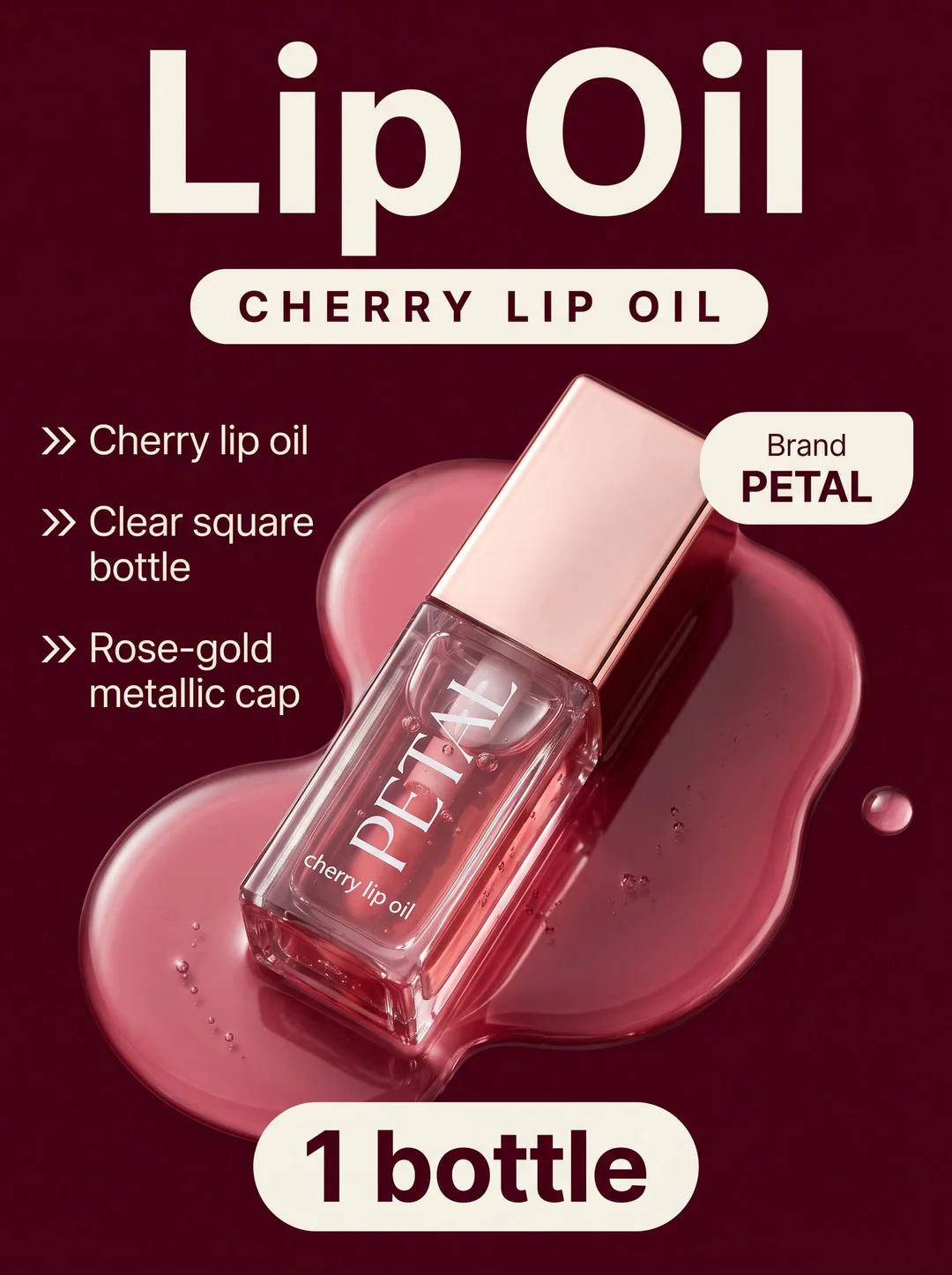
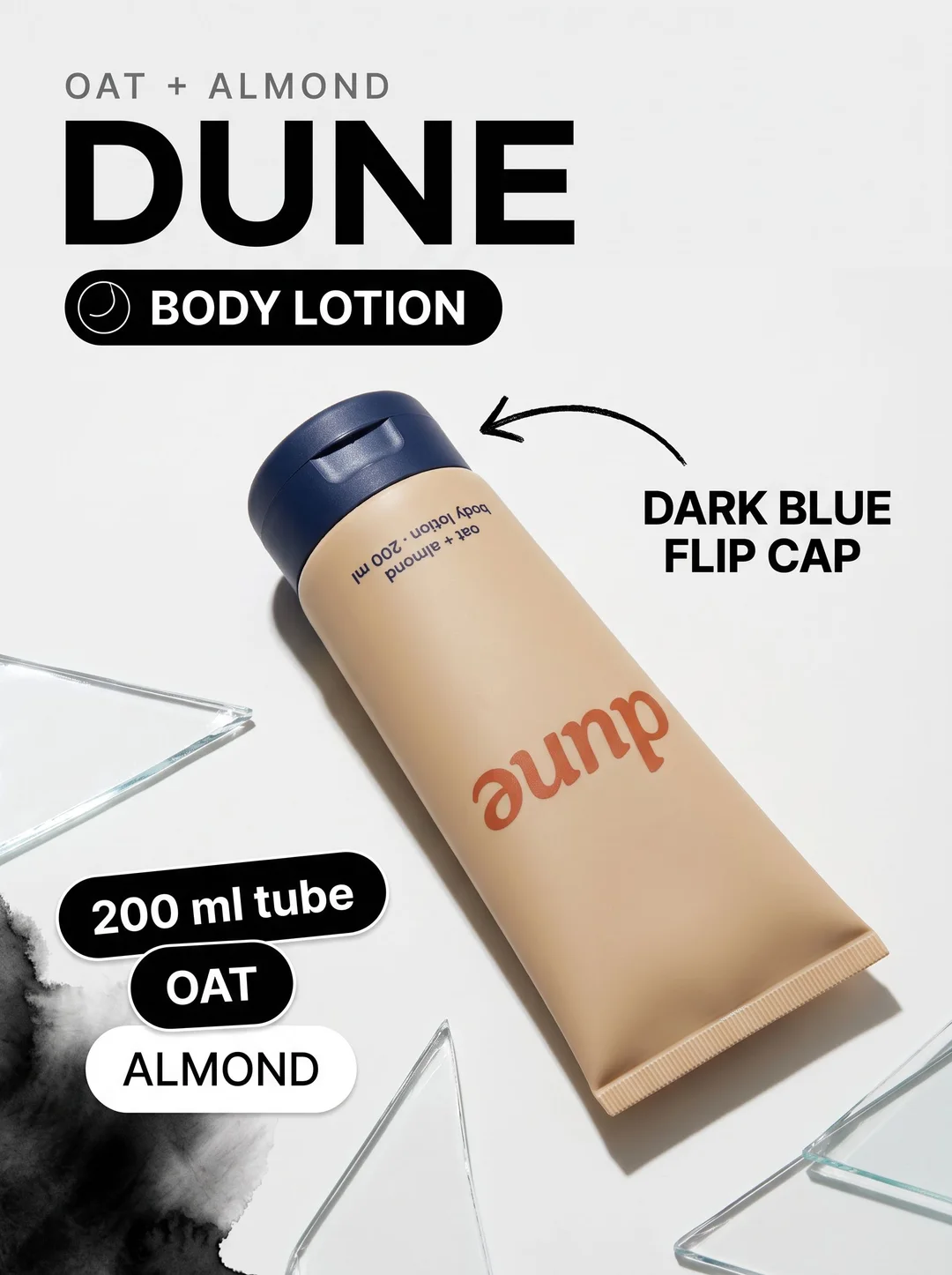
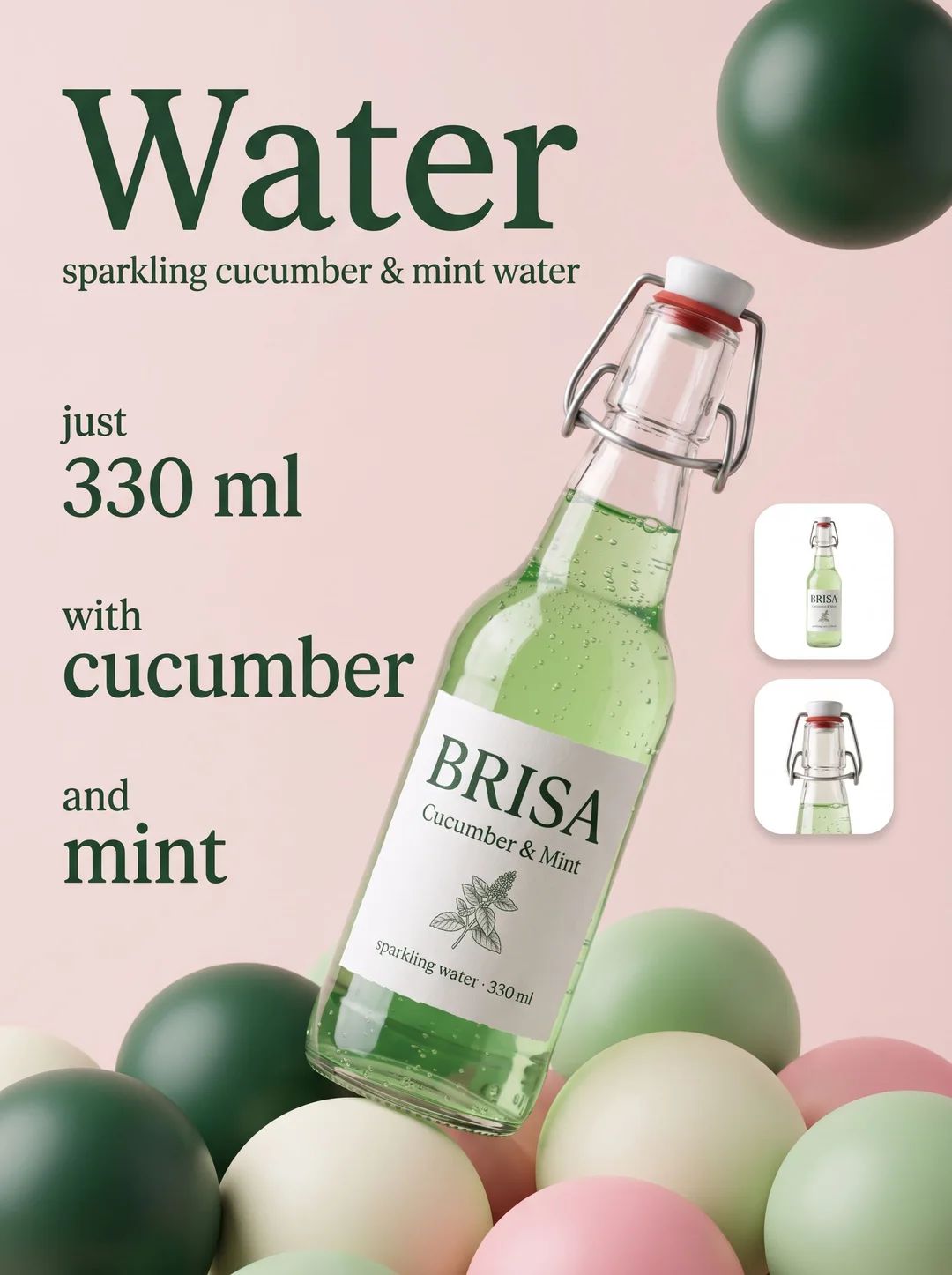
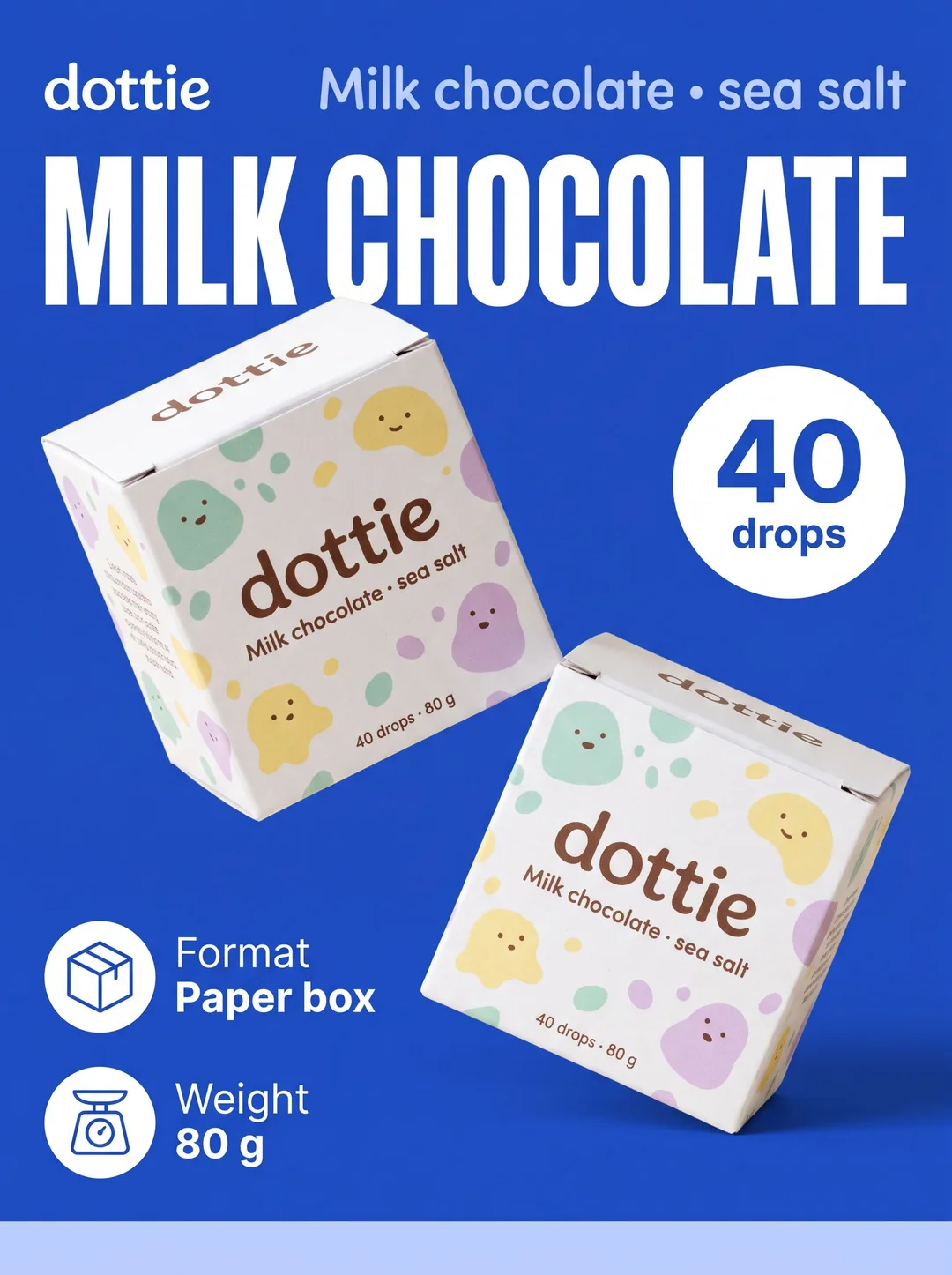
On a marketplace, the listing images do the selling before anyone reads the description. The best ones show the product big, say what it is in a few words, and point at the details that matter — the size, the flavour, the finish. The studio makes those images from one photo: it reads what is on your pack, takes your own selling points, and lays them out around the product in a finished, on-brand design.
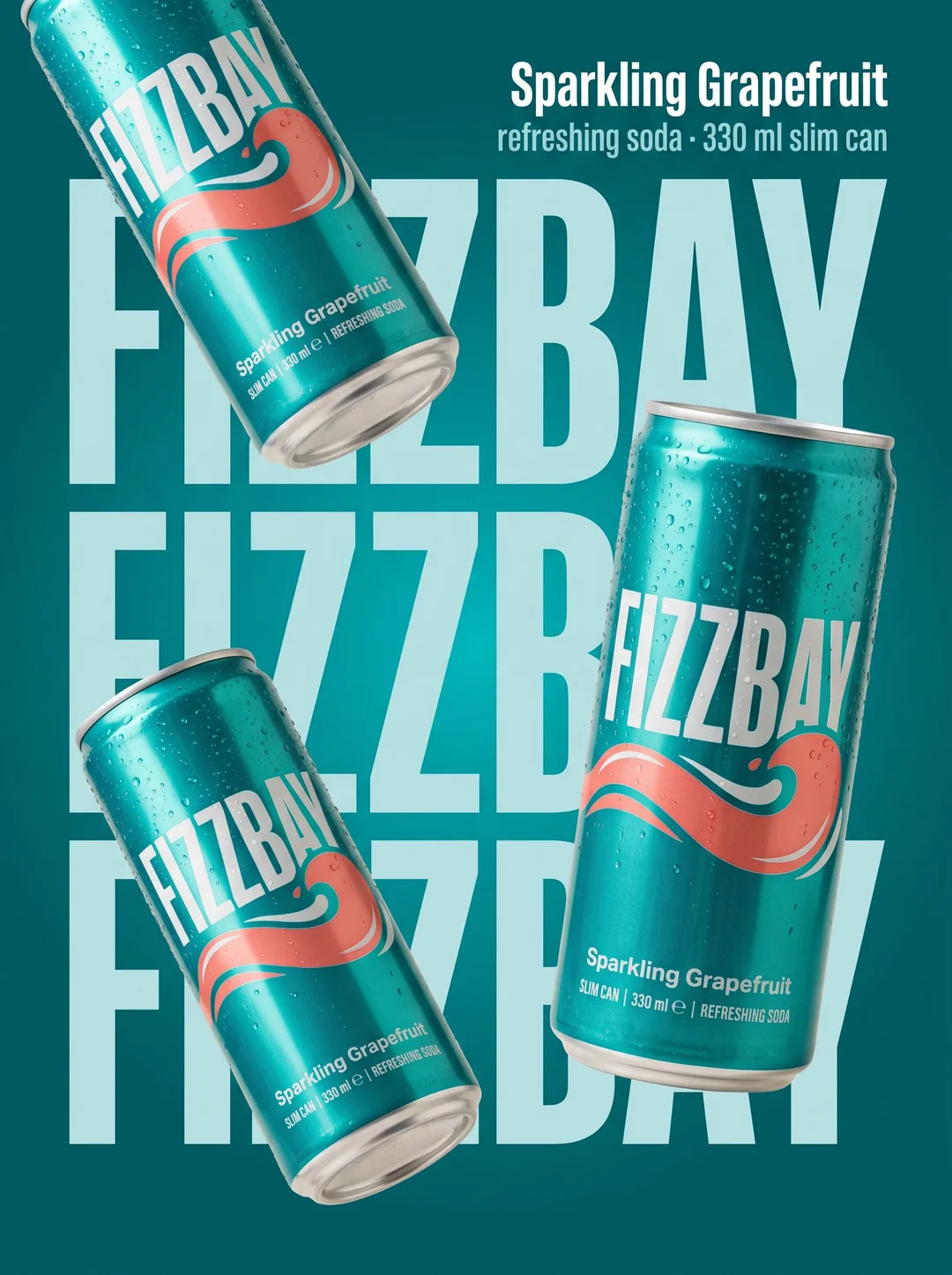
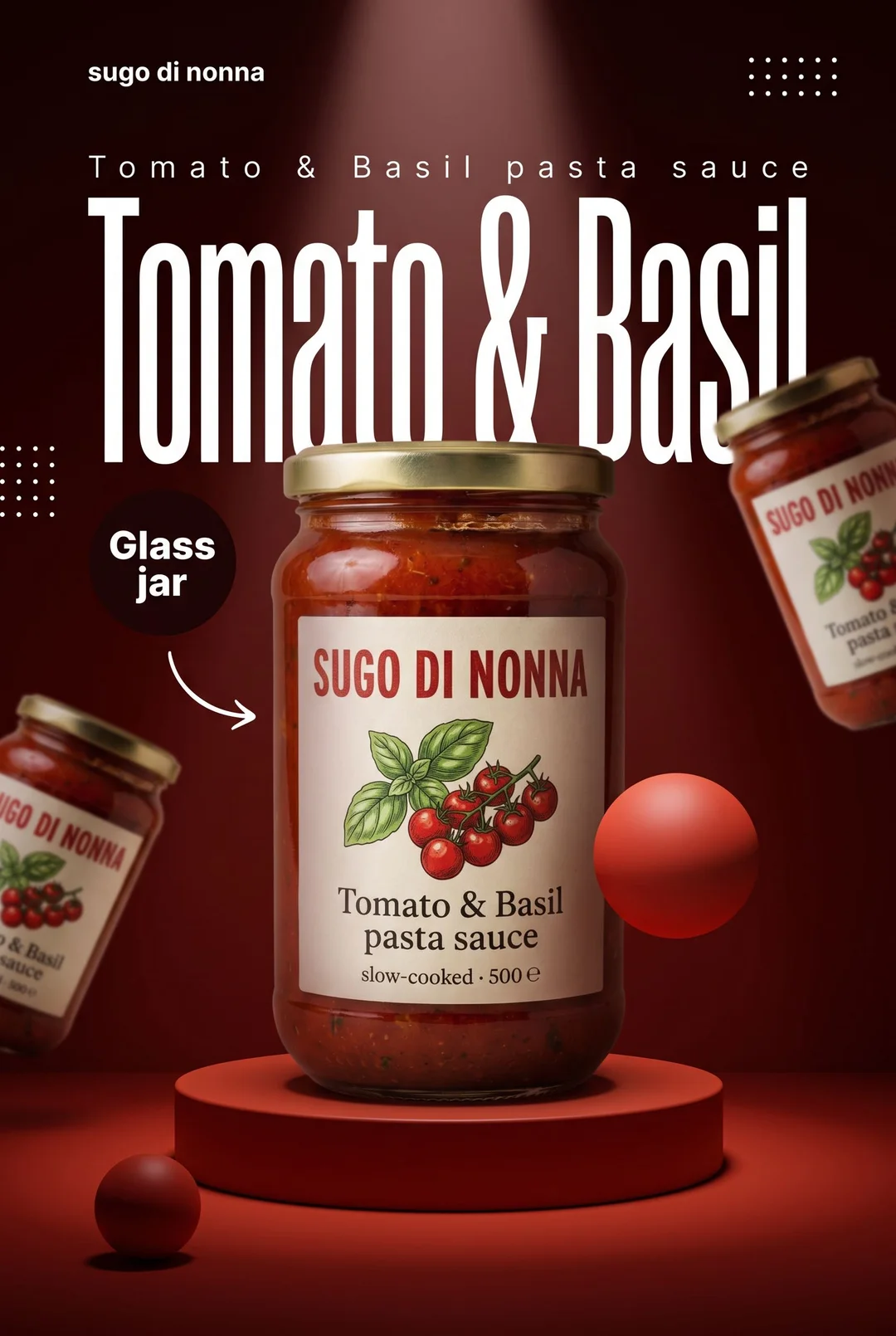
The name, big and bold
Bold layouts set the product's name huge beside it — in a giant wordmark, a towering condensed headline, a two-tone stack. It is the image a shopper recognises in a grid of search results, and the one that makes a thumbnail worth clicking.
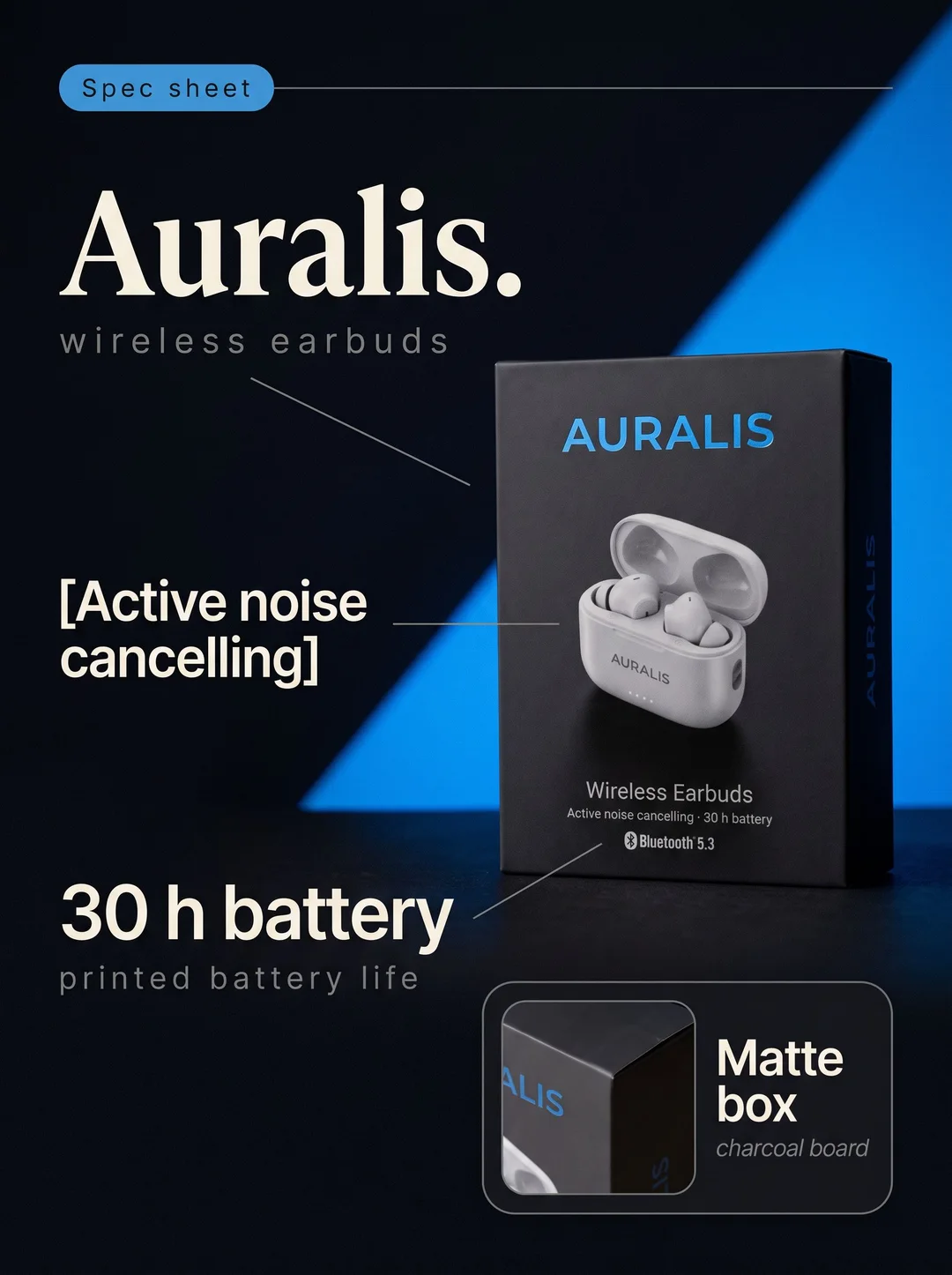
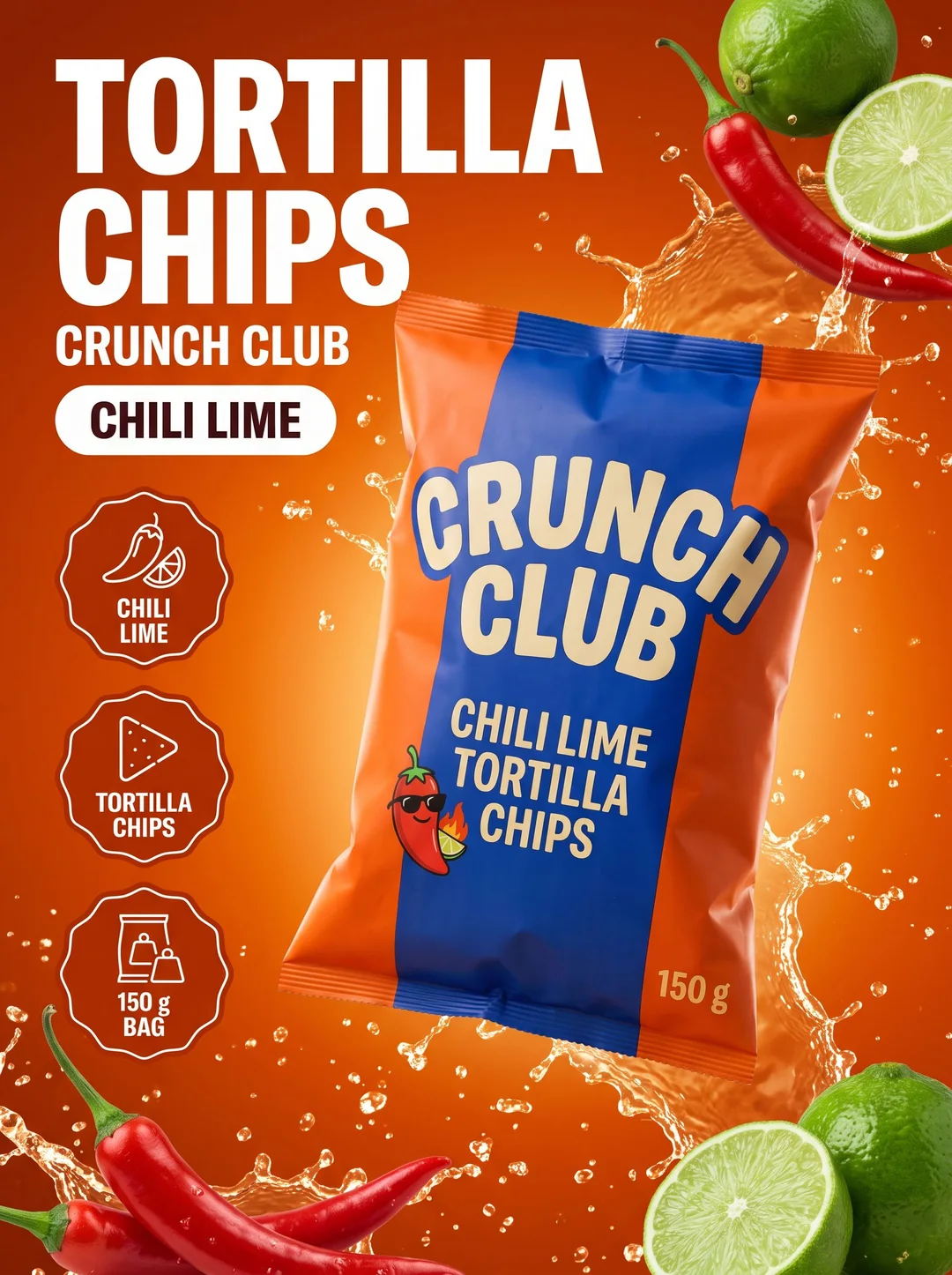
Callouts that point at what matters
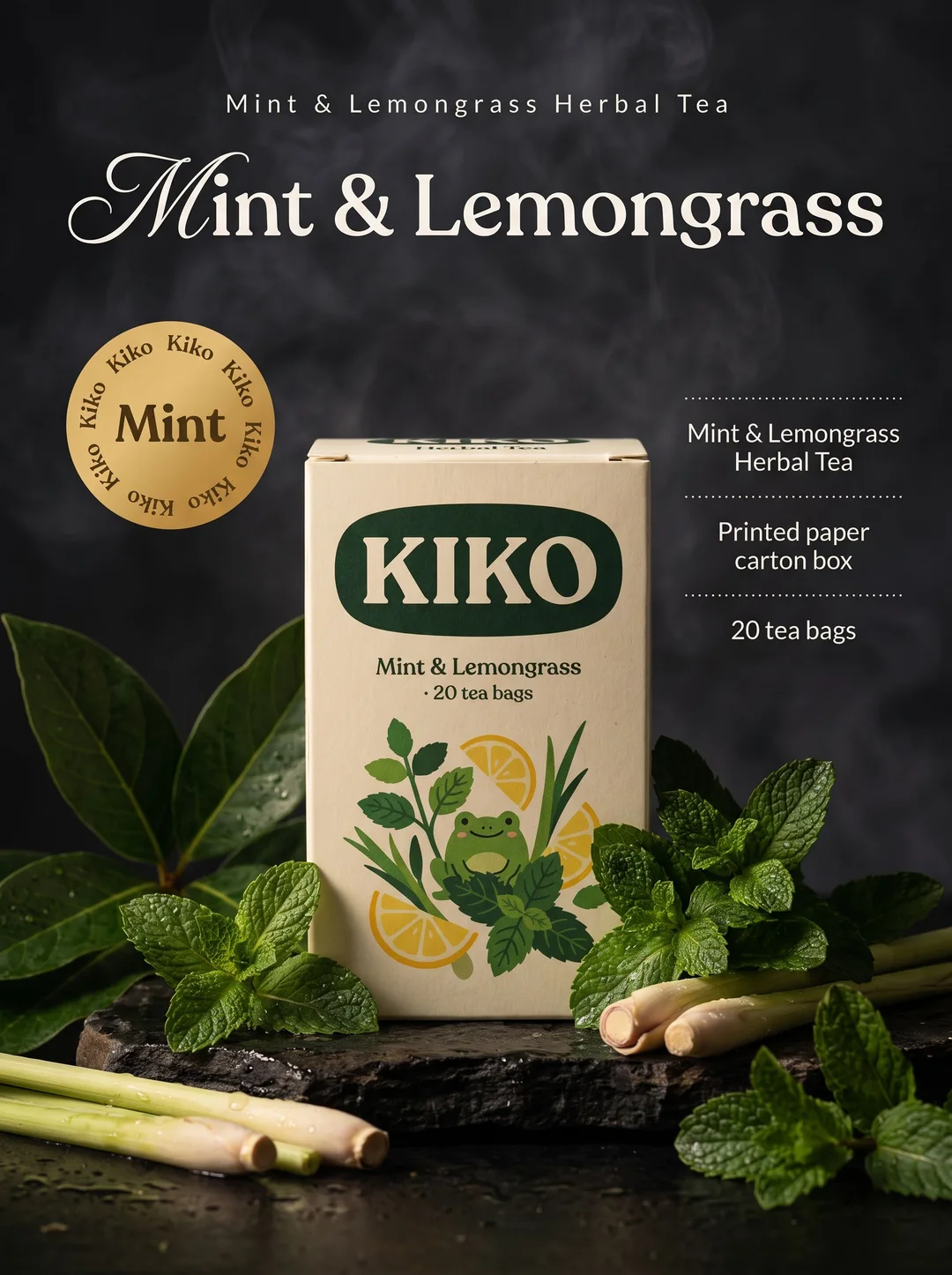
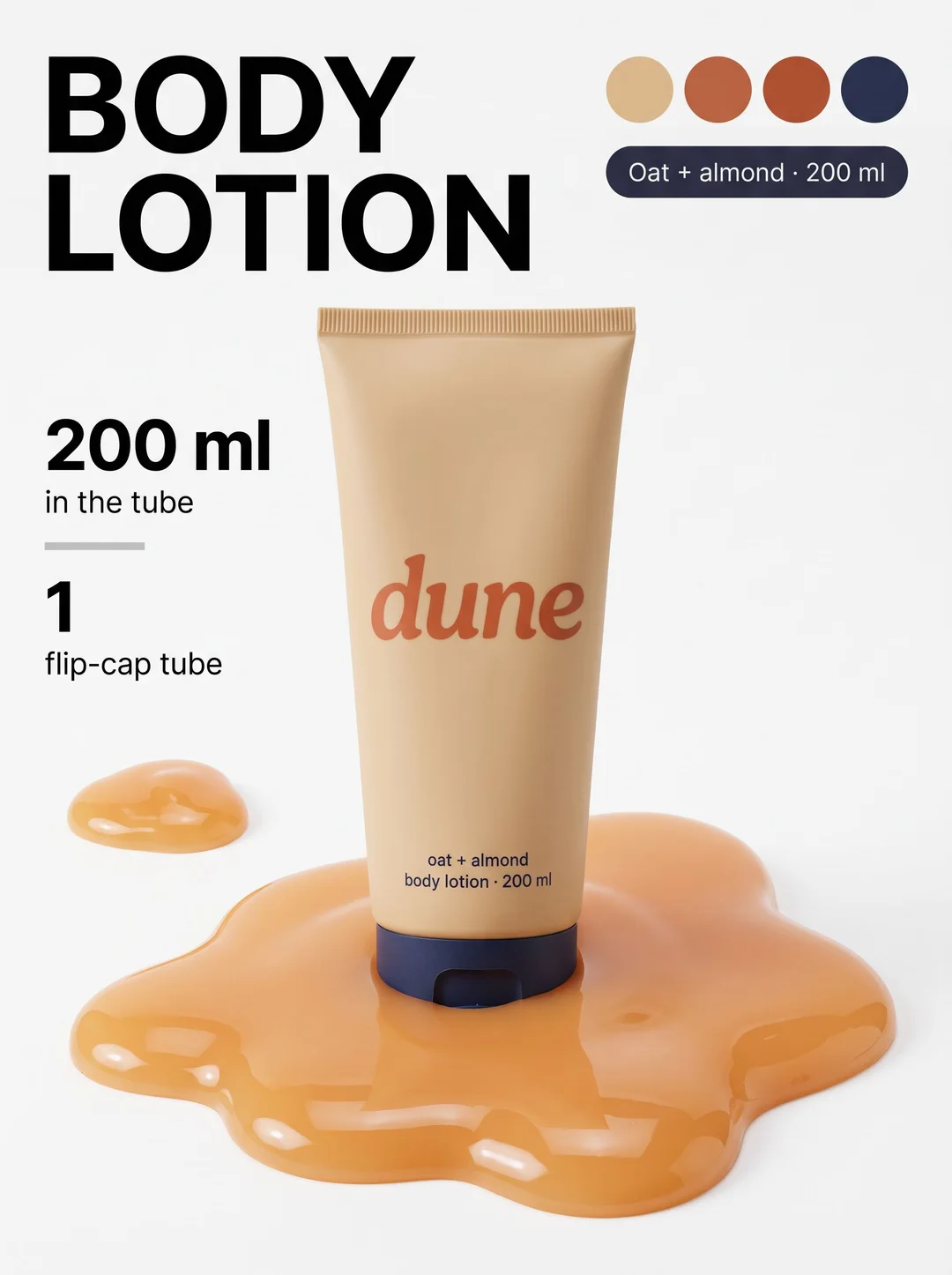
Hairlines, labels, badges and numbered points pick out the details a shopper is looking for: the size, the flavour, the material, what is inside. Every callout is a fact from the pack or a point from your brief, placed beside the product rather than buried in the text.
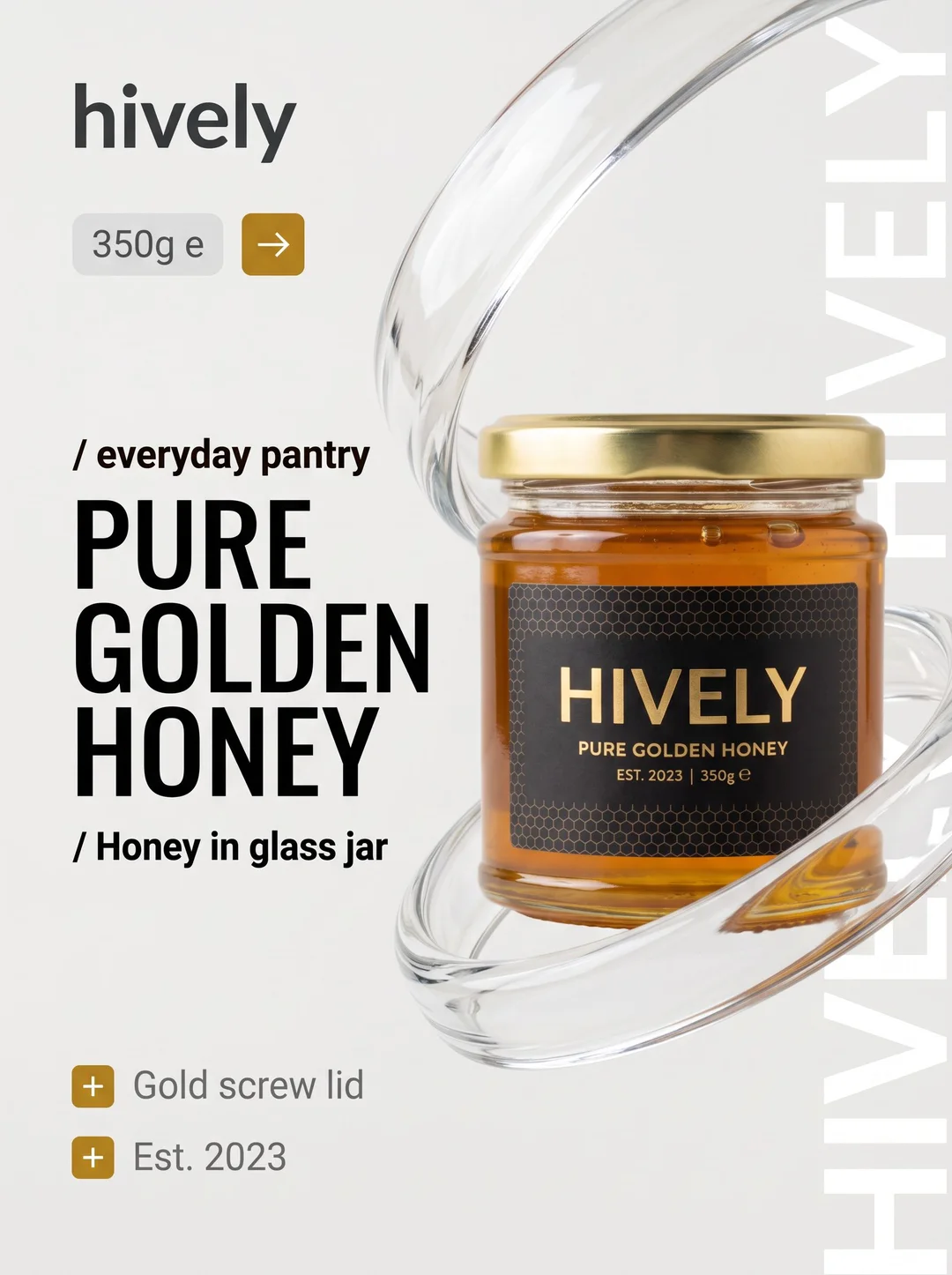
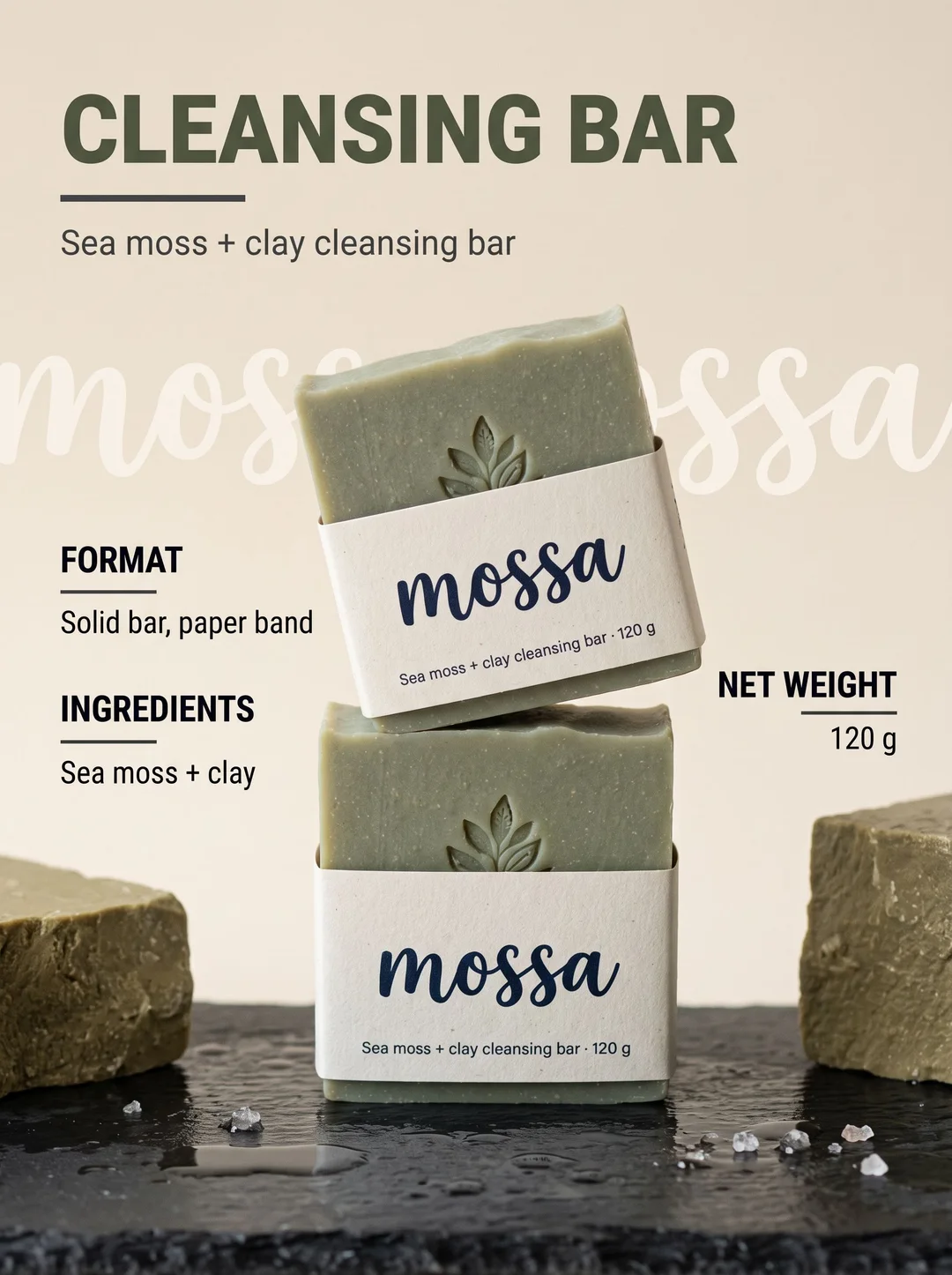
Clean layouts for a premium look
Plenty of room, a few words, the product first — on glass, stone, satin or plain white. For ranges that sell on calm and quality rather than on noise, and for the second and third images in a gallery that need to breathe.
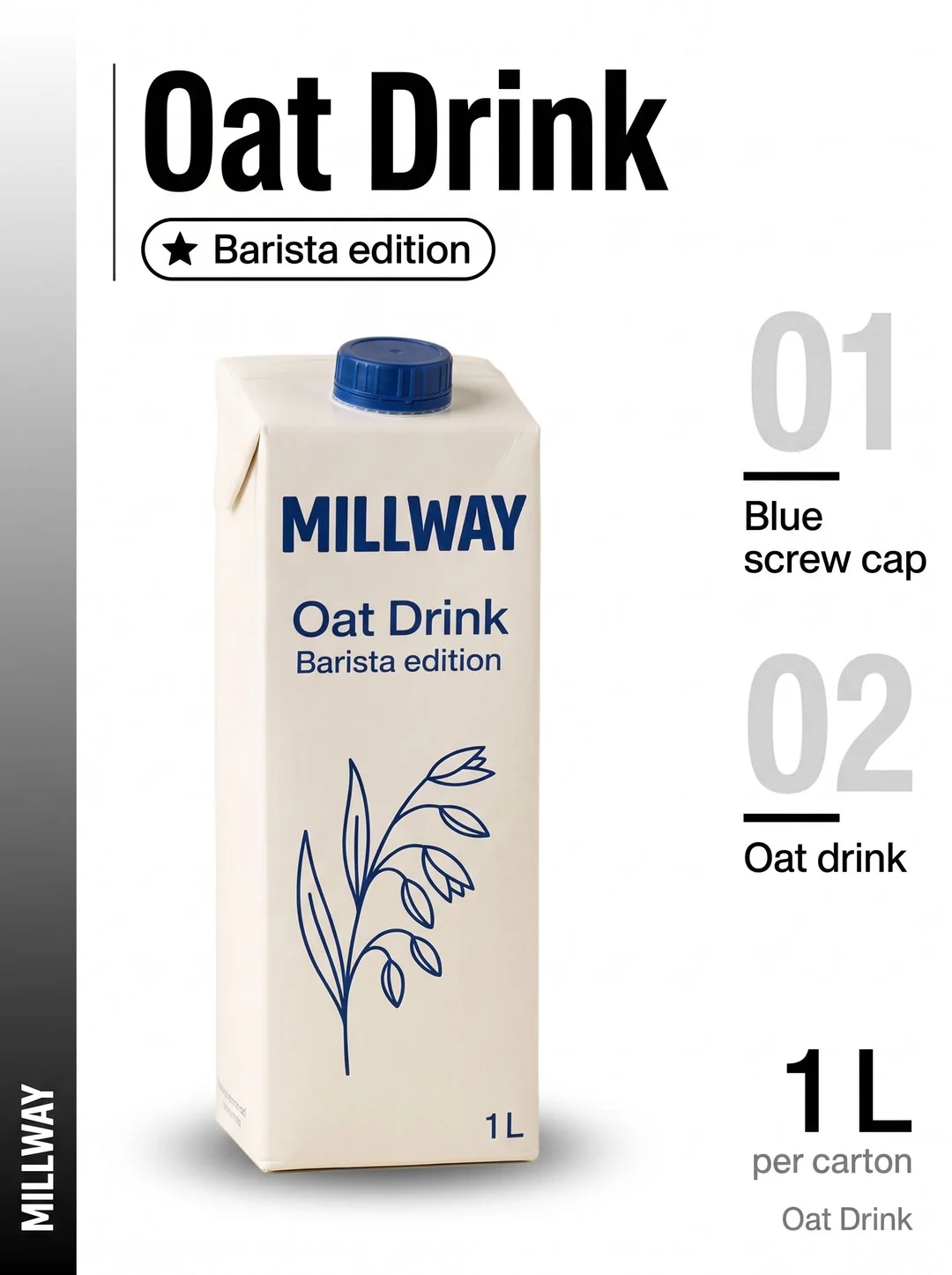
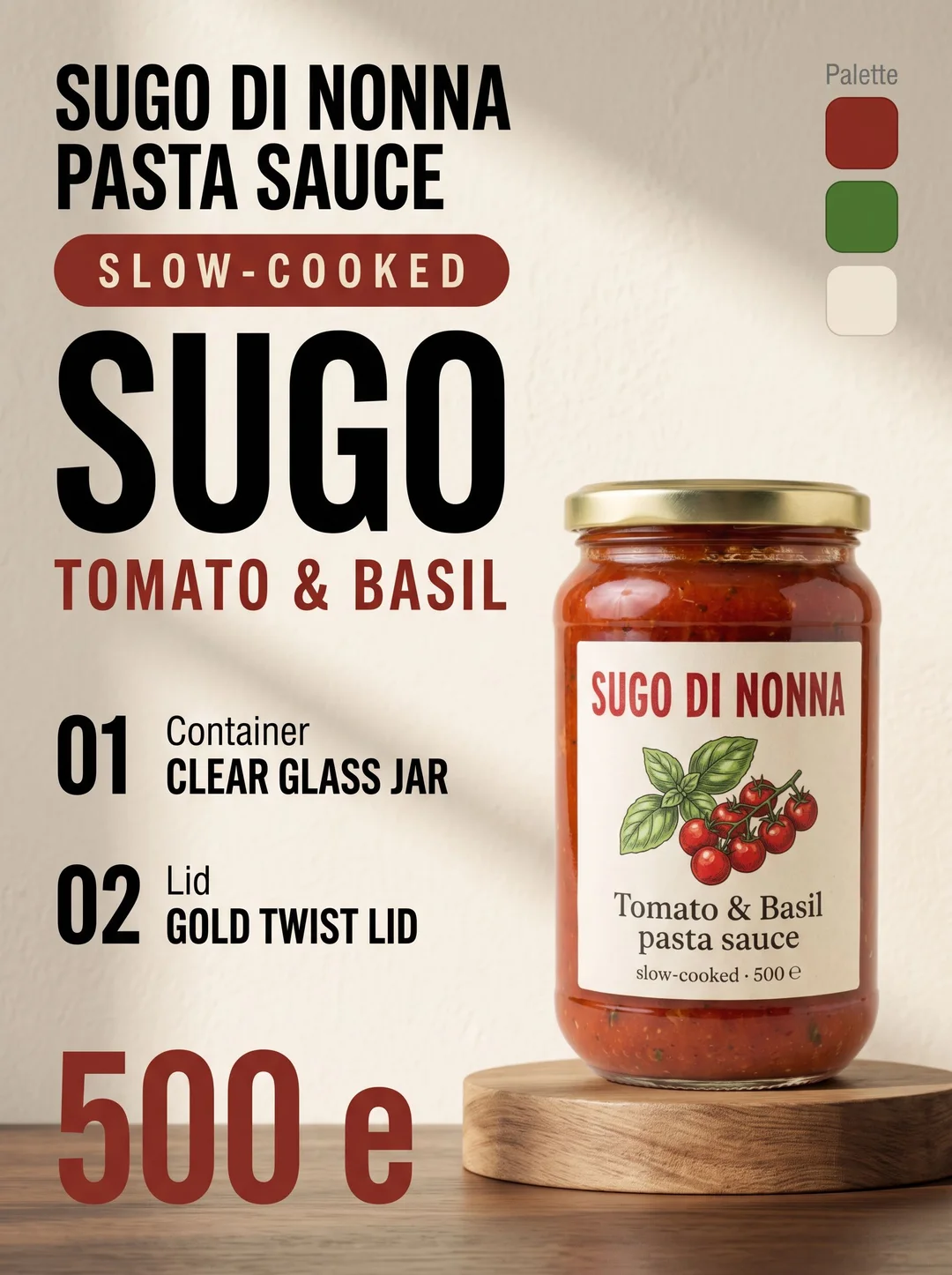
Words you can stand behind
Every word comes from the packaging, from what can be seen in the photo, or from your brief. A claim the label does not make — a benefit, a number, a 'free from' — is only used if you wrote it yourself, so nothing ends up on your listing that you cannot back up.
Use cases
Where it earns its place
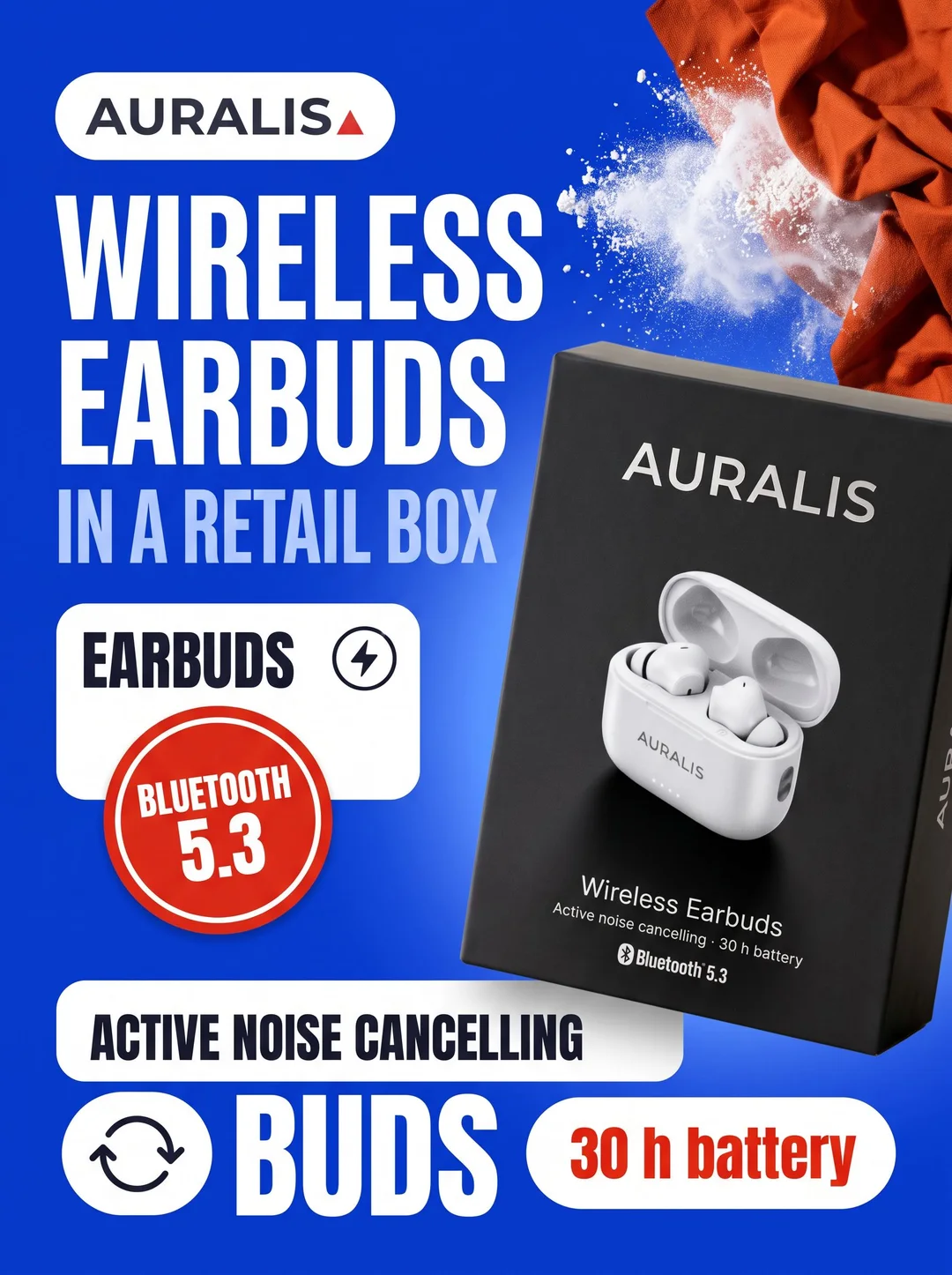
Marketplace product pages
The first image a shopper sees, and the ones after it — on any marketplace or on your own store.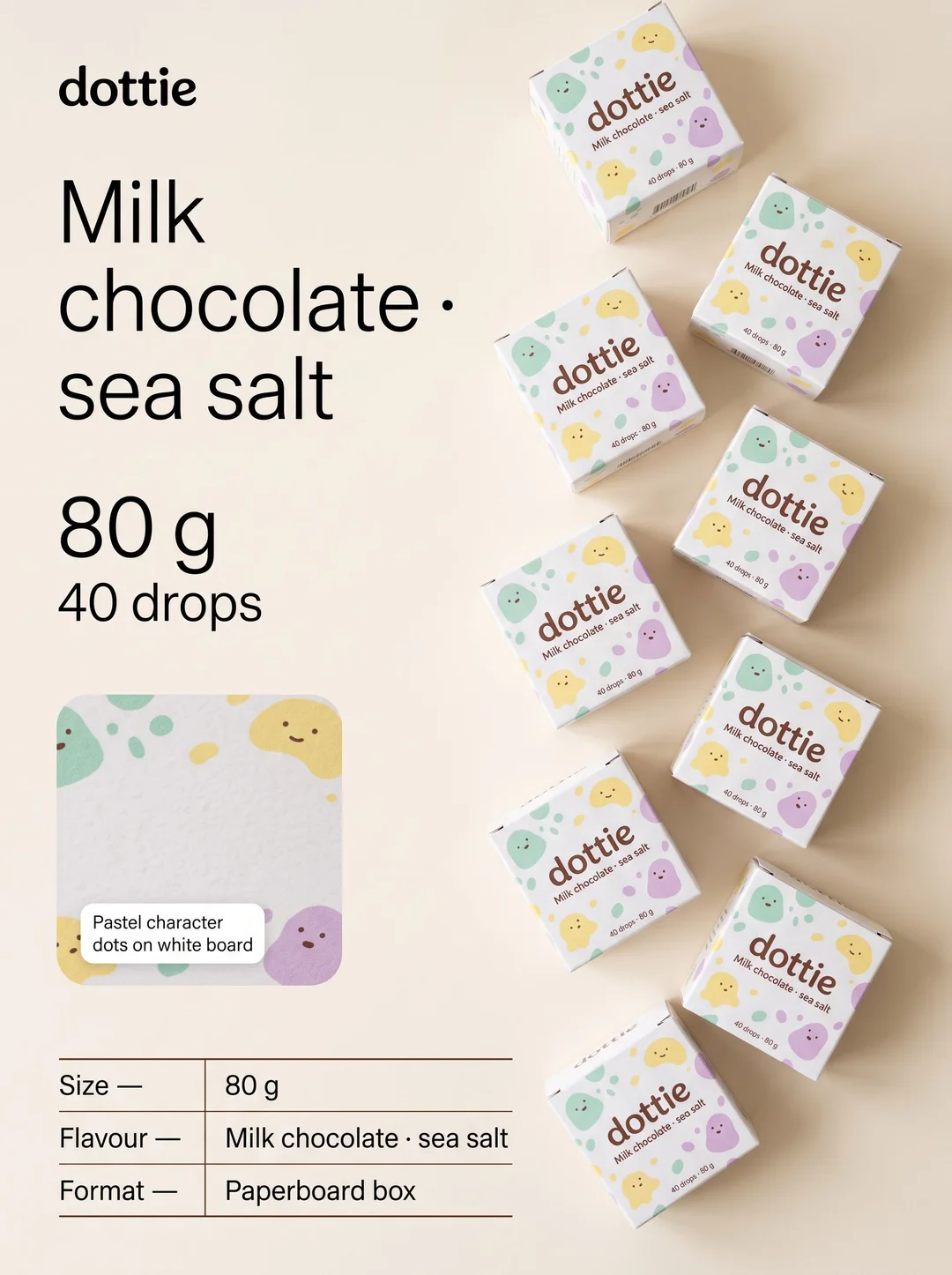
A full set for every product
Run several layouts on one photo for a matching gallery: the hero, the details, the size, the ingredients — every image in the listing from one shoot.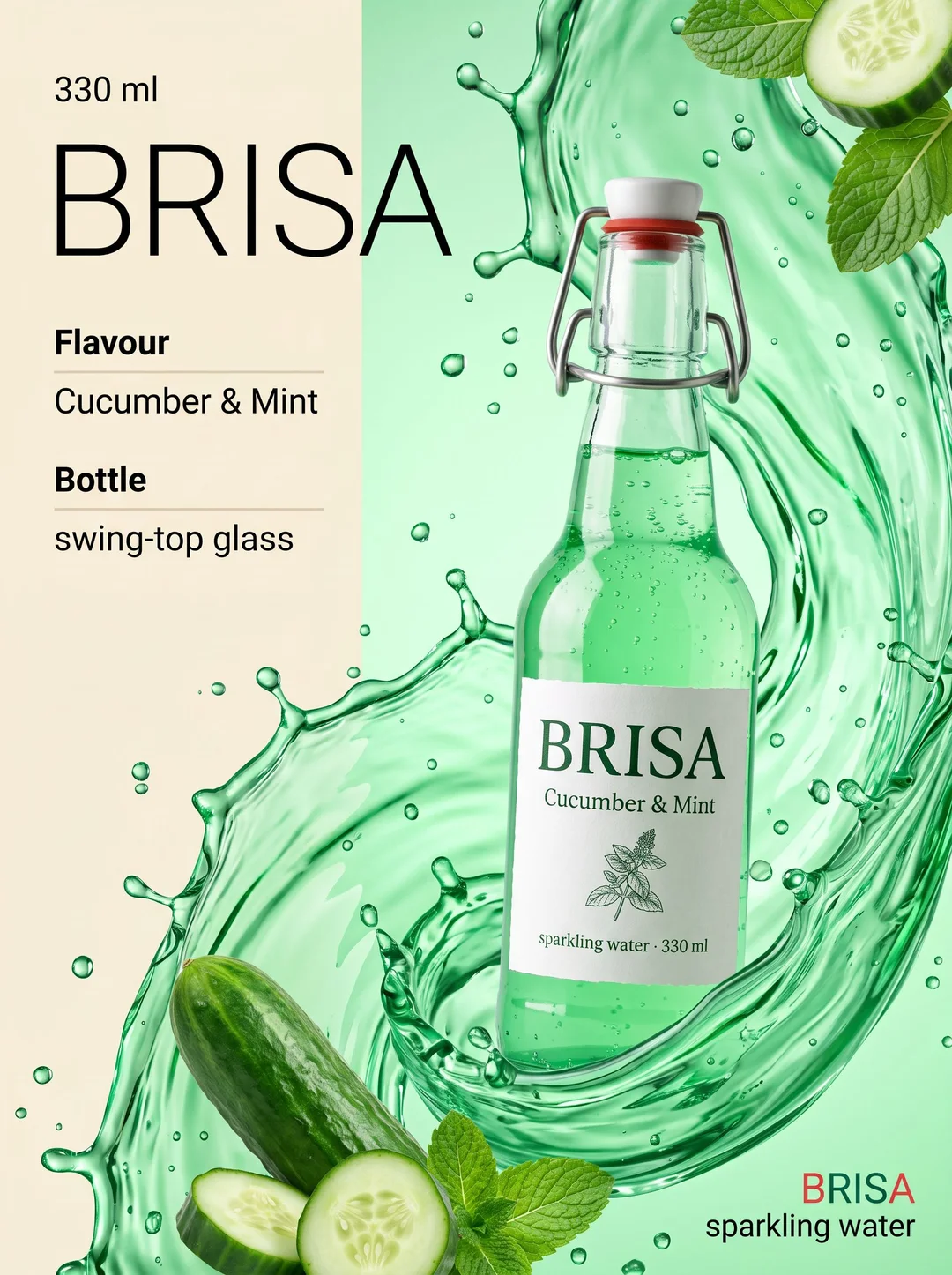
New flavours and variants
Same layout, new product. Keep a range consistent as it grows, one flavour, colour or size at a time, so the whole shelf looks like one brand.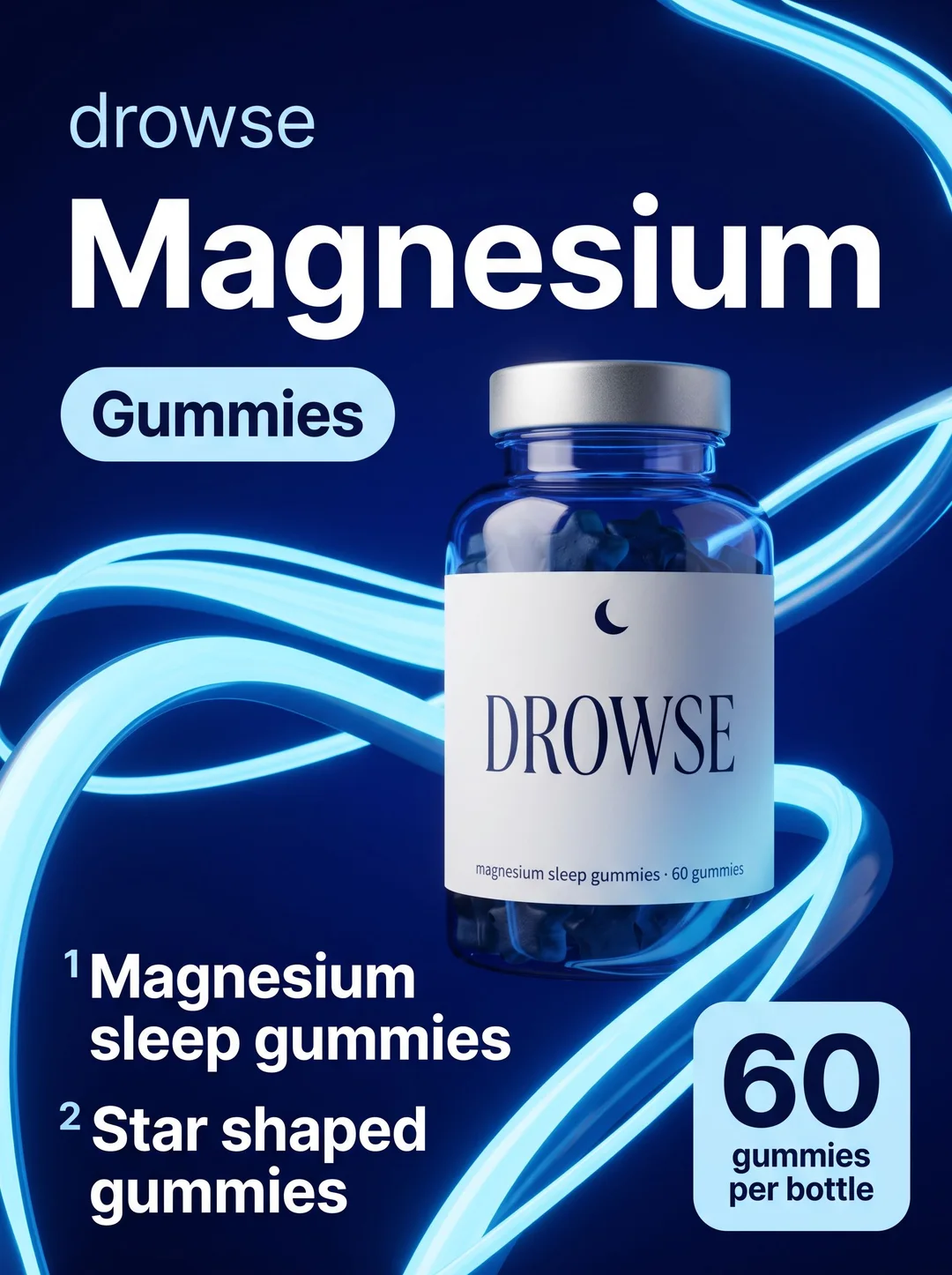
Ads and promotions
A listing-style image that explains the product at a glance works as an ad and a social post too — the same facts, the same look, wherever it runs.
Examples
Start from one of these
Open any of them, put your own in, and run it. There are many more in the studio.
Questions
Where do the words come from?
From your product and from you: what is on its packaging, what can be seen in the photo, and anything you write when you run it. A claim the label does not make is only used if you wrote it.
Can I add my own selling points?
Yes. Write them in the brief — a benefit, an award, a number — and they are used in the callouts.
What shape are the images?
Upright — 400:533 and 2:3, depending on the template.
What does it cost?
Every run is priced in credits, and the price is on the button before you press it. New accounts get 10 free credits.
Who owns the content I create?
You do. Content you generate on Patternful.ai is yours to use, including commercially, under our AI license.
More from the Marketing Studio
Everything else the studio makes, from the same one photo — or see the whole studio.
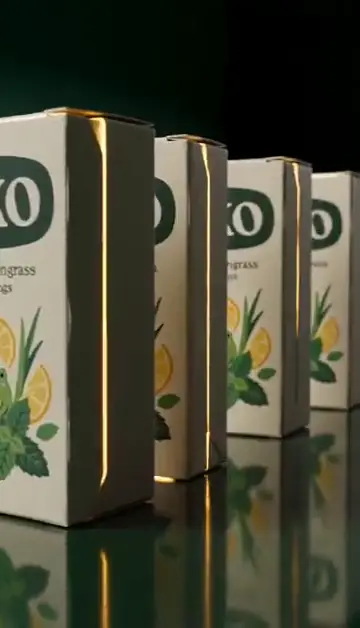
Video ads
Finished short video ads from one product photo — every shot and beat already planned.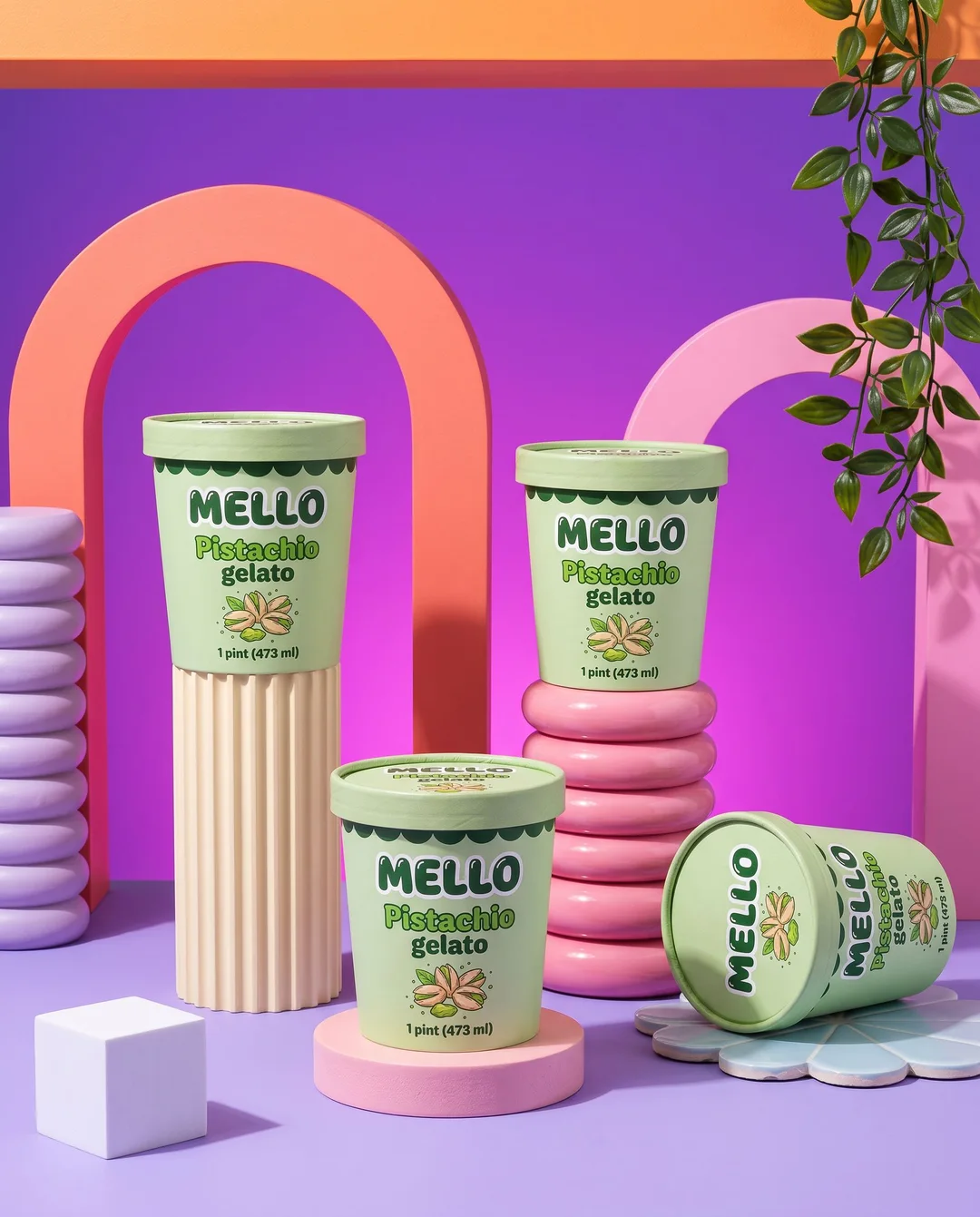
Product shots
Studio, lifestyle and on-model scenes for your product, label and all.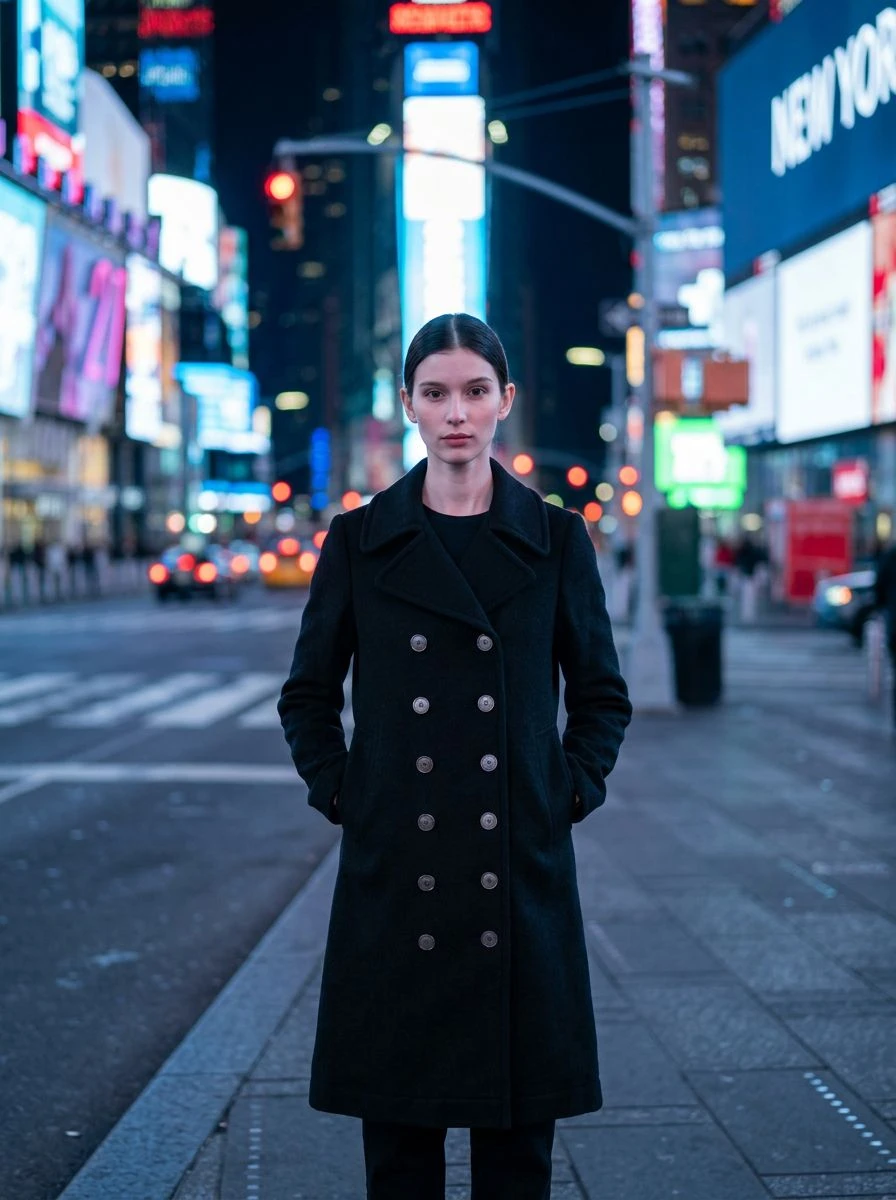
Virtual try-on
Your clothing and accessories on a person, in any setting and any light.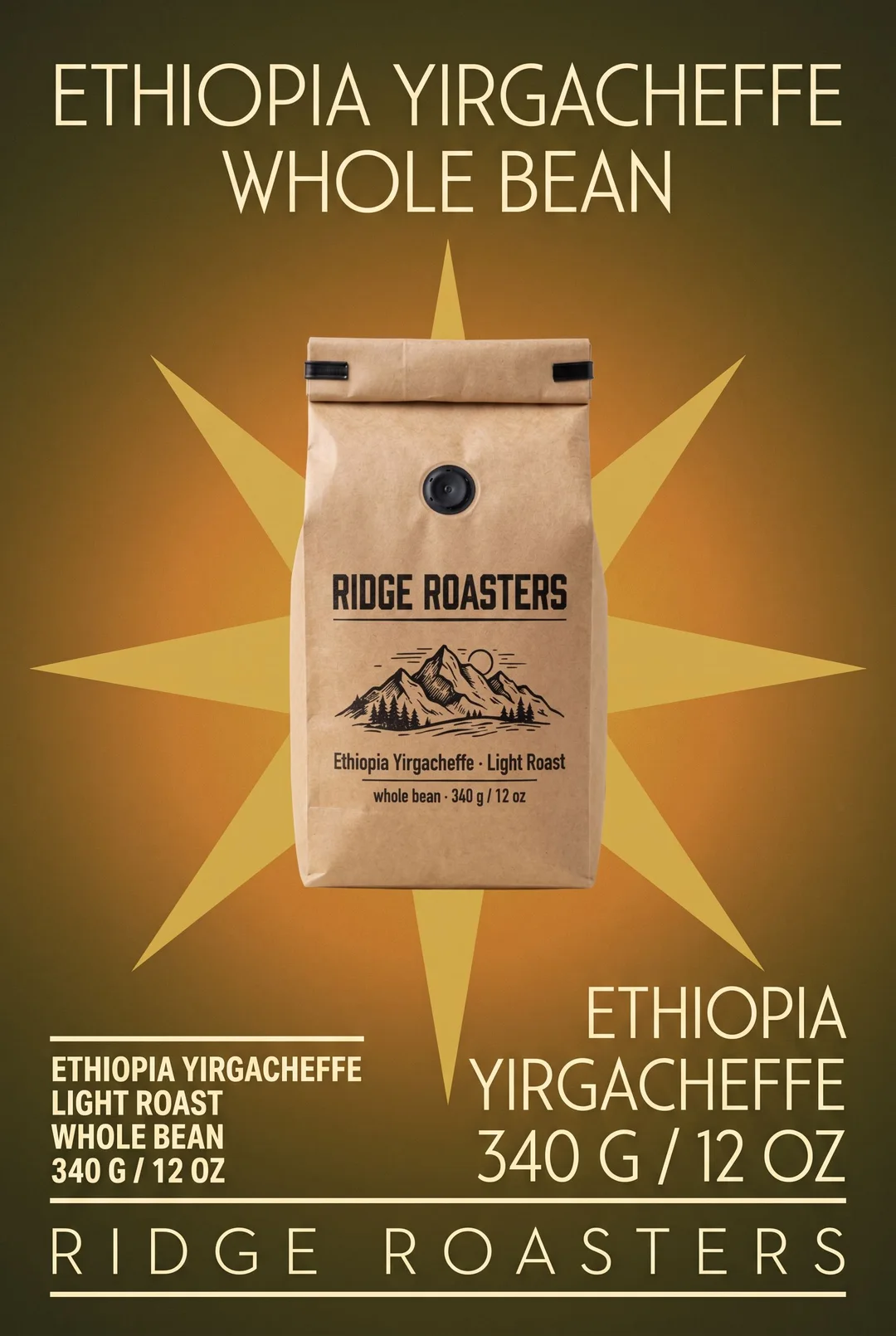
Posters
Product and event posters — photographed, set in big type, or drawn by hand.
Logos
Clean, flat brand marks that read on a sign and on a favicon.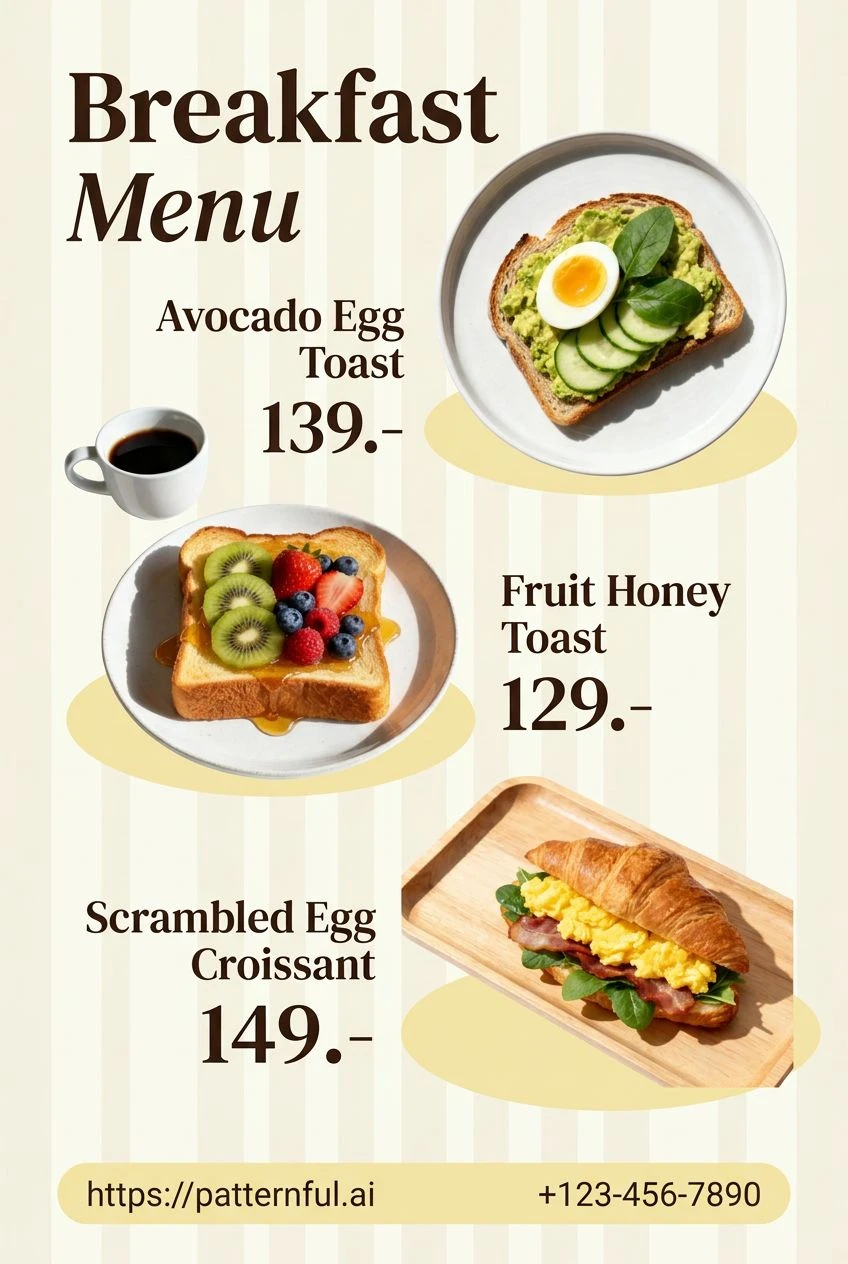
Menus
Readable, styled menus with every item lined up against its price.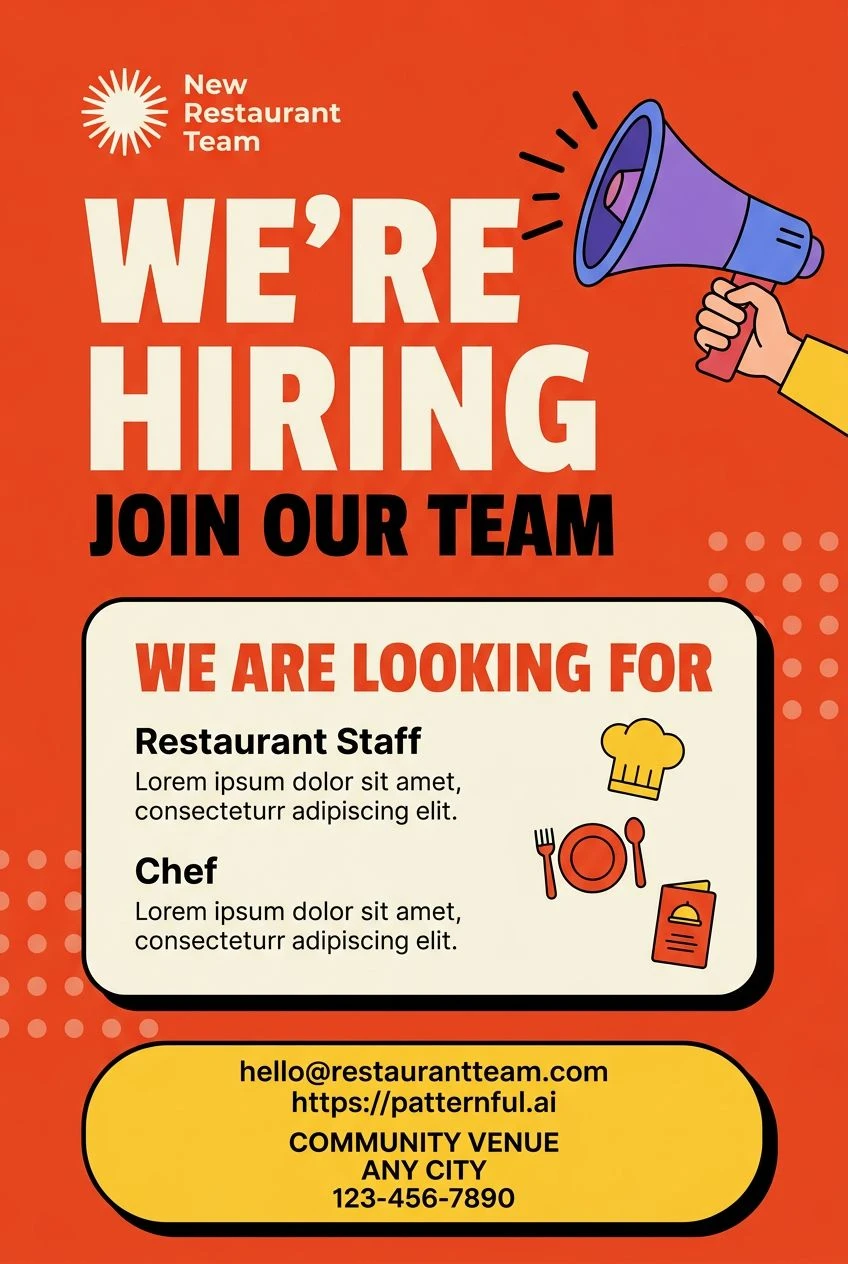
Flyers
Promo and event flyers built around one message you cannot miss.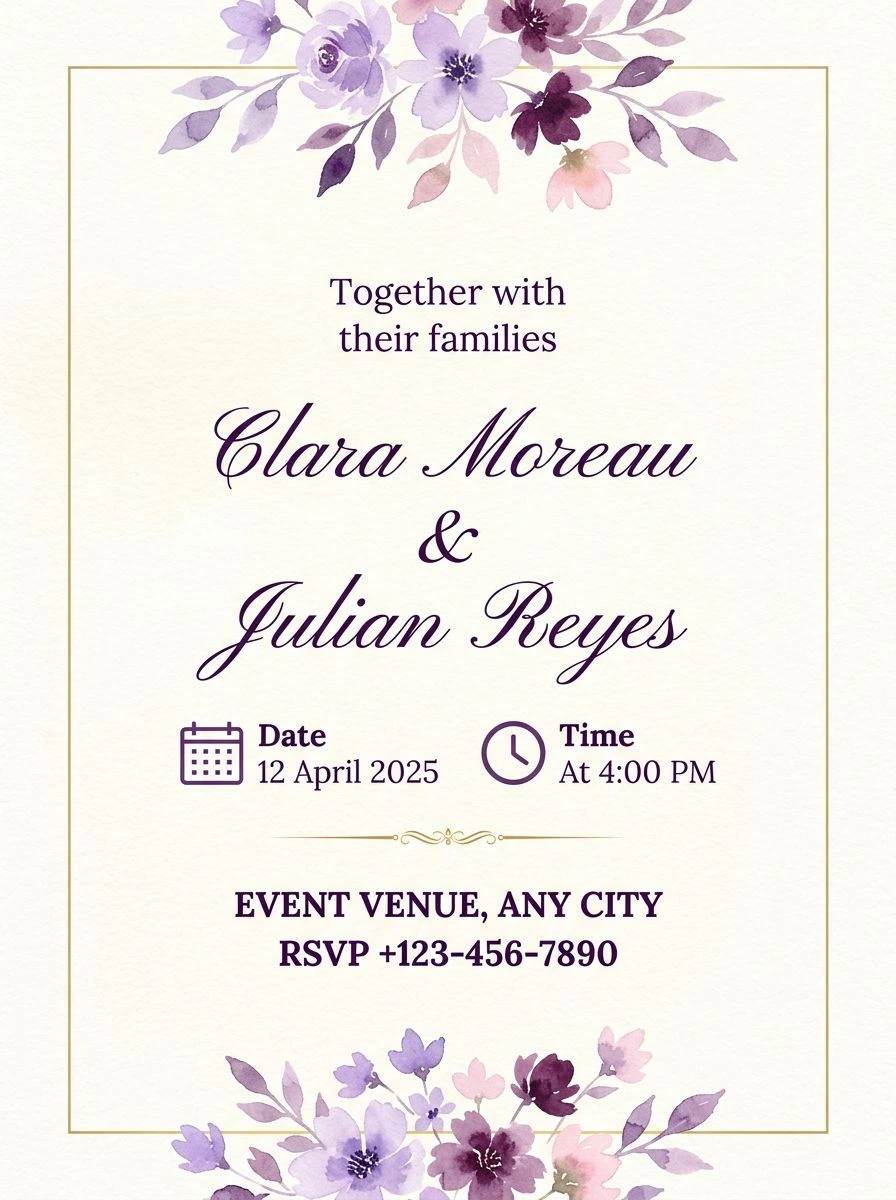
Invitations
Wedding, birthday and party invitations — names first, details quiet.