Change the Camera Angle of Any Image
Rotate the View
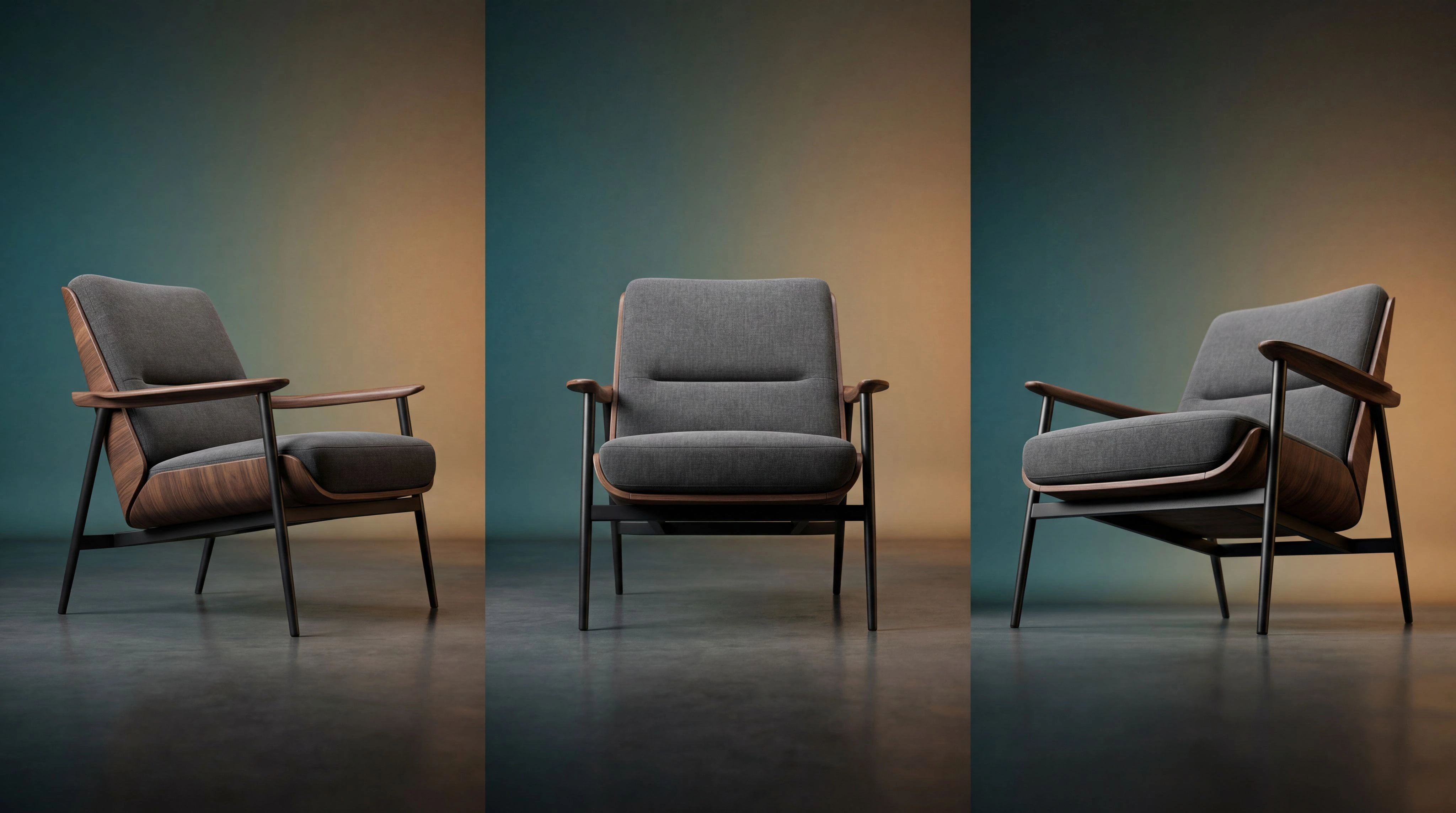
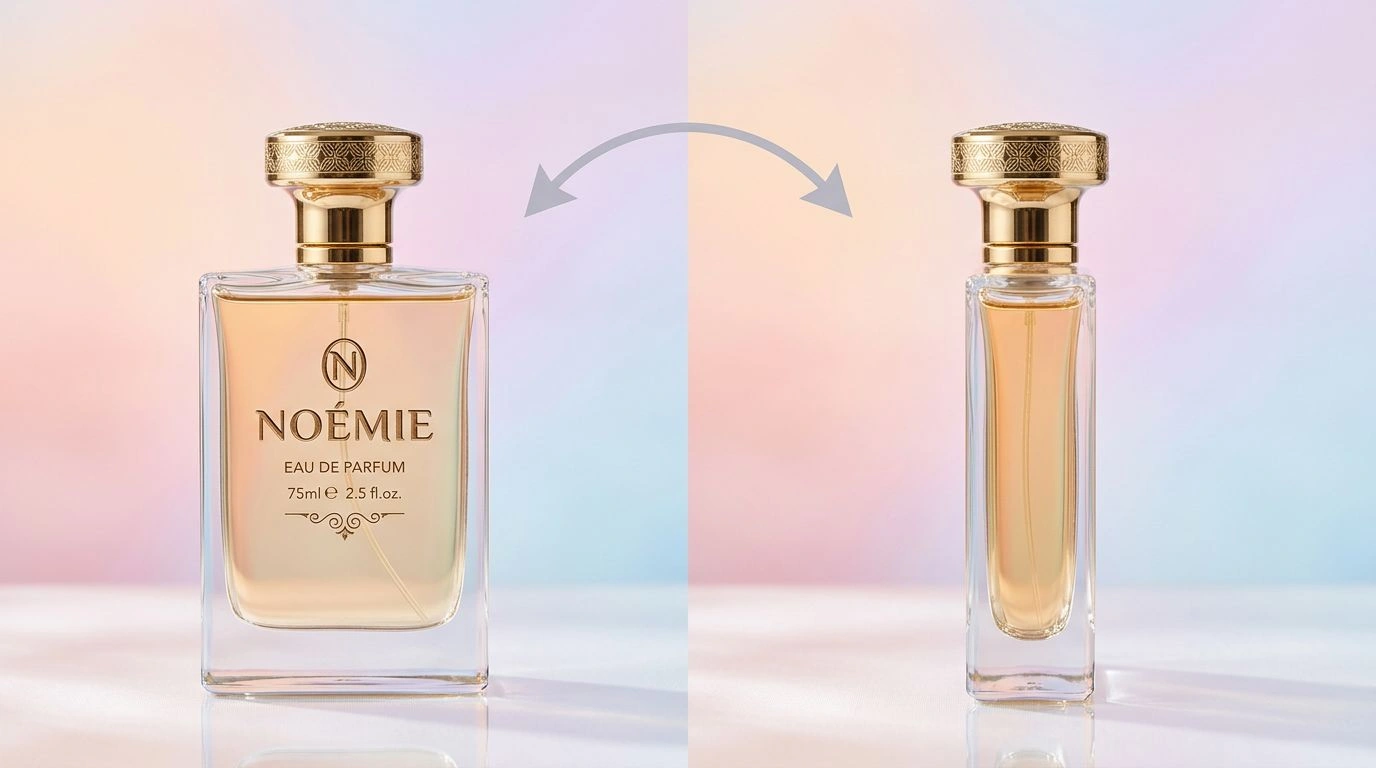
Swing the virtual camera left or right by up to 90 degrees to reveal a brand new side of your subject without setting up a single new shot. Instead of reshooting from scratch, the AI re-renders the same scene from a fresh viewpoint while keeping the subject, materials, and lighting perfectly consistent. It's ideal for product shots that need multiple angles for a listing, portraits you want to reframe, and scenes that simply deserve more than a single static perspective.
Zoom and Push In
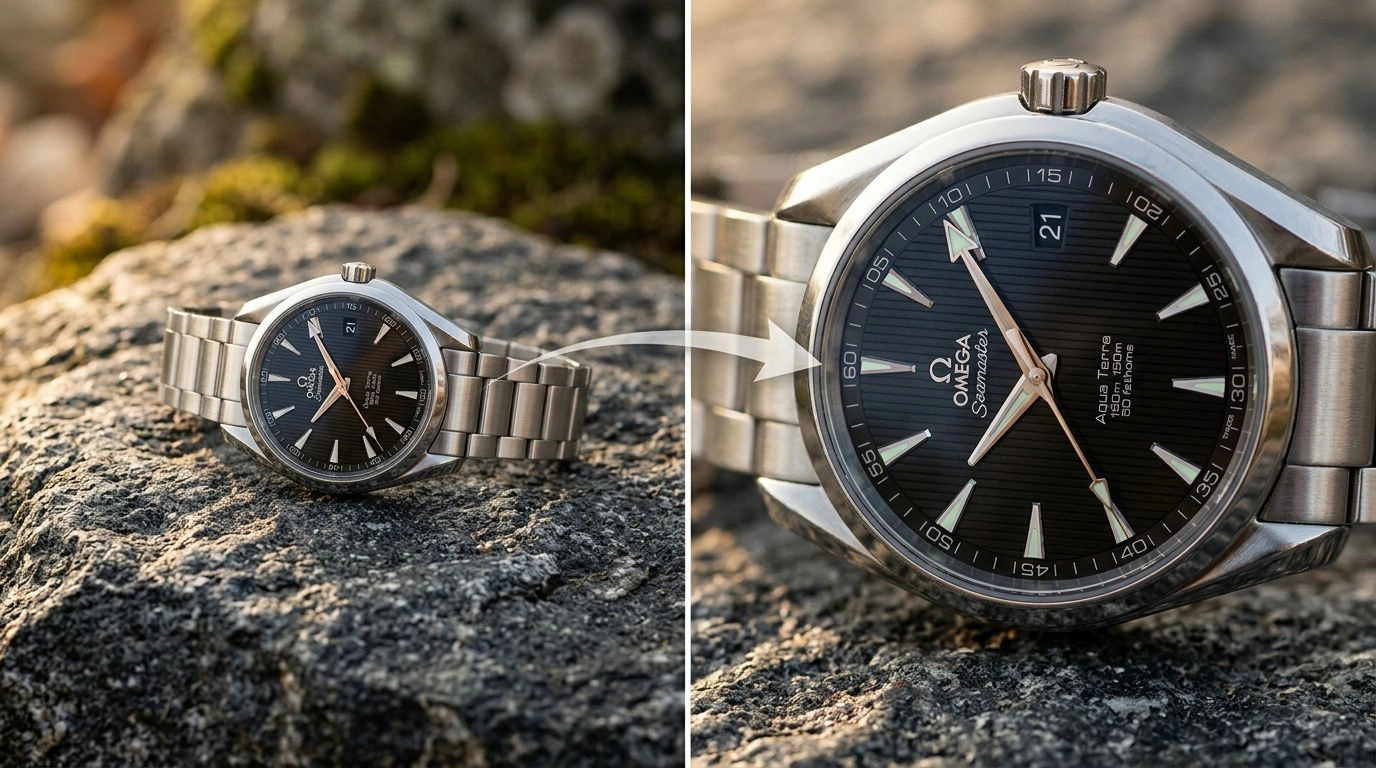
Move the camera forward to push in on your subject for a tighter, more cinematic composition without losing quality or cropping into pixels. As you zoom, the AI intelligently fills in the surrounding detail and preserves crisp edges, so the result looks like it was captured with a real lens rather than digitally enlarged. Use it to draw attention to a hero product, emphasize fine texture and craftsmanship, or create a dramatic focal point that pulls the viewer straight into the heart of the shot.
Tilt Up or Down
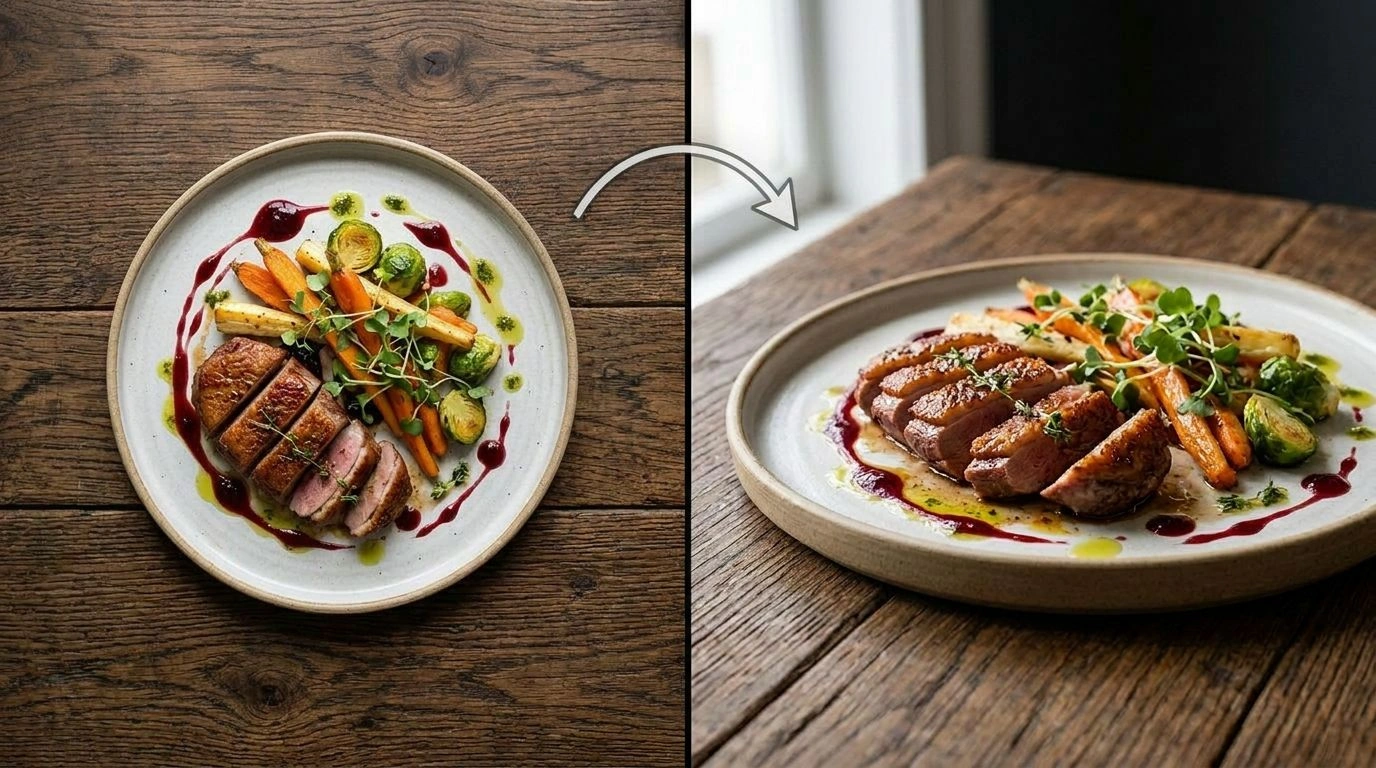
Shift the vertical angle between a high bird's-eye view looking down and a low worm's-eye view looking up to completely transform the mood and emphasis of the shot. A downward tilt flattens and organizes a scene for clean, catalog-style overheads, while a low upward tilt makes your subject feel bold, heroic, and larger than life. Because the AI keeps the same subject and lighting intact, you can experiment freely with vertical perspective and instantly see which framing tells the strongest story.
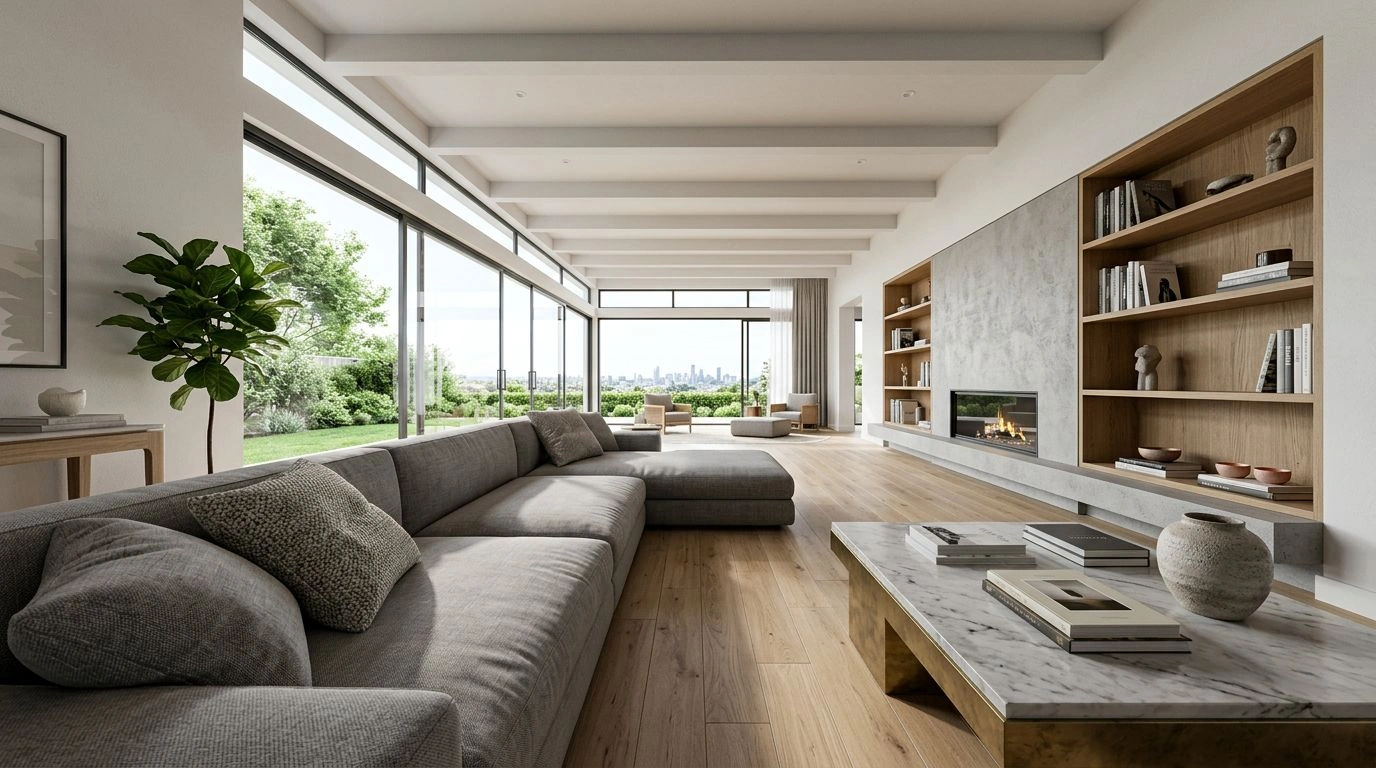
Go Wide-Angle
Enable wide-angle for a more dramatic, immersive perspective that opens up the entire scene and exaggerates depth in all the right ways. It's perfect for interiors that need to feel spacious, sweeping landscapes that deserve more of the frame, and hero product images that call for extra impact and energy. The AI expands the field of view while keeping proportions natural and the original subject unmistakably the same, so you get the bold cinematic look of a wide lens without any awkward distortion.
Explore More AI Tools
Frequently Asked Questions
How do I change the camera angle of a photo?
It takes 3 steps - 1. Upload the image you want to re-frame. 2. Adjust the virtual camera with the rotate, zoom, and tilt sliders. 3. Click generate and download the new angle. The AI keeps the scene, subject, and lighting consistent while moving the camera.
What camera movements are supported?
You can rotate the view left or right (up to 90°), push the camera forward to zoom in, and tilt vertically between a bird's-eye and a worm's-eye view. A wide-angle option is also available for a more dramatic perspective.
Will the rest of the image stay consistent?
Yes. The AI re-renders the same scene from a new viewpoint, preserving the subject, colors, and overall composition so the result looks like the same photo taken from a different angle.
Is my data and privacy safe?
Yes, your images are safe with us. Patternful.ai prioritizes user data safety. Your images are always private, proprietary, and they remain your property. All uploaded images are automatically deleted from our servers after a few hours.