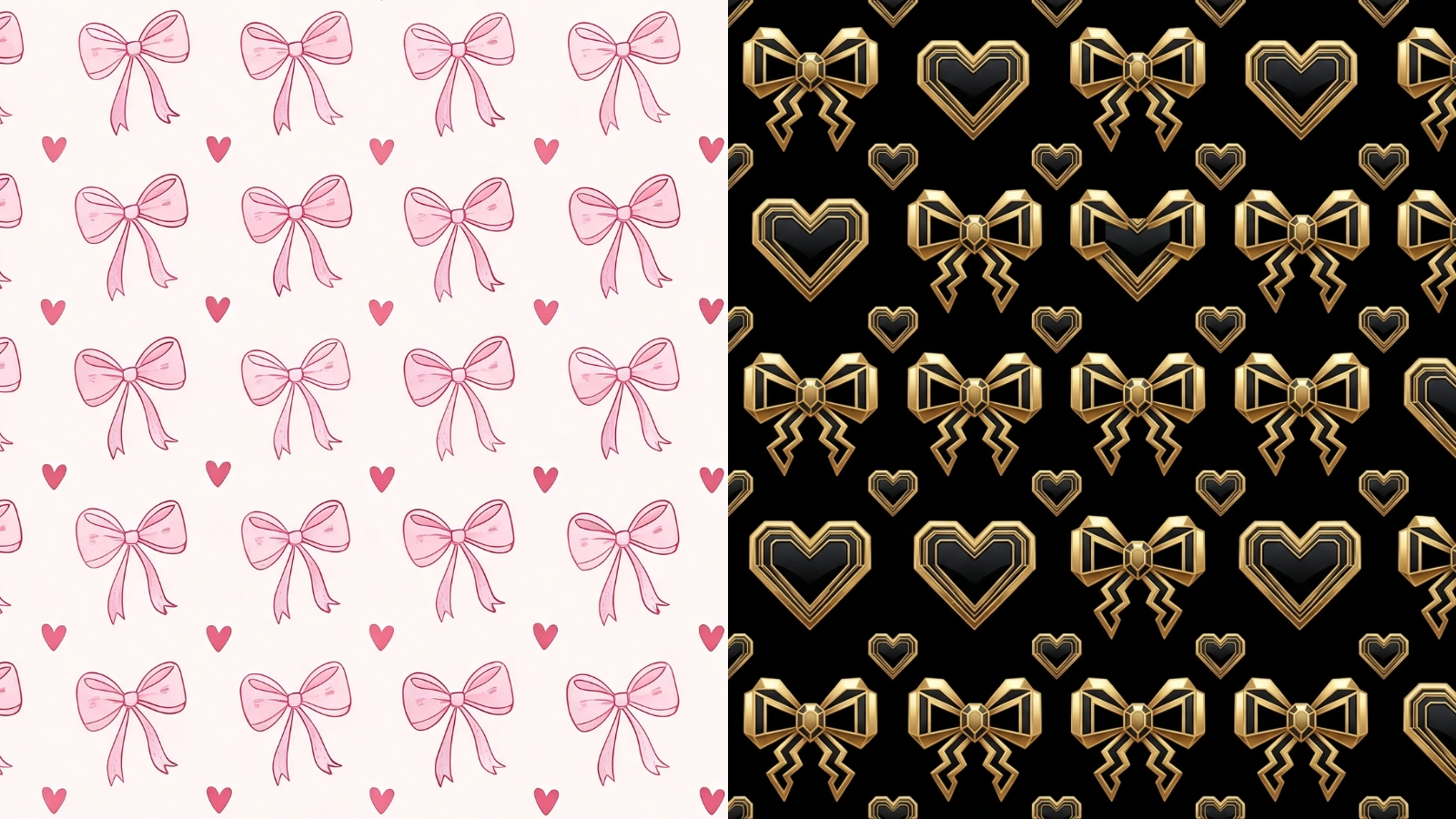
Same Pattern, A New Look
You have a pattern that works, but the look is wrong for this project. Instead of redrawing it, restyle it: the motifs and layout stay exactly where they are and the rendering changes underneath them, so you get the same trusted design as a watercolour, a line drawing, or whatever the project calls for.
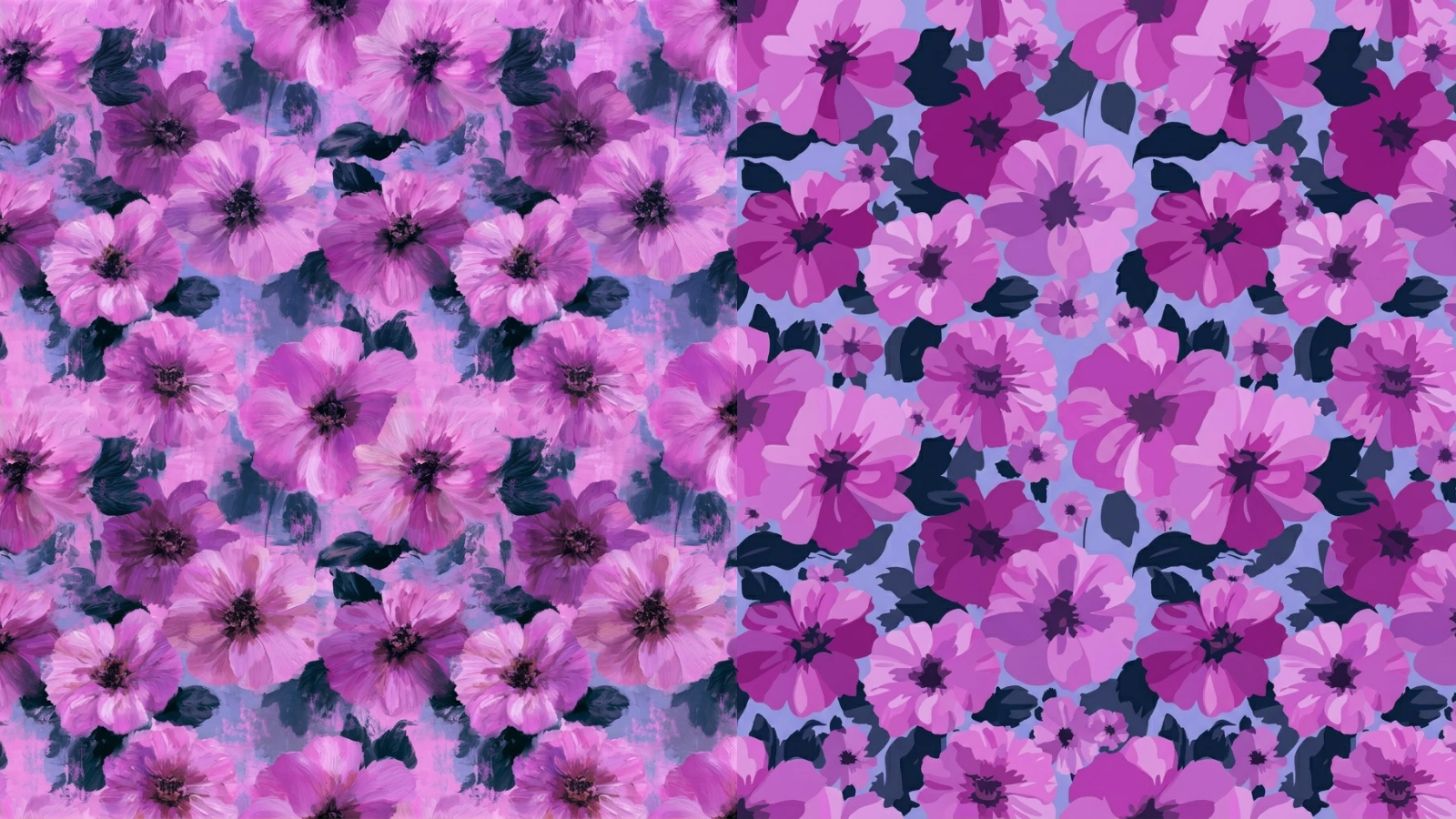
Ready-Made Styles or Your Own
Start from a curated style with a single click — watercolour, line art, vintage, art deco, pop art and more — or describe your own in a sentence. Picking a preset just fills the box, so it is a fast way in that you can then tweak to taste.
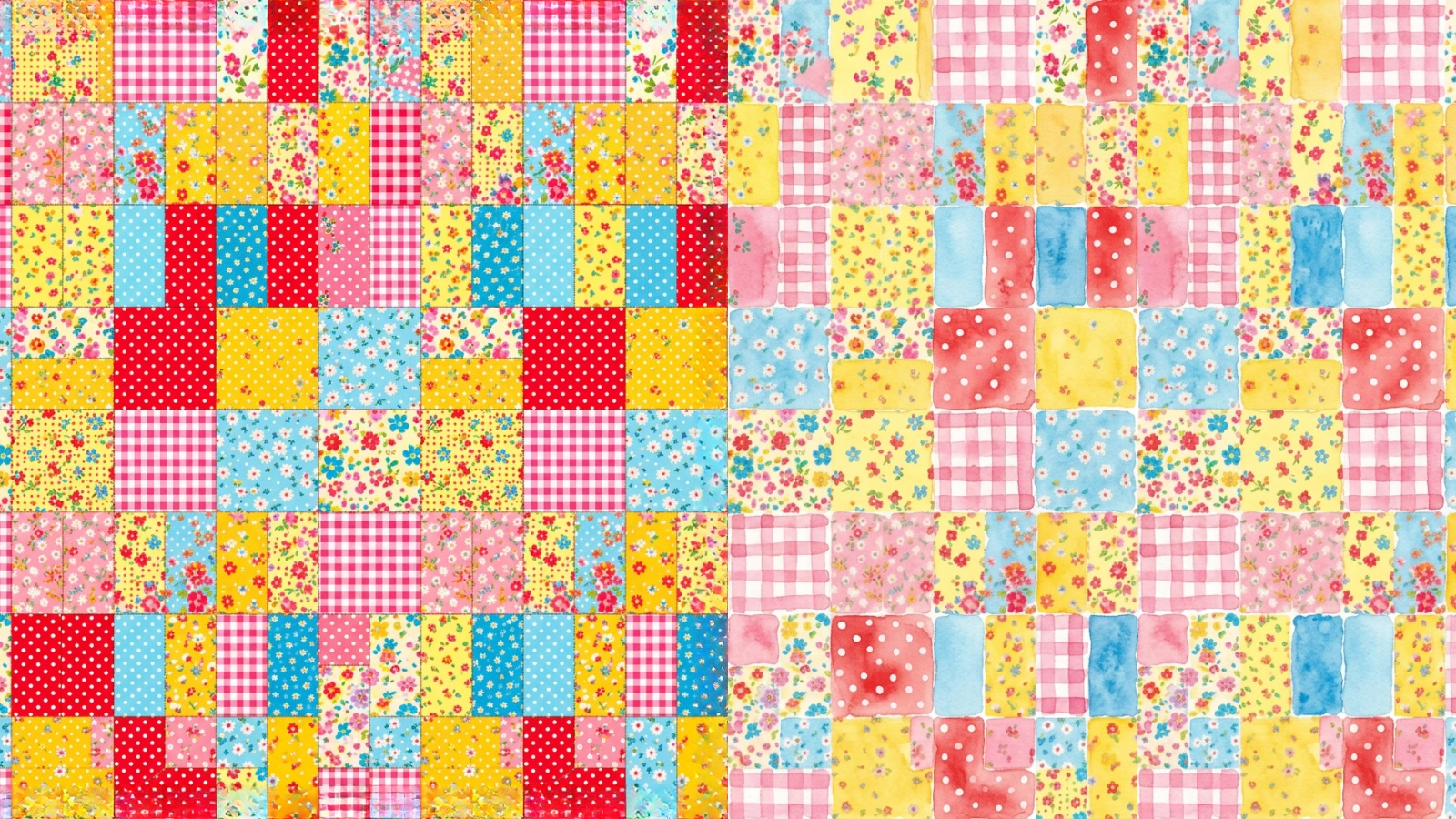
The Composition Stays Put
Restyling holds the composition fixed — the same motifs in the same positions, at the same scale and spacing — and changes only how the pattern is drawn. So the result reads as the same design reinterpreted in a new medium, not as a different pattern.
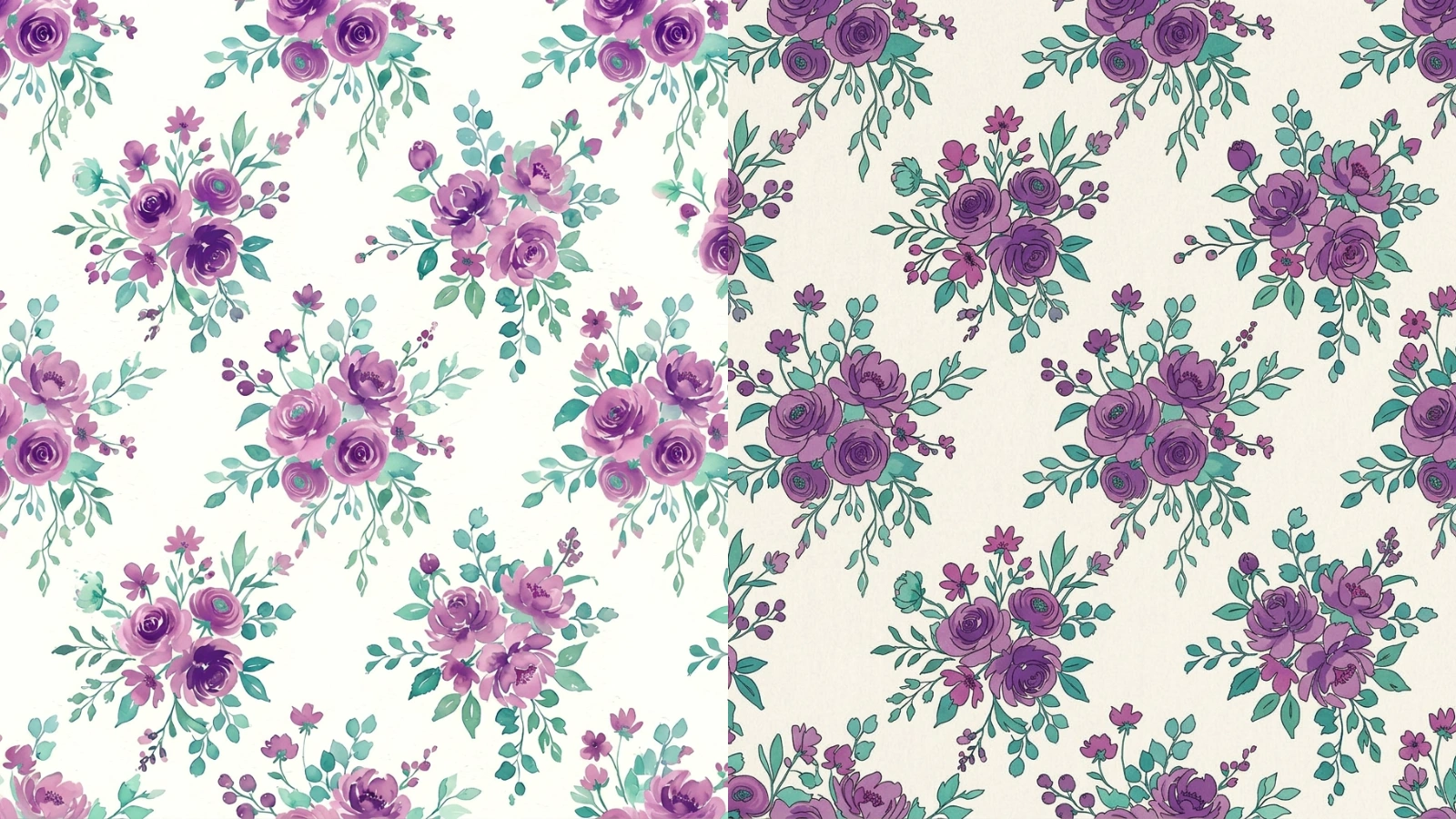
Still Seamless, Every Style
Because the composition never moves, a tile that repeated cleanly repeats cleanly after restyling. Every result comes with a full-screen repeat preview, and a one-click “Fix seams” button closes any drift, so you can look along the joins before you commit it to print.
Explore More AI Tools
Frequently Asked Questions
What does the seamless pattern restyle tool do?
It takes a seamless pattern you upload and re-renders it in a different art style — turning, say, a flat vector floral into a soft watercolour, a clean line drawing, or an art deco print. The composition stays put: the same motifs sit in the same places, at the same scale and spacing. Only how the pattern is drawn changes — its line, shading, texture and finish. Because the geometry does not move, the tile stays as seamless as it went in.
How do I choose the style?
Two ways, and you can mix them. Pick one of the ready-made styles — watercolour, line art, vintage, art deco, pop art and more — with a single click, or describe your own in the text box (for example, “bold art nouveau with flowing gold linework”). Picking a preset just fills the box, so it is a fast starting point you can then edit.
Does the pattern stay seamless after restyling?
It is generated to. Restyling keeps the composition fixed and changes only the rendering, so a tile that repeated cleanly should keep repeating cleanly. Because re-rendering the art can occasionally nudge the edges, every result comes with a full-screen repeat preview and a one-click “Fix seams” button that repairs any drift so the edges line up — without leaving the page.
How different will the restyled pattern look?
As different as the style you ask for — a watercolour and a line drawing of the same pattern read very differently — but it stays recognisably the same design, because the motifs and their arrangement are held in place. Think of it as the same pattern reinterpreted in a new medium, not a new pattern.
What image formats and sizes can I upload?
JPG and PNG, up to 8MB. A clean, flat pattern tile gives the most predictable restyle — the closer your upload is to an actual repeating tile, the closer the result stays to it.
How much does it cost?
Two credits per restyle. You will need to be signed in to run it, though you can upload your pattern and pick a style without an account.
What can I do with the restyled pattern?
Anything you would do with any tile: print it onto fabric or wallpaper, use it as a web background, or run it through the other tools — upscale it for print, recolour it, vectorise it, or check the repeat. Restyling is a fast way to spin one design into several looks.