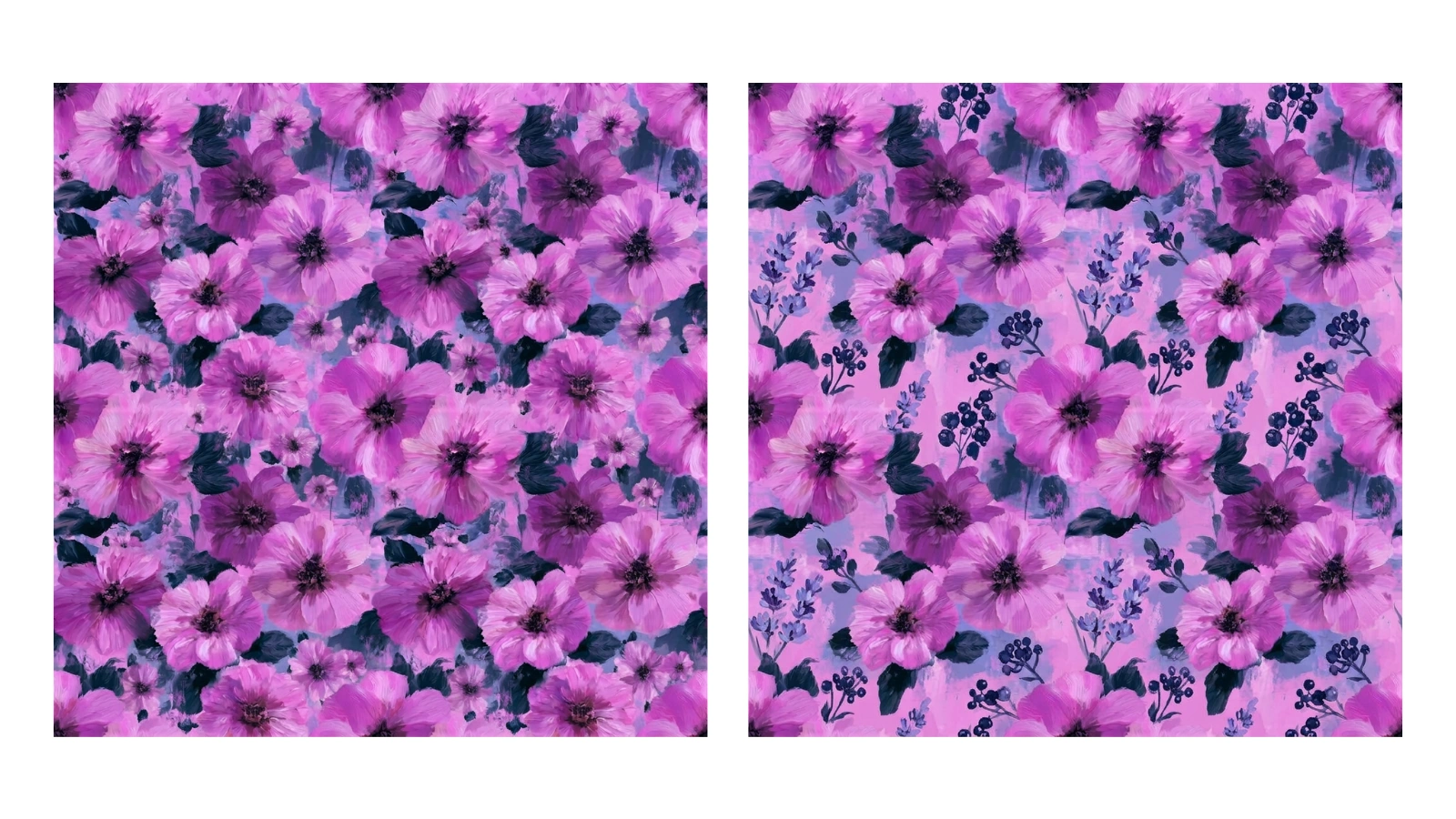
Same Style, Fresh Compositions
You have a pattern that works, and you want more like it. Instead of starting over, generate variations: each one keeps the style, palette and subject you already have and recomposes the motifs into a new layout, so you get a coordinated set of designs rather than one lonely tile.
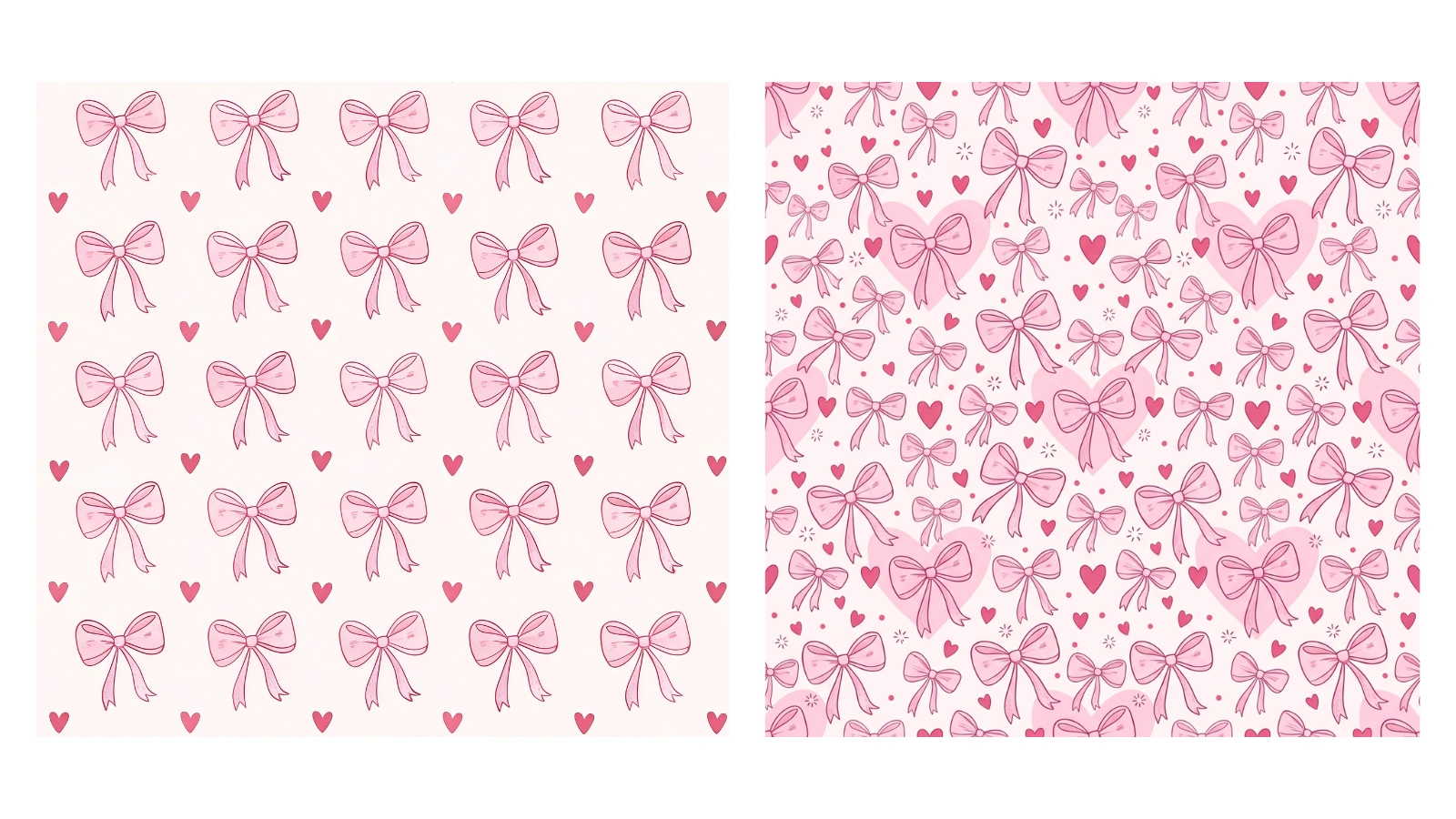
A New Take, Every Run
Each run gives you one fresh variation, and you can run it as many times as you like — because the model recomposes the pattern each time, every run is a distinct design rather than the same one again. Keep going, a tile at a time, until the collection feels right.
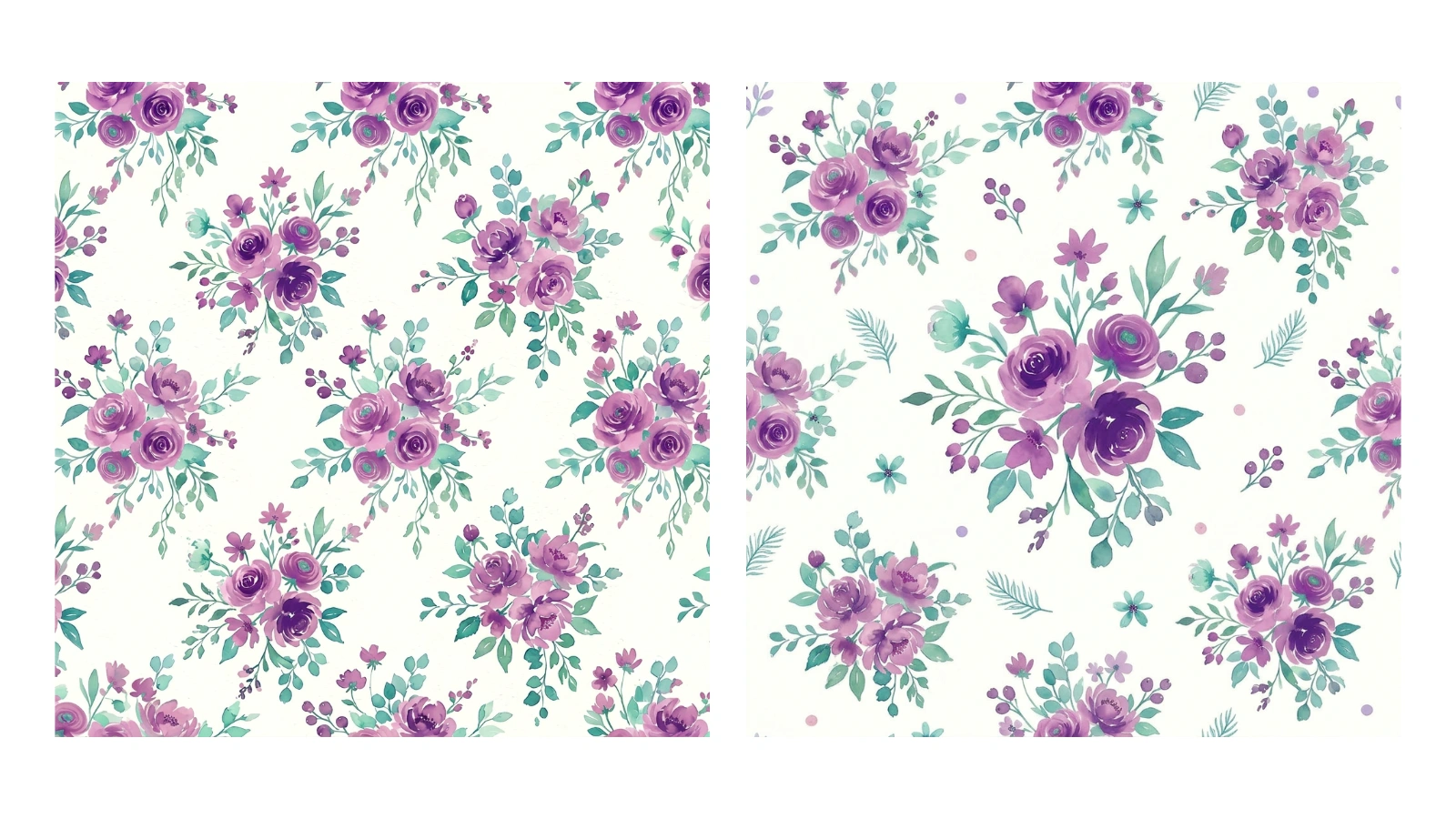
Build a Coordinated Collection
Fabric lines, wallpaper ranges and packaging systems all lean on a family of patterns that belong together. Generating variations from one hero design is the quickest way to that family — the coordinates share its palette and mood while each stands on its own.
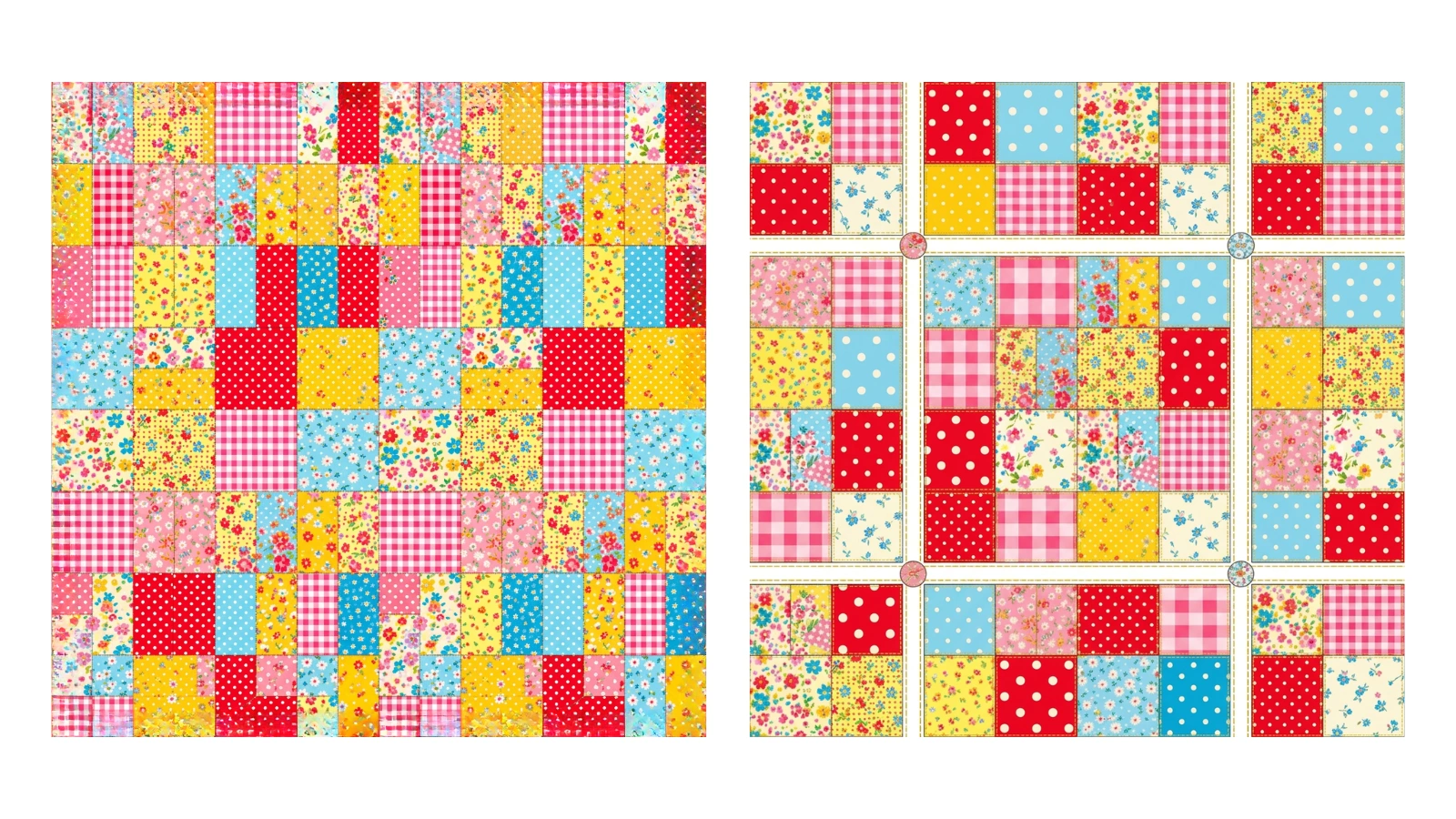
Still Seamless, Every Variation
Every variation is generated with the same seamless constraint as the original, so a tile that repeated cleanly comes back as several designs that all repeat cleanly. Each result comes with a full-screen repeat preview so you can tile it and check the joins before you commit it to print.
Explore More AI Tools
Frequently Asked Questions
What does the seamless pattern variation tool do?
It takes a seamless pattern you upload and generates a fresh variation of it. The variation keeps the original's style, colour palette, mood and subject matter, but recomposes the design — rearranging the motifs, changing their scale and spacing, or introducing complementary details. Because it is generated to tile, the variation still repeats cleanly, so you can spin one starting pattern into a set of related designs a run at a time.
Does the variation stay seamless?
Each variation is generated with a seamless constraint, so it is built to tile — the left edge to line up with the right and the top with the bottom. Every result comes with a full-screen repeat preview so you can tile it and look along the joins before you use it, and if a seam ever drifts, a one-click “Fix seams” button on the result repairs it so the edges line up, without leaving the page.
How many variations do I get per run?
One variation per run. If it is not quite right, generate another — because the model recomposes the pattern each time, every run gives a distinct design rather than the same one over, so you build up a set one tile at a time.
How different are the variations from my original?
They are meant to read as the same pattern family, not as unrelated designs. The style, palette and subject stay put; what changes is the composition — how the motifs are arranged, scaled and spaced, and sometimes a new complementary detail. So a floral comes back as more florals in the same colours and mood, laid out differently.
What image formats and sizes can I upload?
JPG and PNG, up to 8MB. A clean, flat pattern tile gives the most predictable variations — the closer your upload is to an actual repeating tile, the closer the results stay to it.
How much does it cost?
Two credits per variation. You will need to be signed in to run it, though you can upload your pattern and look at it without an account.
What can I do with the variations?
Anything you would do with any tile: print them onto fabric or wallpaper, use them as web backgrounds, or run them through the other tools — upscale them for print, recolour them, vectorise them, or check the repeat. Generating variations is a fast way to turn one design into a whole coordinated collection.