Bangs Filter
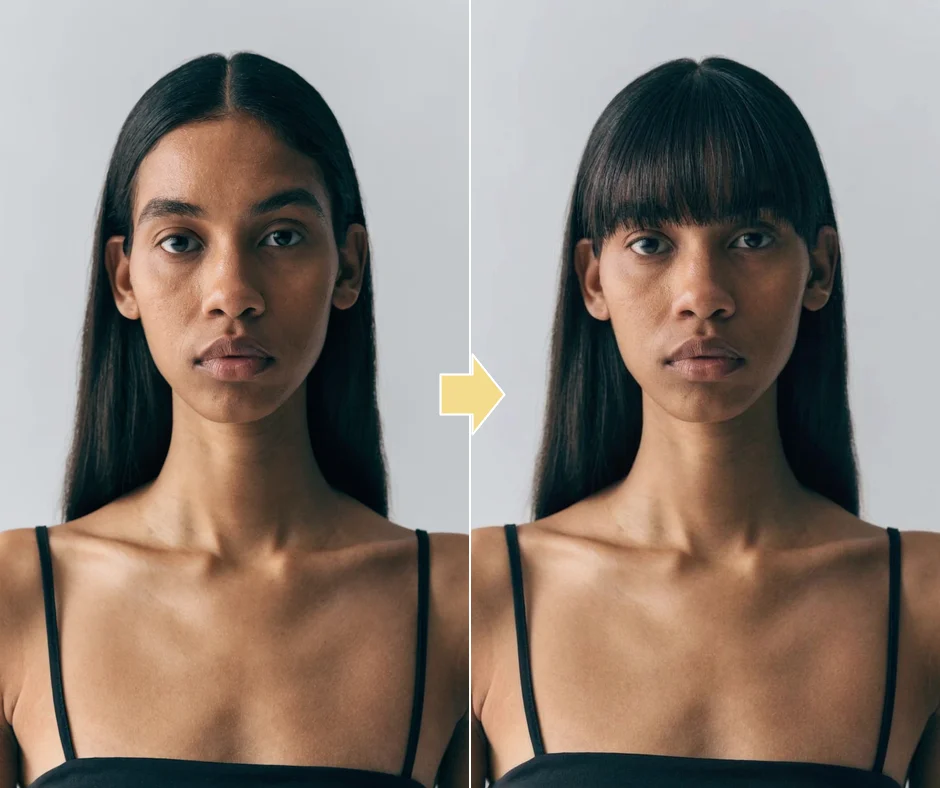
Wondering if bangs suit you? Upload a photo and AI adds a full fringe just above your brows, keeping your hair length, color and face exactly as they are.
See Yourself With Bangs, No Scissors Needed
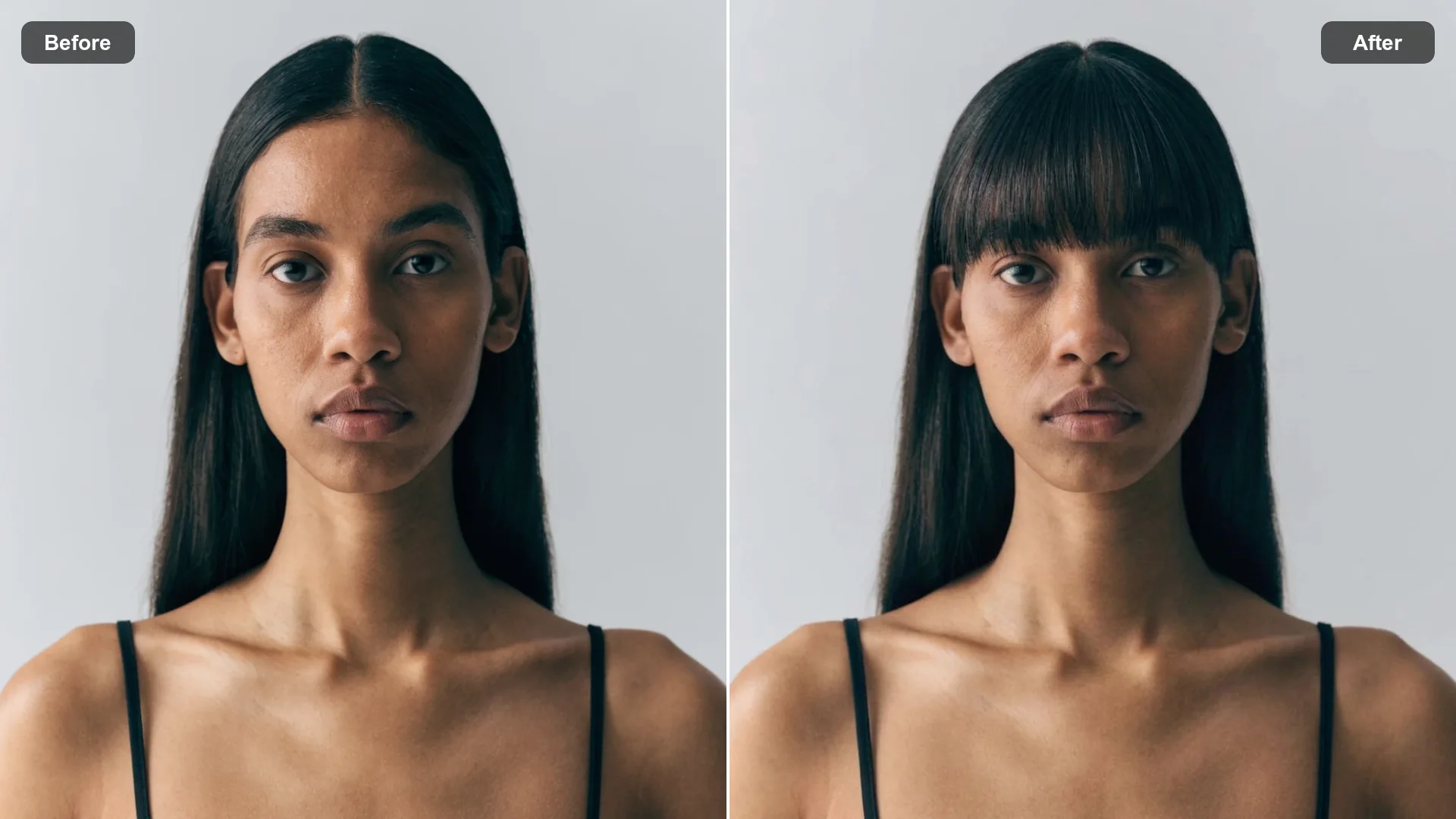
Bangs are the haircut people most often regret, because they take months to grow out. Upload a photo and the AI Bangs Filter gives you a full fringe that falls to just above your eyebrows, blended into the rest of your hair. Everything else about your hair, its length and color included, stays as it is, so you can judge the bangs on their own.
Bangs That Grow From Your Own Hairline
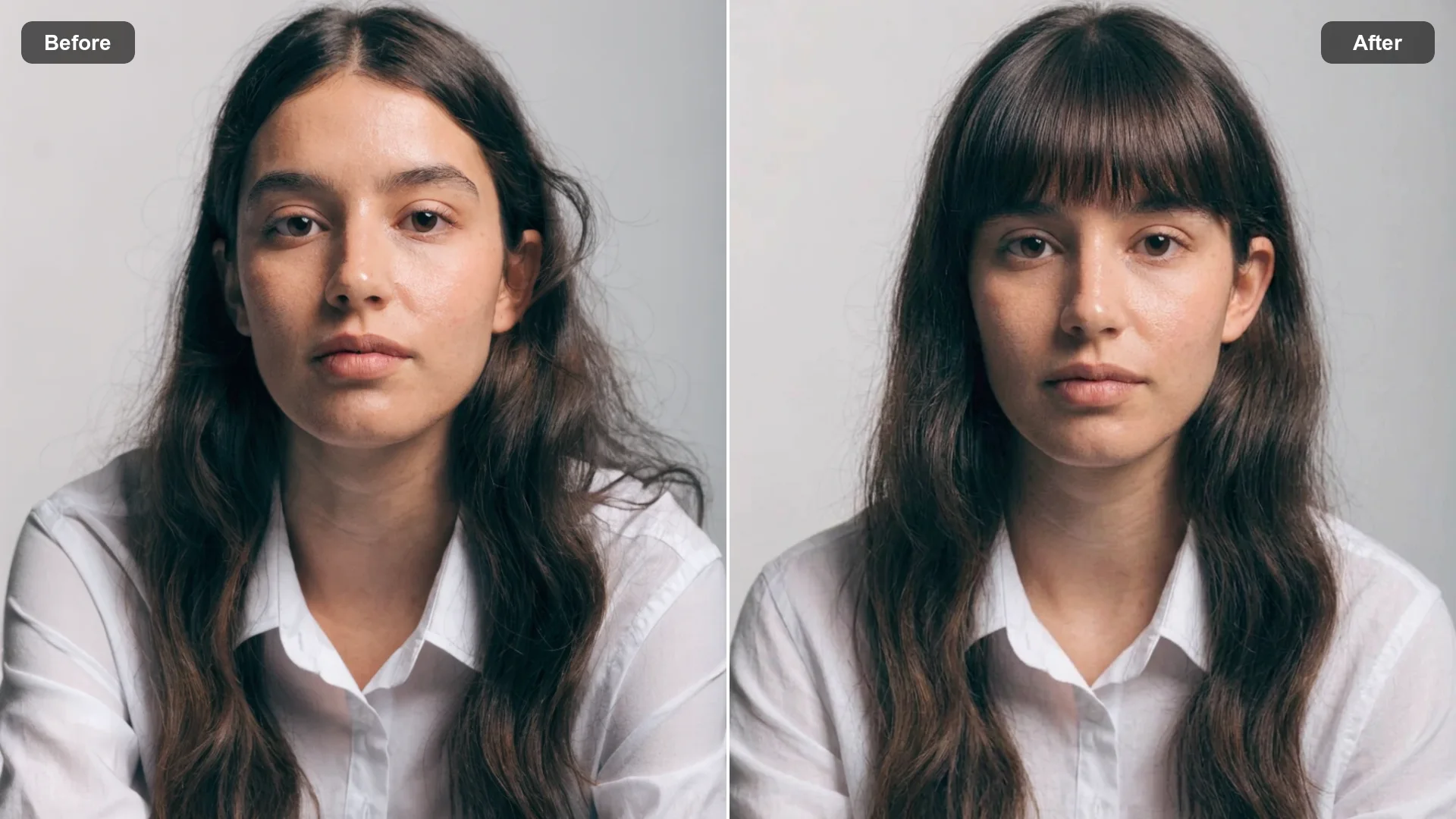
The fringe is drawn from your real hairline, in your own hair color and texture, with natural strands and the light of your photo falling on it. It sits over the forehead the way cut bangs do, rather than a flat shape pasted on top of your head.
Your Face Stays Exactly the Same
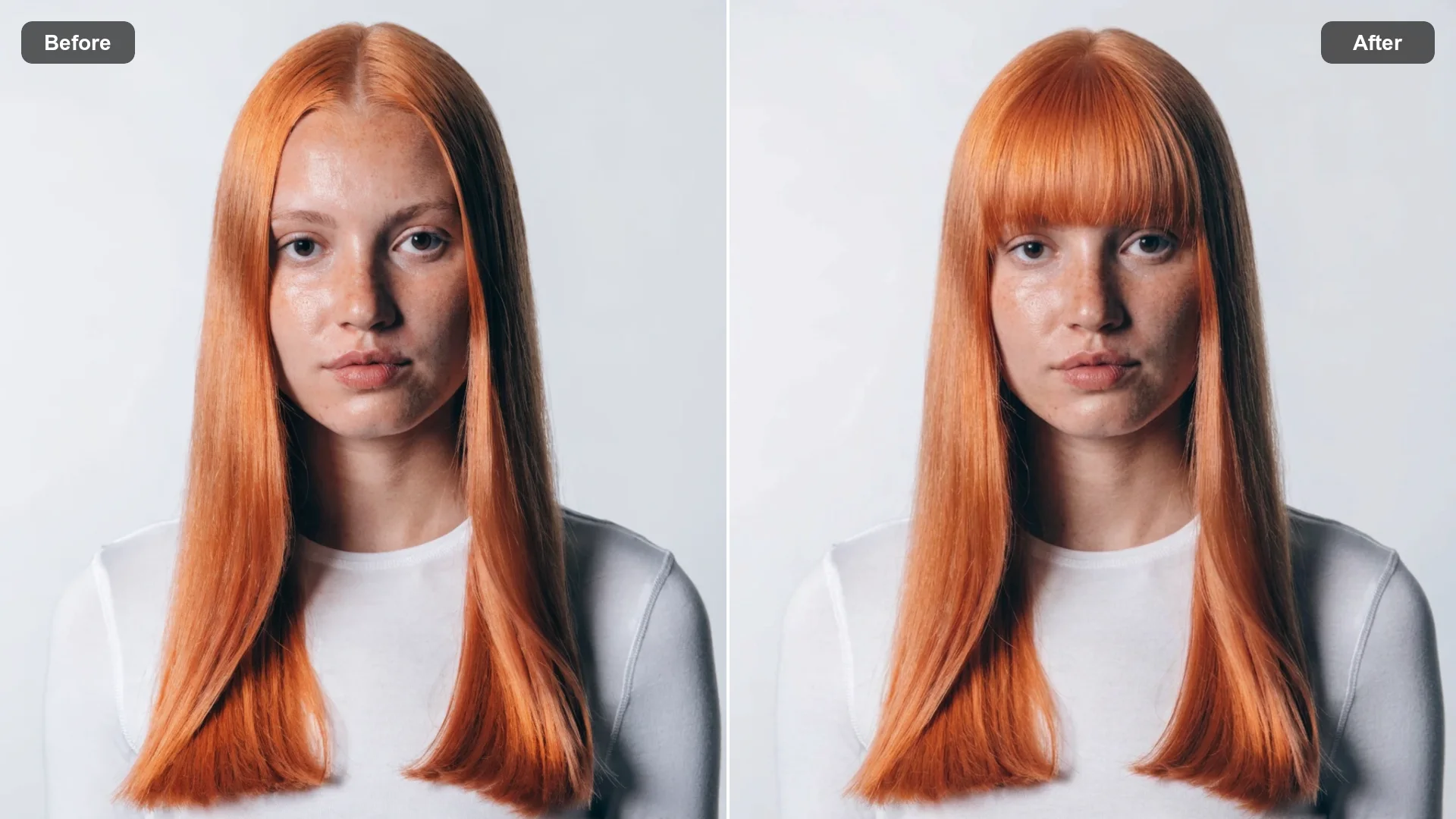
Your eyes, eyebrows, skin, makeup and expression are kept, and so are your clothes, the lighting and the background. The only change in the photo is the fringe, which is what makes the comparison with your current look honest.
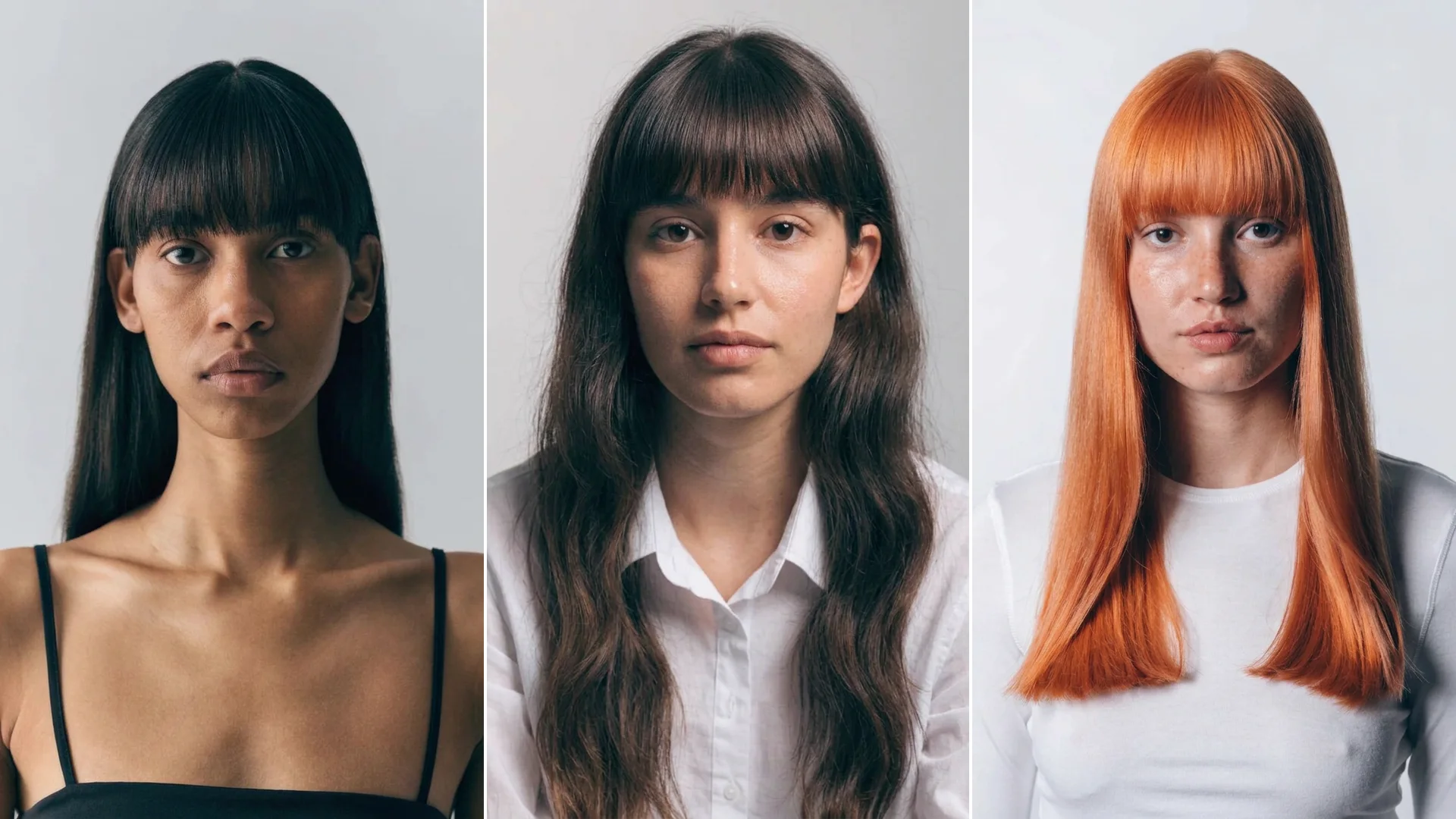
Works With Long, Wavy and Curly Hair
Straight, wavy and curly hair, worn long or at shoulder length, all take the fringe and keep their length behind it. Want to compare more cuts? Switch the look to curly, a bob or a pixie cut and run it again on the same photo.
Discover the Possibilities
Know If Bangs Suit You Before You Cut Them
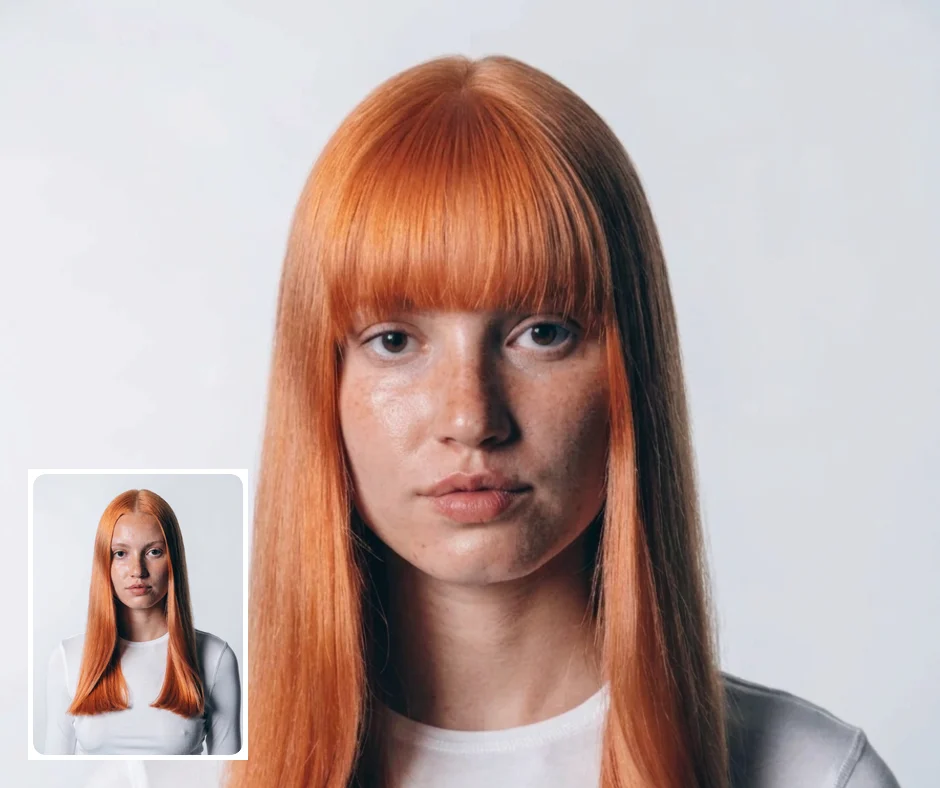
Avoid Bangs Regret
Settle the question before the appointment instead of spending the next six months pinning a fringe back.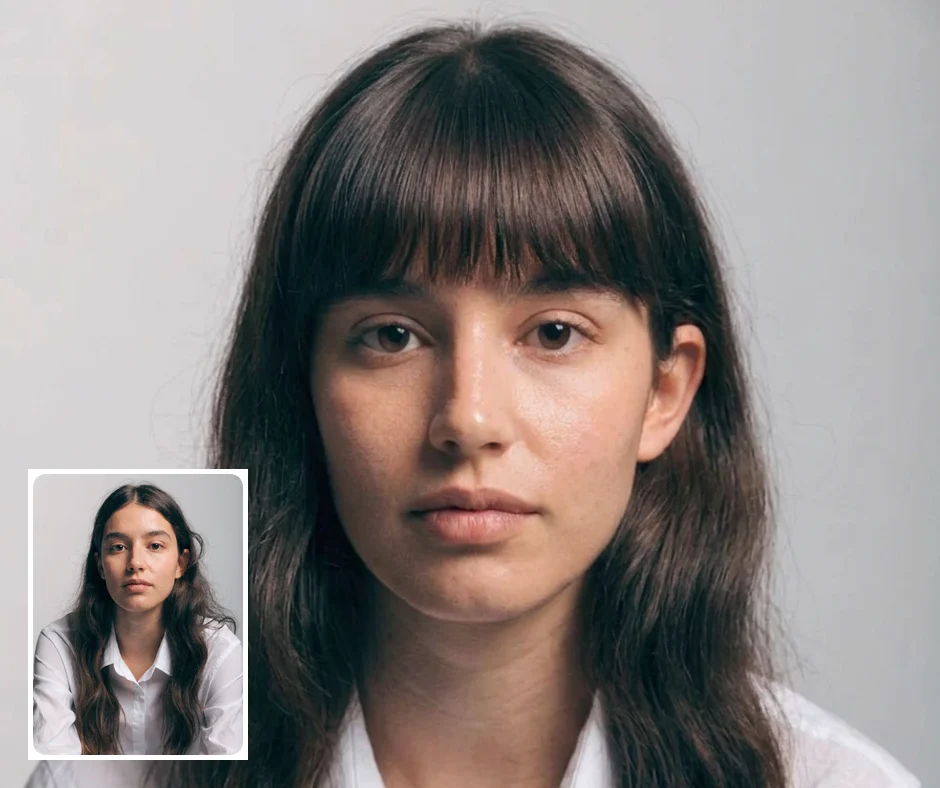
Show Your Stylist the Fringe You Want
A picture of you with the bangs you have in mind tells your stylist the length and shape better than any description.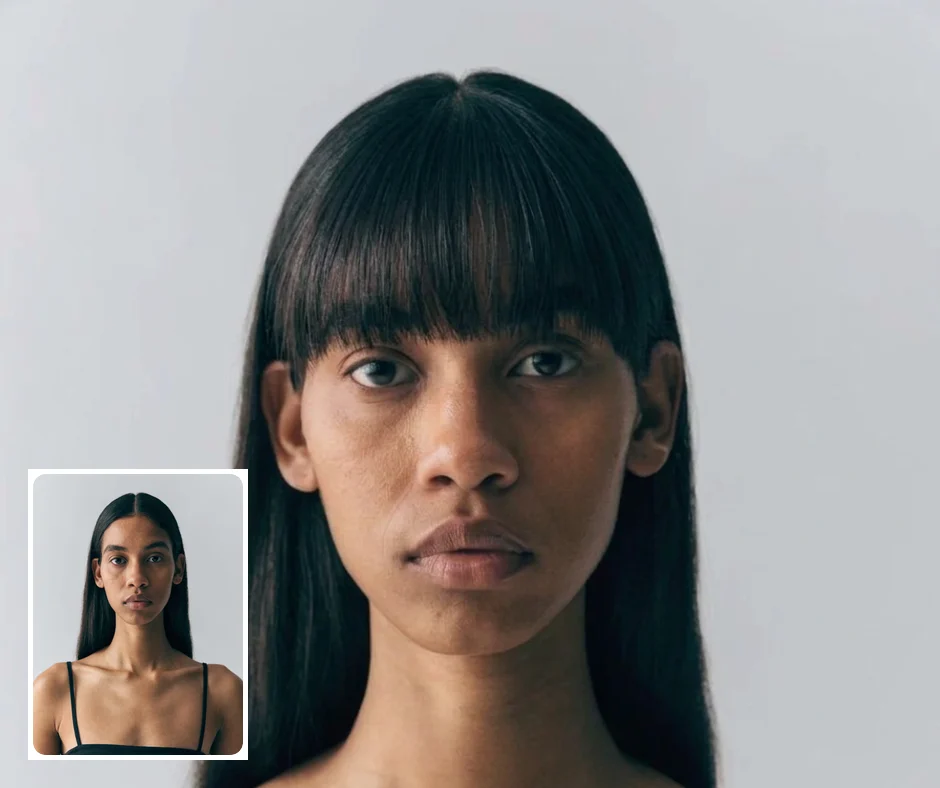
Try a Fresh Look for a Photo
Give a profile picture, a creative shoot or a social post a new look, without changing your hair in real life.
Transform Your Photos
Explore More AI Image Filters
Frequently Asked Questions
What is the AI Bangs Filter?
It is an AI photo filter that adds full, straight-across bangs to the person in your photo, keeping the rest of their hair, their face, clothing and background as they were.
Will it change the length or color of my hair?
No. The fringe is drawn in your own hair color and texture, and the rest of your hair keeps its length and shape. Only the bangs are added.
Can I try other haircuts too?
Yes. The bangs are one look of the AI Hairstyle Changer, which also offers curly hair, long waves, a bob, a pixie cut, box braids, a buzz cut and bald. Switch the look and run it again.
What kind of photo works best?
A clear, front-facing photo of one person with the forehead and hairline visible, in even light. Hats, sunglasses pushed up on the head and heavy shadows give weaker results.
Can I apply it to several photos at once?
Pro members can apply the filter to up to ten photos in one go. On other plans, one photo is processed at a time.
How much does it cost?
Each photo uses credits from your Patternful plan. The Generate button shows the exact cost before you apply the filter, and you are not charged for a photo that fails.