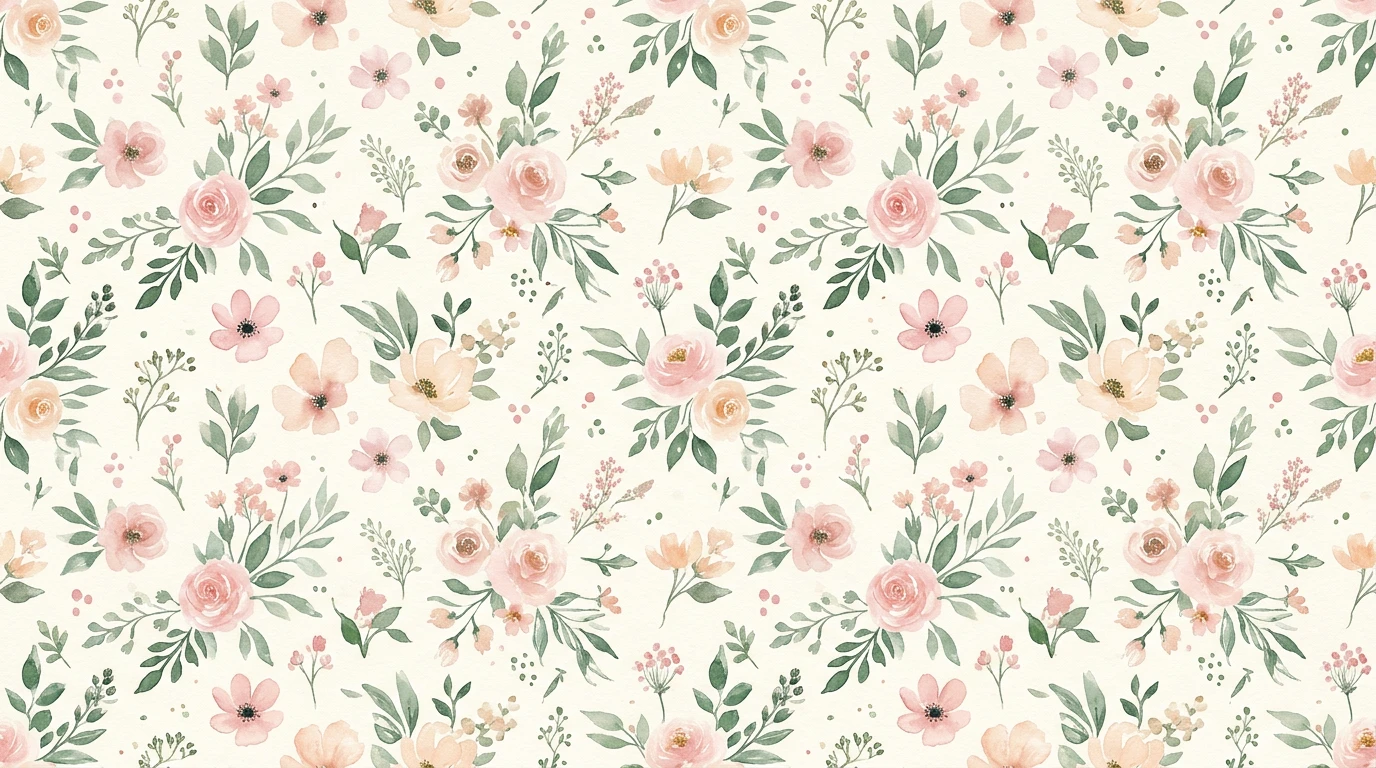
Scale to Any Size Without Blurring
A raster tile has a fixed number of pixels, so it softens the moment you enlarge it past its native size. Vectorizing traces the tile into resolution-independent paths, so the same SVG stays razor-sharp from a business card to a wall mural.
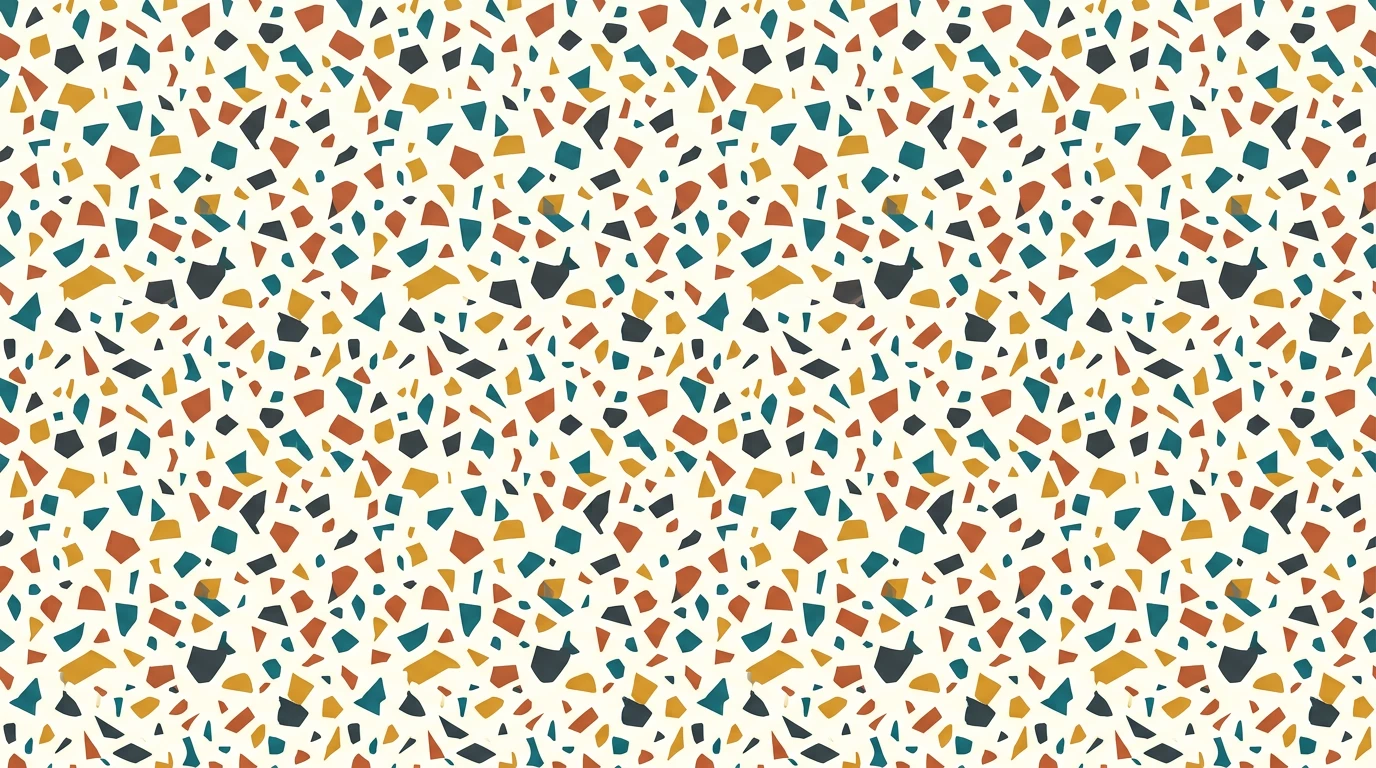
Editable Paths, Not Flattened Pixels
The trace hands you real geometry: open the SVG in Illustrator, Inkscape, or Affinity and every shape stays selectable. Recolour it, tweak a motif, or split it into layers — none of which a flat JPG or PNG lets you do.
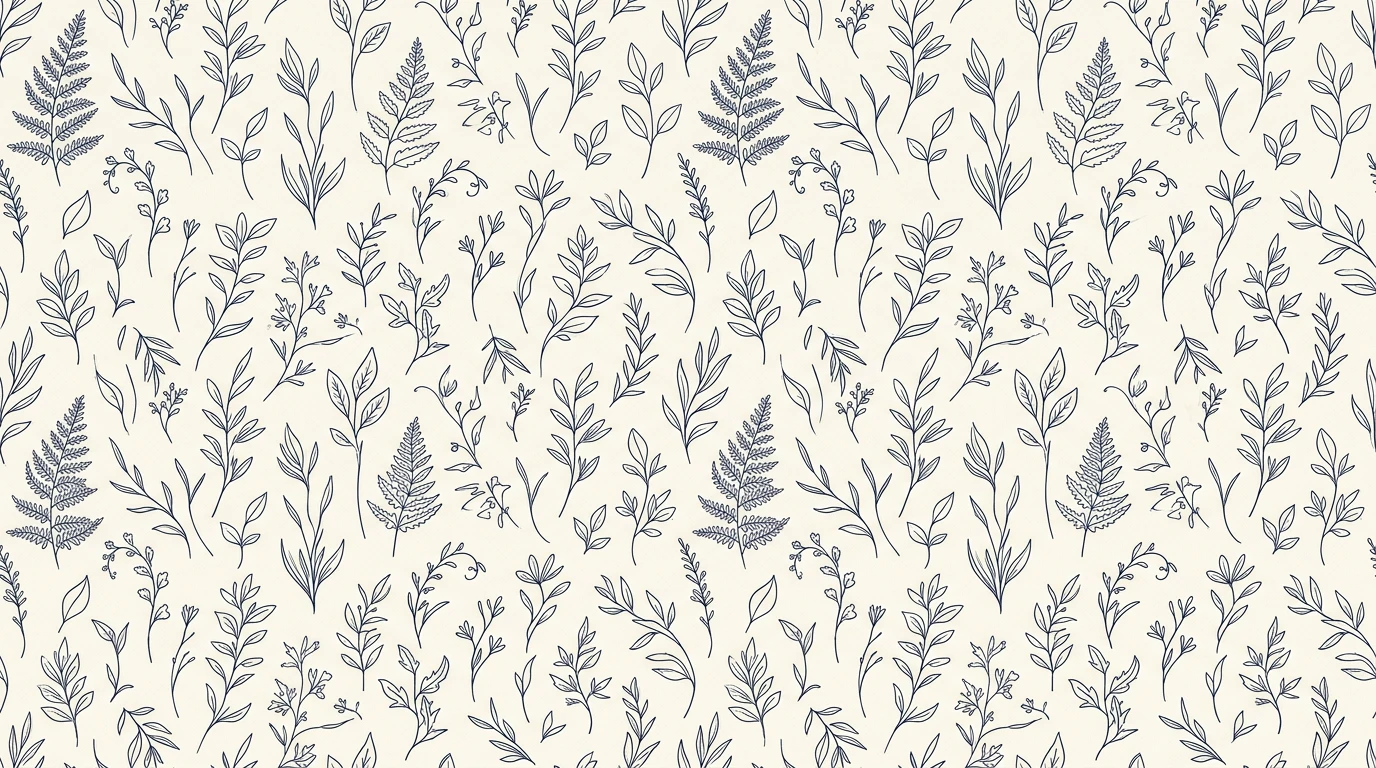
Print and Cutting-Machine Ready
Large-format printers, vinyl cutters, laser engravers, and embroidery software all want clean vector paths. An SVG drops straight into that workflow, and its small file size travels far more easily than a high-resolution raster.
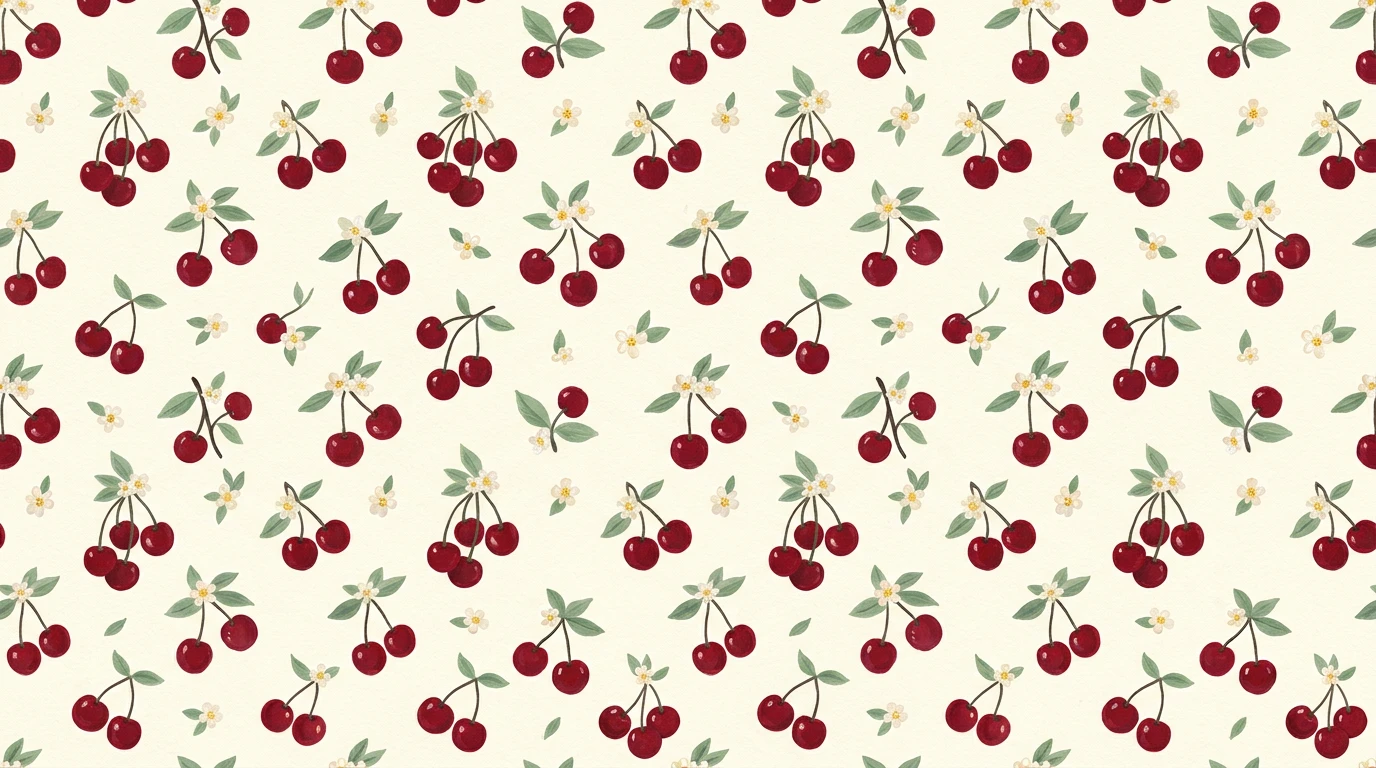
Confirm the Repeat Before You Commit
Vectorizing preserves whatever repeat your source already had, and every result comes with a full-screen tiling preview. Lay your SVG out edge to edge to confirm the seams still line up before you send it to a printer.
Explore More AI Tools
Frequently Asked Questions
What does the seamless pattern vectorizer do?
It traces a raster pattern tile (JPG or PNG) into a clean SVG made of resolution-independent paths. Because it is vector, the result can be scaled to any size — a business card or a wall mural — without ever going blurry or pixelated.
Why vectorize a seamless pattern at all?
A raster tile has a fixed number of pixels, so it softens the moment you enlarge it past its native size. Vector paths have no fixed resolution: the same SVG tile stays crisp on fabric, wallpaper, packaging, and large-format print, and it stays tiny in file size and easy to recolour or edit in Illustrator, Inkscape, or Affinity.
Does the SVG still tile seamlessly?
The vectorizer traces your tile as-is; it preserves whatever repeat your source already had. If your uploaded tile was seamless, the traced paths line up the same way. Use the “Check the repeat” button on your result to tile it full-screen and confirm the edges still meet before you commit.
What do the Colors and Detail controls do?
Colors sets how many colour buckets the trace collapses to — fewer gives a flatter, poster-like look and a smaller file, more keeps subtle shading. Detail chooses how crisp versus how smooth the traced edges are: Sharp keeps hard corners and fine linework, Smooth rounds everything for soft, organic art, and Balanced sits in between.
What images work best?
Flat, graphic patterns with clear shapes and a limited palette — geometric repeats, line art, silhouettes, logos-as-patterns — vectorize cleanly. Photographic or heavily textured tiles with smooth gradients can still be traced, but they need more colours and produce larger files, since vectors describe flat regions rather than continuous photo detail.
What formats and sizes can I upload?
JPG and PNG, up to 10MB. PNG transparency is preserved through the trace, so a tile on a transparent background stays transparent in the SVG.
How much does it cost?
One credit per vectorization. You will need to be signed in to run it, though you can upload and look at your tile without an account. Uploading, previewing, and checking the repeat cost nothing — only tracing a tile to SVG spends the credit.