Resize Any Image to a New Aspect Ratio
Resize Without Cropping
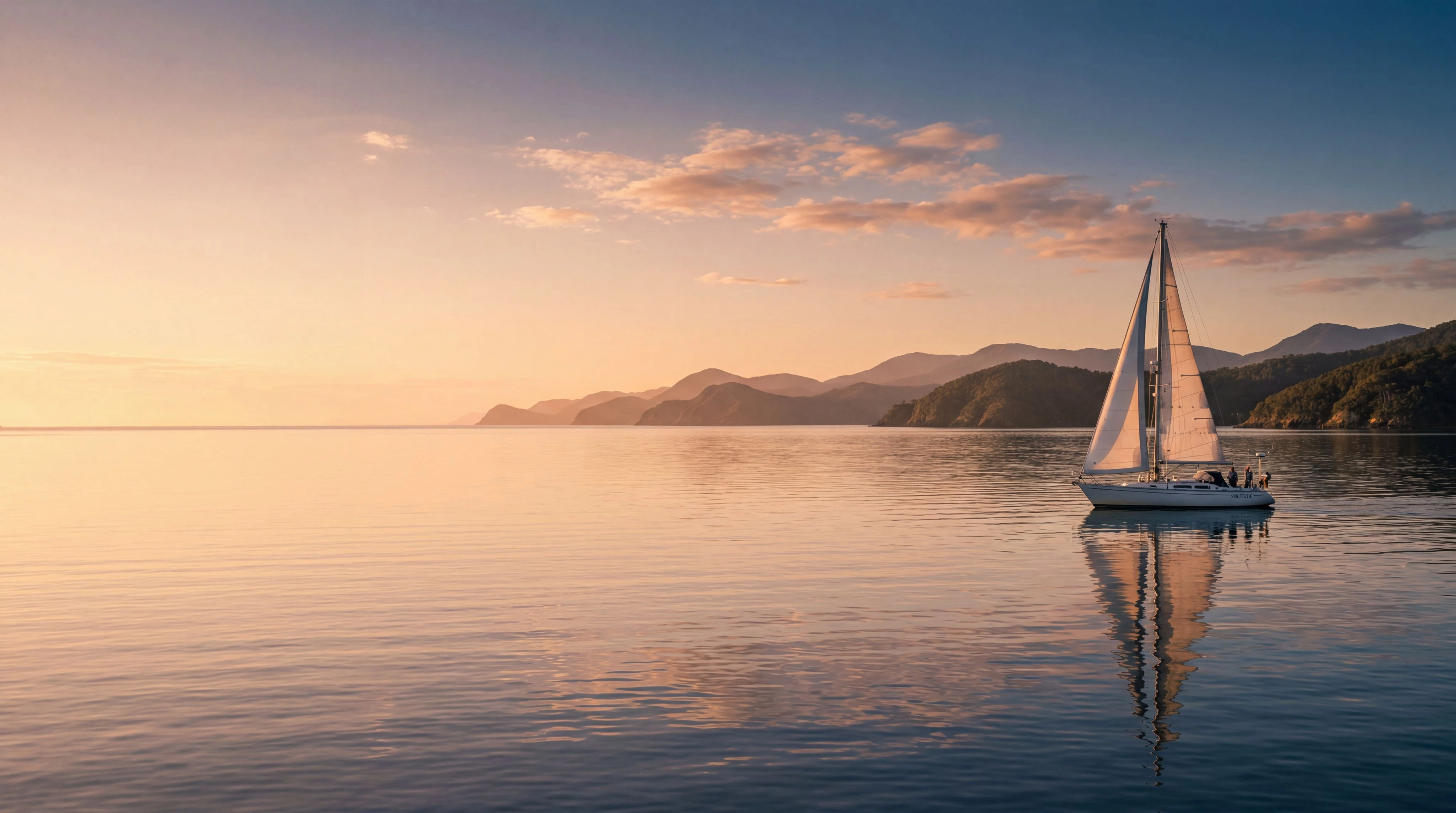
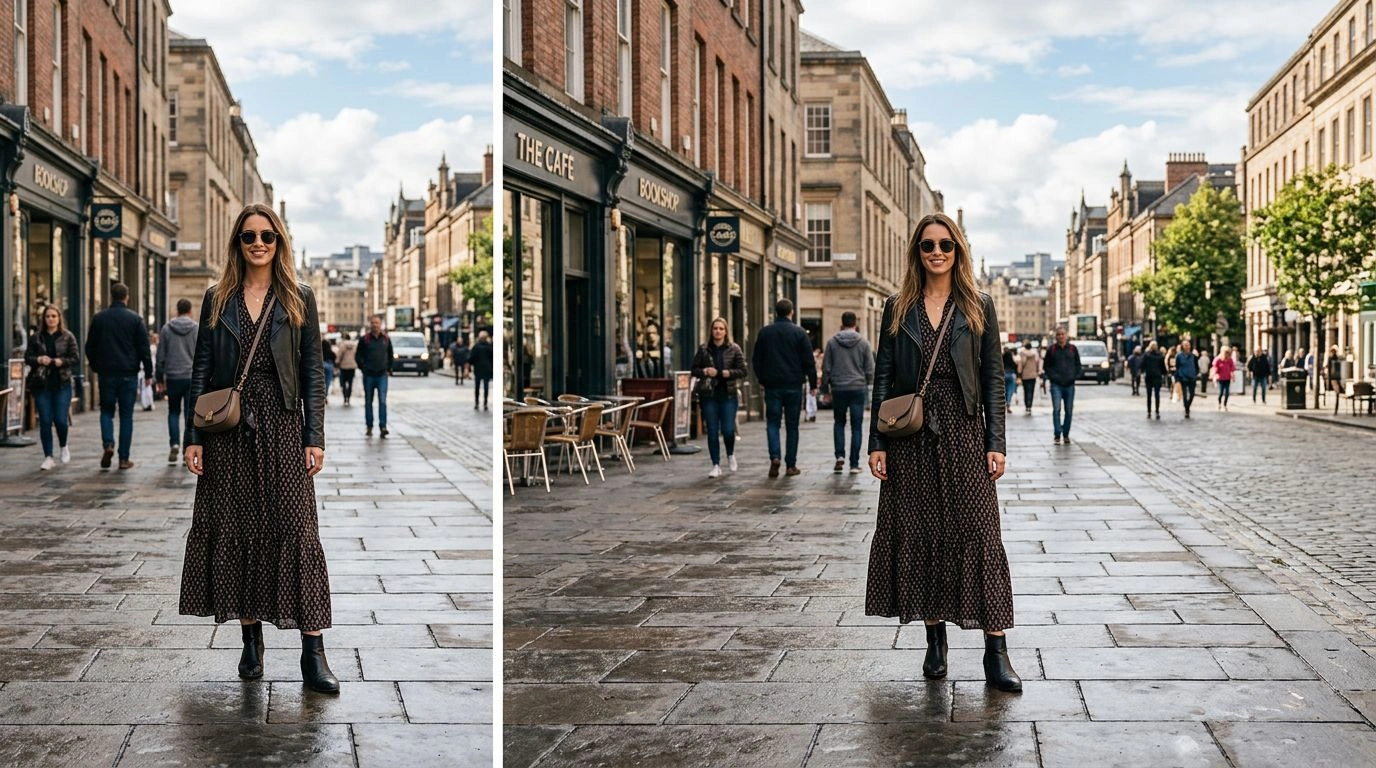
Change the aspect ratio while keeping your entire subject safely in frame, no matter how different the new dimensions are. Instead of cutting off edges or losing important details, the AI intelligently generates the extra space needed to fit the new shape. It's the easiest way to reformat a photo for a new placement without sacrificing any part of the original composition.
Perfect for Every Platform
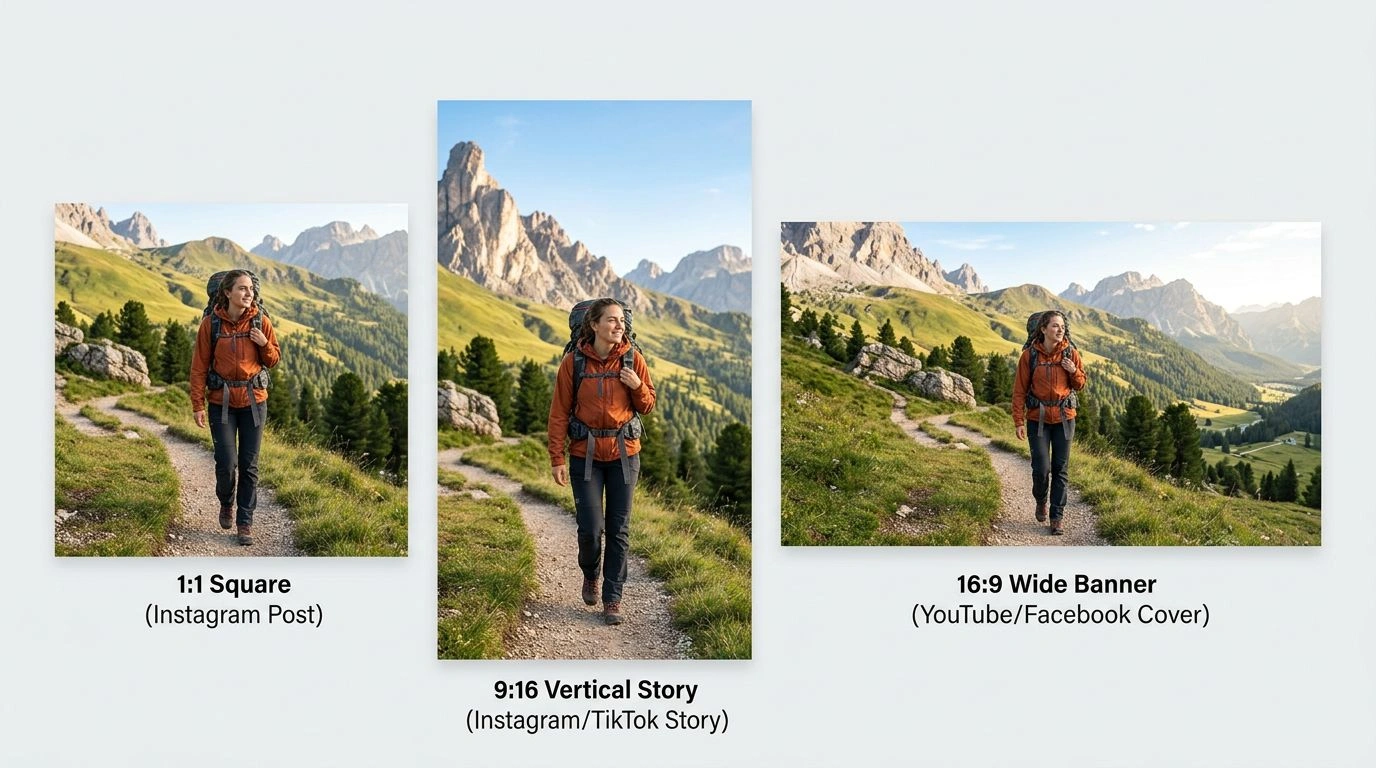
Instantly adapt a single image into square feed posts, vertical stories, and wide banners without starting over each time. Resize to 1:1, 9:16, 16:9, and more so your content fits every channel and meets each platform's requirements. Turn one hero shot into a full set of perfectly proportioned assets ready to publish everywhere your audience scrolls.
No Stretching or Distortion
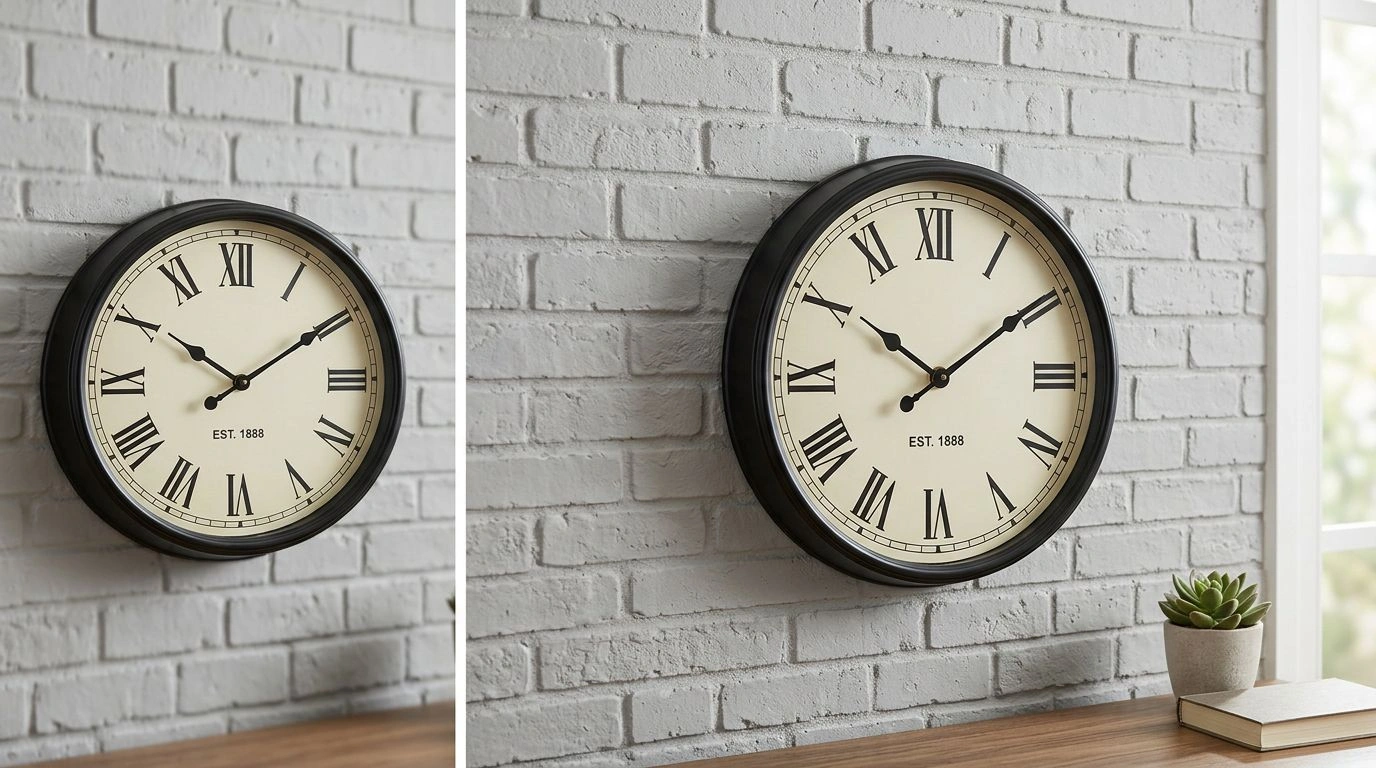
Unlike a basic resizer that warps and squashes your photo to force a new ratio, our AI preserves the original proportions of your subject for a natural, undistorted result. Faces, products, and fine details keep their true shape while the surrounding area is extended to match the new canvas. The outcome looks like a real photograph taken at that size, not a stretched or skewed copy.
Explore More AI Tools
Frequently Asked Questions
How do I resize an image to a new aspect ratio?
It takes 3 steps - 1. Upload the image you want to resize. 2. Choose a target aspect ratio. 3. Click generate — the AI re-frames the photo to the new ratio and fills any new space so nothing is cropped. Then download the result.
How is this different from a normal image resizer?
A traditional resizer crops or stretches your image to fit a new ratio, distorting or cutting off content. This AI image resizer intelligently reframes the photo and generates matching content where needed, so the whole subject is preserved.
Which aspect ratios are supported?
You can resize to popular ratios such as 1:1, 16:9, 9:16, 4:3, and 3:4 — perfect for social media, thumbnails, banners, and print.
Is my data and privacy safe?
Yes, your images are safe with us. Patternful.ai prioritizes user data safety. Your images are always private, proprietary, and they remain your property. All uploaded images are automatically deleted from our servers after a few hours.