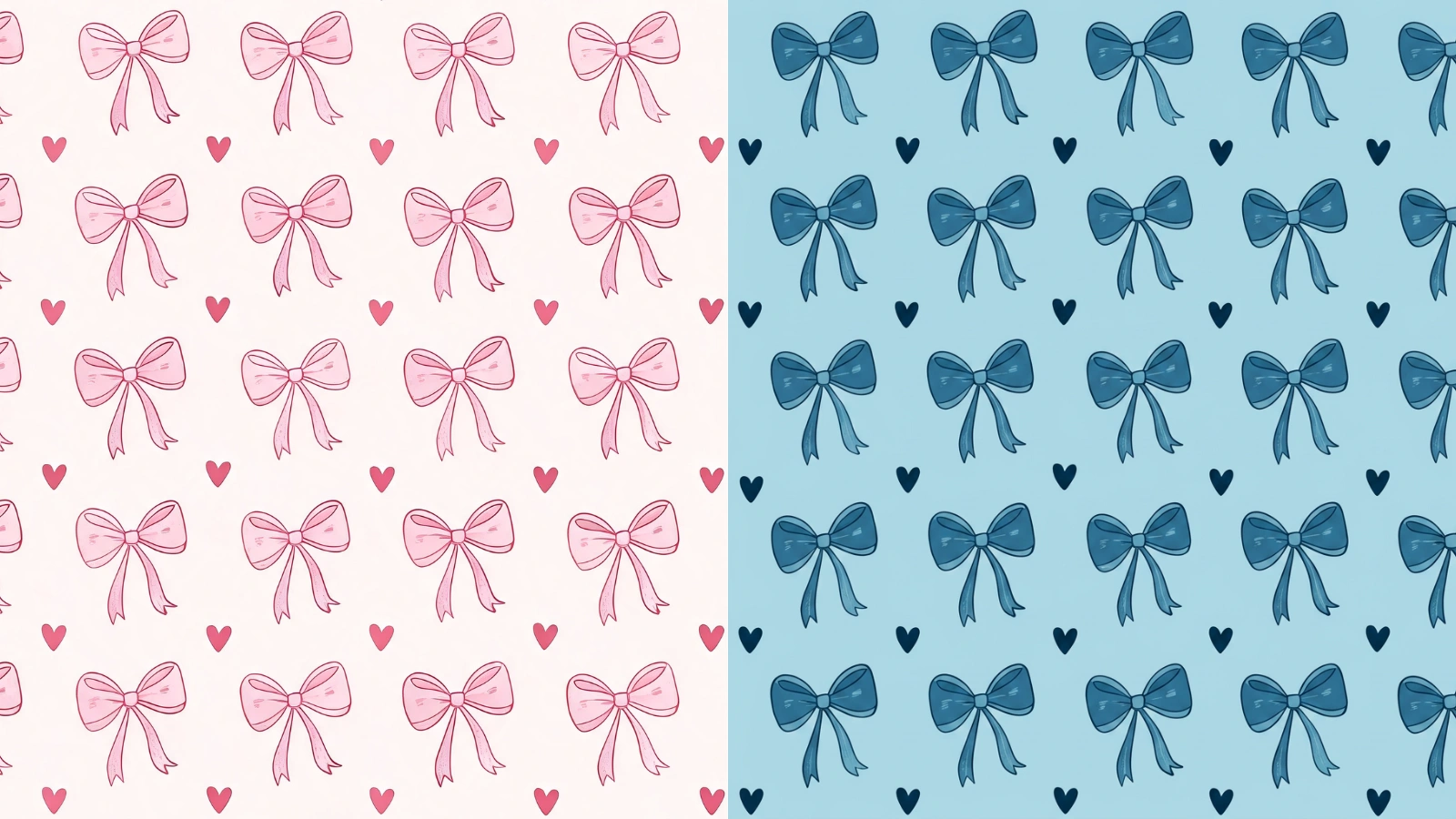
Same Pattern, Any Colourway
You have a pattern that works, but the colours are wrong for this project. Instead of redrawing it, recolour it: the shapes, motifs and layout stay exactly as they are and the palette swaps out underneath them, so you get the same trusted design in a colourway that fits.
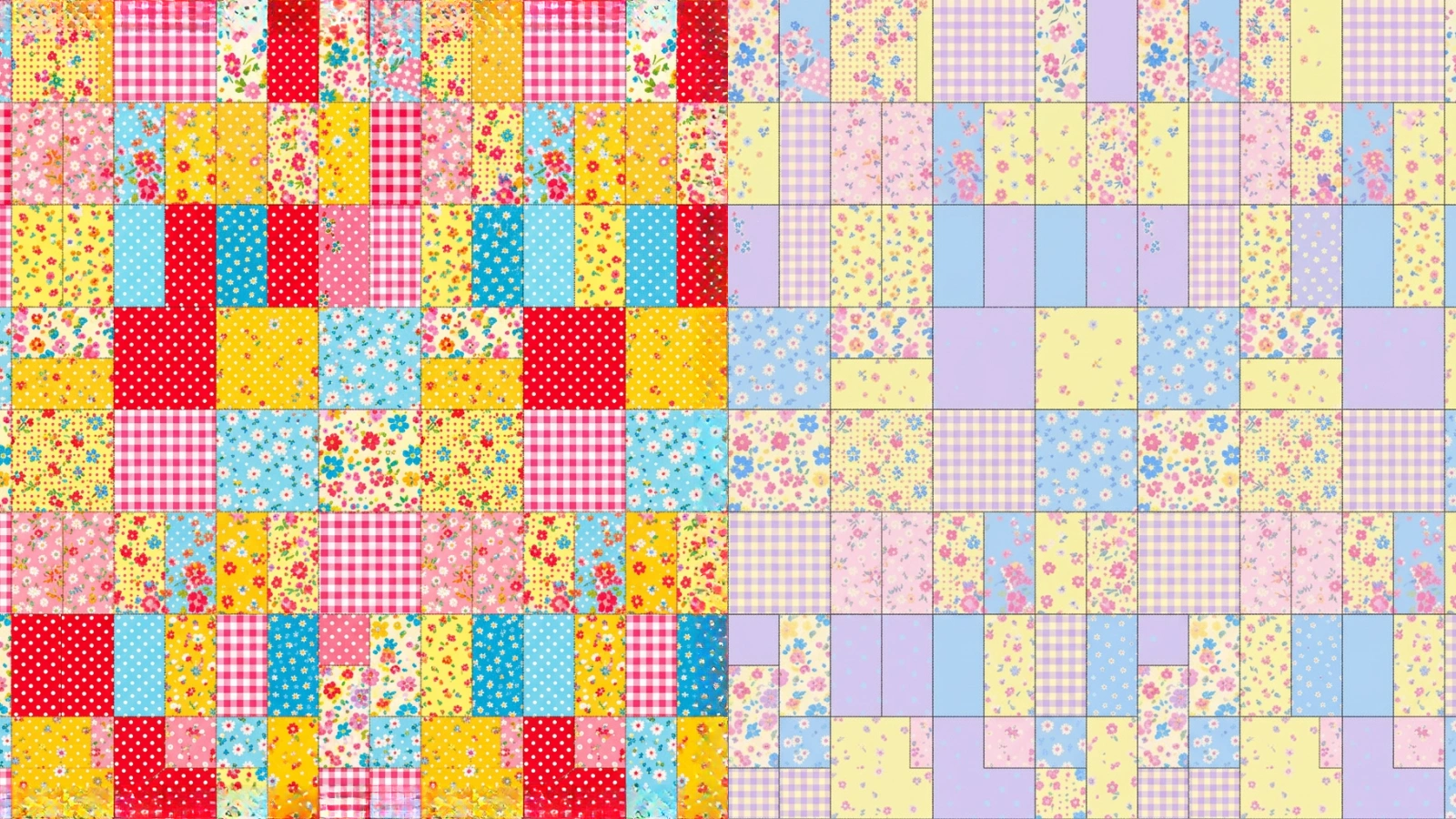
Ready-Made Palettes or Your Own
Start from a curated palette with a single click, or build your own from two to five colours — set each with the picker or paste a hex code, and drop any you do not need. Editing a colour puts you in custom mode, so a preset is just a fast way in.
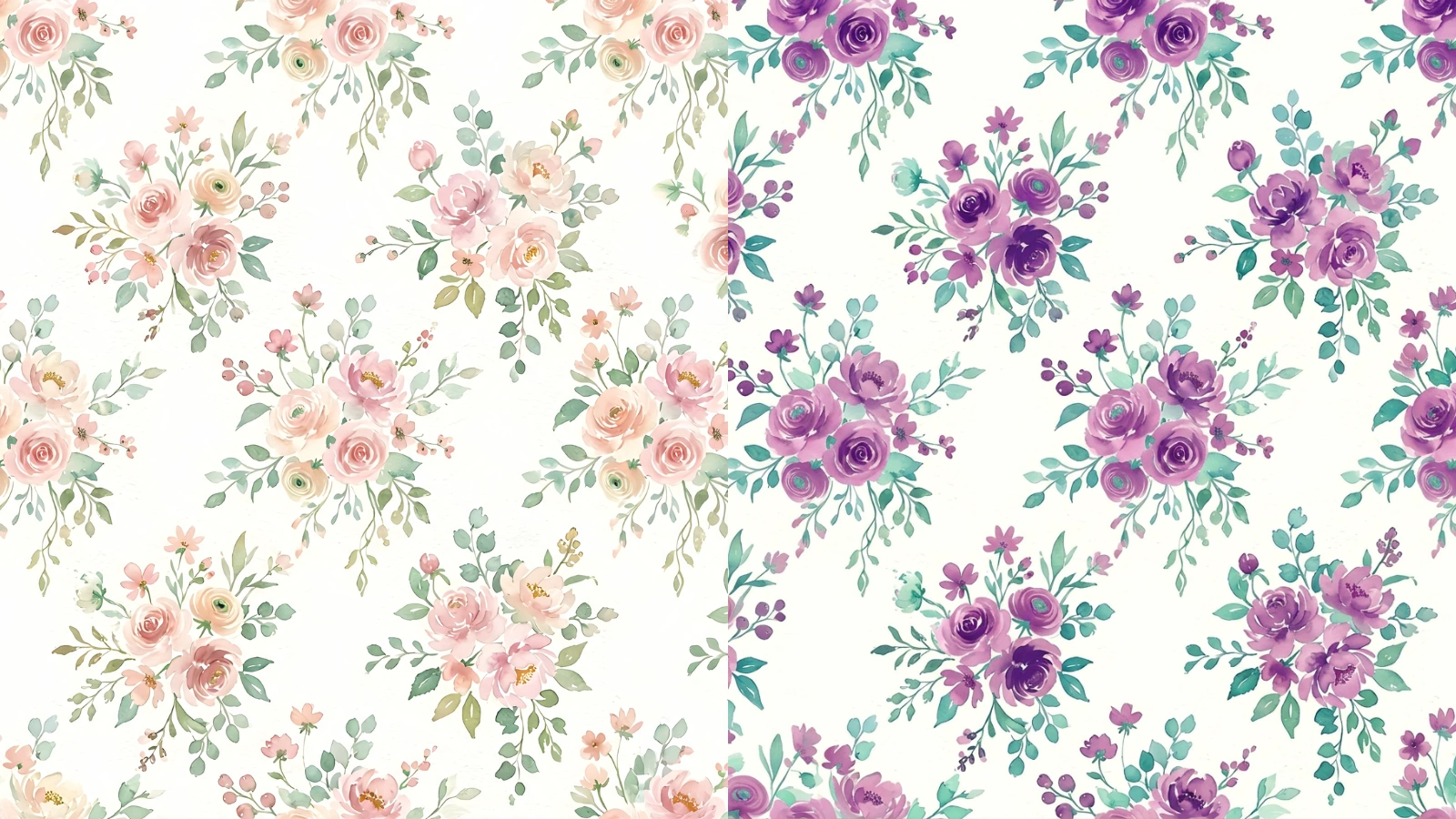
Match a Brand or a Room
Recolouring to a tighter palette is the quickest way to bring a busy pattern in line with a brand's colours or a room's scheme. The tool maps the design onto your palette by tone, so a five-colour tile can come back in two or three colours without losing its structure.
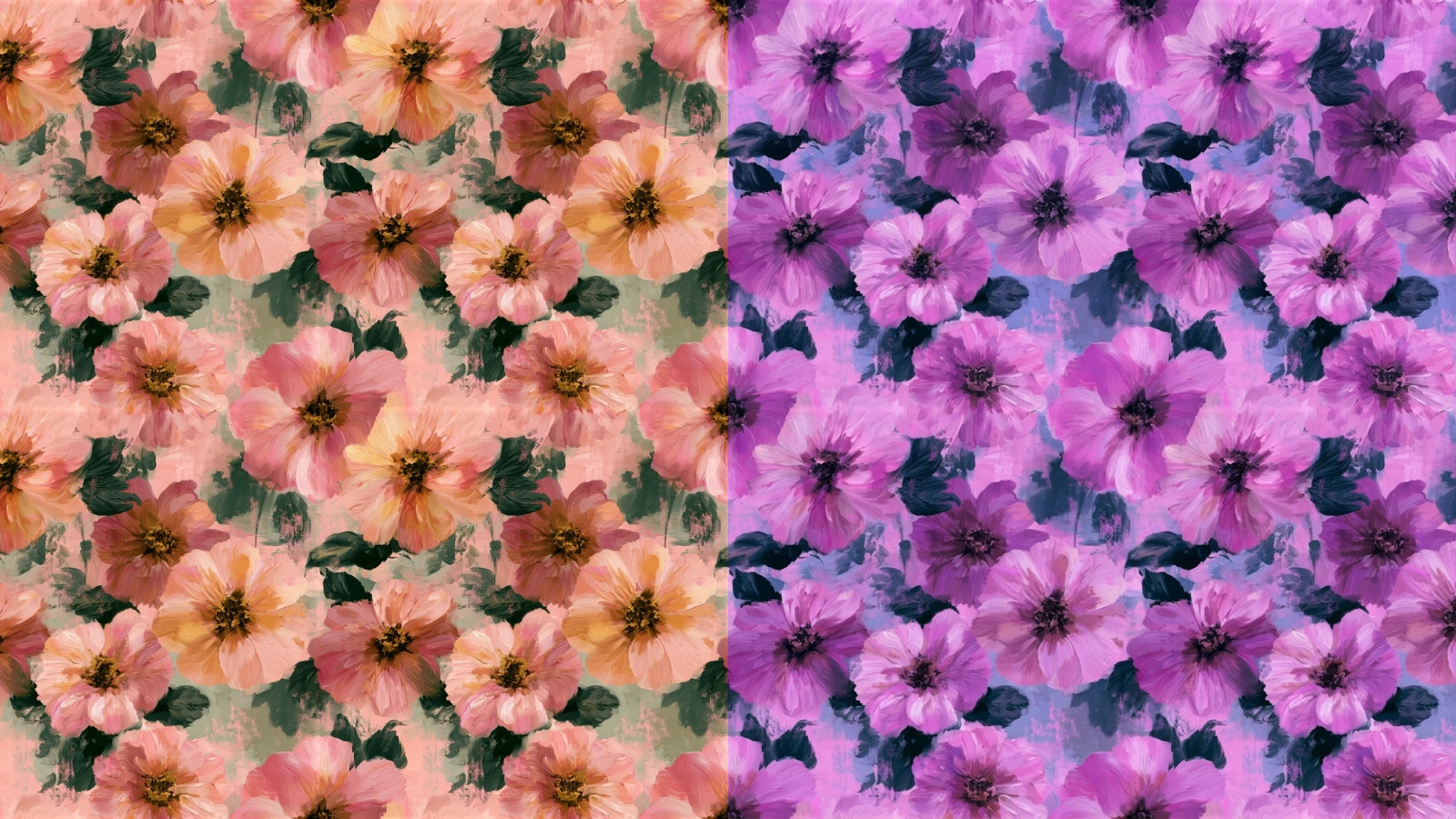
Still Seamless, Every Time
Because the recolour changes colours in place without moving a single shape, a tile that repeated cleanly before repeats cleanly after. Every result comes with a full-screen repeat preview so you can tile it and look along the joins before you commit it to print.
Explore More AI Tools
Frequently Asked Questions
What does the seamless pattern recolor tool do?
It takes a seamless pattern you upload and repaints it in a palette you choose. The design itself — every shape, motif, line and the overall layout — is left exactly as it was; only the colours change. Because nothing about the geometry moves, the tile stays as seamless as it went in, so you get the same pattern in a completely different colourway.
How do I choose the colours?
Two ways, and you can mix them. Pick one of the ready-made palettes with a single click, or build your own: add between two and five colours, set each one with the colour picker or by typing a hex code, and remove any you do not want. Editing a colour switches you into custom mode, so a preset is just a fast starting point.
Does the pattern stay seamless after recolouring?
Yes. The recolour changes colours in place without moving, adding or redrawing any shapes, so a tile that repeated cleanly before repeats cleanly after. Every result comes with a full-screen repeat preview so you can tile it and confirm the seams before you use it.
How does it decide which colour goes where?
It maps the pattern's existing colours onto the palette you gave it, keeping the relationships that make the design read — which areas are light and which are dark, and where the contrast falls. So a light background stays light and a bold motif stays bold; they just take on your colours instead of the originals.
What if my palette has fewer colours than the pattern?
That is fine and often the point — recolouring to a tighter palette is a common way to bring a busy pattern in line with a brand or a room. The tool distributes your colours across the design by tone, so a five-colour pattern can come back in two or three colours without losing its structure.
What image formats and sizes can I upload?
JPG and PNG, up to 8MB. A clean, flat pattern tile gives the most predictable recolour — the closer your upload is to an actual repeating tile, the closer the result stays to it.
How much does it cost?
Two credits per recolour. You will need to be signed in to run it, though you can upload your pattern and set up a palette without an account.
What can I do with the recoloured pattern?
Anything you would do with any tile: print it onto fabric or wallpaper, use it as a web background, or run it through the other tools — upscale it for print, vectorise it, or check the repeat. Recolouring is a fast way to spin one design into a whole set of colourways.