Expand Any Image Beyond Its Borders
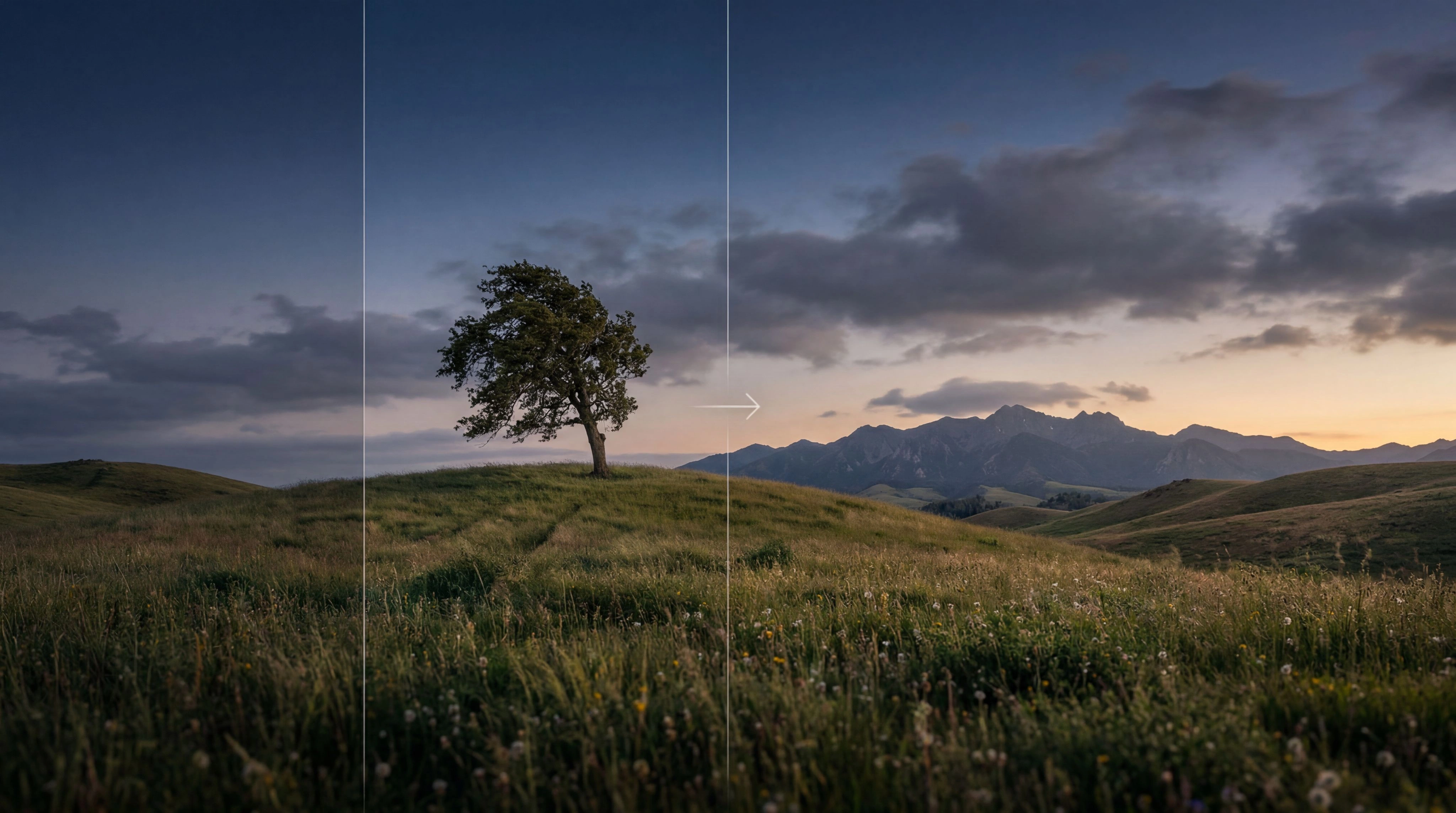
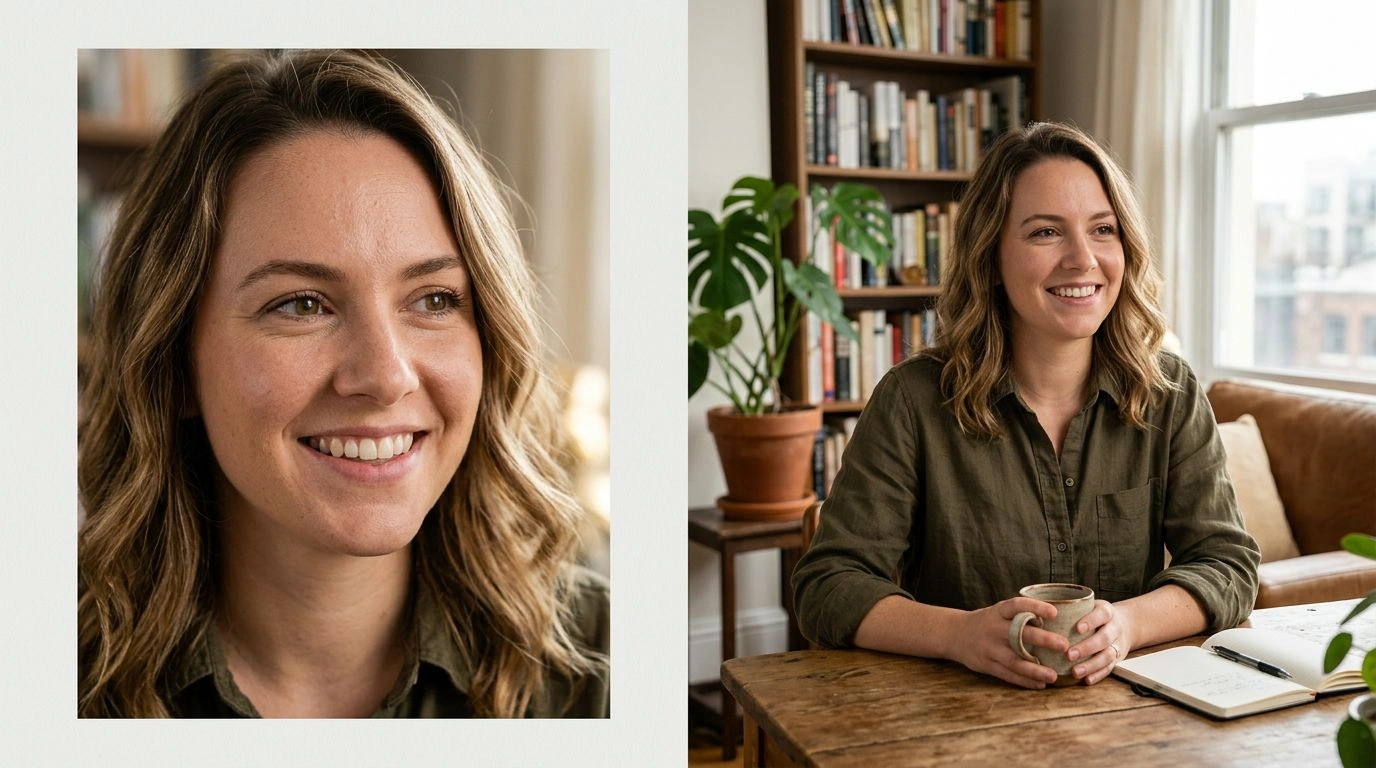
Uncrop Your Photos
Recover the parts of a shot that got cut off and bring back everything the original crop left out. The image expander reconstructs natural surroundings beyond the frame so your subject finally has room to breathe instead of feeling boxed in. It's perfect for rescuing tightly cropped portraits, group photos with missing heads or feet, and quick snapshots that deserve a more complete composition.
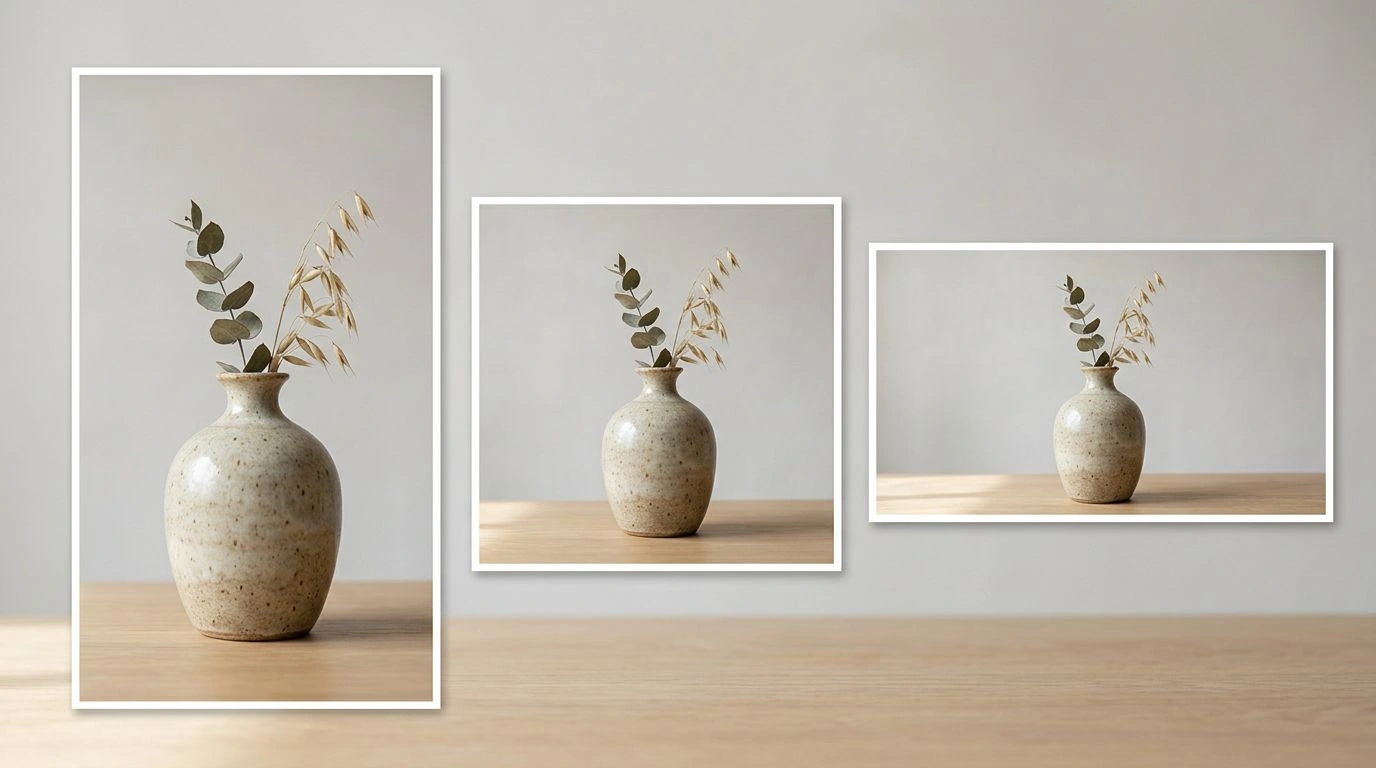
Change the Aspect Ratio
Turn a portrait into a wide banner or a square into a vertical story without cropping away the parts that matter. Expand to 16:9, 9:16, 4:3, 3:2, and more while the AI generates brand new, matching content to fill the extra space. Reformat a single image for every channel — feed posts, stories, thumbnails, and print — without ever reshooting or sacrificing your subject.
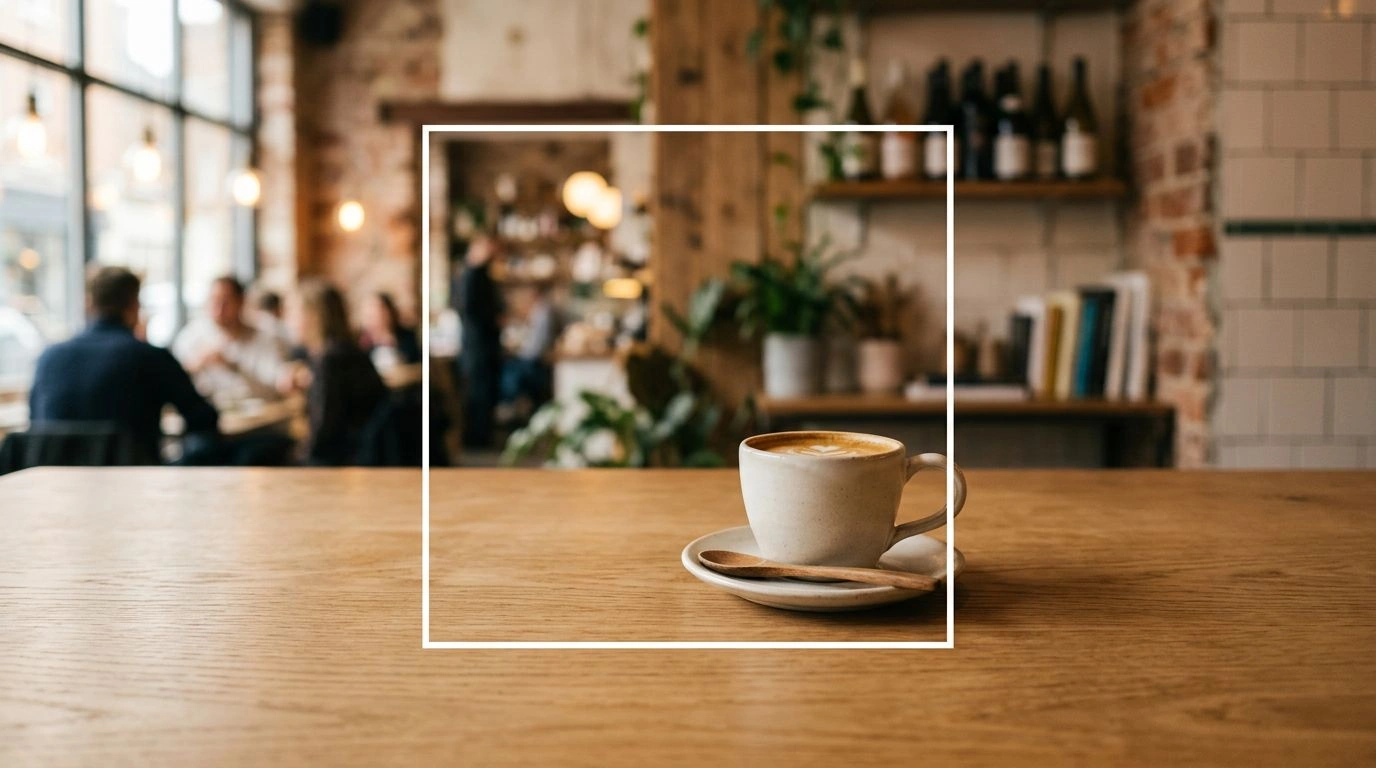
Seamless, Realistic Fills
The AI carefully matches lighting, texture, color, and perspective at the edges, so the newly generated areas are virtually indistinguishable from the original photo. There are no visible seams, repeated patterns, or awkward stretching — just a believable extension of the scene that looks like it was always there. Whether you're expanding a busy background or a subtle gradient sky, the result stays natural and cohesive across the entire frame.
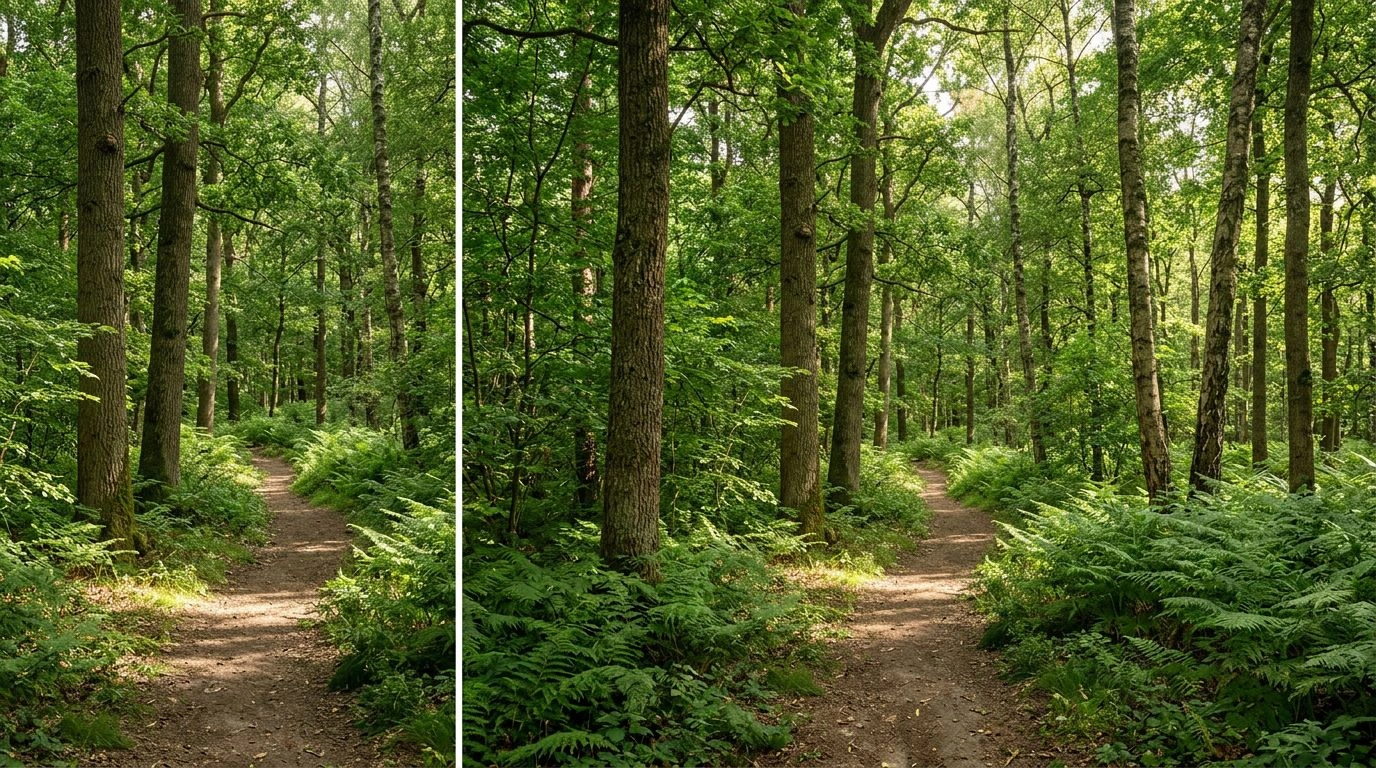
Custom Canvas Sizes
Need an exact dimension? Set a custom canvas and let the expander generate precisely the extra space you need, down to the pixel. It's ideal for ad placements, marketplace listings, and print layouts that demand specific sizes with no guesswork. Define your target once and produce perfectly fitted images that drop straight into your templates and campaigns.
Explore More AI Tools
Frequently Asked Questions
How do I expand an image beyond its borders?
It takes 3 steps - 1. Upload the image you want to expand. 2. Pick a target aspect ratio (or set a custom canvas). 3. Click generate and the AI outpaints new, matching content beyond the original edges. Then download the result.
What is image outpainting?
Outpainting uses AI to generate new pixels outside the original frame of a photo. Instead of cropping or stretching, the image expander invents realistic surroundings that blend seamlessly with your existing image.
Which aspect ratios are supported?
You can expand to common ratios like 1:1, 16:9, 9:16, 4:3, 3:4, 3:2, 2:3, 5:4, and 4:5 — ideal for social posts, banners, and prints — or define your own custom canvas size.
Is my data and privacy safe?
Yes, your images are safe with us. Patternful.ai prioritizes user data safety. Your images are always private, proprietary, and they remain your property. All uploaded images are automatically deleted from our servers after a few hours.