Marketing Studio · Flyers
Flyers that get read
Say what you are announcing — a game night, a grand opening, a class, a service, a sale. The studio designs a flyer around it: one message you cannot miss, and the details exactly where people look for them.
10 free credits when you sign up. No card required.



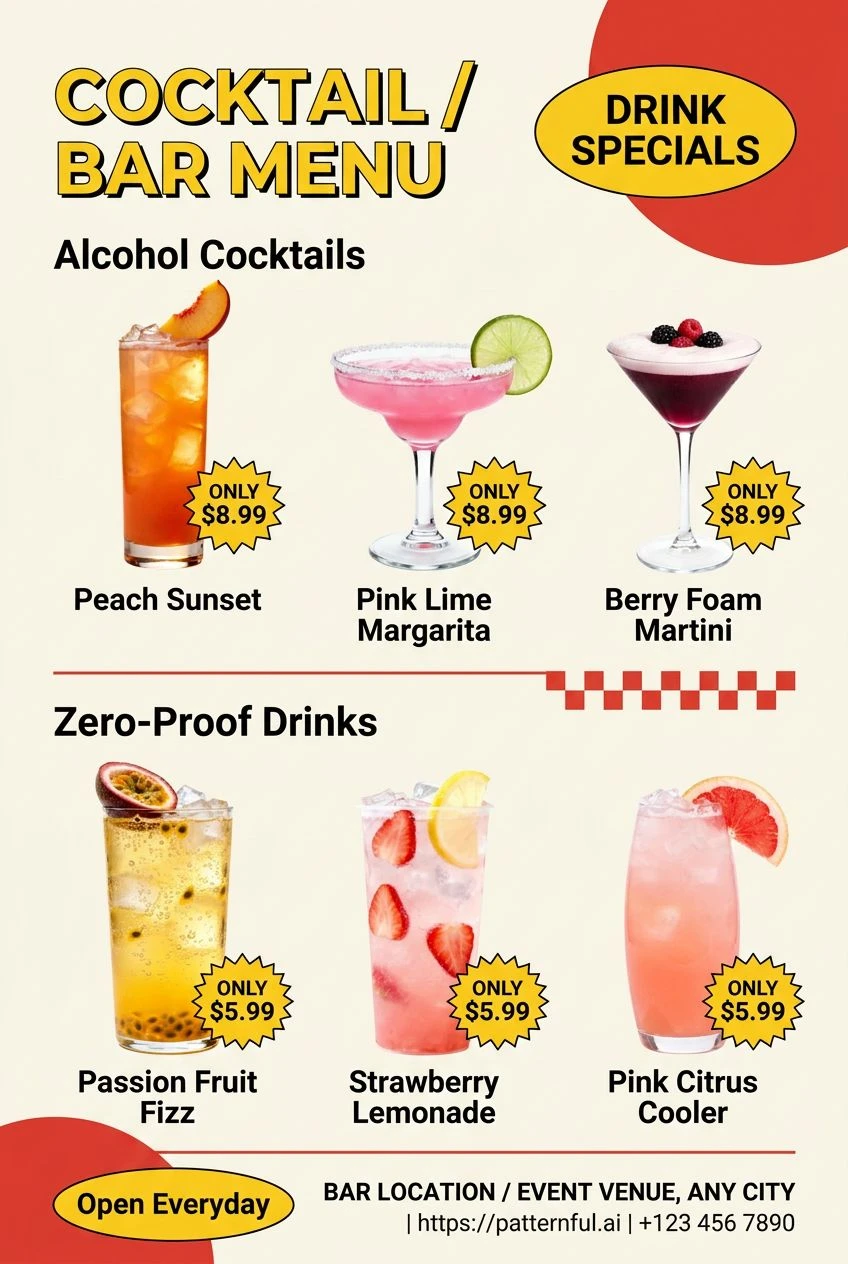
What it is
One offer, set to be seen
A flyer has a second to land. It gets glanced at on a notice board, a lamppost, a counter or a screen, so it needs one big message and a clean place for the practical details. The studio designs every flyer to that rule — the offer or announcement in the largest type, a short line to support it, and the date, address and contact in a tidy block — in whatever style suits the event.
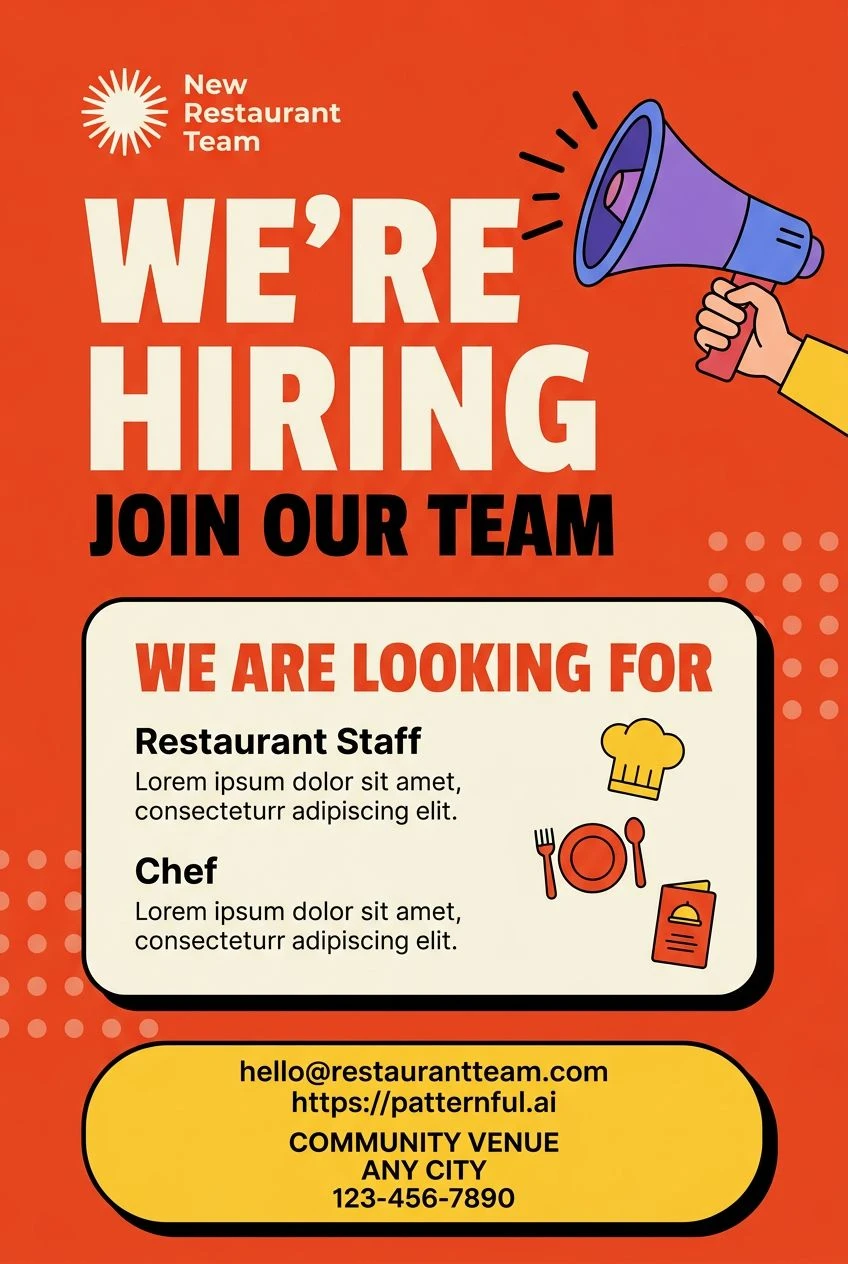
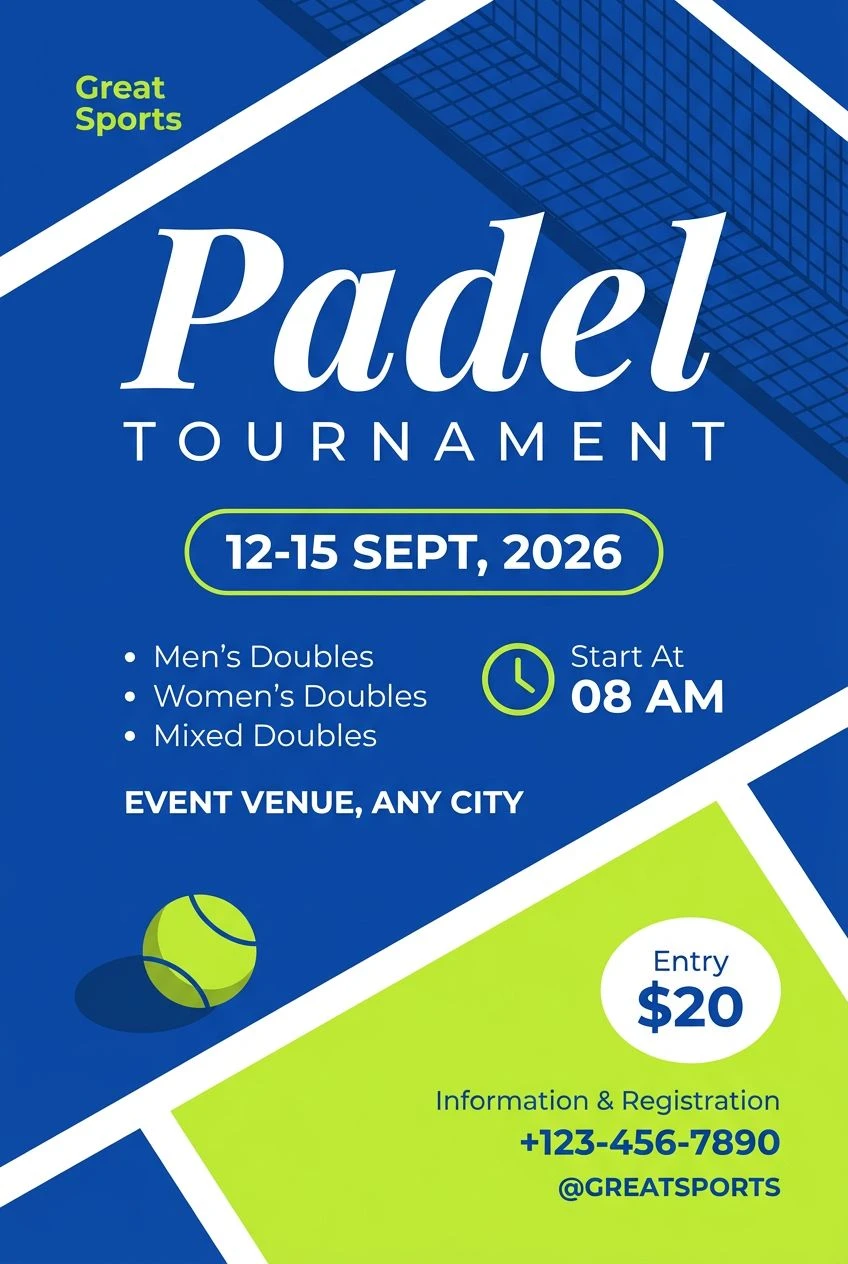
One message, impossible to miss
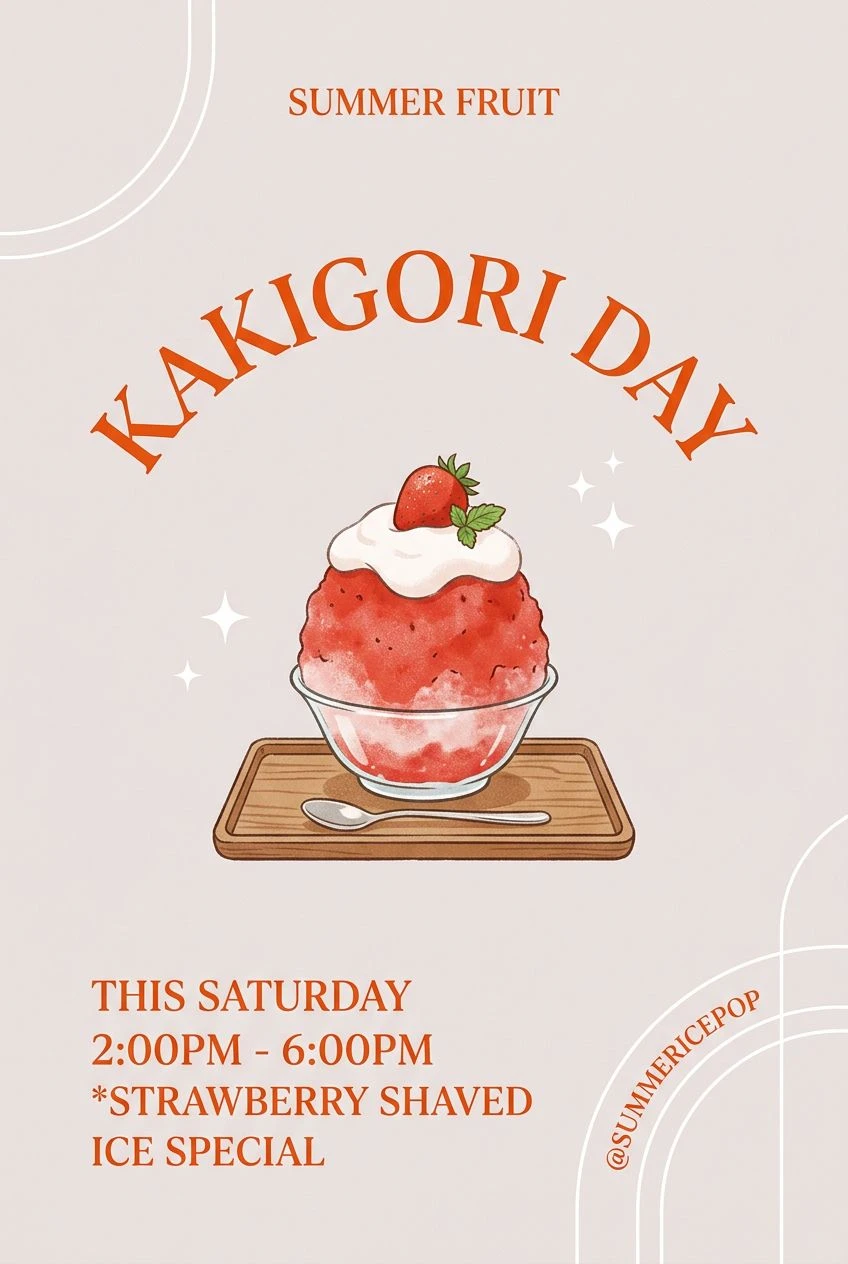
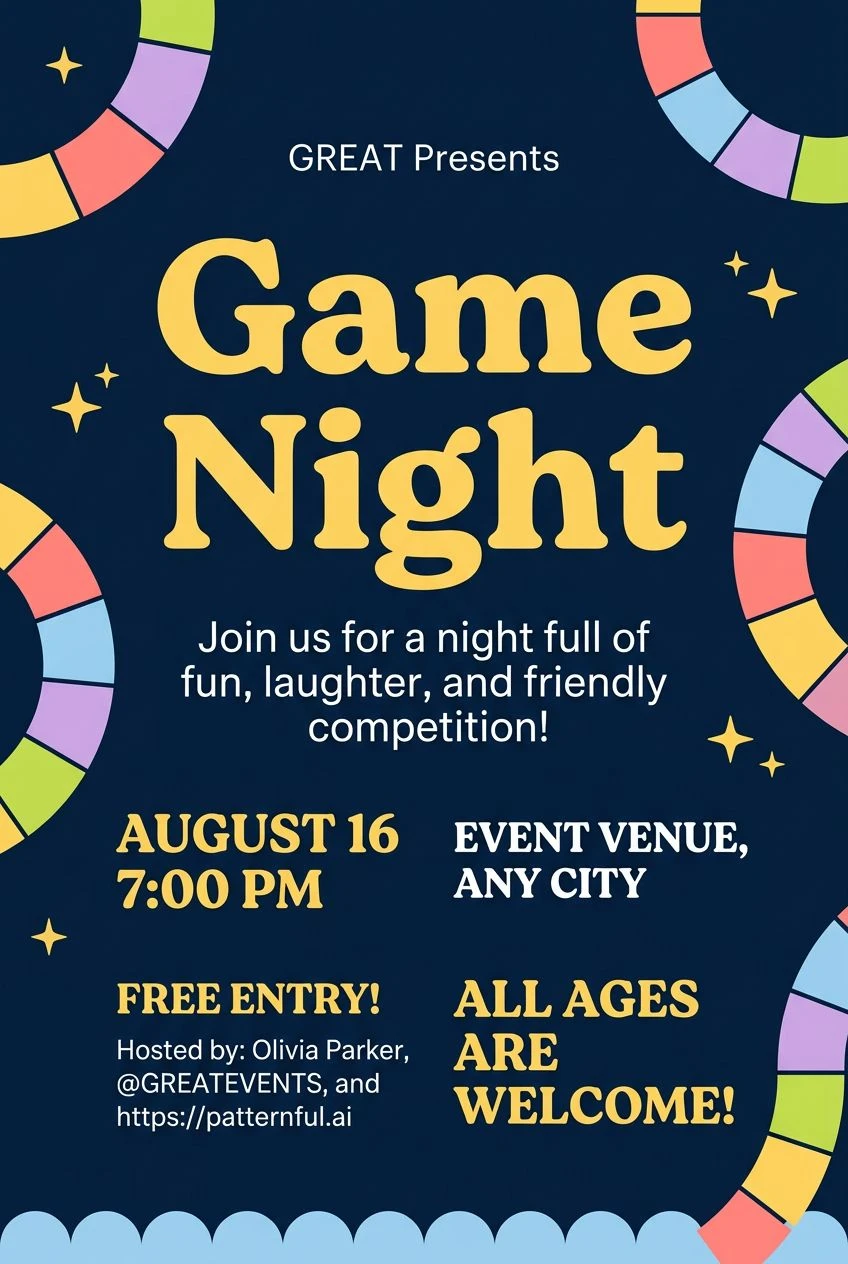
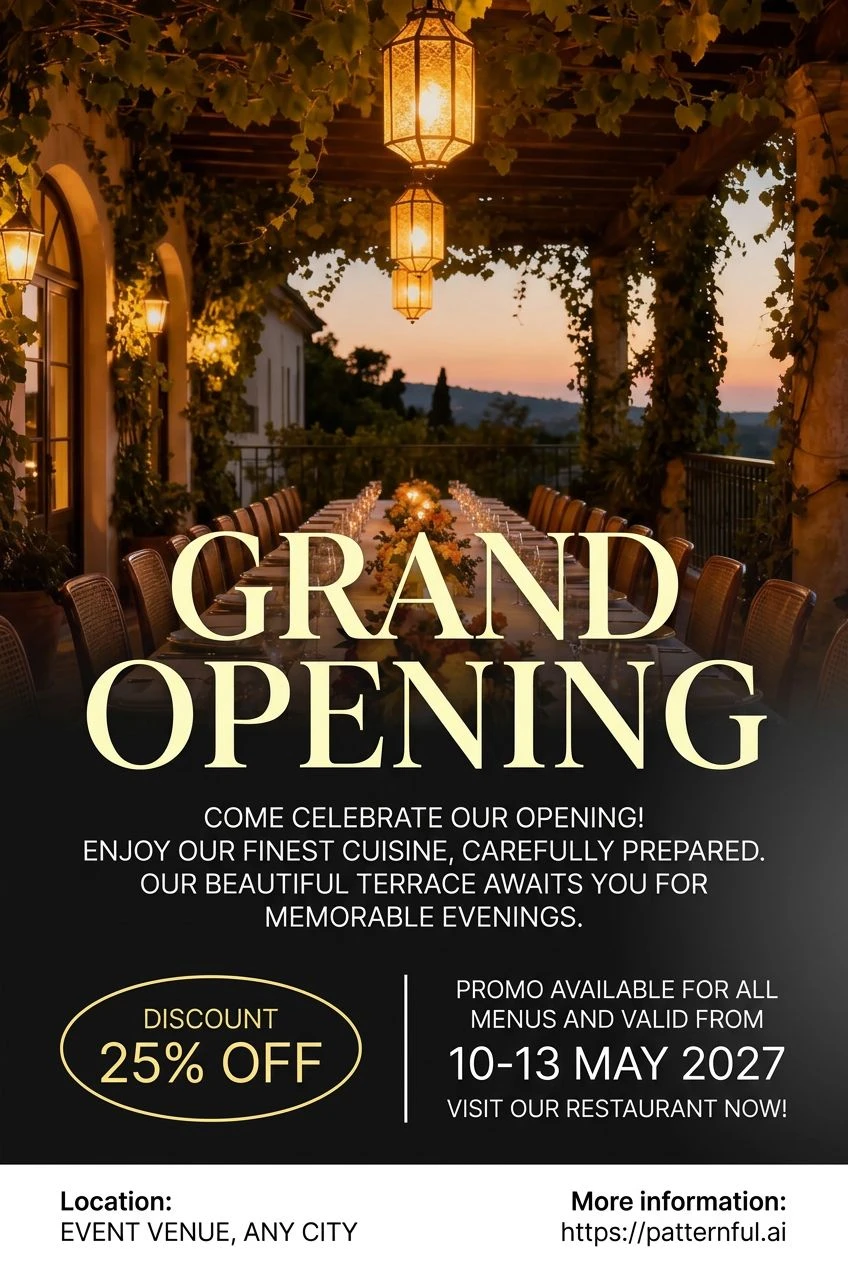
The offer or the announcement is set in the largest type on the page: WE'RE HIRING, a tournament, a grand opening, half price. Everything else steps back, so the point of the flyer reads from across a room.
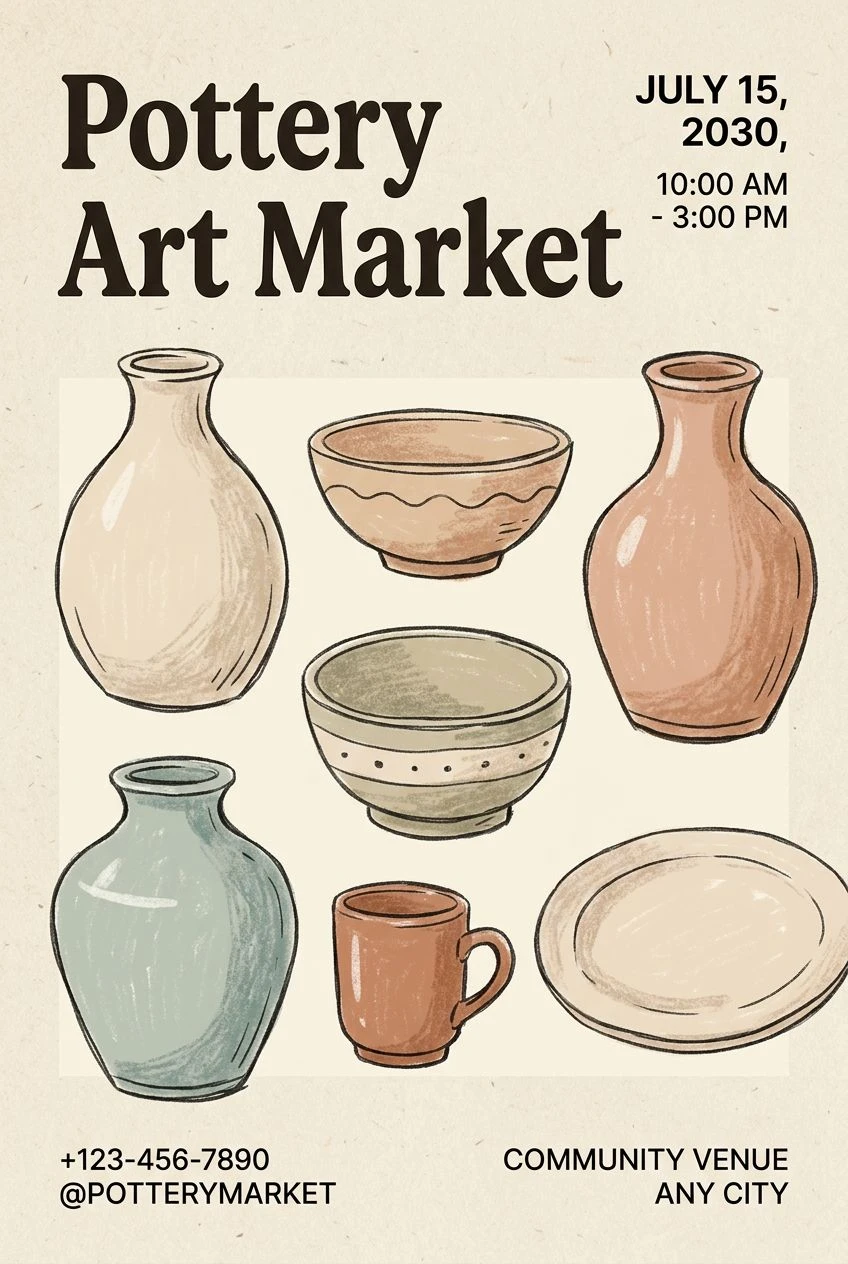

The details, tidy at the bottom
Date, time, address, contact and terms go in a small, orderly block near the foot of the page — exactly where people look for them once the headline has caught their eye. No hunting through decoration to find out when, where and how much, and no detail crowded out by the design.
Your photos in the design
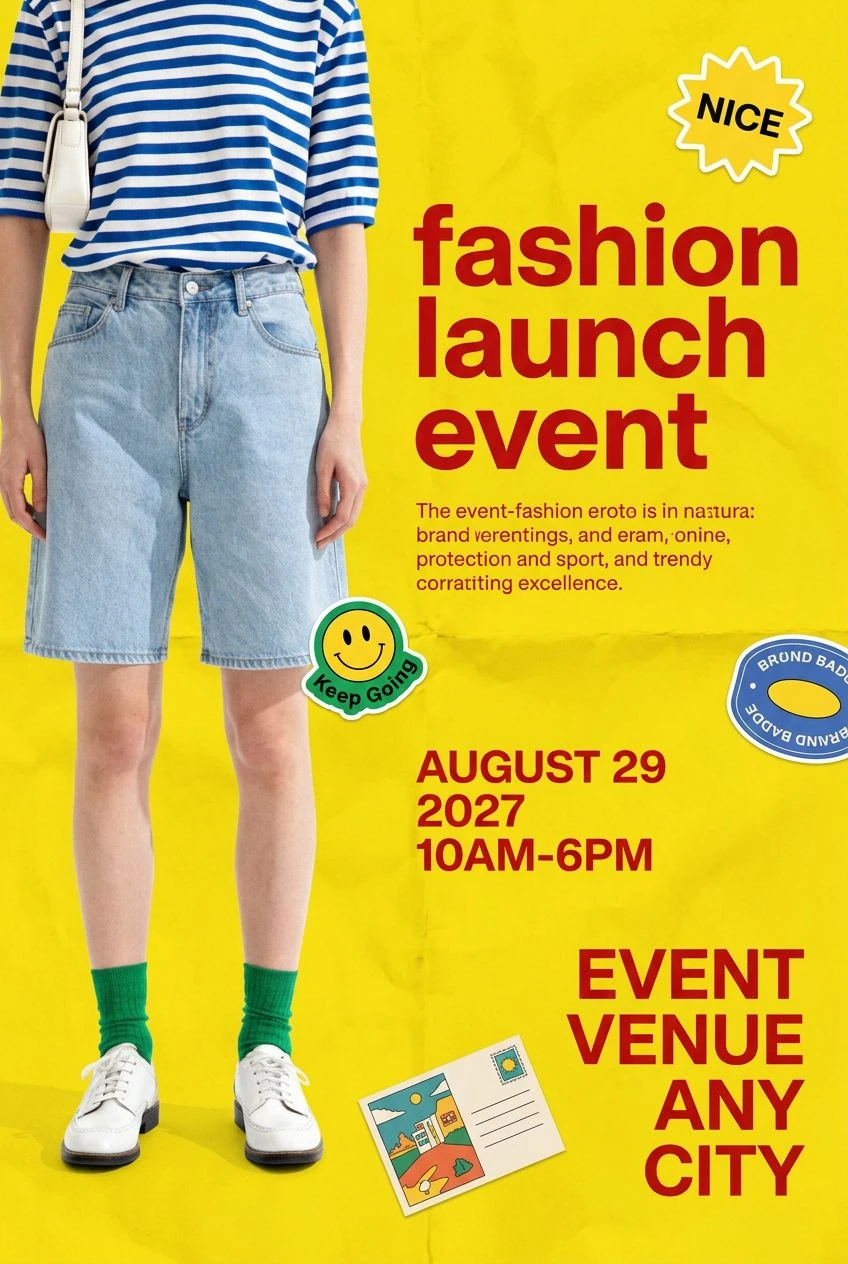
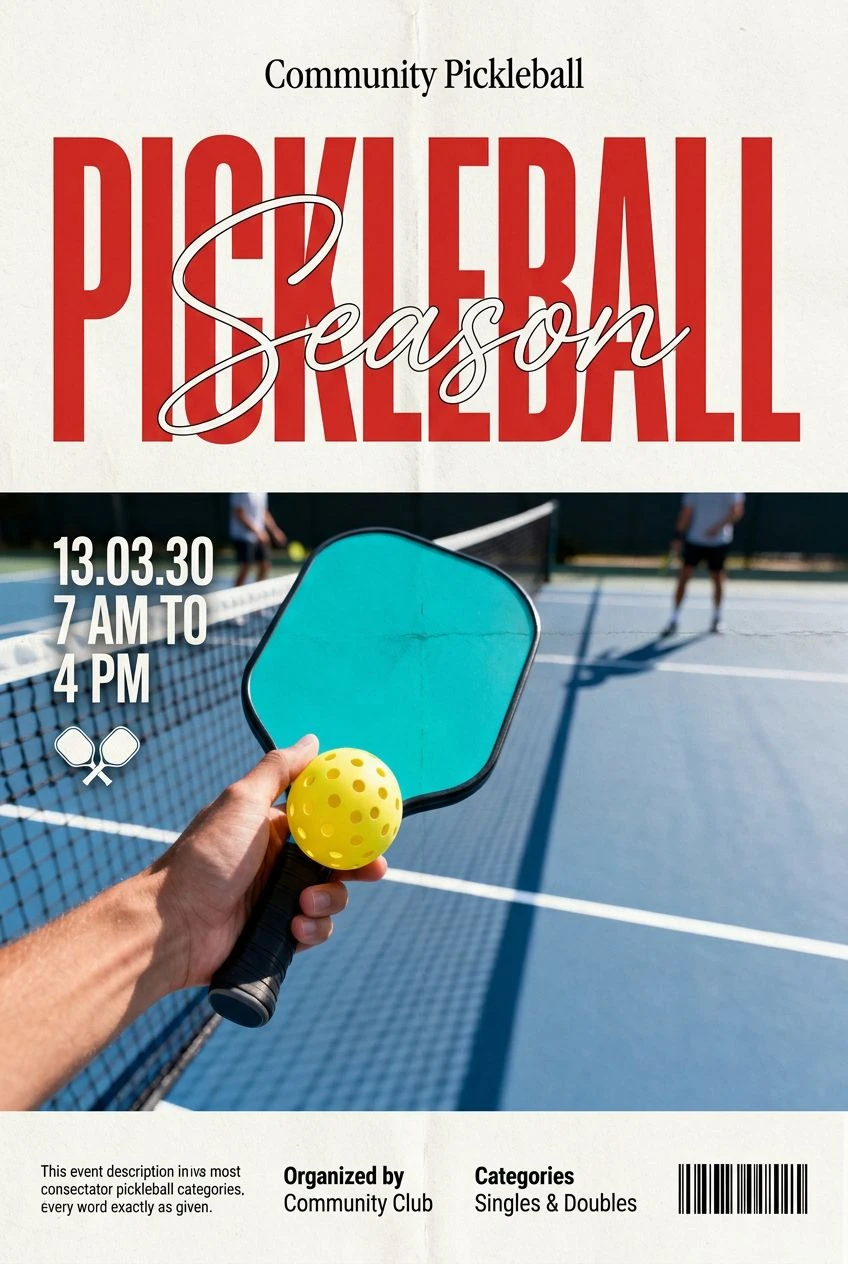
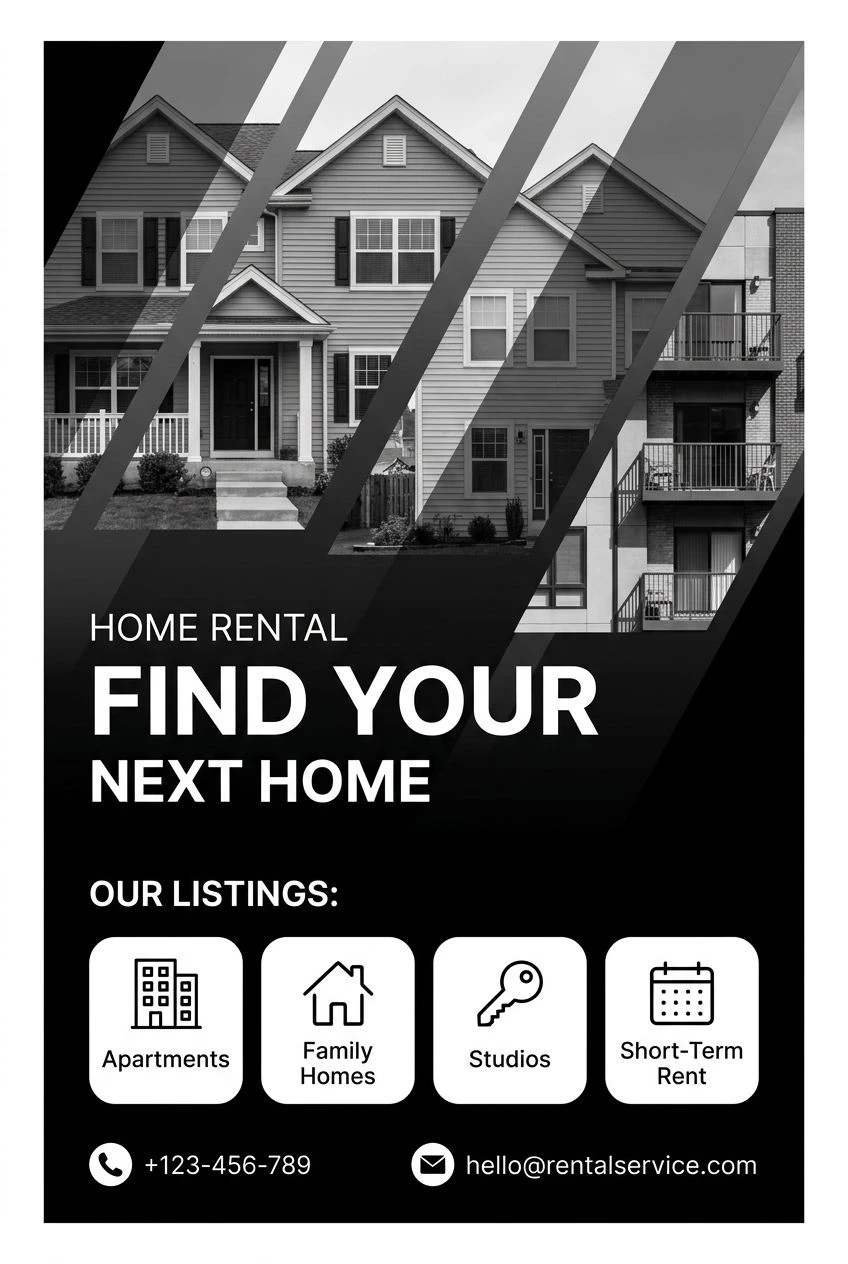
Add a photo of the restaurant, the house, the product or the team, and the studio builds the flyer around it — a full-width image with a colour panel, a collage, a photo with the headline across it.
Every word as you wrote it
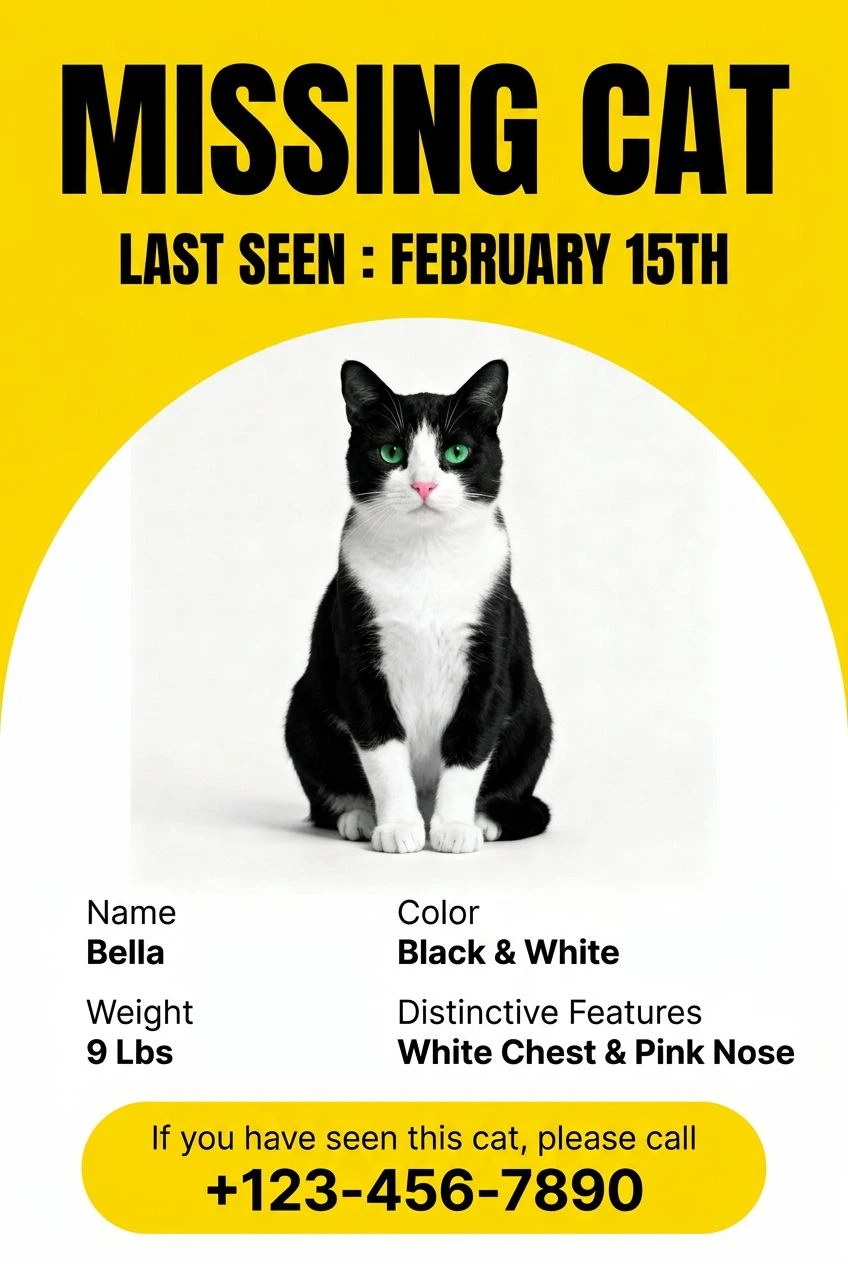
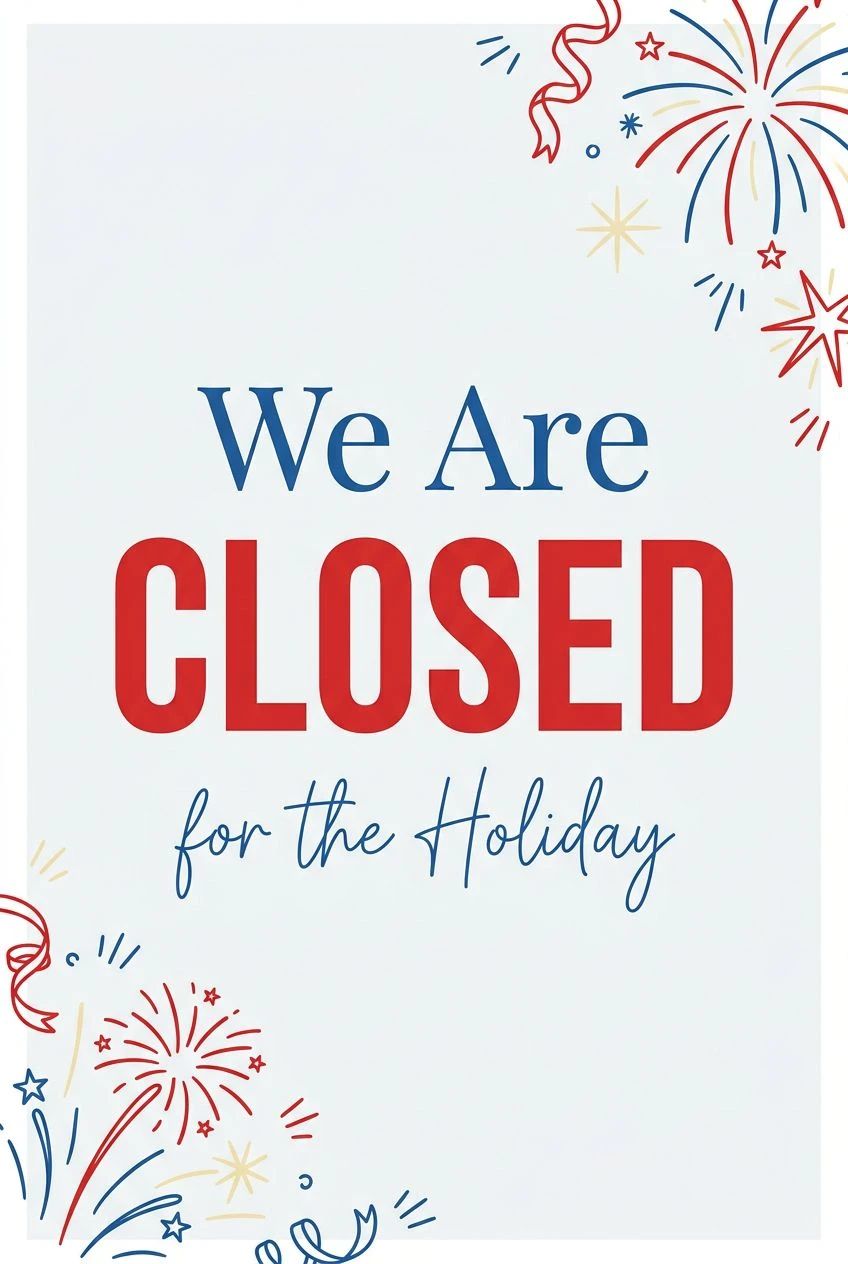
The studio uses only the wording you give it and spells it exactly — the phone number, the cat's name, the closing dates, the address. Nothing is invented to fill space, no slogan appears that you did not write, and every detail on the page is one you can stand behind.
Use cases
Where it earns its place
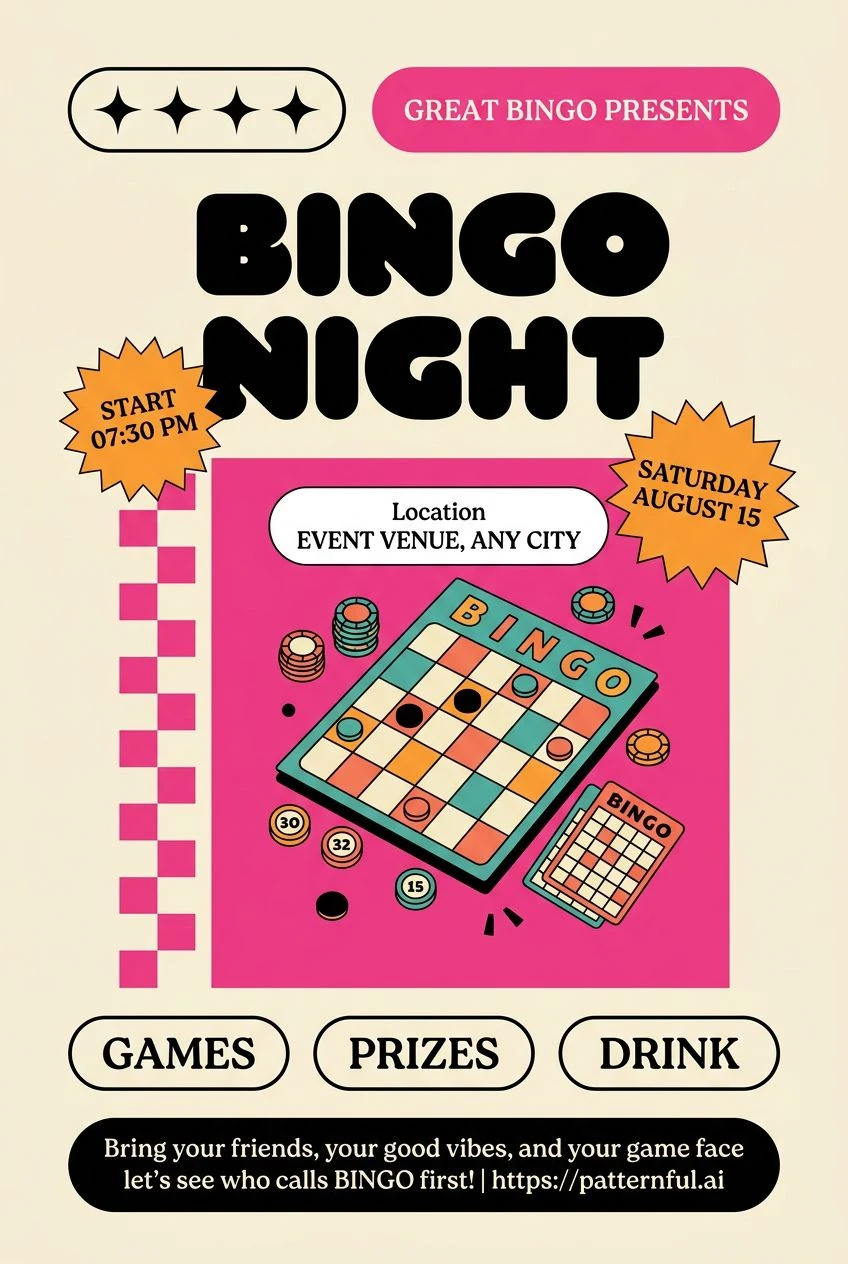
Events
Game nights, markets, tournaments and parties — one design, printed for the notice board and posted to the feed the same day.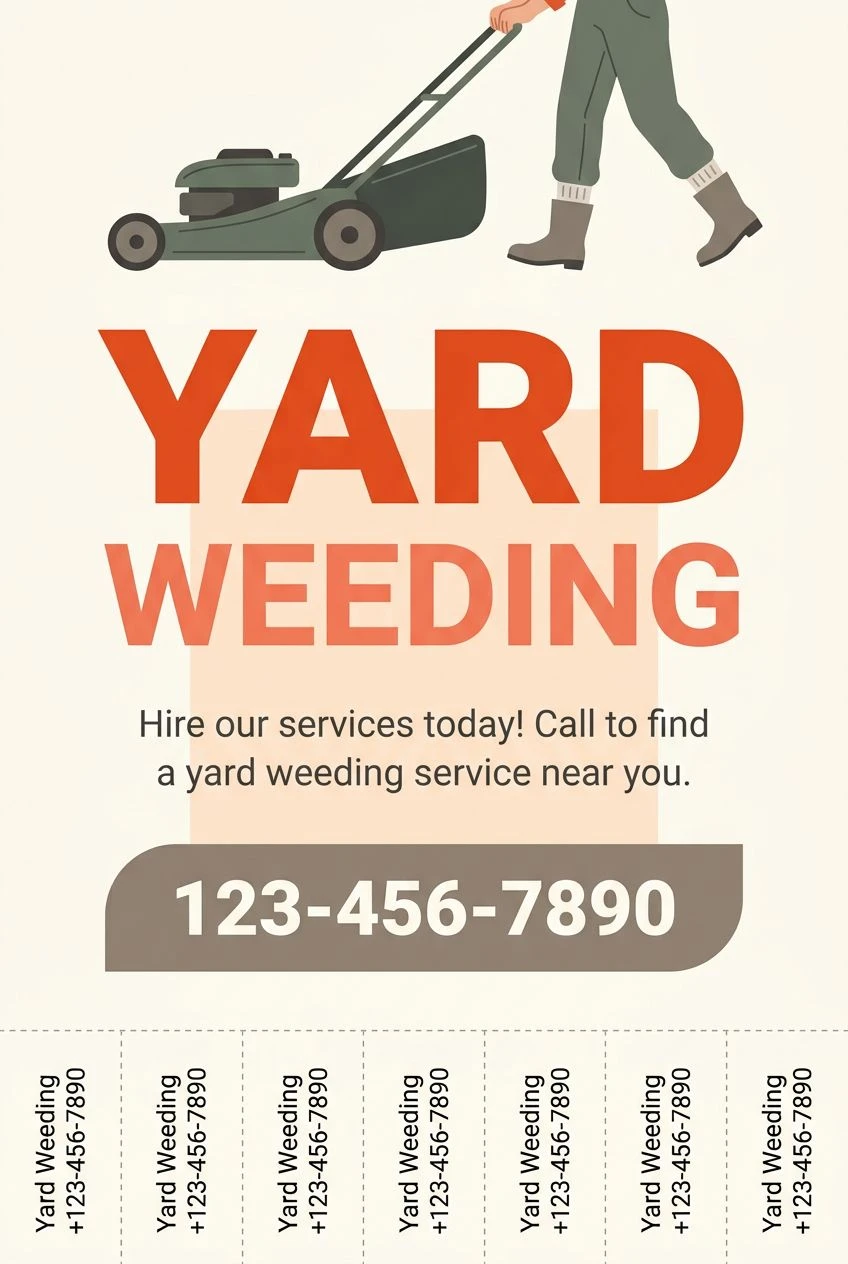
Local services
Gardening, repairs, cleaning, rentals: a clear offer, what it costs and a number to call, on a flyer that looks like a real business.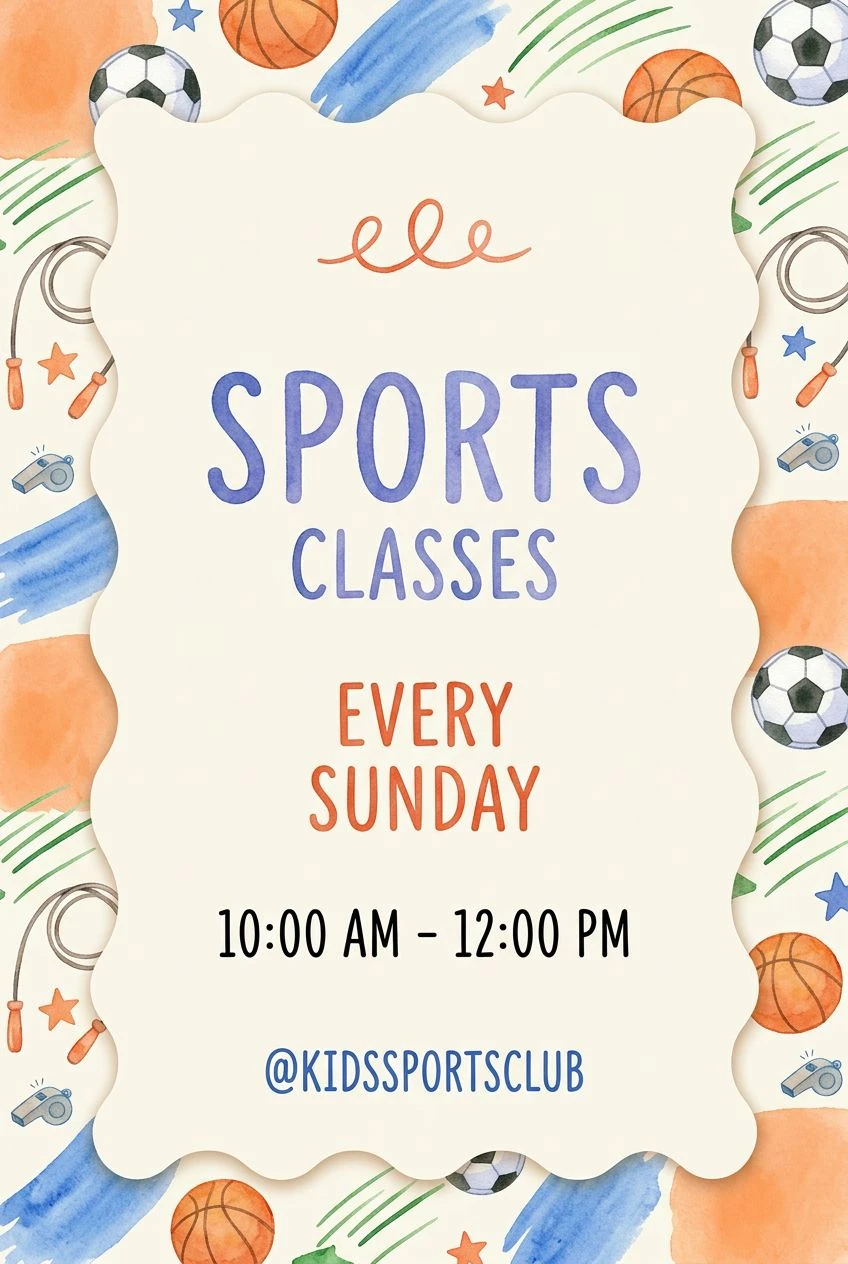
Classes and workshops
Schedules, ages and prices for classes, camps and courses, in a design that suits the activity — playful for kids, sharp for a workshop.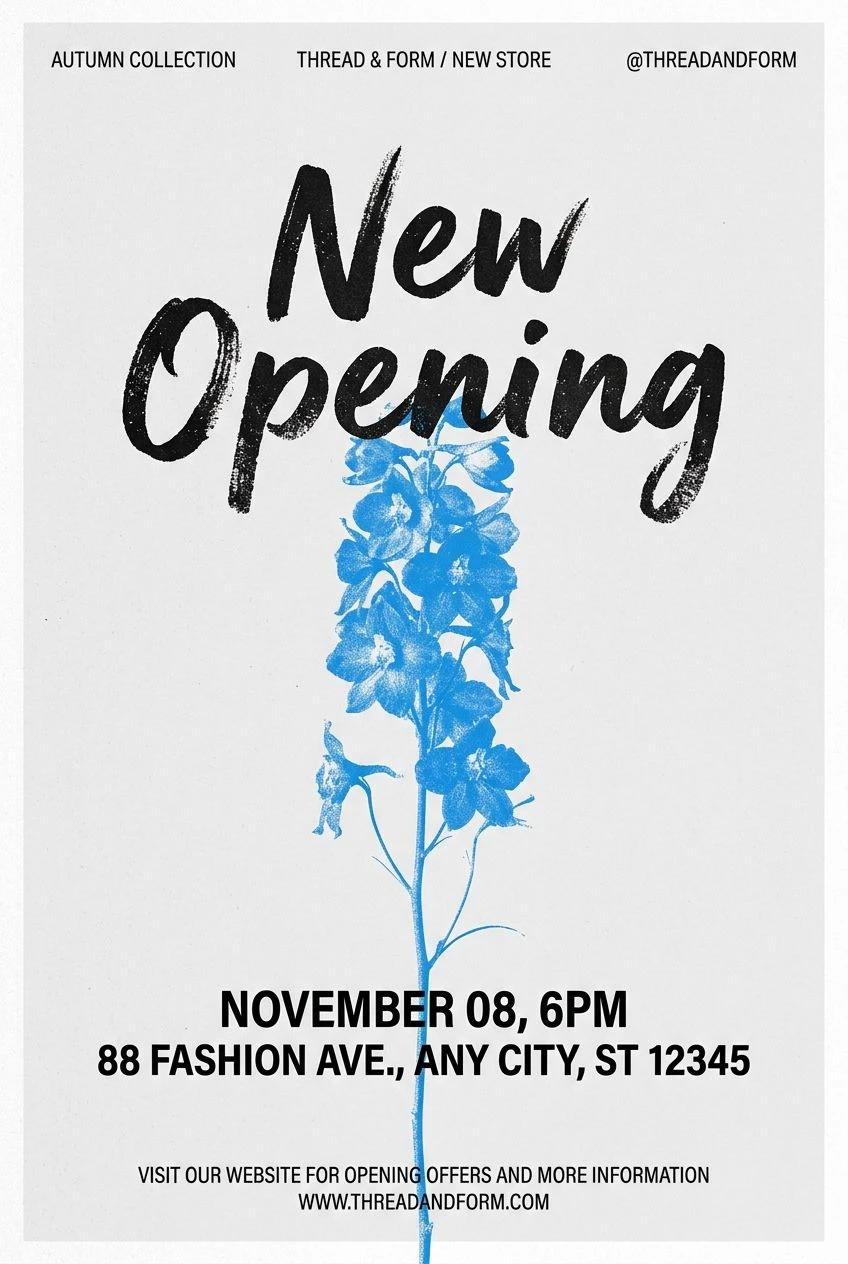
Store news
Openings, holiday closures, hiring, new collections — the notices a shop needs at short notice, made to match the rest of its look.
Examples
Start from one of these
Open any of them, put your own in, and run it. There are many more in the studio.
Questions
Will it spell my words correctly?
The studio is told to set every word exactly as you give it — names, dates, prices, addresses — and never to invent text of its own. Lettering is generated, so read the result before you print it; if a word comes out wrong, run it again or adjust the brief.
Can I use my own photos?
Yes. Add them as references and say how to use them — the studio builds the layout around your pictures.
What shape are the flyers?
Upright by default, for print or a story; you can choose another shape before you run it.
What does it cost?
Every run is priced in credits, and the price is on the button before you press it. New accounts get 10 free credits.
Who owns the content I create?
You do. Content you generate on Patternful.ai is yours to use, including commercially, under our AI license.
More from the Marketing Studio
Everything else the studio makes, from the same one photo — or see the whole studio.
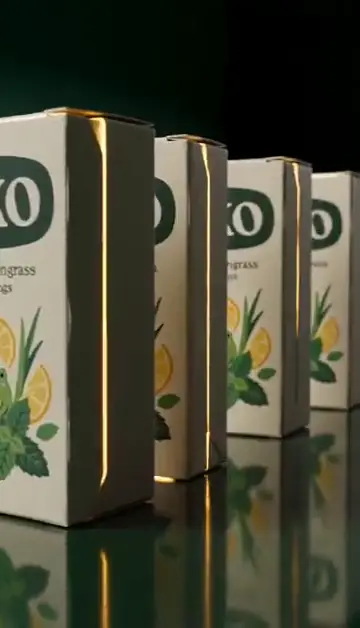
Video ads
Finished short video ads from one product photo — every shot and beat already planned.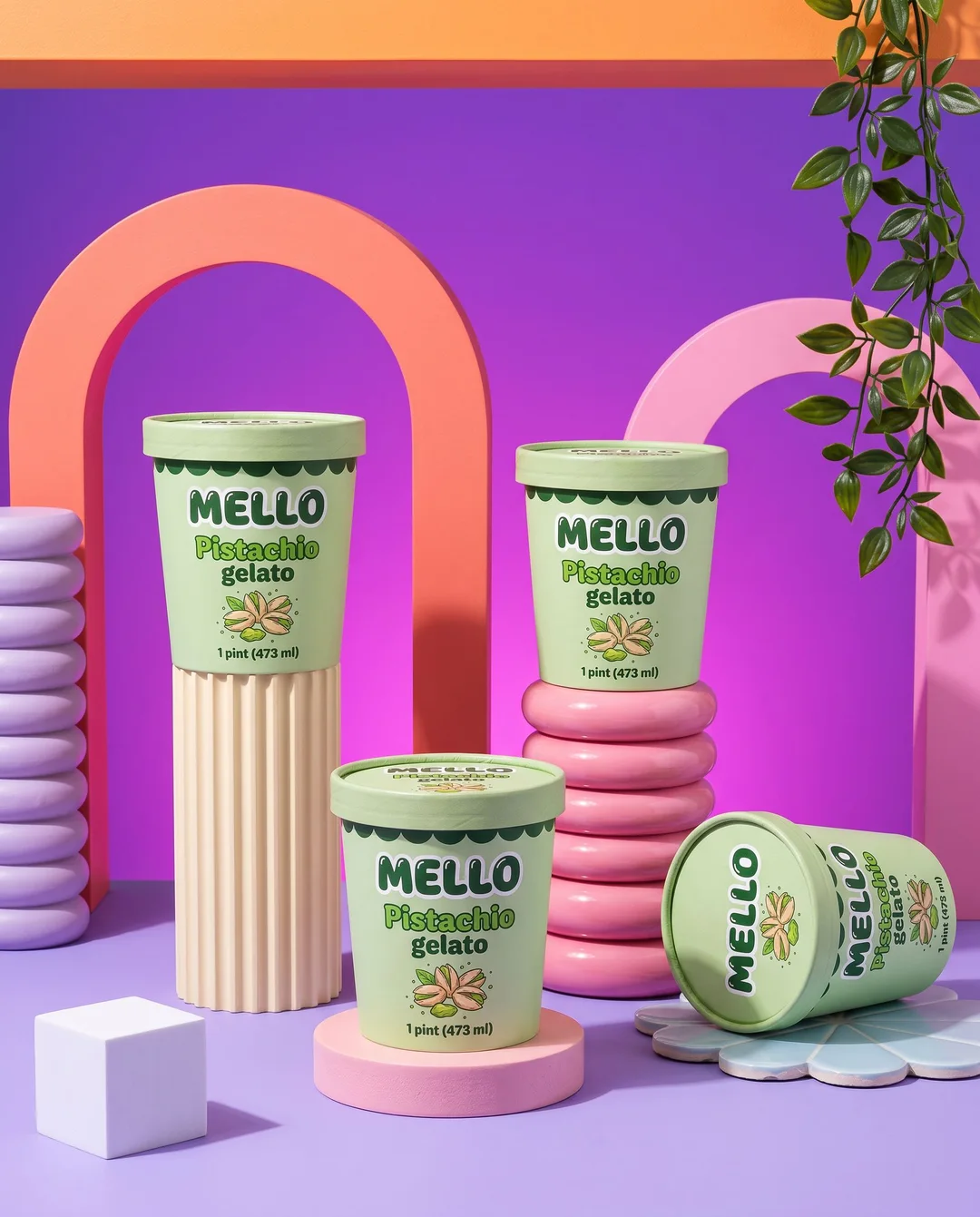
Product shots
Studio, lifestyle and on-model scenes for your product, label and all.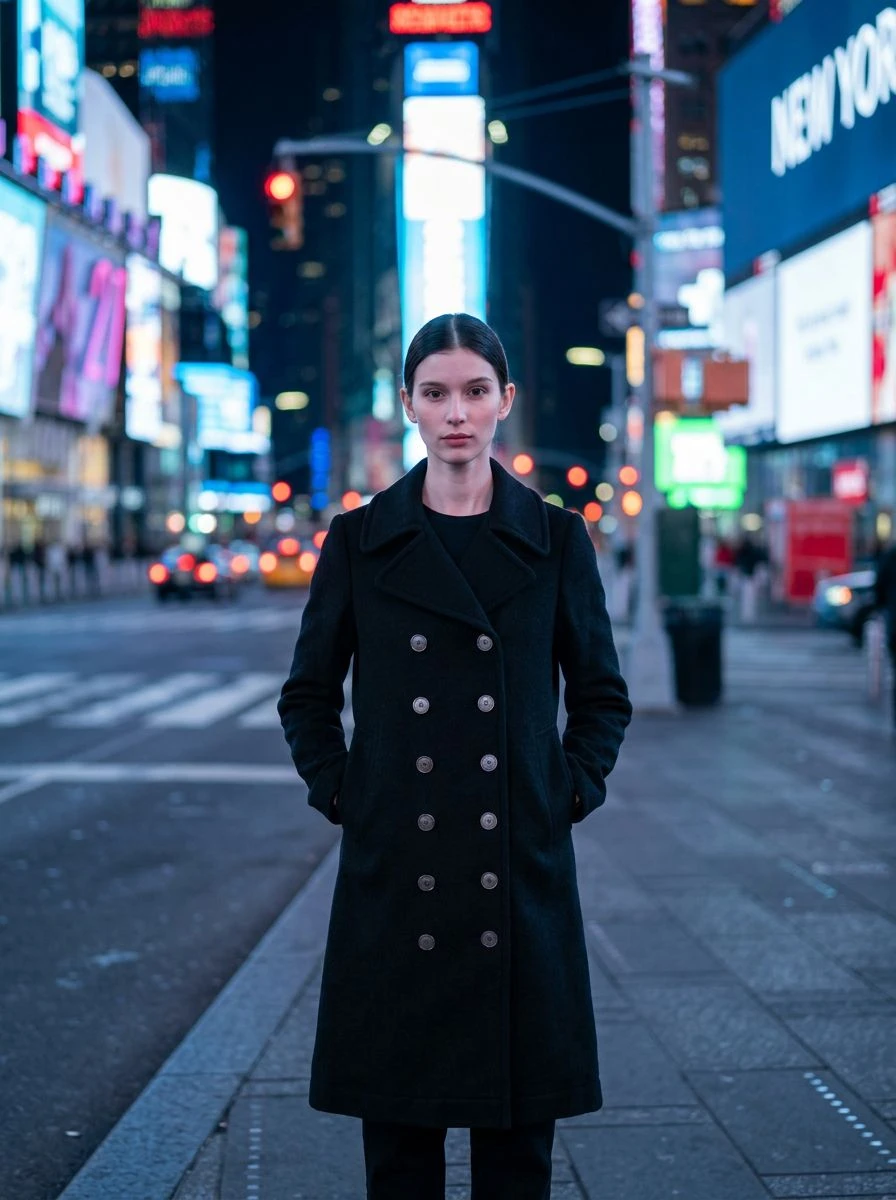
Virtual try-on
Your clothing and accessories on a person, in any setting and any light.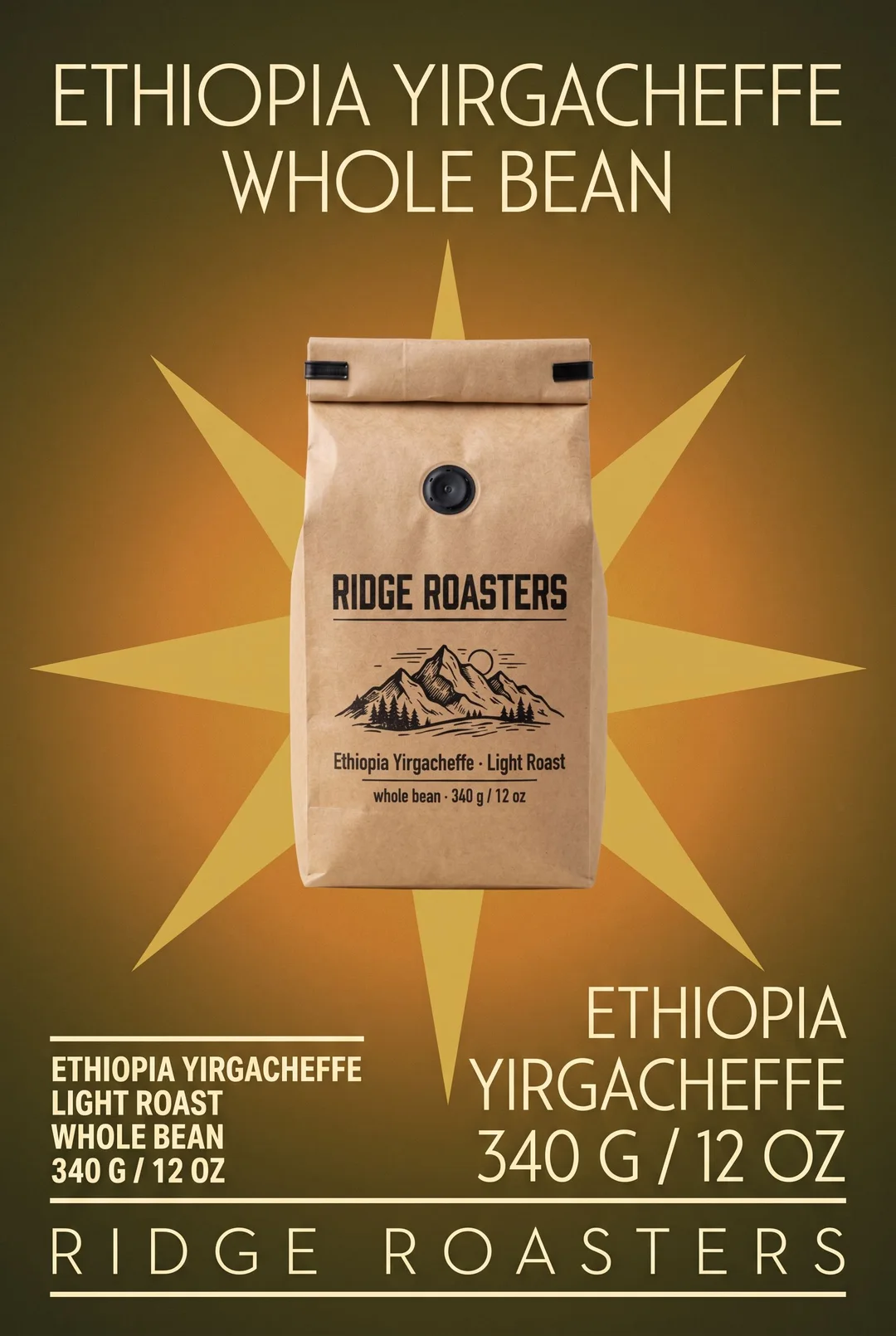
Posters
Product and event posters — photographed, set in big type, or drawn by hand.
Logos
Clean, flat brand marks that read on a sign and on a favicon.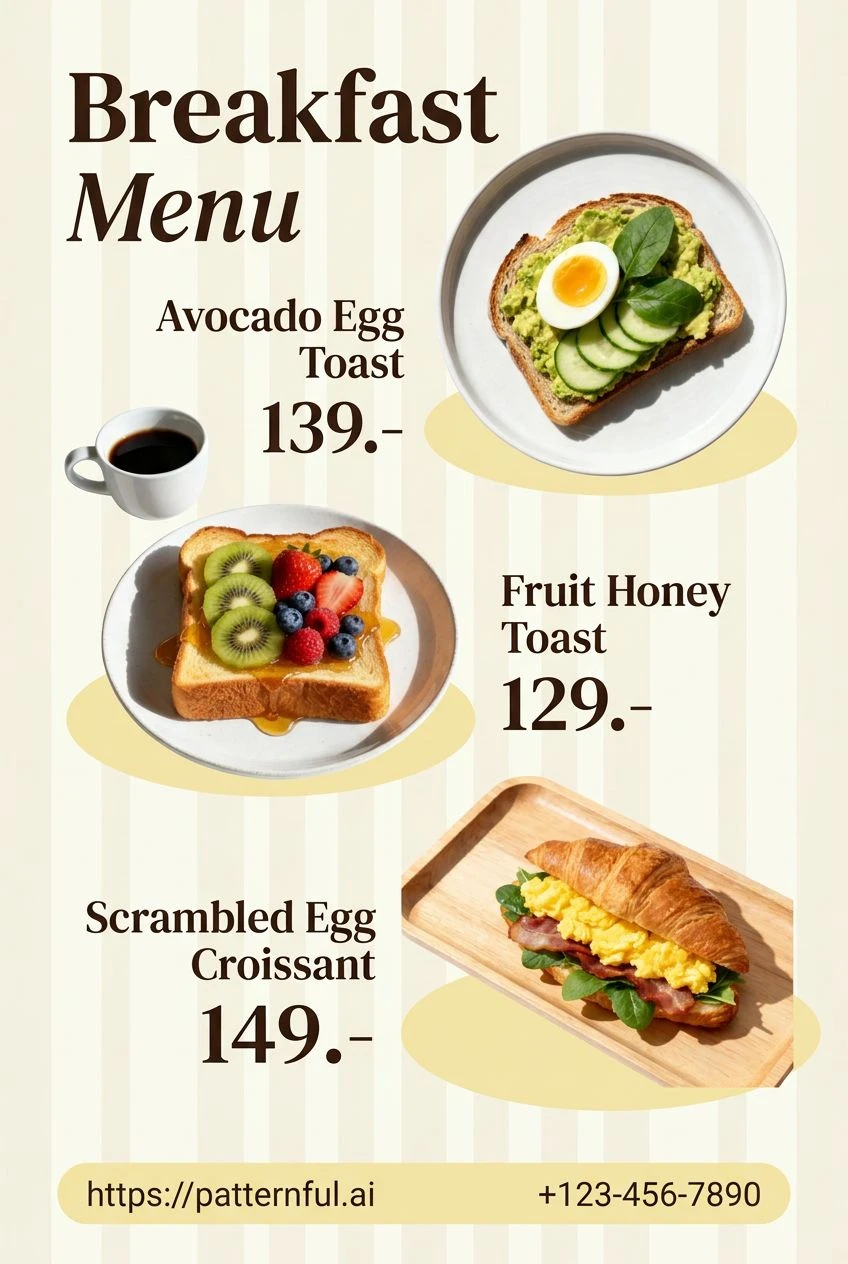
Menus
Readable, styled menus with every item lined up against its price.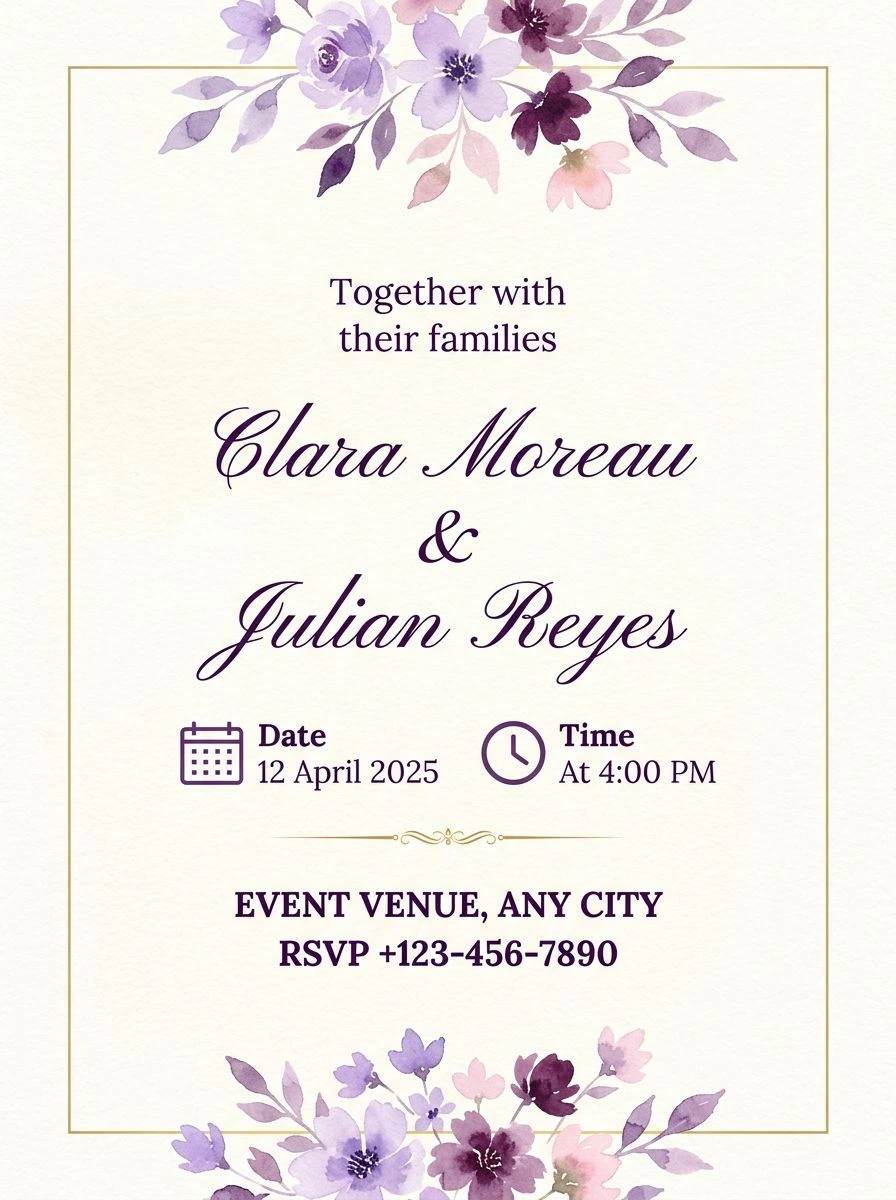
Invitations
Wedding, birthday and party invitations — names first, details quiet.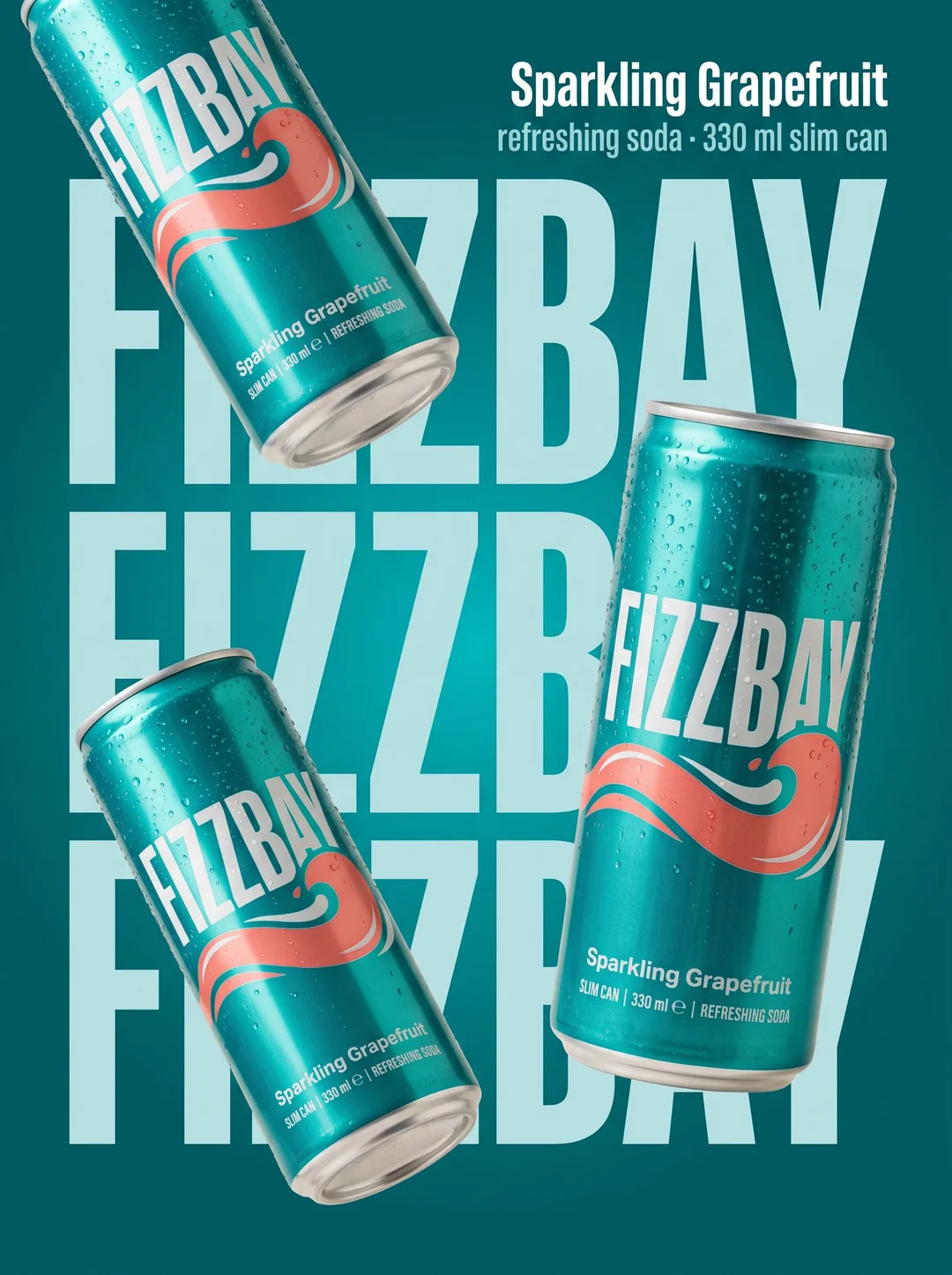
Marketplace
Listing images with your product's name and details, laid out to sell.