Hair Color Changer
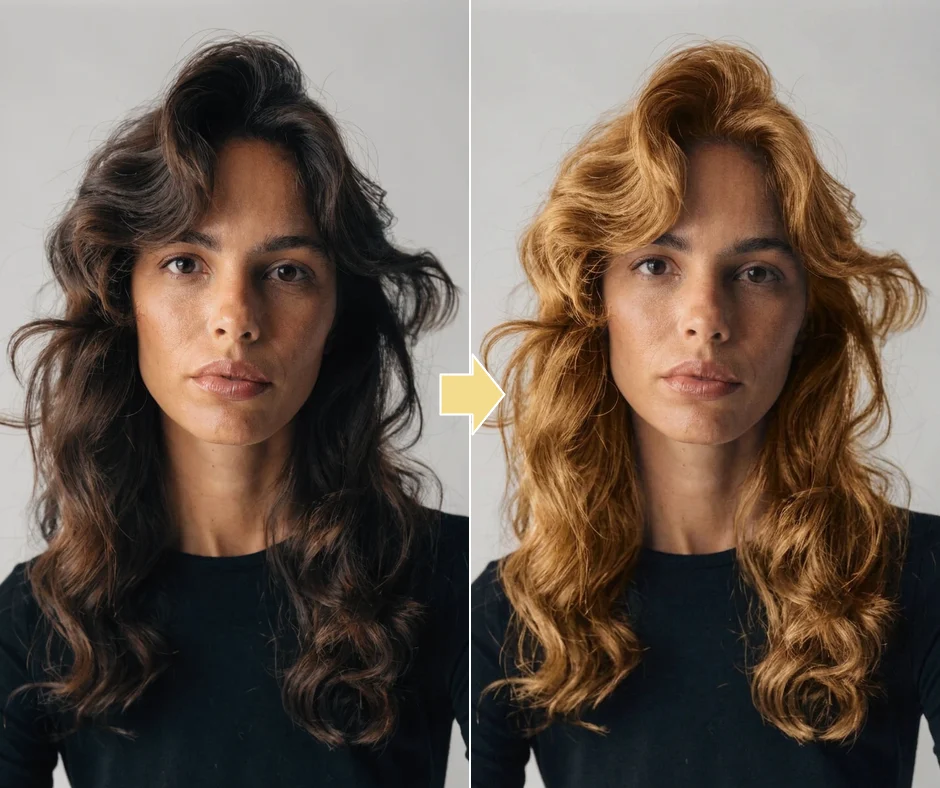
Try a new hair color before you dye it. Upload a photo, pick blonde, red, pink, black or silver, and AI recolors your hair while keeping your cut and face.
Try a New Hair Color Without the Dye
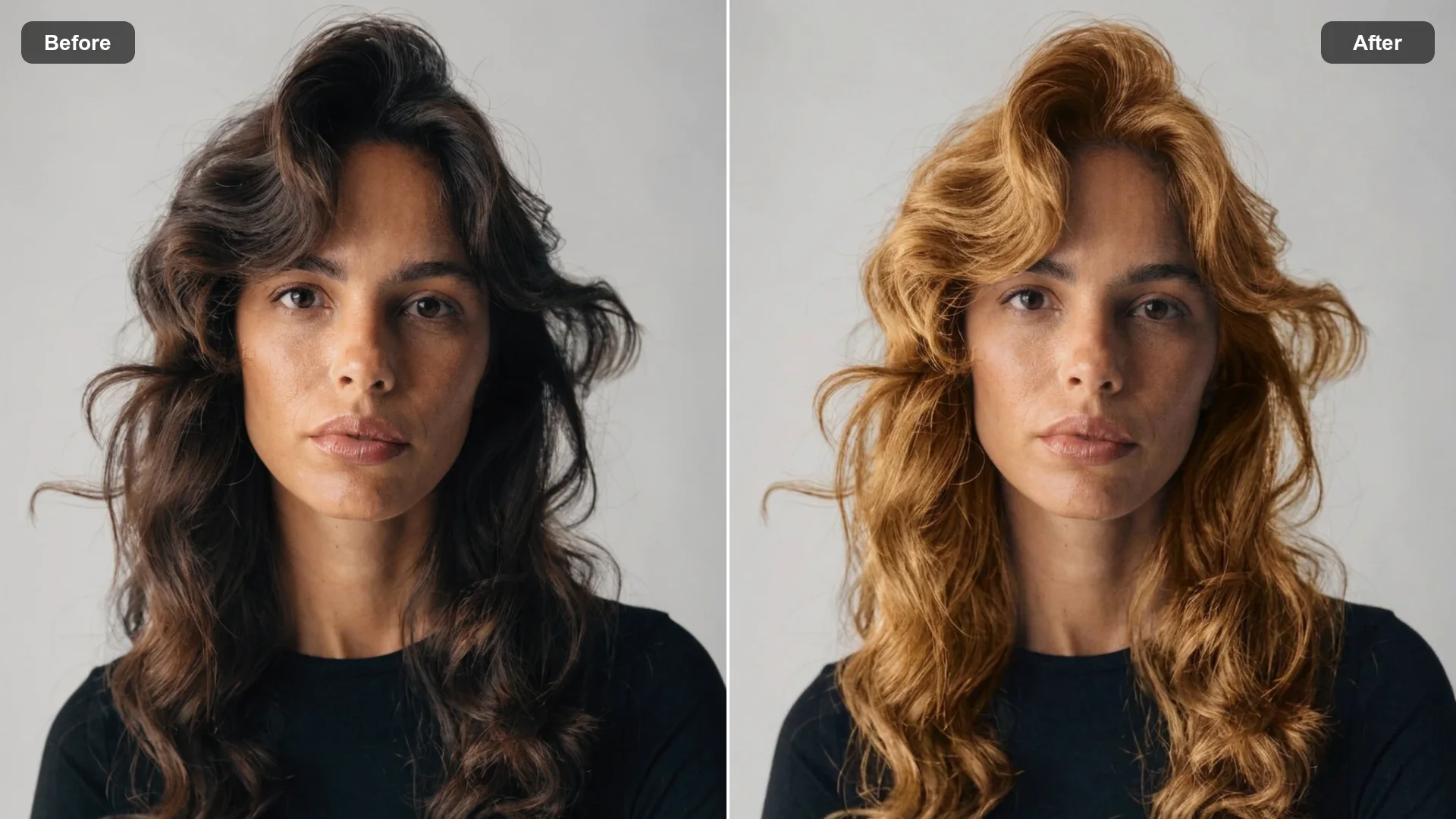
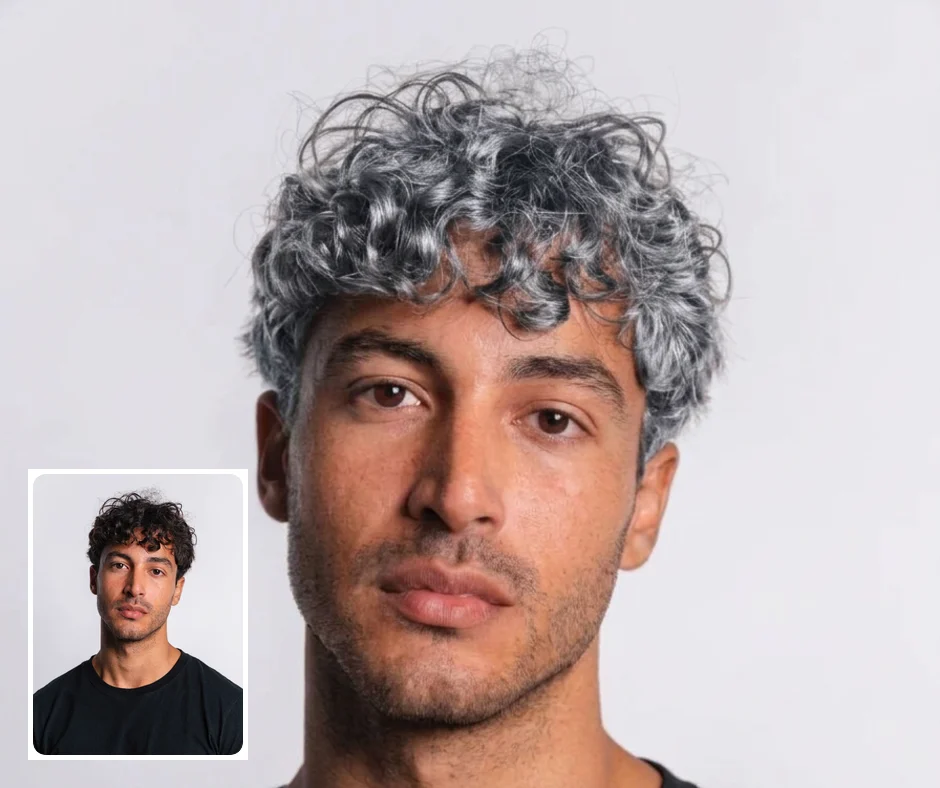
Dye is hard to undo, and a swatch in a salon tells you little about how a color will look on you. Upload a photo, pick a shade and the AI Hair Color Changer recolors your own hair, strand by strand, with natural highlights and lowlights. Your cut, length and curl stay exactly as they are, so the color is the only thing that changes.
Nine Shades, From Natural to Bold
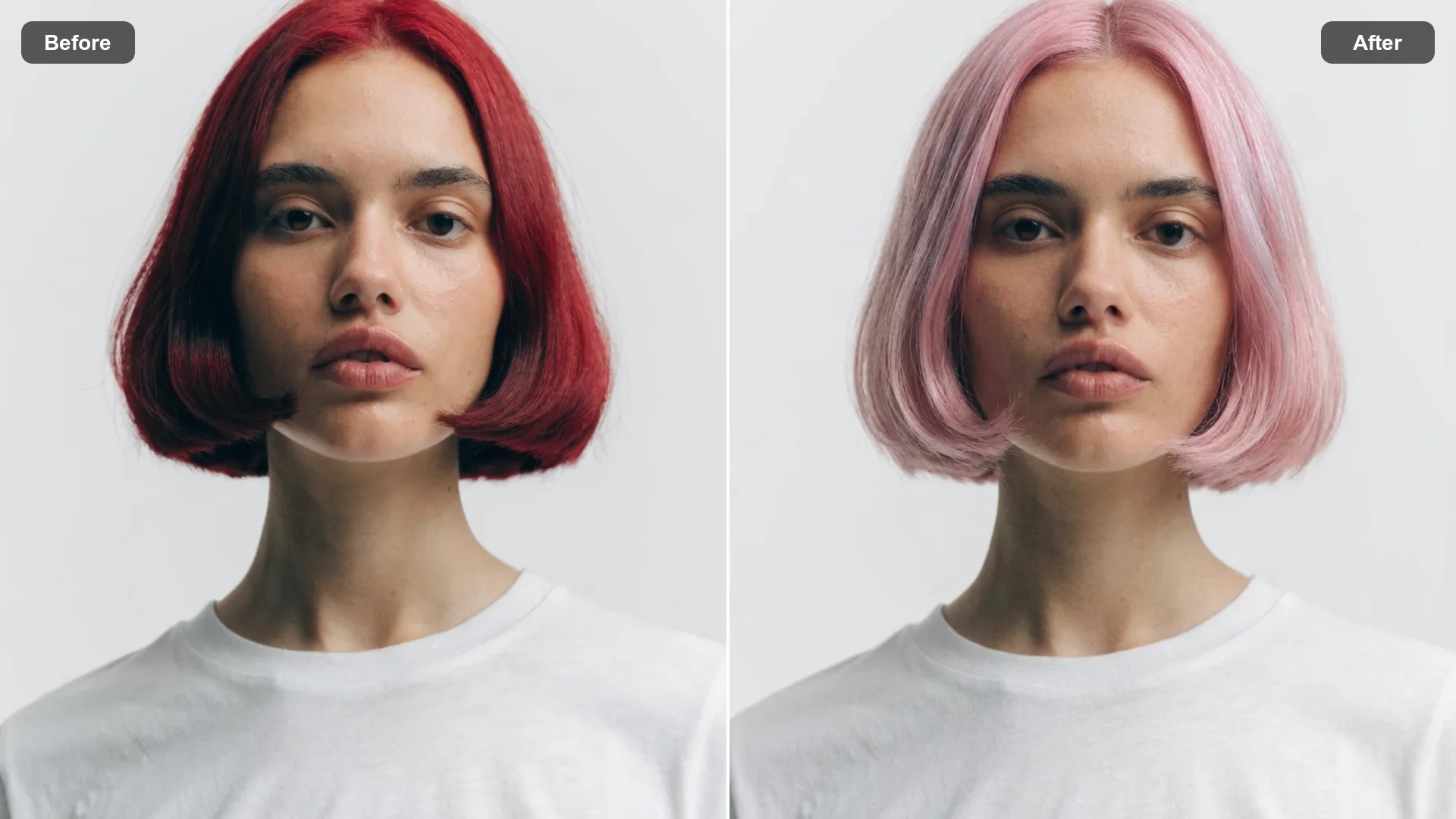
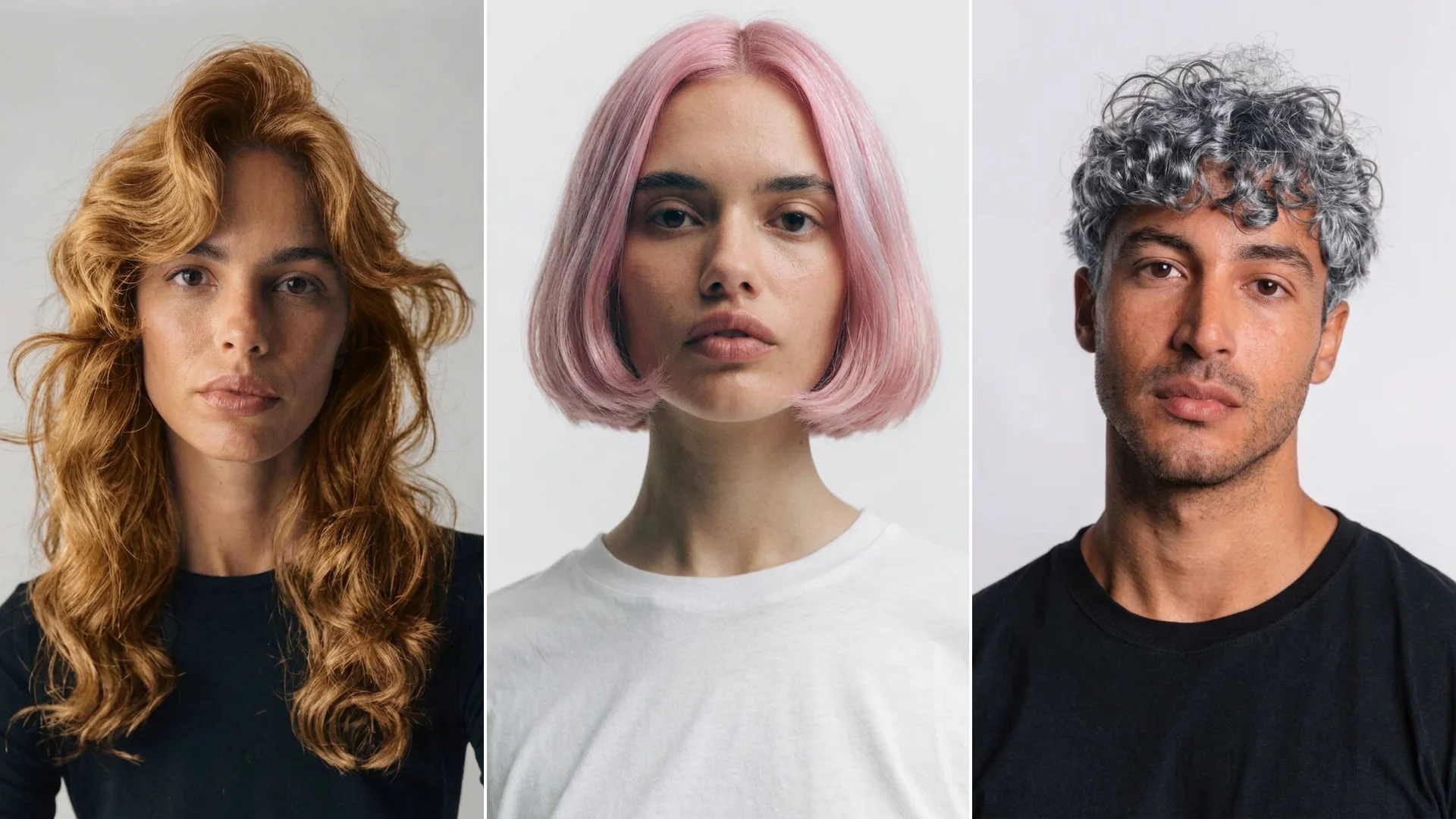
Choose golden blonde, platinum blonde, chocolate brown, jet black, copper red, cherry red, pastel pink, electric blue or silver grey. Switch shades and run the filter again on the same photo to compare them, from a subtle change to a full transformation.
Your Haircut and Face Stay Yours
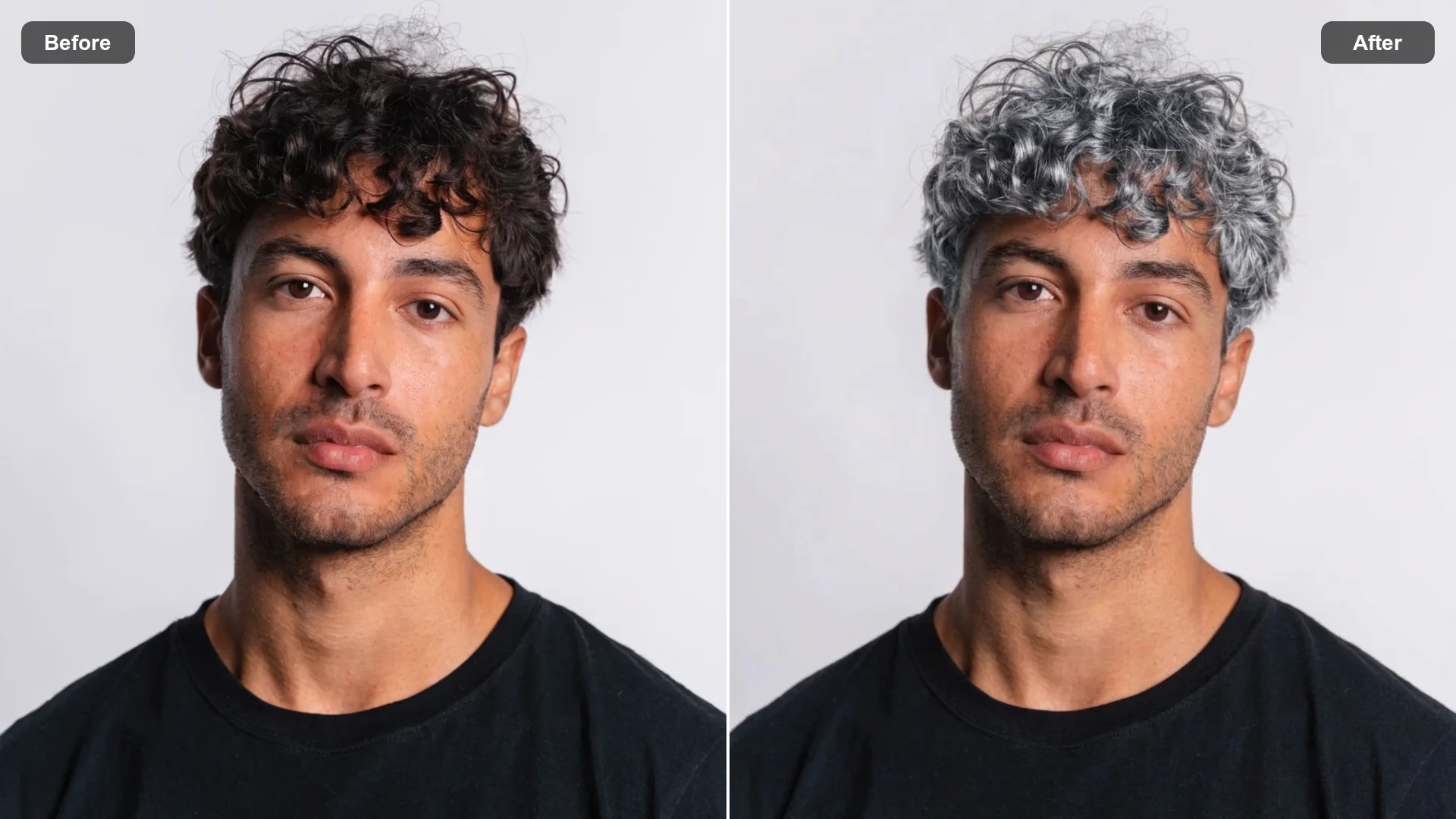
The filter recolors the hair and nothing else. Eyebrows, skin tone, makeup, clothing, lighting and background are kept, and the haircut keeps its shape, parting and texture, so the result looks like a photo of you after a salon visit rather than a different person.
Works on Every Length and Texture
Short crops, bobs, long straight hair and loose curls all take the new color evenly from root to tip. Pro members can apply a shade to up to ten photos at once to see it in different light and from different angles.
Discover the Possibilities
Find Your Next Hair Color Before the Salon Does
Plan Your Next Salon Visit
Bring your stylist a picture of you in the color you want, and decide between two shades before the appointment instead of in the chair.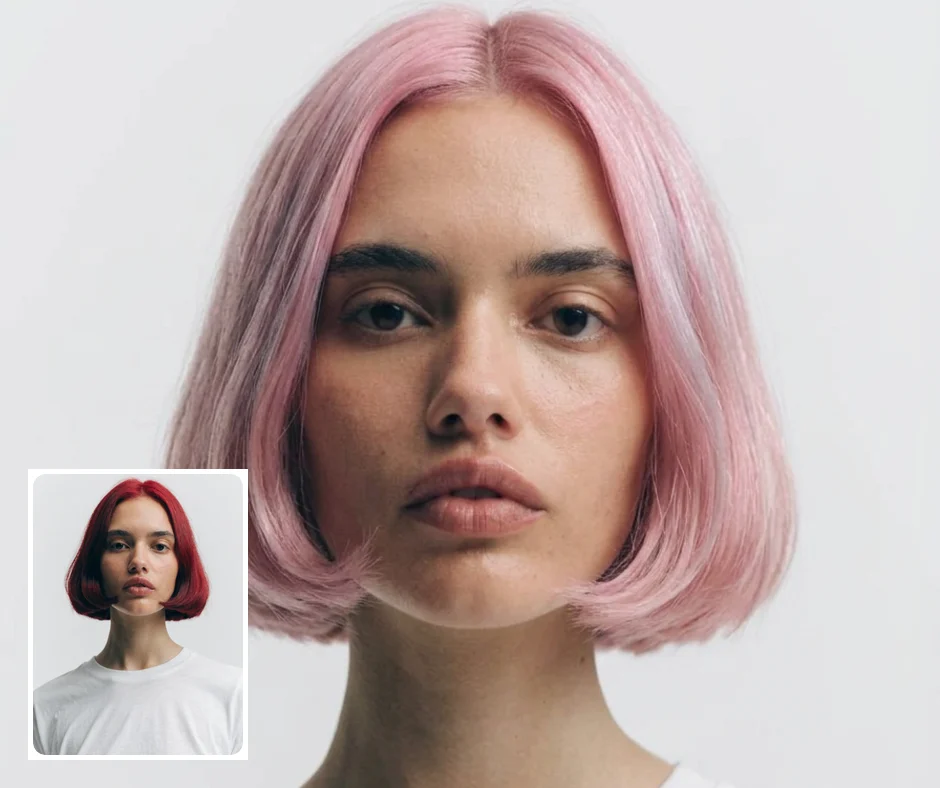
Test a Bold Color First
Curious about pink, blue or silver? See the bright shade on your own face before you commit to the bleach.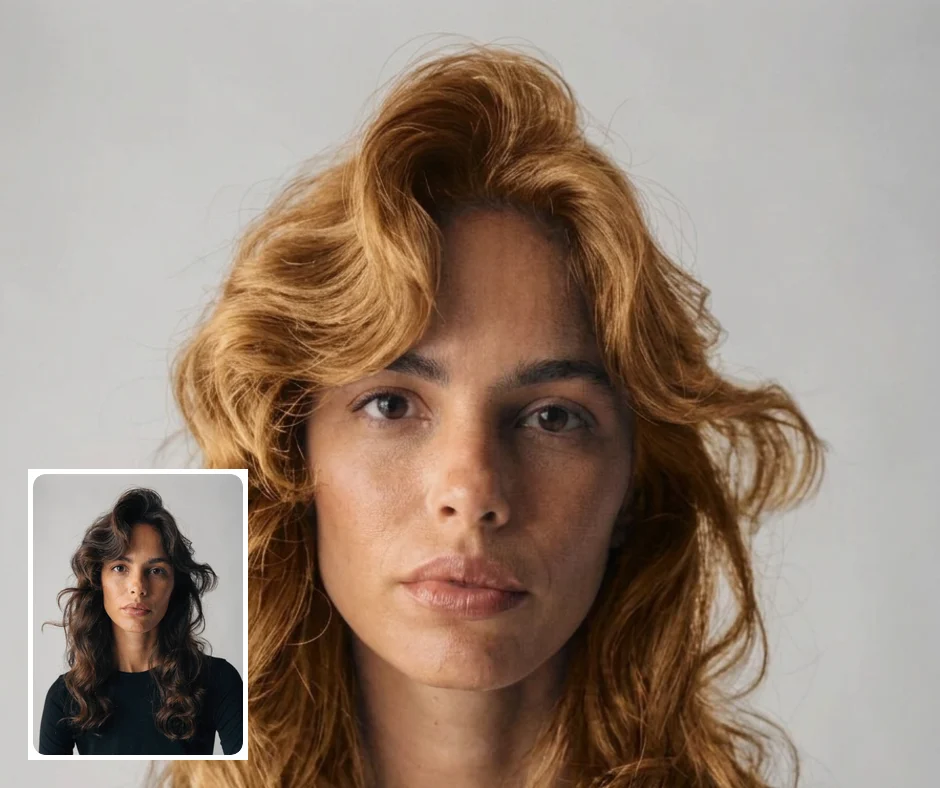
Preview a Look for a Role or Shoot
Photographers, actors, cosplayers and stylists can show how a character's hair color would read on camera before anyone reaches for the dye.
Transform Your Photos
Explore More AI Image Filters
Frequently Asked Questions
What is the AI Hair Color Changer?
It is an AI photo filter that changes the hair color of the person in your photo to the shade you choose, while keeping the haircut, face, clothing, lighting and background as they were.
Which hair colors can I try?
Golden blonde, platinum blonde, chocolate brown, jet black, copper red, cherry red, pastel pink, electric blue and silver grey. Pick one before you apply the filter, and run it again to try another.
Will it change my haircut or my face?
No. The filter keeps the length, shape, curl, parting and hairline of your hair, and leaves your eyebrows, skin and features untouched. Only the color of the hair changes.
What kind of photo works best?
A clear photo of one person with the hair visible and in focus, in even light. Hats, heavy shadows and heads cut off by the edge of the frame give weaker results.
Can I apply a color to several photos at once?
Pro members can apply the filter to up to ten photos in one go. On other plans, one photo is processed at a time.
How much does it cost?
Each photo uses credits from your Patternful plan, whichever color you pick. The Generate button shows the exact cost before you apply the filter, and you are not charged for a photo that fails.