Braids Filter
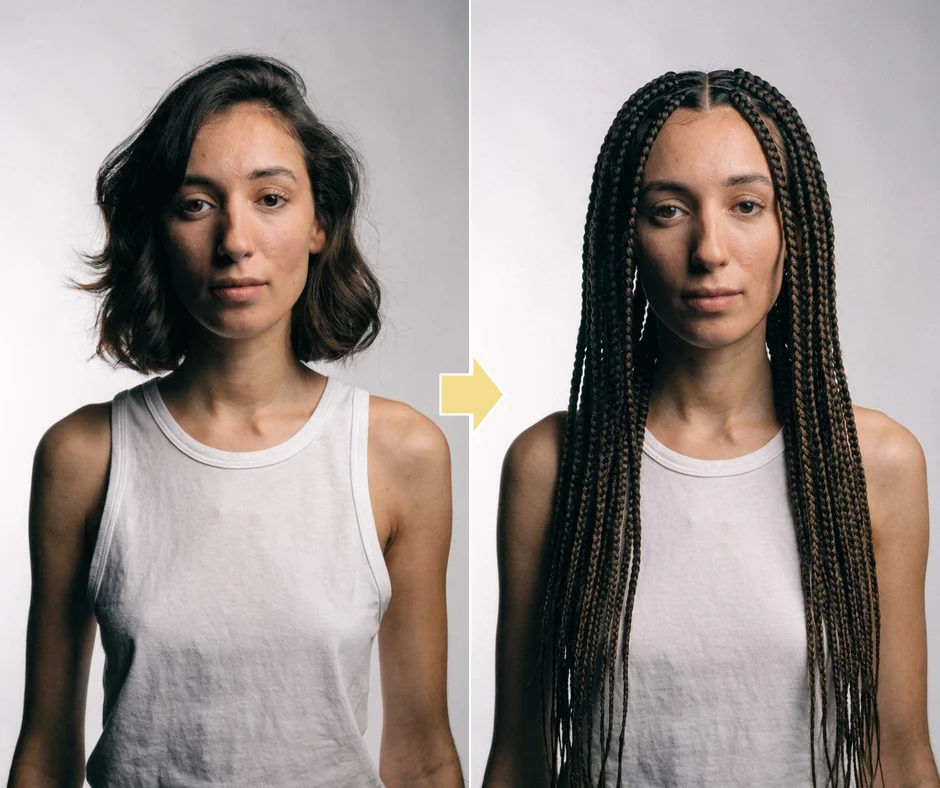
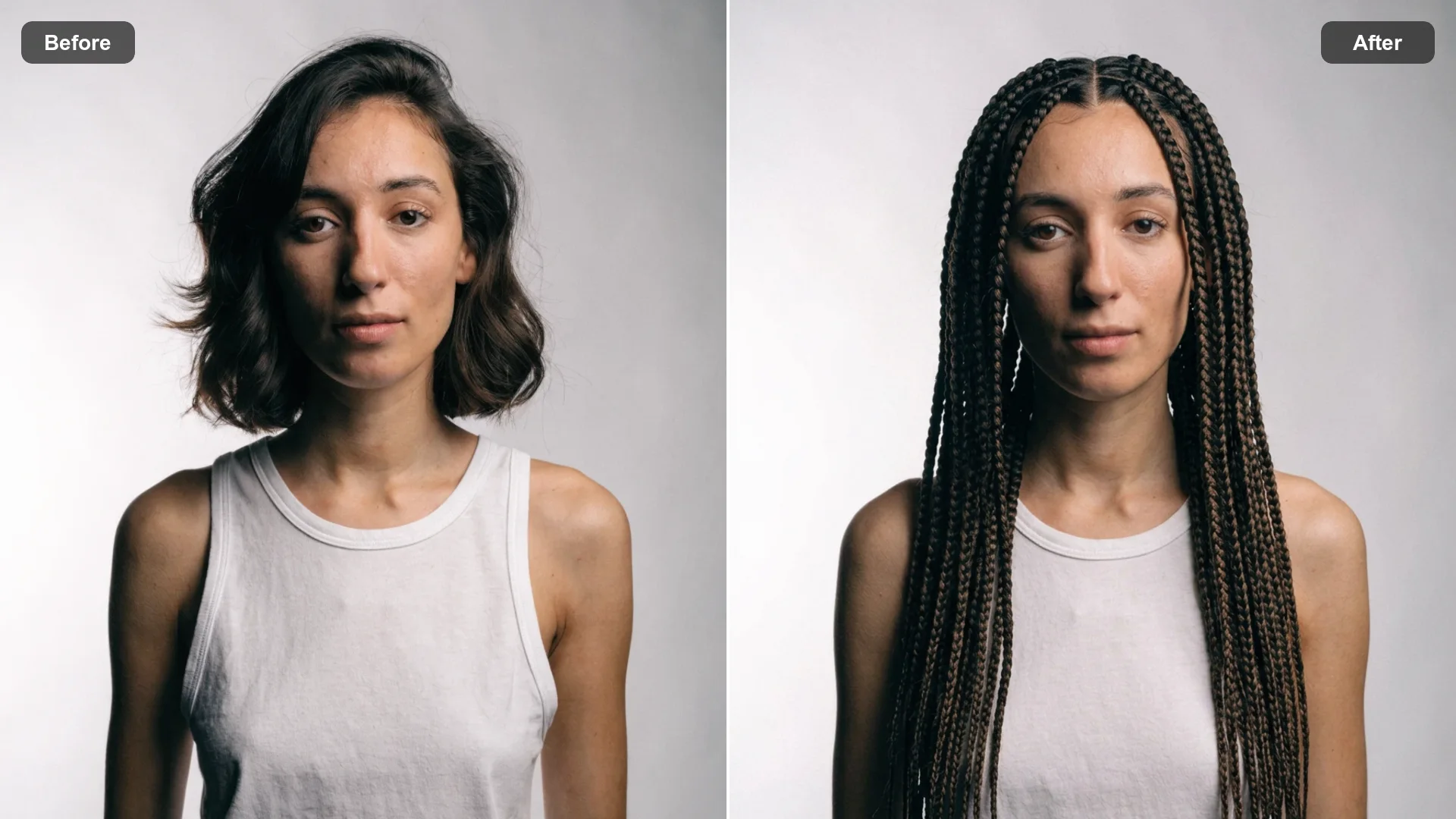
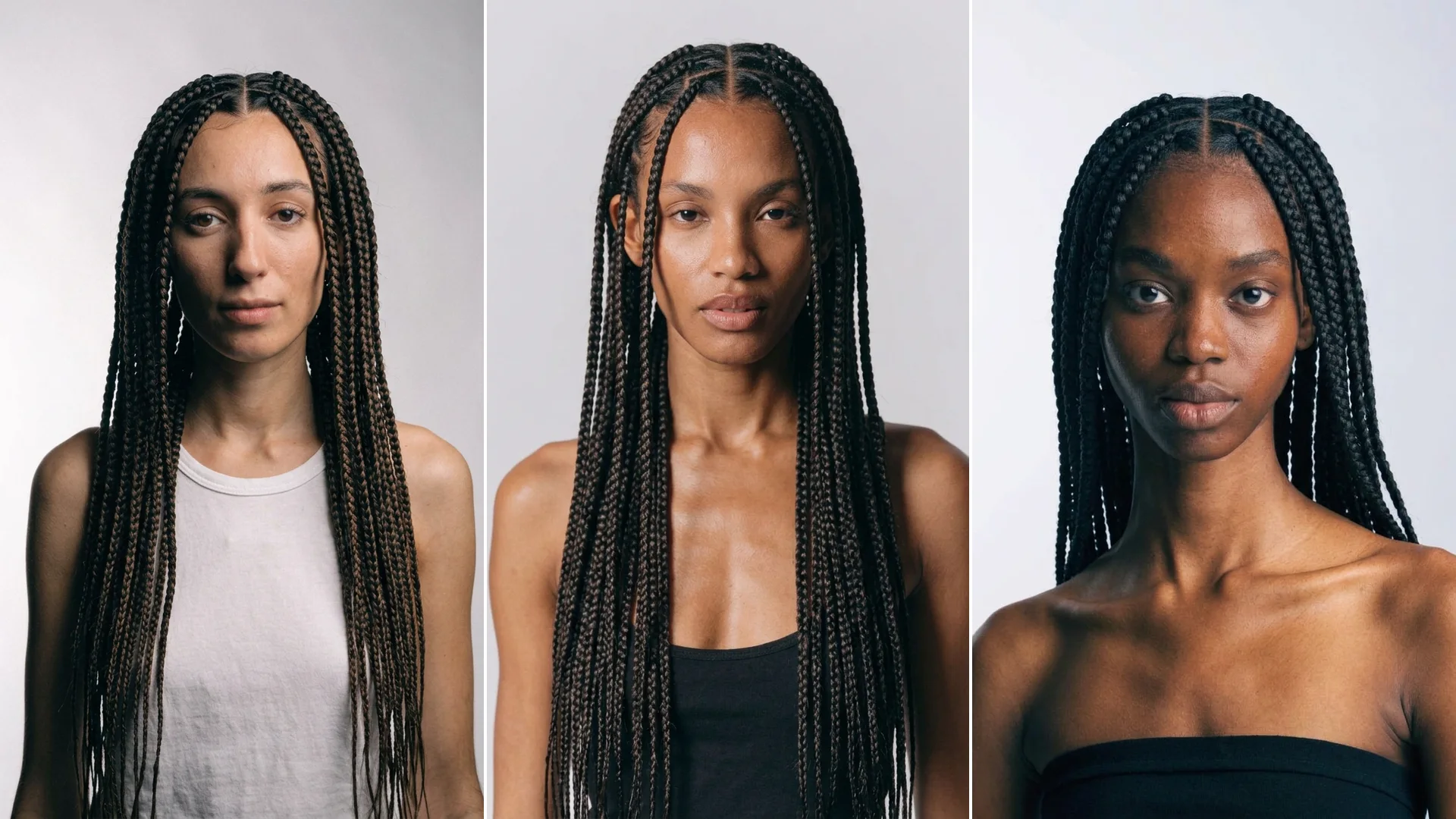
Try box braids before a long install. Upload a photo and AI gives you neat, even braids from the roots past the shoulders, keeping your face and hair color.
See Yourself in Box Braids Before You Book
Box braids take hours to put in and stay in for weeks, so it pays to know the look suits you first. Upload a photo and the AI Braids Filter gives you neat box braids from the roots, falling past the shoulders. Your face, expression and natural hair color stay as they are, so the braids are the only change.
Neat Parts and Even Braids
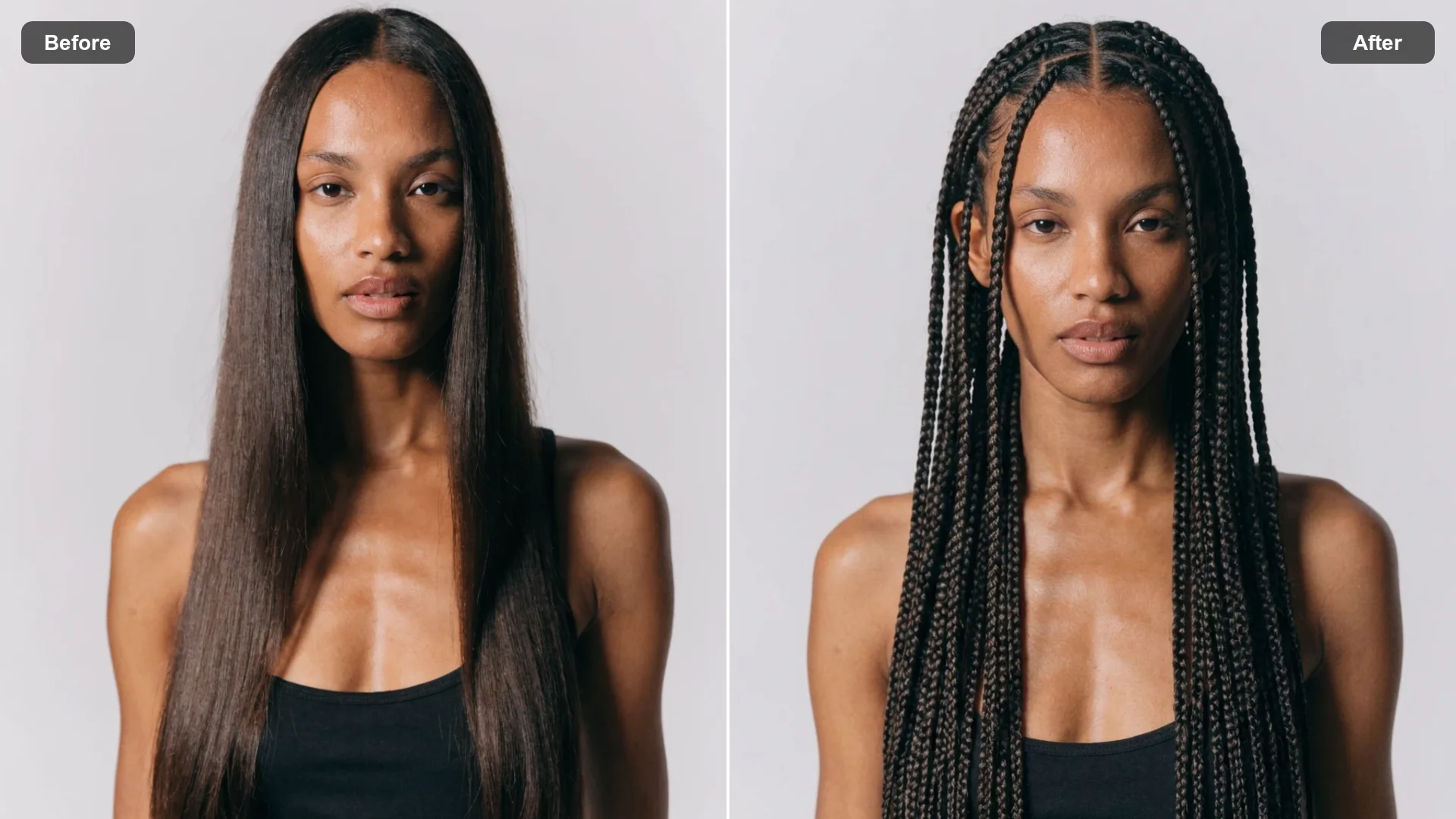
The filter lays out a clean grid of parts across the scalp and draws each braid evenly from root to tip, with realistic texture and the light of your photo on every strand, so the result reads like a fresh install rather than a sketch.
Your Face Stays Exactly the Same
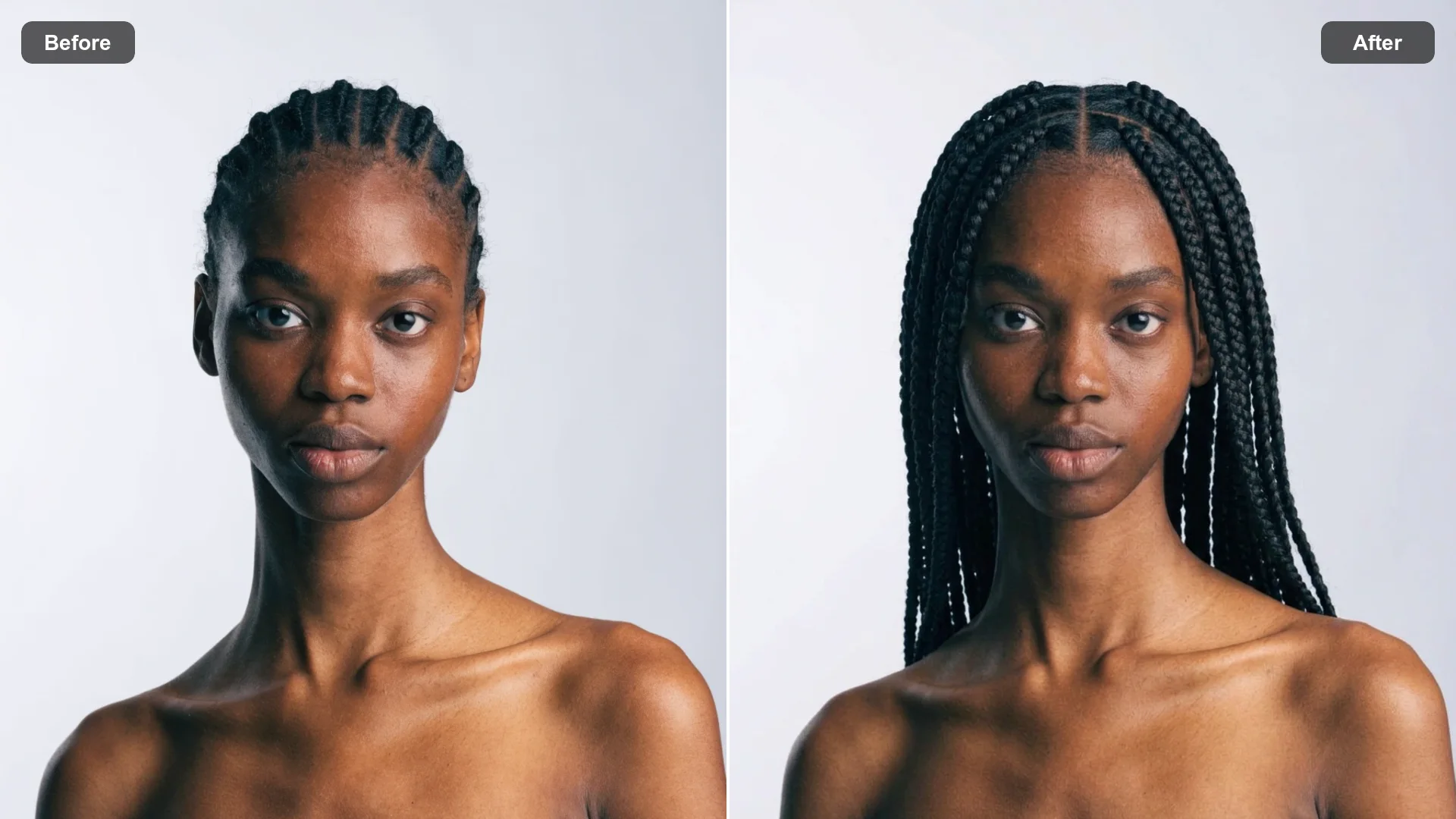
Your eyes, eyebrows, skin, makeup, clothing, lighting and background are kept, and the braids take your own hair color, so you can judge the style on your own face.
From Any Starting Hair
Short, long, straight or curly: the filter replaces the old style with braids all over. To compare other looks, switch to curly, bangs or a bob and run it again on the same photo.
Discover the Possibilities
Plan Your Braids Before the Long Appointment
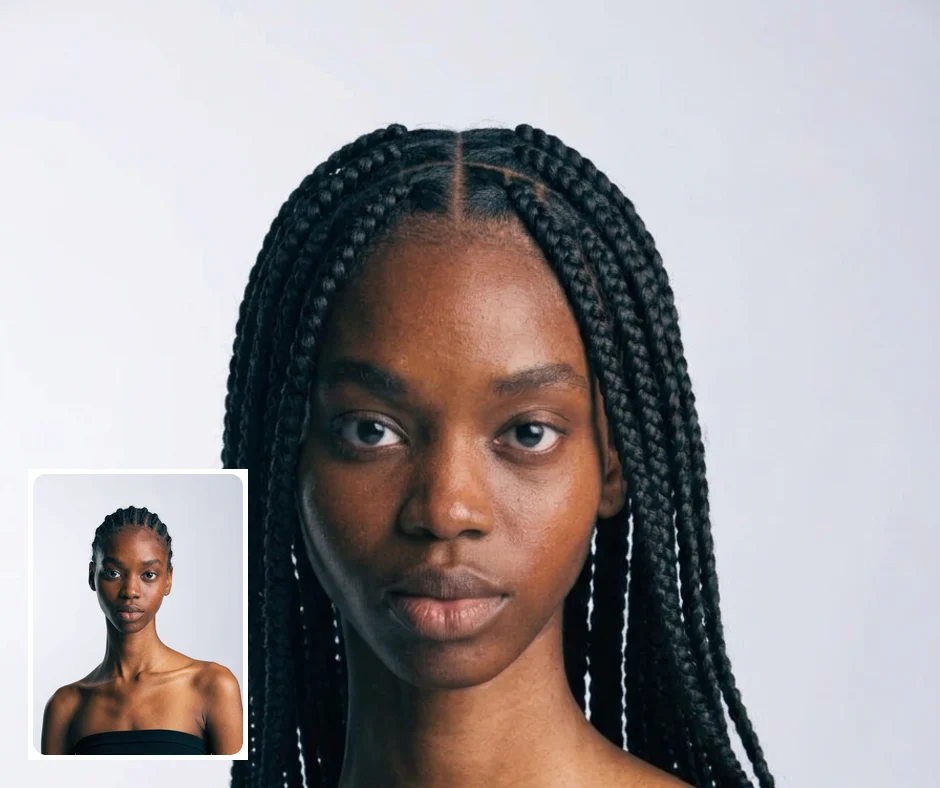
Decide Before a Long Install
See the braids on your own face before you sit through hours in the chair and wear them for weeks.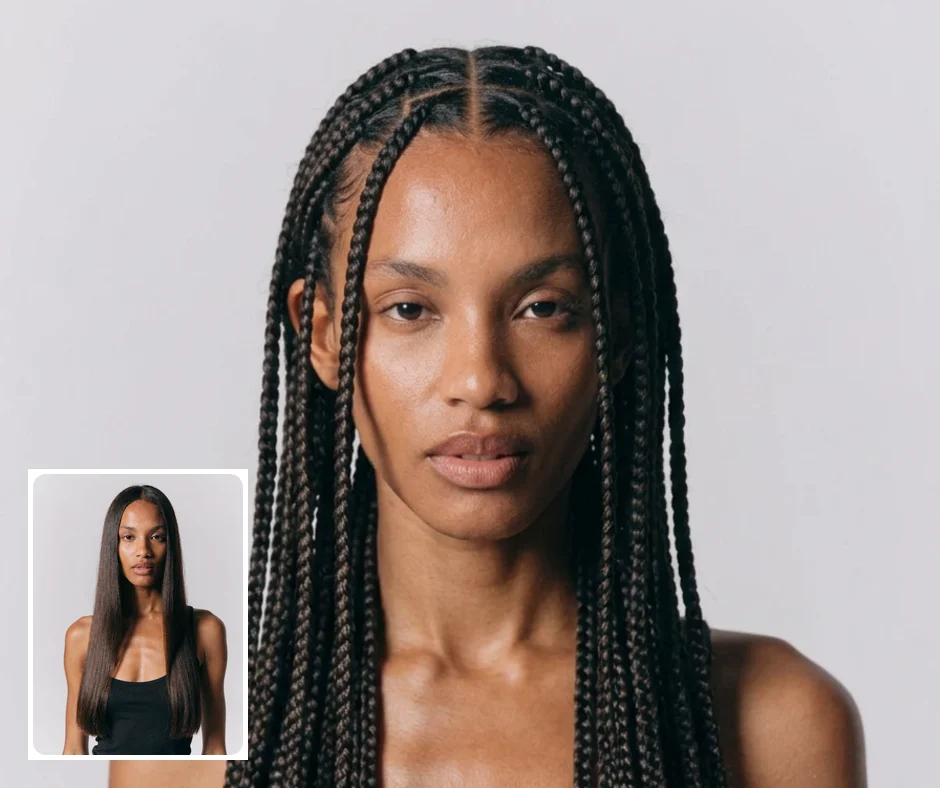
Show Your Braider the Look
A picture of you in the braids you want tells your braider the length and size better than a description.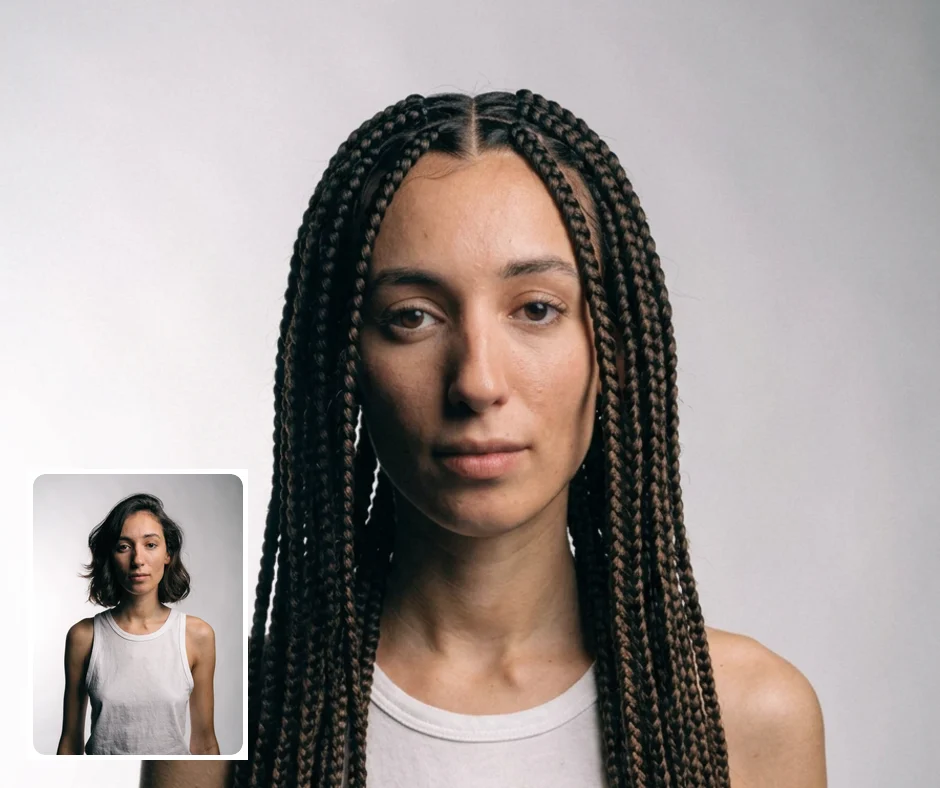
Try a Protective Style for a Season
Planning a protective style for a holiday or a busy season? Preview it first and go in knowing what you want.
Transform Your Photos
Explore More AI Image Filters
Frequently Asked Questions
What is the AI Braids Filter?
It is an AI photo filter that gives the person in your photo neat box braids, keeping their face, natural hair color, clothing and background as they were.
Will it change my hair color?
No. The braids take your own natural hair color. To try a new color as well, use the AI Hair Color Changer.
Can I try other hairstyles too?
Yes. Box braids are one look of the AI Hairstyle Changer, which also offers bangs, curly hair, long waves, a bob, a pixie cut, a buzz cut and bald. Switch the look and run it again.
What kind of photo works best?
A clear, front-facing photo of one person with the head and hair fully in the frame, in even light. Hats and heads cut off by the edge of the photo give weaker results.
Can I apply it to several photos at once?
Pro members can apply the filter to up to ten photos in one go. On other plans, one photo is processed at a time.
How much does it cost?
Each photo uses credits from your Patternful plan. The Generate button shows the exact cost before you apply the filter, and you are not charged for a photo that fails.