What Is AI Product Photography? A Beginner's Guide for Sellers
Patternful Team | 2 min read
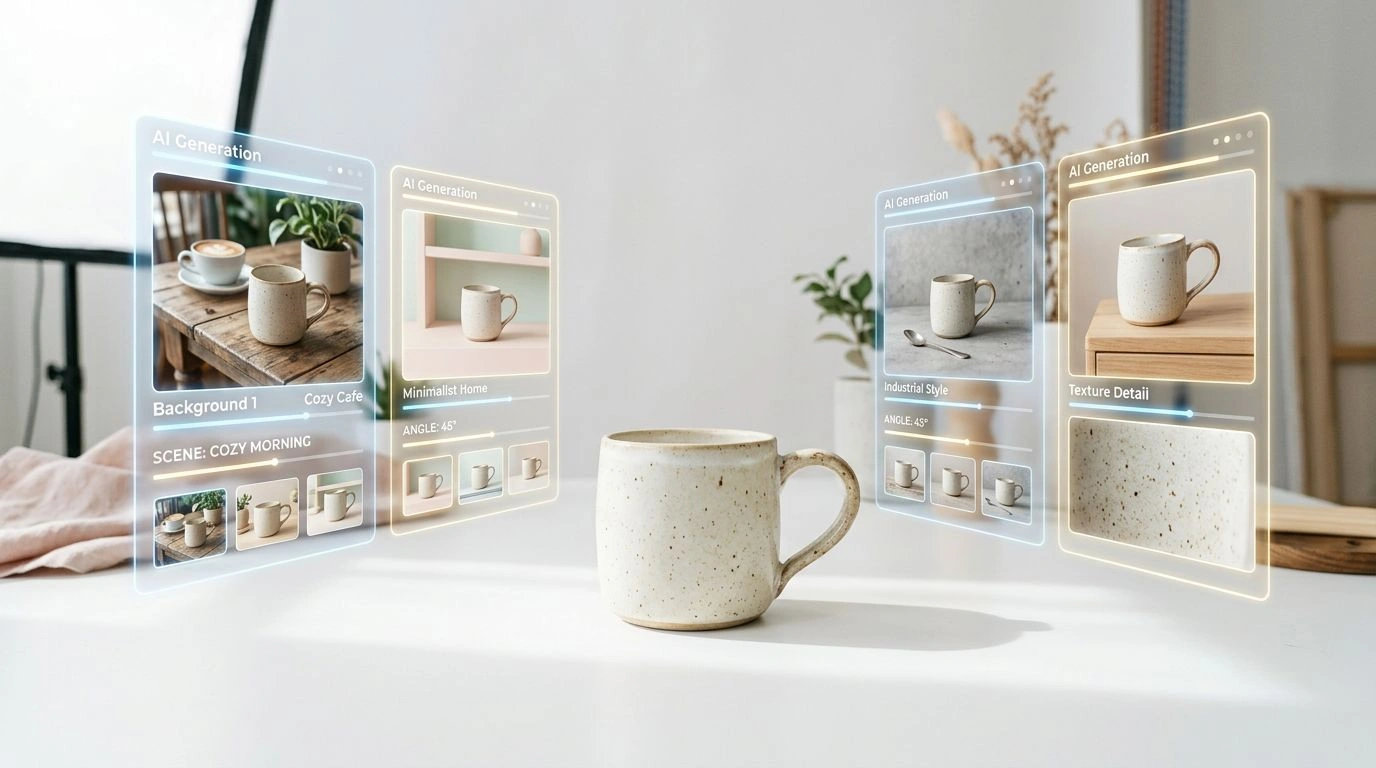
AI product photography is the use of artificial intelligence to create and edit product images without a traditional studio shoot. Instead of a camera, lights, a set, and a photographer, you start from a simple photo — or even a text prompt — and let AI generate the backgrounds, models, angles, and formats you need.
For online sellers, it's one of the biggest shifts in ecommerce this decade: professional-looking product images, produced in seconds, for a few cents each. This beginner's guide explains exactly what AI product photography is, how it works, and how to make your first one.
Table of Contents
- What Is AI Product Photography?
- How Does AI Product Photography Work?
- Why Sellers Are Switching to AI
- What You Can Create with AI
- Your First AI Product Photo, Step by Step
- How Much Does It Cost?
- Limitations to Know About
- Frequently Asked Questions
- Conclusion
What Is AI Product Photography?
AI product photography means generating or editing product visuals using AI models trained on millions of images. Rather than physically staging and shooting a product, you give the AI an input — your existing product photo or a text description — and it produces a polished image that matches your instructions.
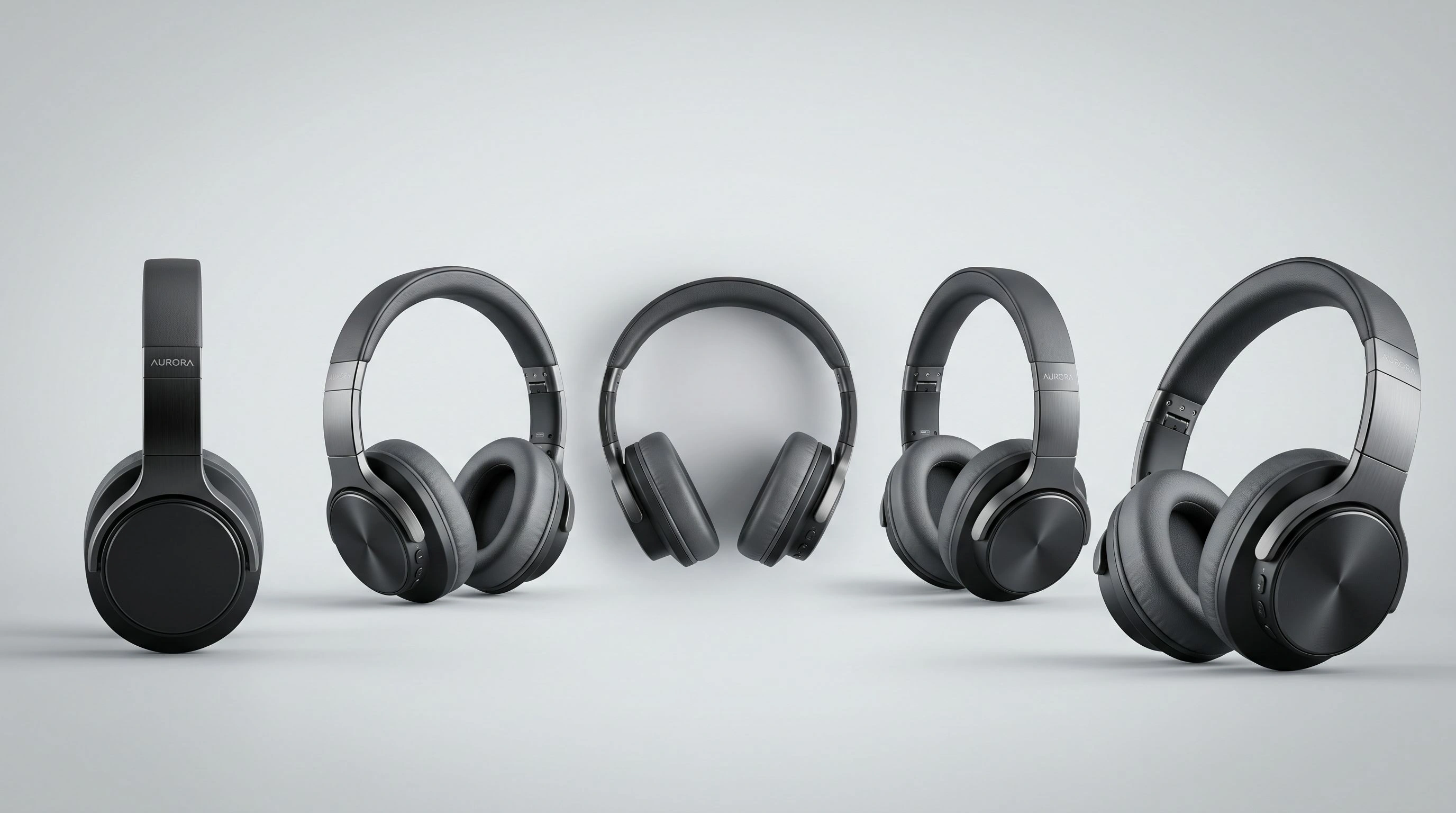
With AI you can remove or replace backgrounds, place products in lifestyle scenes, put clothing on virtual models, create new camera angles, upscale low-resolution photos, resize images for every channel, and even turn a still into a short video. It covers most of what a traditional studio would, at a tiny fraction of the cost.
How Does AI Product Photography Work?
Most AI product photography tools follow the same simple pattern. You provide an input (your product photo or a prompt), the tool runs it through a generative model — often a diffusion model that has learned what realistic photos look like — and it returns a new image built to your instructions.
In practice the workflow is almost always: upload → choose an effect or describe what you want → generate → review → download. You don't need to understand the underlying models. The tool handles the hard part; you just direct the outcome, like giving instructions to a very fast photo studio.
Why Sellers Are Switching to AI
Traditional product photography is slow and expensive — booking studios, models, and editors, then waiting days for results. AI changes the economics:
- Cheaper: Cents per image instead of hundreds or thousands per shoot.
- Faster: Results in seconds, not days.
- Scalable: Edit an entire catalog without re-shooting every SKU.
- Flexible: Test multiple backgrounds, angles, and styles instantly.
- Accessible: No camera, studio, or photography skills required.
That combination is why solo sellers, DTC brands, and large catalogs alike are adding AI to their workflow.
What You Can Create with AI
Here's the range of merchandising visuals AI product photography can produce — each links to a tool you can try:
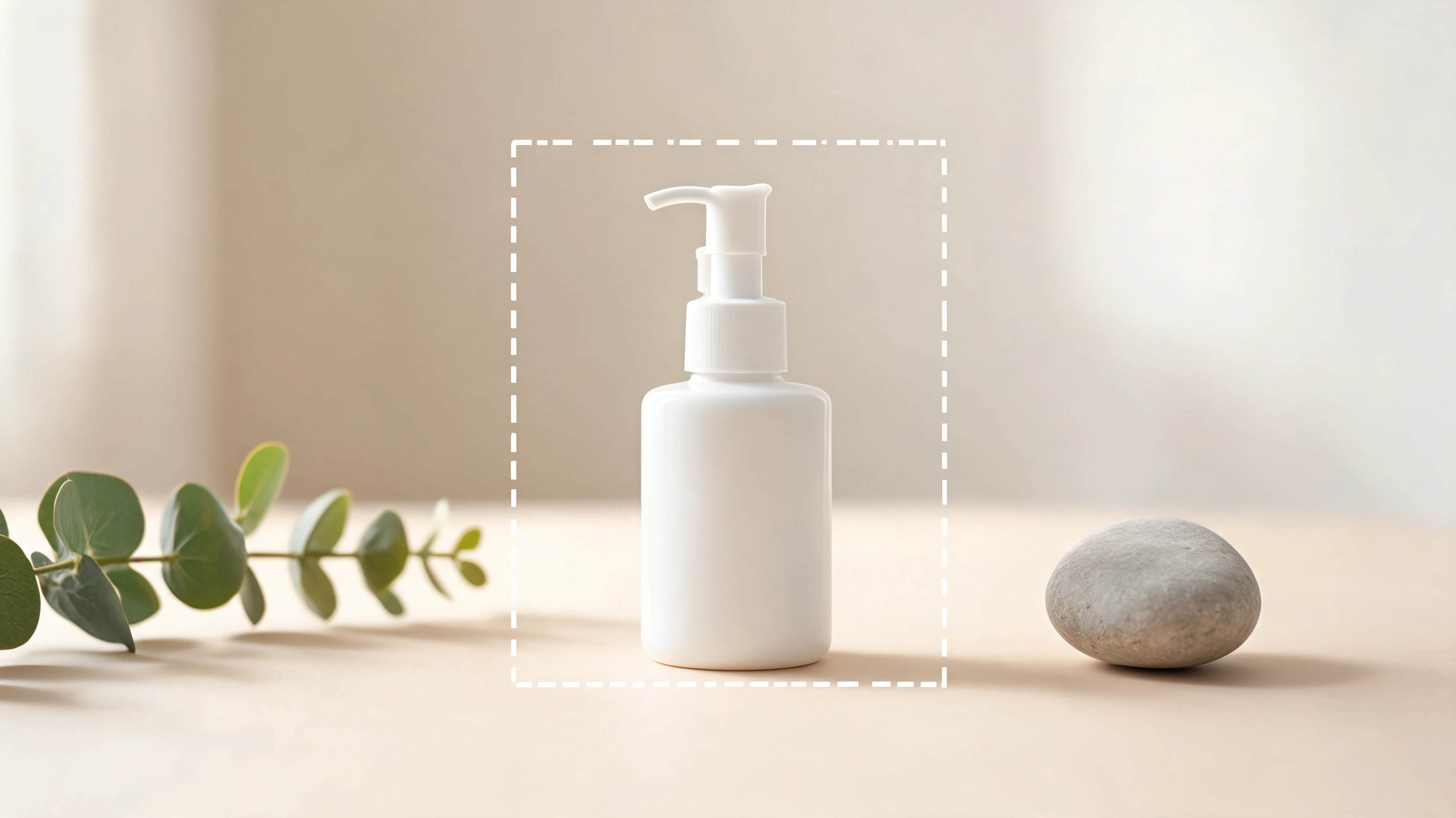
- Clean white-background listing images — meet marketplace standards with a consistent look using a background remover.
- Lifestyle and in-context scenes — place a plain product into a styled setting with the Image Expander. More in AI Image Outpainting for Ecommerce Product Photos.
- On-model apparel shots — dress a virtual model with Virtual Try-On (see AI Virtual Try-On for Fashion Ecommerce).
- Ghost mannequin flat lays — the floating-garment catalog look in one click with Ghost Mannequin.
- Extra camera angles — generate front, side, and three-quarter views with Change Camera Angle.
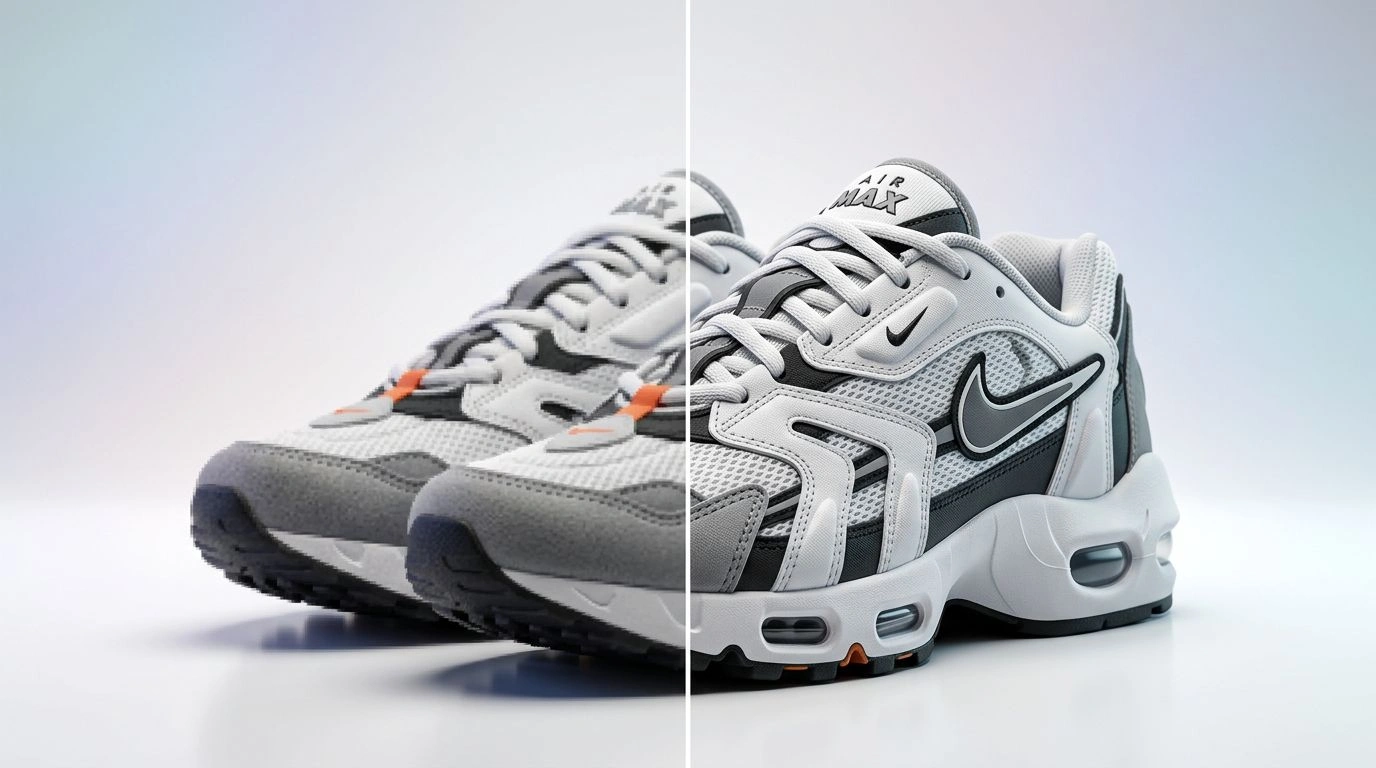
- Upscaled, print-ready images — sharpen and enlarge with the Image Upscaler.
- Every aspect ratio — one hero reframed for each channel with the Image Resizer.
- Short product videos — turn a still into motion with the AI Video Generator.
Your First AI Product Photo, Step by Step
You can go from a rough photo to a polished listing image in minutes:
- Start with a decent source photo. Good lighting and focus give the AI more to work with — even a clean phone photo is enough.
- Remove or replace the background. Drop the product onto clean white, or change the background color to fit your brand.
- Place it in a scene. Use outpainting to expand the shot into a lifestyle setting if you want context.
- Generate extra angles. Create the additional views a listing gallery needs.
- Resize for your channels. Produce square, vertical, and wide versions in one pass.
- Review and download. Do a quick human check, then publish.
That's the whole loop — and once you've done it once, it's repeatable across your entire catalog.
How Much Does It Cost?
Most AI product photography tools use a credit system — typically a small amount of credits per image, often just cents each. Compare that to a traditional shoot: studio time, a photographer, a model, and editing can run from a few hundred to several thousand dollars for a single session. For sellers with dozens or hundreds of SKUs, the savings are enormous, and you can iterate without re-booking anything.
Limitations to Know About
AI product photography is powerful, but it isn't magic. Keep these in mind:
- Fine details can drift. Intricate textures, small text, and logos sometimes render imperfectly — always review outputs.
- Accuracy matters for trust. Never misrepresent a product's real color, size, or features; use AI to present accurately, not to mislead.
- Human review is essential. A quick check catches the occasional artifact before it goes live.
- Hero campaigns may still want real photography. For flagship brand imagery, original photos can complement your AI workflow.
Used responsibly, none of these are dealbreakers — they're just reasons to keep a human in the loop.
Frequently Asked Questions
What is AI product photography? It's creating and editing product images with artificial intelligence — generating backgrounds, models, angles, and formats from a photo or prompt instead of a traditional studio shoot.
Do I need photography skills to use it? No. Most tools are upload-and-click. If you can take a clear phone photo and describe what you want, you can produce professional results.
Is AI product photography legal and allowed on marketplaces? Yes, as long as your images accurately represent the product. Marketplaces care about accuracy and image standards, not whether AI was involved.
Will the images look fake? Not when you start from a good source photo and review the output. Modern tools match lighting and perspective closely enough that results are hard to distinguish from studio work.
How do I get started for free or cheap? Pick one task — like removing a background or adding a lifestyle scene — and try it on a single product. Credit-based tools let you experiment for very little before scaling up.
Conclusion
AI product photography gives sellers what used to require a studio, a crew, and a big budget: professional, on-brand product images, produced in seconds and scalable across an entire catalog. You don't need a camera or design skills — just a source photo and the right tools.
Start with one product and one task, then build from there. Explore the full toolkit at Patternful and shoot your first AI product photo today.