Background Color Changer - Recolor Any Photo
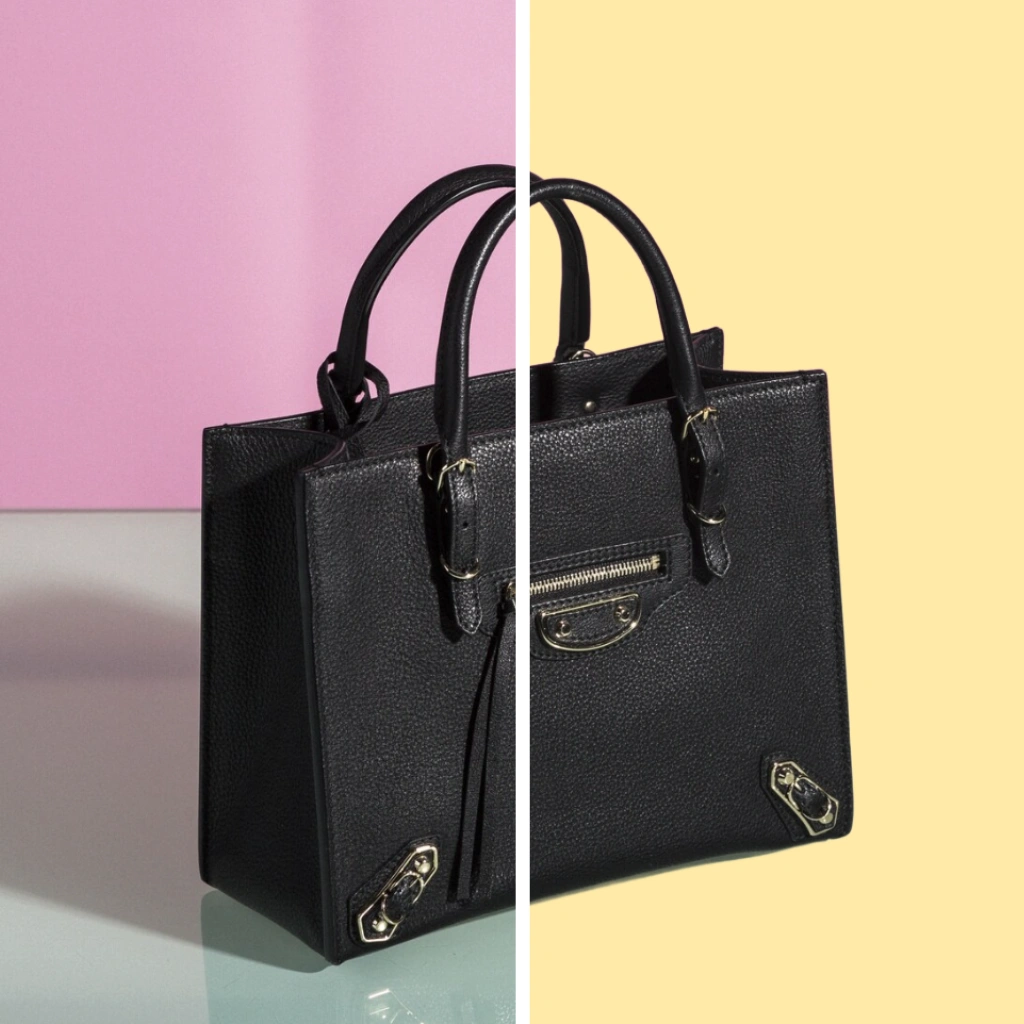

Change Background Color Automatically in Seconds
Stop wasting your time manually selecting and replacing backgrounds with complicated and expensive software. Now you can use the Patternful AI background color changer to get high quality results in just a few seconds.
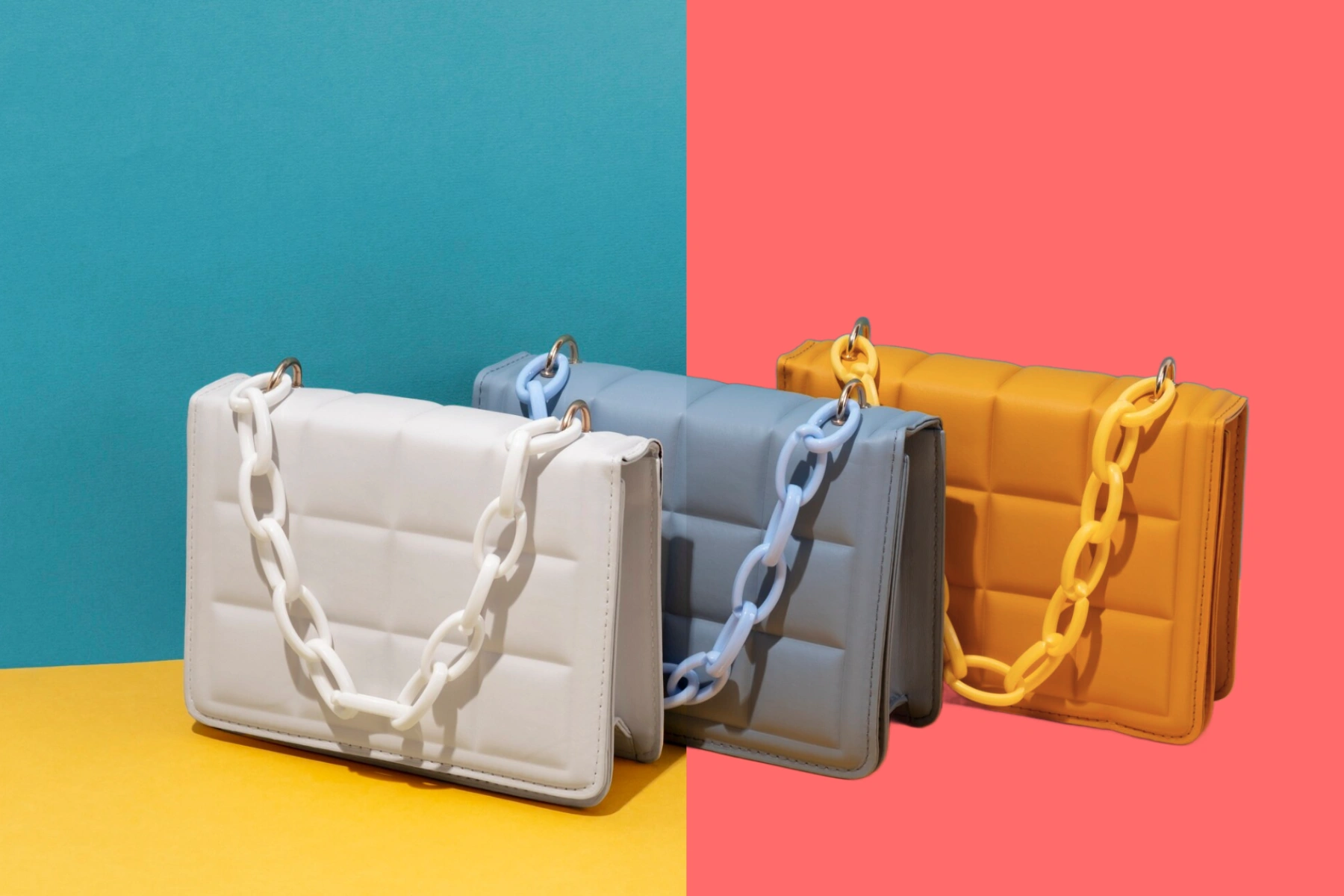
Choose from unlimited color options
Select from our curated color palette or use the custom color picker to choose any color you want. Perfect for matching brand colors or creating specific moods for your product photos.

Perfect for E-commerce & Marketing
Create consistent, professional product photos with matching backgrounds. Great for online stores, social media posts, marketing materials, and more.
Explore More AI Tools
Frequently Asked Questions
How to change background color of an image?
There's no need to invest in expensive photo editing software. Simply use Patternful.ai's tool to change background color in 3 simple steps: 1. Upload the image you want to edit. 2. Let AI remove the background and select your desired color. 3. Download the output with your new background color.
Can I use Patternful.ai's background color changer for creating e-commerce photos?
Yes absolutely! Images edited using Patternful.ai's background color changer can be utilized for both personal and commercial purposes.
How long does it take to change the background color using the tool?
The processing time varies based on the image size, but typically, it only requires a few seconds to complete.
What about privacy? Are my product photos safe?
Yes, your images are safe with us. Patternful.ai prioritizes user data safety. Your images are always private, proprietary, and they remain your property. All your uploaded images are automatically deleted from our servers after a few hours.
Can I choose any color for my background?
Yes! Our tool provides preset color options for quick selection, plus a custom color picker that allows you to choose any color you want for your background.