AI Images for Merchandising: 8 Ways to Sell More in 2026
Patternful Team | 3 min read
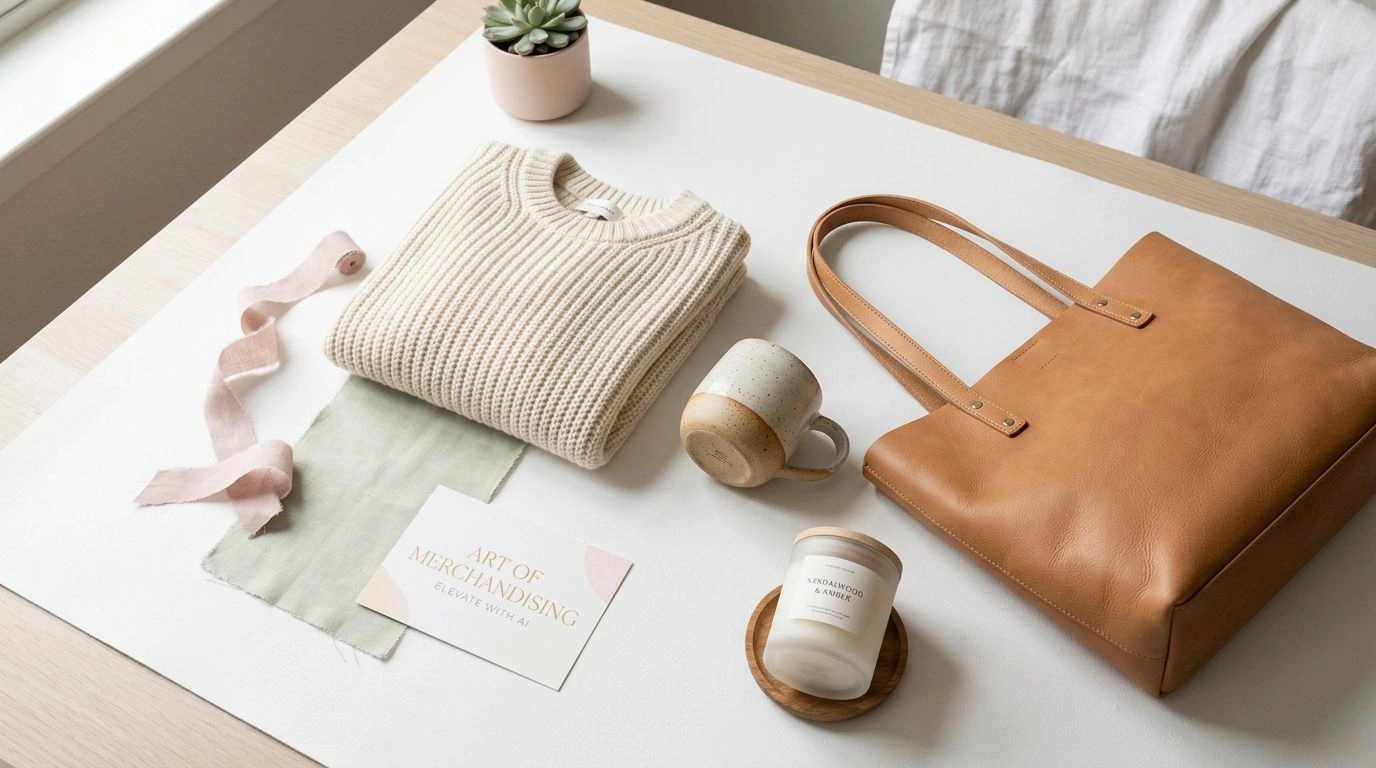
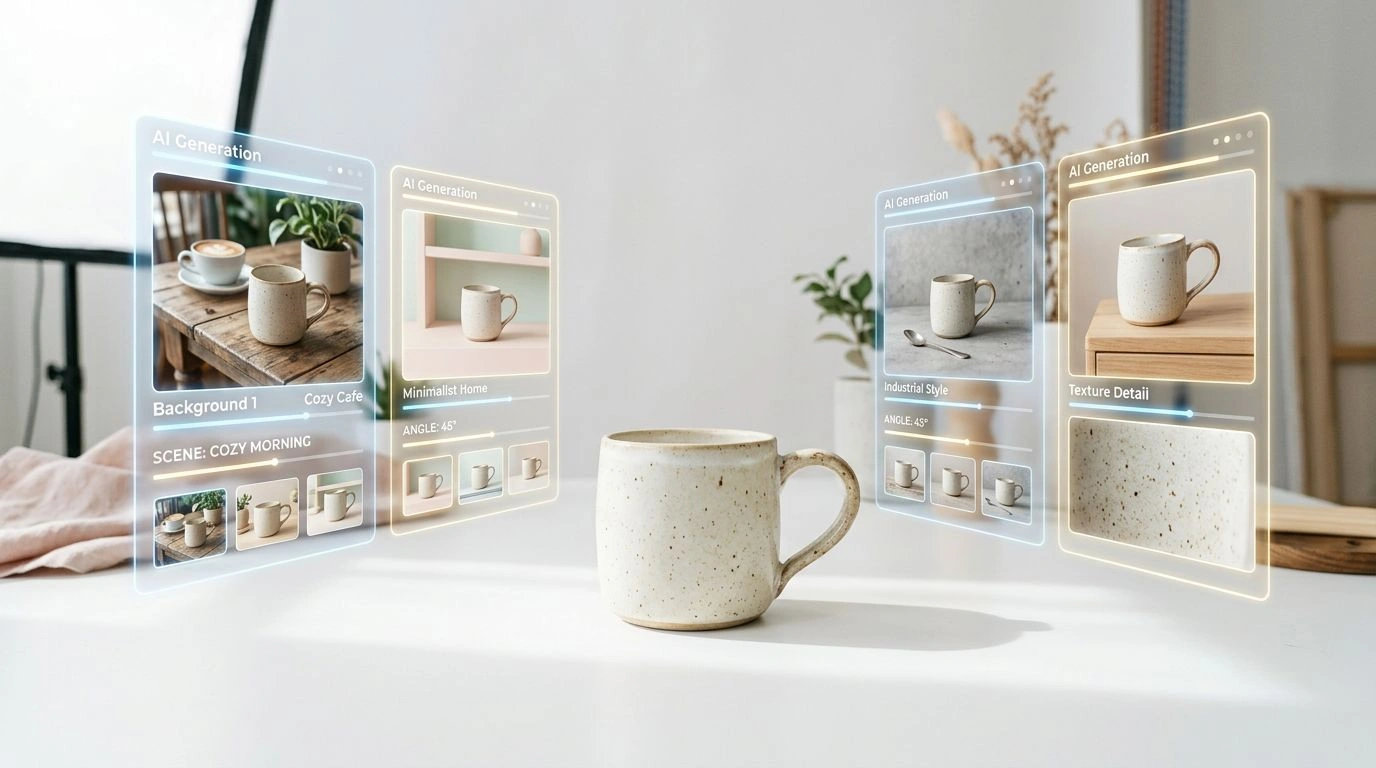
Merchandising has always come down to one thing: presenting a product so well that people want to buy it. What's changed in 2026 is how you make those visuals. Instead of booking a photoshoot for every angle, background, size, and seasonal refresh, you can generate and edit AI images for merchandising on demand — at a fraction of the cost and turnaround.
This guide walks through eight practical ways to use AI images to merchandise your products better and sell more, whether you run a marketplace store, a DTC brand, or a growing catalog.
Table of Contents
- What Is AI Merchandising Imagery?
- Put Products in Lifestyle Scenes
- Show Clothing on Models with Virtual Try-On
- Create Clean Ghost Mannequin Flat Lays
- Generate Multiple Angles from One Photo
- Resize One Hero Into Every Channel
- Sell Quality with AI Detail Shots
- Design Branded Patterns for Packaging and Merch
- Turn Product Photos Into Shoppable Video
- Tips for Merchandising with AI Images
- Frequently Asked Questions
- Conclusion
What Is AI Merchandising Imagery?
Merchandising imagery is every visual that helps sell a product: hero shots, lifestyle scenes, catalog grids, ads, banners, packaging, and social content. Traditionally each of these meant its own shoot, set, and edit. AI images let you produce all of it from a handful of source photos — or even a text prompt — so your catalog stays fresh, consistent, and on-brand without the studio overhead.
The eight tactics below map to specific jobs a merchandiser does every week.
1. Put Products in Lifestyle Scenes with AI Backgrounds
Shoppers rarely buy a product in isolation — they buy the story around it. A candle on a plain white background is a listing; the same candle on a styled nightstand is a mood. AI lets you drop a plain product shot into a styled room, a wooden table, or an outdoor setting so buyers can picture owning it.
The Image Expander uses AI outpainting to expand a photo beyond its original borders and fill the new space with realistic, matching surroundings — perfect for turning a tight product crop into a full lifestyle scene or a wide hero banner. See the full walkthrough in AI Image Outpainting for Ecommerce Product Photos, or try it directly in the Image Expander.
2. Show Clothing on Models with AI Virtual Try-On
For apparel, nothing merchandises better than seeing a garment worn. A flat product still leaves shoppers guessing about fit and drape. AI virtual try-on dresses a model in your garment without a photoshoot, so you can show styling and fit across looks, sizes, and seasons in minutes.
It's one of the highest-leverage tools in fashion merchandising — you can build a whole lookbook from flat product shots. Learn how it works in AI Virtual Try-On for Fashion Ecommerce, or start with the Virtual Try-On tool.
3. Create Clean Ghost Mannequin Flat Lays
The ghost mannequin effect is the retail standard for apparel: the model or mannequin is removed so the garment keeps its natural 3D shape, appearing to float on a clean background. It's the look every major fashion marketplace expects.
Instead of pinning and retouching, AI produces that hollow-man effect in one click, giving your catalog a consistent, professional grid. Read the Ghost Mannequin Effect guide or open the Ghost Mannequin tool.
4. Generate Multiple Angles from One Photo
Shoppers expect a gallery — front, side, three-quarter, and back — before they'll add to cart. Re-shooting every angle is slow and expensive, especially across a large catalog.
AI lets you change the camera angle of an existing product shot to generate the extra views a listing needs, all from a single source image. More angles means more confidence and fewer returns. See how to change camera angles on product photos, or jump into the Change Camera Angle tool.
5. Resize One Hero Into Every Channel
A single hero image has to work as a marketplace square (1:1), a story vertical (9:16), and a homepage wide banner (16:9) — each with different framing needs. Cropping loses the product; stretching distorts it.
AI resizing reframes one image into every aspect ratio your channels demand, generating matching content instead of cutting corners. One shot becomes a full, perfectly-framed set. Details in One Image, Every Channel: AI Image Resizer for Ecommerce, or use the Image Resizer.
6. Sell Quality with AI Detail Shots
Close-ups of texture, stitching, and material do a lot of quiet selling — they communicate quality, justify price, and cut returns by setting accurate expectations. AI can generate crisp detail and close-up shots that highlight craftsmanship you'd otherwise need a macro lens and a studio to capture. The Clothing Closeup tool is built for exactly this kind of fabric-and-detail merchandising.
7. Design Branded Patterns for Packaging and Merch
Merchandising doesn't stop at the product photo — the packaging is a selling surface too. Seamless patterns turn tissue paper, tote bags, gift wrap, and box interiors into branded, unboxing-worthy moments that keep customers sharing and coming back.
With Patternful you can generate a custom seamless pattern from a text prompt and apply it across your whole line for a cohesive brand look. Browse the pattern gallery for inspiration, then design your own.
8. Turn Product Photos Into Shoppable Video
Short product videos consistently out-convert stills on social feeds and product pages. But filming motion for every SKU isn't realistic for most teams. AI video turns a still product image into motion — a rotating hero, a subtle lifestyle loop, or a scroll-stopping ad — without a camera crew. Explore the AI Video Generator to bring your best product shots to life.
Tips for Merchandising with AI Images
- Keep a consistent look. Use the same backgrounds, lighting, and framing across a collection so your catalog reads as one brand.
- Start from high-quality sources. Sharp, well-lit originals give the AI more to work with and produce cleaner results.
- Match your brand palette. Guide backgrounds and patterns toward your brand colors for instant cohesion.
- Repurpose, don't re-shoot. One strong photo can become a lifestyle scene, five angles, every aspect ratio, and a video.
- Always review before publishing. AI is fast, but a quick human check keeps proportions and details accurate.
Frequently Asked Questions
What are AI images for merchandising? They're product visuals — lifestyle scenes, on-model shots, catalog images, ads, and video — generated or edited with AI instead of a traditional photoshoot, so you can merchandise products faster and cheaper.
Can AI images really replace a product photoshoot? For many use cases, yes. Virtual try-on, ghost mannequin, extra angles, backgrounds, and resizing all replace shoots you'd otherwise pay for. High-stakes hero campaigns may still benefit from original photography, but AI covers the vast majority of everyday catalog and channel needs.
Will AI-generated product images look fake? Not when done well. Starting from a high-quality source photo and making reasonable edits produces results that are hard to distinguish from studio work. The key is matching lighting, proportions, and your brand style.
Which AI merchandising tool should I start with? Pick the biggest bottleneck. Apparel brands usually get the fastest win from virtual try-on and ghost mannequin; general stores often start with backgrounds and resizing.
Are my uploaded images private? Yes. Uploaded images remain your property and are automatically deleted from the servers after a few hours.
Conclusion
In 2026, great merchandising no longer requires a big photo budget — it requires the right AI tools. From lifestyle scenes and virtual try-on to multi-angle shots, cross-channel resizing, branded packaging patterns, and shoppable video, you can build a complete, conversion-ready set of product visuals from just a few source images.
Pick one bottleneck from the eight ways above and try it this week. Explore the full toolkit at Patternful and start merchandising smarter.