Eye Color Changer
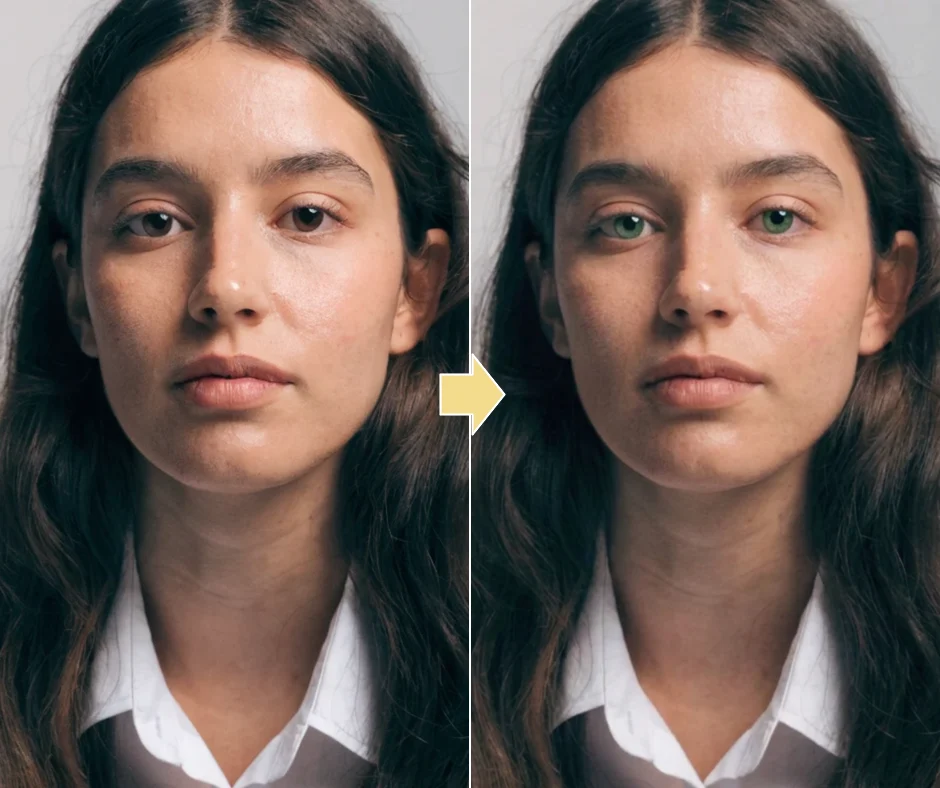
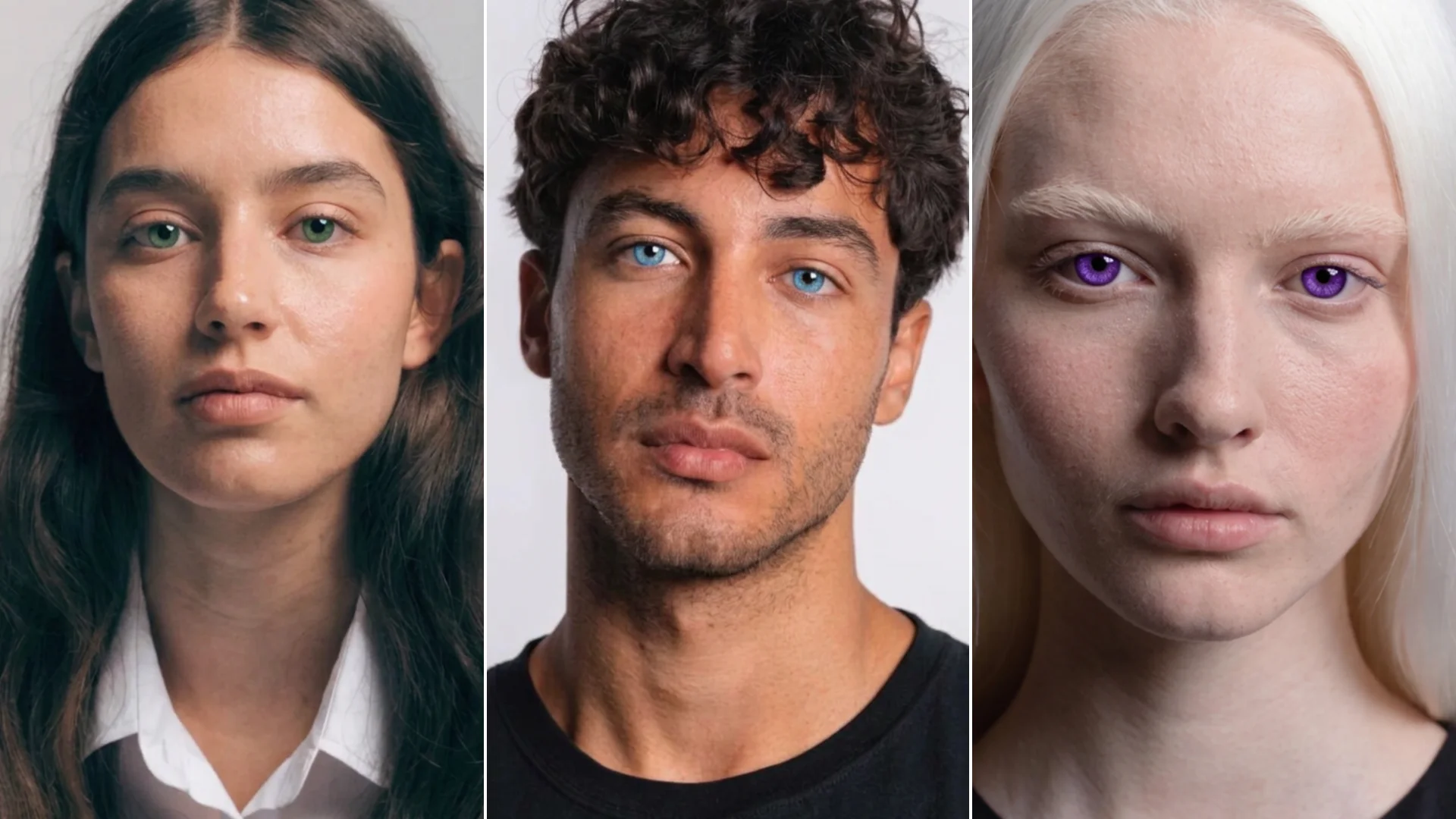
See yourself with new eyes. Upload a photo, pick blue, green, hazel, grey or amber, and AI recolors your irises while keeping your pupils, lashes and face.
Change Your Eye Color in One Photo
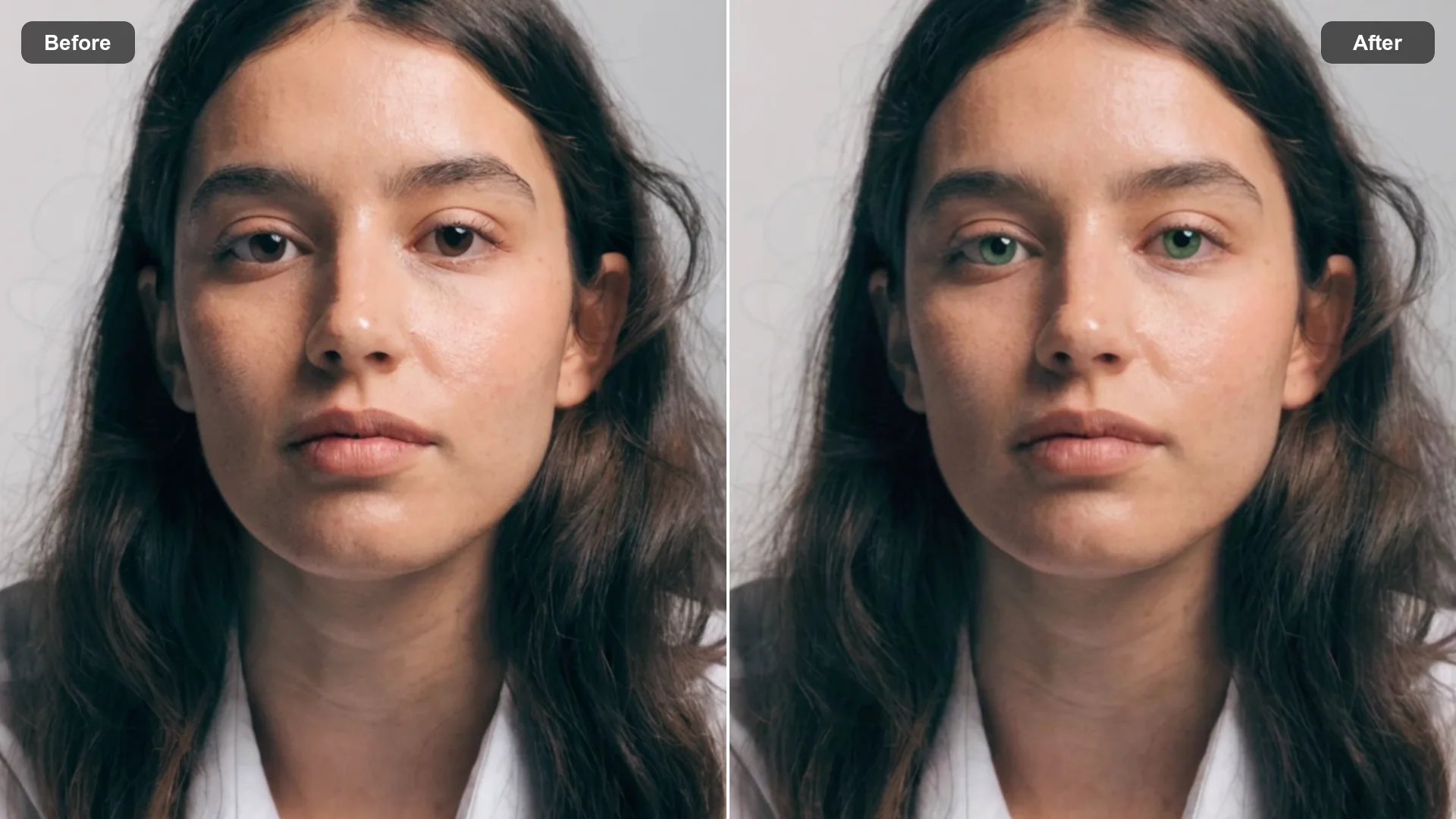
Ever wondered how you would look with blue, green or hazel eyes? Upload a photo, pick a shade and the AI Eye Color Changer recolors the irises of both eyes. Your pupils, the whites of your eyes, your lashes and where you are looking all stay as they are, so the color is the only thing that changes.
Seven Shades, From Natural to Striking
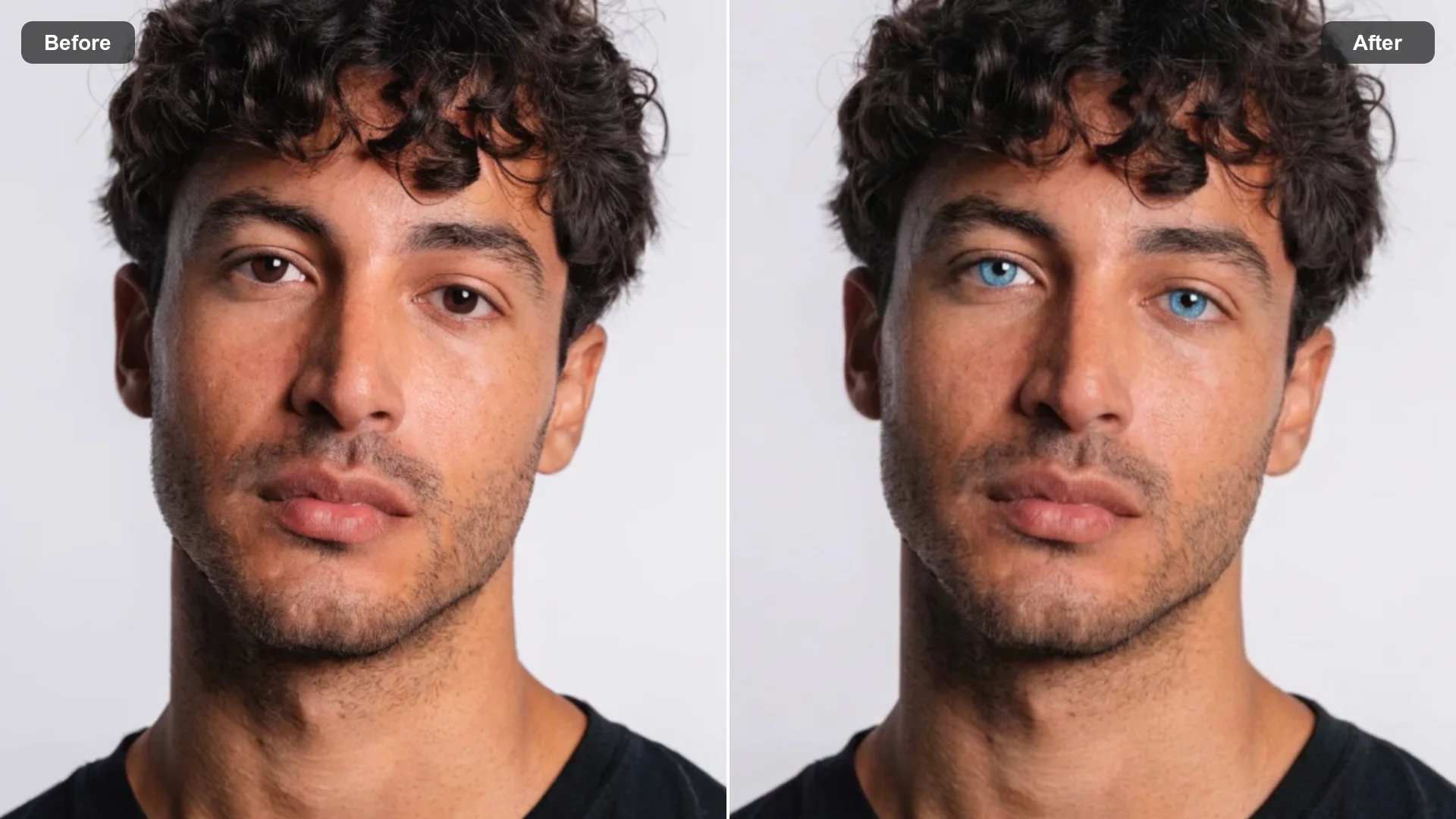
Choose sky blue, emerald green, hazel, steel grey, amber, violet or dark brown. Switch shades and run the filter again on the same photo to compare them, from a subtle natural change to a fantasy look.
Real Iris Detail, Not a Flat Tint
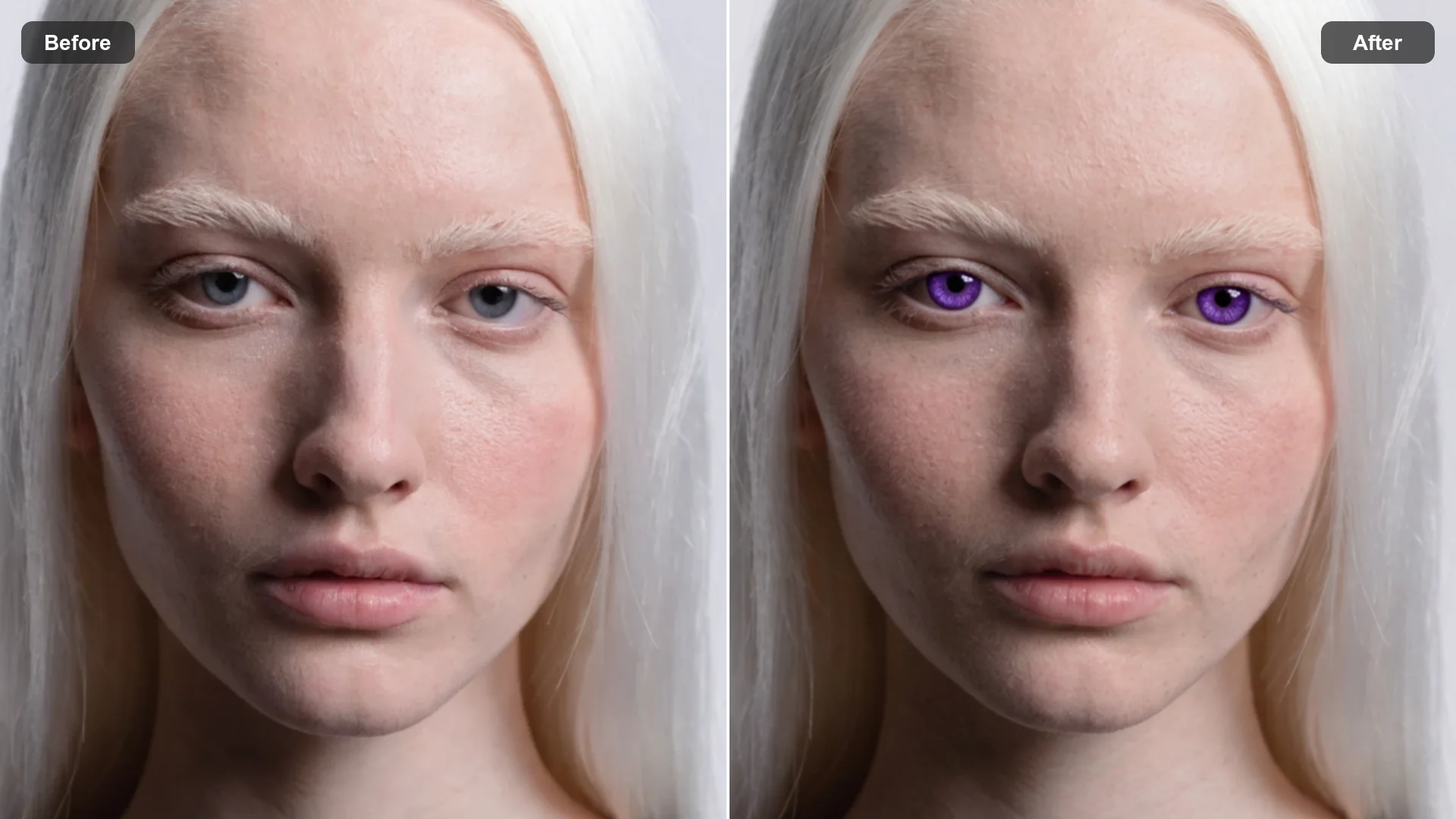
The filter keeps the natural texture and fibres of your iris, the darker ring at its edge and the catchlights in your eyes, so the new color looks like it was always yours rather than a sticker over the eye.
Everything Else Stays the Same
Your face, skin, eyebrows, makeup, hair, clothing, lighting and background are kept exactly as they were. Pro members can apply a shade to up to ten photos at once.
Discover the Possibilities
See Yourself With Different Eyes
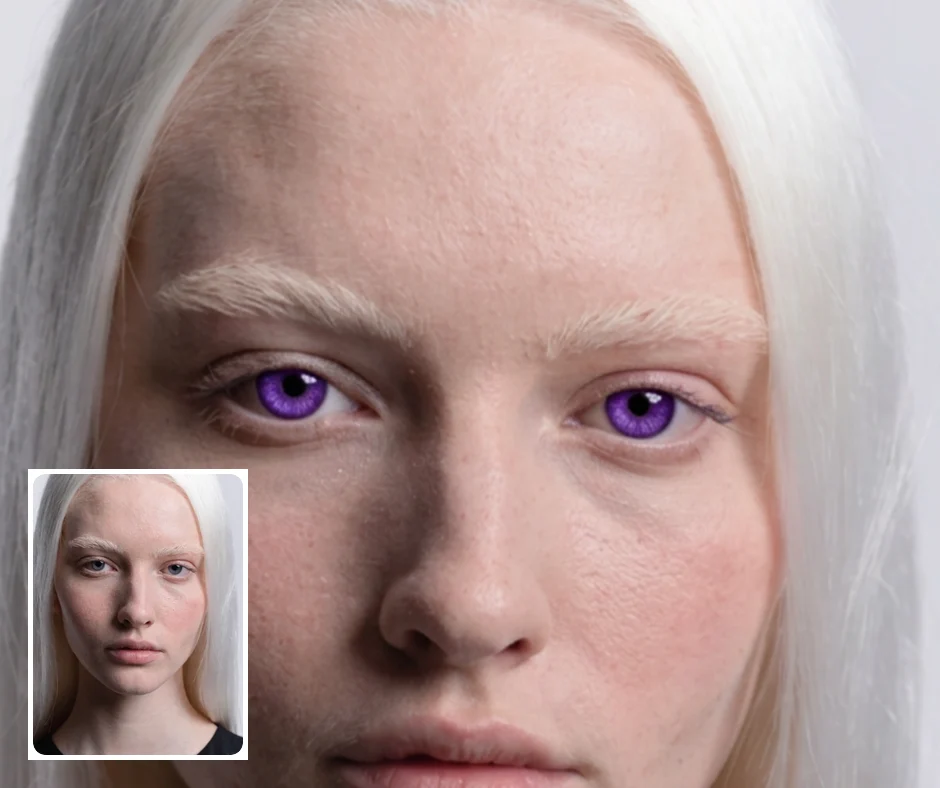
Preview Colored Contact Lenses
See how a lens color would look on your own face before you order a pair.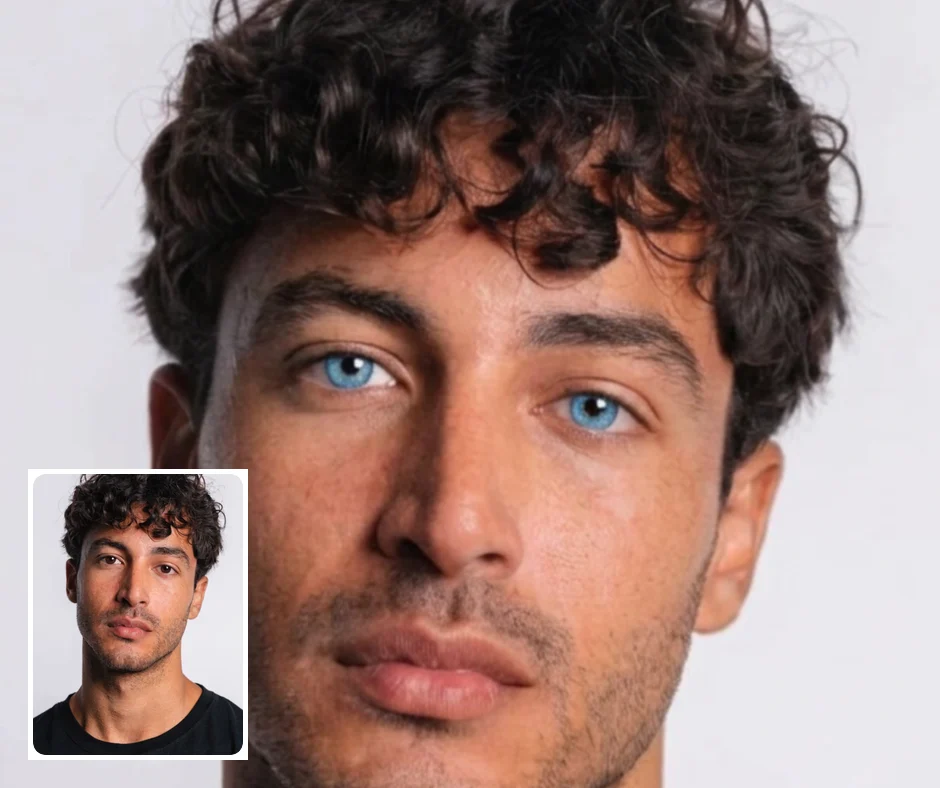
Design a Character or Cosplay
Try amber, violet or grey eyes for a character, a cosplay or a creative shoot and see which one fits the role.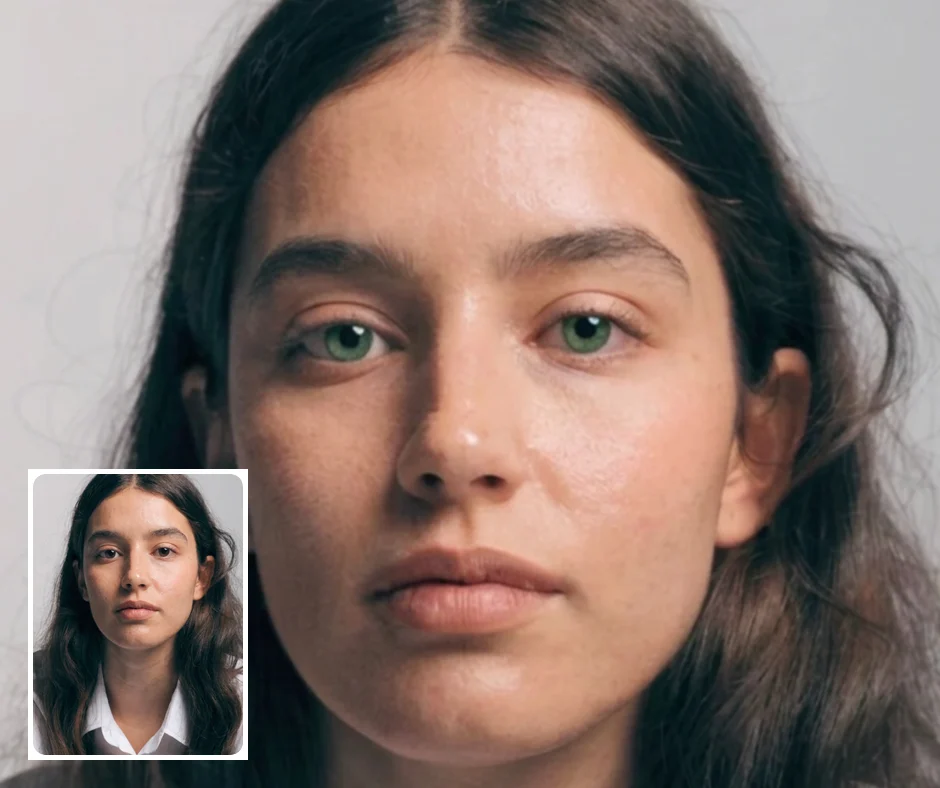
Have Fun With Your Photos
Give a portrait a striking new look for a profile picture or a social post, or just satisfy your curiosity.
Transform Your Photos
Explore More AI Image Filters
Frequently Asked Questions
What is the AI Eye Color Changer?
It is an AI photo filter that changes the color of the irises of the person in your photo to the shade you choose, while keeping the pupils, the whites of the eyes, the face and everything else as they were.
Which eye colors can I try?
Sky blue, emerald green, hazel, steel grey, amber, violet and dark brown. Pick one before you apply the filter, and run it again to try another.
Will it change the shape of my eyes or my face?
No. Only the color of the irises changes. The size and shape of your eyes, your lashes, eyebrows and gaze, and the rest of your face are kept.
What kind of photo works best?
A clear, close or medium portrait of one person with both eyes open, in focus and in even light. Sunglasses, closed eyes, tiny faces in a wide shot and heavy shadows give weaker results.
Can I change the eye color in several photos at once?
Pro members can apply the filter to up to ten photos in one go. On other plans, one photo is processed at a time.
How much does it cost?
Each photo uses credits from your Patternful plan, whichever color you pick. The Generate button shows the exact cost before you apply the filter, and you are not charged for a photo that fails.