How can I easily align multiple seamless patterns in Patternful.ai
Patternful Team | 1 min read
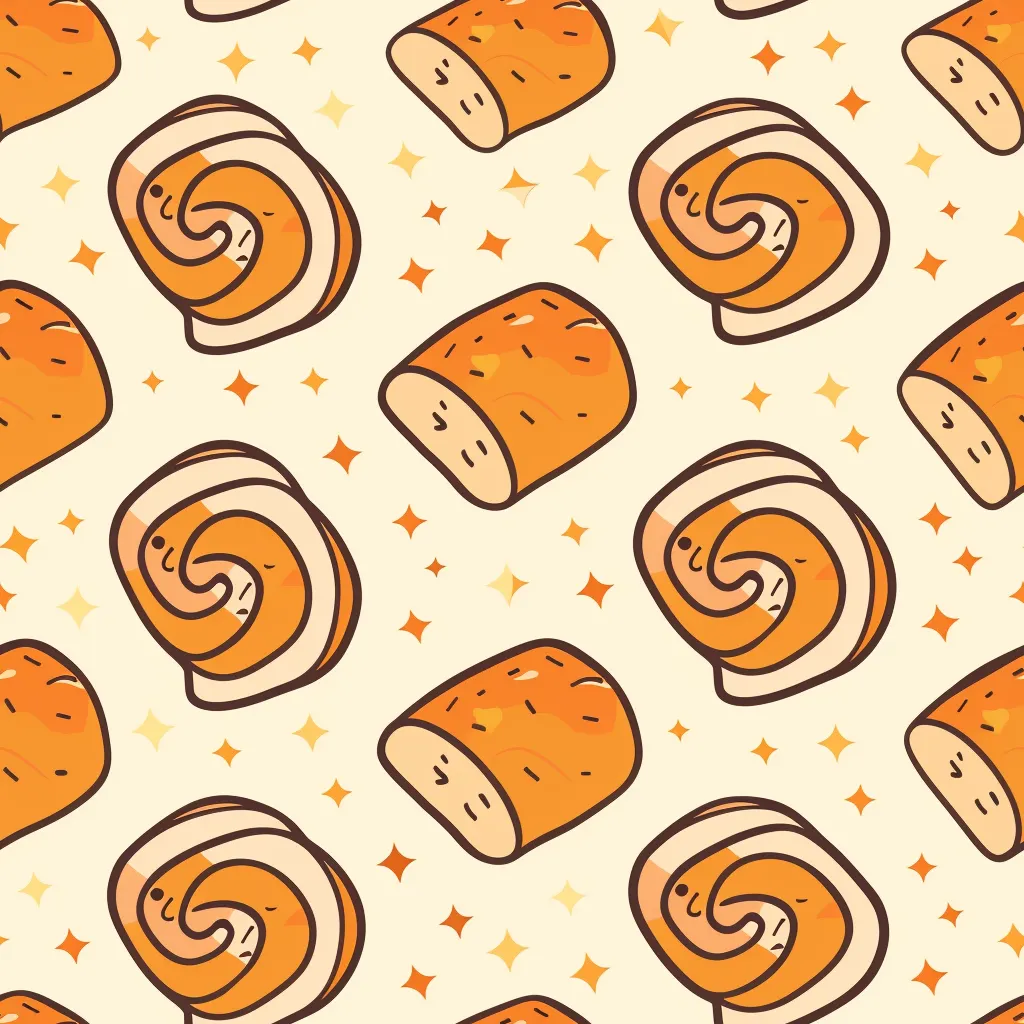
Aligning multiple seamless patterns in Patternful.ai is easy — we've taken care of it for you!
Step 1: Generate your perfect pattern.
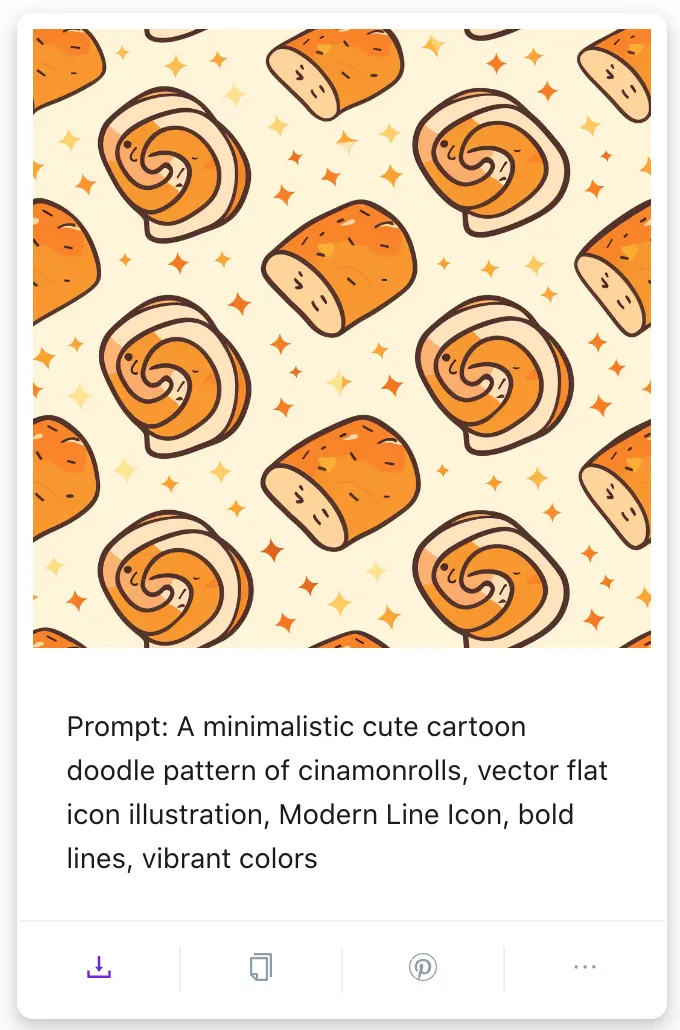
Step 2: Once you're happy with your design, just hit the download button.
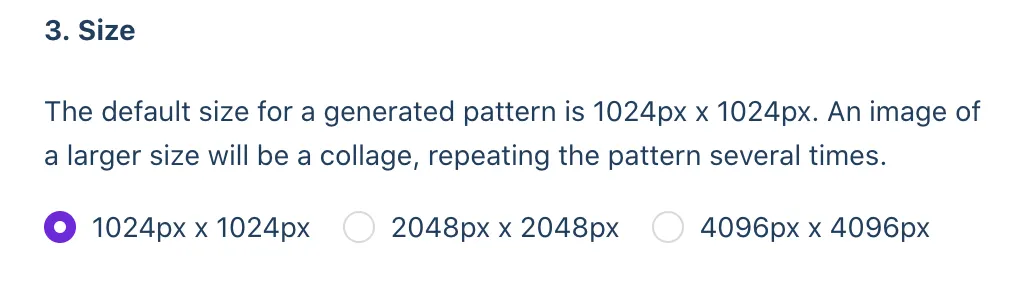
Step 3: Choose your image size. The default size is 1024px by 1024px. Opting for a 4096px by 4096px download will arrange 16 patterns across 4 rows and 4 columns.
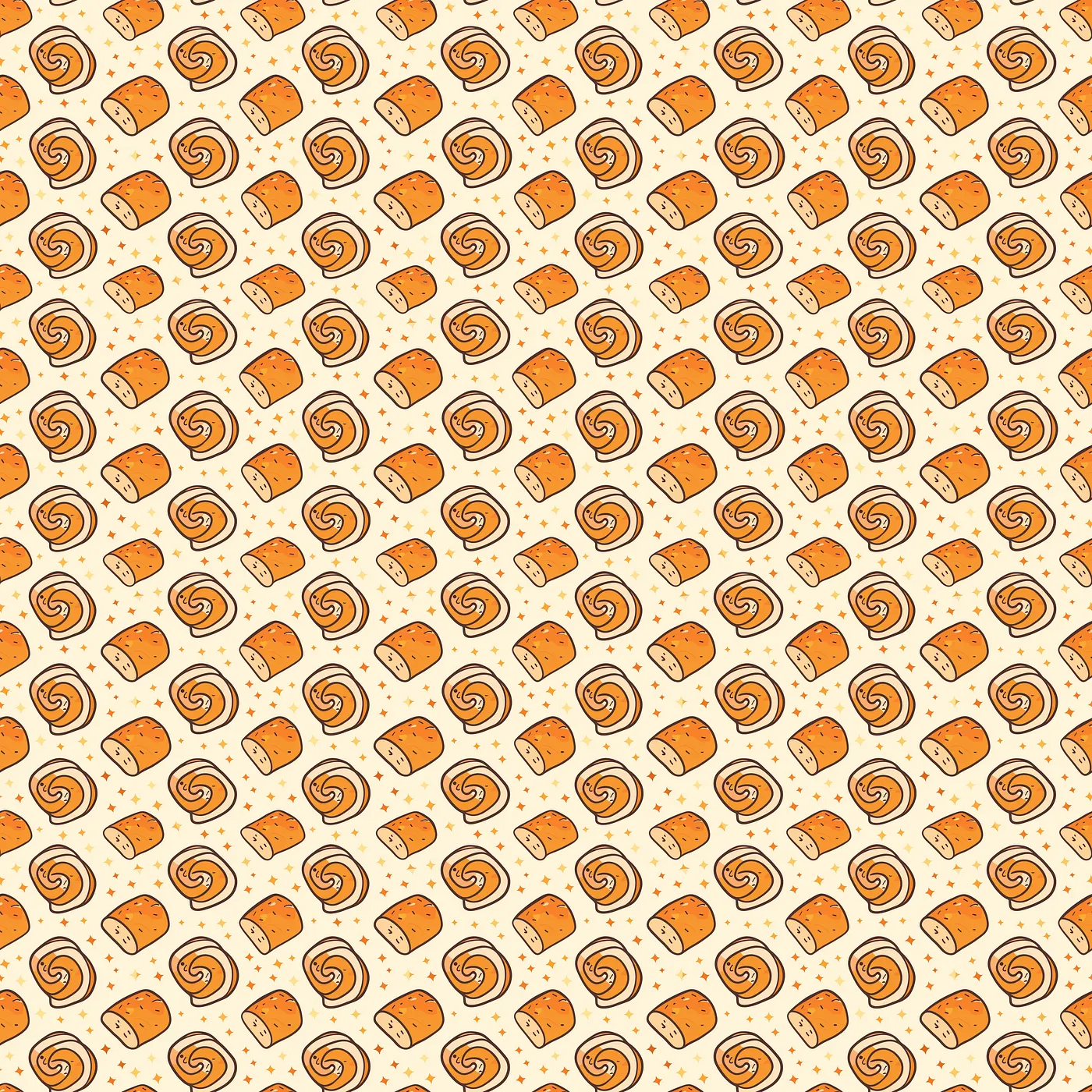
Patternful.ai also provides extensive sizing options to suit various needs. On the Edit and Download page, you can pick from predefined sizes or enter custom dimensions.

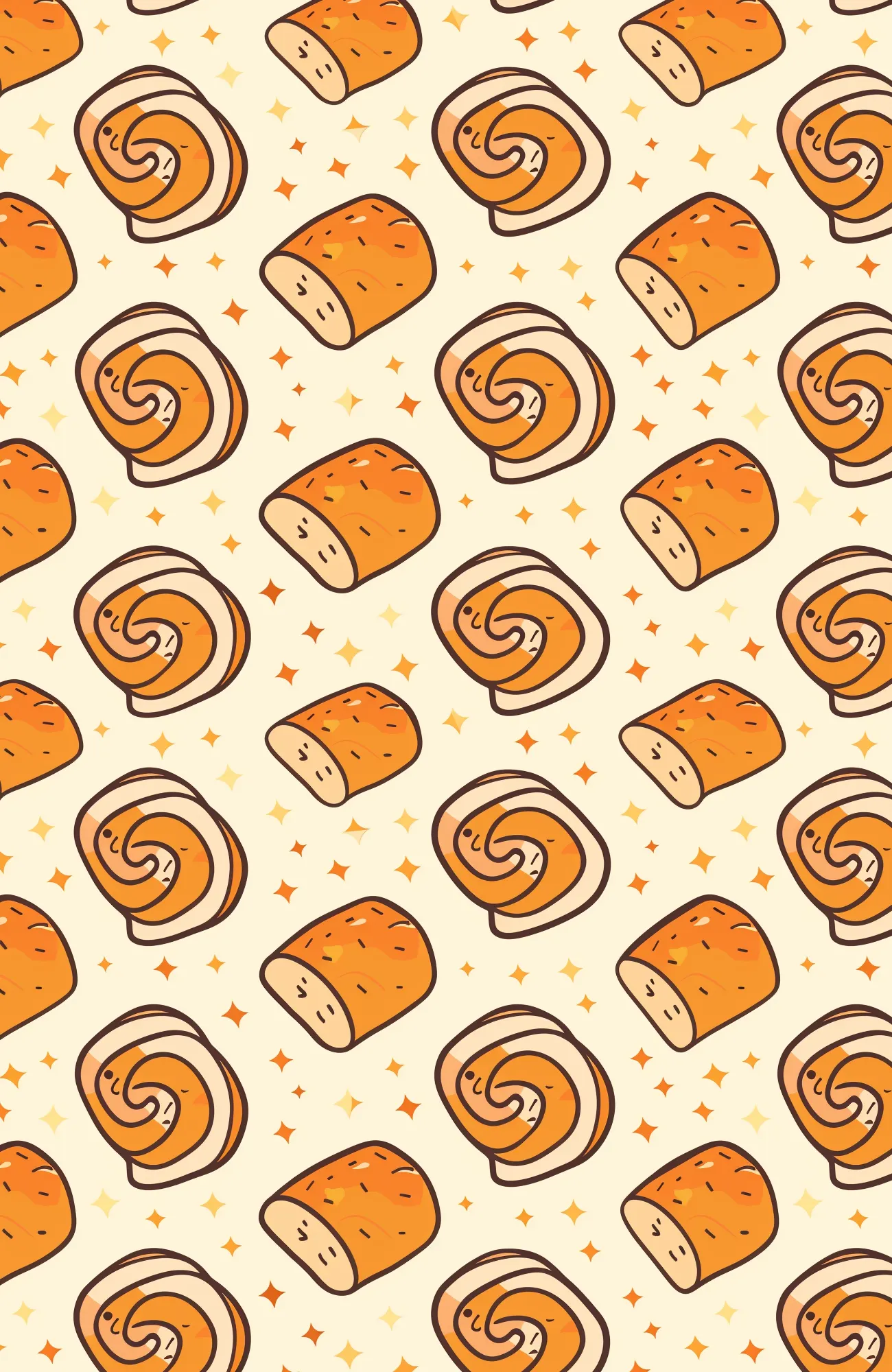
With predefined sizes, you have over 100 options across 9 categories: Office, Apparel & Bags, Tech, Wall Art, Furniture, Bed & Bath, Outdoor & Lifestyle, Home Decor, and Tabletop. For instance, selecting Tech - iPhone Cases adjusts the output to 1300px by 2000px. The pattern will be aligned multiple times and cropped into this size.

If you prefer, custom dimensions let you specify the exact size you need for your download.
And that's it — you're ready to create amazing patterns. Enjoy!