Krea 2 AI Image Generator
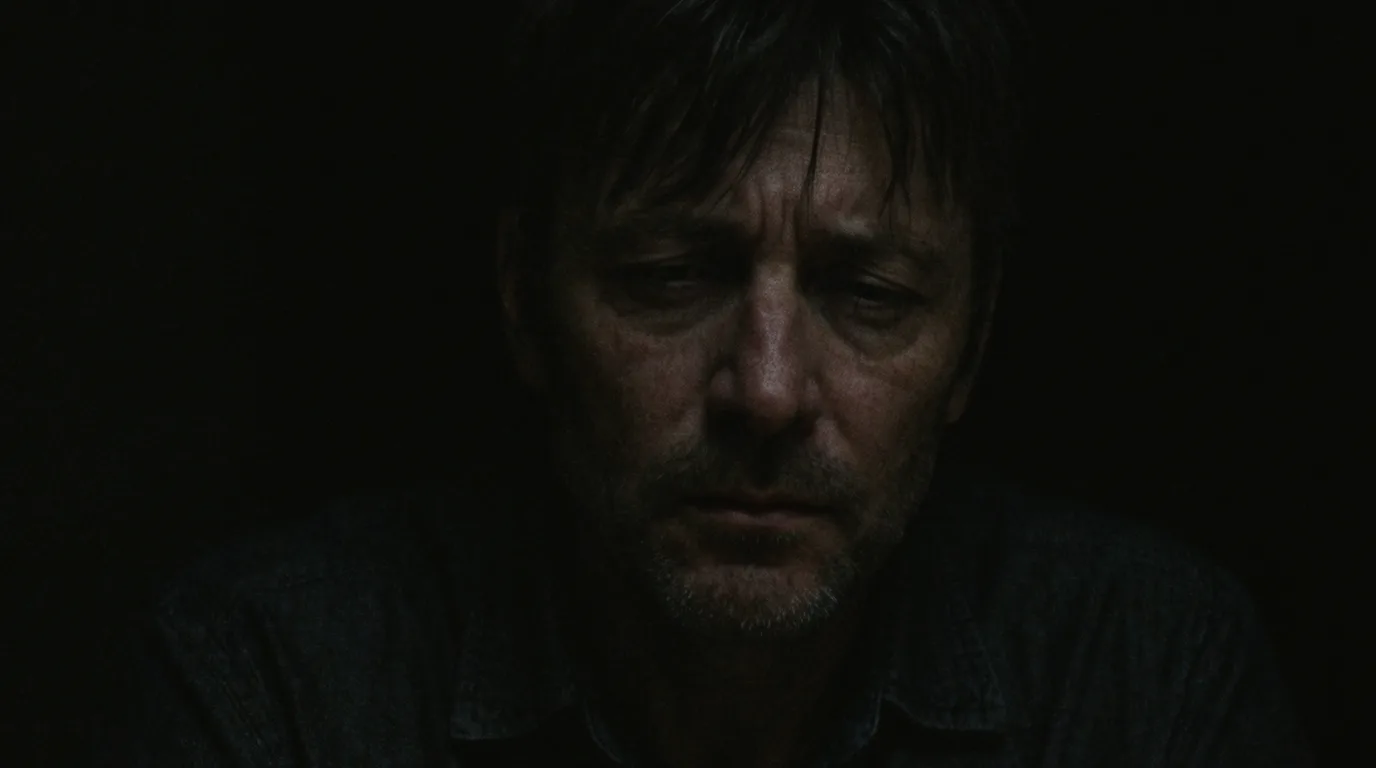
None of the Usual AI Look
Krea 2 was tuned specifically against the plastic, over-lit house style most image models drift into. Output reads as photography with a point of view.
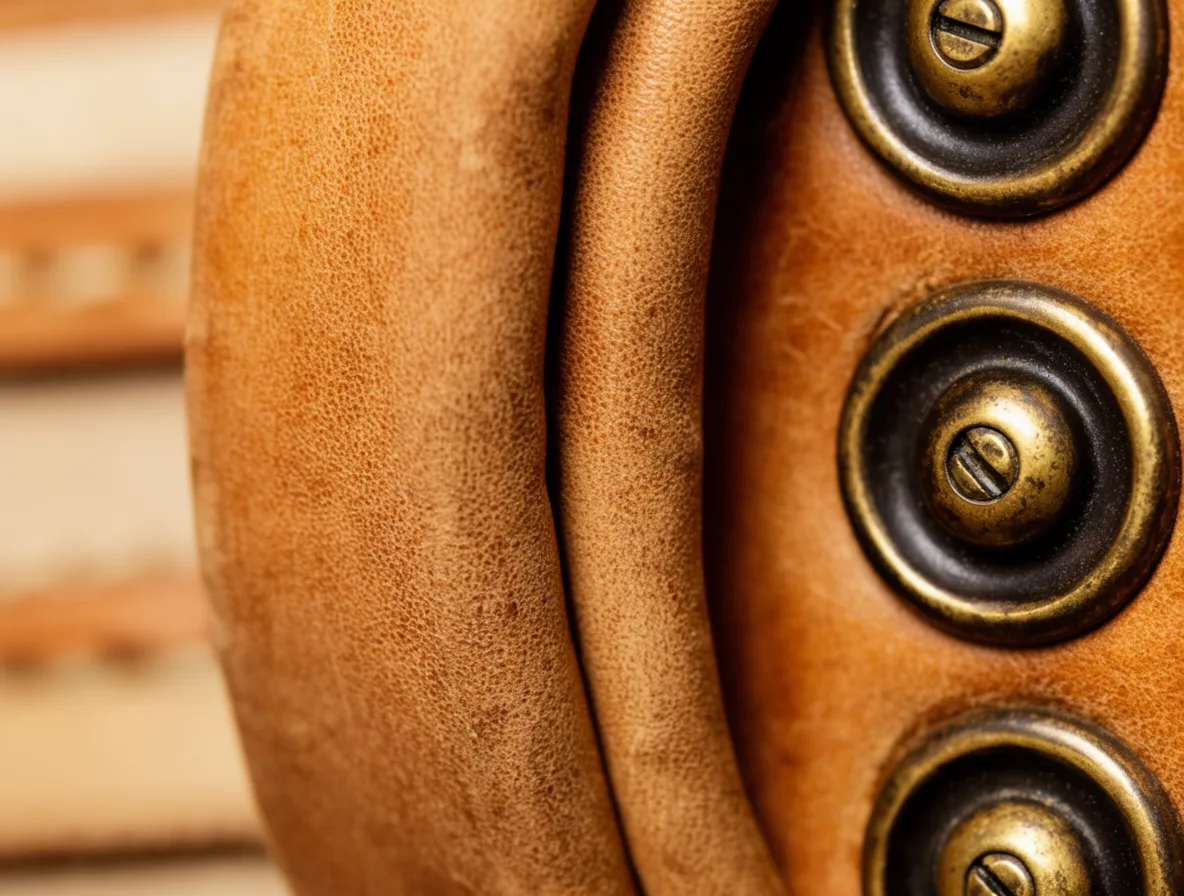
Skin, Materials, and Editorial Texture
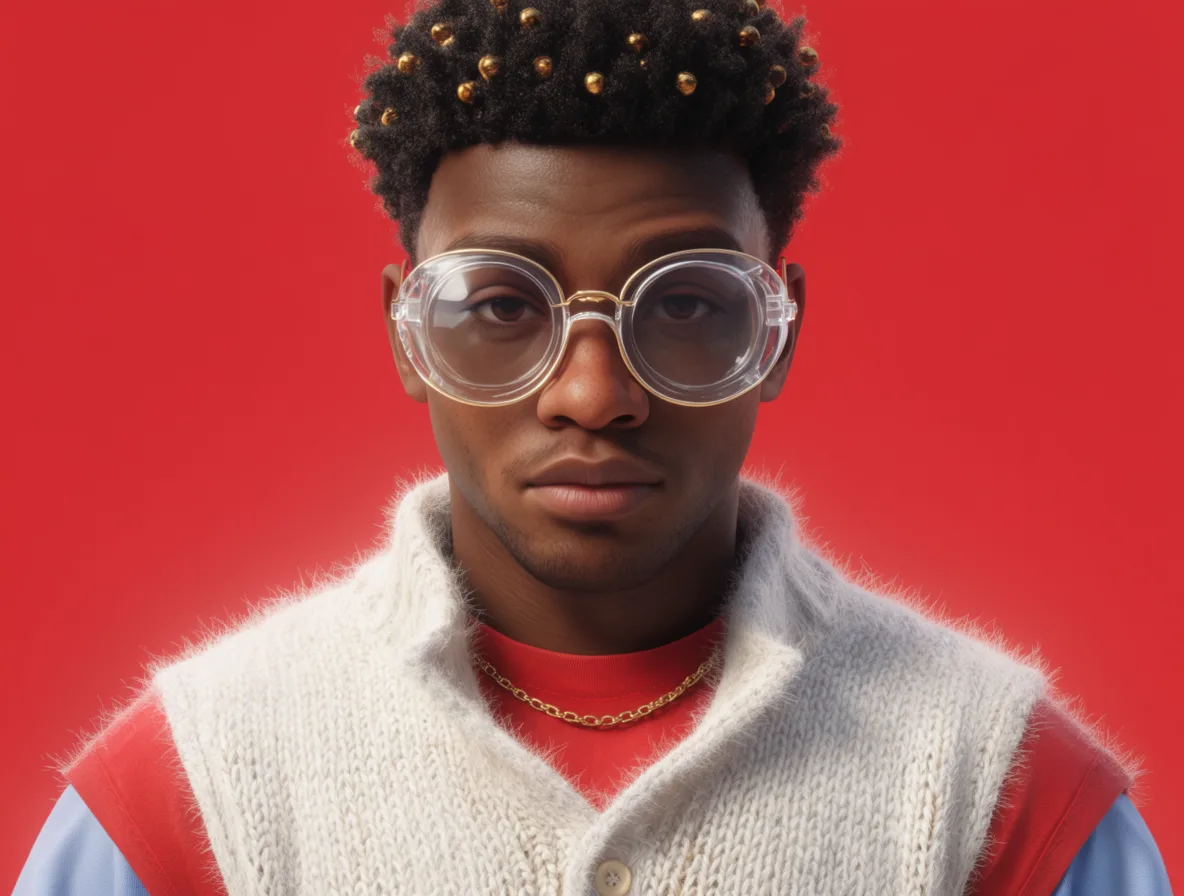
Crisp texture is where it separates itself — pores, fabric, surfaces — which is what makes it work for editorial and fashion imagery.
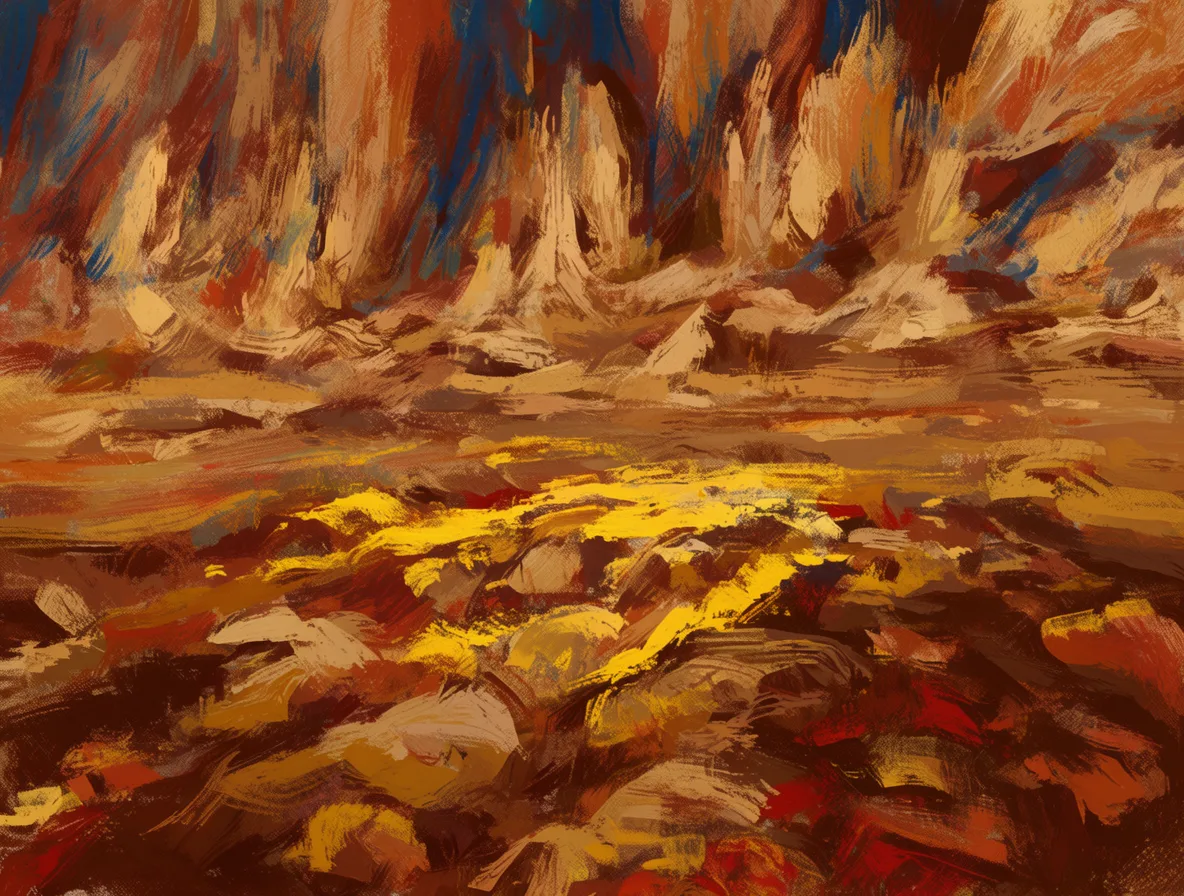
Style References With Adjustable Weight
Up to three references with a dial for how strongly they apply, plus LoRA style and character add-ons for a look that stays yours.
What You Can Make with Krea 2
Marketing & Social Content
Spin up on-brand visuals for ads, social posts, and campaigns in seconds. Krea 2 turns a quick prompt into scroll-stopping imagery — no photographer or stock library needed.Product & E-commerce Visuals
Create clean product shots, lifestyle scenes, and hero images for your store and listings. Generate variations fast, then upscale the winners for print and the web.Concept Art & Design
Explore ideas, moodboards, and illustrations before committing to a full design. Iterate on prompts with Krea 2 to visualize characters, environments, and styles quickly.
Key Selling Points
Why Choose Krea 2
| No “AI look” | Artistic photorealism without the generic AI feelHighlight |
|---|---|
| Rich texture | Crisp skin, materials and editorial looksHighlight |
| Style reference | Up to 3 references with adjustable style weight |
| Creative range | Expressive color, dynamic angles, stylized photography |
| Custom aesthetics | LoRA style and character add-ons |
Frequently Asked Questions
What is Krea 2?
Krea 2 is an AI image model from Krea, available in the Patternful AI Image Generator. Krea AI's foundation model trained from scratch for photorealism, richly textured looks, and expressive styles. Supports style transfer via reference images with tunable strength and creativity control.
How do I generate an image with Krea 2?
Open Krea 2 in the Patternful AI Image Generator, write a prompt describing the image you want, set the style, aspect ratio, and resolution, then click generate. Your image appears in seconds, ready to download.
How much does Krea 2 cost?
Krea 2 costs 2 credits per image. New accounts include free credits so you can try it right away.
What resolution can Krea 2 produce?
Krea 2 generates high-resolution images you can use for web, social, and print. You can also upscale finished images for even more detail.
Can I use the images commercially?
Yes. Images you generate are royalty-free for both personal and commercial projects — you can edit, publish, and sell them.
Are my images private?
Yes. Patternful.ai prioritizes user data safety. Your images stay private and remain your property, and uploaded reference images are automatically removed from our servers after a short period.