Stardew Valley Filter
Turn photos into cozy pixel art. AI rebuilds your image in a warm farm-game sprite style, with soft palettes and charming retro detail.
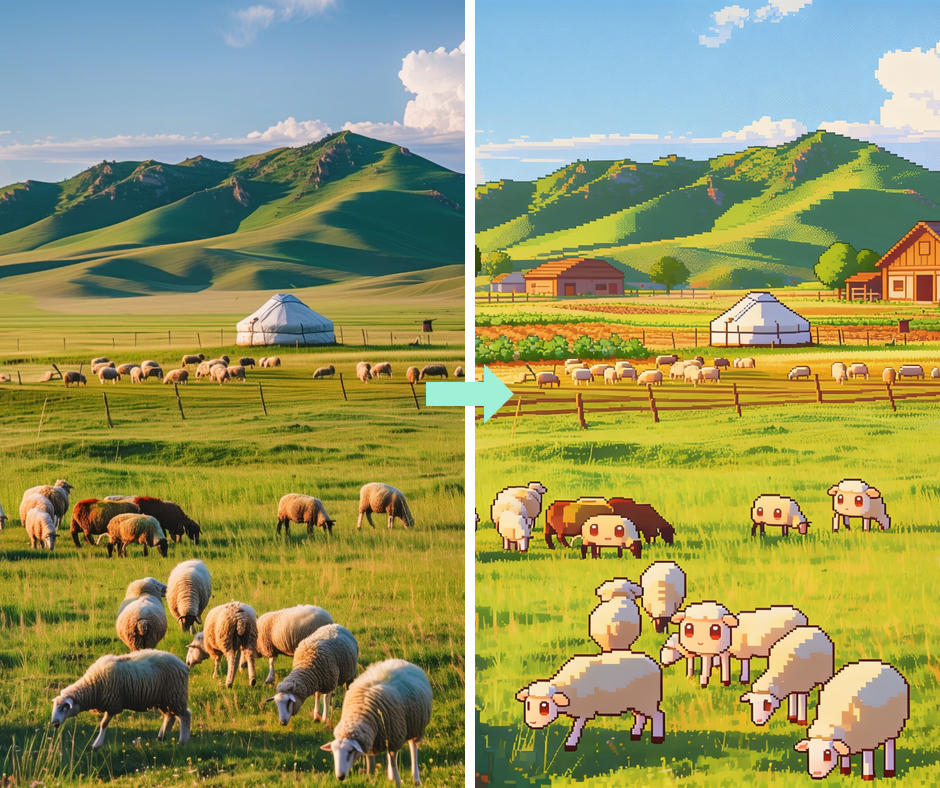
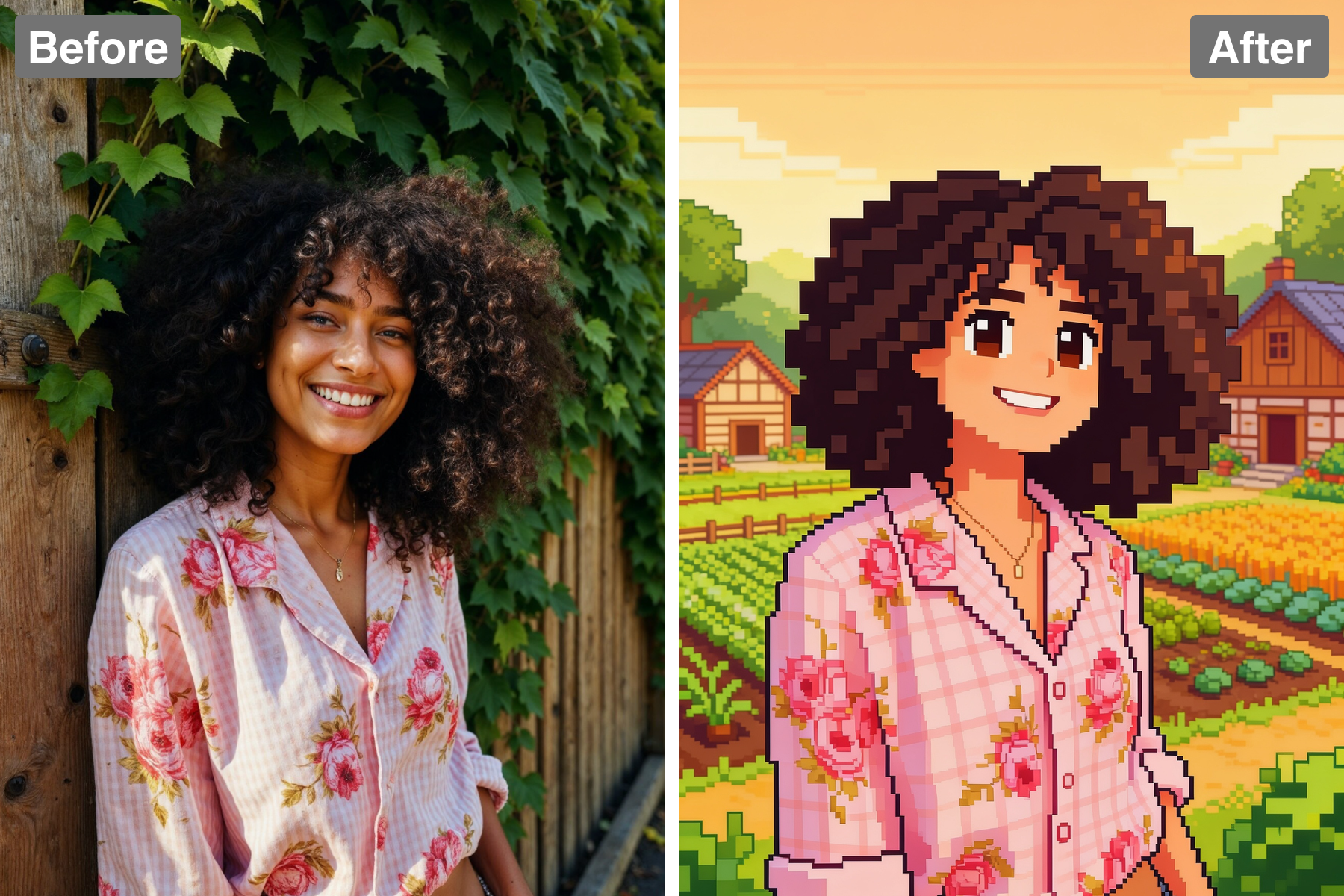
Cozy 16-Bit Pixels
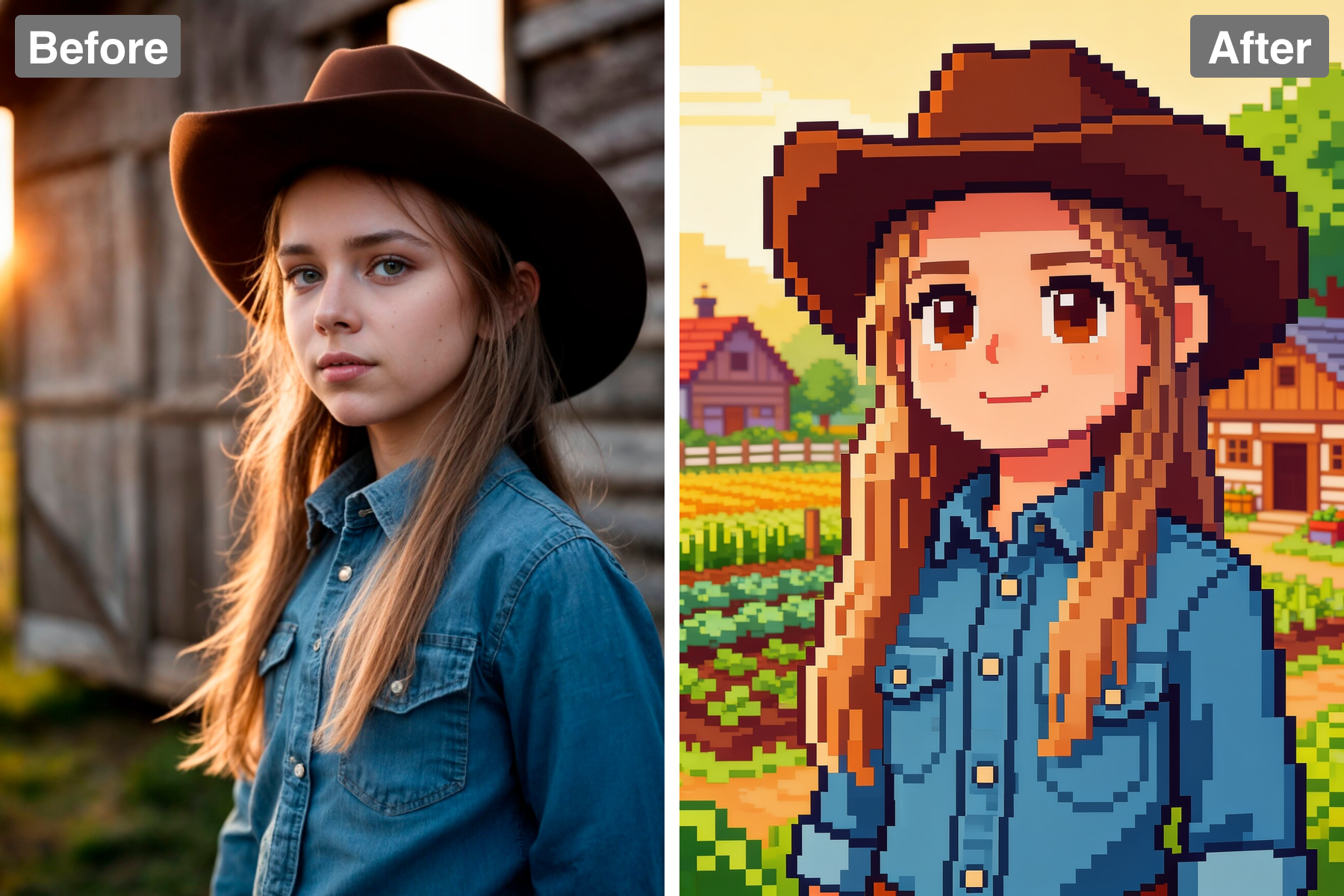
The scene is redrawn as charming farm-life pixel art with chunky, readable pixels and a warm nostalgic palette. The pixel grid is kept consistent across the entire image, which is essential — mixed resolutions immediately break the illusion of an authentic sprite. Detail is reduced to what a limited grid can actually express, so forms are simplified into a few well-chosen blocks rather than crammed with noise. Colour is restricted to a tight palette with deliberate dithering used for gradients, exactly as 16-bit artists worked around hardware limits. Outlines are darkened selectively rather than uniformly, a technique that keeps sprites readable against busy backgrounds. It looks pulled straight from a cosy farming sim.
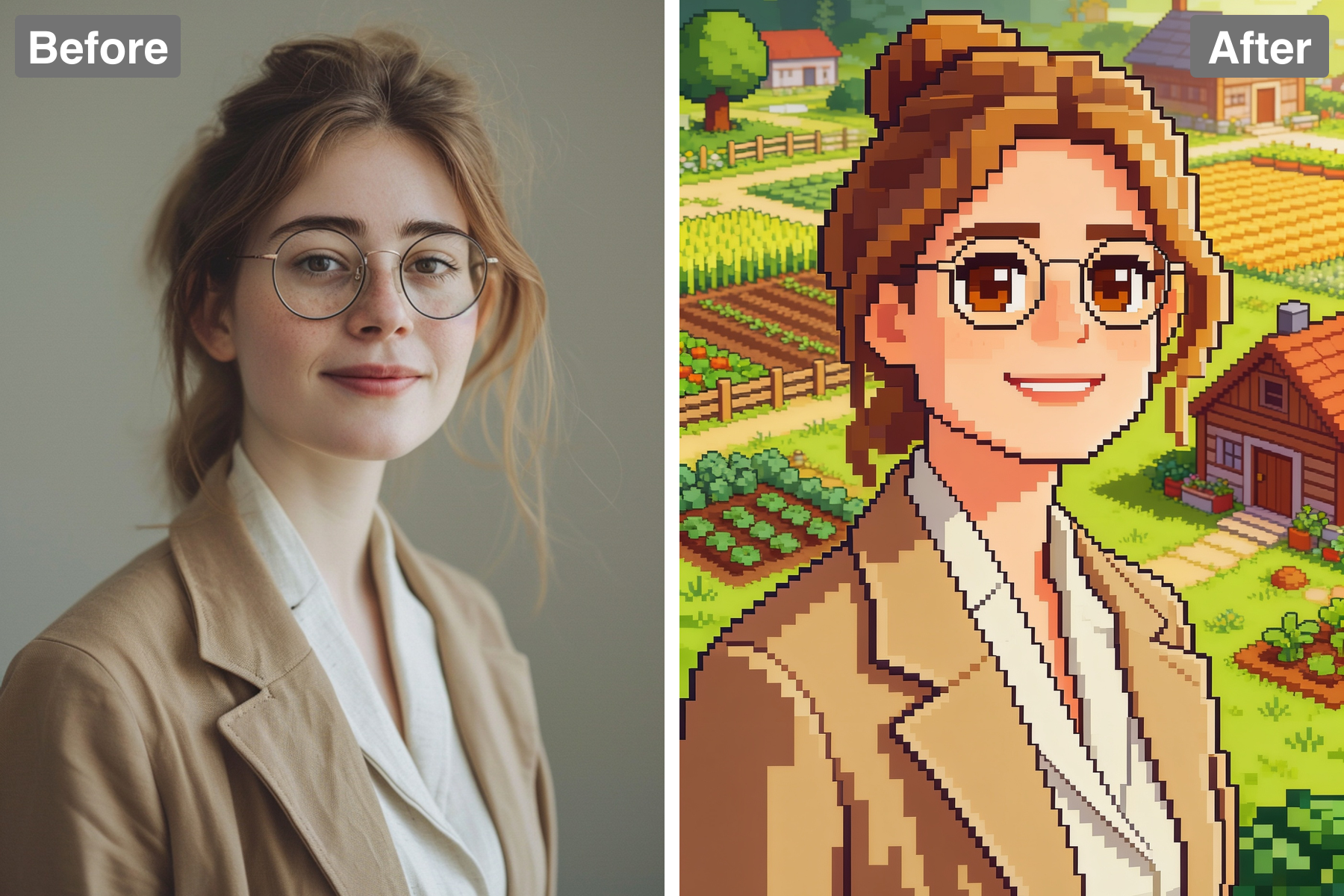
Friendly Character Sprites
Your subject becomes a cheerful sprite with large friendly eyes and the game's signature soft style. Character sprites in this genre use slightly oversized heads and compact bodies, a proportion choice that keeps faces expressive even when a character is only a few dozen pixels tall. The expression is built from a handful of pixels, so each one is placed deliberately to keep the mood warm and legible. Your hairstyle and clothing colours carry through, which is what keeps the sprite identifiable as you rather than a generic villager. Posture is kept open and upright, matching the friendly tone of the genre. It fits naturally into a wholesome pixel village.
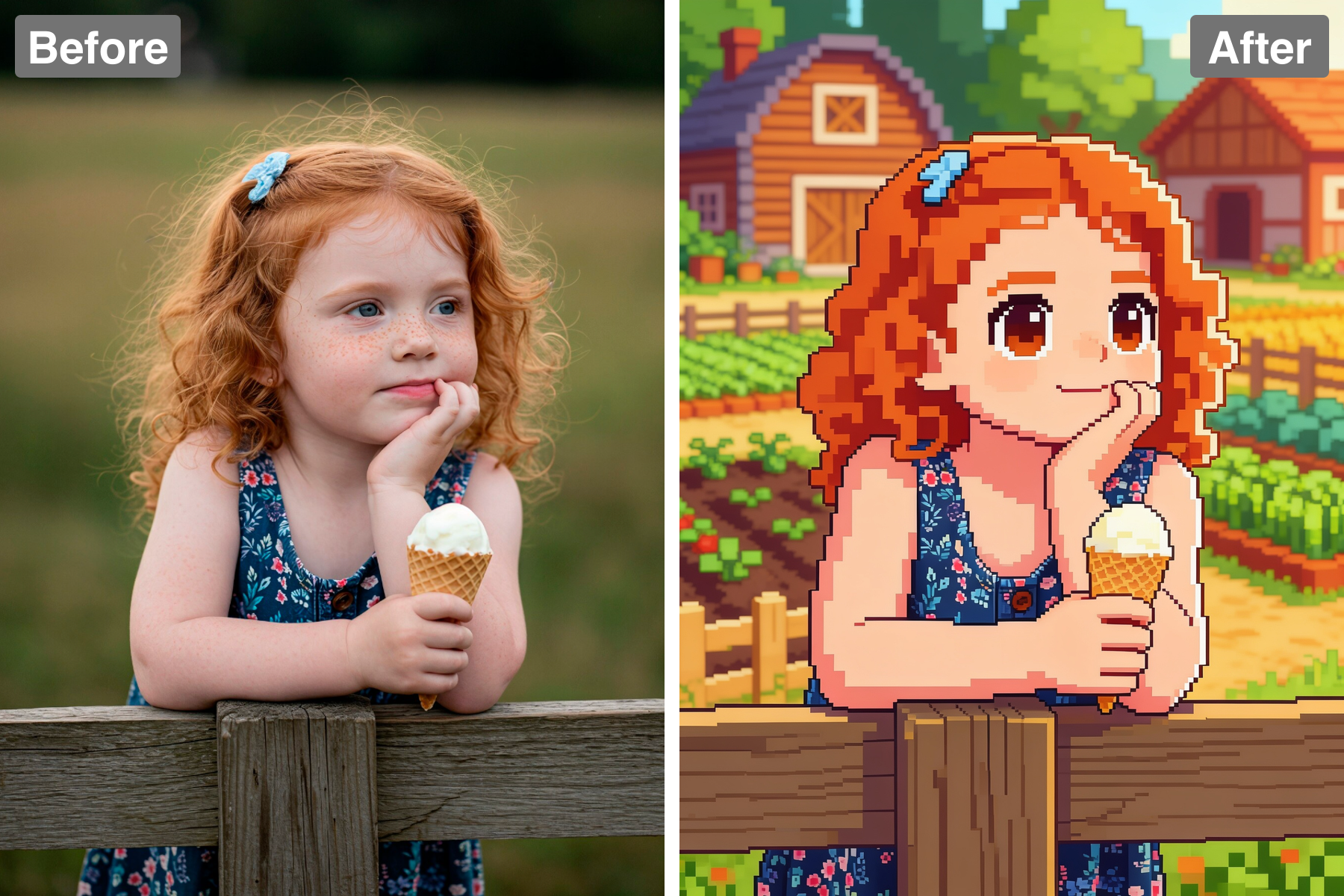
Quaint Rural Backdrop
The background becomes a pixel-art countryside with farmland, wooden buildings, and lush greenery. Building the environment in the same pixel resolution as the character is what makes the scene cohere — a sprite over a smooth background always looks pasted on. Environmental details like fences, crops, and scattered foliage give the world a lived-in density rather than empty filler space. Depth is suggested through layering and slight colour desaturation toward the back, since true perspective is not available at this resolution. The setting reinforces the cosy, pastoral mood that defines the style. It frames the character inside a complete, believable little world.
Warm Cozy Lighting
Soft lighting gives the whole scene the comforting, wholesome feel the genre is known for. Warm golden tones dominate the palette while cool shadows stay gentle and blue-tinted, a colour relationship that reads as late-afternoon sun and carries strong emotional associations of safety and rest. Contrast is deliberately kept moderate, because harsh darks would introduce tension and break the calm the style depends on. Light sources are suggested through simple colour shifts rather than rendered glows, staying true to the pixel-art vocabulary. The overall mood is sunny, peaceful, and gently nostalgic. It captures the sense of ease that makes these games so beloved.
Discover the Possibilities
Turn Your Photo Into Stardew Valley Pixel Art
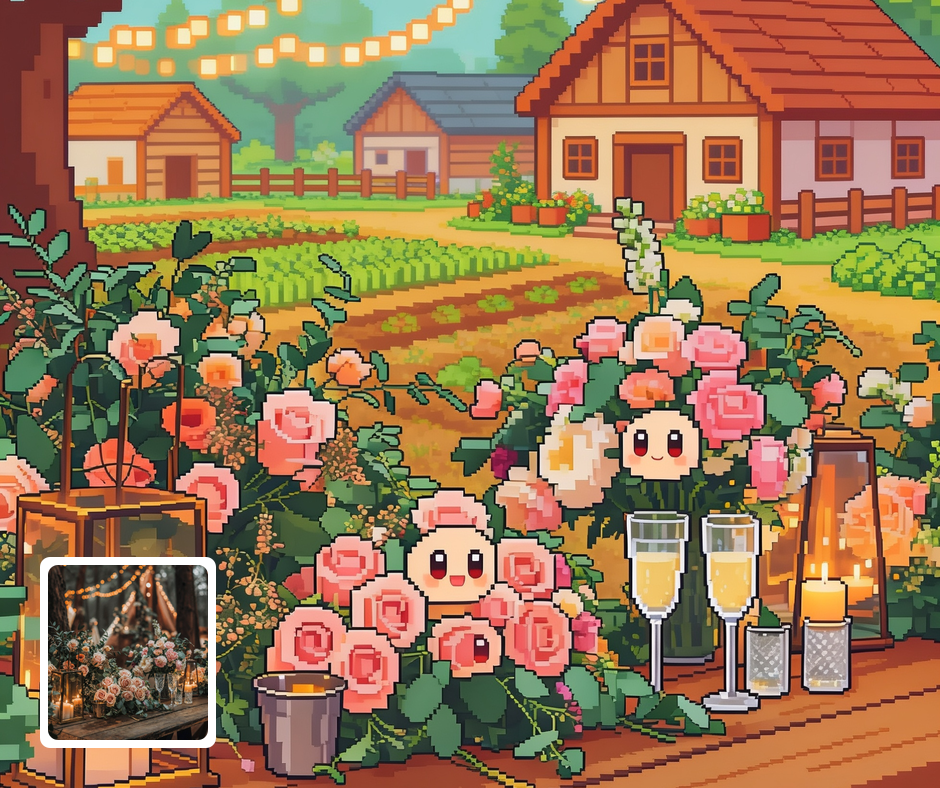
Gaming Fan Art
Fans can turn themselves into farm-sim characters for posts, avatars, and prints. It celebrates a beloved cozy game in a personal way. The sprite look is instantly recognizable to fellow players. It makes charming, shareable fan content.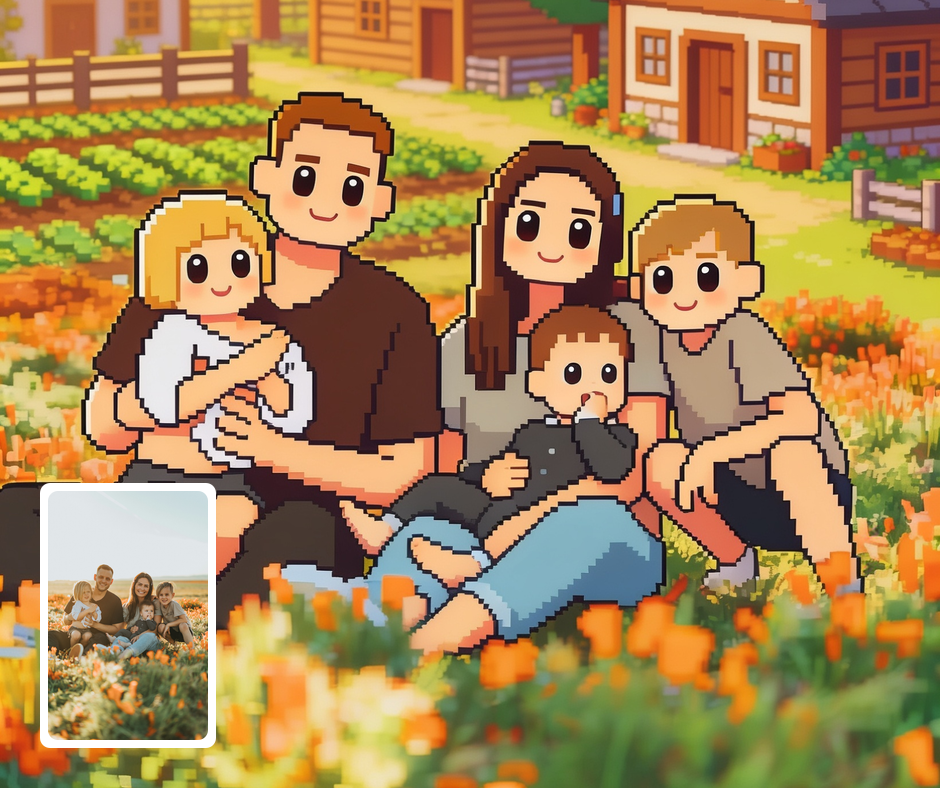
Cozy Profile Pictures
The nostalgic pixel look makes a warm, distinctive avatar. It signals a love of cozy games at a glance. The friendly sprite reads well even at small sizes. It stands apart from ordinary photo avatars.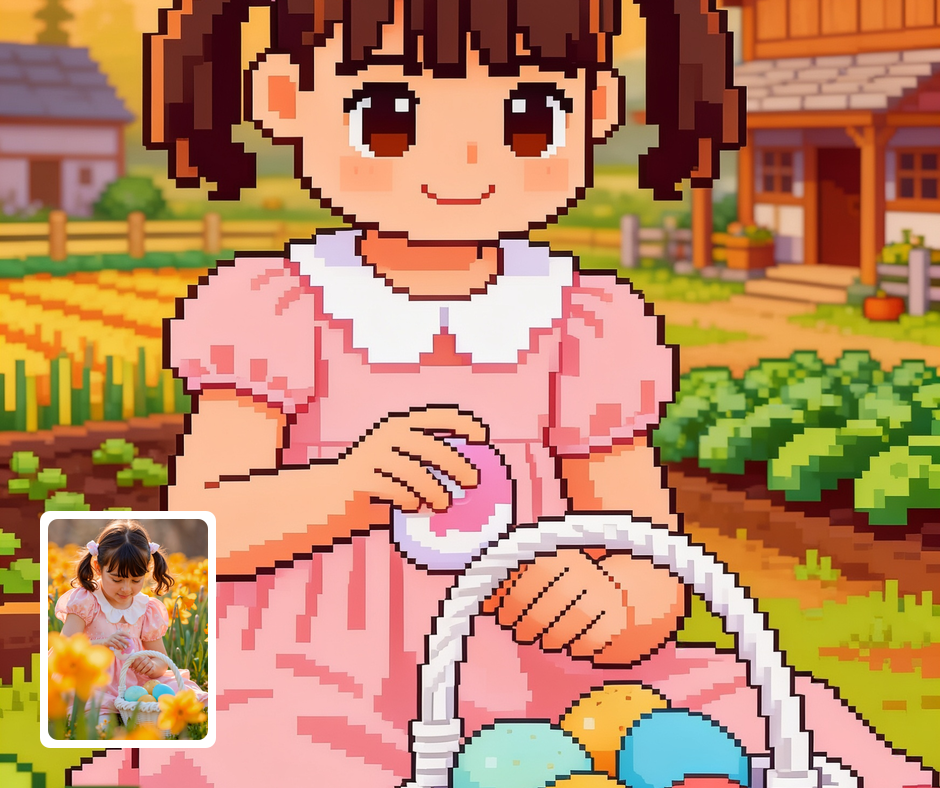
Retro Game Content
Great for streamers and creators making cozy-game themed visuals. The style fits overlays, thumbnails, and channel art. It sets a warm, wholesome tone immediately. It ties content visually to the pixel-game world.
Transform Your Photos
Explore More AI Image Filters
Frequently Asked Questions
What is the AI Stardew Valley filter?
The Stardew Valley filter reimagines your photo in the cozy pixel-art style of Stardew Valley. Patternful.ai applies the effect automatically with AI, producing a polished pixel-art sprite from your photo in seconds — no editing skills or software required.
Which photos work best with the Stardew Valley filter?
Photos with a clear subject convert best into sprites. Outdoor or home scenes translate nicely into the cozy farm setting. In general, clear, well-lit images where the subject is unobstructed give the AI the most to work with and produce the most convincing results.
How do I use the Stardew Valley filter?
Upload your photo and Patternful.ai creates the pixel-art sprite in seconds. Download the finished image at full resolution when it is ready, and try a few photos to see which one transforms best.
What about privacy? Are my photos safe?
Yes, your images are safe with us. Patternful.ai prioritizes user data safety. Your images are always private, proprietary, and they remain your property. All your uploaded images are automatically deleted from our servers after a few hours.