Photo To Painting Filter
Turn any photo into a painting. AI rebuilds your image with rich brushwork, canvas texture, and the layered depth of a traditional oil portrait.
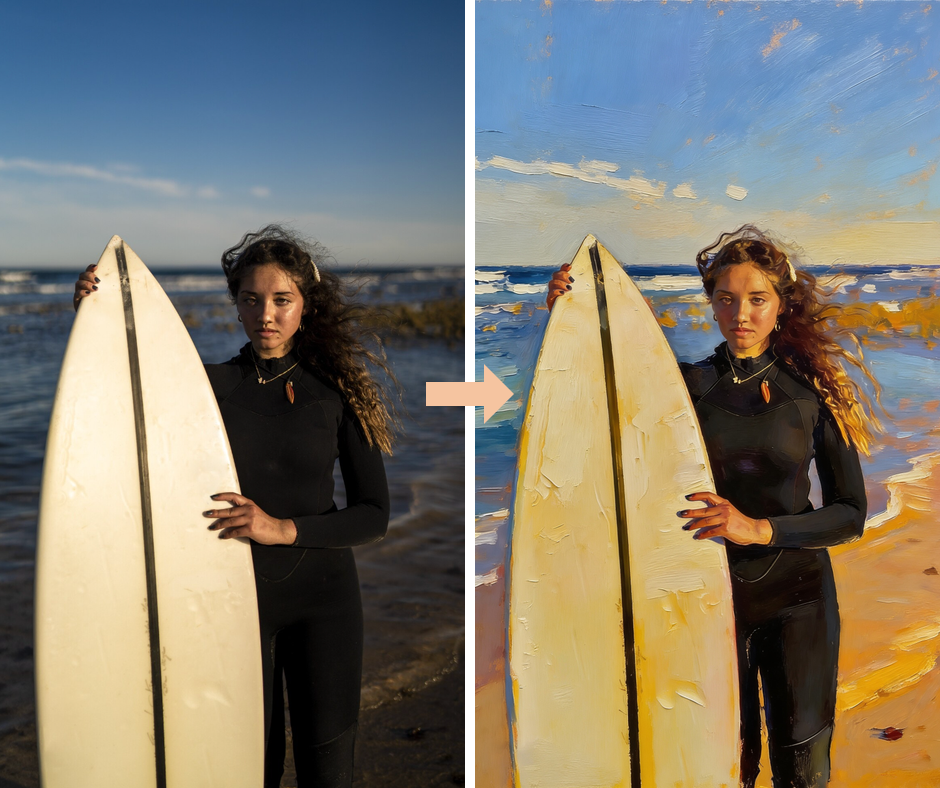
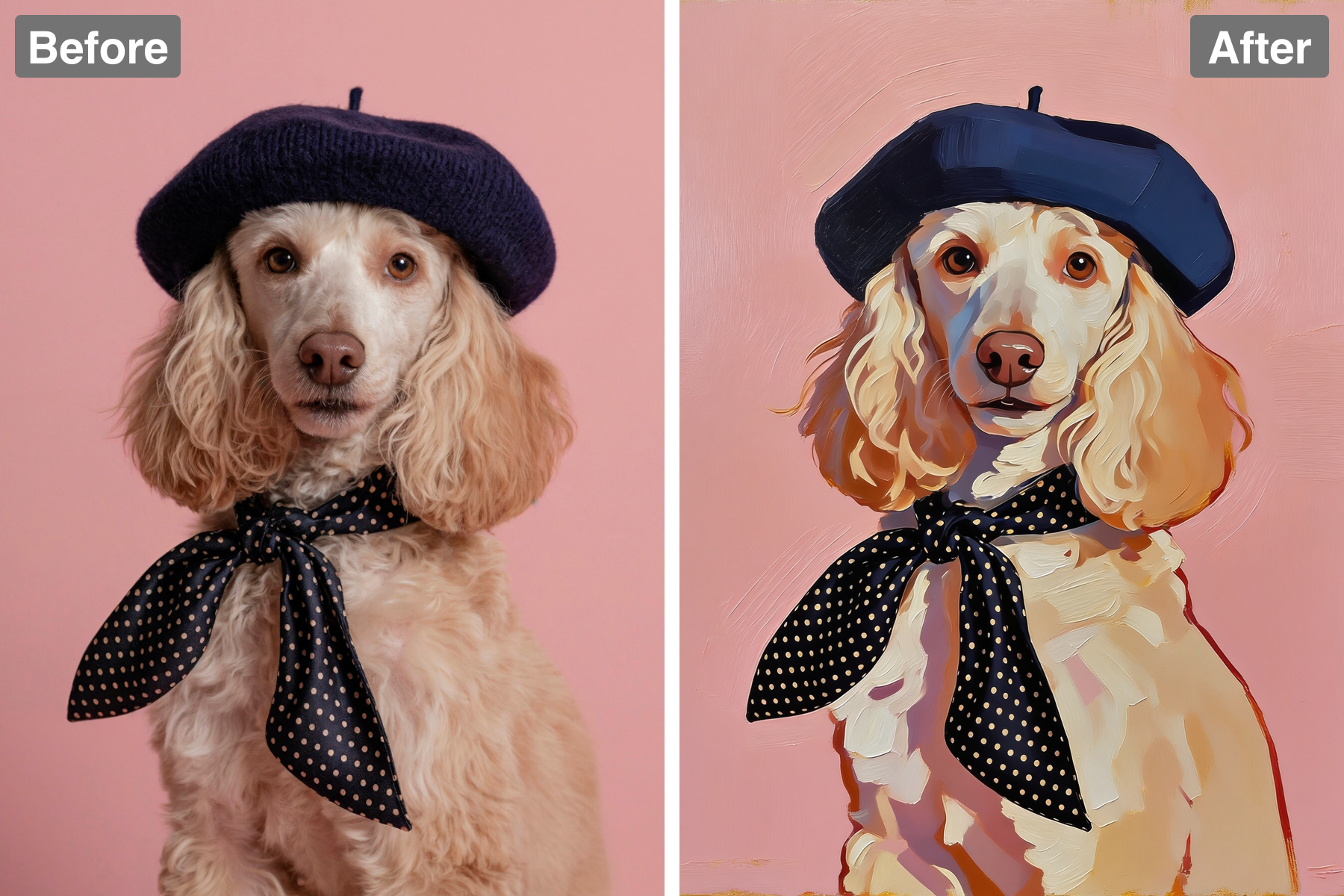
Expressive Brushwork
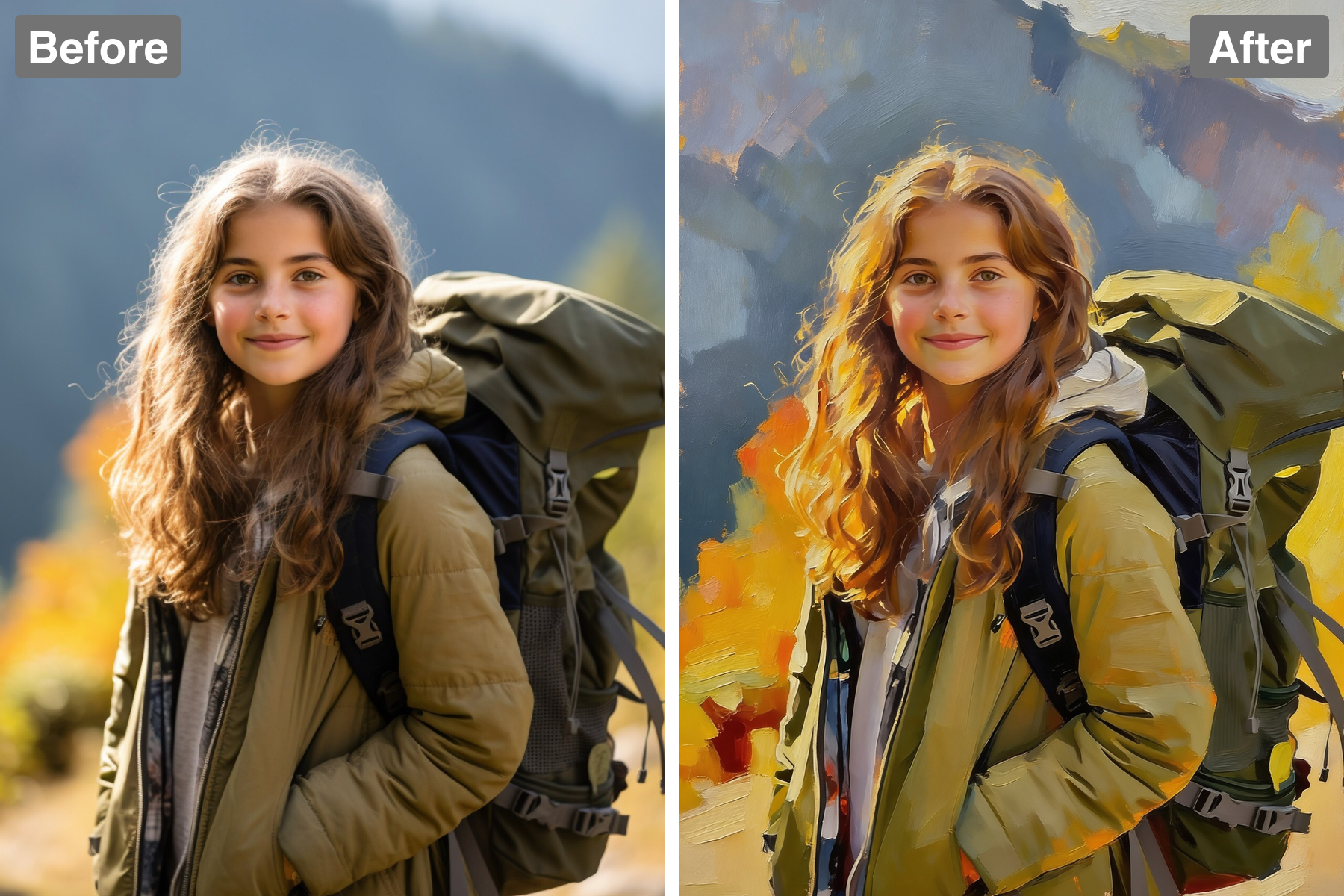
Visible brushstrokes and layered impasto texture give the image the hand-painted quality of a real oil painting. Strokes follow the form the way a trained painter's would — curving around a cheek, running along the direction of hair, broadening across flat background areas — rather than being applied uniformly across the canvas. Stroke size varies with importance, staying loose and broad in the background and tightening around the eyes and mouth where the viewer looks first. The built-up paint catches light along its ridges, producing genuine surface relief instead of a printed texture overlay. You can read the sequence of the painting in places, with later strokes sitting visibly over earlier ones. It looks worked by hand rather than processed by software.
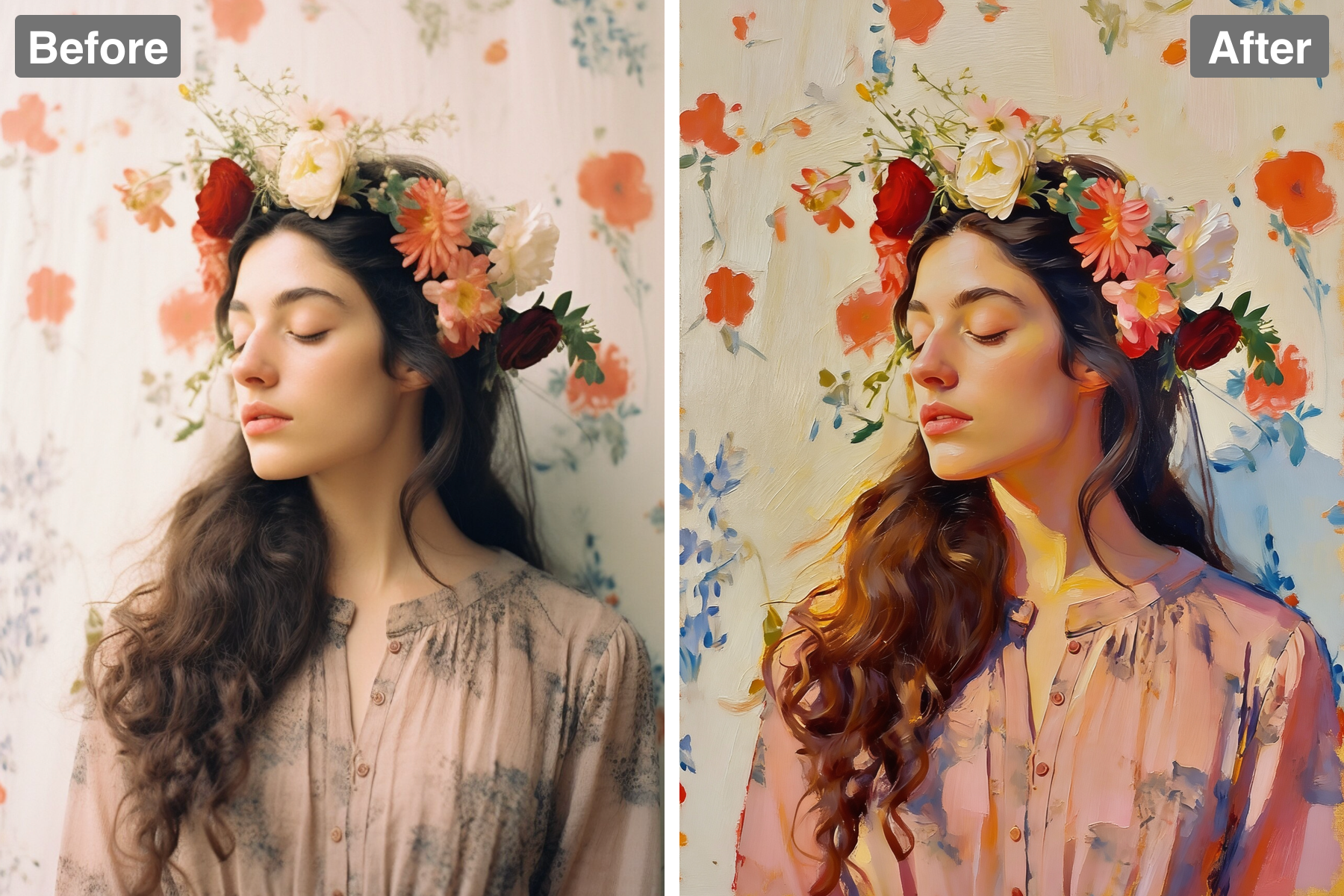
Painterly Color Blending
Colours blend and transition the way real paint does on canvas, with warm luminous depth. Oil paint mixes wet-into-wet, so edges soften and neighbouring colours bleed slightly into one another rather than meeting at the hard boundaries a photograph produces. Shadows gain warmth and reflected colour instead of simply going darker, which is one of the clearest signals that separates painting from photography. The palette is subtly unified, with a common tone running through the whole image the way a painter's limited palette naturally creates harmony. Highlights are laid on thickly and opaquely while shadows stay thin and transparent, mirroring traditional technique. The result reads as fine art rather than a filter.
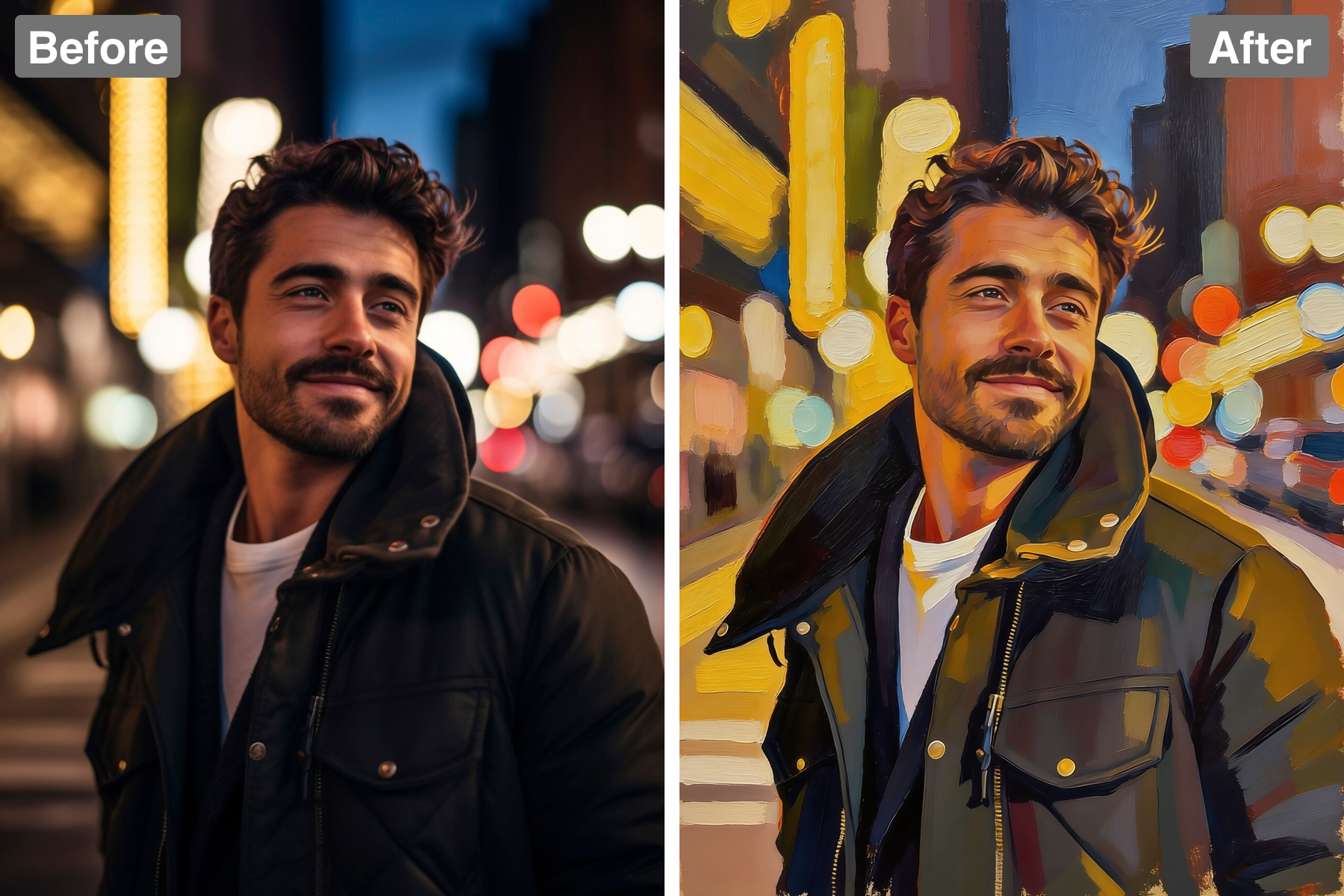
Faithful To Your Photo
The composition, subject, likeness, and colours of your original are carefully preserved. The painting interprets your photograph rather than replacing it, so faces keep their proportions, the scene keeps its layout, and the lighting keeps its direction and mood. This matters most for portraits, where even small drifts in feature placement stop the painting looking like the person. Local colour stays true — a blue shirt stays blue — while gaining painterly richness in how it is rendered. Background elements are simplified rather than invented, so the setting remains yours. You get a painted version that is still unmistakably your photograph.
Gallery-Quality Finish
The result looks like a masterful fine-art painting, ready to frame and hang. It carries the polish of a commissioned portrait: considered edges, a clear focal hierarchy, and a finish that feels resolved rather than half-processed. Because the texture is genuine surface relief rather than a flat pattern, it holds up convincingly when printed large on canvas, where a lesser effect would reveal itself immediately. The tonal range is handled so the image stays rich in print, where deep shadows tend to flatten. Edges are varied between soft and crisp, which is what keeps a painting from looking mechanical. It feels valuable and genuinely hand-crafted.
Discover the Possibilities
Turn Your Photo Into an Oil Painting
Framed Wall Art
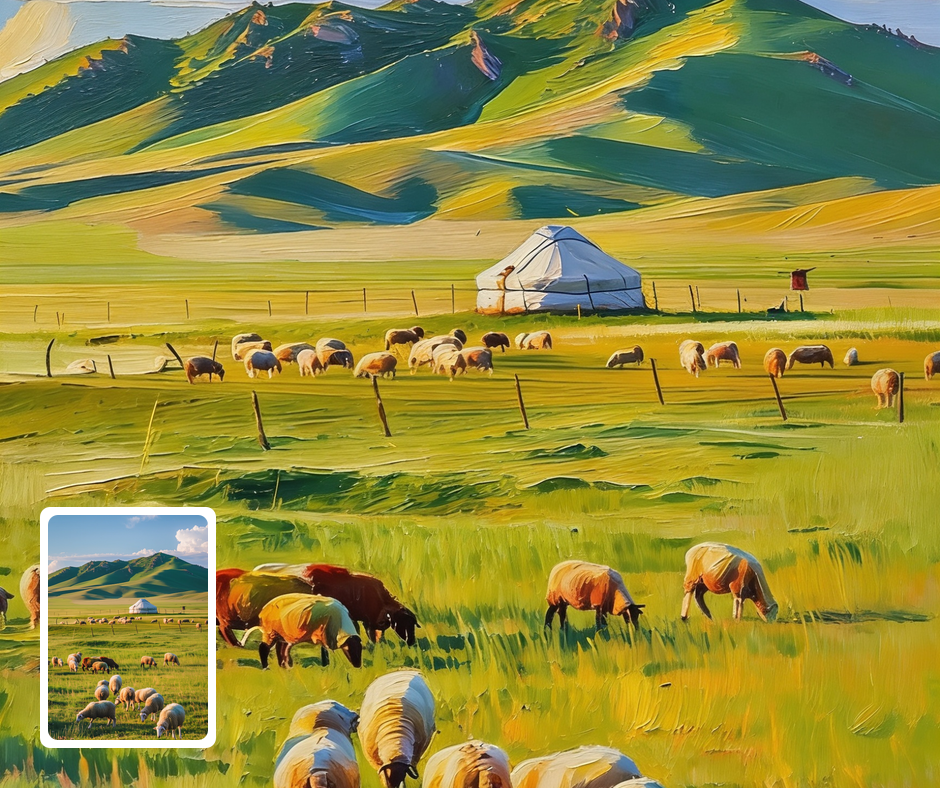
Turn a favorite photo into a painting to print, frame, and hang. It elevates an everyday image into real art. Printed on canvas, the brushwork looks convincingly hand-painted. It becomes a warm centerpiece for any room.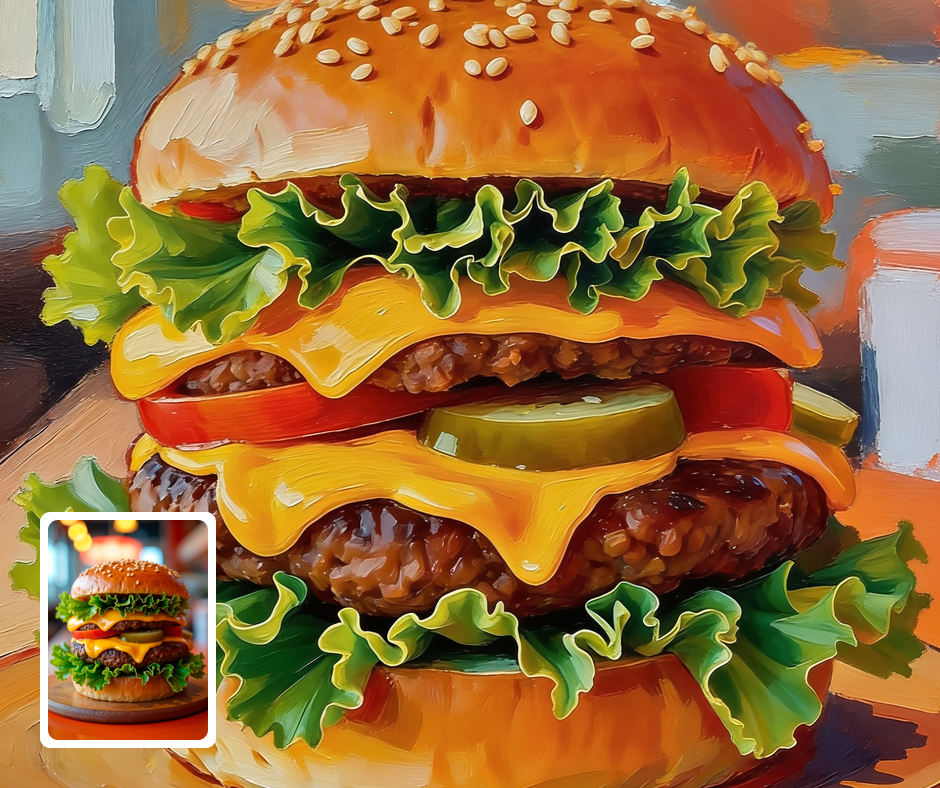
Portrait Gifts
A painted portrait makes a heartfelt, elevated gift for family and friends. It transforms a simple snapshot into something timeless. The painterly style feels personal and considered. It is the kind of gift people keep for years.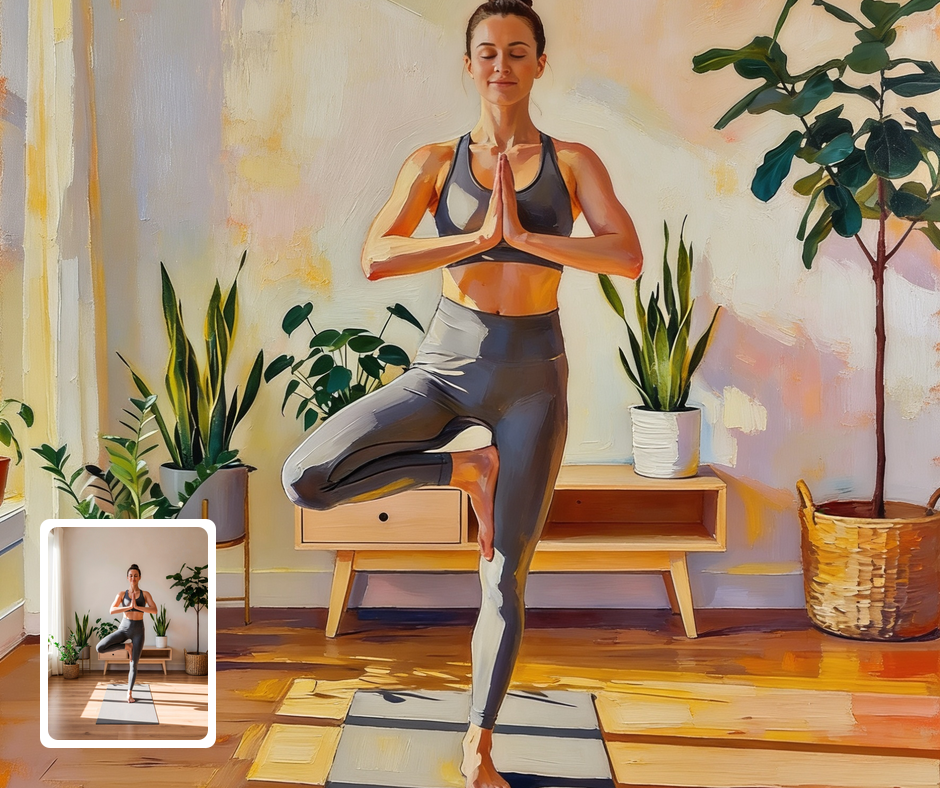
Fine-Art Content
Creators can give photos a classic painterly look for elegant posts and prints. It lends a refined, artistic tone to a feed. It suits portraits, landscapes, and still lifes alike. The style adds instant sophistication.
Transform Your Photos
Explore More AI Image Filters
Frequently Asked Questions
What is the AI Photo To Painting filter?
The Photo To Painting filter transforms your photo into a richly textured traditional oil painting. Patternful.ai applies the effect automatically with AI, producing a polished oil painting from your photo in seconds — no editing skills or software required.
Which photos work best with the Photo To Painting filter?
Portraits, landscapes, and still lifes all translate beautifully. Good lighting helps the painterly brushwork shine. In general, clear, well-lit images where the subject is unobstructed give the AI the most to work with and produce the most convincing results.
How do I use the Photo To Painting filter?
Upload your photo and Patternful.ai creates the oil painting in seconds. Download the finished image at full resolution when it is ready, and try a few photos to see which one transforms best.
What about privacy? Are my photos safe?
Yes, your images are safe with us. Patternful.ai prioritizes user data safety. Your images are always private, proprietary, and they remain your property. All your uploaded images are automatically deleted from our servers after a few hours.