Photo To Sketch Filter
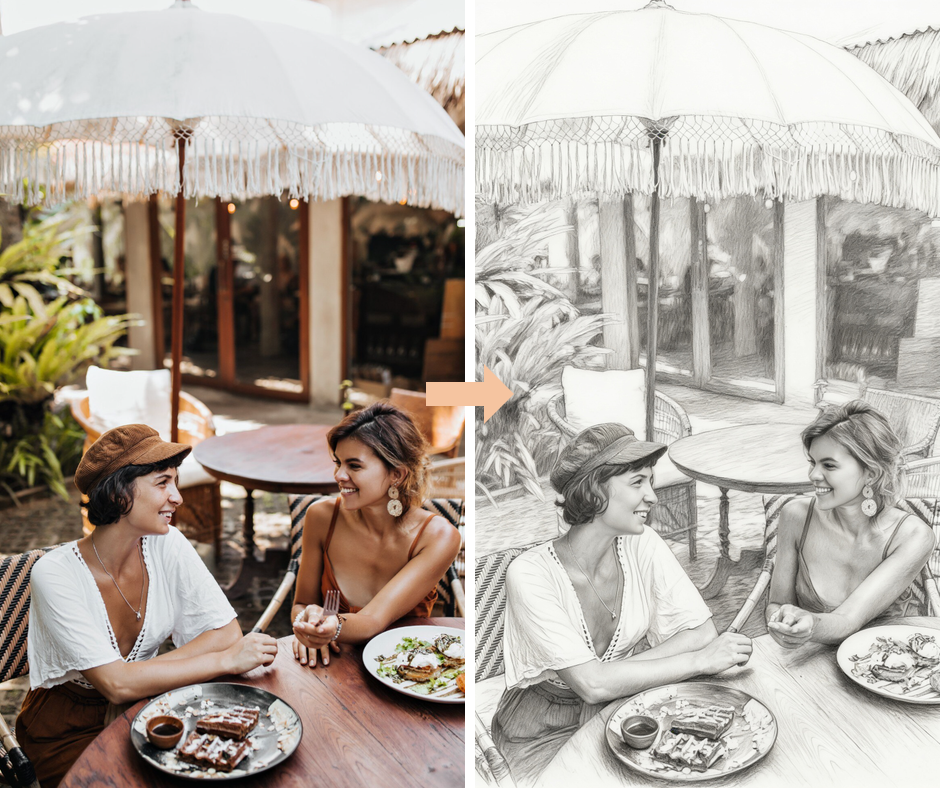
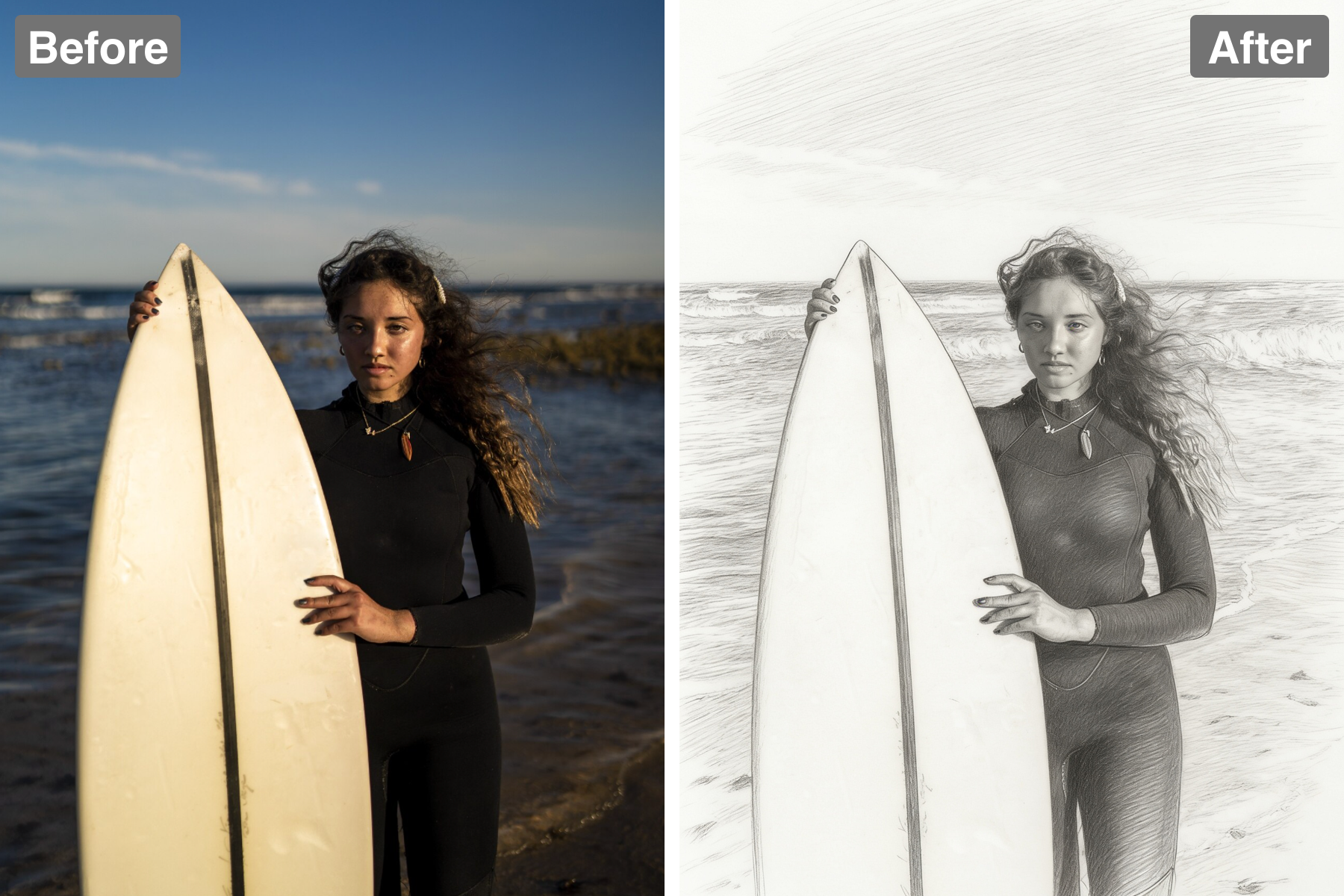
Turn any photo into a sketch. AI redraws your image in graphite with confident linework, soft shading, and natural hand-drawn imperfection.
Graphite Linework
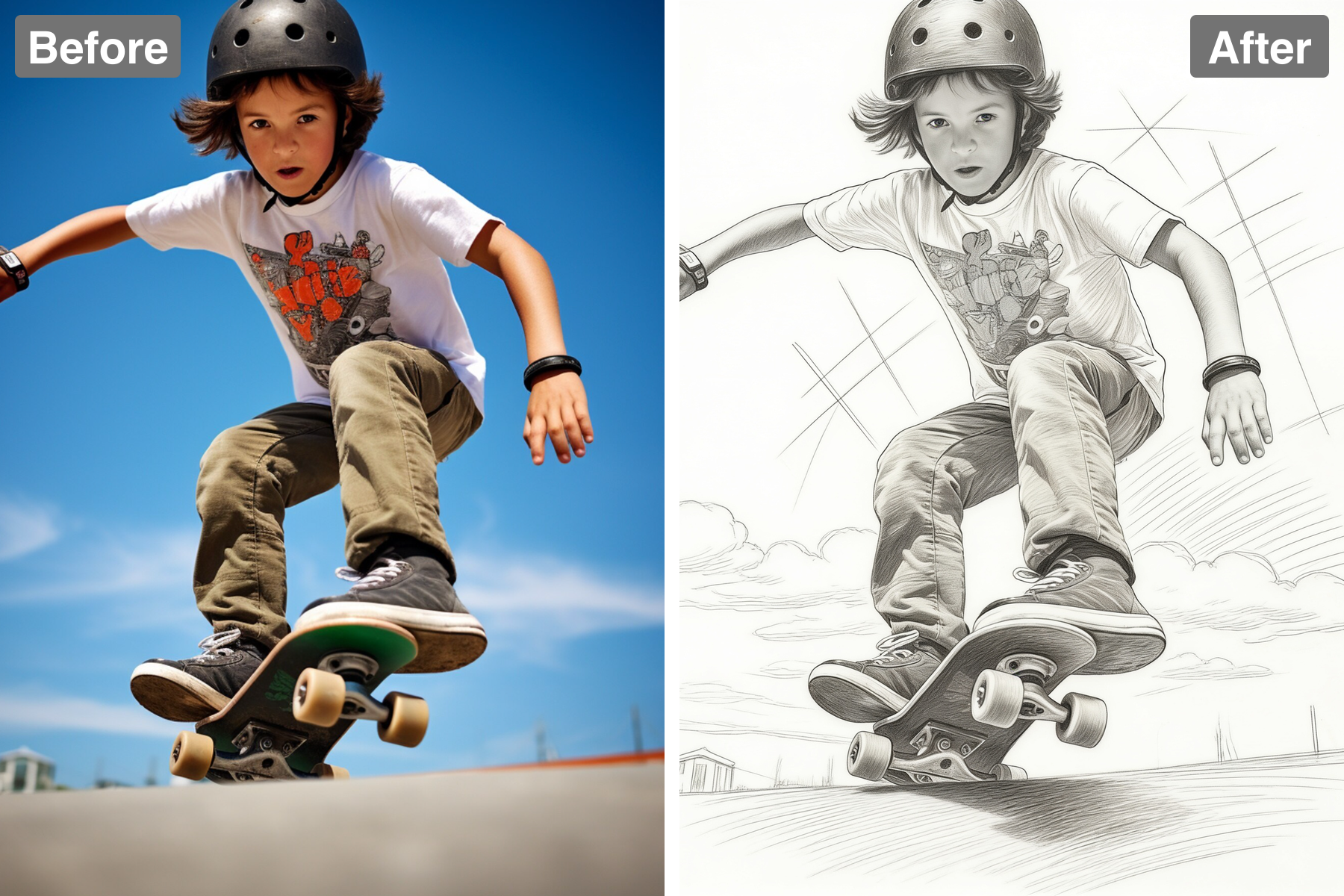
The subject is drawn purely in graphite with confident contour lines that follow the forms. Line weight varies the way a real hand varies it — pressing harder on shadowed edges and the underside of forms, lifting to a whisper where a shape turns into the light. That variation is what makes a drawing feel observed rather than traced, since a uniform outline reads as mechanical immediately. Some lines are left broken or open, trusting the eye to complete them, which is a hallmark of confident draughtsmanship. Construction is implied rather than laboured, so the drawing keeps a sense of speed. It reads as a genuine hand-drawn sketch.
Natural Hatching
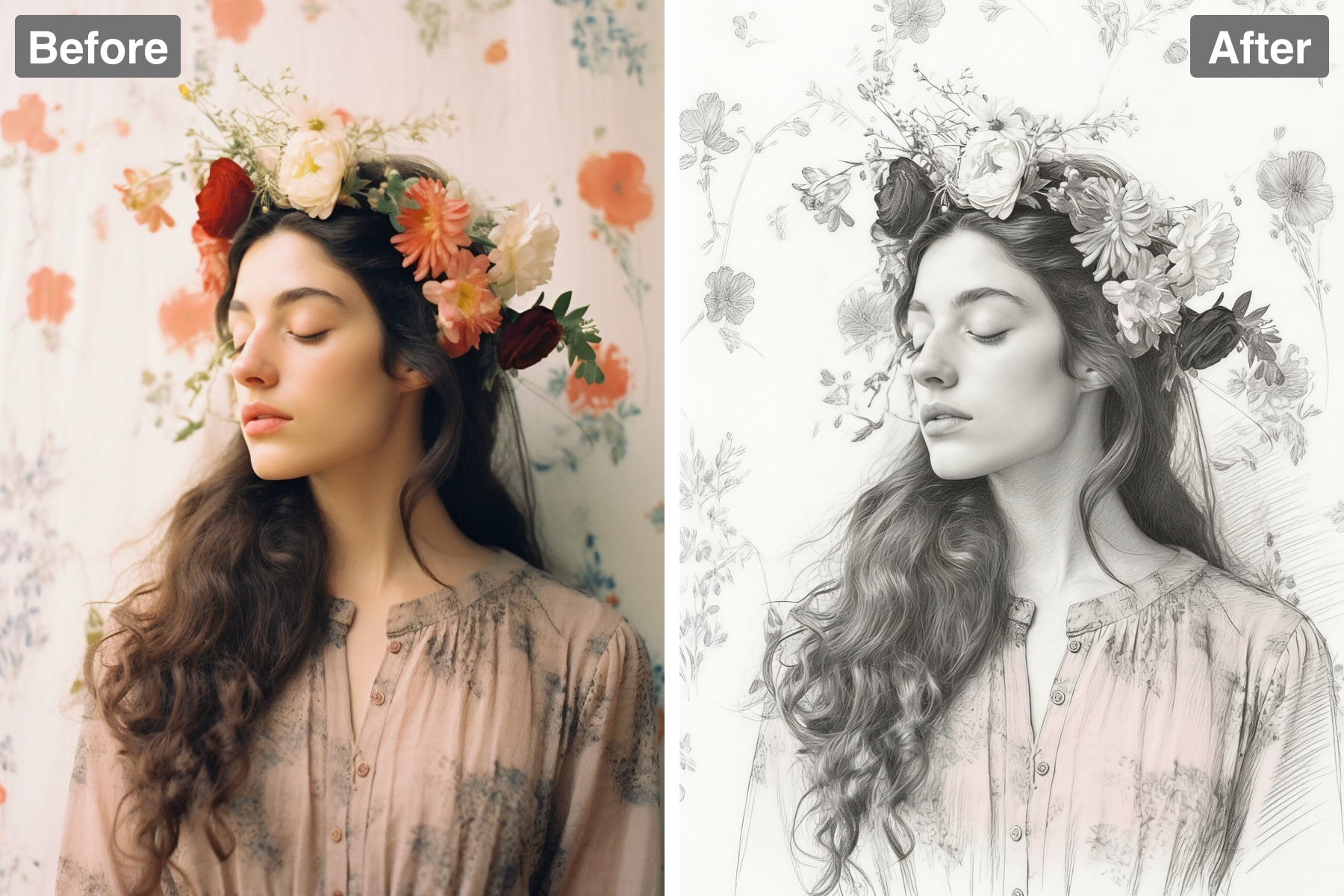
Soft shading is built from layered hatching and cross-hatching rather than smooth digital gradients. The strokes follow the contours of each form, wrapping around a cheek or running down the length of an arm, so the hatching describes volume as it darkens. Tone is built up in passes, with a second and third layer laid at a different angle to deepen shadow — exactly how graphite is worked in practice. The direction of the strokes stays visible in the finished piece, which is a large part of the drawing's character and energy. Denser hatching gathers in core shadows while lighter, more open marks describe half-tones. The shading feels organic rather than airbrushed.
Clean Paper Highlights
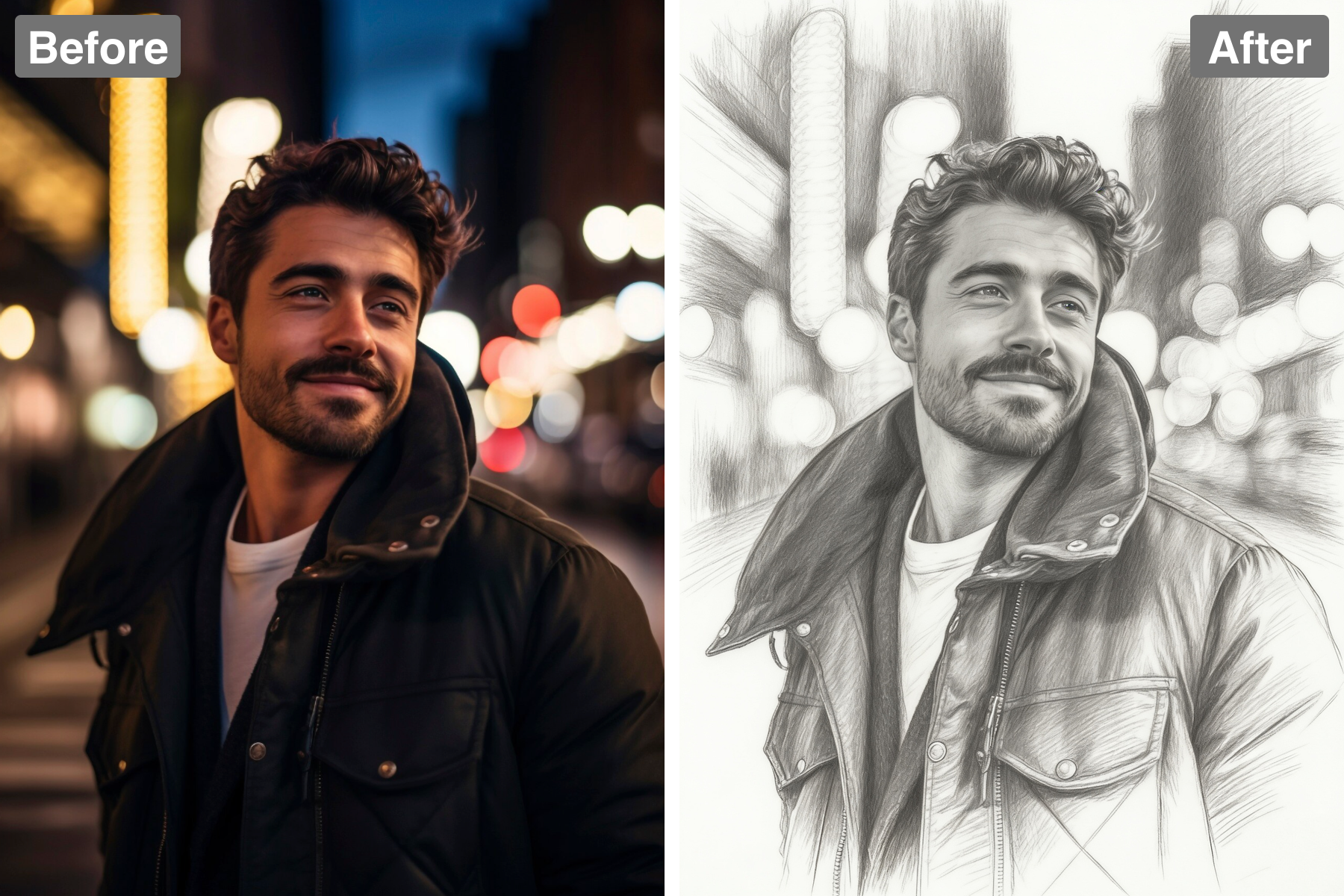
Bright areas are left as clean white paper, giving the drawing depth and light. Reserving the page is a deliberate technique: graphite cannot get brighter than the paper, so the lightest values must be planned and protected from the start. Those untouched areas read as the strongest highlights and give the drawing its sense of illumination and air. The contrast between worked and unworked areas also creates a natural focal hierarchy, drawing the eye where the paper is cleanest. Leaving parts of the background entirely blank keeps the sketch from feeling heavy or overworked. It mirrors how artists genuinely handle light on the page.
Faithful Likeness
The composition and likeness stay true to your photo while keeping a genuine sketchbook feel. Proportions and feature placement are preserved carefully, because in portrait drawing even a small shift in the spacing of the eyes or the length of the nose loses the person entirely. Detail is distributed unevenly, with the face carried further toward finish while clothing and background stay loose — the way an artist spends time where it matters. The likeness comes from accurate structure rather than from copying texture. Small asymmetries and imperfect lines are preserved rather than corrected. It balances honest realism with sketchy charm.
Discover the Possibilities
Turn Your Photo Into a Pencil Sketch
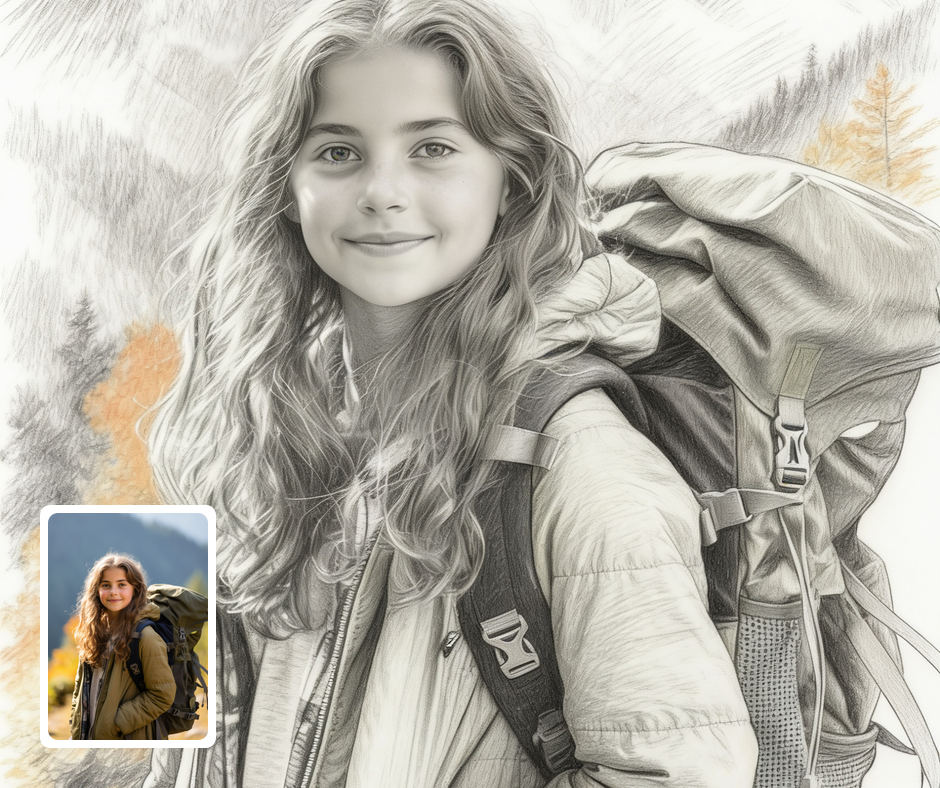
Sketch Portraits
Turn photos into pencil portraits for prints, cards, and keepsakes. The hand-drawn look feels warm and personal. It flatters faces and softens photographic harshness. It makes an elegant, timeless portrait.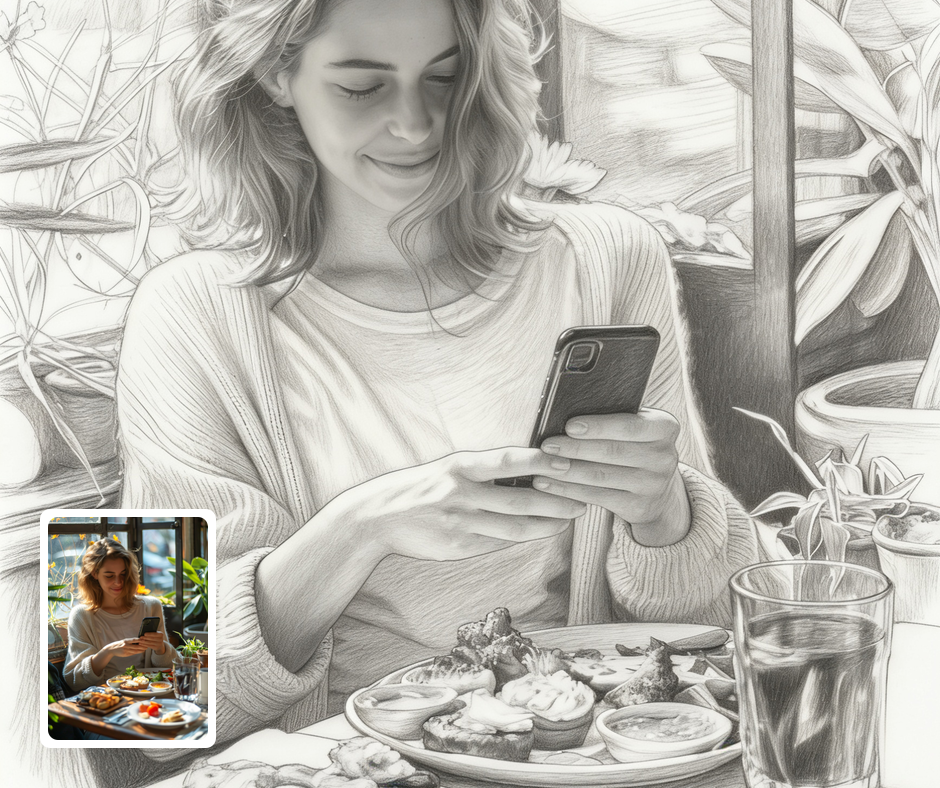
Artistic Gifts
A hand-drawn sketch of a loved one makes a thoughtful, personal gift. It feels commissioned rather than generated. The graphite style suits framing beautifully. It is a keepsake people treasure.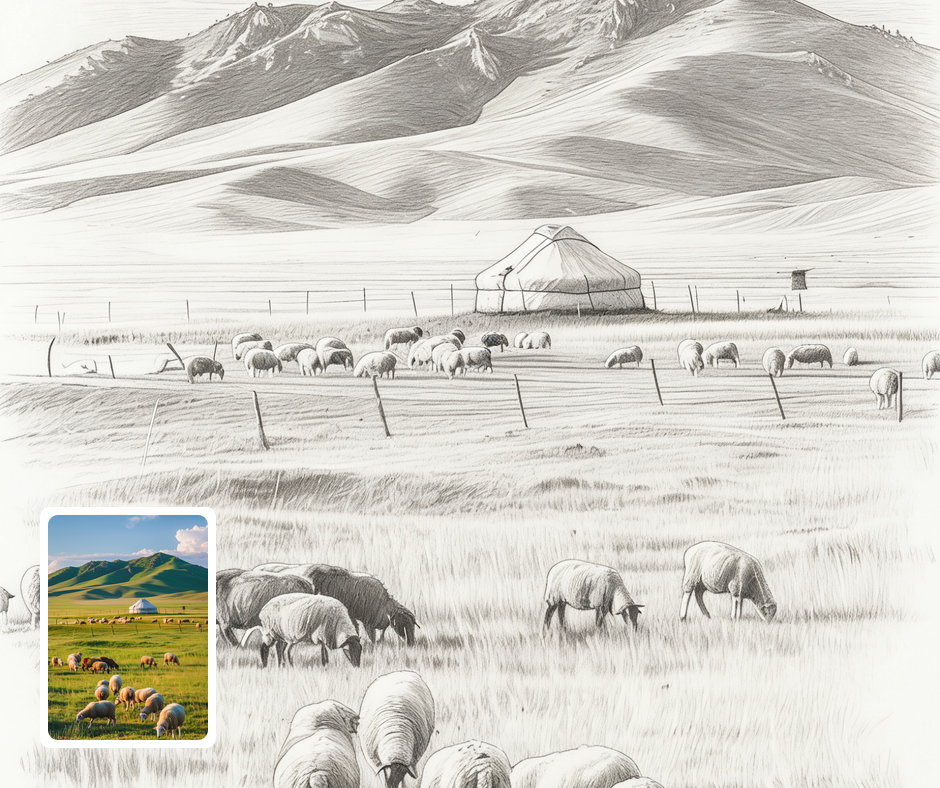
Concept & Reference Art
Artists can generate sketch-style versions of photos for reference and moodboards. It quickly abstracts a photo into line and tone. It is useful for studies and early planning. It helps translate real subjects into drawings.
Transform Your Photos
Explore More AI Image Filters
Frequently Asked Questions
What is the AI Photo To Sketch filter?
The Photo To Sketch filter transforms your photo into a detailed hand-drawn pencil sketch. Patternful.ai applies the effect automatically with AI, producing a polished pencil sketch from your photo in seconds — no editing skills or software required.
Which photos work best with the Photo To Sketch filter?
Portraits and clear subjects sketch best. Good contrast helps the shading and linework read naturally. In general, clear, well-lit images where the subject is unobstructed give the AI the most to work with and produce the most convincing results.
How do I use the Photo To Sketch filter?
Upload your photo and Patternful.ai creates the pencil sketch in seconds. Download the finished image at full resolution when it is ready, and try a few photos to see which one transforms best.
What about privacy? Are my photos safe?
Yes, your images are safe with us. Patternful.ai prioritizes user data safety. Your images are always private, proprietary, and they remain your property. All your uploaded images are automatically deleted from our servers after a few hours.