Pixel Dissolve Effect Filter
Make your photo dissolve. AI scatters your subject into drifting pixel fragments, creating a striking digital disintegration effect full of motion.
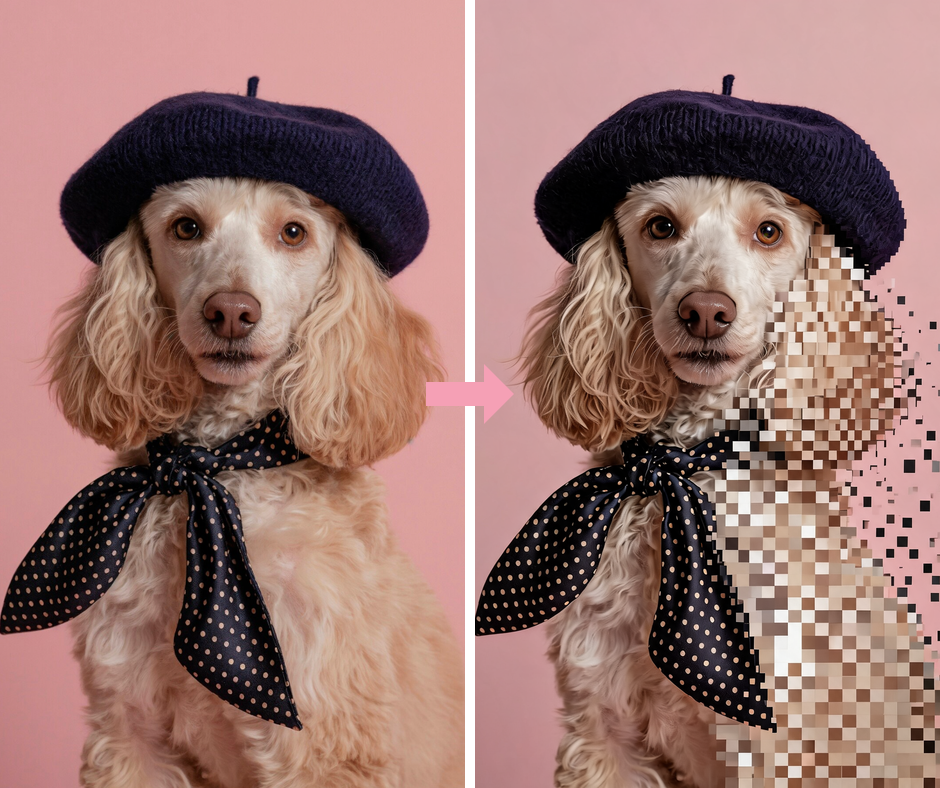
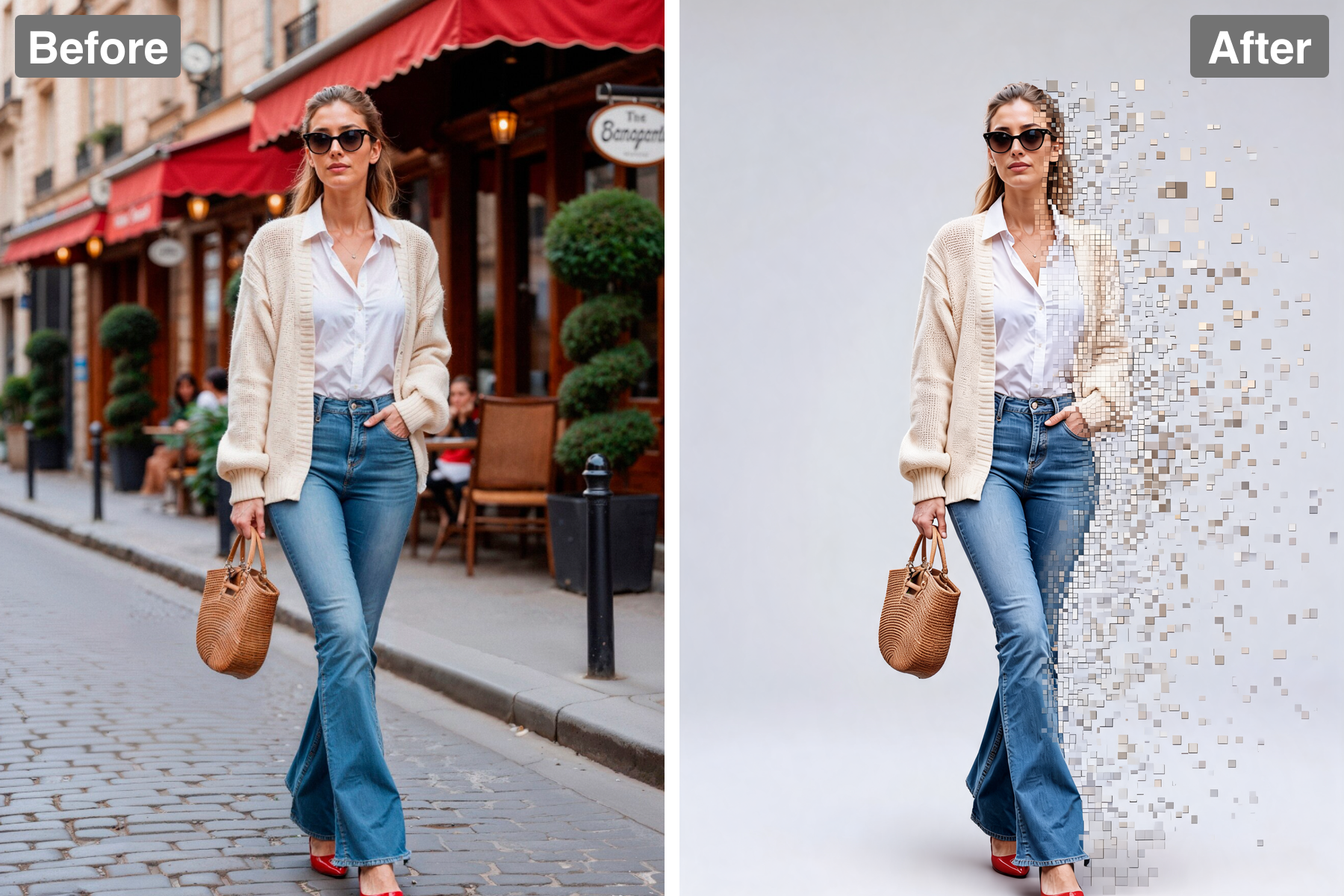
Digital Disintegration
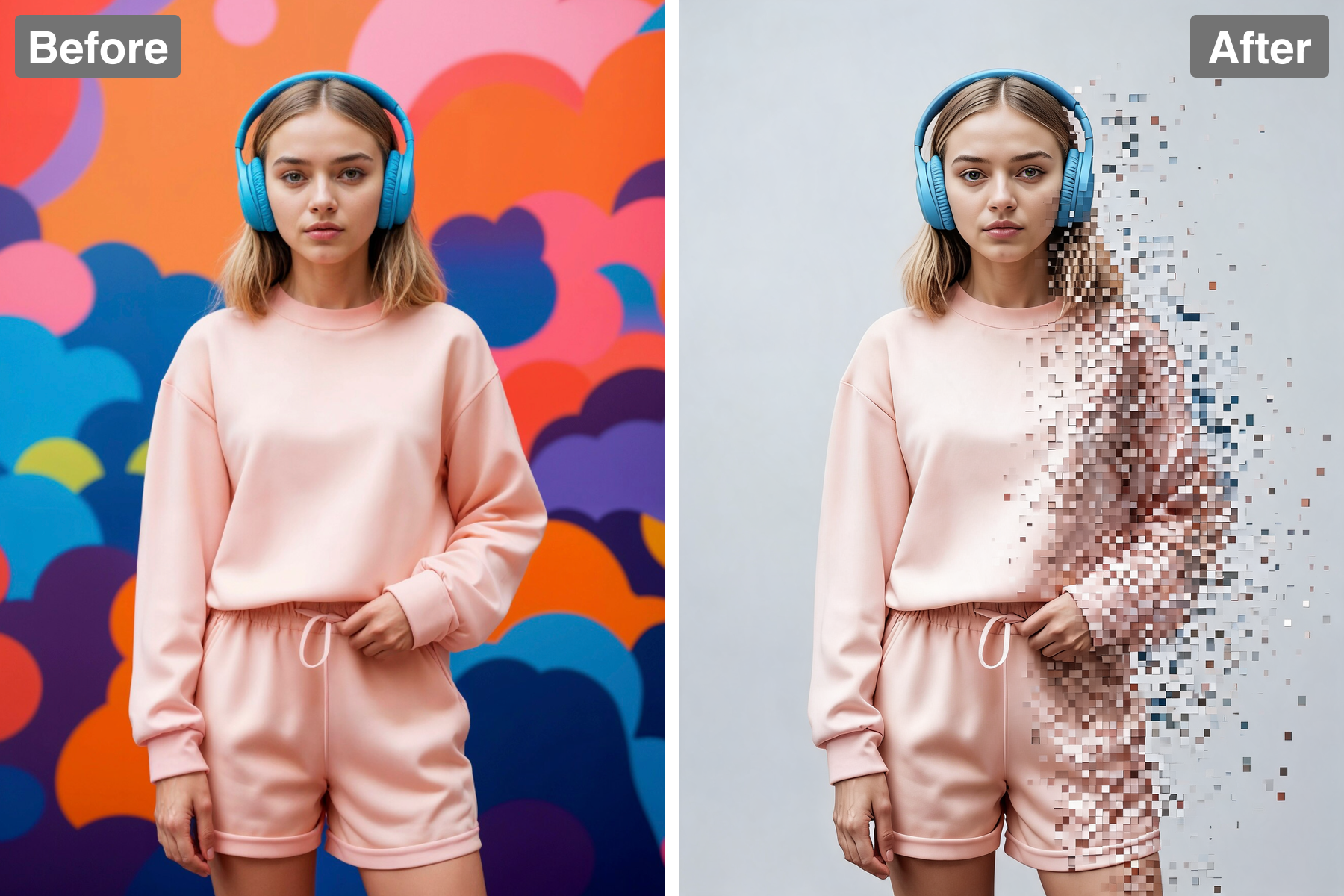
One side of the subject stays crisp while the opposite edge breaks apart into a scattering cloud of square pixels and voxel blocks. The transition is graded rather than abrupt: the surface first fractures into a fine grid, then the grid loosens, then individual blocks separate and drift free. That progression is what makes the effect read as a process caught mid-motion instead of a photo with squares pasted over it. Block size grows as the fragments travel, a subtle inversion that reads as perspective and pulls them toward the viewer. The boundary between solid and fragmenting is kept irregular so it never looks like a straight mechanical cut. It reads instantly as a character being deleted or teleported.
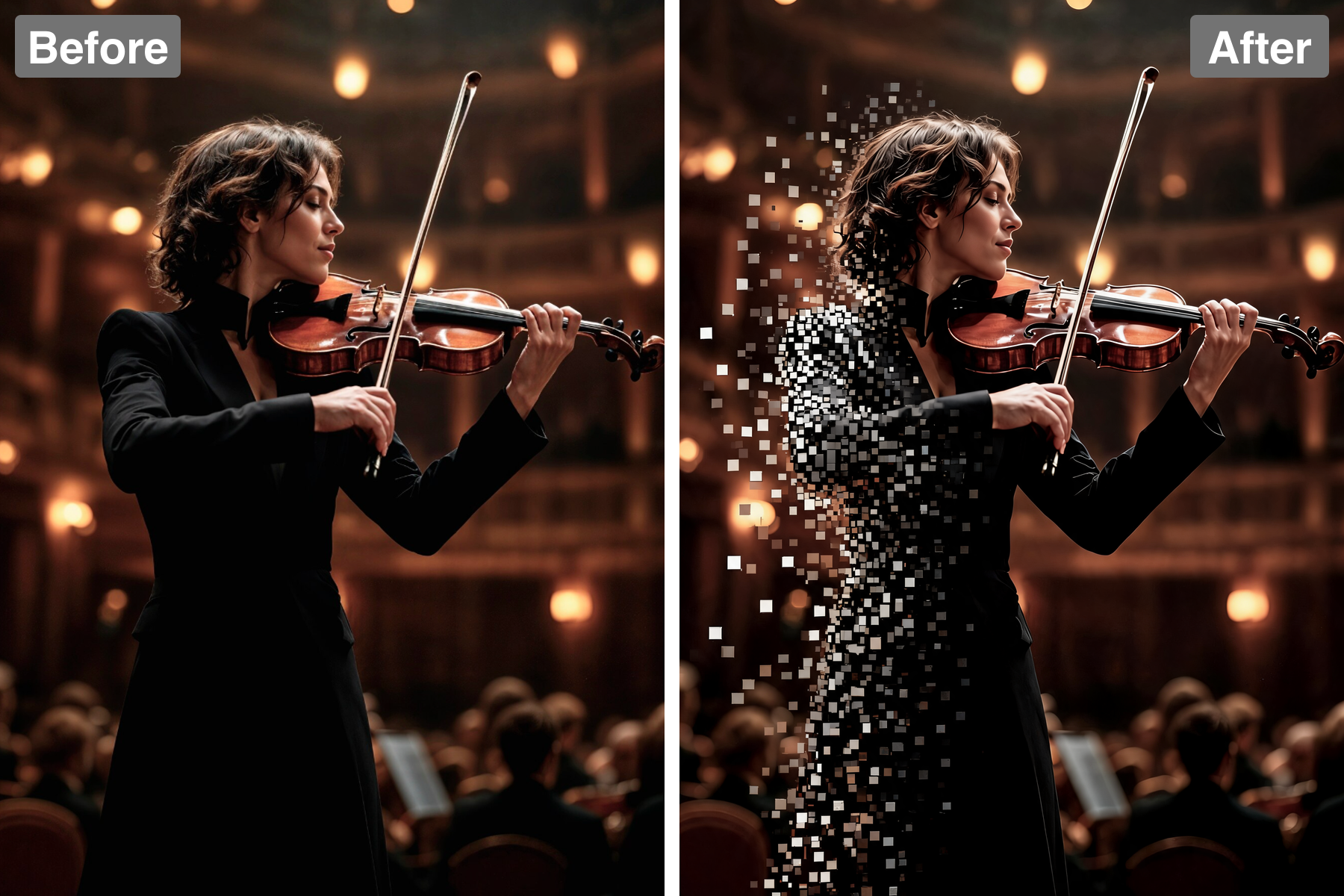
Drifting Motion
The pixels shrink and spread apart as they drift away, creating a real sense of movement. Blocks nearest the body stay tightly packed while distant ones thin out and scatter, and that density falloff is the main cue the eye uses to read direction and speed. The scatter follows a consistent vector, as though wind or force is pulling the subject apart from one side, which keeps the chaos purposeful rather than random. Slight rotation on individual blocks adds tumble and stops the cloud looking like a flat spray. A few outliers travel further than the rest, which is what real dispersal looks like and prevents an artificial hard edge. The frozen motion gives a still image genuine kinetic energy.
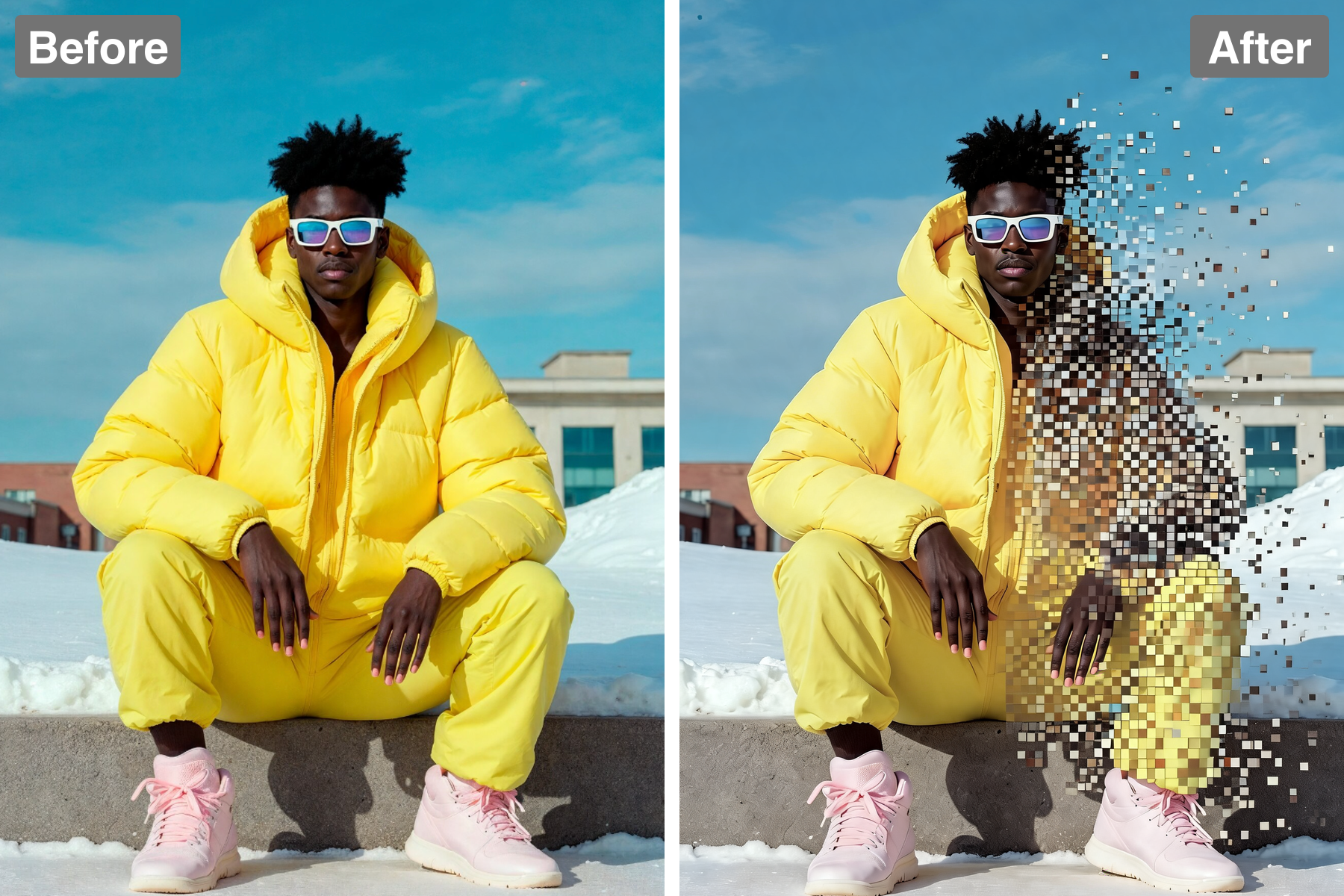
Color-Matched Blocks
Each flying pixel carries the colour of the exact area it broke away from, keeping the effect physically coherent. Hair fragments stay in hair tones, clothing fragments in fabric tones, and skin fragments in skin tones, so the drifting cloud remains legible as pieces of a person rather than confetti. That colour continuity lets the eye trace every fragment back to its origin, which is what makes the disintegration feel like a real material event. It also preserves the overall colour balance of the image even as a third of the subject dissolves. Fragments passing over the background pick up no colour from it, reinforcing that they are solid objects. The consistency is what elevates the effect above simple noise.
Sharp Intact Portion
The unbroken side stays sharp and fully recognisable, anchoring the whole composition. This contrast is the entire point: without a stable, detailed portion the image would read as abstract texture and lose its subject completely. The intact half gives the eye somewhere to rest and something to identify, which in turn makes the dissolving edge feel more dramatic by comparison. Keeping the face intact is usually the strongest choice, since recognition is what gives the disintegration emotional weight. The sharp side also holds the focus and tonal range of the image. That balance keeps the result striking rather than merely busy.
Discover the Possibilities
Turn Your Photo Into a Pixel Dissolve Effect
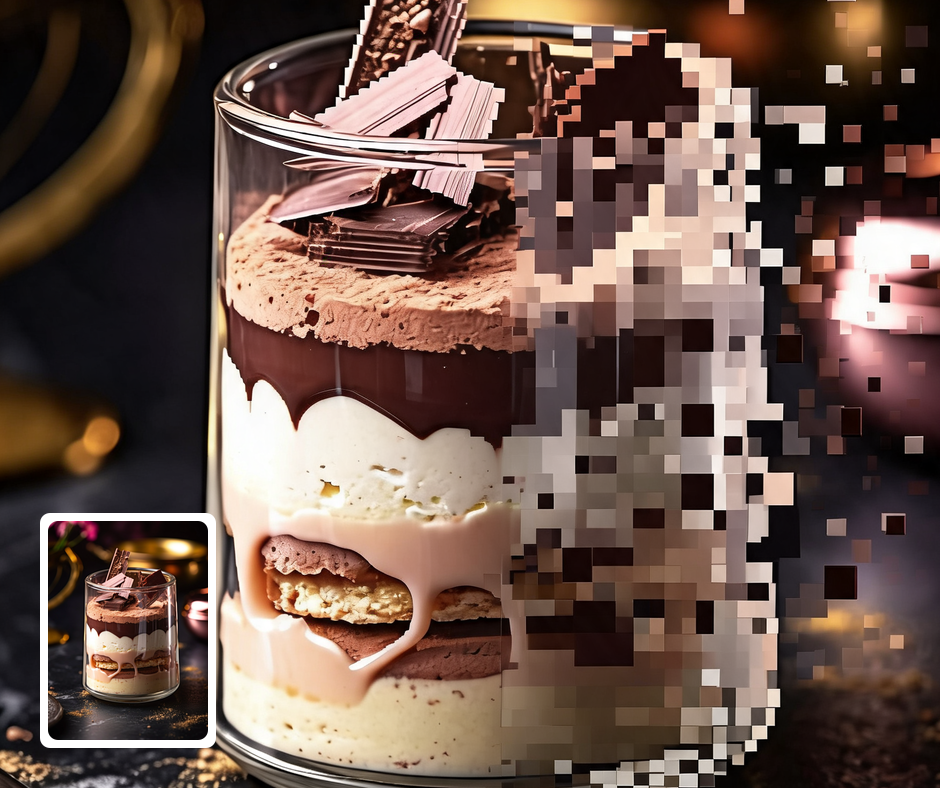
Sci-Fi & Gaming Content
The disintegration effect is perfect for game art, thumbnails, and tech visuals. It carries an immediate futuristic, digital connotation. It suits trailers, streamer overlays, and app promos. The motion draws the eye straight to the subject.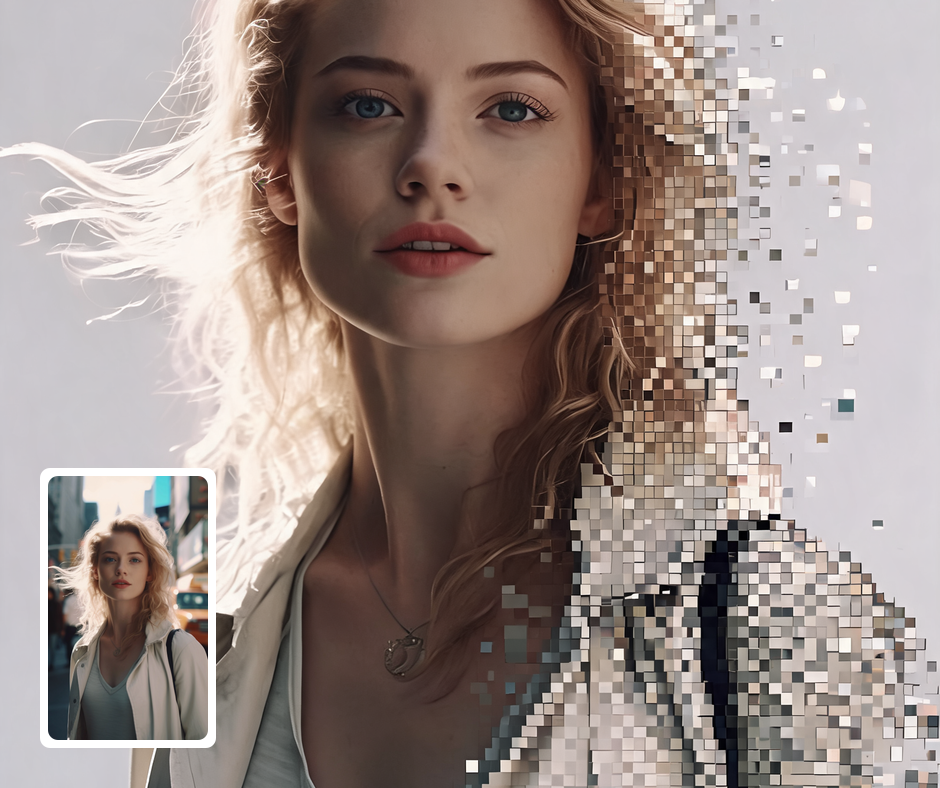
Dramatic Social Posts
The eye-catching motion makes for scroll-stopping profile pictures and posts. It feels dynamic and alive even as a static image. It reads as edgy, modern, and intentional. It stands out sharply against ordinary photos.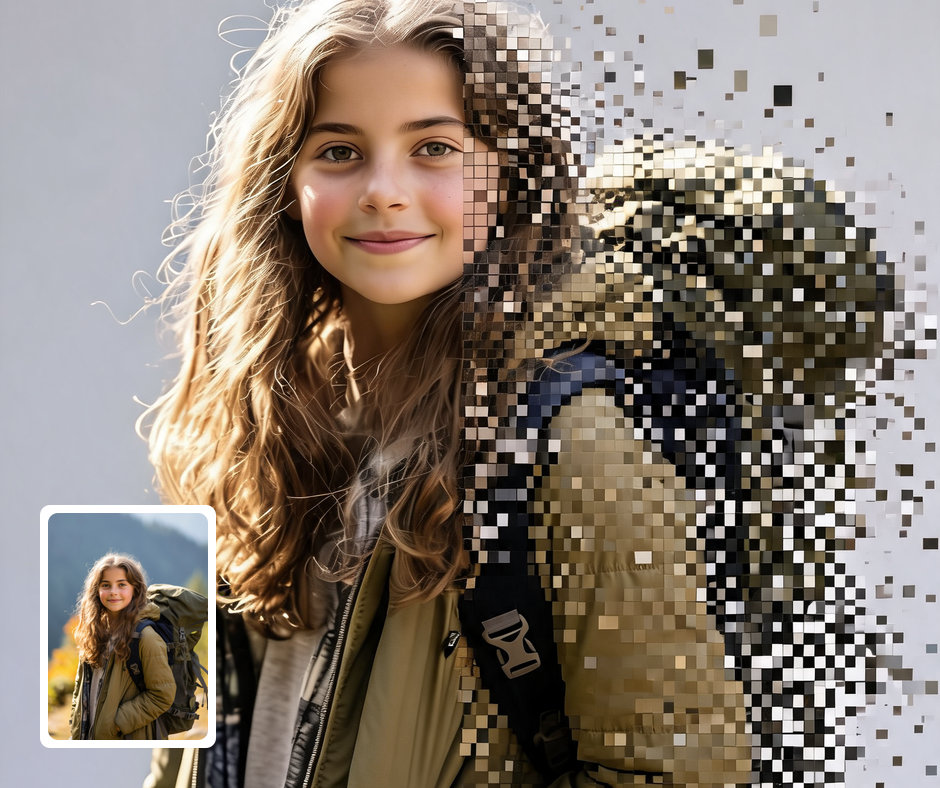
Music & Event Art
Use the effect for edgy poster art and album-style visuals. The dissolving pixels pair well with electronic and experimental music. They suggest transformation, intensity, and motion. It gives promotional art a distinctive, energetic edge.
Transform Your Photos
Explore More AI Image Filters
Frequently Asked Questions
What is the AI Pixel Dissolve Effect filter?
The Pixel Dissolve Effect filter makes your subject disintegrate into a drifting cloud of square pixels. Patternful.ai applies the effect automatically with AI, producing a polished pixel dissolve effect from your photo in seconds — no editing skills or software required.
Which photos work best with the Pixel Dissolve Effect filter?
Subjects with a clear silhouette against a simple background dissolve most dramatically. Strong side lighting adds to the effect. In general, clear, well-lit images where the subject is unobstructed give the AI the most to work with and produce the most convincing results.
How do I use the Pixel Dissolve Effect filter?
Upload your photo and Patternful.ai creates the pixel dissolve effect in seconds. Download the finished image at full resolution when it is ready, and try a few photos to see which one transforms best.
What about privacy? Are my photos safe?
Yes, your images are safe with us. Patternful.ai prioritizes user data safety. Your images are always private, proprietary, and they remain your property. All your uploaded images are automatically deleted from our servers after a few hours.