Cartoon Sticker Filter
Turn photos into stickers. AI redraws your subject as a glossy die-cut cartoon sticker with a thick white border and bold, printable color.
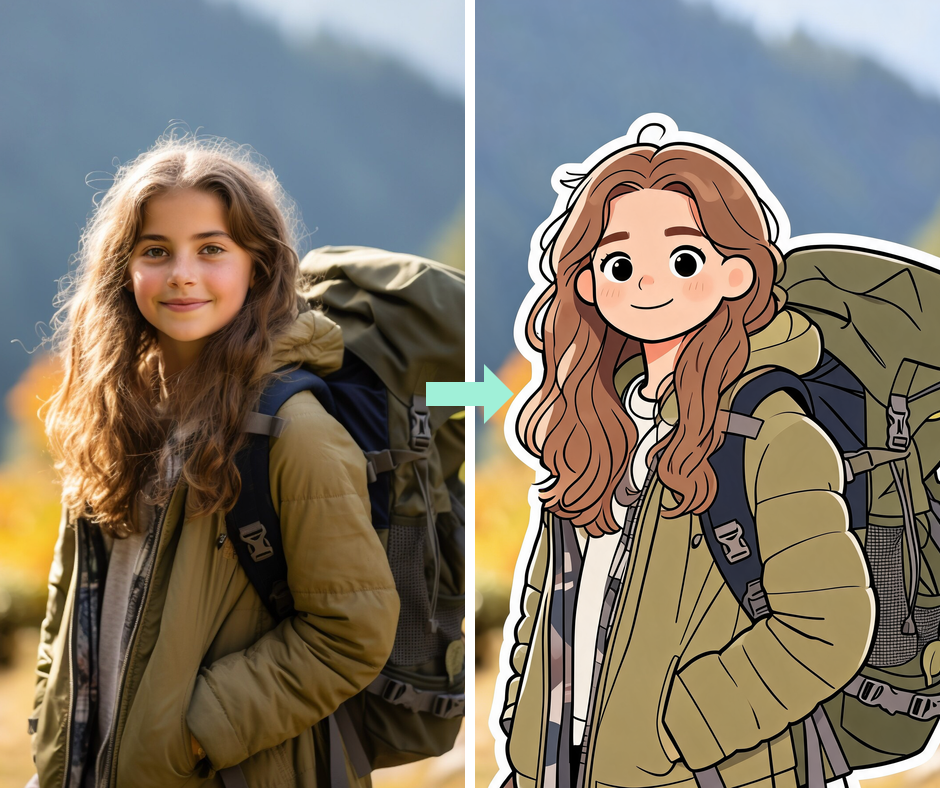
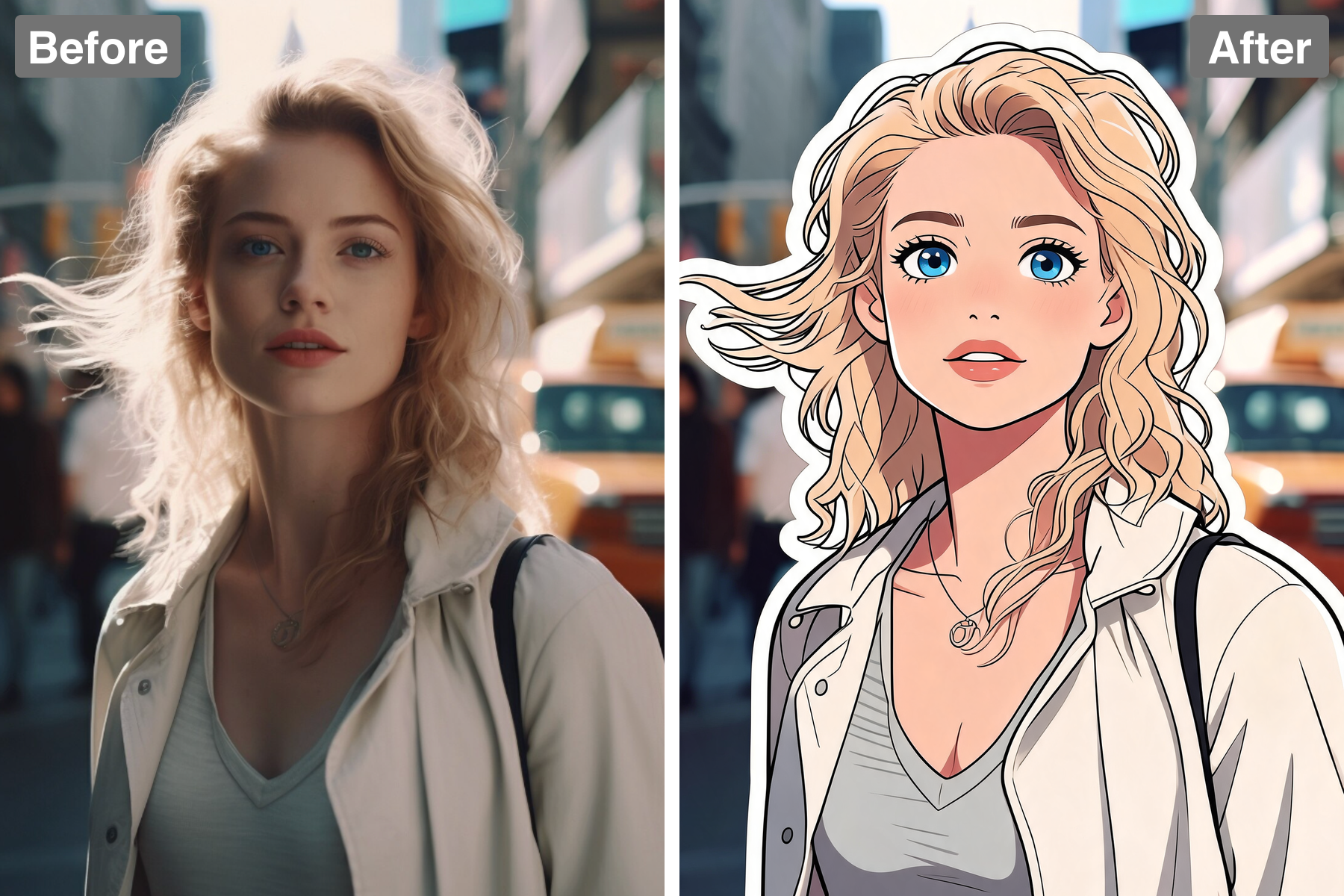
Bold Cartoon Style
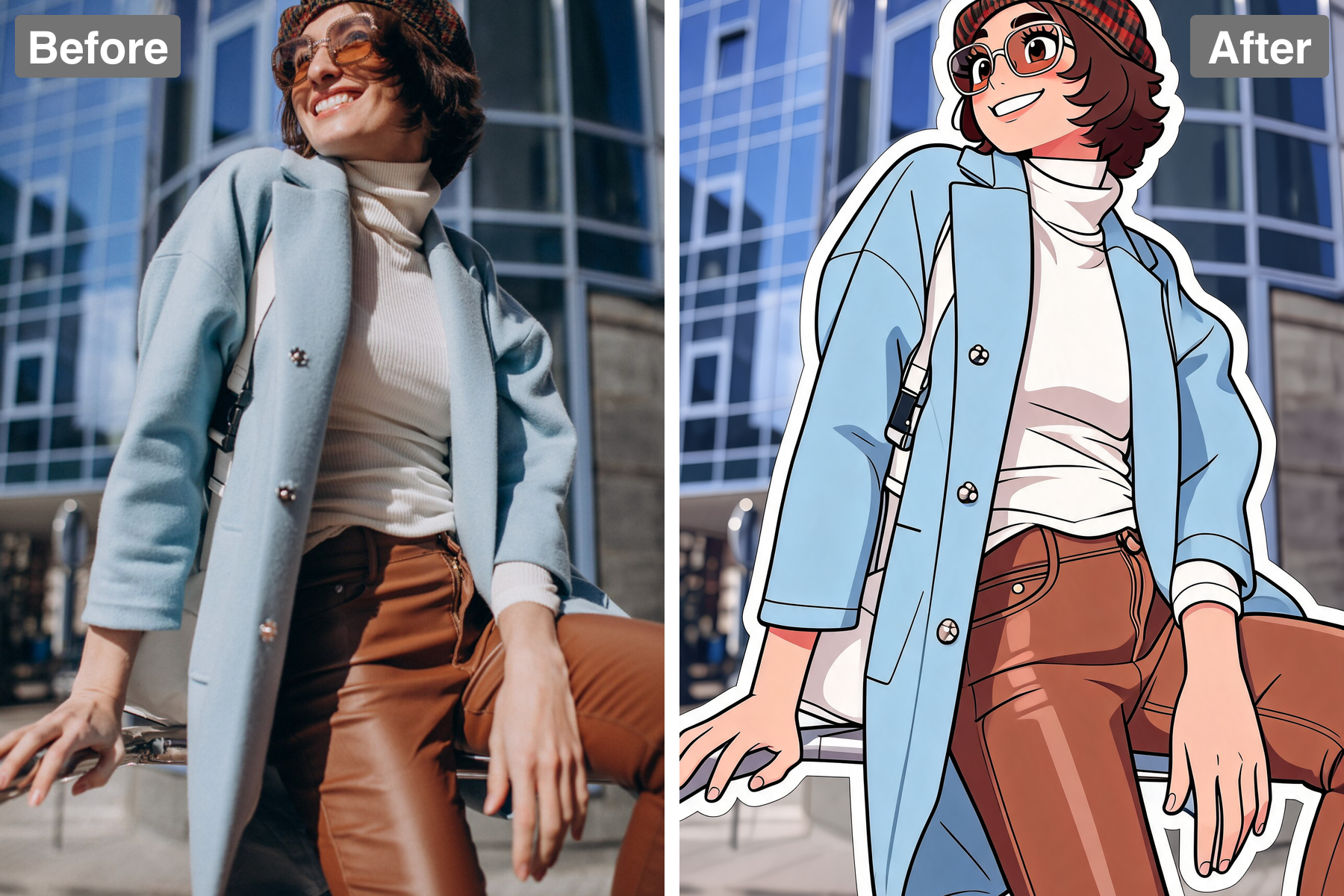
Your subject is redrawn with clean confident outlines, bright flat cel-shaded colours, and simplified expressive features. The linework carries deliberate weight variation — heavier around the outer silhouette, lighter for interior detail — which is a standard illustration technique that makes a character pop from its background. Colour is laid in as flat areas with a single darker tone for shadow, avoiding gradients so the design stays crisp when scaled down. Features are simplified but exaggerated just enough to keep personality intact, the way a professional character designer would push a likeness. Shapes are rounded and friendly, which is what gives sticker art its approachable appeal. The result looks purpose-designed rather than traced from a photo.
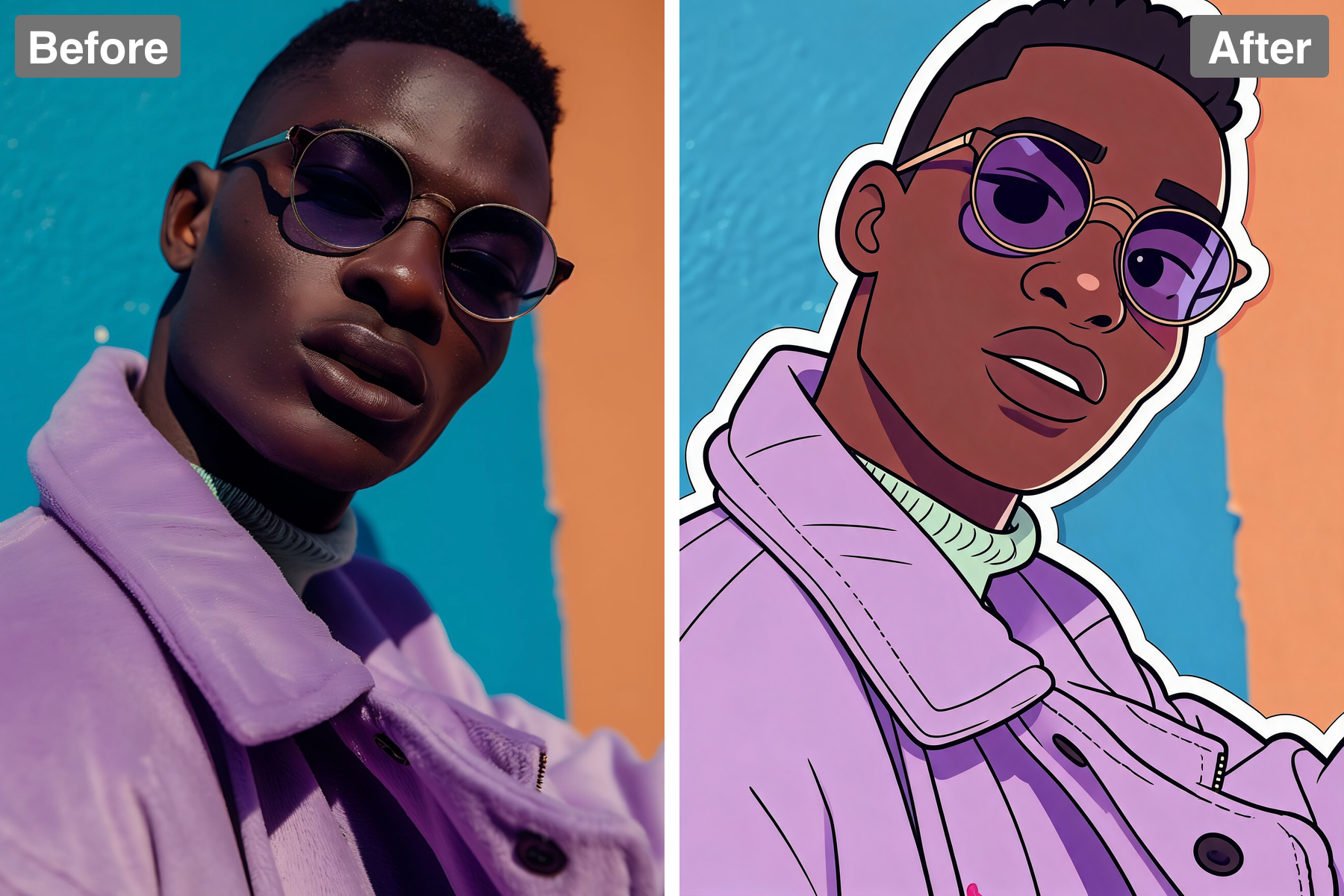
Die-Cut White Border
A thick white border traces the whole figure, giving it the classic peel-and-stick look. The cut follows the outer silhouette cleanly rather than the individual limbs, which is exactly how real die-cutting works — machines cannot cut into tight interior gaps, so the border simplifies as it goes. That border does real visual work: it separates the character from whatever background it is placed on, which is why stickers stay legible on a laptop lid, a photo, or a coloured chat bubble. Its consistent thickness all the way around reads as machine-cut rather than hand-trimmed. It also gives the design a natural frame that keeps the composition tidy. The border is the single detail that says die-cut sticker.
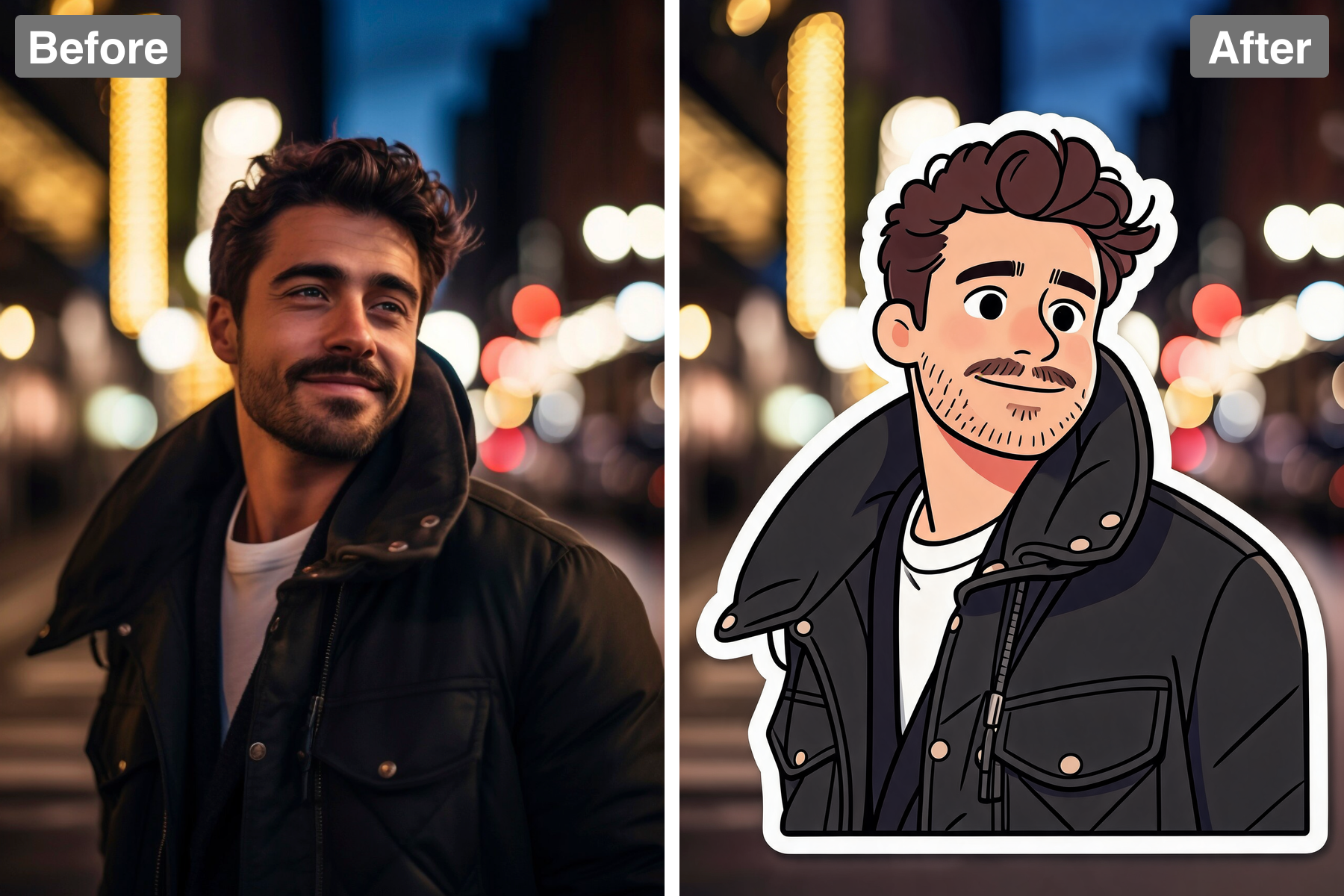
Glossy Vinyl Finish
A soft drop shadow and subtle gloss make it look like a real vinyl sticker resting on the frame. The sheen is broad and diffuse rather than a sharp specular dot, which is how light actually behaves on a laminated matte-gloss surface. The shadow sits tight and slightly offset beneath the sticker, implying only a millimetre of thickness — get that distance wrong and it floats like a cutout instead of lying flat. Together the two cues convince the eye it is looking at a physical object that could be peeled up at the corner. A very slight edge lift on one side adds to the effect. It reads as a thing rather than a drawing.
Readable Pose
The pose and personality stay clear and lively so the sticker feels genuinely expressive. Stickers are usually viewed small, so the silhouette has to carry the meaning — a readable gesture is worth more than fine facial detail at that size. Gestures and expressions are kept simple but pushed slightly for clarity, ensuring the emotion still lands in a chat window. The subject stays instantly recognisable despite the heavy simplification, because proportions and signature features are preserved. Framing keeps hands and face unobstructed since those carry most of the expression. The result captures a specific mood you can reuse again and again.
Discover the Possibilities
Turn Your Photo Into a Cartoon Sticker
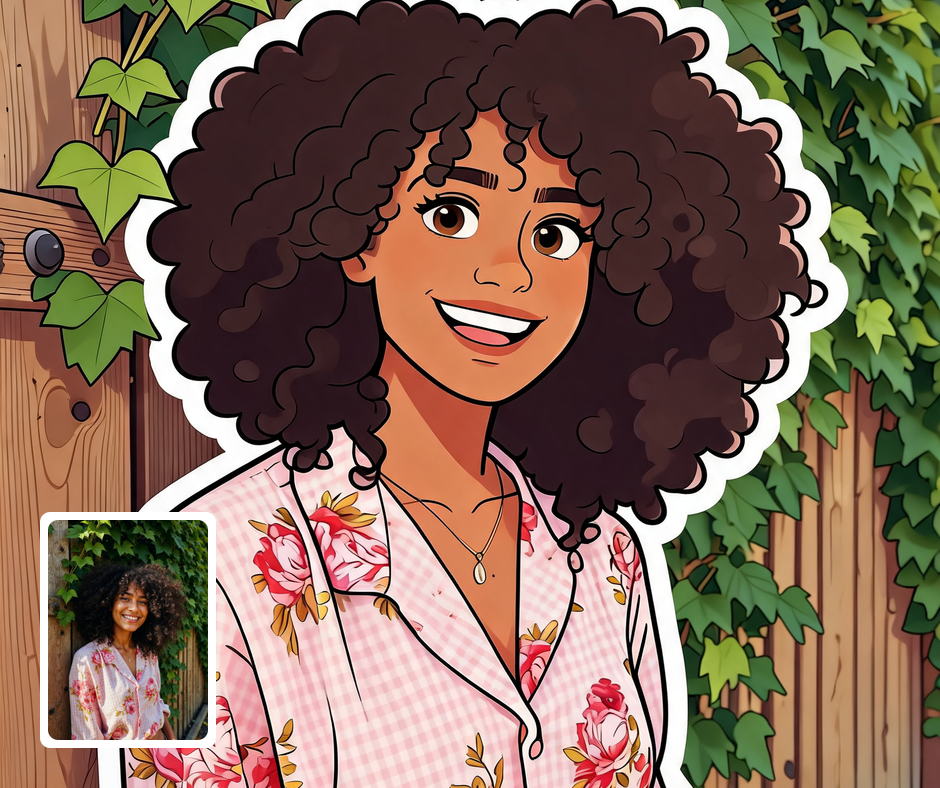
Chat & Messaging Stickers
Turn yourself into a custom sticker pack for messaging apps and group chats. Personalized stickers make conversations more fun and expressive. A set of poses covers different reactions and moods. Friends love seeing themselves turned into a pack.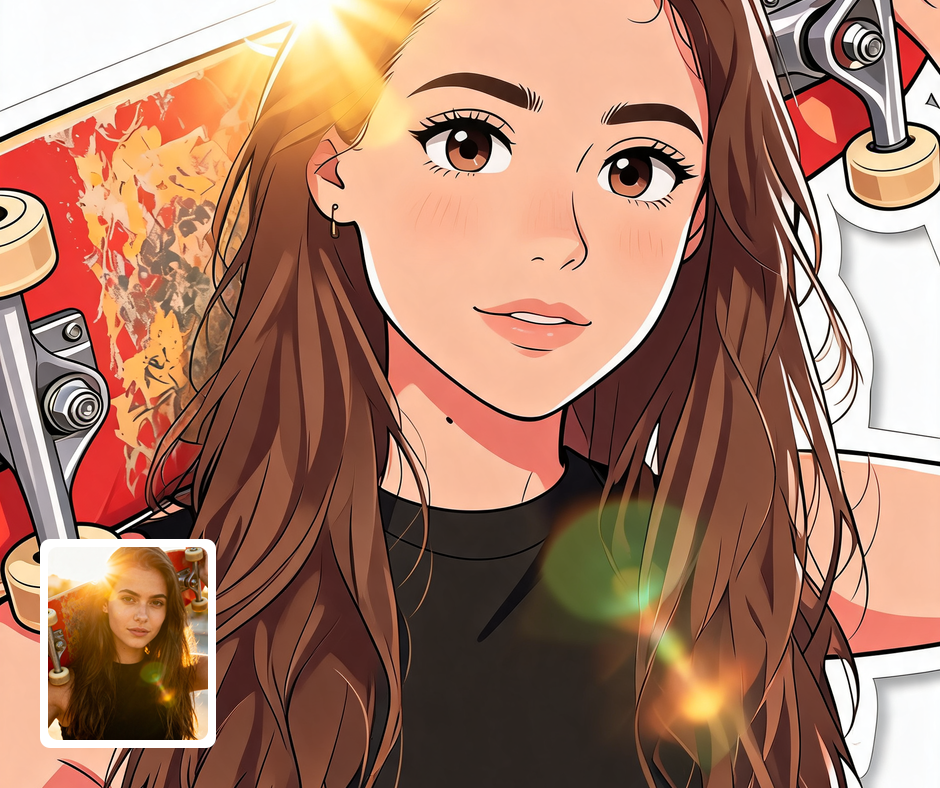
Merch & Print
Cartoon stickers work great on laptops, water bottles, notebooks, and packaging. The die-cut look translates directly to real printed stickers. Bright colors and bold outlines survive small sizes well. It is an easy, affordable way to produce personal merch.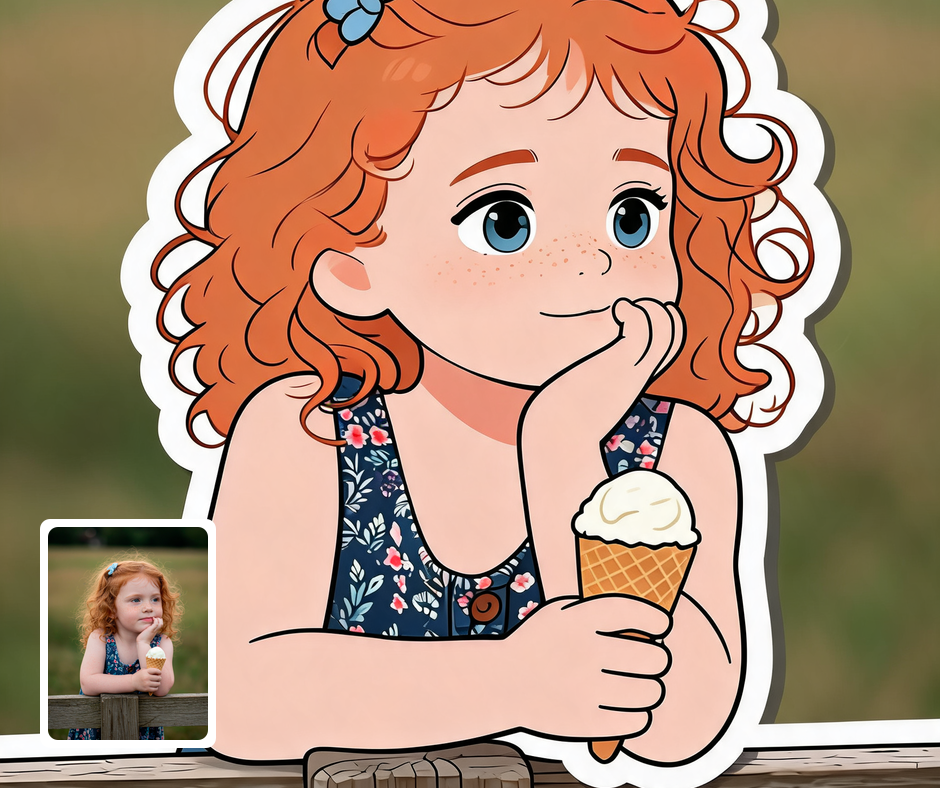
Personal Branding
Creators can use a signature sticker avatar across channels for a friendly, consistent look. It humanizes a brand and invites engagement. The same character can appear in videos, posts, and shops. That consistency builds recognition over time.
Transform Your Photos
Explore More AI Image Filters
Frequently Asked Questions
What is the AI Cartoon Sticker filter?
The Cartoon Sticker filter turns your subject into a glossy die-cut cartoon sticker with a thick white border. Patternful.ai applies the effect automatically with AI, producing a polished die-cut sticker from your photo in seconds — no editing skills or software required.
Which photos work best with the Cartoon Sticker filter?
Photos with a clear subject and readable pose make the best stickers. Expressive faces translate into fun cartoon features. In general, clear, well-lit images where the subject is unobstructed give the AI the most to work with and produce the most convincing results.
How do I use the Cartoon Sticker filter?
Upload your photo and Patternful.ai creates the die-cut sticker in seconds. Download the finished image at full resolution when it is ready, and try a few photos to see which one transforms best.
What about privacy? Are my photos safe?
Yes, your images are safe with us. Patternful.ai prioritizes user data safety. Your images are always private, proprietary, and they remain your property. All your uploaded images are automatically deleted from our servers after a few hours.