Mount Rushmore Filter
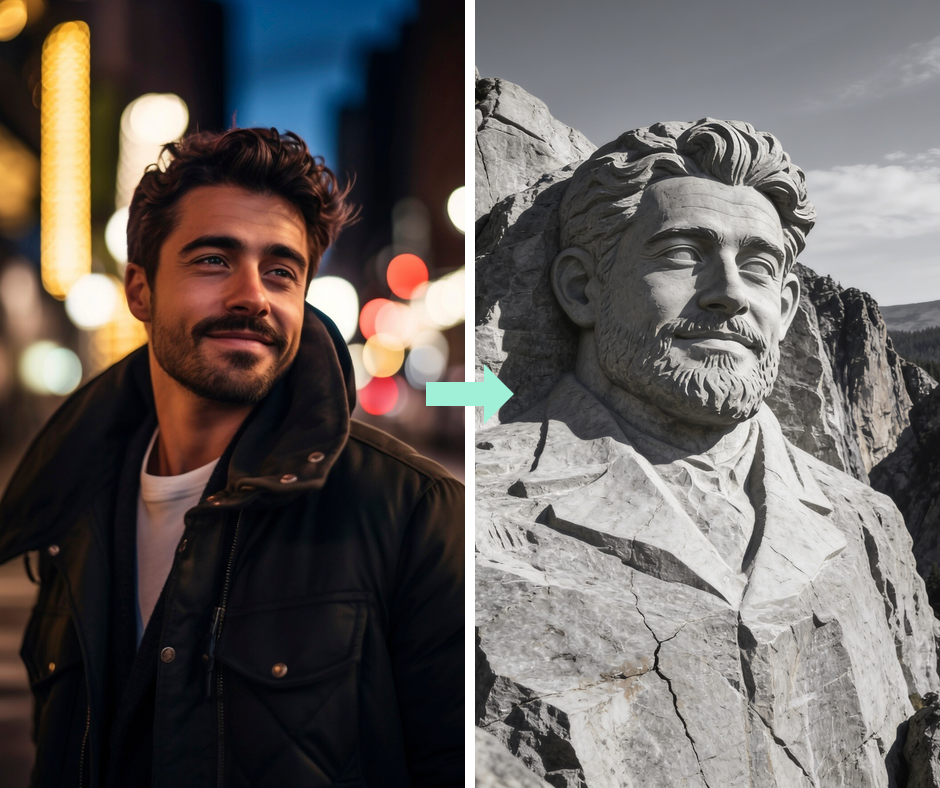
Carve yourself into a mountain. AI rebuilds your portrait as a monumental stone sculpture with weathered rock texture and dramatic daylight.
Monumental Stone Carving
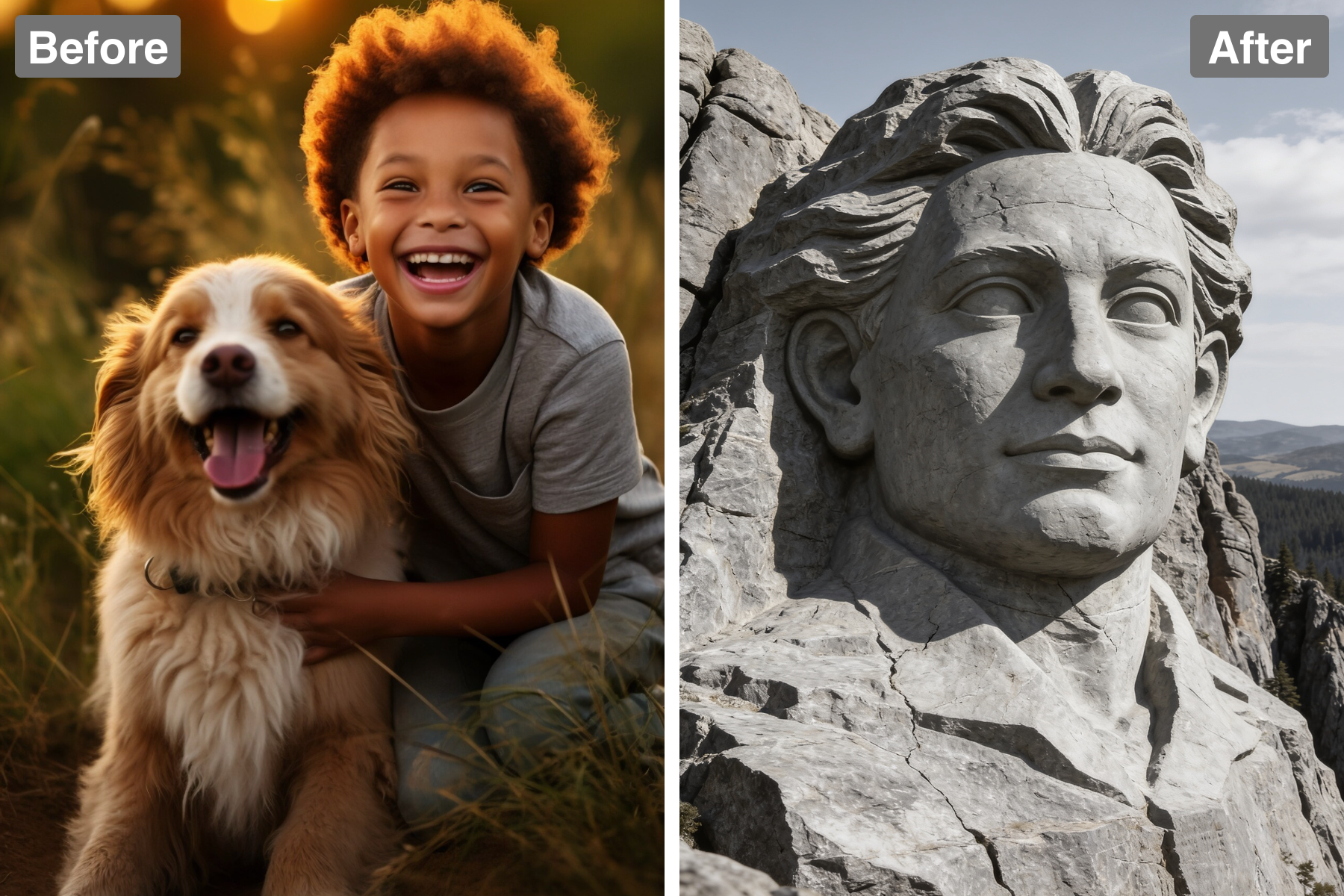
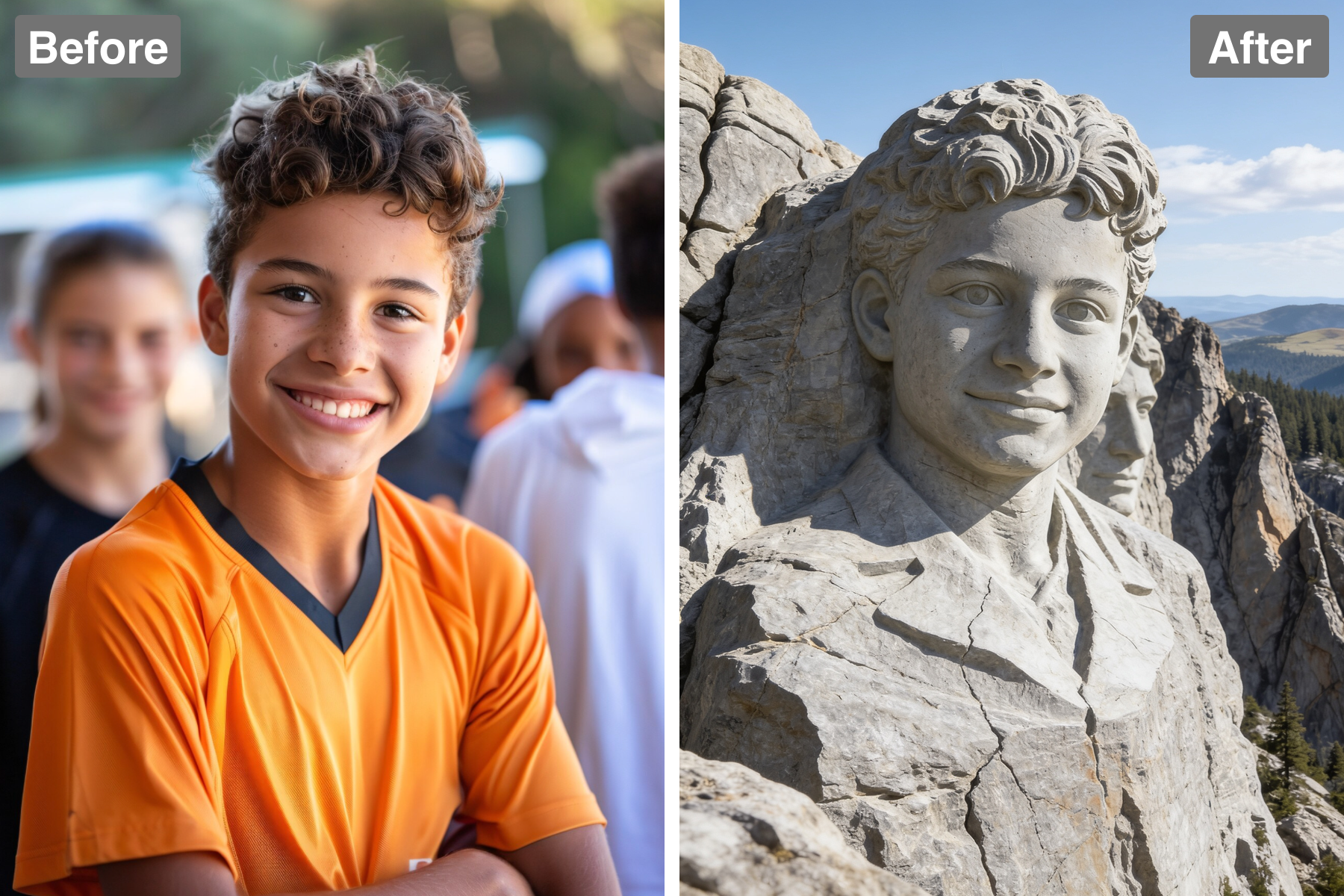
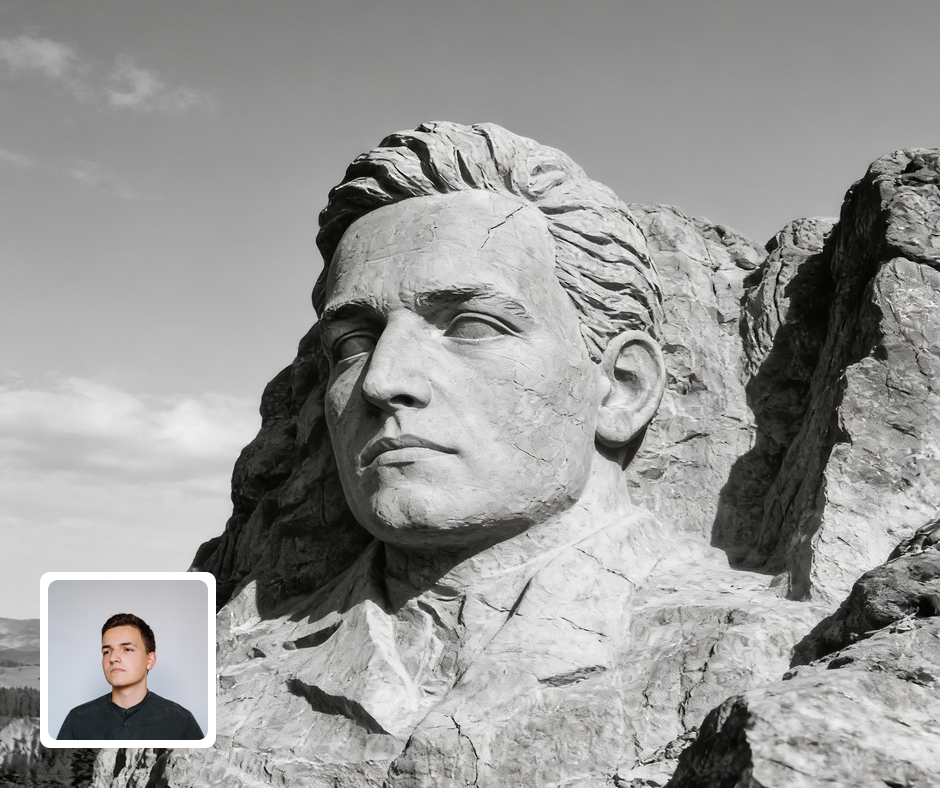
The face is rendered as colossal sculpted grey granite with rough chiselled surfaces and weathered cracks. Every plane carries the tool marks of a carving that size — broad flat strikes across the forehead and cheeks, finer work around the eyes and mouth — which is exactly how the real monument was cut. Natural fracture lines run through the stone and continue into the surrounding rock, tying the carving into the mountain rather than sitting it on top like a mask. Weathering softens the edges and darkens the recesses where water would have run for decades. Scale is communicated through texture as much as framing: the grain of the rock stays coarse relative to the features, which tells the eye the face is enormous. It reads as permanent, heroic, and genuinely monumental.
Dramatic Natural Lighting
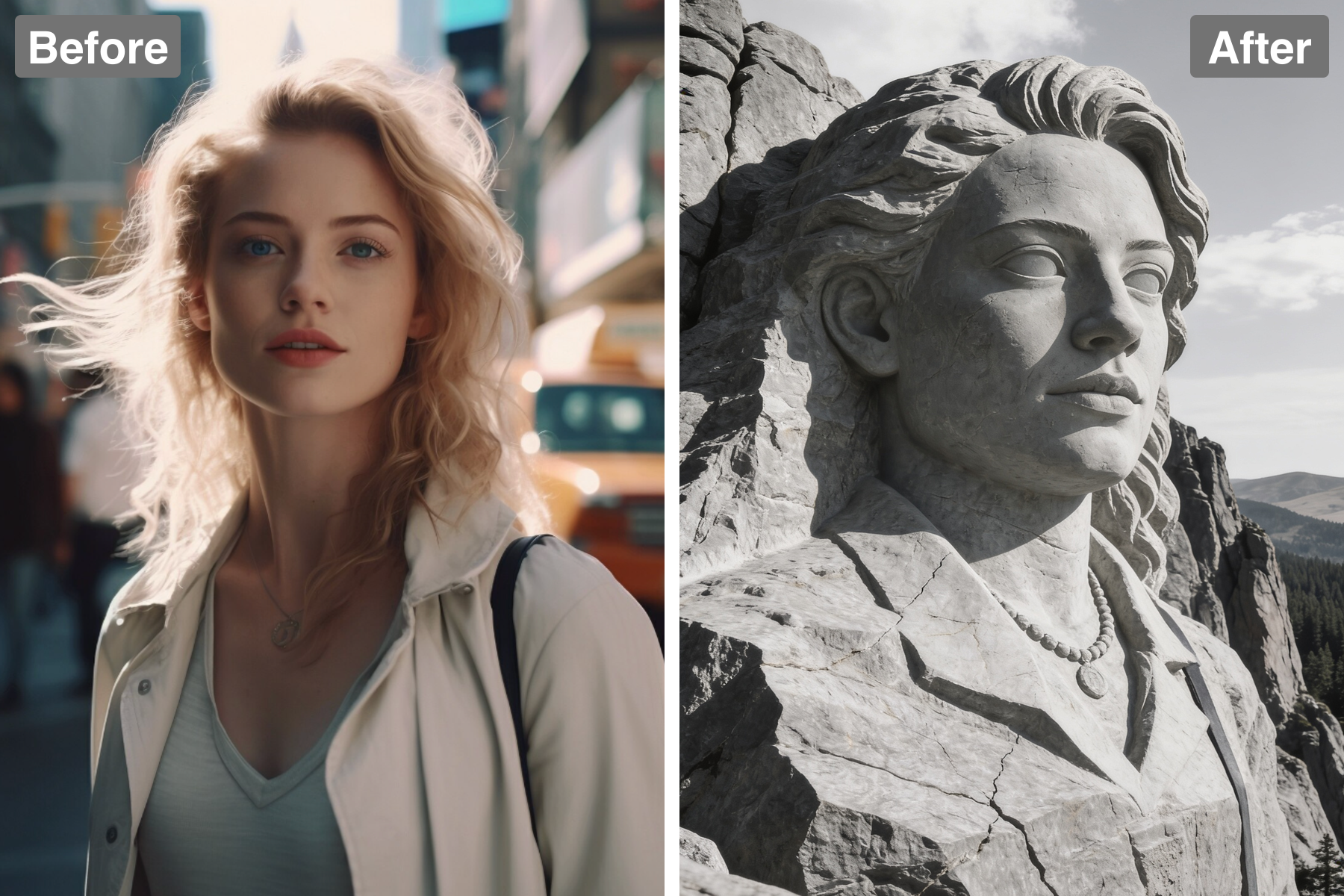
Sunlight rakes across the carved rock, casting deep shadows that emphasise the sculpted volume. Hard directional light is essential for stone because granite has almost no translucency — it reveals form purely through the contrast between lit plane and shadow, so the lighting is doing the sculpting. Highlights catch the brow, nose, and cheekbones while the eye sockets and the underside of the chin fall into strong shadow, which is what gives carved faces their characteristic gravity. The low angle also lengthens every shadow, exaggerating depth and reinforcing the sense of enormous scale. Subtle bounce light keeps the shadows from going fully black so detail survives throughout. The lighting alone conveys the monument's mass.
Epic Mountain Setting
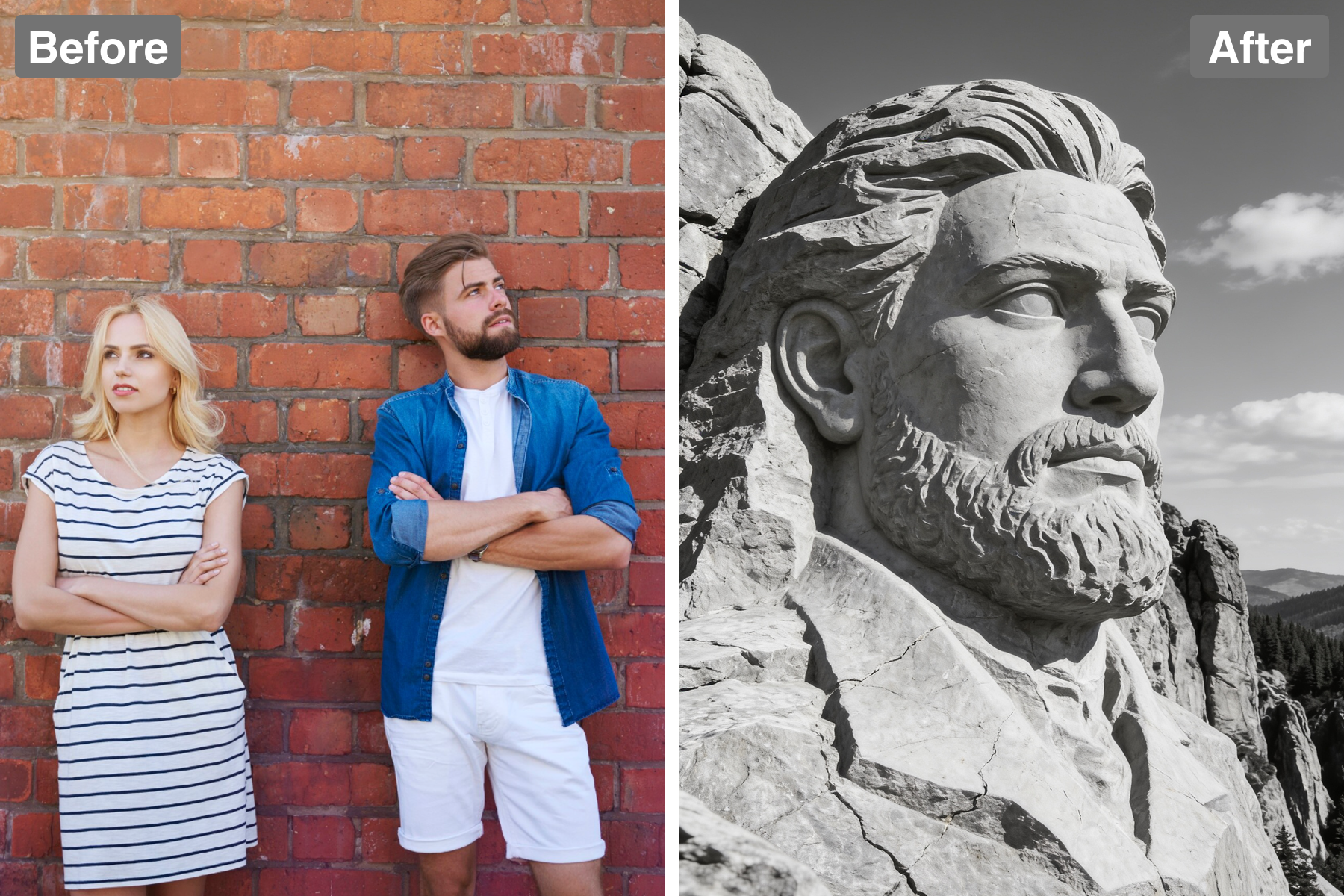
The carving sits atop a rugged mountain against an open sky with distant forest below, matching the setting of the real landmark. That context is what sells the scale: without the treeline and the drop beneath it, a stone face could read as a tabletop sculpture rather than a cliff. Atmospheric haze thickens toward the horizon, a depth cue the eye reads automatically as great distance. Clouds and sky give the composition breathing room above the carving so it feels monumental rather than cramped. The rock beneath continues naturally into the cliff face, reinforcing that the monument was cut from the mountain itself. It feels like a real place you could stand beneath and look up at.
Recognizable Likeness
Your features are preserved in the granite so the monument is clearly, impressively you. The carving keeps the proportions and character of the original face even as fine detail is traded for rough stone, because recognition depends far more on structure than on surface. Distinctive traits — the shape of the nose, the set of the eyes, a particular hairline — are carved deliberately rather than generalised into a generic face. Expression is preserved too, which matters because a monument with the wrong mood stops looking like the person entirely. Even rendered in weathered rock the identity stays fully intact. That recognisability is exactly what makes the effect land as a joke or a tribute.
Discover the Possibilities
Carve Your Photo Into a Mount Rushmore Monument
Fun & Novelty Portraits
Immortalize yourself, a friend, or a boss as a mountain monument for a laugh-out-loud print. The grandiosity is the joke, and it always lands. It is perfect for milestone birthdays and retirements. Few gag gifts manage to feel this epic.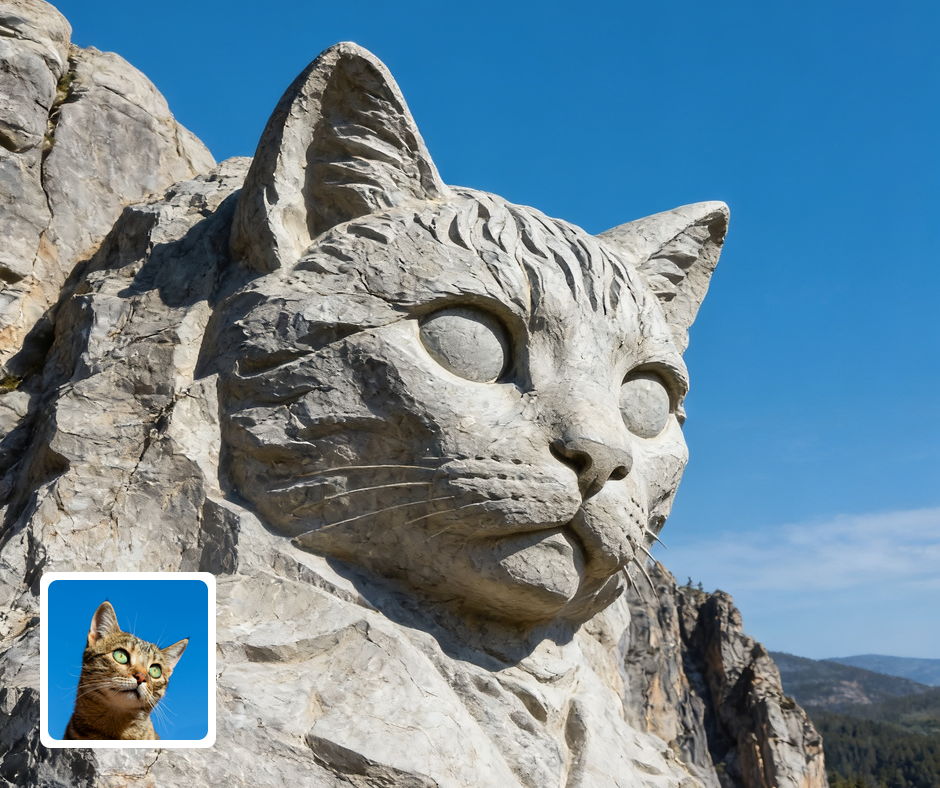
Gifts & Tributes
A carved-in-stone portrait makes a grand, tongue-in-cheek tribute. It celebrates someone by literally putting them on a national-monument scale. The over-the-top presentation reads as affectionate rather than serious. It is memorable and endlessly shareable.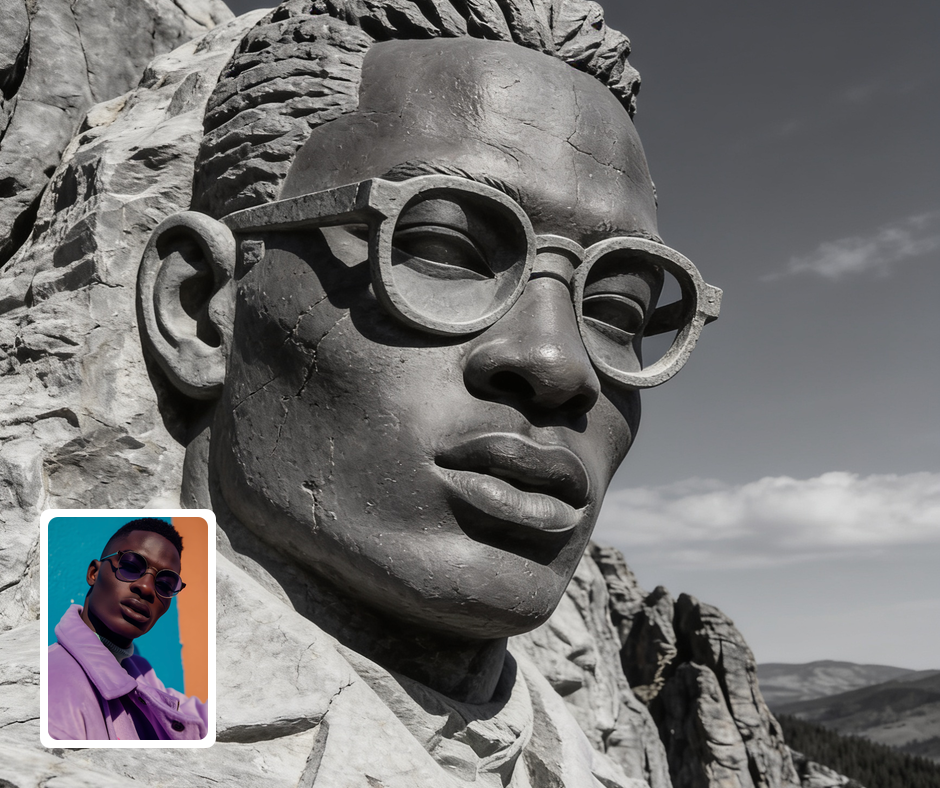
Social Media Content
The larger-than-life effect is instantly shareable and always gets a reaction. It works as a punchline, a flex, or a celebration. The recognizable landmark gives it immediate context for viewers. People understand and enjoy it in a single glance.
Transform Your Photos
Explore More AI Image Filters
Frequently Asked Questions
What is the AI Mount Rushmore filter?
The Mount Rushmore filter carves your subject into a colossal granite mountain monument. Patternful.ai applies the effect automatically with AI, producing a polished granite monument from your photo in seconds — no editing skills or software required.
Which photos work best with the Mount Rushmore filter?
Front-facing portraits with strong features carve most convincingly into stone. Clear lighting helps the chiseled texture read. In general, clear, well-lit images where the subject is unobstructed give the AI the most to work with and produce the most convincing results.
How do I use the Mount Rushmore filter?
Upload your photo and Patternful.ai creates the granite monument in seconds. Download the finished image at full resolution when it is ready, and try a few photos to see which one transforms best.
What about privacy? Are my photos safe?
Yes, your images are safe with us. Patternful.ai prioritizes user data safety. Your images are always private, proprietary, and they remain your property. All your uploaded images are automatically deleted from our servers after a few hours.