Pop Art Filter
Turn photos into Pop Art. AI rebuilds your image with flat saturated color blocks, heavy outlines, and the graphic punch of 1960s print art.
Bold Outlines
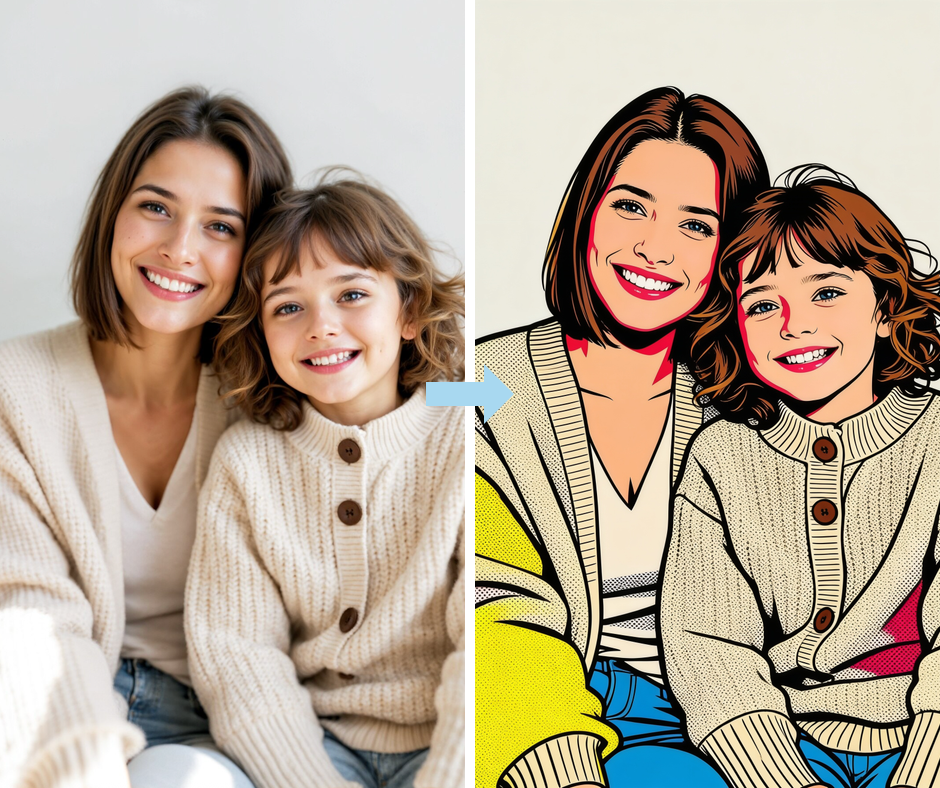
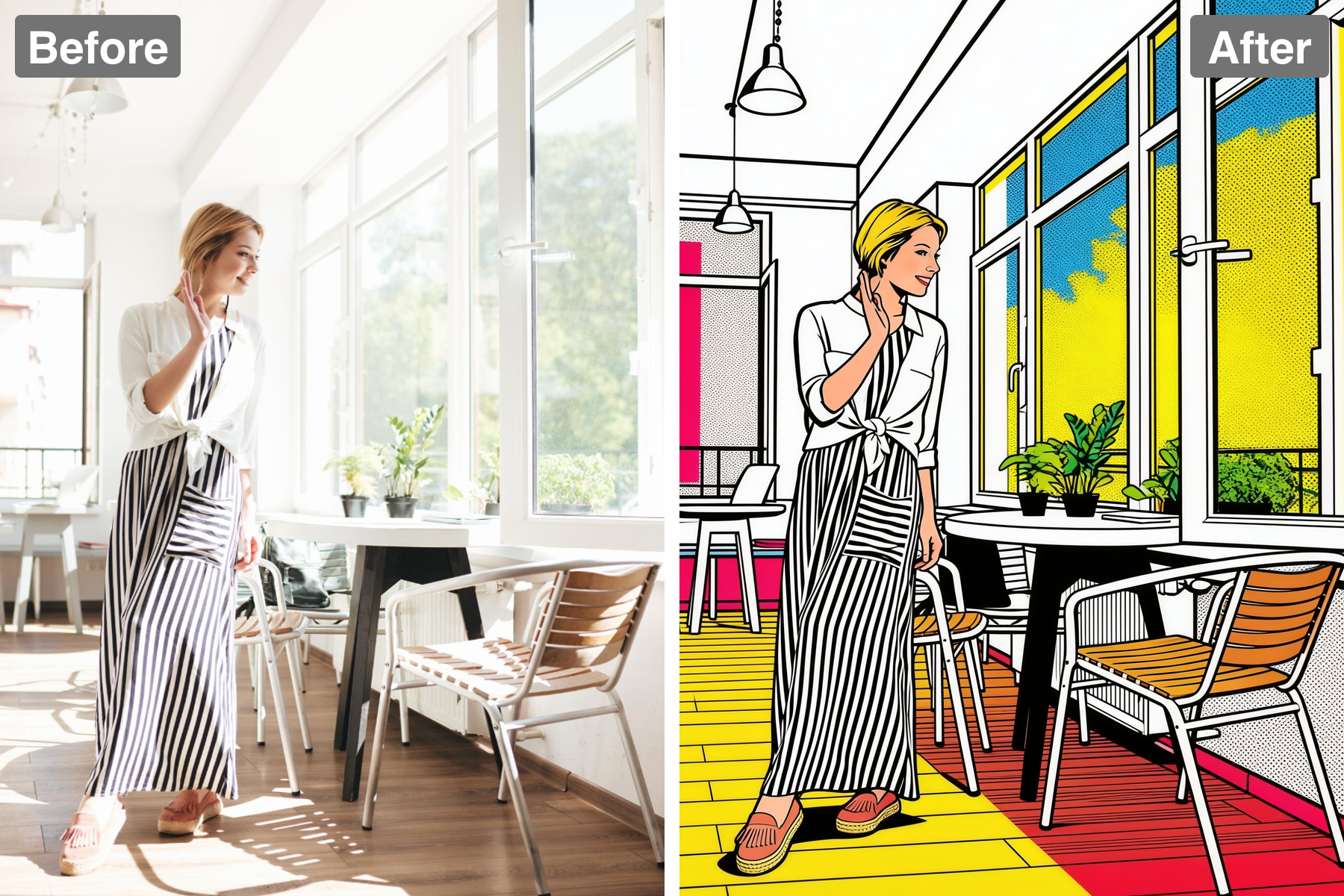
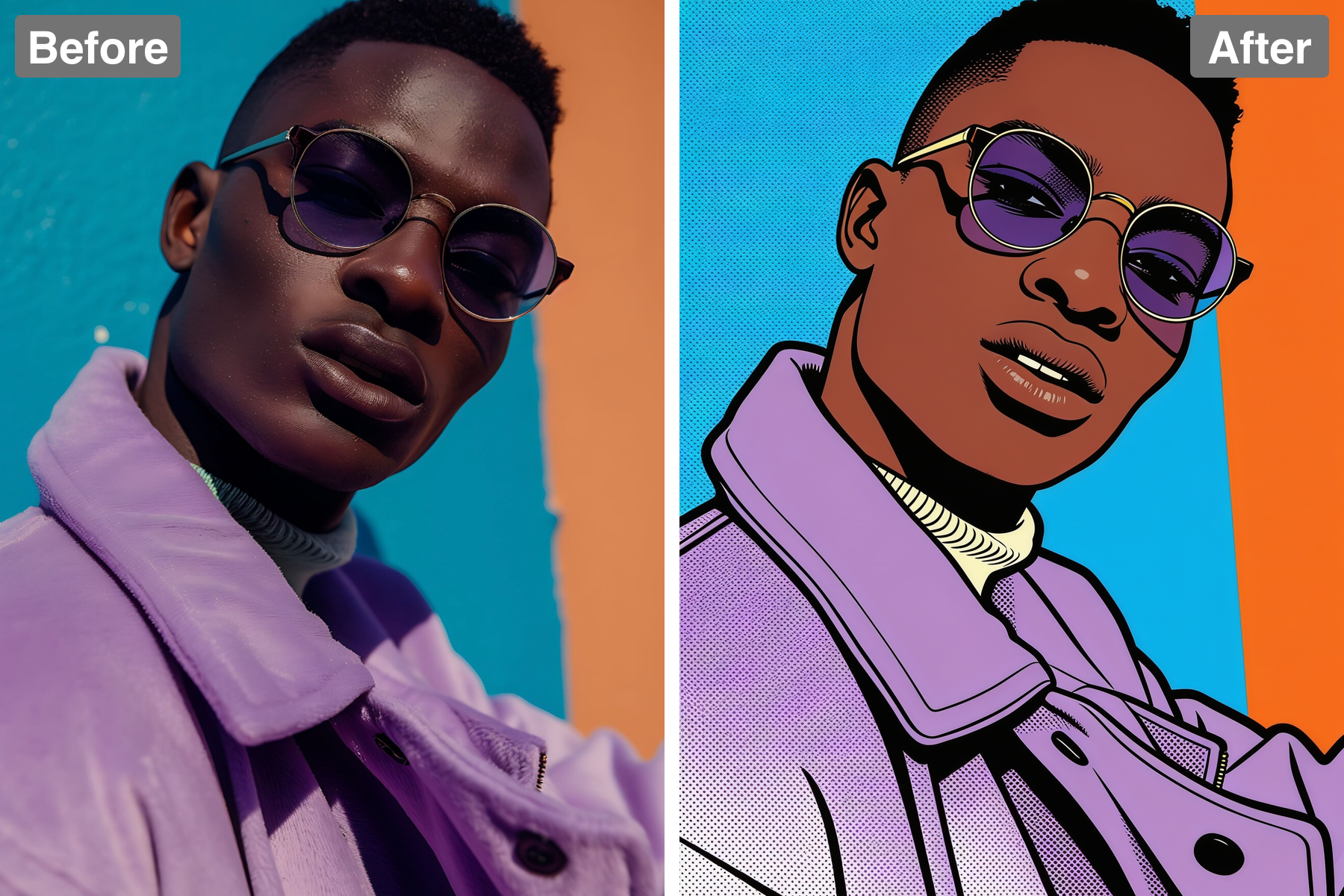
Thick black outlines and flat areas of bright primary colour give your image classic pop-art punch. The outlines are heavy and uniform, applied like the bold key line of a printing plate rather than a drawn contour, which is exactly the comic-reproduction look the movement borrowed from. Colour is laid in as completely flat fills with no shading inside them, so each area reads as a single deliberate decision. The palette leans on saturated reds, yellows, and blues, the inks a commercial press actually carried. Shapes are simplified into bold, closed forms that the outline can contain cleanly. It reads as confident, poster-scale graphic art.
Ben-Day Dots
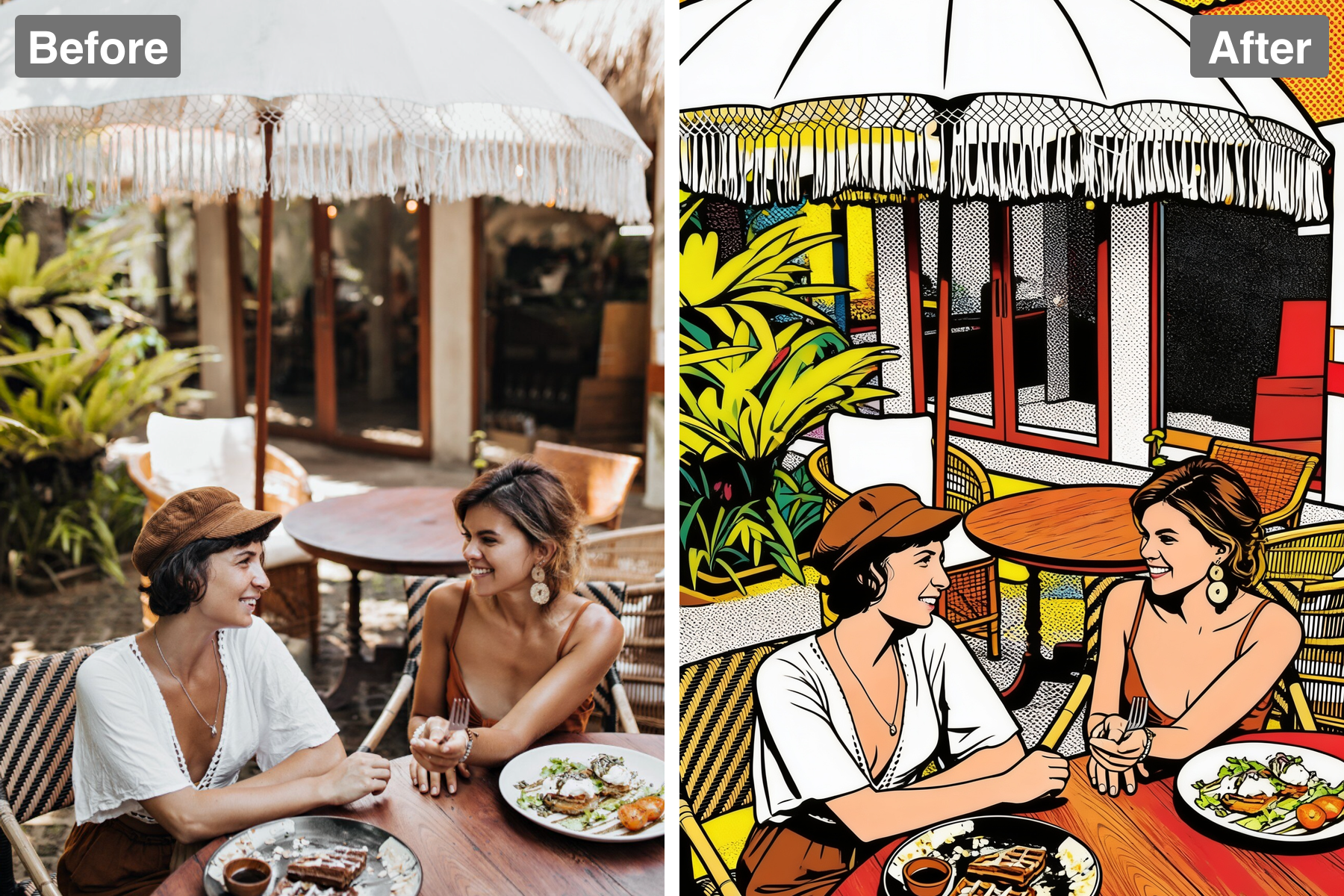
Halftone dot shading references the comic-print roots of Lichtenstein and Warhol. In original comics the dots existed because presses could not print continuous tone, and pop artists enlarged them precisely to draw attention to that mechanical, mass-produced quality. Here the dots are scaled up so they are clearly visible as dots rather than blending away, which is the entire point of the reference. They stand in for mid-tones, appearing on skin, shadow, and background while flat colour handles everything else. Dot size stays consistent within each area, keeping the pattern regular and machine-like. It is one of pop art's most recognisable signatures.
High Contrast
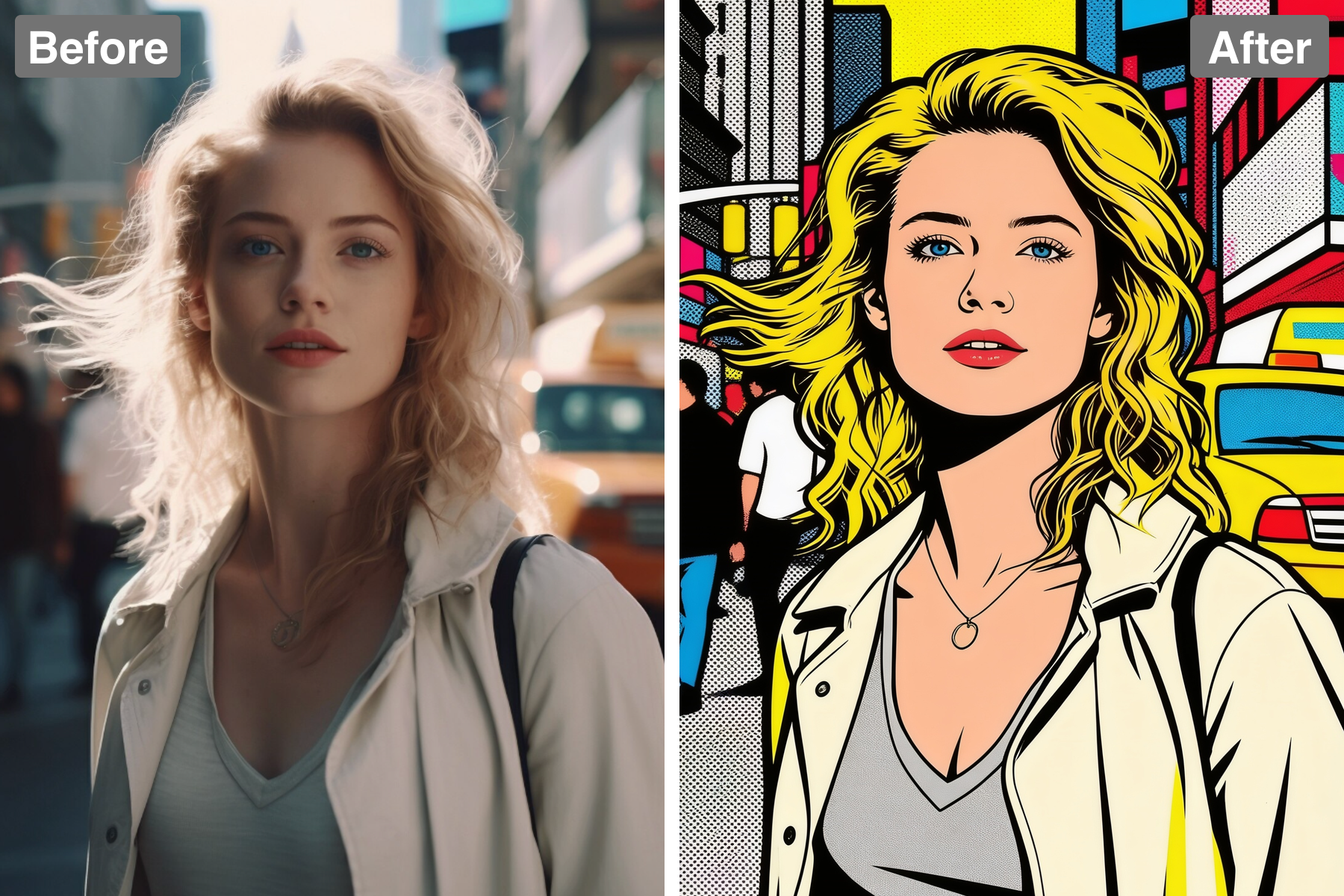
Strong graphic contrast simplifies the subject into striking flat shapes. Tonal range is deliberately compressed, pushing values toward either full light or full shadow so the image resolves into a handful of bold, readable areas. That reduction forces every shape to justify itself, which is what gives pop art its poster-like clarity and impact from across a room. Shadows become solid graphic shapes with their own hard edges rather than soft transitions. The lack of mid-tones keeps the composition loud and immediate. It carries genuine visual force at any size.
Recognizable Subject
The likeness stays clear beneath the bold pop styling. Features keep their proportions and placement even as detail is stripped away, because recognition depends on structure rather than on texture or fine shading. Distinctive traits such as hair shape, glasses, or a strong jawline are preserved as their own flat colour shapes so they survive the simplification. The eyes and mouth are given enough definition to carry expression, since flat colour can easily flatten emotion too. The subject stays obvious despite the heavy abstraction. Style and identity end up coexisting comfortably.
Discover the Possibilities
Turn Your Photo Into Pop Art
Wall Art
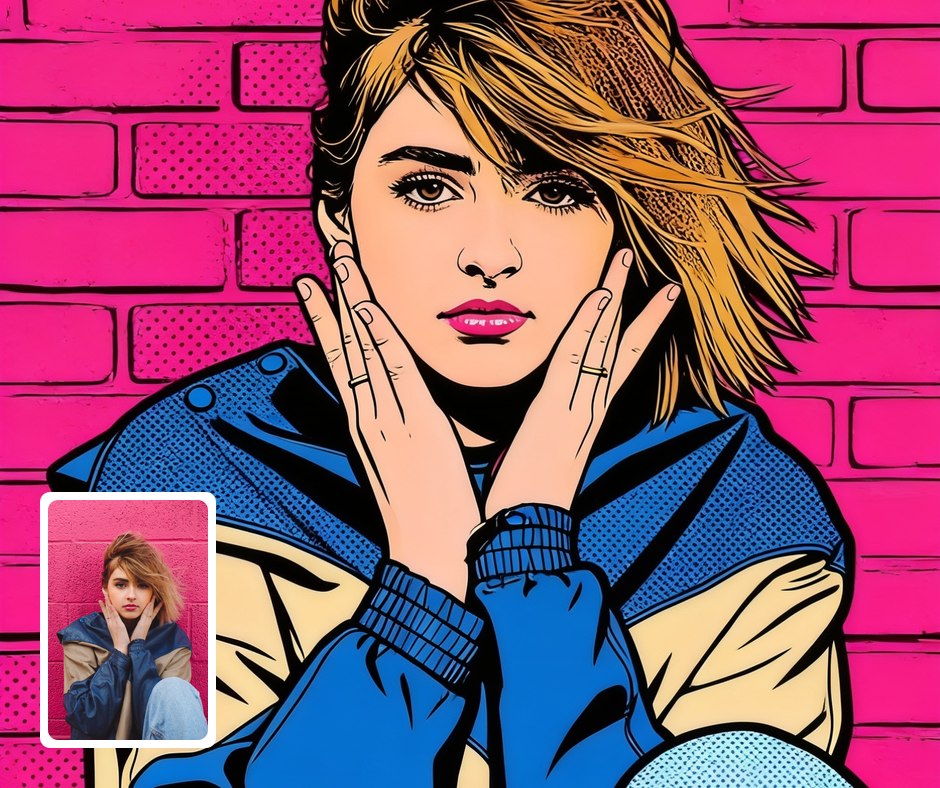
Pop-art portraits make vibrant, collectible prints. The bold look commands attention on any wall. It works as a single piece or a colorful repeated series. It reads as intentional, gallery-ready style.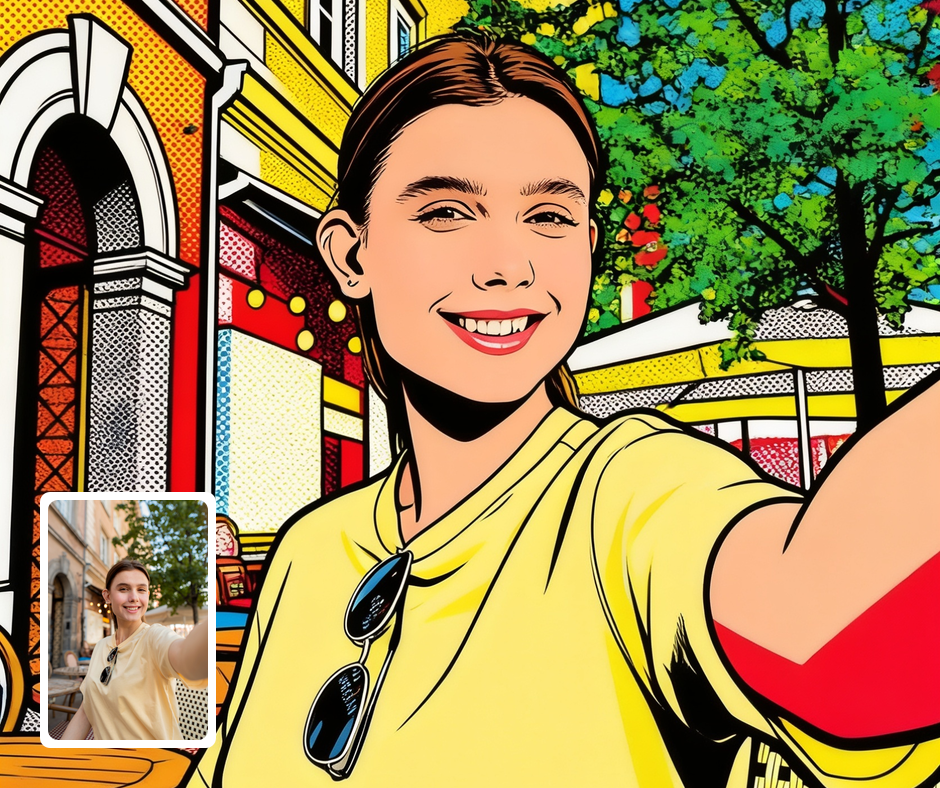
Retro Poster Design
The look suits posters, album covers, and zines. It pairs naturally with bold, confident type. It carries instant retro energy. It is a reliable way to grab the eye.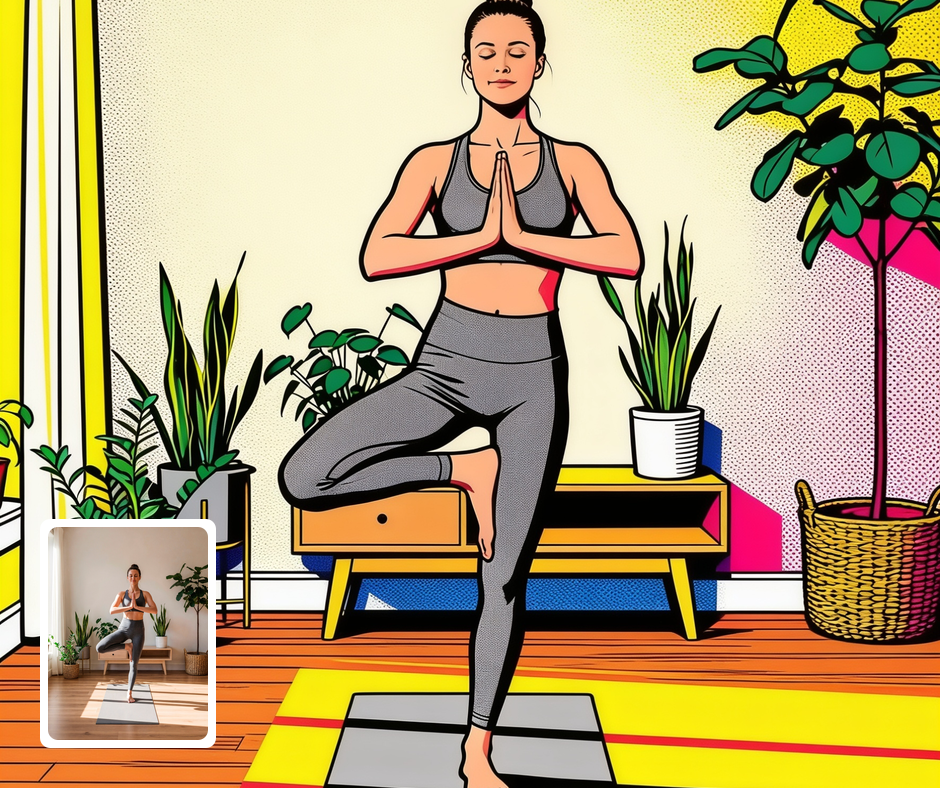
Bold Profile Pictures
A pop-art avatar stands out anywhere. The high contrast reads well at any size. It signals a playful, design-aware personality. It beats an ordinary photo for sheer impact.
Transform Your Photos
Explore More AI Image Filters
Frequently Asked Questions
What is the AI Pop Art filter?
The Pop Art filter transforms your photo into bold 1960s Pop Art with dots and flat color. Patternful.ai applies the effect automatically with AI, producing a polished Pop Art portrait from your photo in seconds — no editing skills or software required.
Which photos work best with the Pop Art filter?
High-contrast portraits reproduce best. Clear subjects keep the bold graphic shapes readable. In general, clear, well-lit images where the subject is unobstructed give the AI the most to work with and produce the most convincing results.
How do I use the Pop Art filter?
Upload your photo and Patternful.ai creates the Pop Art portrait in seconds. Download the finished image at full resolution when it is ready, and try a few photos to see which one transforms best.
What about privacy? Are my photos safe?
Yes, your images are safe with us. Patternful.ai prioritizes user data safety. Your images are always private, proprietary, and they remain your property. All your uploaded images are automatically deleted from our servers after a few hours.