Emoji Filter
Become an emoji. AI rebuilds your expression as a glossy rounded icon with bold simple shapes, ready to use as a sticker or profile picture.
Flat Emoji-Person Style
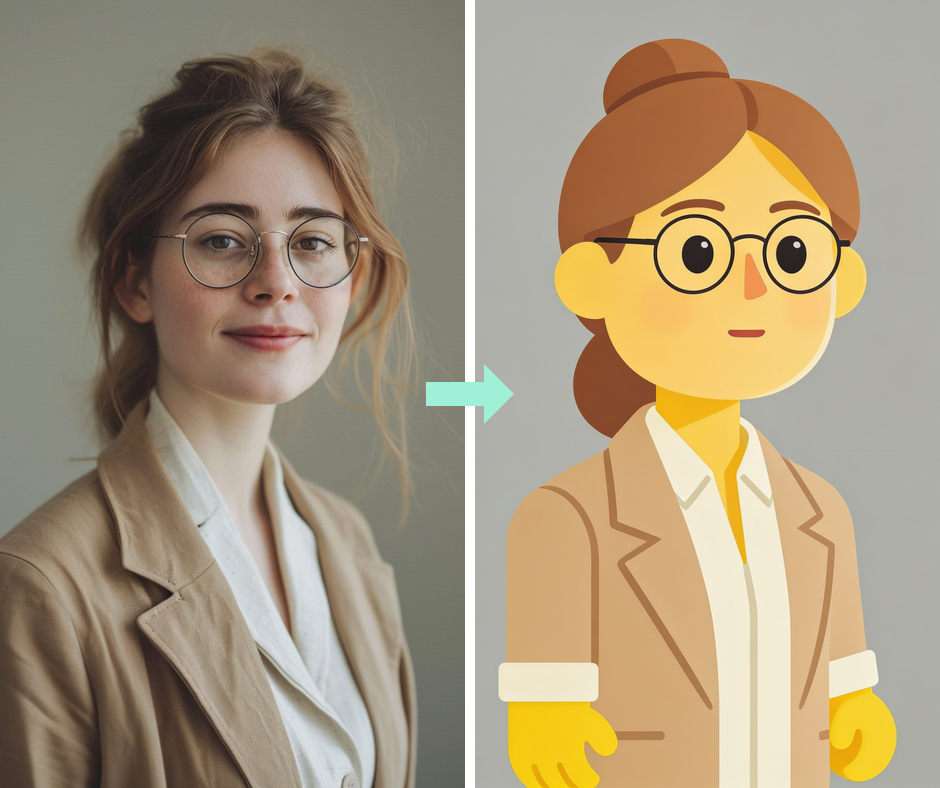
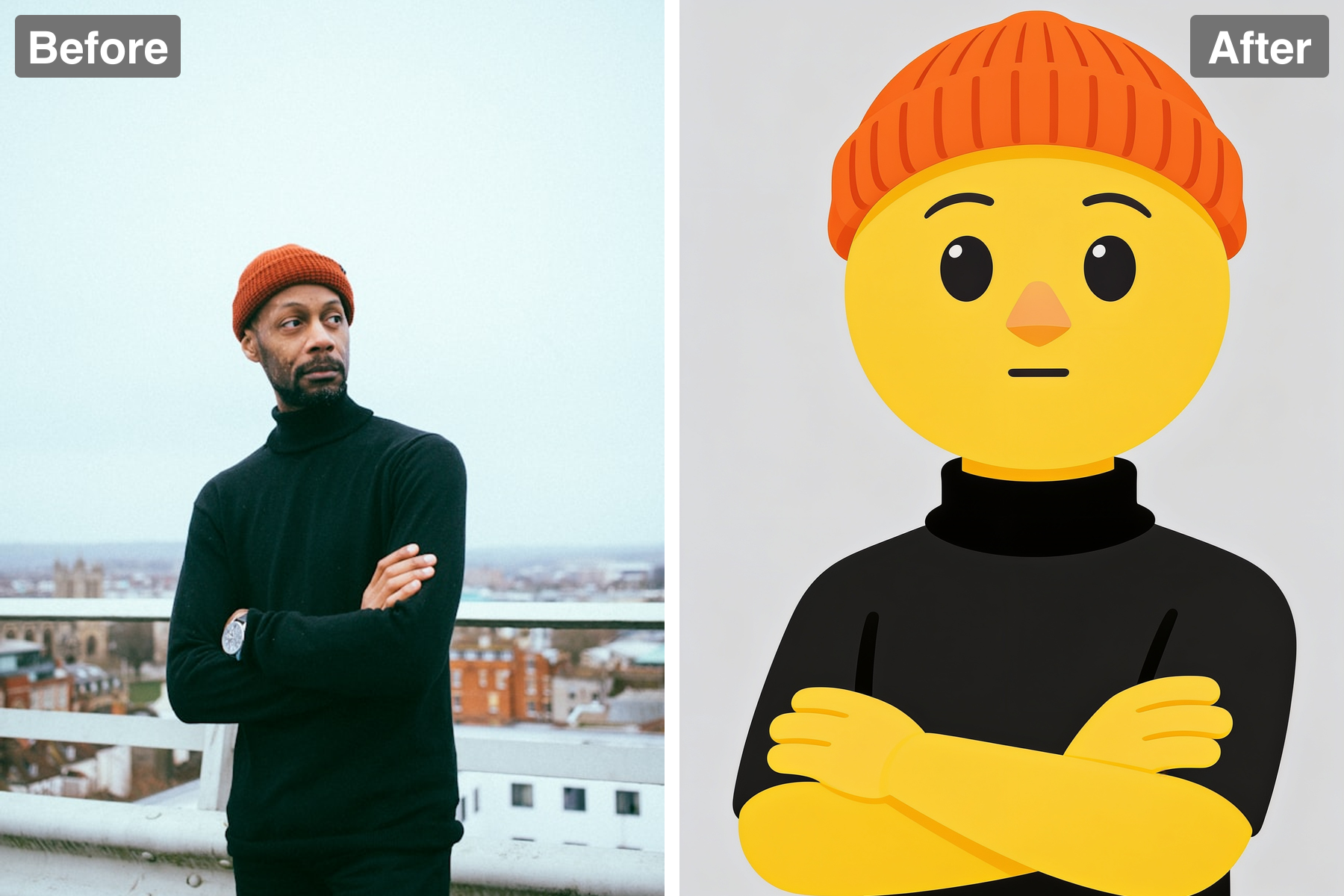
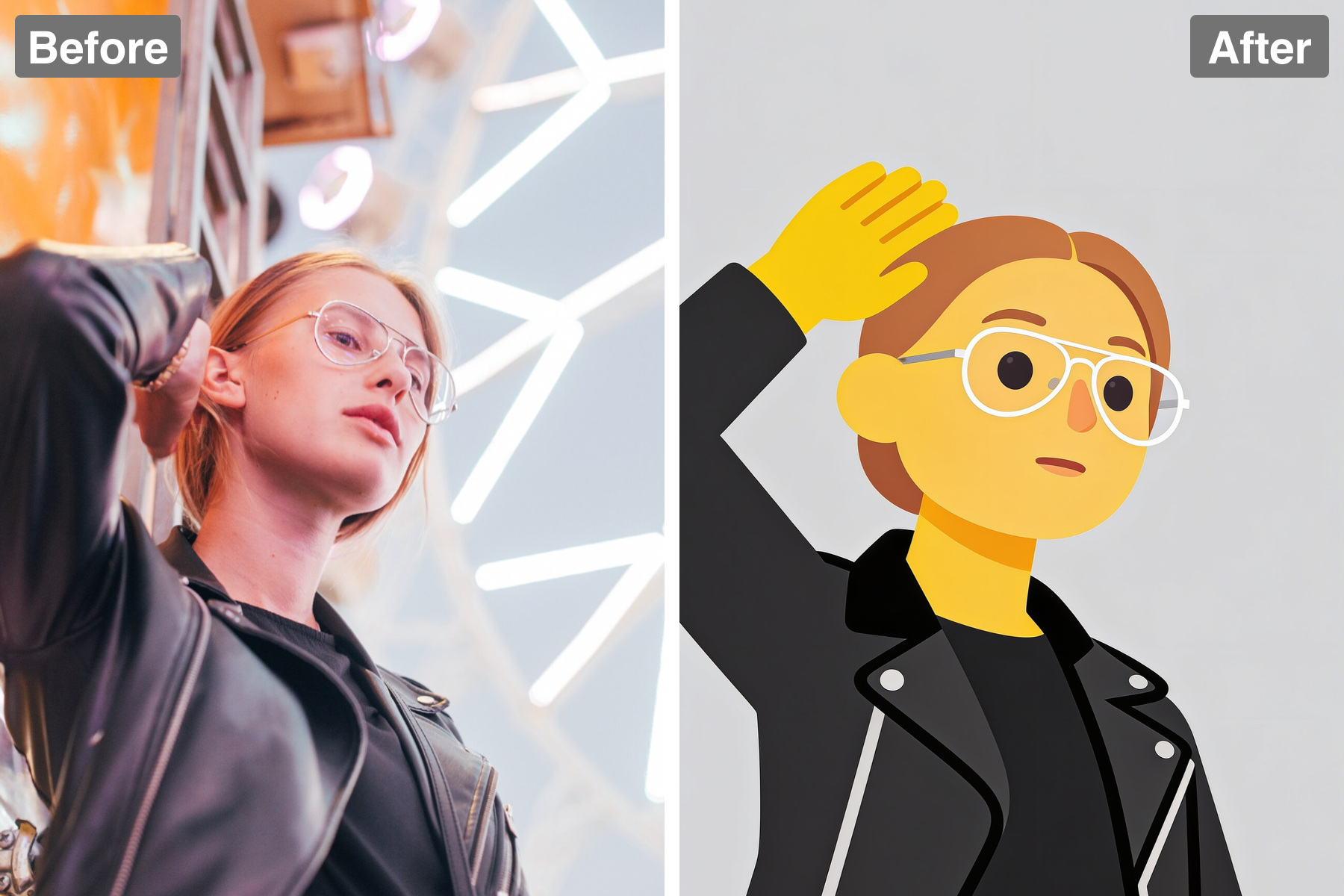
Your photo is redrawn as one of the large human emoji characters, all flat vector shapes with crisp clean edges and at most a whisper of soft shading. There are no gradients, gloss, highlights, or photorealistic texture anywhere. That flatness is what makes the result read as a real emoji rather than a 3D character or a plastic toy. It looks drawn as an illustration, not rendered as an object.
Keeps Your Hair, Outfit, and Pose
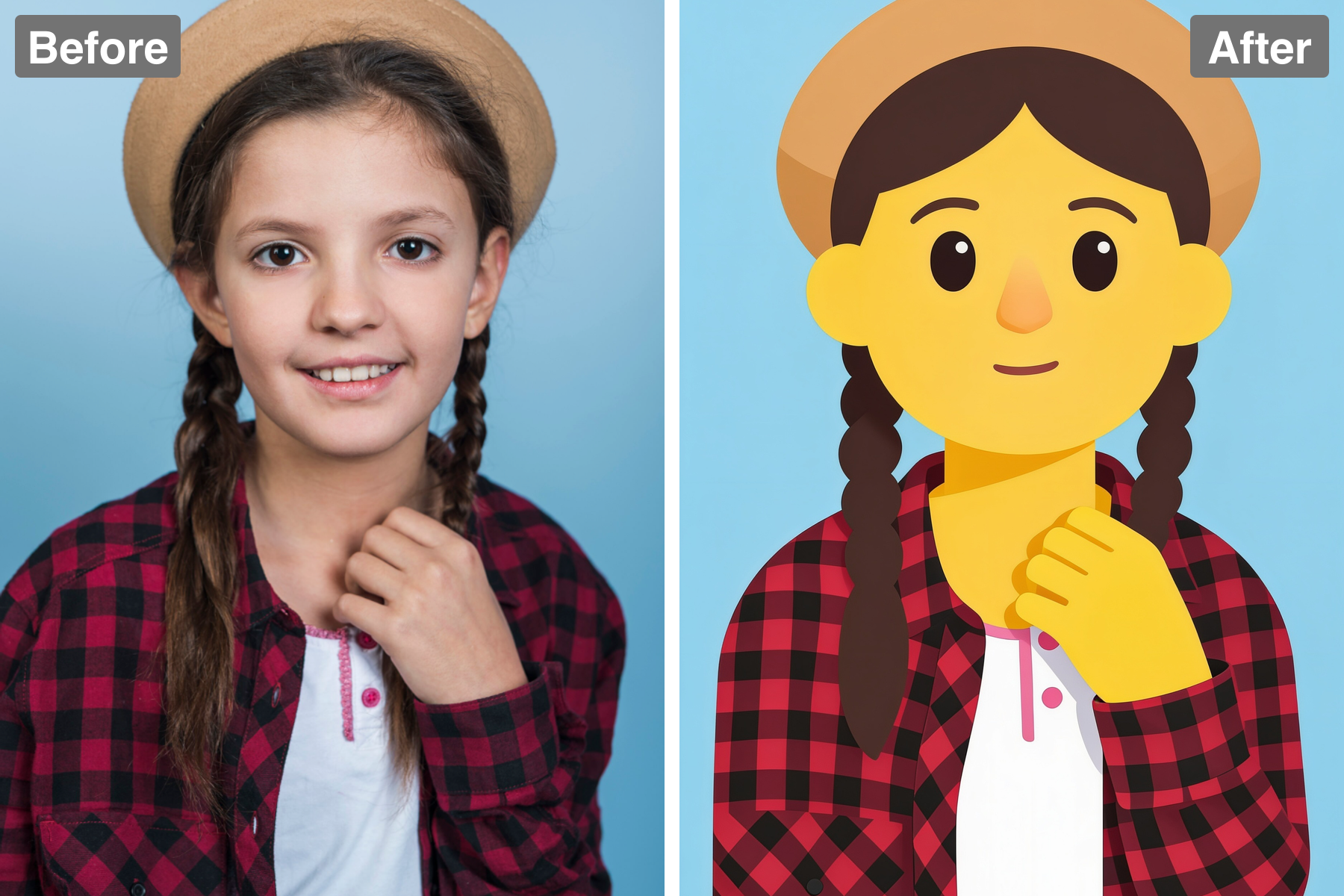
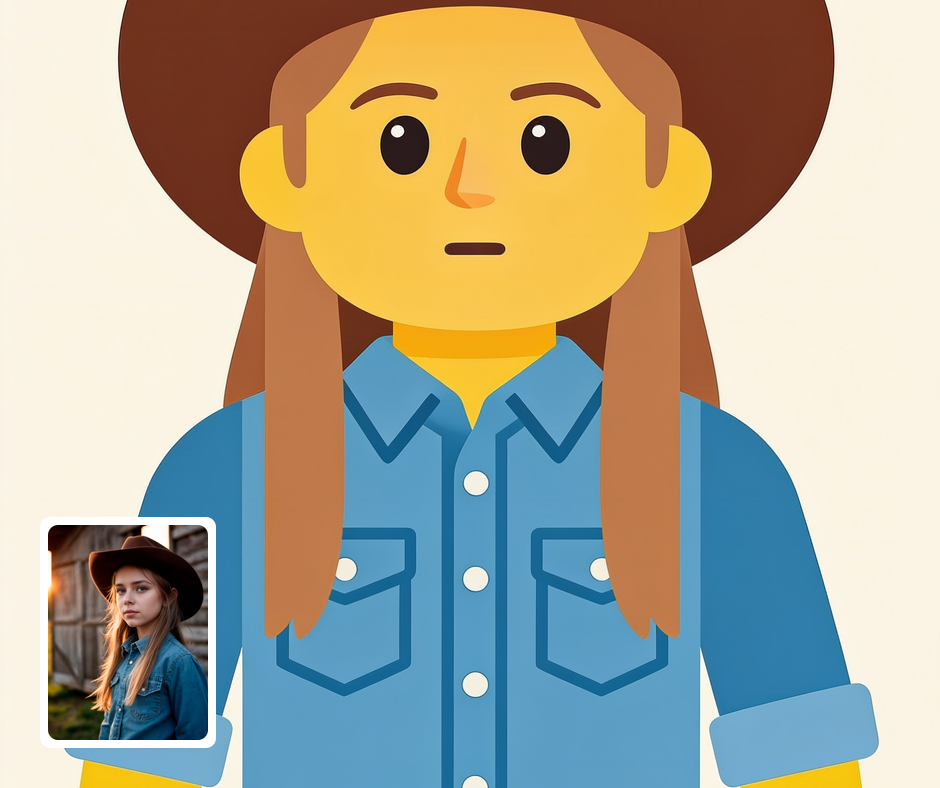
Only your skin and hands turn emoji yellow — your real hairstyle, clothing, and pose are all preserved and redrawn as clean flat shapes. Your outfit keeps its true colors, right down to a collar or buttons, and your arms stay where they were in the photo. That is what makes the character unmistakably you rather than a generic yellow figure. The likeness comes through in those familiar details.
Classic Emoji Face
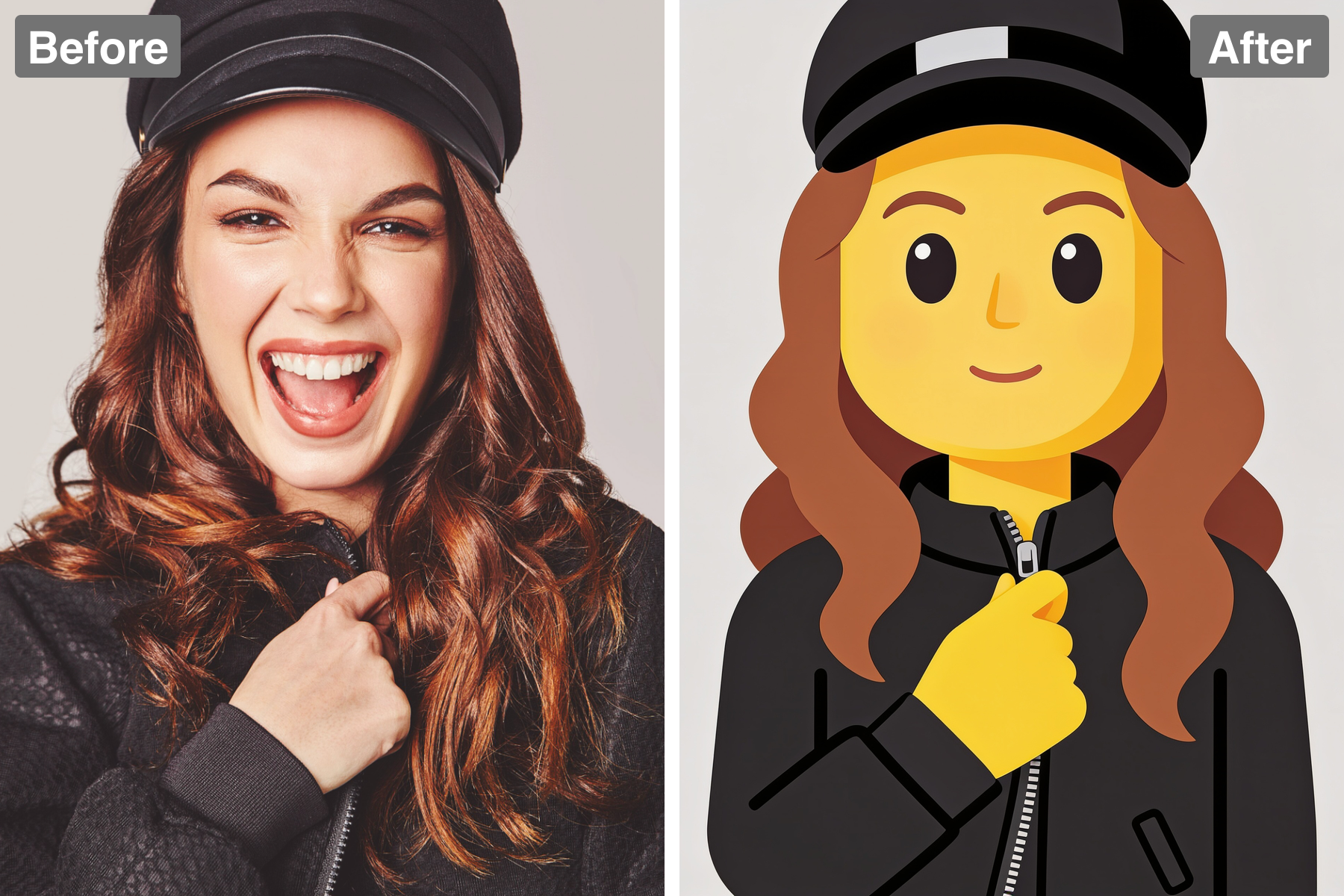
The face is drawn with the instantly familiar emoji look: simple oval eyes, thin curved brows, a lightly suggested nose, and a small mouth shaped to match your expression. Nothing is over-detailed or fussy. That construction is exactly how the emoji on your keyboard are drawn, which is why the result feels so recognizable. A smile stays a smile and a calm look stays calm.
Matches Your Framing
The emoji person is shown the same way your photo was cropped, so a head-and-shoulders or waist-up shot becomes a matching emoji figure rather than a floating head. Placed on a plain flat background, it stays sharp whether it is a full-size download or a small avatar. Results come back in seconds at full resolution. Everything is ready to use immediately.
Discover the Possibilities
Become Your Own Emoji Person
Chat Stickers and Reactions
Turn your own poses and expressions into a personal set of emoji-person stickers for messaging apps. A reaction that actually looks like you, hair and outfit included, lands better than a stock sticker ever could. The flat clean shapes stay sharp at the small sizes chat apps display. Build a collection by running several photos through the filter.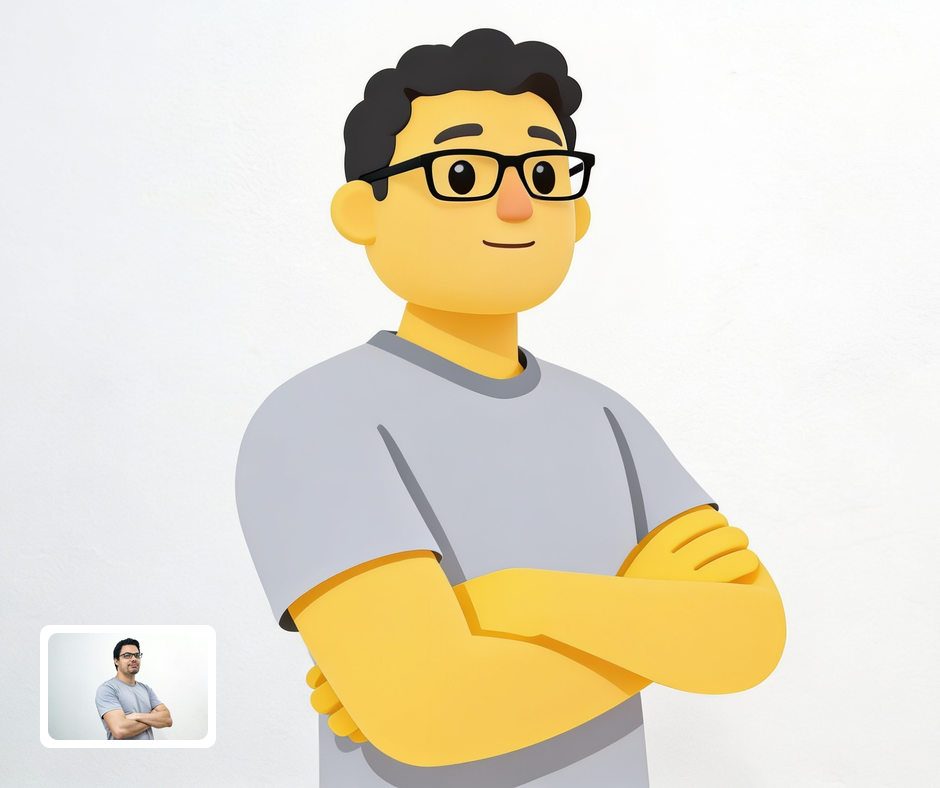
Fun Profile Pictures
A flat emoji-person version of yourself makes a bright, friendly avatar that stays perfectly legible even at small sizes. It gives you a recognizable identity — your hair, your outfit, your pose — without putting an actual photo of yourself online. The bold simple shapes stand out against ordinary photo avatars. It works equally well for personal and community profiles.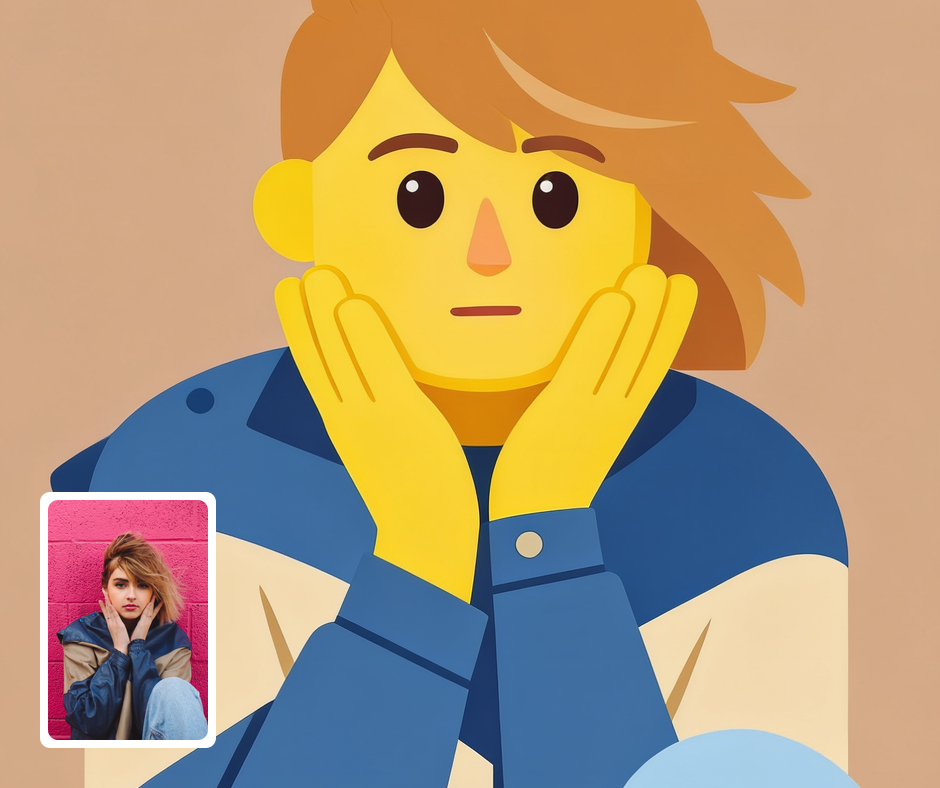
Playful Social and Brand Content
The emoji look is instantly familiar, which makes it useful for lighthearted posts, announcements, and campaign graphics. Bright flat emoji people read clearly even in a crowded feed. Brands can use it to give a friendly, approachable face to a message. It sets a playful tone in a single image.
Transform Your Photos
Explore More AI Image Filters
Frequently Asked Questions
What is the AI Emoji filter?
The Emoji filter turns your photo into a flat 2D emoji-person illustration, drawn in the style of the large human emoji on Apple and Google phones. Your skin and hands become solid canary yellow, and your face is redrawn with the classic emoji look — simple oval eyes, thin curved brows, and a small mouth set to match your expression. Your real hairstyle, outfit, and pose are kept and redrawn as clean flat shapes, so the character still clearly reads as you. The whole thing is flat vector art with crisp edges and no photorealistic shading.
Does it keep my hair and outfit?
Yes. Unlike a plain yellow smiley, this filter keeps your actual hairstyle, facial hair, glasses or hat, and clothing, redrawing each one as flat shapes of solid color with just enough detail to stay recognizable. Your outfit keeps its real colors, and your pose — including where your arms and hands are — is preserved and drawn in yellow. It matches the framing of your photo too, so a waist-up shot becomes a waist-up emoji person. Only your skin turns emoji yellow.
How do I use the Emoji filter?
Upload your photo and Patternful.ai produces the emoji-person version in seconds. There is nothing to draw, pick, or adjust yourself. Download the finished illustration at full resolution once it is ready. Try a few photos to see which pose and expression translate best.
What about privacy? Are my photos safe?
Yes, your images are safe with us. Patternful.ai prioritizes user data safety. Your images are always private, proprietary, and they remain your property. All your uploaded images are automatically deleted from our servers after a few hours.