Ink Splash Filter
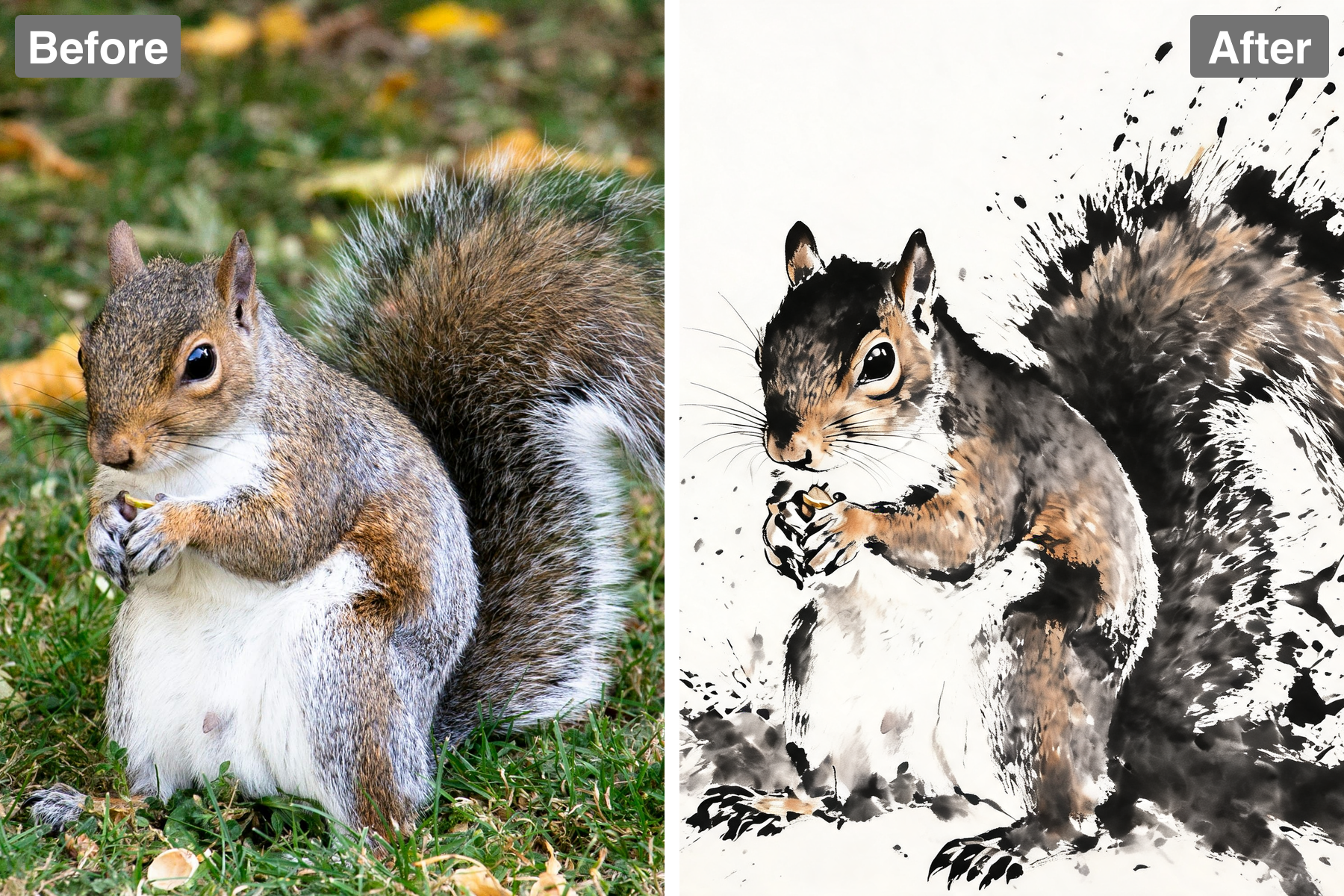
Turn photos into ink splatter art. AI dissolves your subject into flying droplets and sweeping brush marks for an energetic, dramatic result.
Ink Caught in Mid-Air
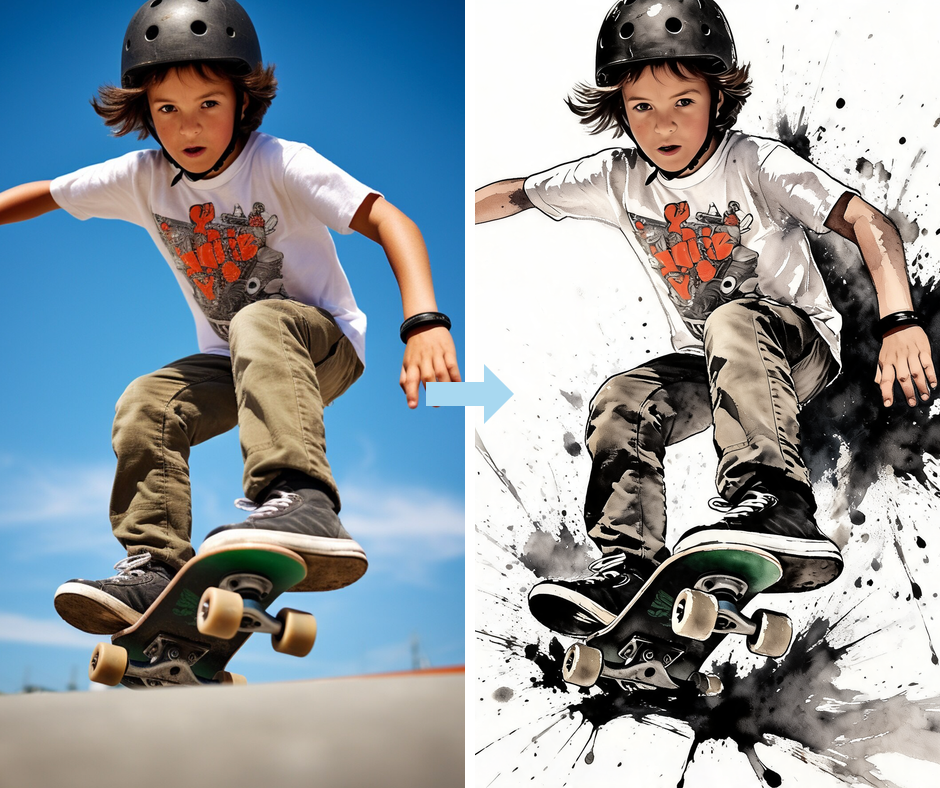
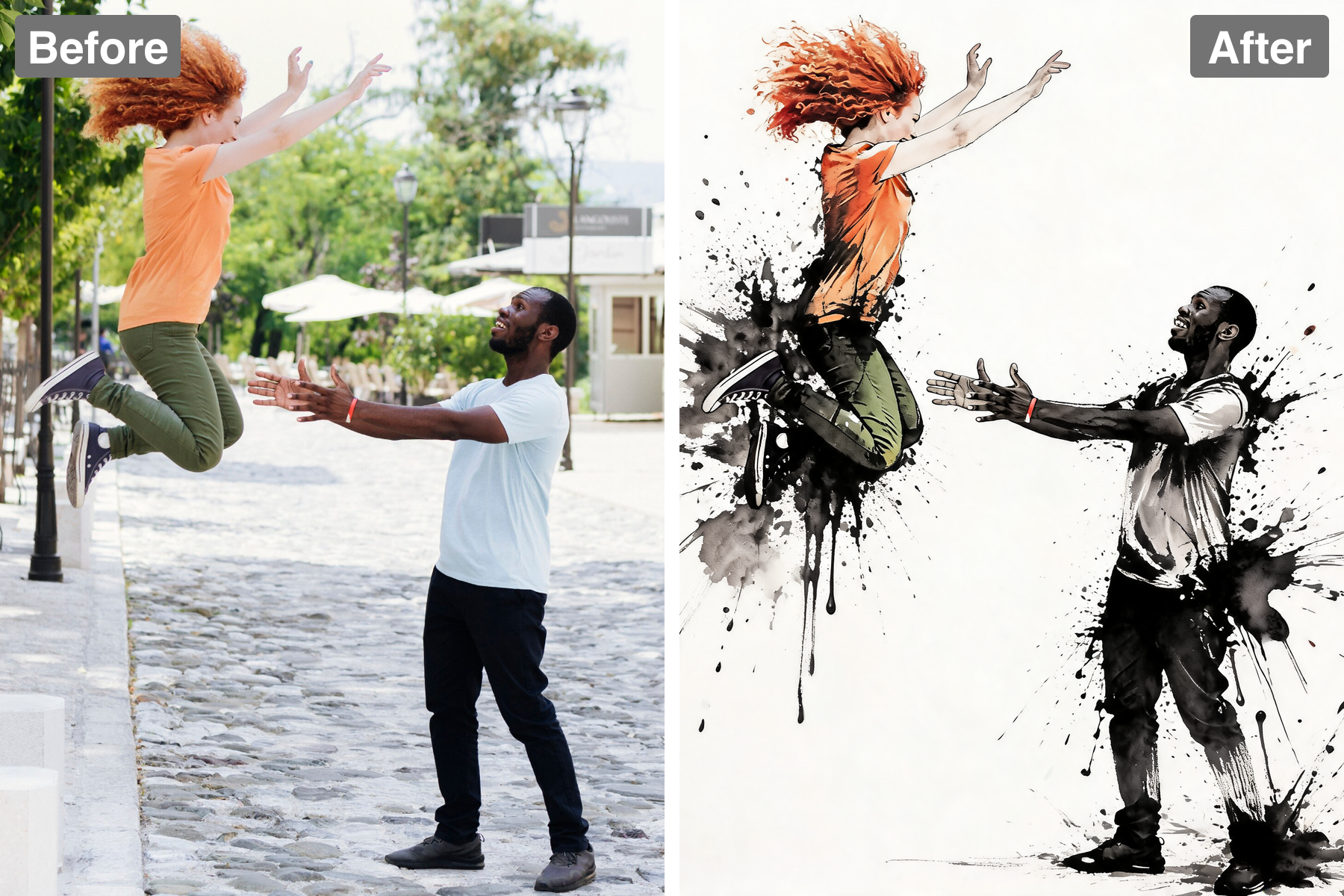
The filter renders splatters, streaks, and droplets as though ink had just been thrown at the paper and frozen in flight. Larger droplets carry wet glossy highlights so the surface still looks freshly painted. Fine atomized spray fills the space between the bigger marks. The effect is kinetic rather than decorative.
Sharp Subject, Dissolving Edges
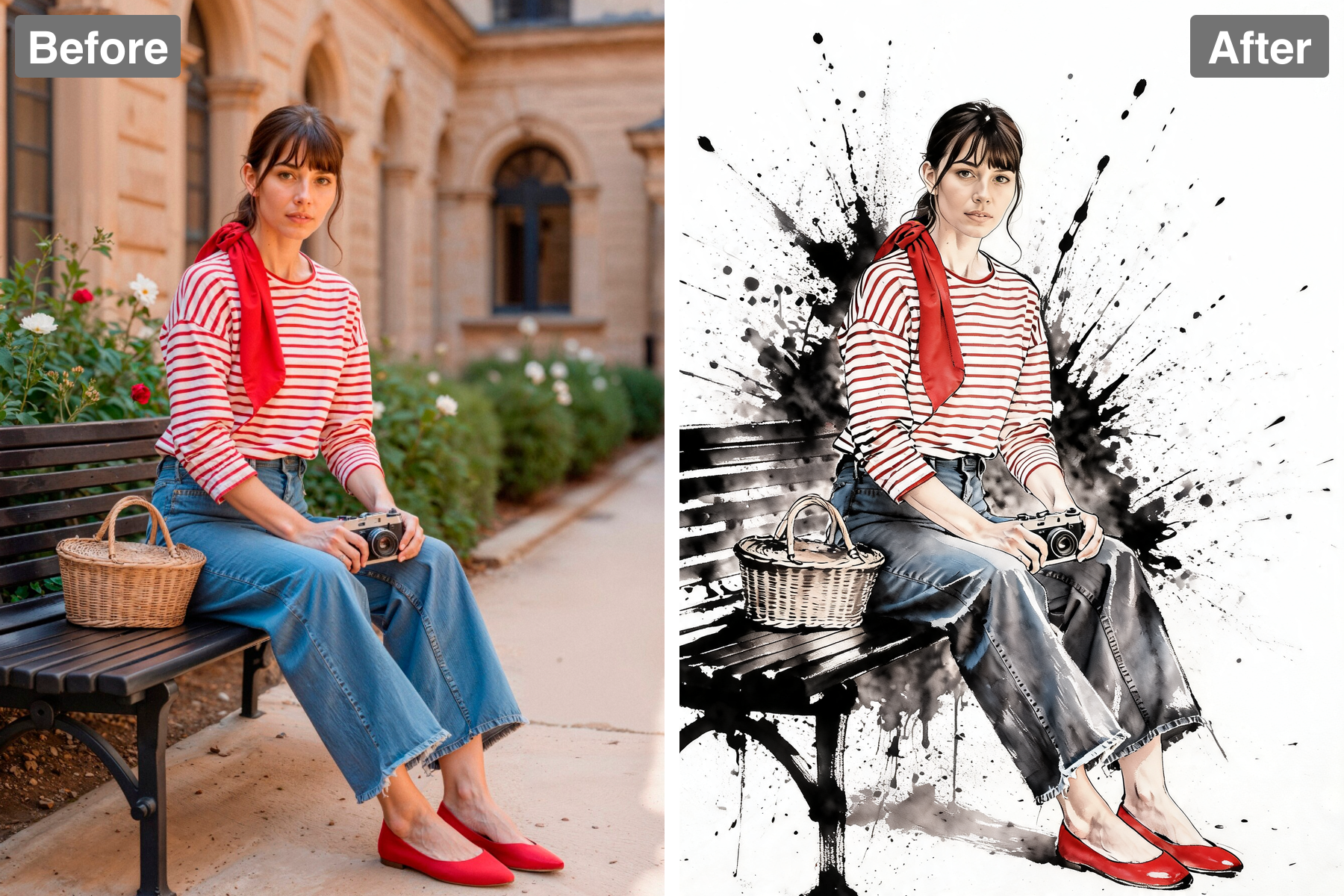
The core of your subject is kept solid and readable while the outer edges break apart into scattered specks. That contrast is what gives the style its sense of explosive motion. Your photo never gets lost inside the splatter. Viewers read the subject first, then the energy around it.
Bold Black with Vivid Accents
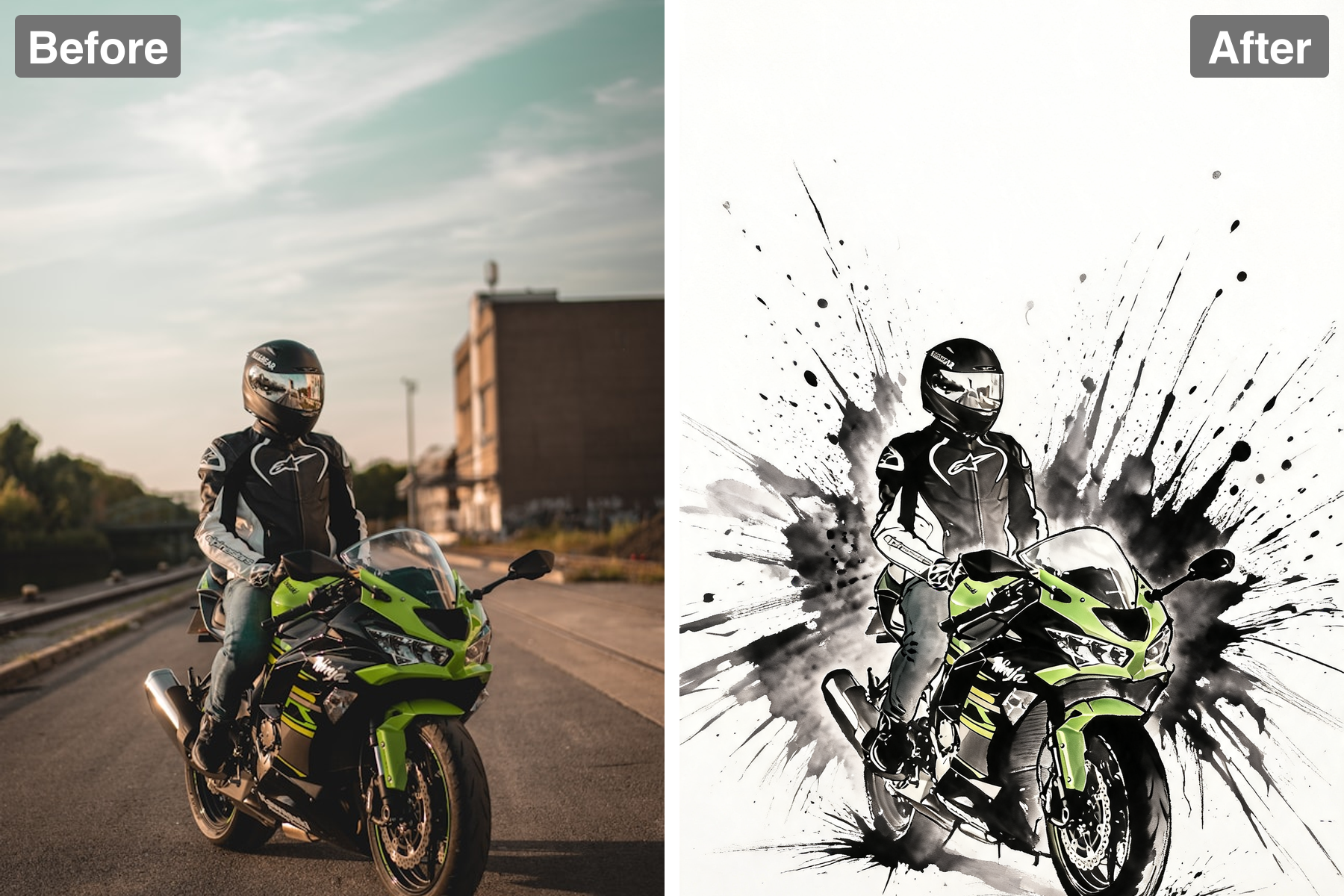
Dense black ink provides the structure while bright accent colors bleed through the splashes for punch. Generous white paper keeps the composition from becoming muddy. The limited palette makes the artwork reproduce well in print and on screen. It stays graphic at any size.
Instant, Effortless Results
One upload produces a finished piece of splatter artwork in seconds at full resolution. No brushes, no masking, and no editing experience are needed. You can iterate through several photos quickly to find the strongest result. Every download is ready to post or print.
Discover the Possibilities
Explosive Ink Splash Artwork from Your Photos
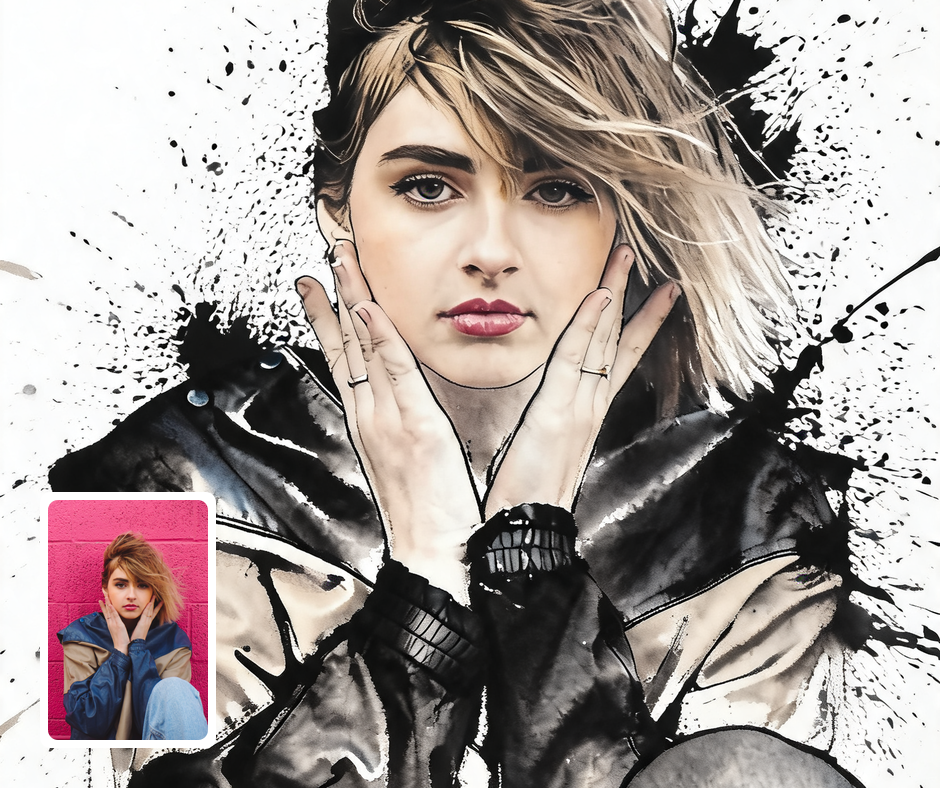
Posters and Event Graphics
Splashed ink has an energy that suits gig posters, sports promos, and dance or fitness campaigns. The dynamic edges give a static photo an immediate sense of motion. Bold black with vivid accent color reads clearly even from across a room. It is a fast way to make promotional artwork feel designed rather than snapped.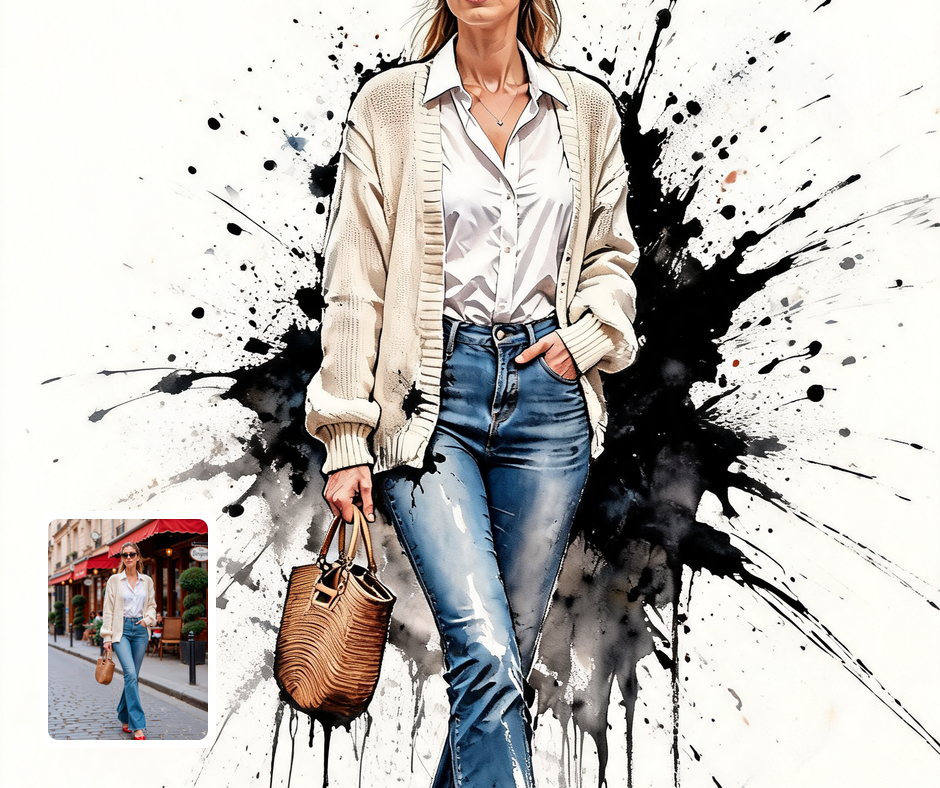
Sports and Fitness Content
Turn training photos and match-day shots into artwork that captures the intensity of the moment. The flying droplets and streaks amplify whatever movement is already in the frame. Clubs and coaches can build a consistent visual identity across a whole season of images. Athletes get shareable content that looks far more striking than a plain photo.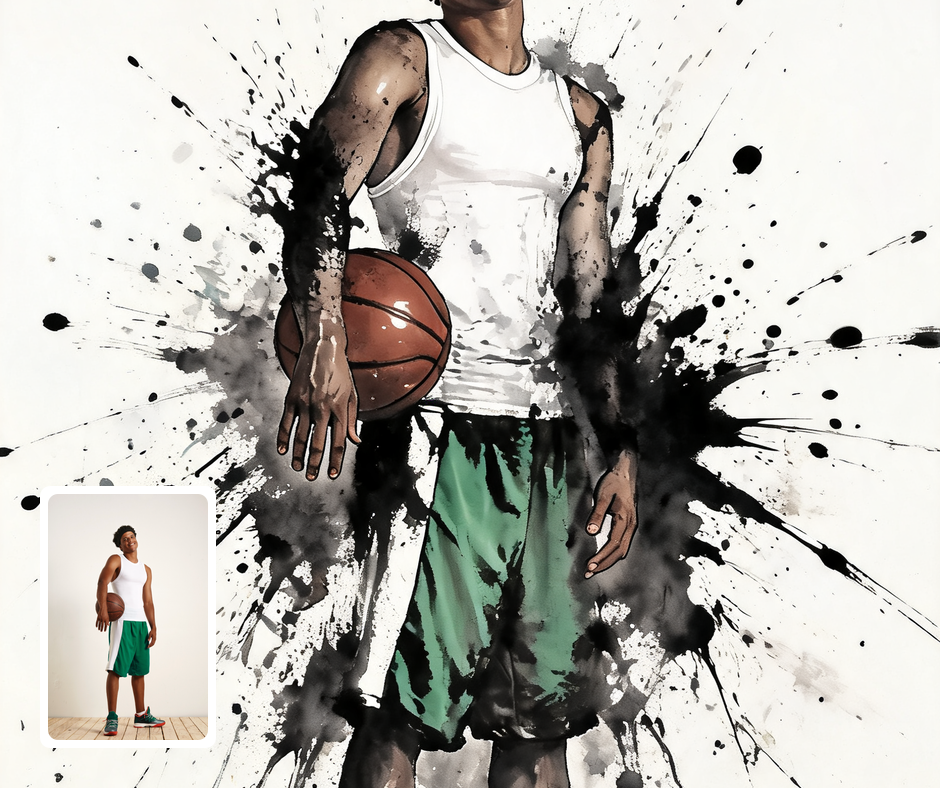
Album Art and Creative Projects
The style has an expressive, slightly raw quality that suits music covers, zines, and personal art projects. Each image comes out with its own unrepeatable pattern of splatter and drip. That unpredictability is part of the appeal and keeps a series feeling hand-made. It is an easy way to get a distinctive look without hiring an illustrator.
Transform Your Photos
Explore More AI Image Filters
Frequently Asked Questions
What is the AI Ink Splash filter?
The Ink Splash filter rebuilds your photo as an explosive piece of splattered ink artwork. Your subject is painted with bold expressive brushwork, then its edges burst apart into flying droplets, streaks, and running drips. Dense black ink forms the base while vivid accent colors bleed through the splashes against clean white paper. The centre of the subject stays sharp while the outer edges dissolve into fine spray.
Which photos work best with the Ink Splash filter?
Action shots, portraits, dancers, athletes, and animals in motion suit the style best because the splatter reinforces the sense of movement. A clear subject against a simple background gives the ink the most room to explode outward. Strong contrast helps the AI decide which areas to keep solid and which to break apart. Busy backgrounds still work but leave less open space for the splashes.
How do I use the Ink Splash filter?
Upload your photo and Patternful.ai applies the transformation automatically in seconds. There is nothing to paint, mask, or configure yourself. Download the finished artwork at full resolution when it is ready. Run several photos through to find the one whose motion the splatter flatters most.
What about privacy? Are my photos safe?
Yes, your images are safe with us. Patternful.ai prioritizes user data safety. Your images are always private, proprietary, and they remain your property. All your uploaded images are automatically deleted from our servers after a few hours.