Big Eye Toon Filter
Get the big-eyed cartoon look. AI enlarges your eyes and softens your features into an adorable, expressive animated character portrait.
Eyes That Steal the Show
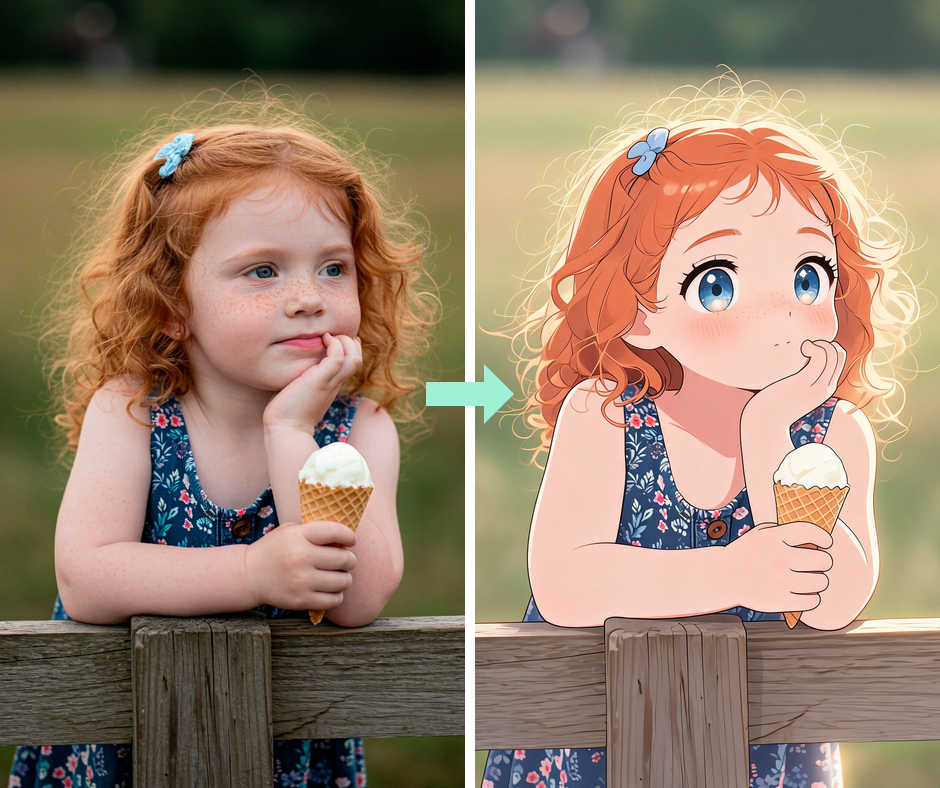
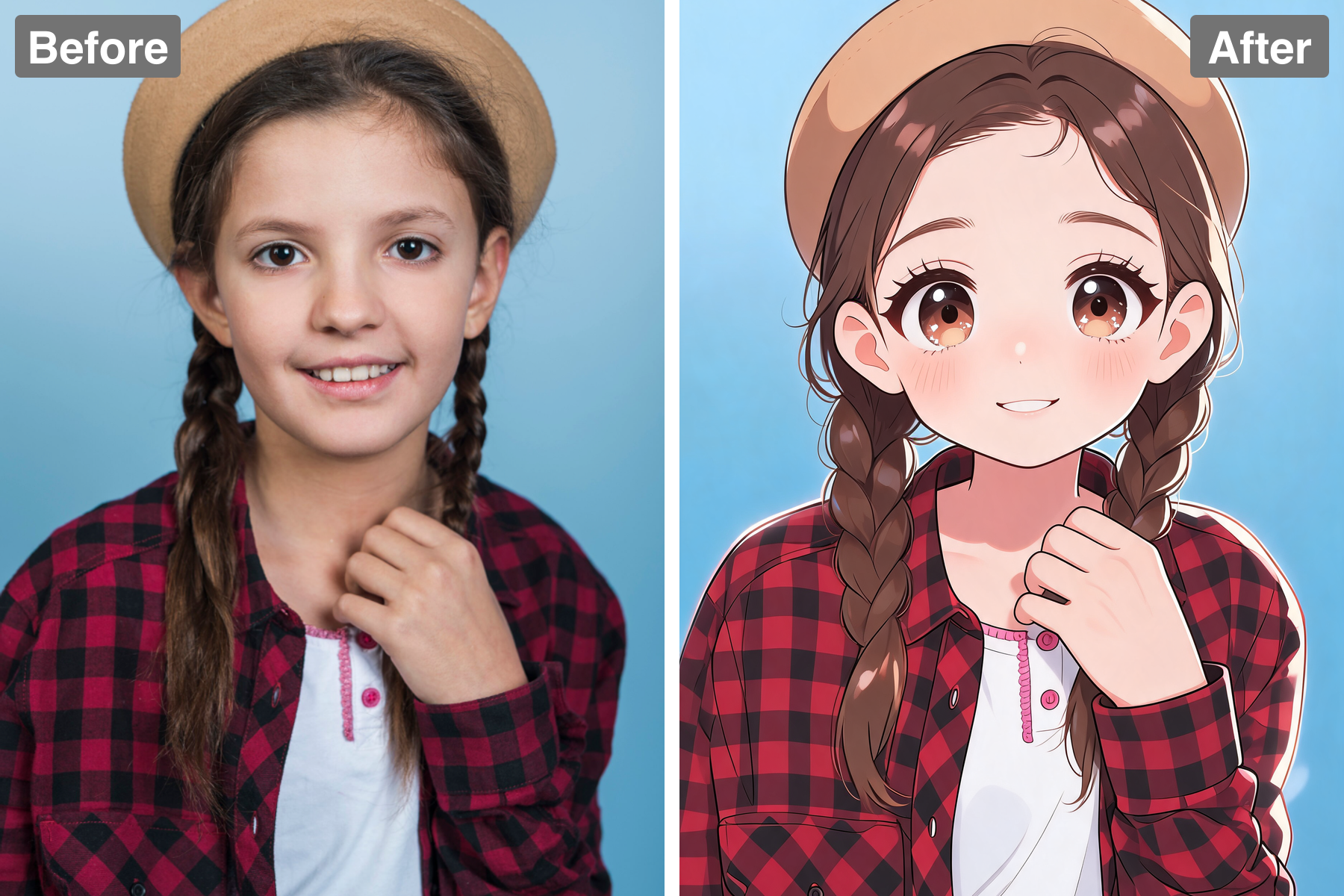
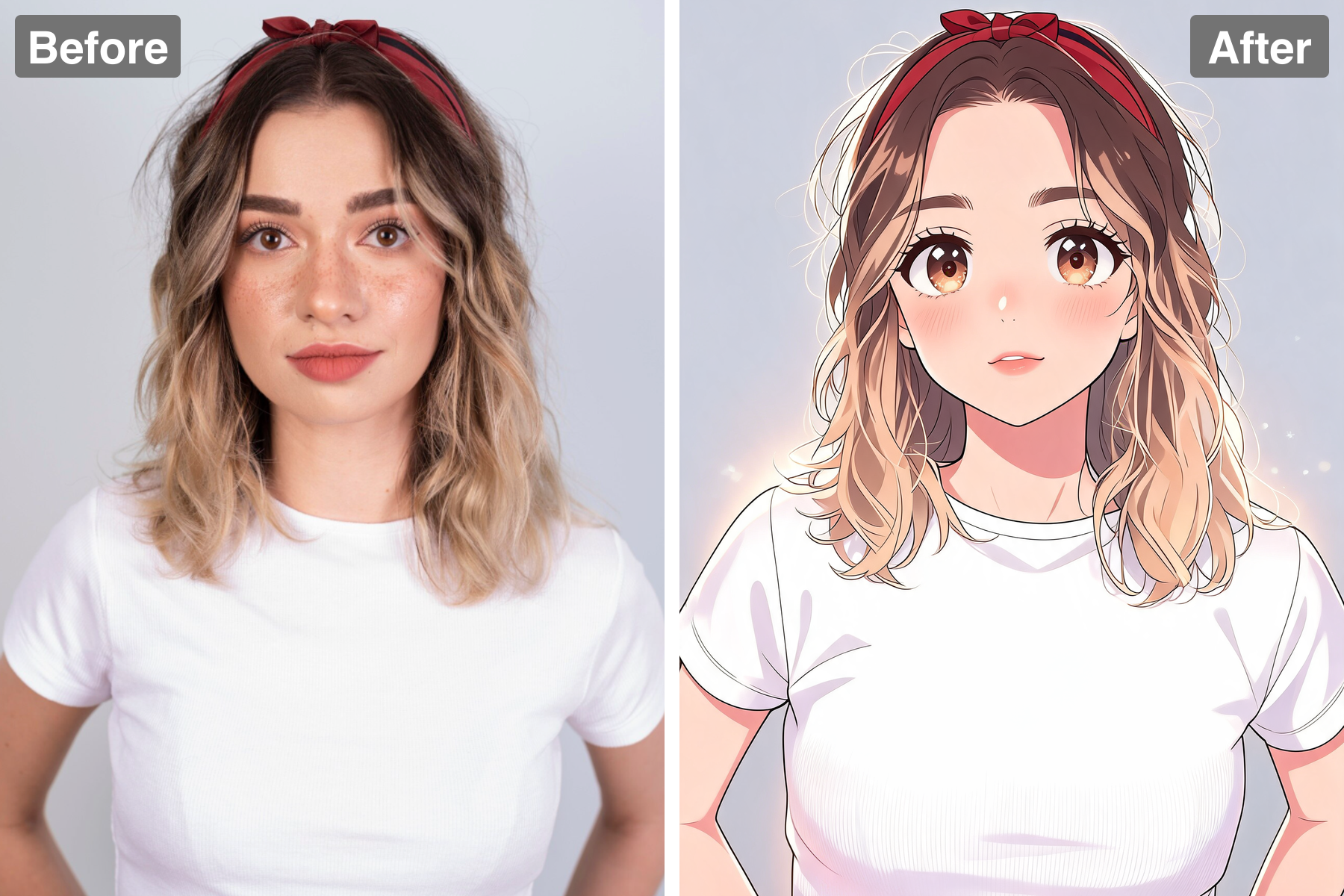
The eyes are enlarged to dramatic proportions and filled with layered gradients and multiple sparkling highlights. That glossy detail is what gives the style its charm and emotional pull. Everything else in the face is simplified so the eyes stay dominant. The result is instantly appealing.
Soft, Clean Cartoon Linework
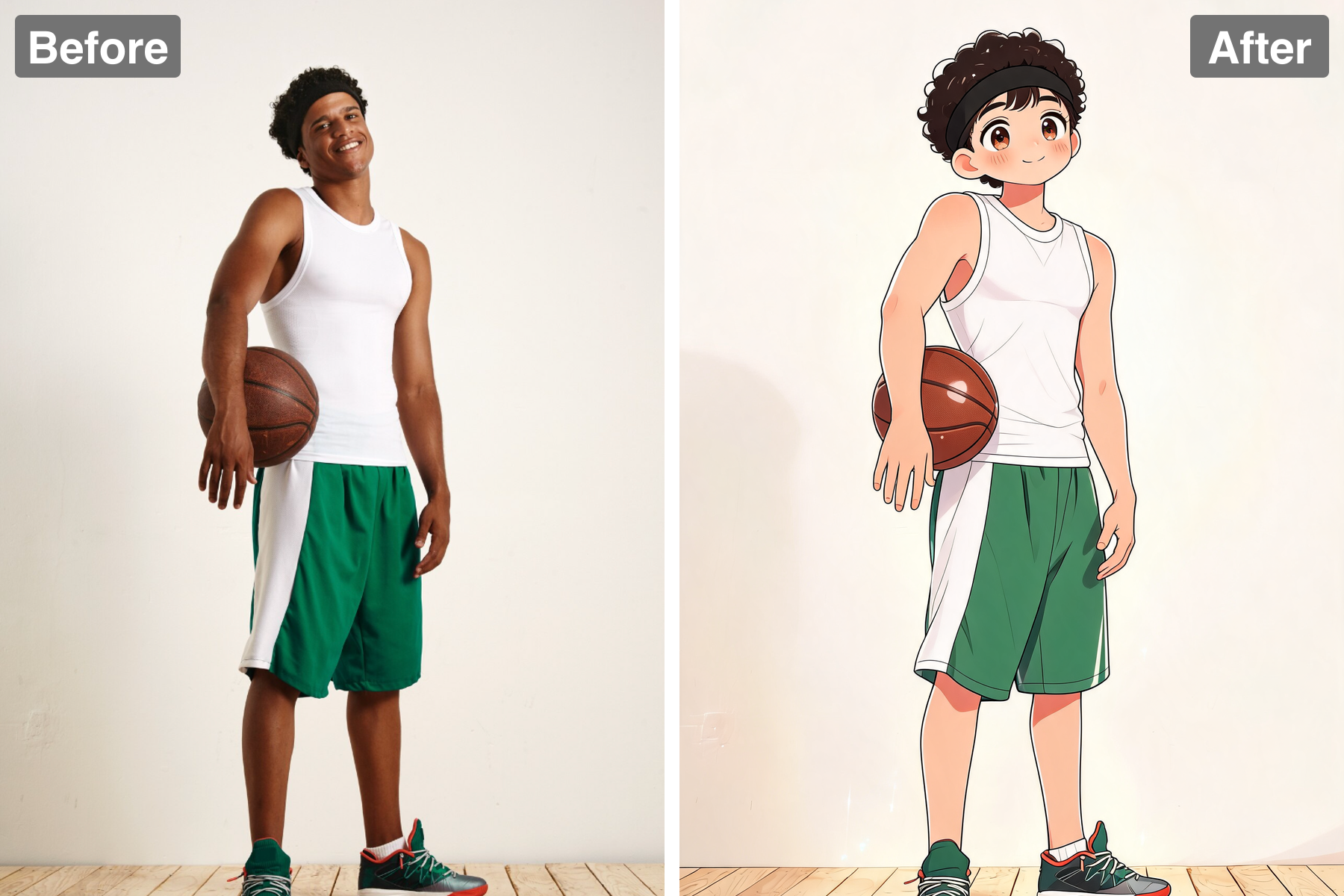
Features are drawn with confident clean lines and finished with smooth gentle cel shading rather than heavy rendering. Faces come out soft and rounded with a sweet, approachable quality. There is no photographic texture left to muddy the look. Everything stays crisp and readable.
Warm Pastel Palette
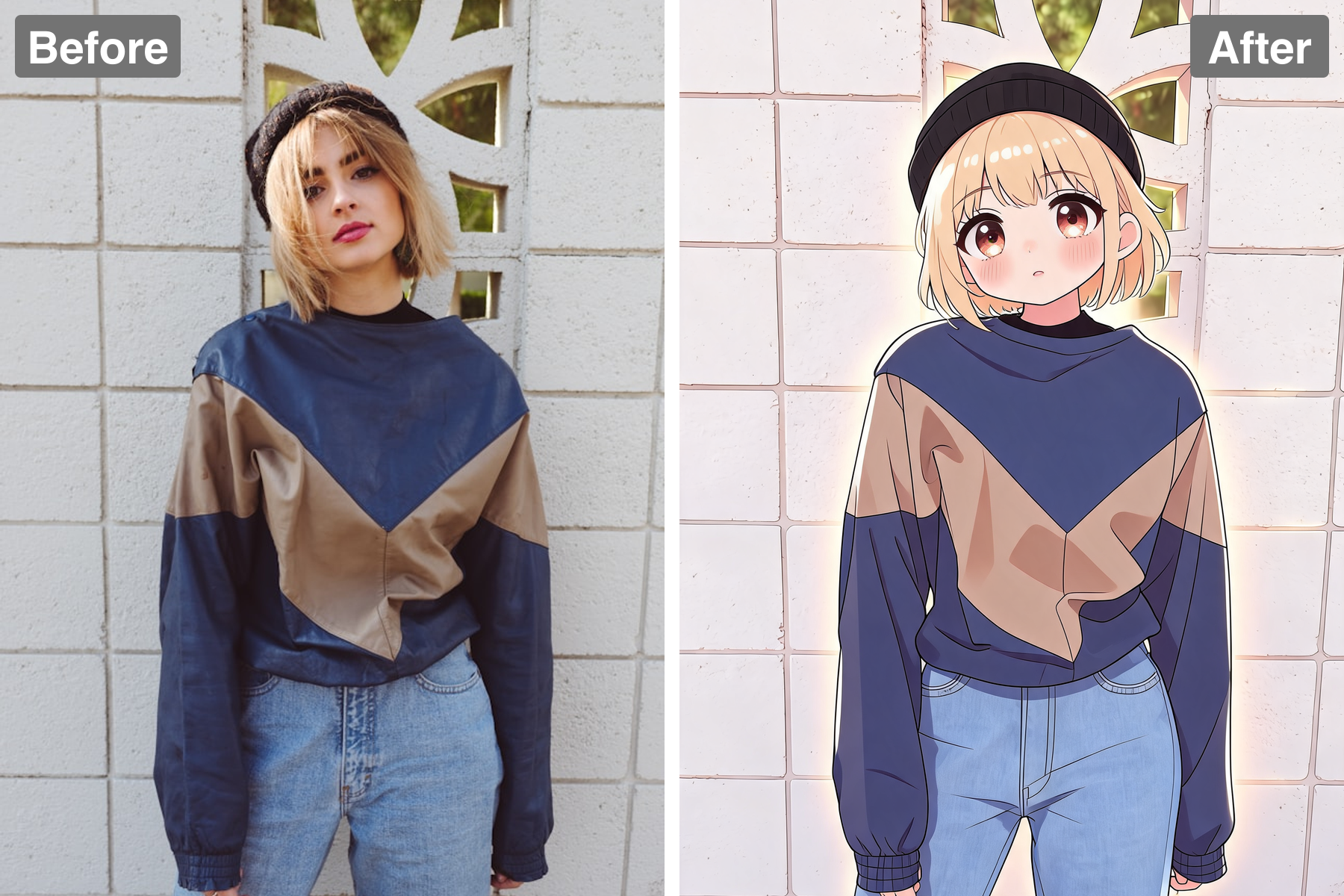
Peachy skin tones, warm blush across the cheeks and nose, and glossy highlights in the hair keep the image bright and inviting. A soft rim light and faint glow around the subject add a storybook finish. The palette is gentle rather than harsh or oversaturated. It feels illustrated by hand.
You, Still Recognizable
Your hairstyle, clothing, and expression are carried through into the cartoon so the character still reads as you. The simplification never erases the details that identify a person. That balance keeps the portrait personal rather than generic. People recognize the subject right away.
Discover the Possibilities
Adorable Big-Eyed Cartoon Portraits
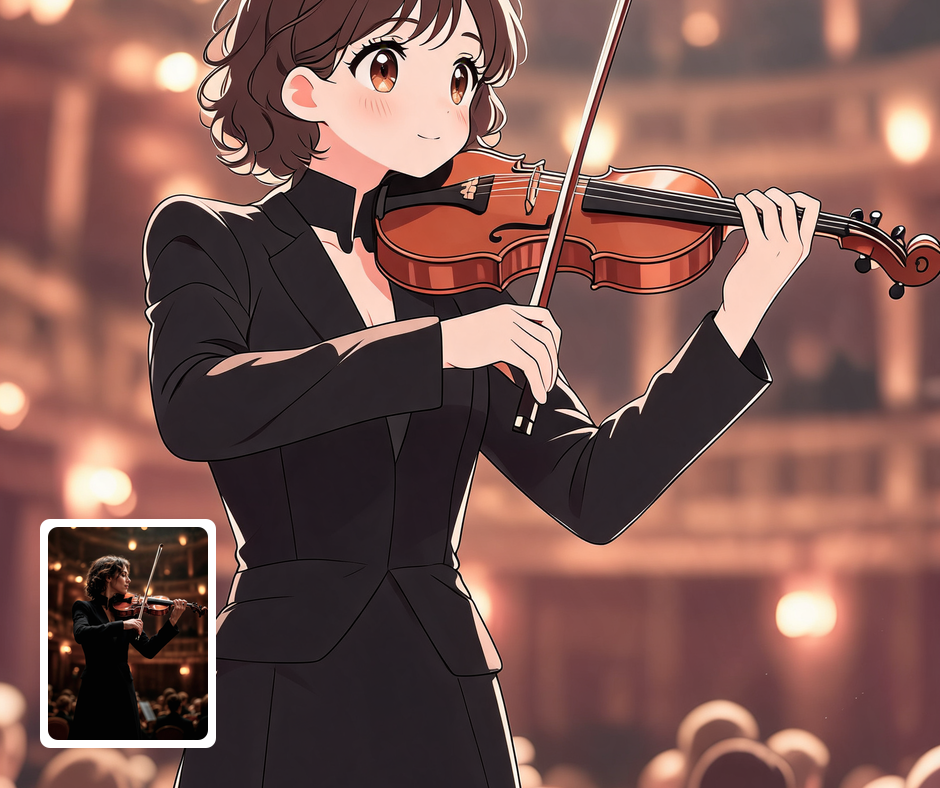
Cute Profile Pictures
Big sparkling eyes read clearly even when an avatar is scaled down to a tiny circle. The style gives you a warm, approachable profile picture that stands out from ordinary photos. It works across social platforms, forums, and chat apps. You get a recognizable look without posting a straight photo of yourself.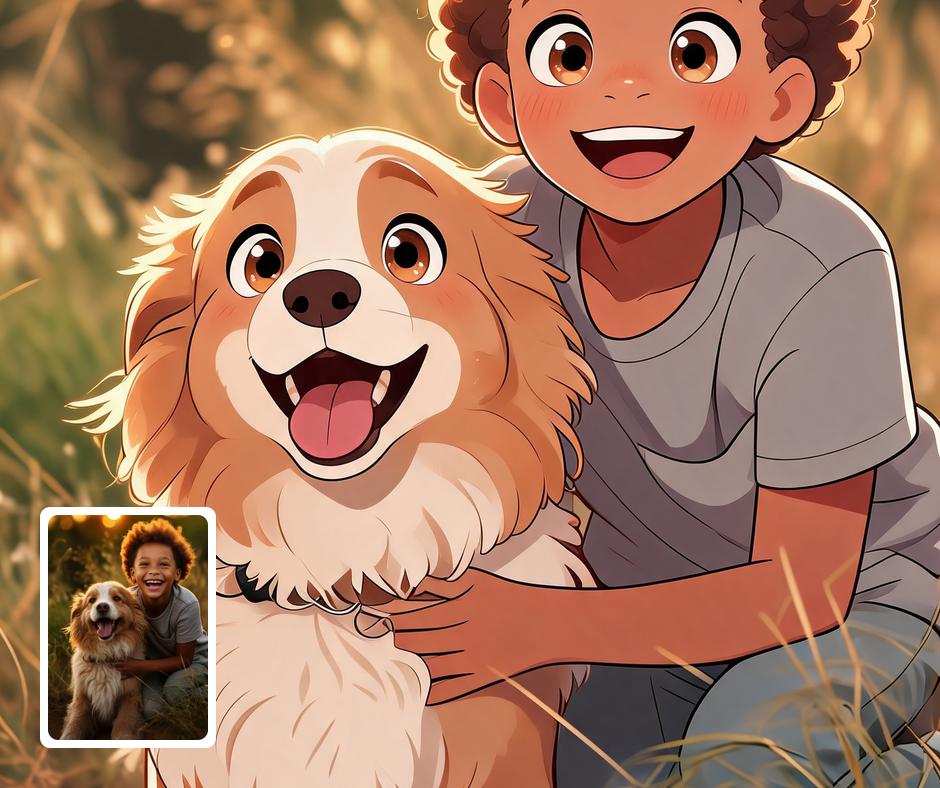
Gifts and Keepsake Prints
A sweet cartoon portrait of a child, partner, or pet makes a lovely card, print, or mug. The soft pastel palette suits nursery decor and family keepsakes particularly well. It is the kind of gift that feels personal without being expensive. Recipients tend to keep it on display.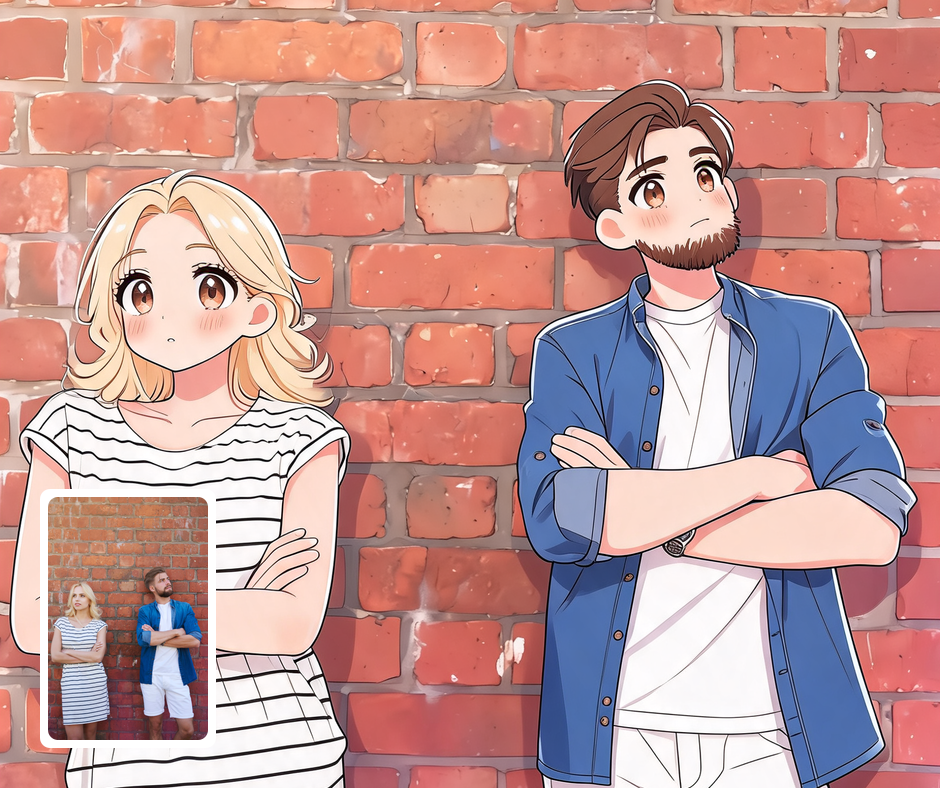
Character and Sticker Design
The clean linework and simplified features make a solid starting point for original characters and sticker packs. Because the style is so graphic, it holds up when reduced to small sizes. Creators can generate a consistent cast from a set of reference photos. It saves considerable time at the concept stage.
Transform Your Photos
Explore More AI Image Filters
Frequently Asked Questions
What is the AI Big Eye Toon filter?
The Big Eye Toon filter redraws your photo as a cute cartoon character with dramatically oversized, glossy eyes. Those eyes are filled with layered color gradients and multiple sparkling highlights so they become the clear focal point of the face. Everything else is simplified into a small nose, a tiny sweet mouth, and a soft rounded face with clean linework and gentle cel shading. A pastel palette, warm blush, and a soft rim light finish the look.
Which photos work best with the Big Eye Toon filter?
Clear portraits where the face is well lit and looking toward the camera give the best results, since the style is built around the eyes. Head-and-shoulders framing works better than distant full-body shots. Photos where the eyes are open and unobstructed by hair, glasses, or shadow translate most cleanly. Pets and children also come out especially well in this style.
How do I use the Big Eye Toon filter?
Upload your photo and Patternful.ai applies the cartoon transformation in seconds. No drawing skill or manual retouching is needed on your part. Download the finished character at full resolution when it is ready. Try a couple of portraits to see which expression suits the style best.
What about privacy? Are my photos safe?
Yes, your images are safe with us. Patternful.ai prioritizes user data safety. Your images are always private, proprietary, and they remain your property. All your uploaded images are automatically deleted from our servers after a few hours.