JoJo Filter
Strike a pose. AI redraws your photo in that flamboyant manga style, with dramatic shading, bold outlines, and larger-than-life theatrical energy.
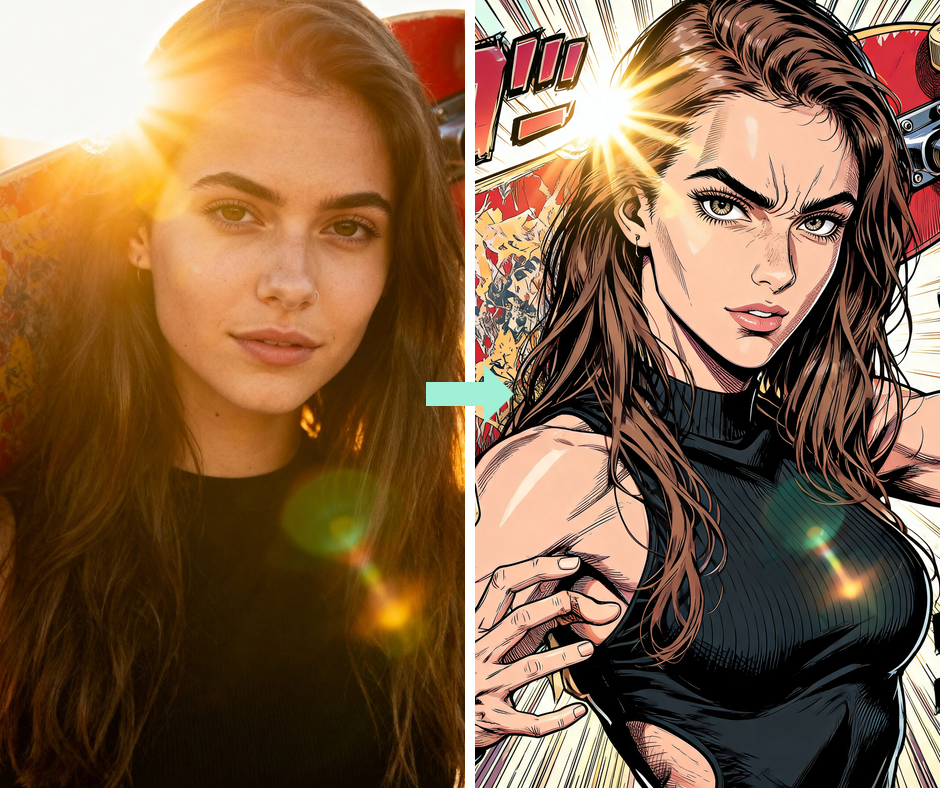
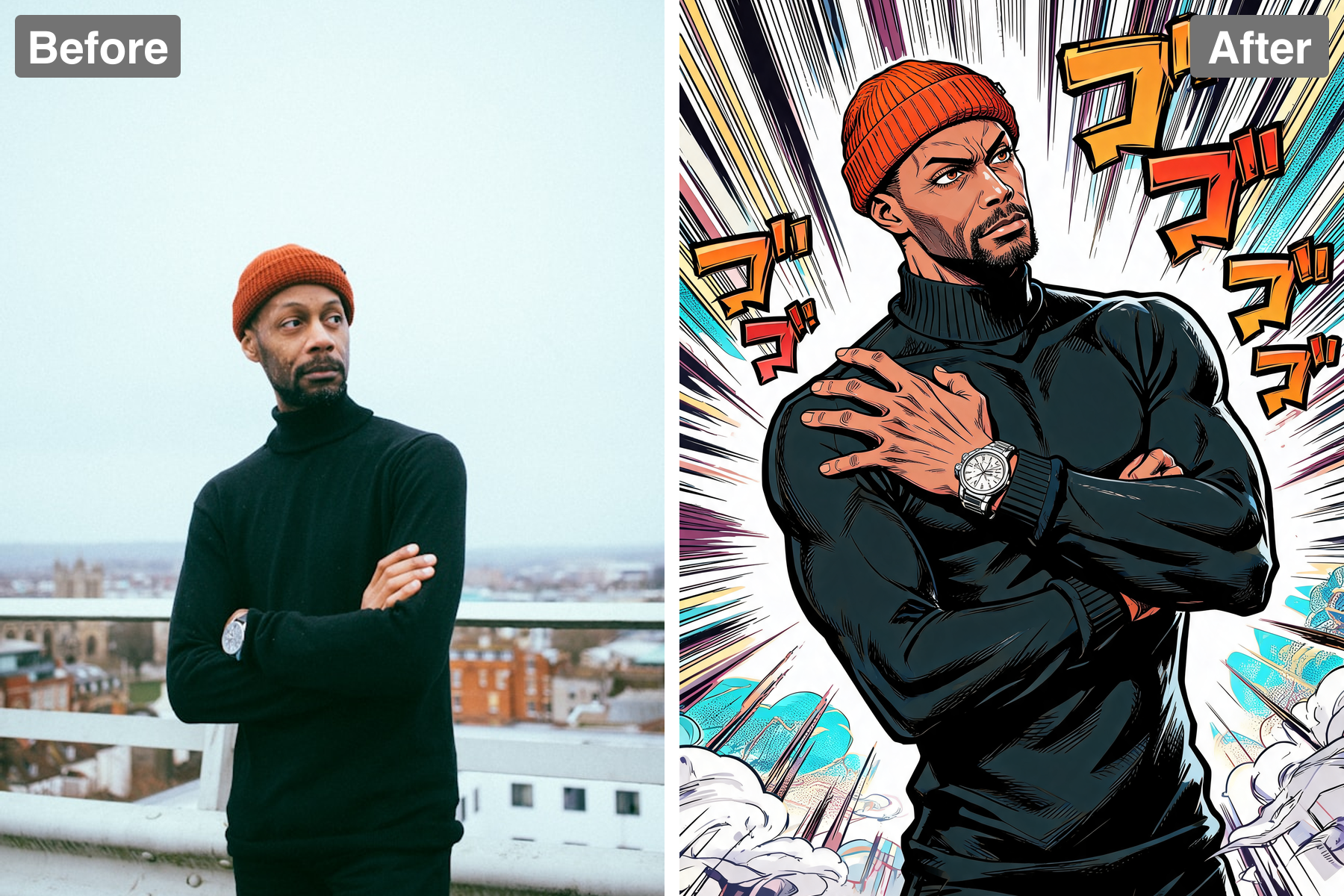
Authentic Manga Linework
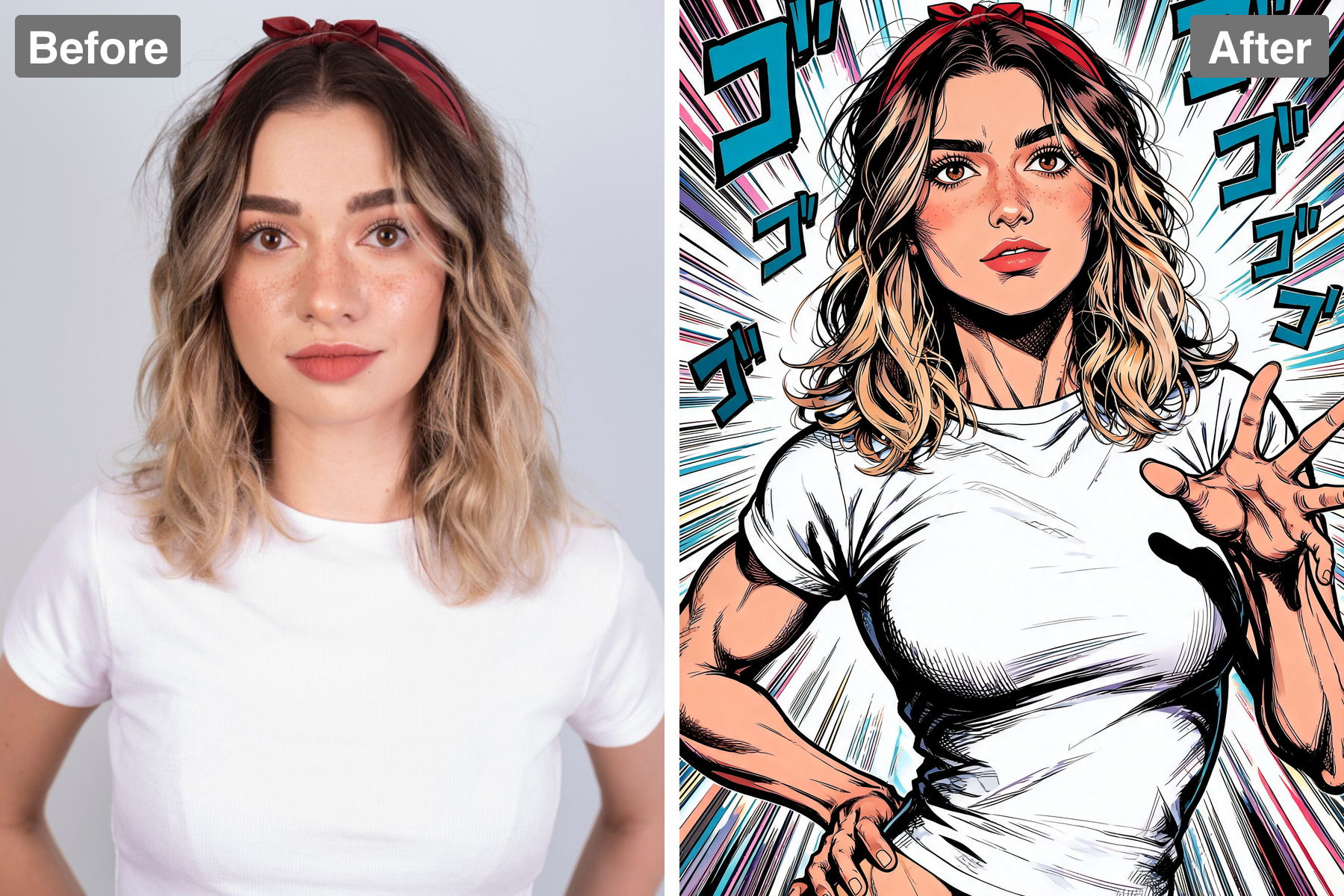
The filter reproduces the heavy confident ink outlines, sharp angular features, and dense cross-hatching that define the style. Screentone fills the mid-tones just as it would on a printed manga page. Shading is hard-edged rather than soft and photographic. The result looks drawn and inked, not filtered.
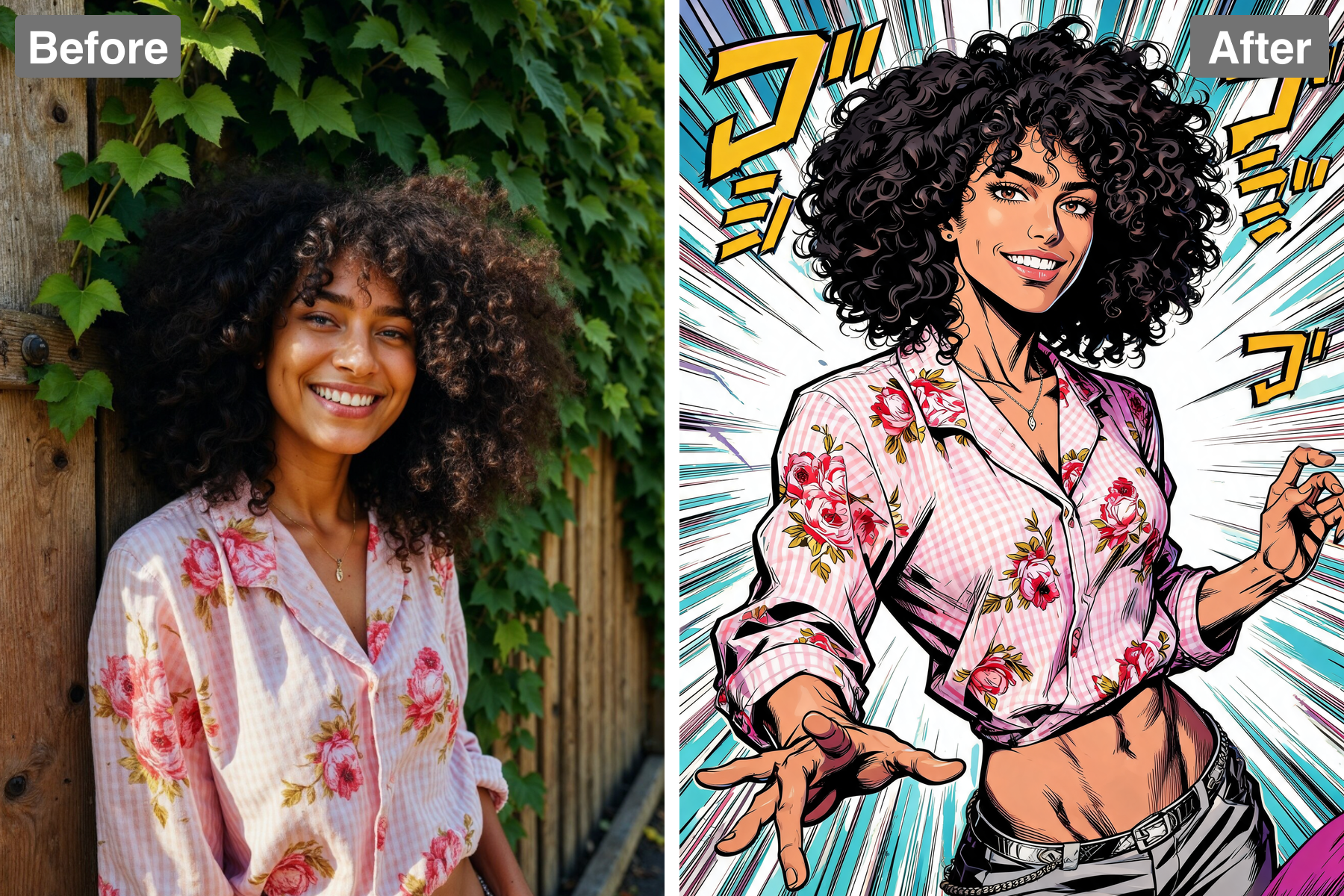
Flamboyant Poses and Fashion
Your pose is pushed into something far more theatrical, complete with extravagant fashion-forward clothing covered in ornate geometric patterns, jewelry, and belts. This over-the-top styling is central to the look rather than an optional extra. Every image comes back with real swagger. It turns an ordinary photo into a character reveal.
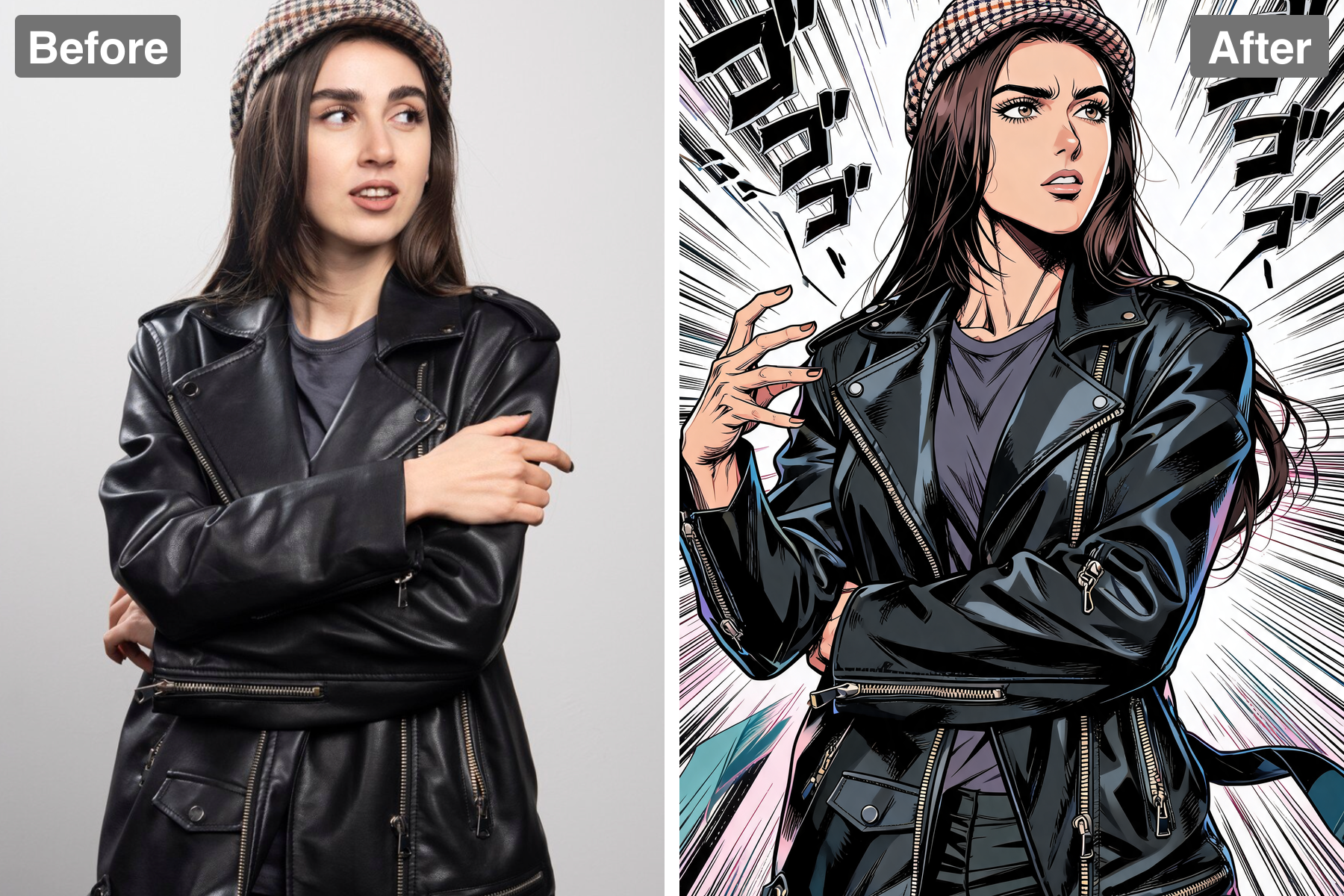
Striking Stylized Color
Deep purples, golds, teals, and hot pinks are applied with deliberately unnatural color choices, exactly as the source material does. Dramatic spotlight lighting and stark rim highlights add to the theatricality. Radiating speed lines and a stylized aura frame the subject. The palette is instantly recognizable to fans.
Your Likeness, Kept Intact
However far the styling is pushed, your face stays recognizable underneath the ink and shading. The AI keeps your features, hair, and expression while restyling everything around them. That balance is what makes the result feel like you rather than a generic character. Friends spot you immediately.
Discover the Possibilities
Step Into the World of Bizarre Manga Style
Anime and Manga Fan Art
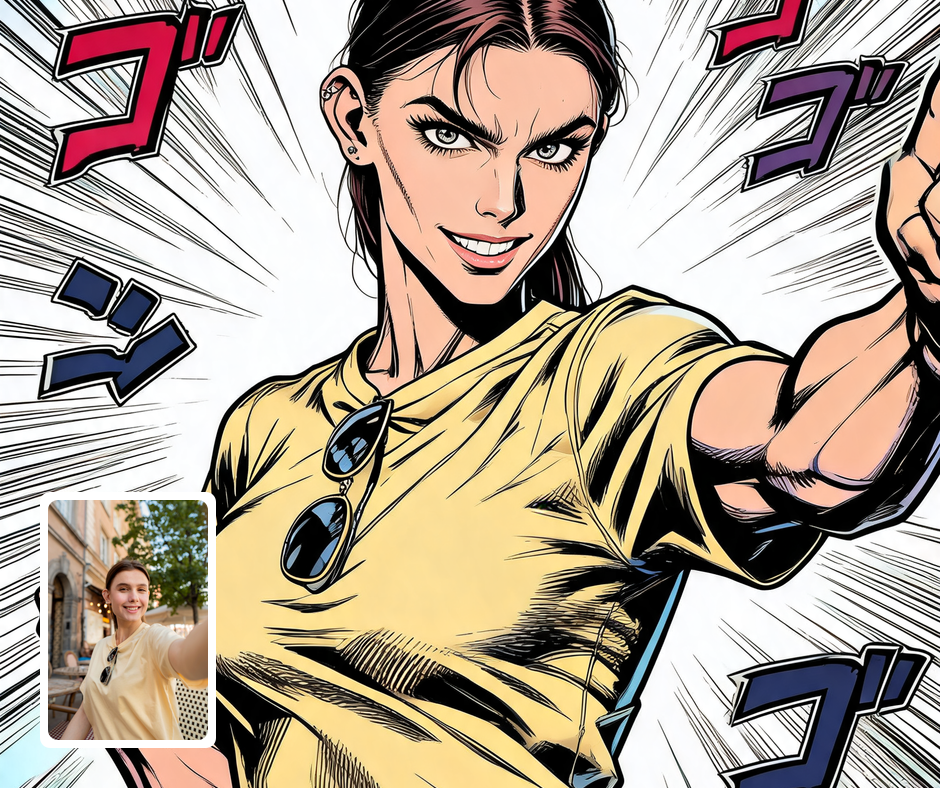
Put yourself, your friends, or your original characters into one of the most recognizable art styles in manga. The bold linework and stylized palette make any photo look like a published panel. It is a favorite for fan accounts, cosplay posts, and convention prints. No drawing skill is required to get a convincing result.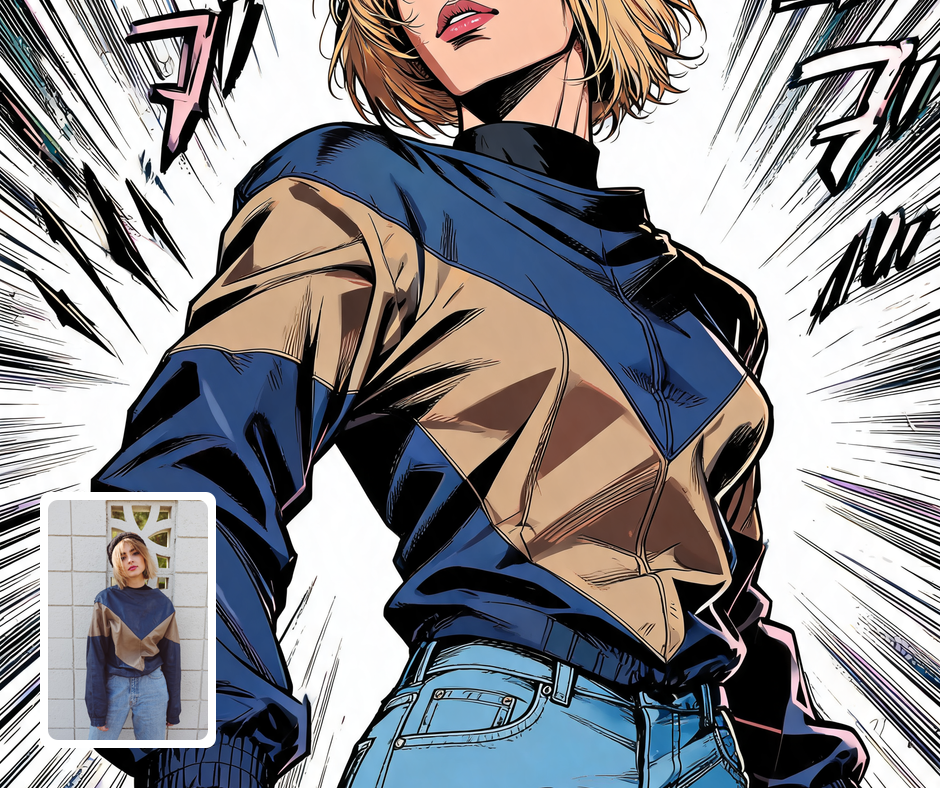
Profile Pictures and Gaming Avatars
The high-contrast ink style stays legible even when scaled down to a small avatar. A dramatic pose and stylized aura make for a profile picture with real presence. Streamers and gamers can build a consistent character look across platforms. It stands out immediately against ordinary photo avatars.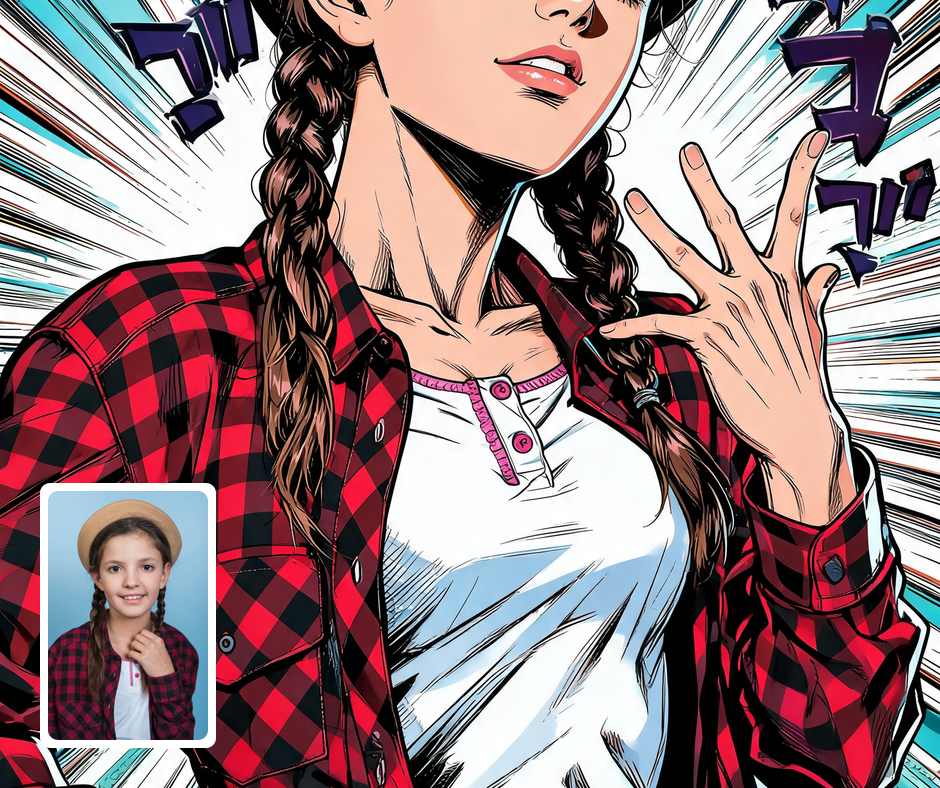
Prints, Posters, and Merch
The bold outlines and flat stylized colors reproduce cleanly on posters, shirts, and stickers. Because the style is so graphic, it holds up at both large and small print sizes. Fans can turn cosplay photos into merchandise-quality artwork. It also makes a memorable gift for anyone who knows the series.
Transform Your Photos
Explore More AI Image Filters
Frequently Asked Questions
What is the AI JoJo filter?
The JoJo filter redraws your photo in the bold, theatrical manga style made famous by JoJo's Bizarre Adventure. Your subject gets heavy ink outlines, sharp angular features, muscular exaggerated anatomy, and a flamboyant pose full of attitude. Shadows are built from dense cross-hatching and screentone, lit with dramatic spotlight contrast. Extravagant patterned clothing, jewelry, and a radiating aura complete the look.
Which photos work best with the JoJo filter?
Photos where you are standing, posing, or gesturing give the AI the most to work with, since the style is built around dramatic body language. Full-body and half-body shots translate better than tight close-ups. Clear lighting helps the cross-hatching and cel shading land where they should. Confident poses come back looking spectacular.
How do I use the JoJo filter?
Upload your photo and Patternful.ai applies the manga transformation in seconds. You do not need any drawing ability or knowledge of the style. Download the finished panel at full resolution once it is ready. Try a few poses to see which one the filter turns most dramatic.
What about privacy? Are my photos safe?
Yes, your images are safe with us. Patternful.ai prioritizes user data safety. Your images are always private, proprietary, and they remain your property. All your uploaded images are automatically deleted from our servers after a few hours.