Portal Travel Effect Filter
Step through a doorway to somewhere else. AI opens a glowing portal in your photo, with convincing edge light and a whole new world behind it.
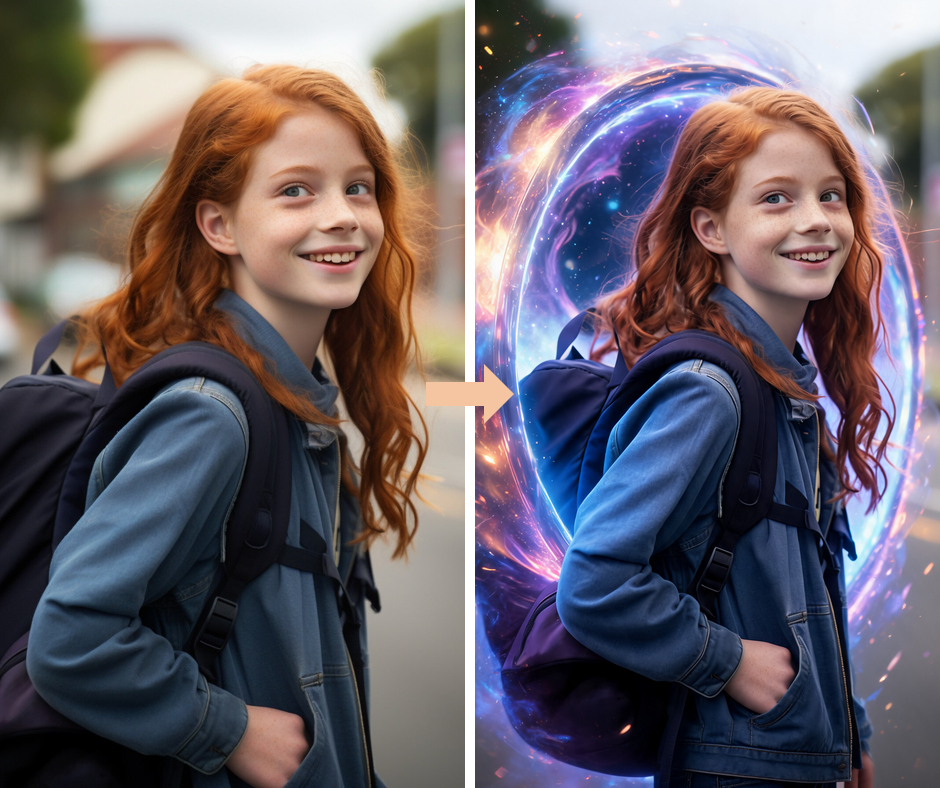
Swirling Energy Portal
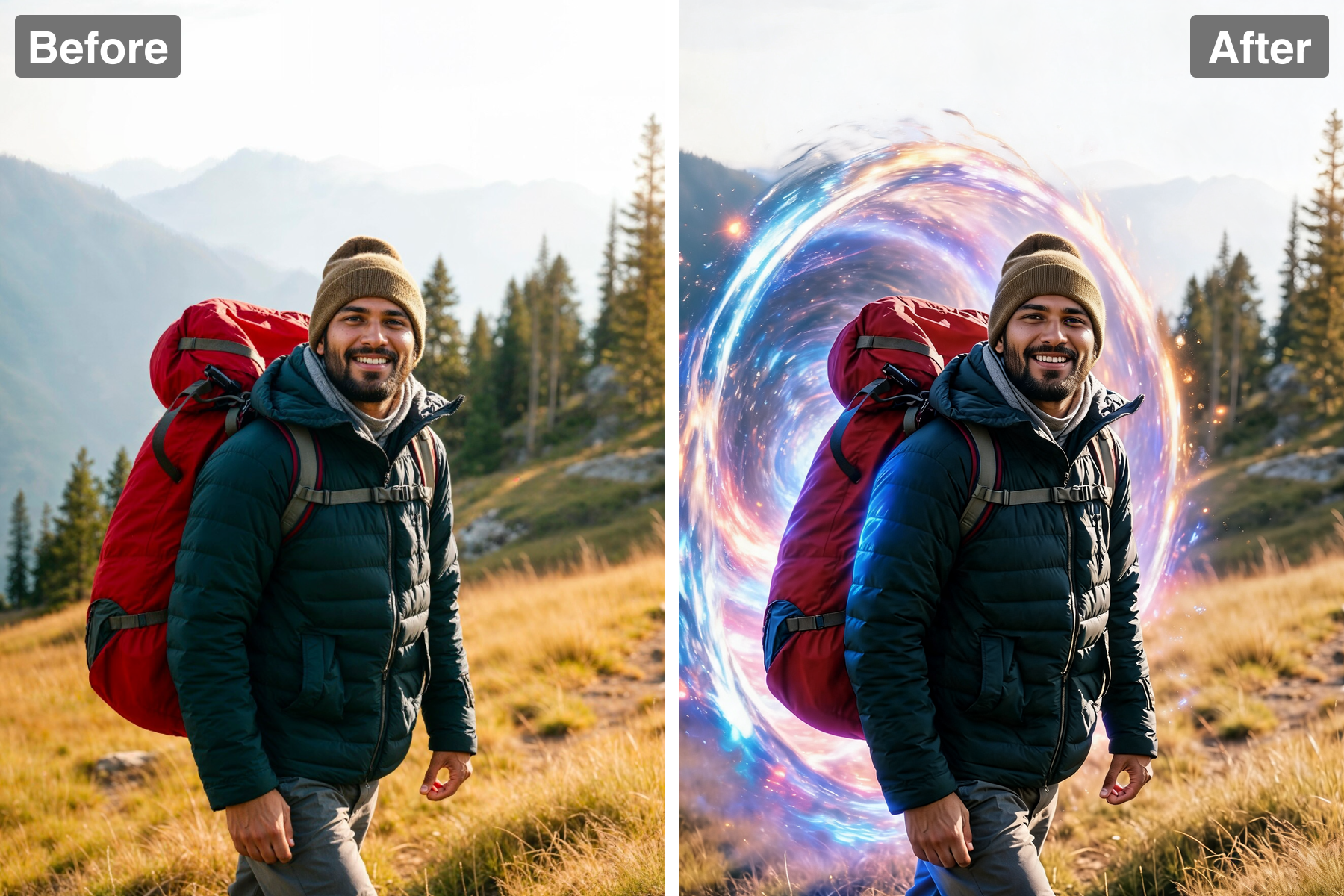
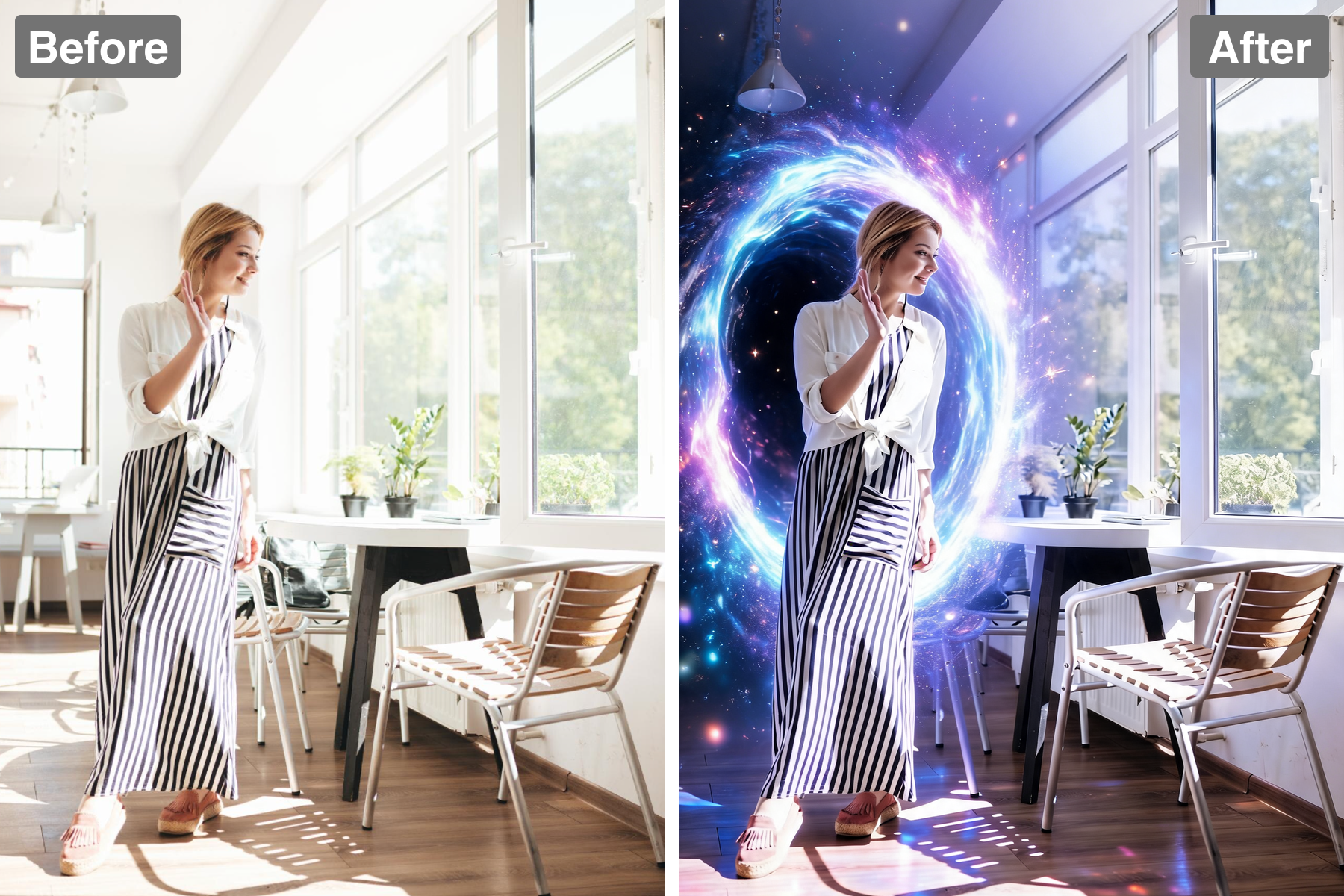
A glowing circular portal with a rippling rim of light, sparks, and drifting particles anchors the scene. The rim is the brightest element in the frame, with energy visibly circulating around its circumference rather than sitting static, so the gateway reads as active rather than painted on. The interior shows a different space entirely — another colour temperature, another light source — which is what makes it convincing as a passage rather than a hole. Particles drift outward and are drawn back toward the opening, implying a pull. Slight distortion warps the space immediately around the rim. It becomes the dramatic focal point of the image.
Emerging Subject
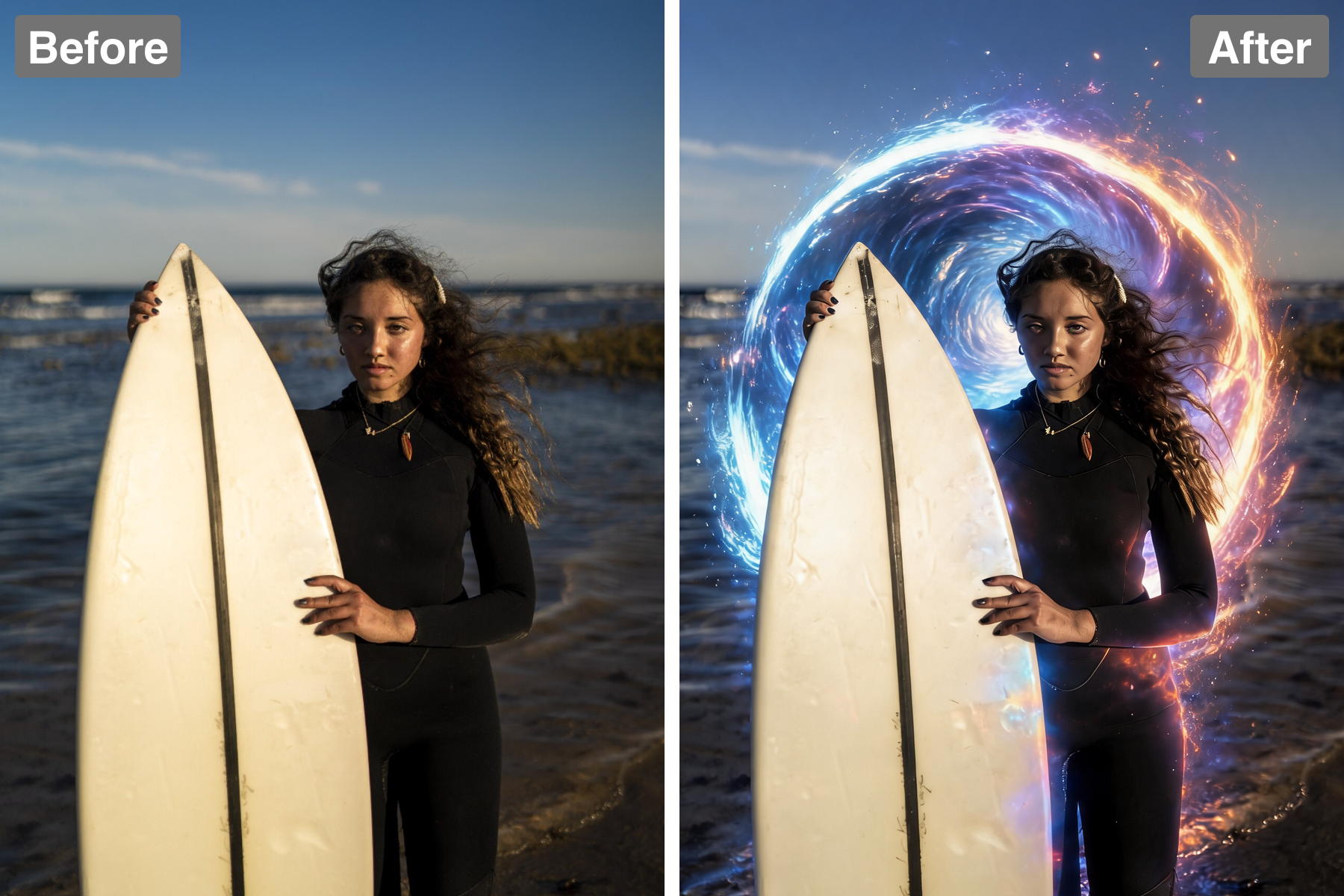
Part of your subject emerges from the portal into the scene, creating a real sense of travel. The half-in, half-out framing is essential: the portal only reads as a passage when something is caught in the act of crossing it. The boundary where the body meets the portal plane is handled cleanly, with the emerging edge catching the rim light strongly. Posture is set to imply forward momentum — a leading foot, an outstretched arm, weight shifting forward — so the moment feels like arrival rather than posing. The portion still inside the portal is tinted by its light. It places the subject right at the centre of the action.
Colored Portal Glow
Portal light spills across the subject and the surroundings for a cinematic effect. This is what integrates the two elements: a glowing gateway that failed to illuminate anything near it would immediately look composited. Coloured rim light catches the edges of the subject facing the portal, while the far side stays in the scene's original lighting, creating a striking two-tone split. The ground and nearby surfaces pick up a coloured pool of light that falls off with distance. Atmospheric haze catches the glow and gives the beam visible volume. It makes the whole scene feel genuinely charged with energy.
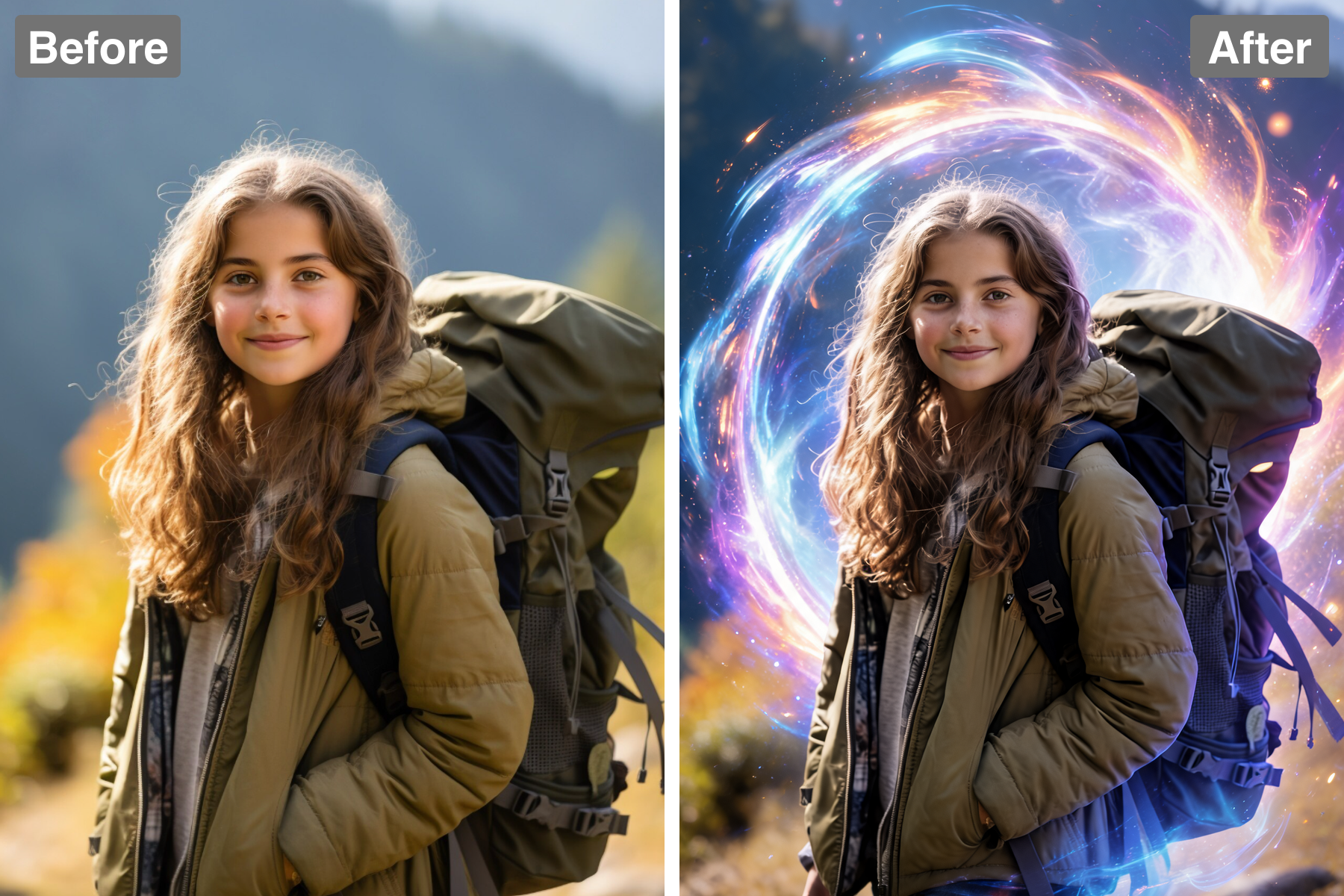
Recognizable Subject
Your subject stays clear and sharp as they step through. The likeness is preserved despite the heavy lighting effects, with the face kept readable rather than blown out by the portal's glow. Coloured light is allowed to graze the features without washing out skin tone, which is the usual failure mode for effects this bright. Contrast is managed so the figure separates cleanly from both the portal and the background. The subject remains the largest and most detailed element in the frame. It keeps the spectacle grounded in a real person.
Discover the Possibilities
Turn Your Photo Into a Portal Travel Effect
Sci-Fi & Fantasy Art
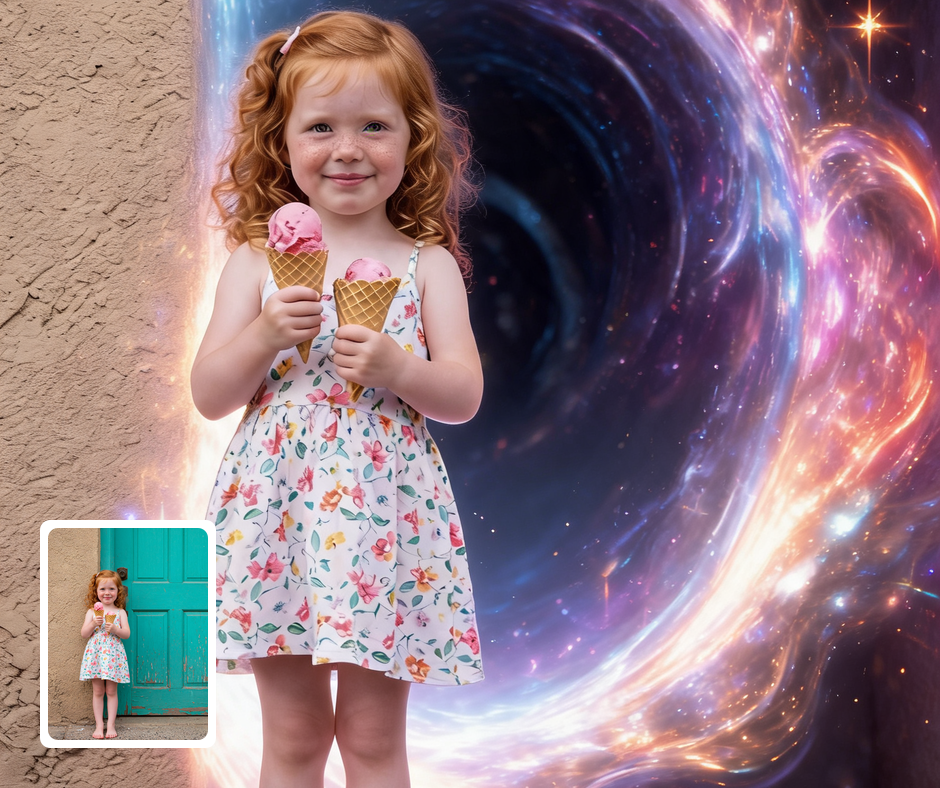
The portal effect suits fantasy, gaming, and sci-fi content. It carries instant otherworldly energy. It fits trailers, covers, and character art. The mood does the storytelling for you.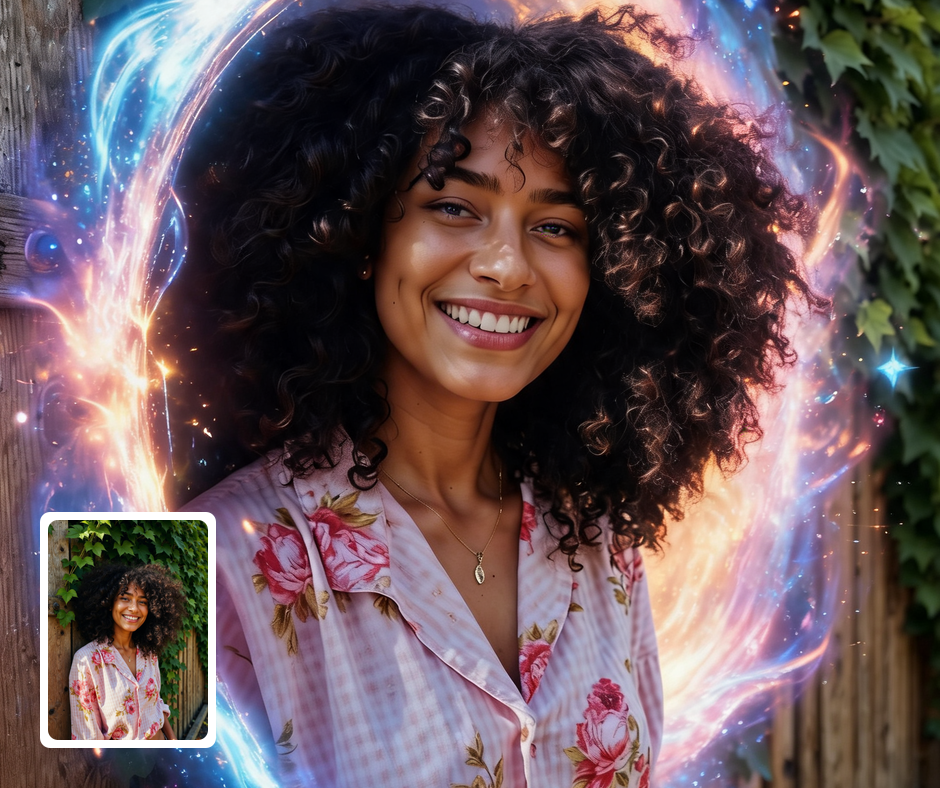
Dramatic Posts
The glowing gateway makes striking, cinematic social visuals. It reads as epic even as a static image. It naturally invites a second look. It stands out clearly in any feed.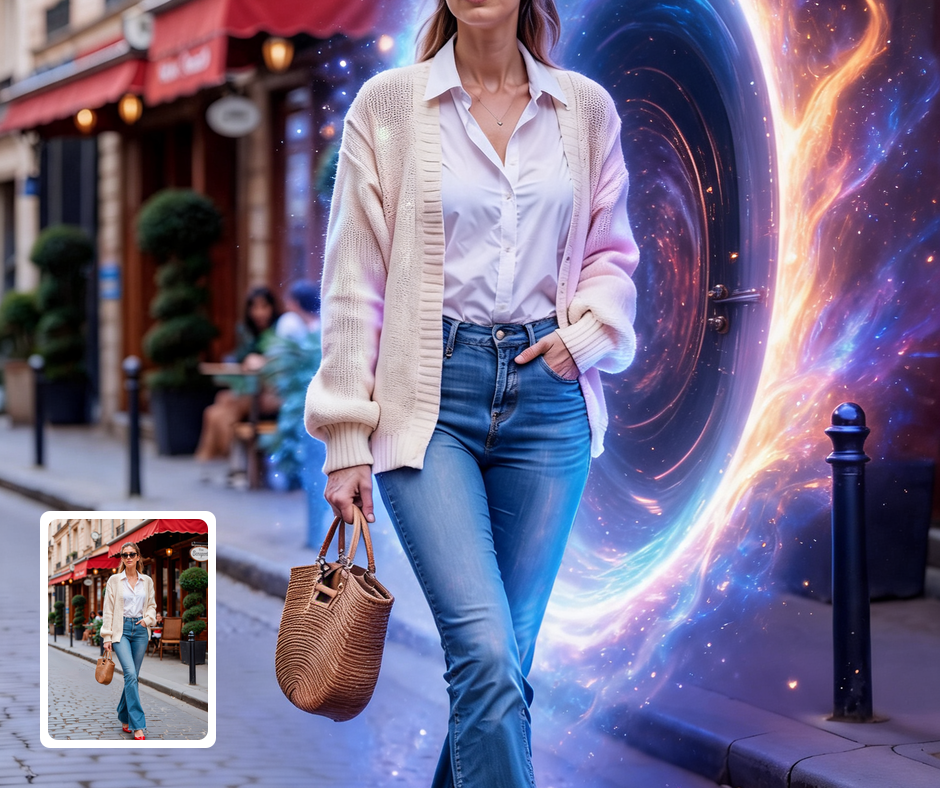
Event & Poster Art
Great for promos with a sense of adventure and mystery. The portal implies transformation and journey. It pairs well with bold titles and taglines. It gives promotional art a cinematic edge.
Transform Your Photos
Explore More AI Image Filters
Frequently Asked Questions
What is the AI Portal Travel Effect filter?
The Portal Travel Effect filter shows your subject stepping through a glowing magical portal. Patternful.ai applies the effect automatically with AI, producing a polished portal travel effect from your photo in seconds — no editing skills or software required.
Which photos work best with the Portal Travel Effect filter?
Subjects with a clear pose and a step or reach work best. Simple backgrounds let the portal glow stand out. In general, clear, well-lit images where the subject is unobstructed give the AI the most to work with and produce the most convincing results.
How do I use the Portal Travel Effect filter?
Upload your photo and Patternful.ai creates the portal travel effect in seconds. Download the finished image at full resolution when it is ready, and try a few photos to see which one transforms best.
What about privacy? Are my photos safe?
Yes, your images are safe with us. Patternful.ai prioritizes user data safety. Your images are always private, proprietary, and they remain your property. All your uploaded images are automatically deleted from our servers after a few hours.