3d Chibi Character OOTD Generator Filter
Turn your outfit into a toy set. AI builds a 3D chibi version of you with a matching outfit-of-the-day display and neatly arranged accessories.
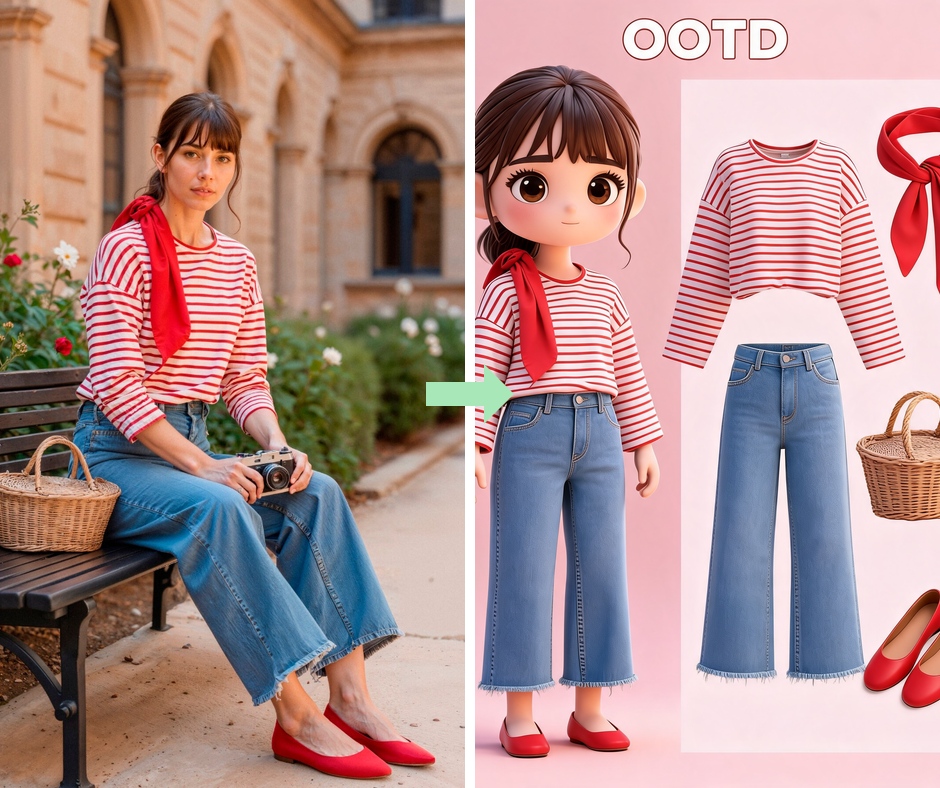
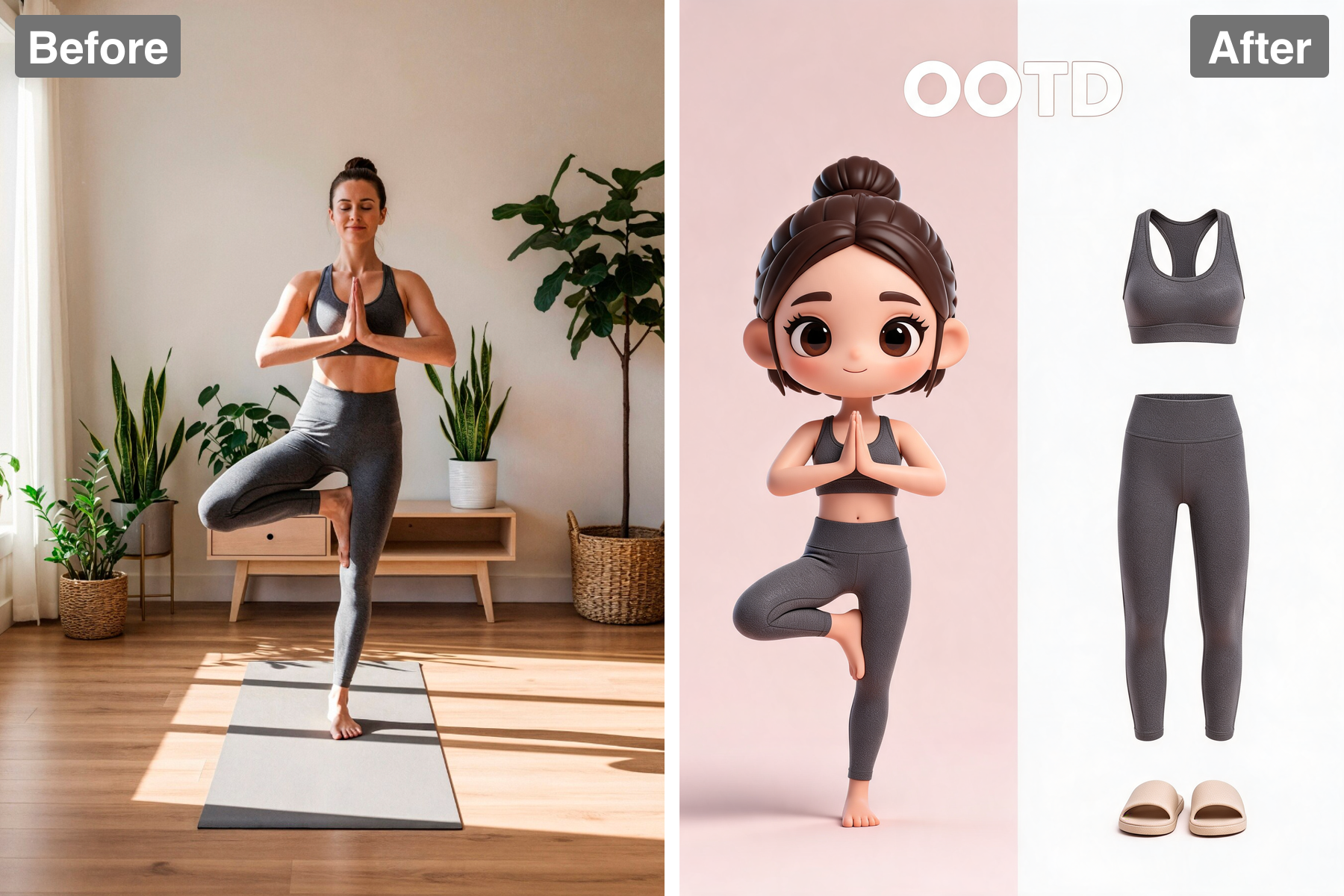
Cute Chibi Figure
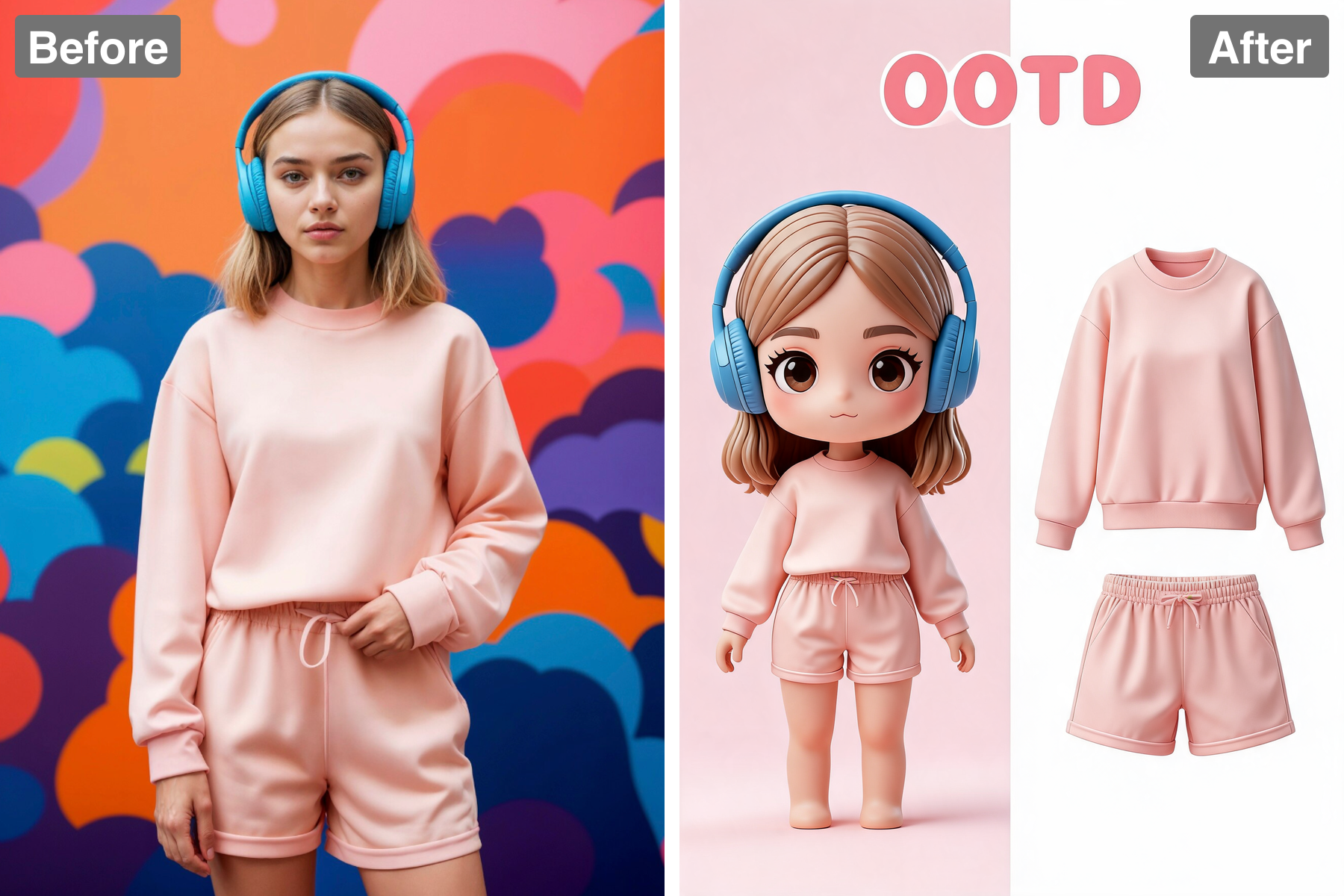
Your subject becomes a stylised chibi character with an oversized head, big glossy eyes, and soft 3D shading. Chibi proportions of roughly two to three heads tall read as instantly endearing while leaving the face large enough to carry real expression. Features are simplified but the identifying details are kept — hairstyle, hair colour, glasses, a signature expression — so the figure still reads as you. Soft subsurface scattering gives the skin the warm glow of a well-rendered collectible figure. The body is kept simple and smooth so it does not compete with the outfit on display. The style feels collectible, polished, and sweet.
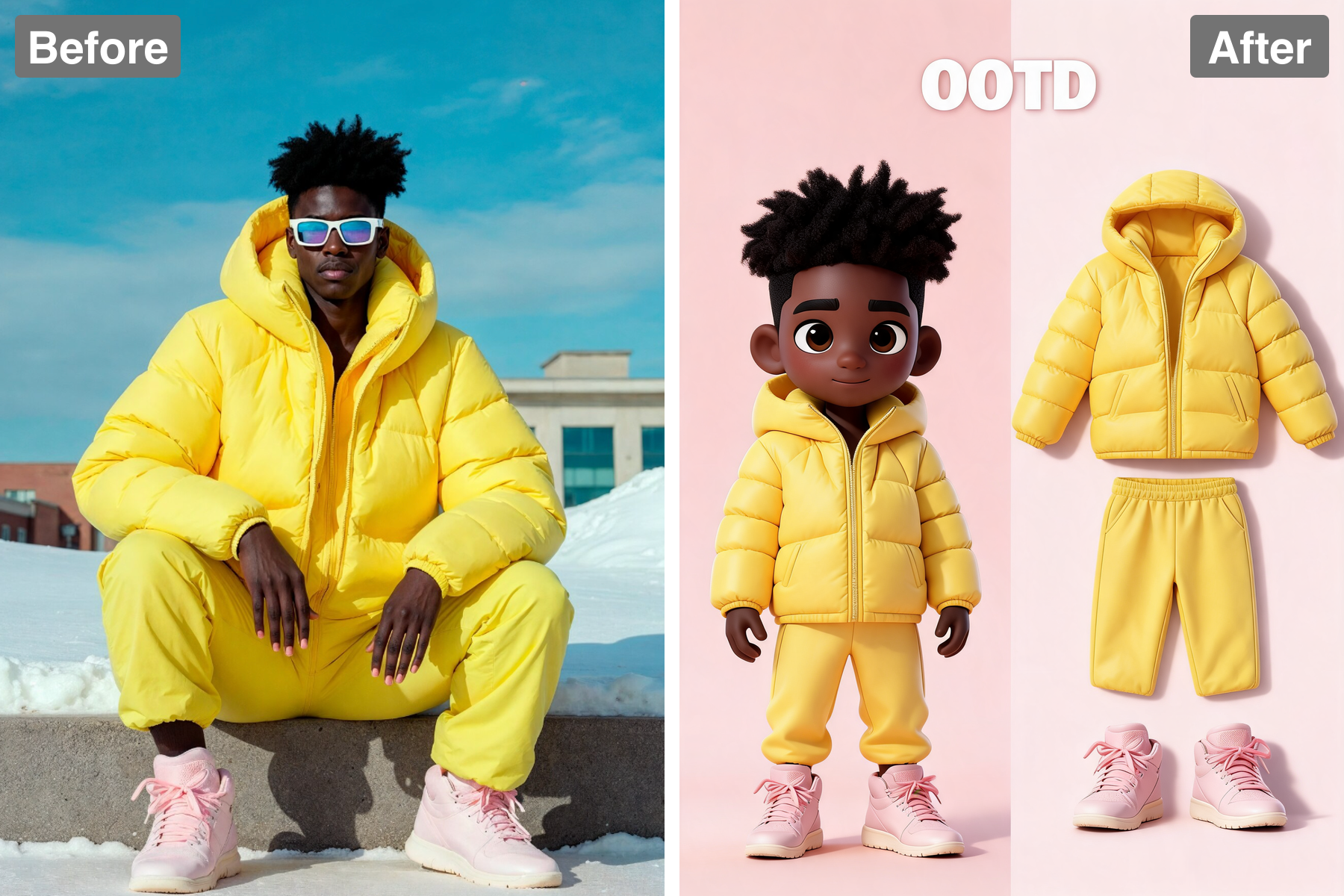
Empty Outfit Display
Beside the character, the same outfit is displayed as a coordinated clothing ensemble that shows only the garments and absolutely no body. Each piece is empty and hollow, lightly shaped so it reads as a real outfit, with the collar, sleeves, waist, and hems opening onto empty space and nothing inside. There is no body and no mannequin of any kind here — no skin, face, hands, arms, legs, feet, or any visible or invisible figure filling the clothes — just the clothing itself. The top and bottom are arranged together in the correct wearing order rather than scattered, and the tights and shoes sit below so the ensemble reads head-to-toe at a glance. This empty-garment approach is borrowed from e-commerce fashion photography, where it shows a full look without a distracting model. Any extra accessories or a second pair of shoes are arranged neatly nearby. It presents the entire outfit as a clean set, clearly separated from the character.
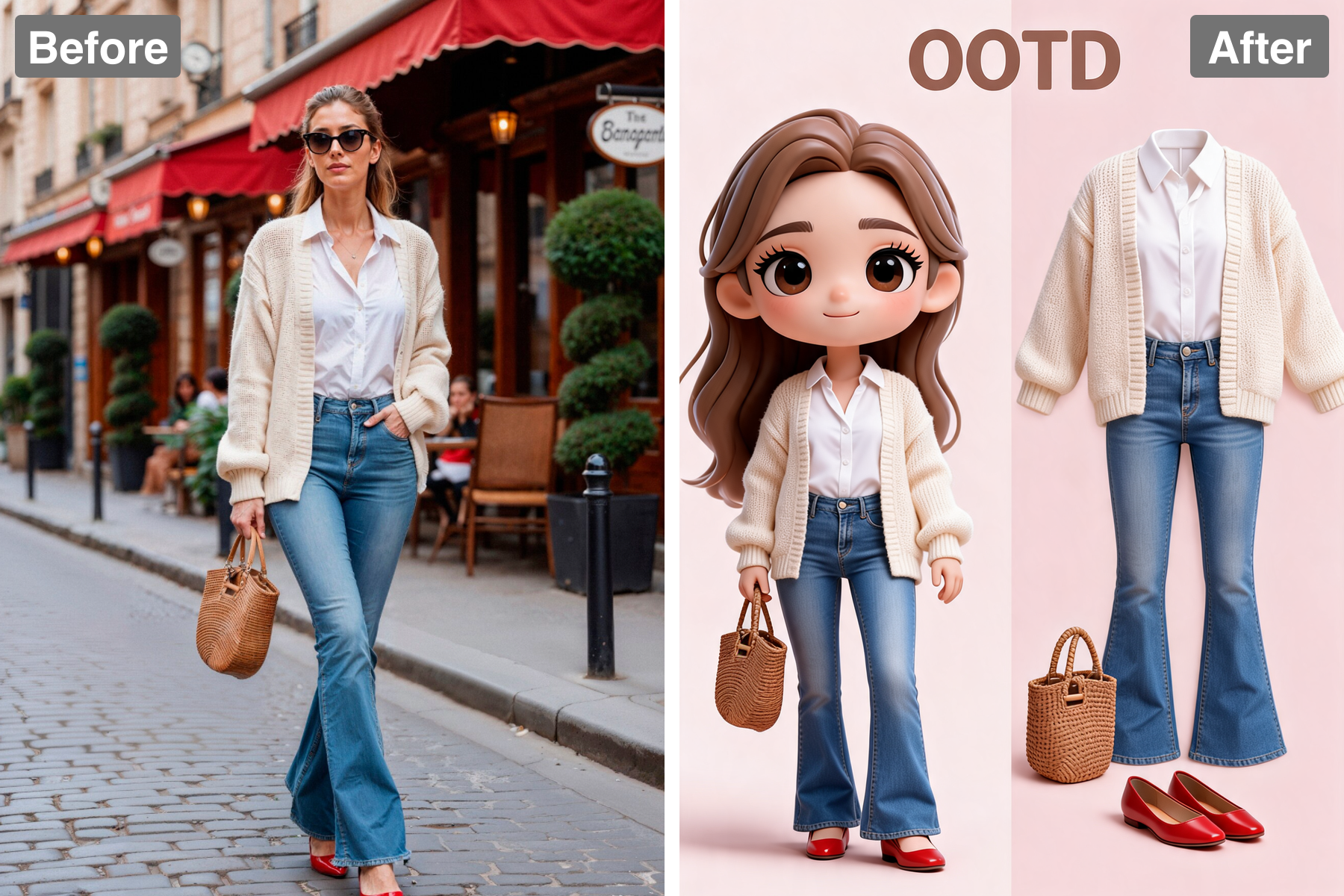
Split Layout With OOTD Title
The image is composed as a clean split scene: the full-body chibi character on one side and the empty outfit display on the other, with a short bold 'OOTD' title set in the upper area. This side-by-side layout lets the viewer read the character and the exact outfit at the same time, the way a lookbook pairs a model with a product shot. Generous spacing and a plain pastel background keep the two halves distinct and uncluttered. Every garment and accessory is rendered as a soft, glossy 3D object with believable fabric folds and material, matching the colors from your photo exactly. Consistent lighting across both halves ties the composition together. The title frames the whole piece as a polished outfit-of-the-day feature.
Clean Studio Look
Soft studio lighting and a tidy pastel background give it a polished catalogue feel. The lighting is broad and nearly shadowless, the standard setup for product flat-lays because it shows colour and texture accurately without dramatic falloff. A muted pastel backdrop provides contrast without competing with the clothing, letting garment colours stay true. Gentle contact shadows under each item give the arrangement depth and stop it looking pasted on. Consistent white balance across the whole frame keeps every piece colour-accurate. It makes the entire set look premium and professionally shot.
Discover the Possibilities
Turn Your Photo Into a Chibi OOTD Set
Fashion Content
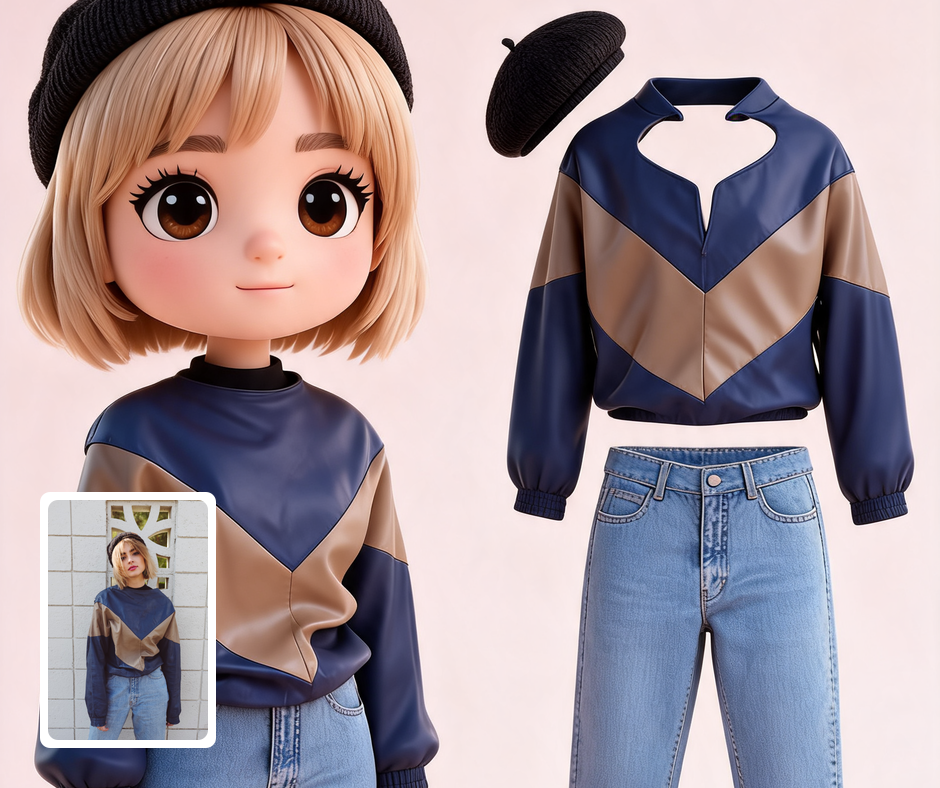
Turn your outfit of the day into a cute chibi-plus-outfit display for posts. It reframes a look as an adorable curated lookbook. It suits fashion and lifestyle feeds. It stands out from ordinary OOTD photos.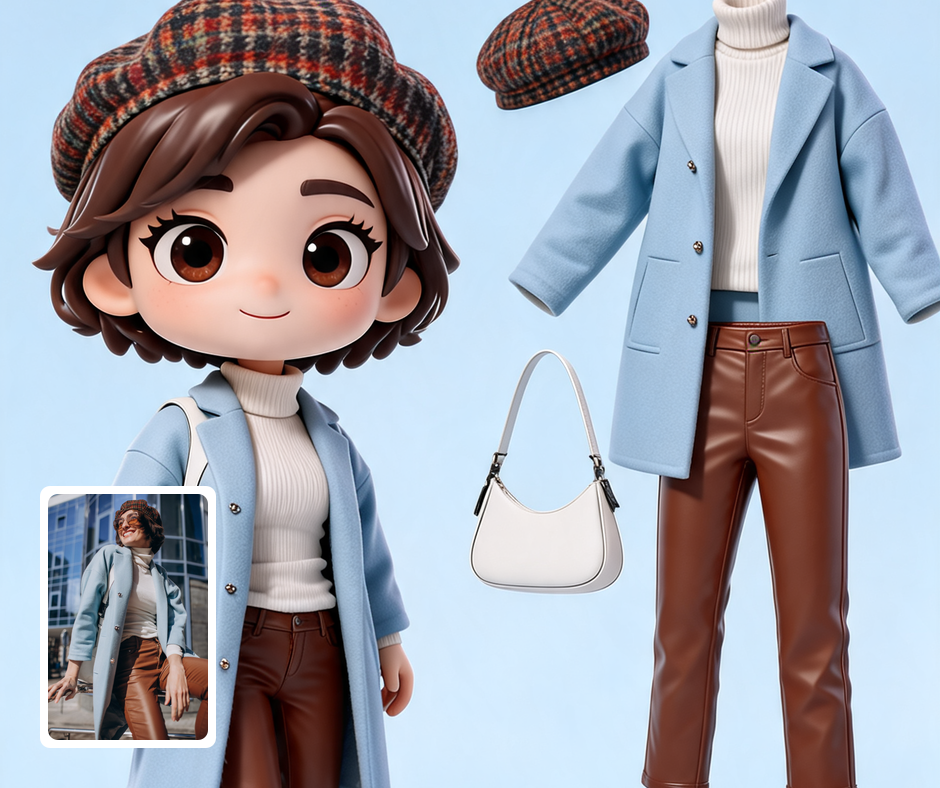
Style Keepsakes
Preserve a favorite look as a charming chibi set. It captures an outfit in a lasting, cute form. It works well for events and milestones. It feels personal and collectible.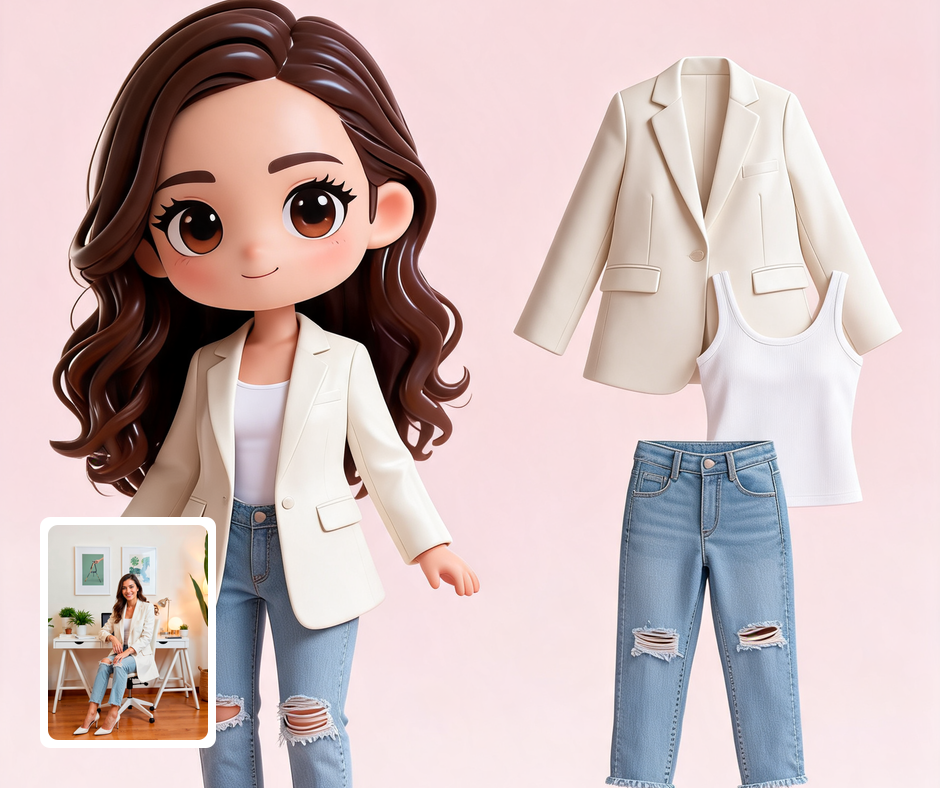
Personal Branding
Fashion creators can build a signature chibi OOTD style. The recognizable format builds a consistent visual identity. It ties a run of posts together. It sets a creator meaningfully apart.
Transform Your Photos
Explore More AI Image Filters
Frequently Asked Questions
What is the AI 3d Chibi Character OOTD Generator filter?
The 3d Chibi Character OOTD Generator filter turns your photo into a cute 3D chibi character shown beside a matching 'outfit of the day' display, where your outfit is shown as empty, unworn clothing (no body) with the shoes and accessories arranged alongside, all on a clean pastel background with an OOTD title. Patternful.ai applies the effect automatically with AI, producing a polished chibi OOTD layout from your photo in seconds — no editing skills or software required.
Which photos work best with the 3d Chibi Character OOTD Generator filter?
Full-body photos with a clear, complete outfit work best, so the AI can rebuild both the chibi character and the empty outfit display accurately. Visible shoes and accessories carry through into the layout and make the set feel complete. In general, clear, well-lit images where the subject is unobstructed give the AI the most to work with and produce the most convincing results.
How do I use the 3d Chibi Character OOTD Generator filter?
Upload your photo and Patternful.ai creates the chibi OOTD set in seconds. Download the finished image at full resolution when it is ready, and try a few photos to see which one transforms best.
What about privacy? Are my photos safe?
Yes, your images are safe with us. Patternful.ai prioritizes user data safety. Your images are always private, proprietary, and they remain your property. All your uploaded images are automatically deleted from our servers after a few hours.