Character Style Sheet Filter
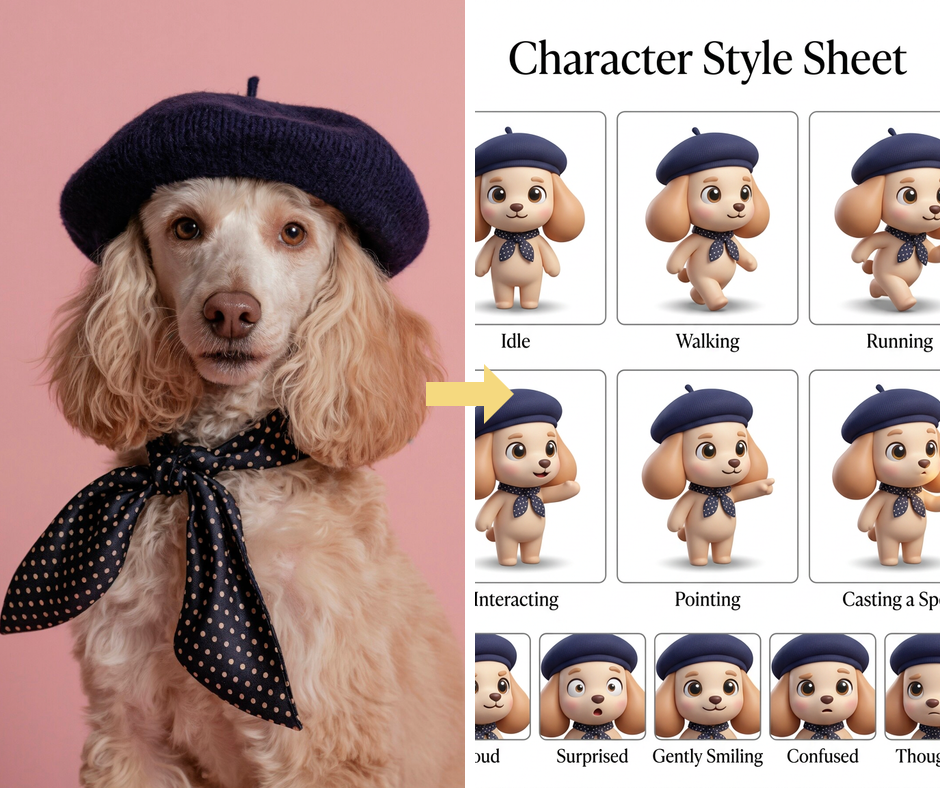
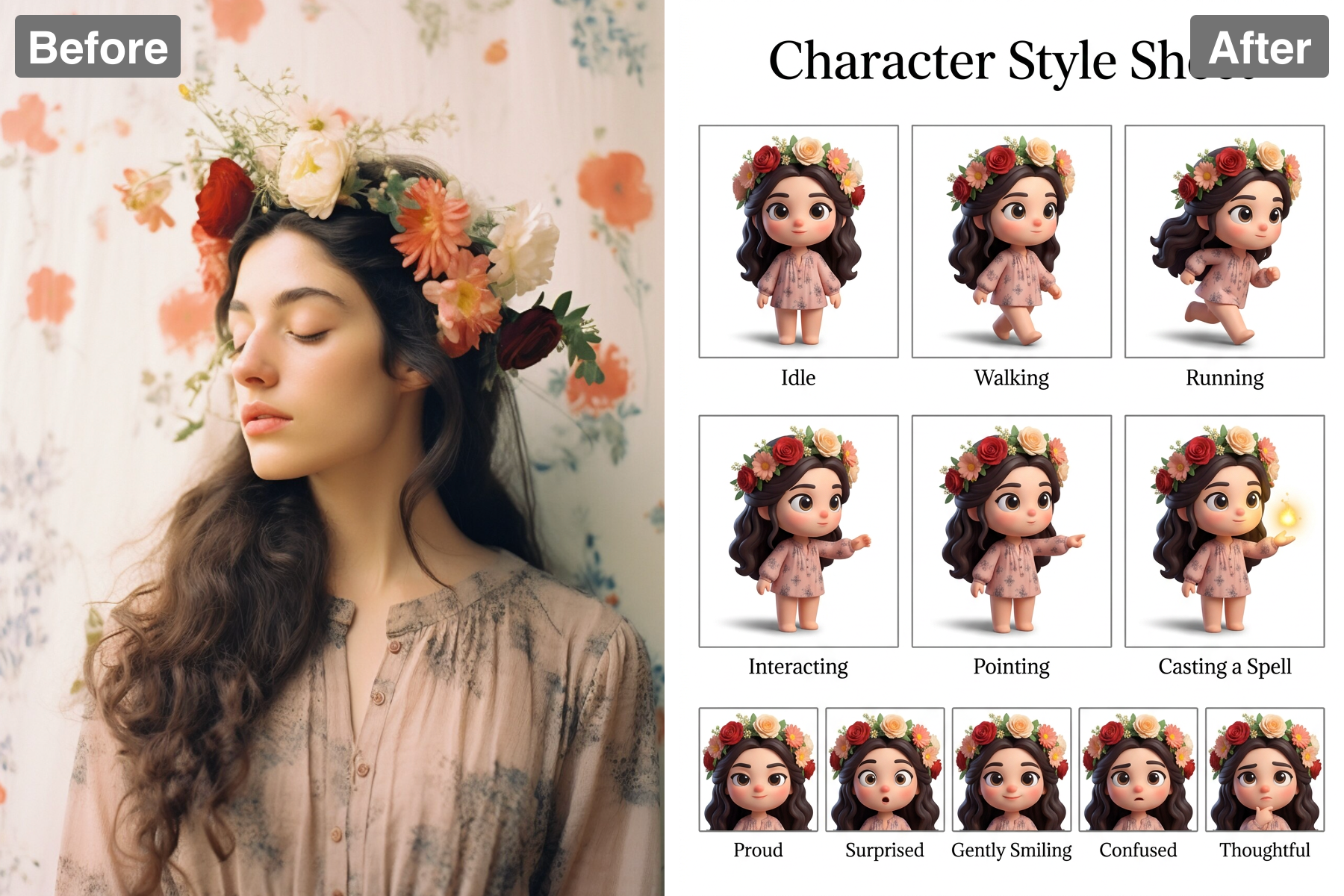
Create a style sheet. AI expands your photo into a character reference board with poses, palettes, and detail callouts for consistent design work.
Vibrant Color Palettes
Enhance your characters with stunning color palettes that breathe life into their designs. The 'Character Style Sheet' filter allows you to select from a wide range of vibrant hues, ensuring that each character stands out. Color consistency has never been easier, helping you create a unified aesthetic across your work.
Outfit Variations
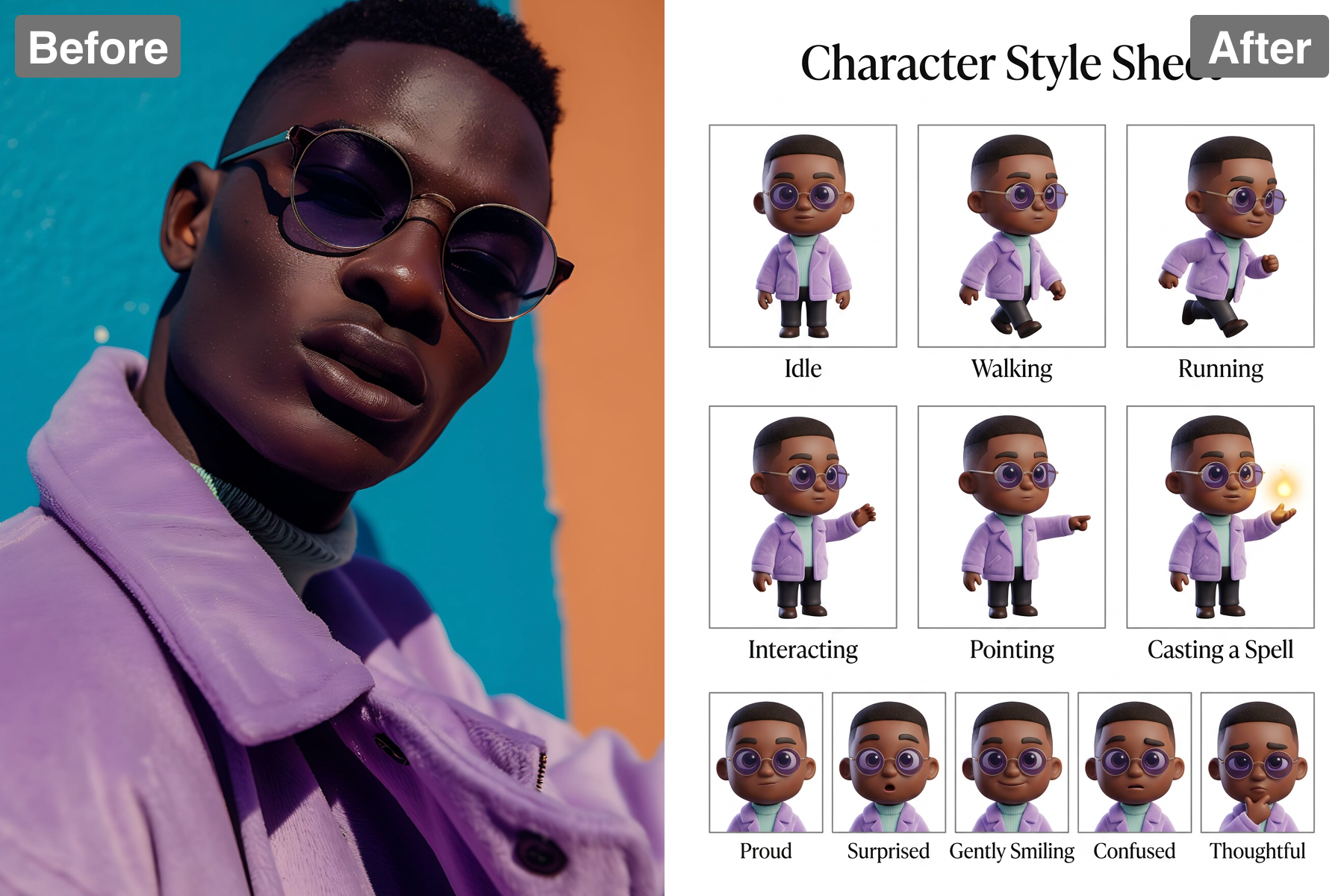
The app provides multiple outfit options tailored to your character's persona and story. Easily showcase different styles through varied clothing designs, allowing for flexibility in character expression. This feature ensures that you can evolve or refine your characters without redoing all their visual assets.
Detail Callouts
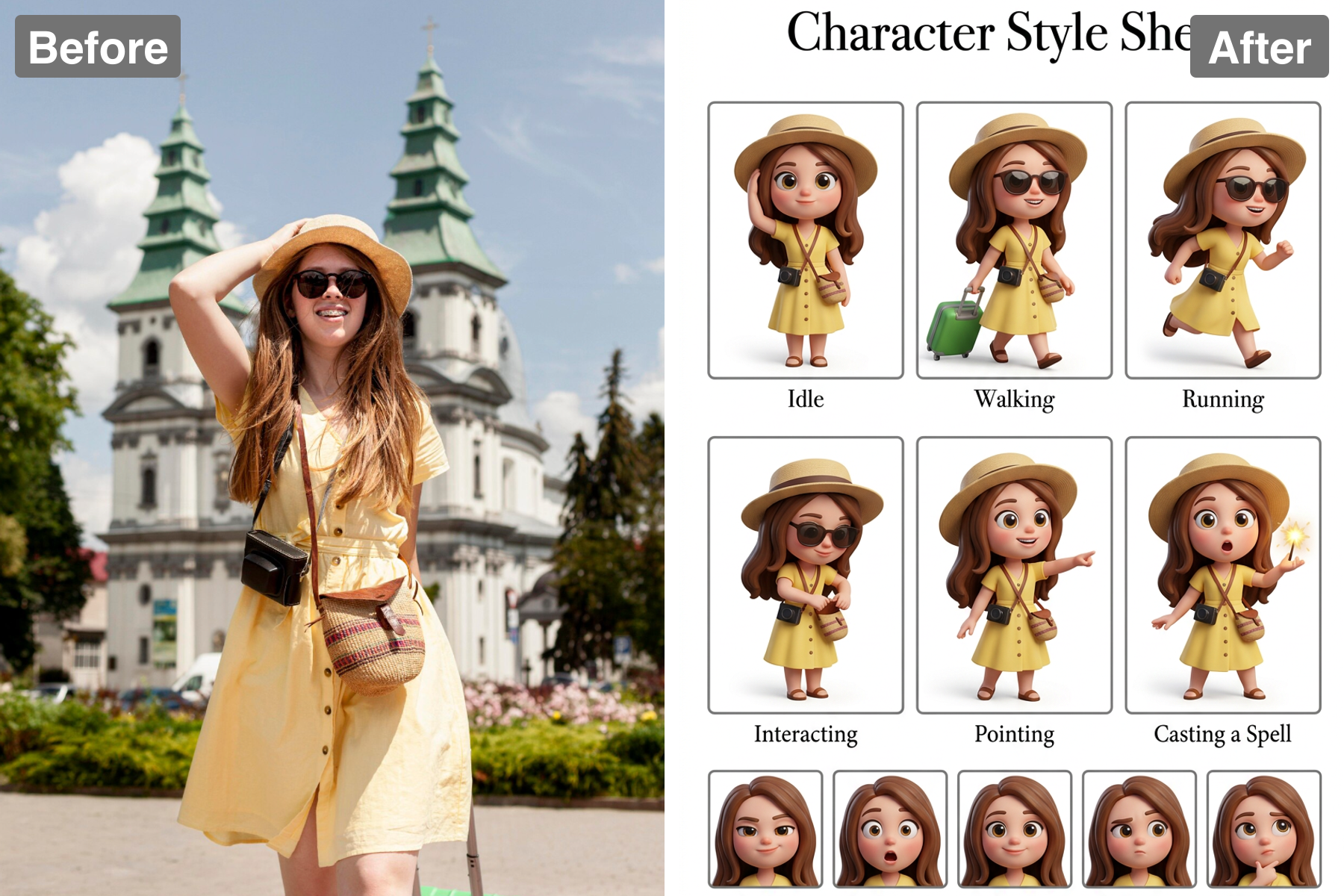
Capture unique characteristics by adding detail callouts to your style sheets. These annotations help other team members or collaborators understand important visual cues and the significance behind each element. Such clarity facilitates collaboration and maintains a consistent vision across projects.
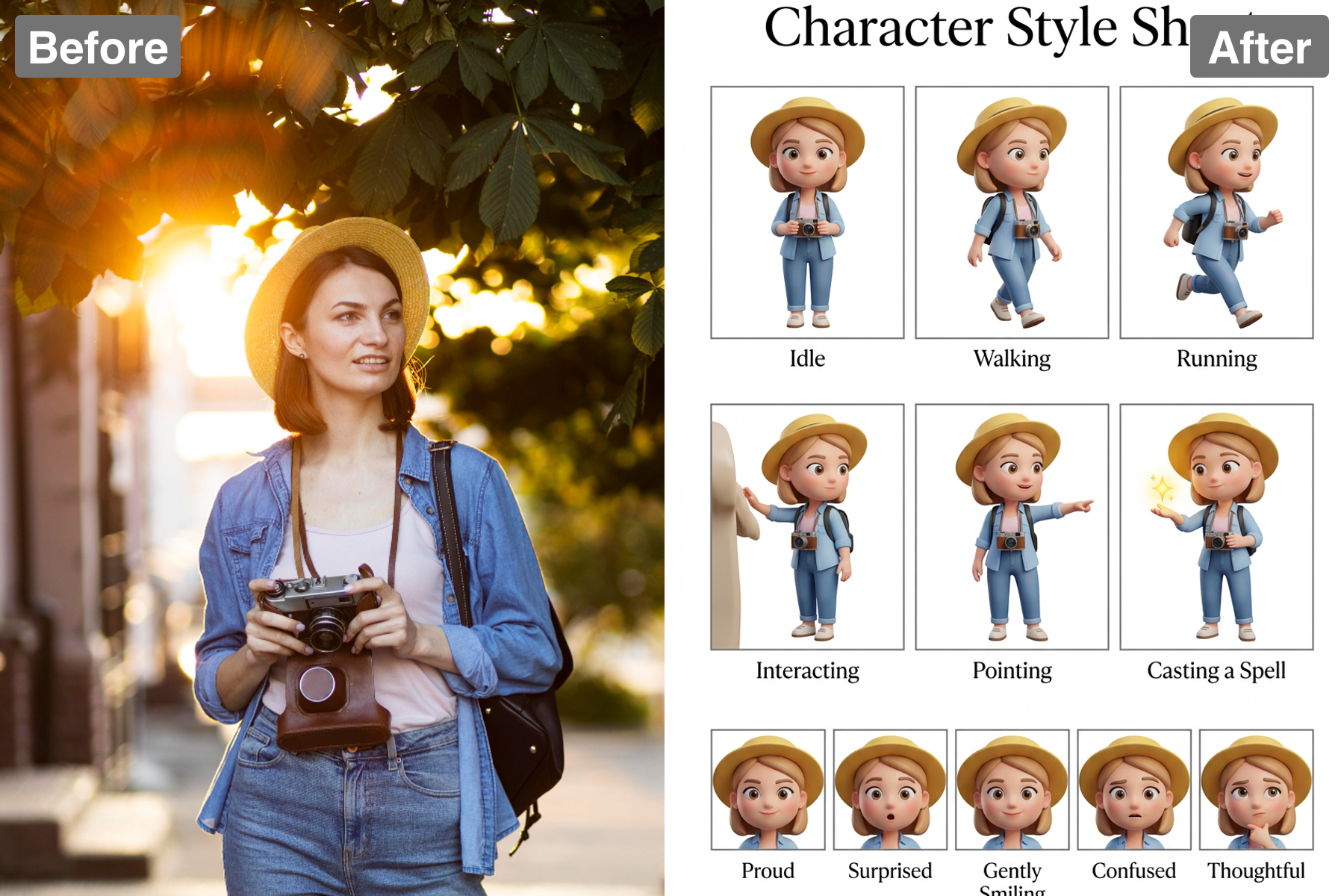
User-Friendly Interface
Navigating through Patternful.ai's features is simple, even for those new to design. The intuitive interface allows users to create character style sheets quickly and efficiently, so you can focus on your creative output. Everything is designed to enhance your workflow, making your artistic journey enjoyable.
Discover the Possibilities
Key Use Cases for 'Character Style Sheet' Filter
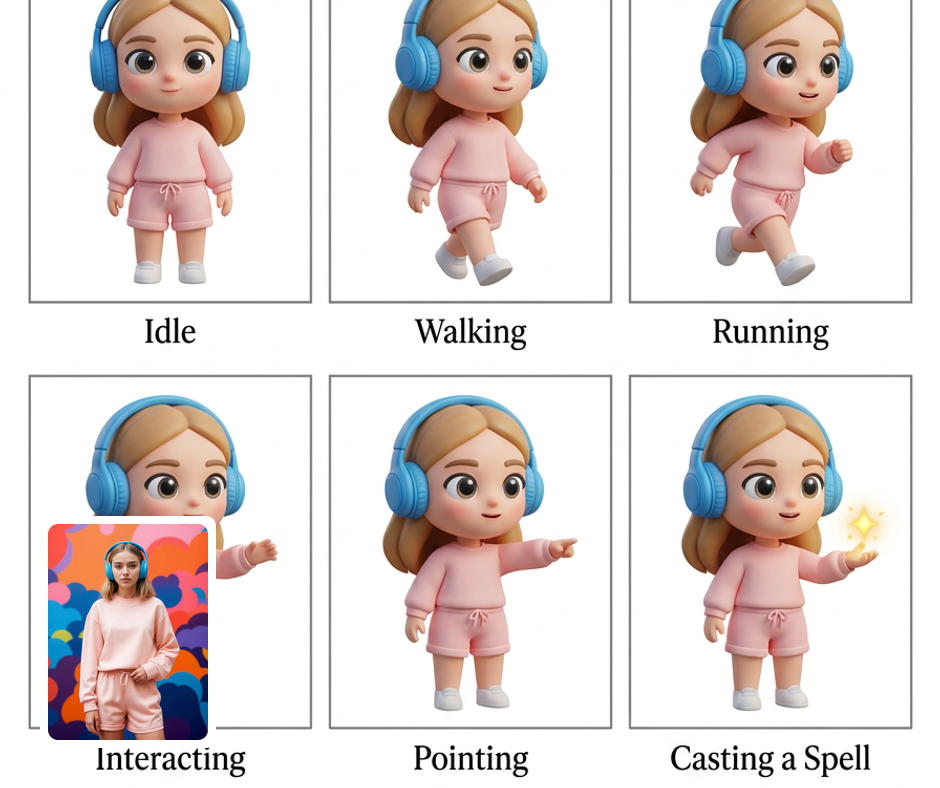
Character Design for Anime
Anime creators can use the 'Character Style Sheet' filter to design dynamic characters with vibrant palettes and unique outfits. The detailed visual guide helps artists maintain consistency throughout episodes while also allowing for creative iterations. It's an essential resource for bringing animated characters to life.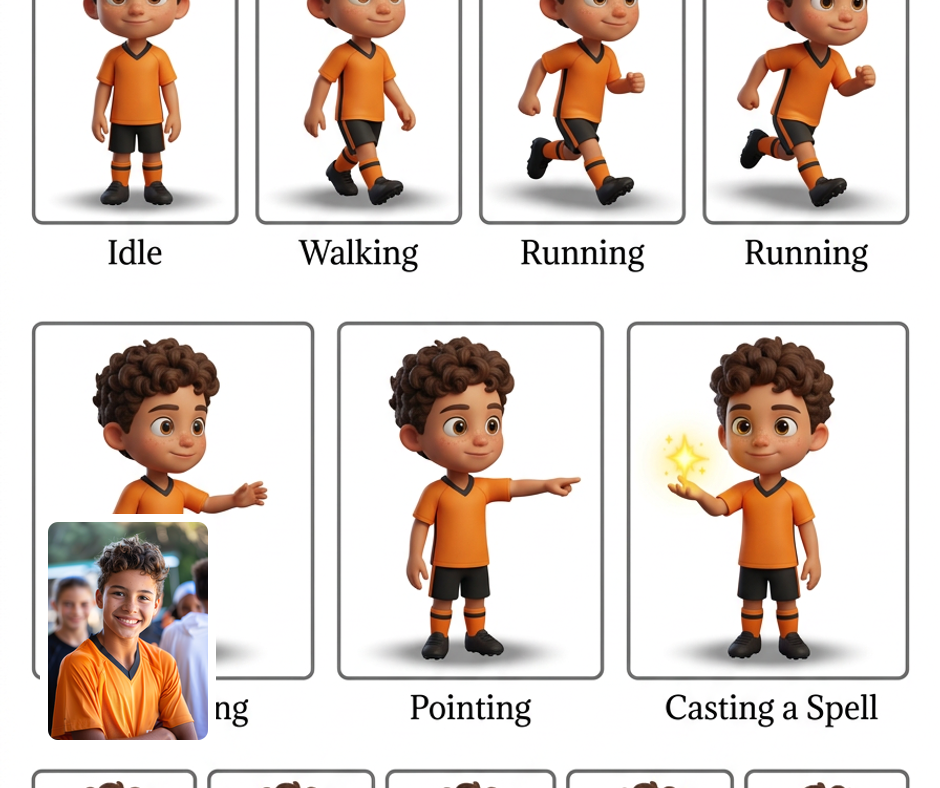
Game Development
Game designers can benefit from tailored character style sheets that help them craft rich narratives through visual storytelling. Featuring customizable detail callouts and palette swatches, the app ensures characters remain visually cohesive. This tool makes it easier to convey character backstories through their design.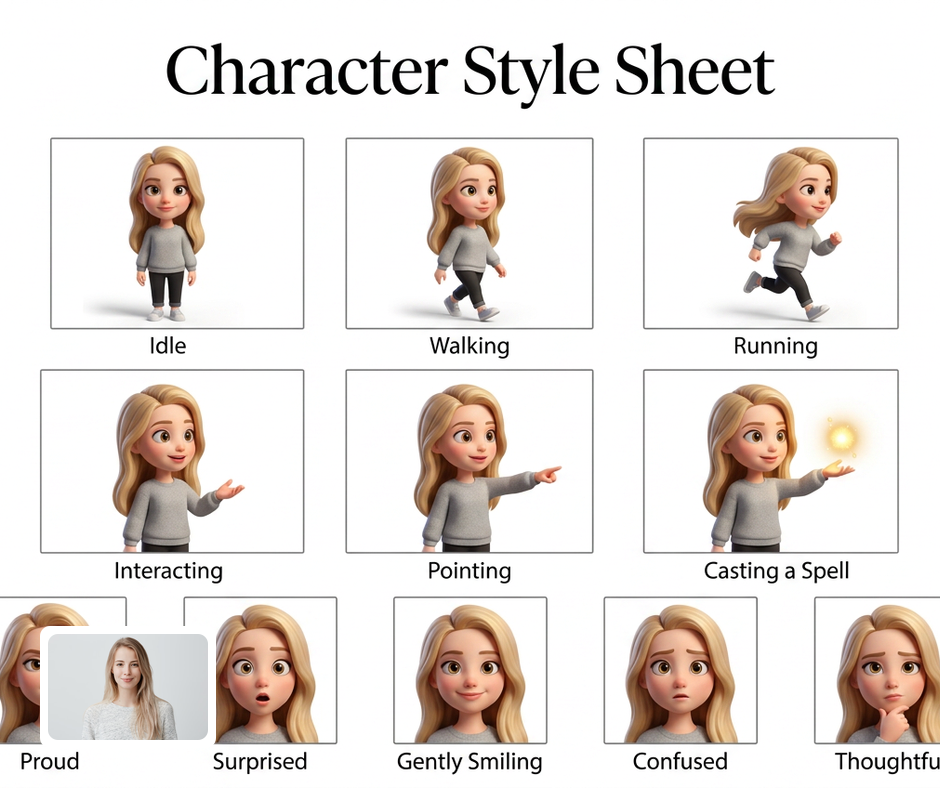
Illustration Projects
For illustrators, the character style sheet is a game-changer in organizing character looks and styles. The filter's ability to provide a detailed presentation of outfit variations and color palettes helps keep illustrations aligned with creative vision. This way, artists can focus more on creating definitive artwork without losing track of character details.
Transform Your Photos
Explore More AI Image Filters
Frequently Asked Questions
What is the 'Character Style Sheet' filter?
The 'Character Style Sheet' filter allows users to create a visual representation of character designs. It generates customizable style sheets that include detailed info like color palettes, outfit variations, and description callouts. This tool is perfect for artists, writers, and designers who need to keep their character styles consistent and organized.
How can I use the character style guide in my projects?
The character style guide generated by Patternful.ai can be used across various projects. Whether you're developing a graphic novel, an animated series, or a video game, this tool helps ensure that your characters maintain a cohesive look. With easily accessible swatches and outfit options, you can streamline your creative process and focus on storytelling.
Is the character style guide customizable?
Absolutely! The 'Character Style Sheet' filter offers extensive customization options so you can make it truly your own. You can adjust color palettes, select outfit variations, and add specific detail callouts to highlight unique character traits. This flexibility allows for a tailored approach that enhances creativity and personal expression.
Are my images safe with Patternful.ai?
Yes, your images are safe with us. Patternful.ai prioritizes user data safety. Your images are always private, proprietary, and they remain your property. All your uploaded images are automatically deleted from our servers after a few hours.