Character Design Sheet Filter
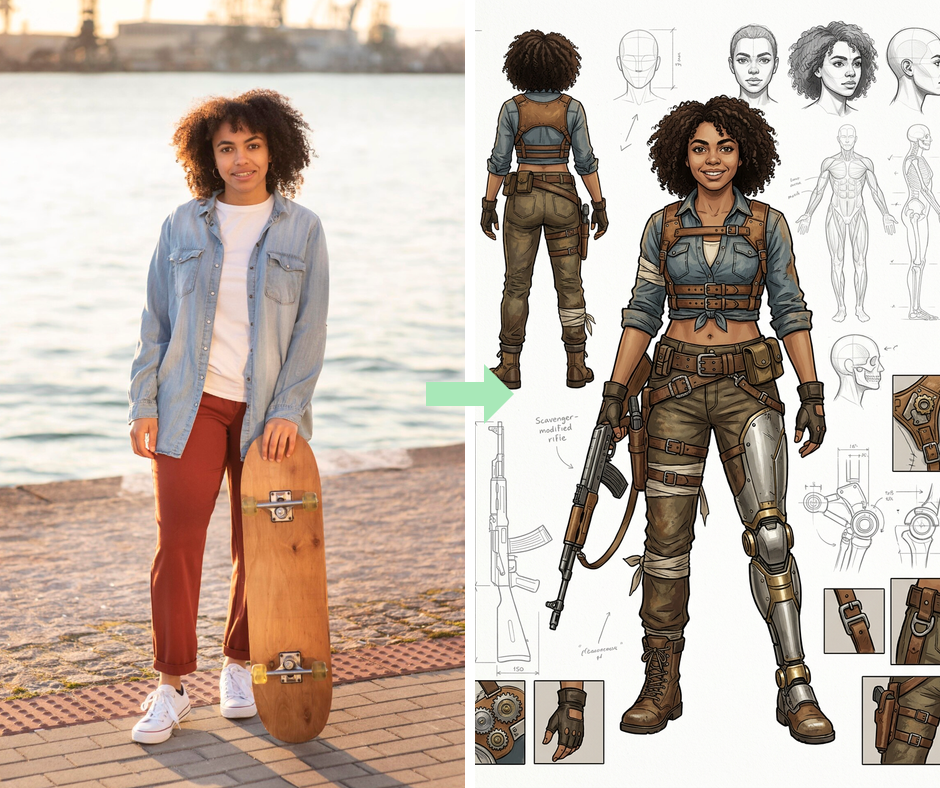
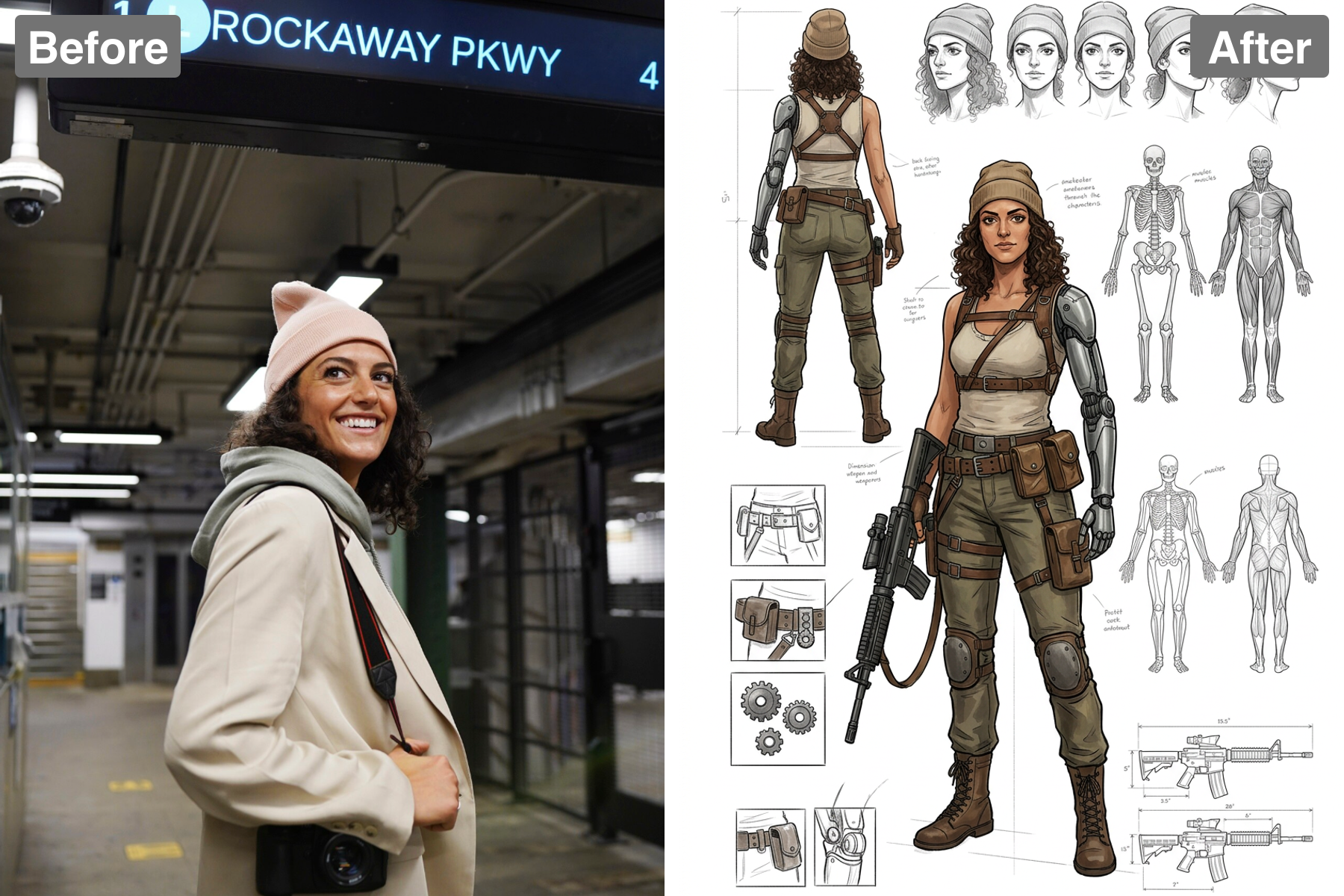
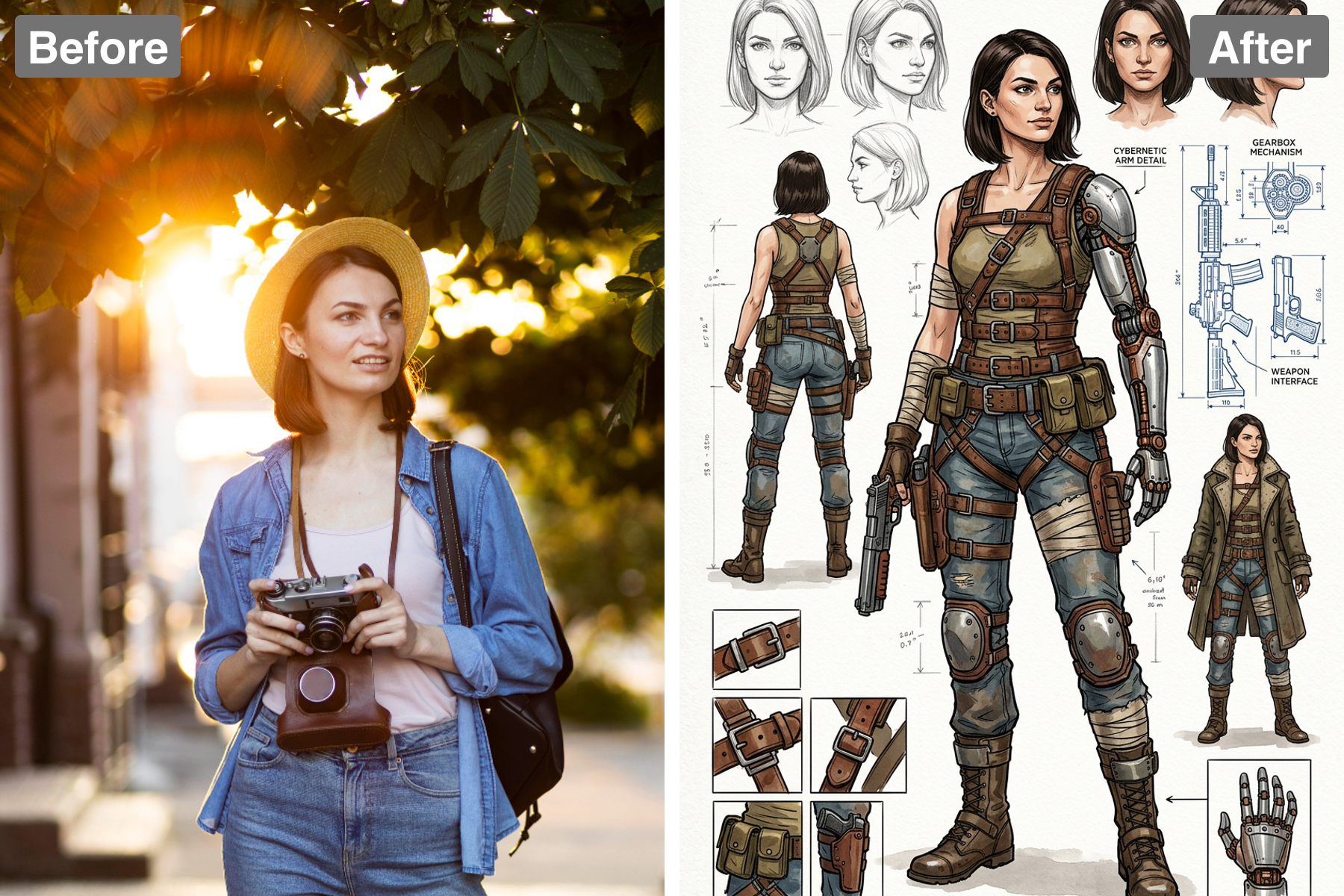
Build a character sheet. AI turns your photo into a design turnaround with multiple angles, expressions, and notes, like a real animation reference.
Multi-Angle Visualization
Create engaging character sheets with front, side, and back views to help visualize your designs from every angle. This feature is especially useful for artists who want to ensure that their characters look great in any pose. By providing a comprehensive view, you reduce the guesswork in your character development process.
Expression Studies
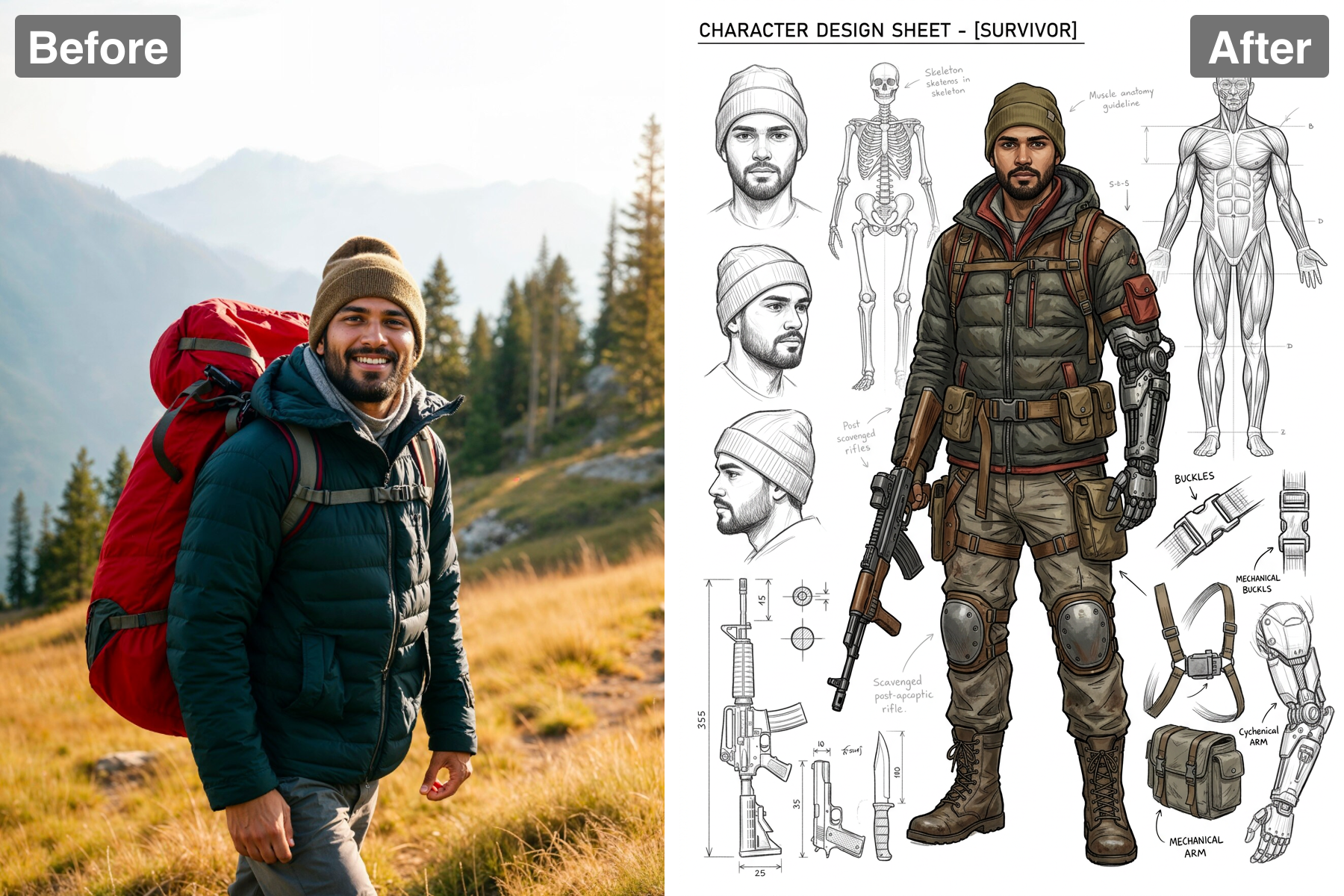
The Character Design Sheet filter includes various expression studies, allowing you to convey a wide range of emotions. This adds depth to your characters, making them more relatable and dynamic. These expressions help to illustrate storylines and character interactions more vividly.
Customizable Features
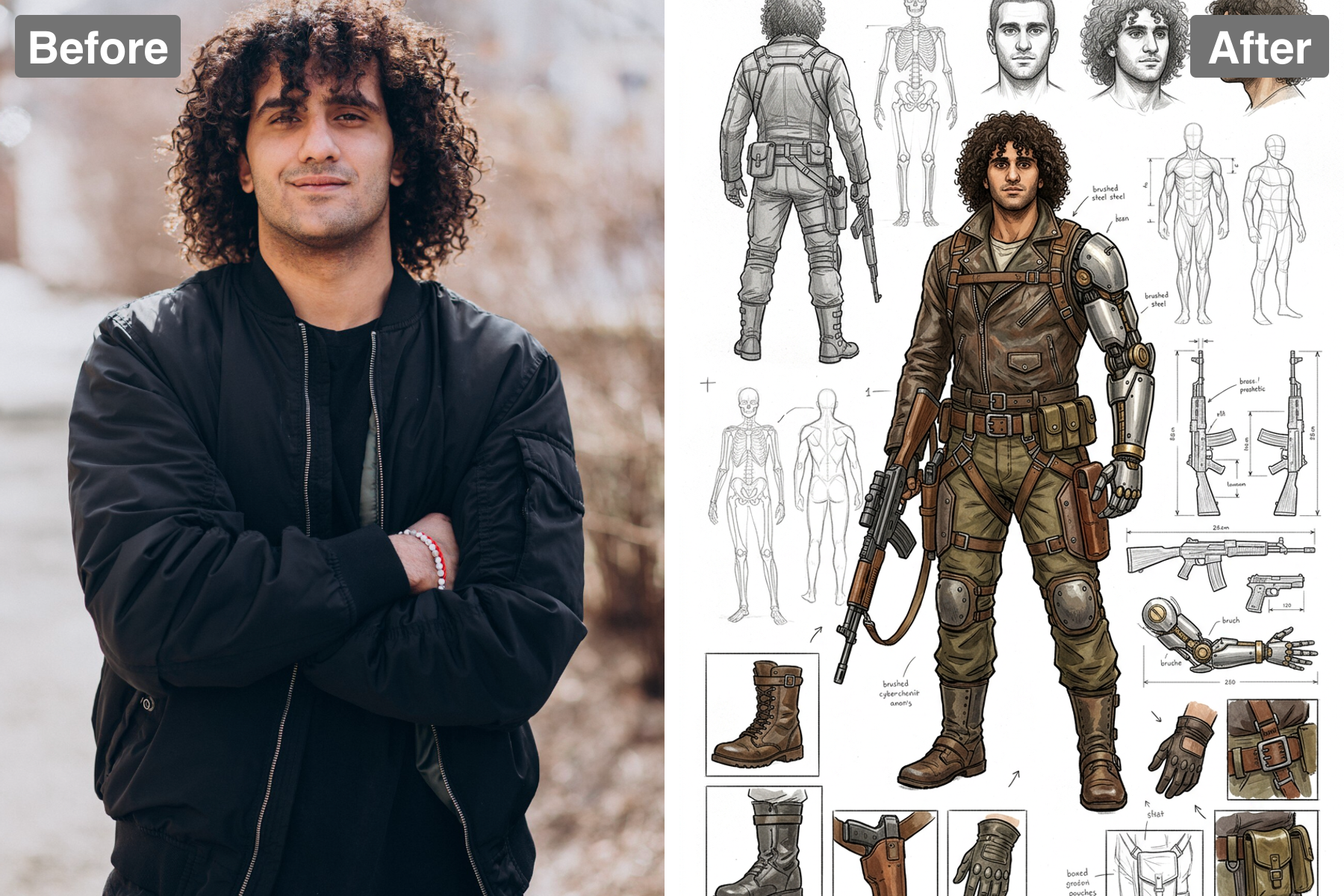
Tailor each character with customizable traits, colors, and accessories for a unique design experience. This flexibility empowers you to create characters that perfectly reflect your artistic vision. Enhanced customization allows for greater creativity and personal expression in your designs.
Seamless Sharing
Once your character design sheet is complete, easily share your work with the world! The quick download feature ensures you can showcase your designs instantly on social media or with your team. Promote your characters effortlessly and receive feedback to further refine your artistic journey.
Discover the Possibilities
Discover the Versatile Use Cases for Character Design
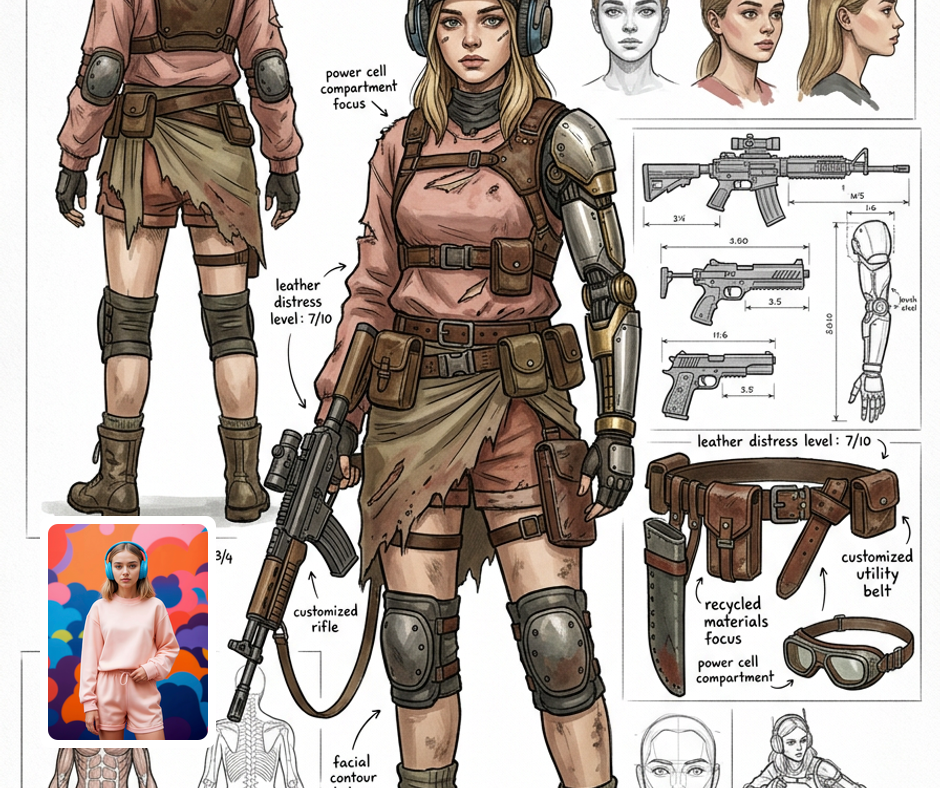
For Game Developers
Game developers can utilize the Character Design Sheet filter to create diverse and engaging characters that enhance gameplay. The ability to showcase your character from multiple angles along with various expressions helps in creating compelling narratives. This tool saves time in the design phase, allowing developers to focus on building immersive game worlds.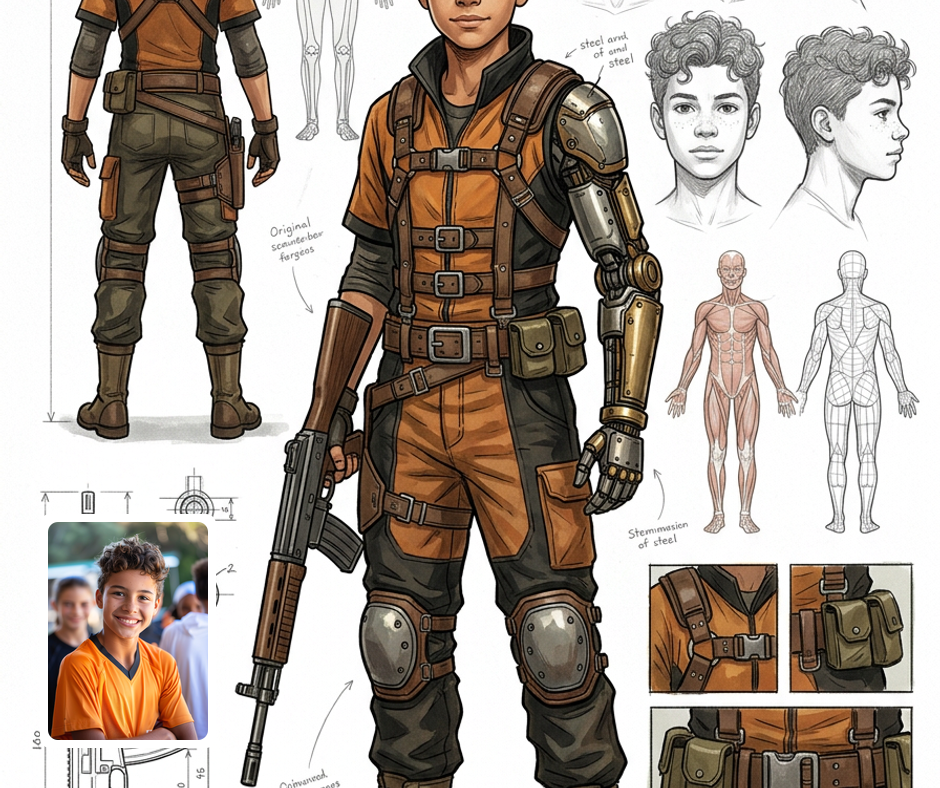
For Writers and Creatives
Writers and creatives will find the Character Design Sheet filter invaluable for bringing their characters to life visually. The clear representation of characters aids in maintaining consistency throughout stories and helps in pitch presentations. This tool encourages deeper character exploration, enhancing storytelling and audience engagement.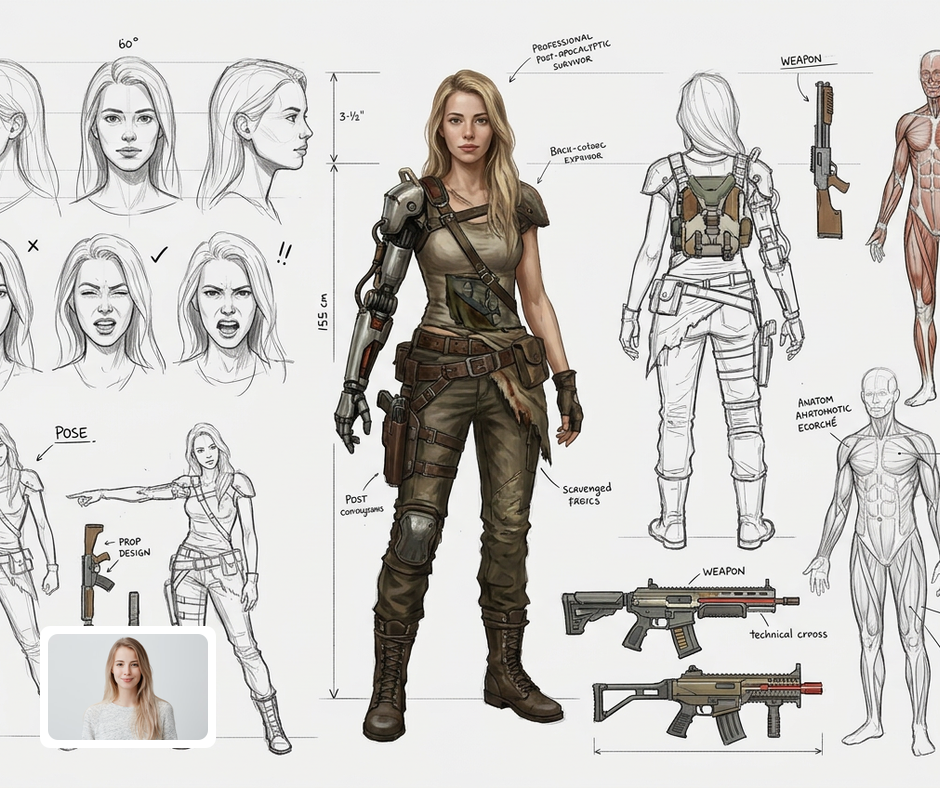
For Students and Learners
Students and aspiring artists can use the Character Design Sheet filter as a learning tool to understand character proportions and design dynamics. It's an excellent resource for practice and experimentation, helping to refine artistic skills. By utilizing this feature, learners can quickly generate professional-looking character sheets to showcase their growing talent.
Transform Your Photos
Explore More AI Image Filters
Frequently Asked Questions
What is the Character Design Sheet filter?
The Character Design Sheet filter is an innovative tool that allows artists and designers to create detailed character sheets in just minutes. This filter generates front, side, and back views of your character, making it easier to visualize and showcase your designs. Additionally, it includes expression studies to help convey the personality and emotional range of your character. Perfect for both beginners and experienced artists, this feature streamlines the creative process.
Can I customize the character traits and expressions?
Absolutely! The Character Design Sheet filter offers extensive customization options allowing you to tweak traits, outfits, and expressions to perfectly match your vision. You can input specific details to create a character that reflects your unique style. This personalization ensures that the final output resonates with your artistic goals, providing a tailored experience that enhances your workflow.
Is it easy to share my character designs?
Yes, effortlessly share your character designs directly from the app! Once you've created your Character Design Sheet, you can download it and share it on social media or with your team. This feature makes collaboration and feedback easier than ever, allowing others to see your creative process and providing a platform for presenting your work to a broader audience.
Are my images safe with Patternful.ai?
Yes, your images are safe with us. Patternful.ai prioritizes user data safety. Your images are always private, proprietary, and they remain your property. All your uploaded images are automatically deleted from our servers after a few hours.