Light Blue Background - AI Photo Background Editor
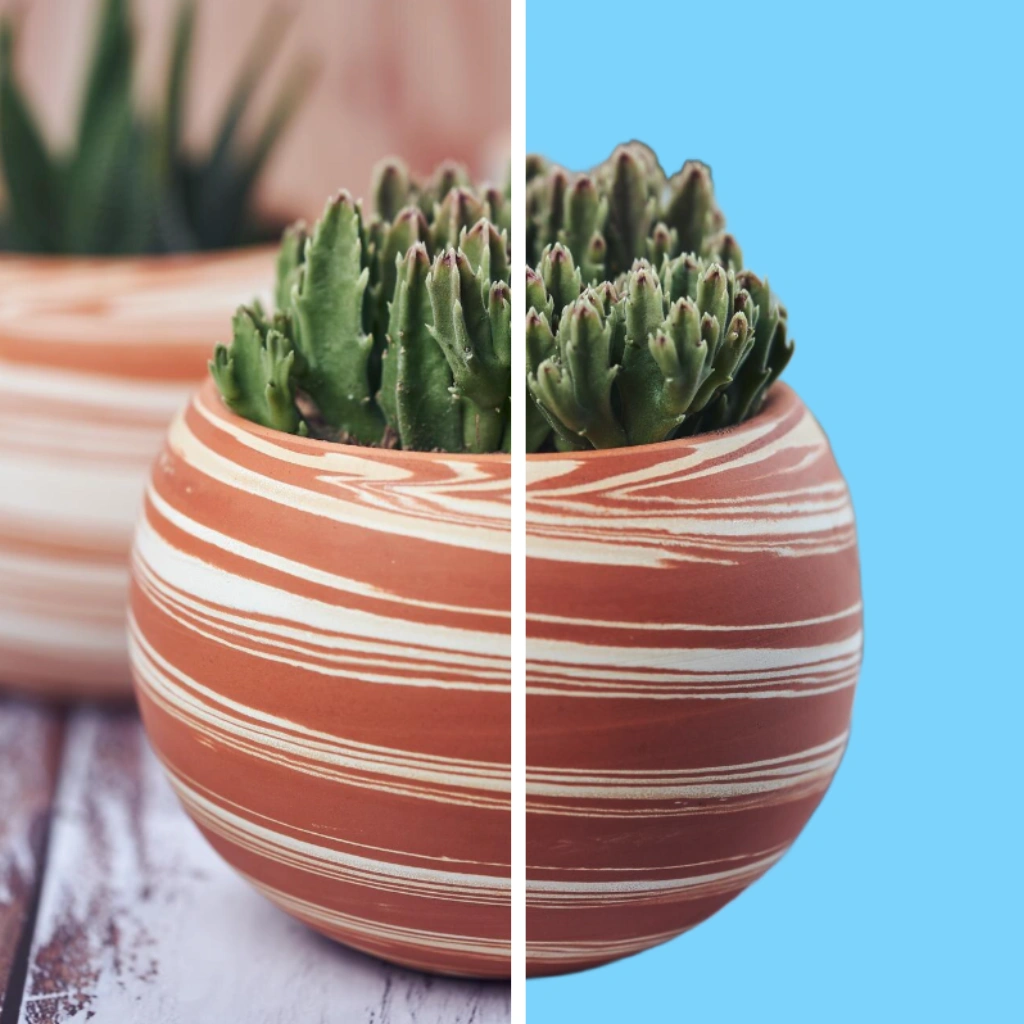
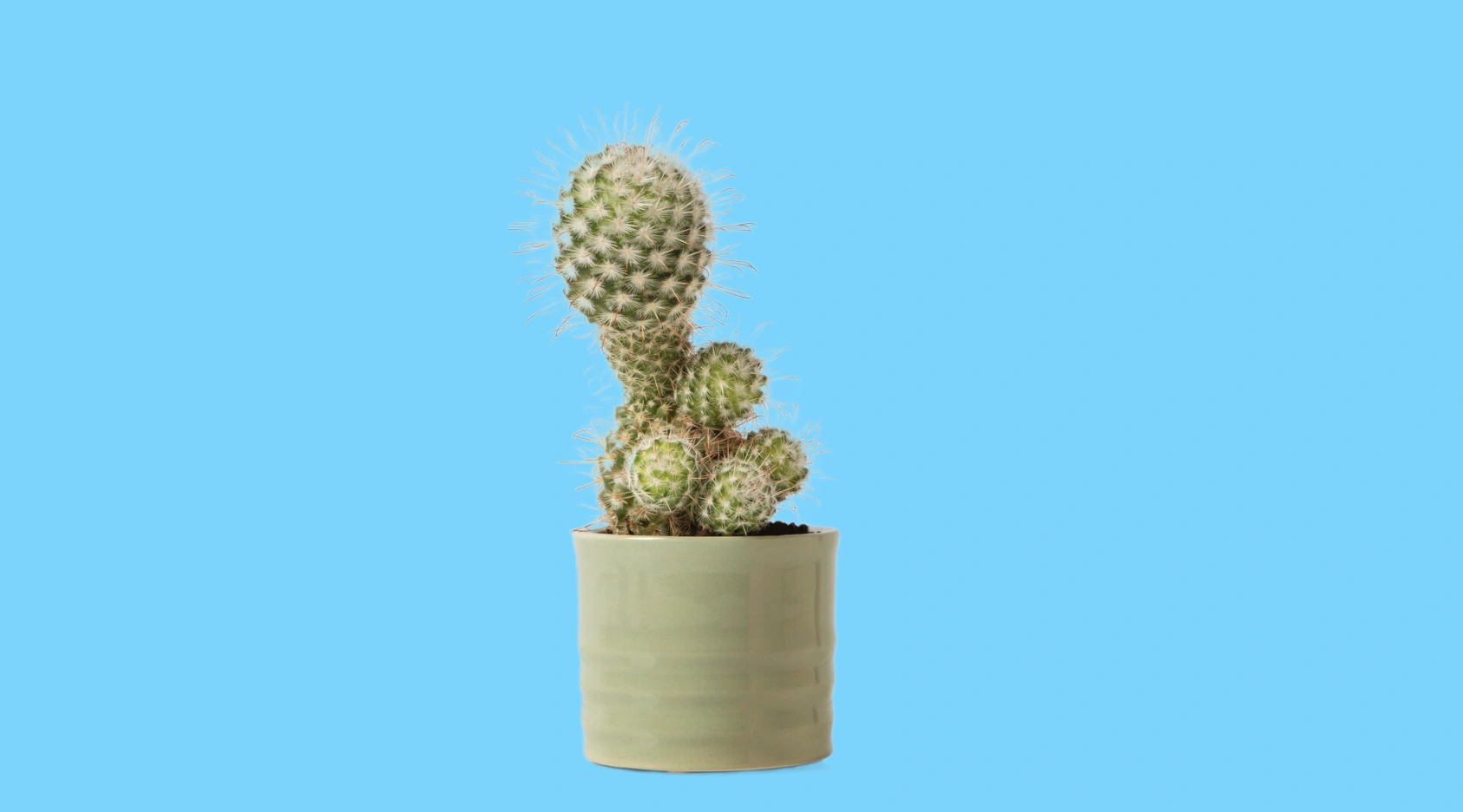
Calm and Serene
Light blue is a color that evokes a sense of calmness, peace, and serenity. It is often associated with the sky, water, and calmness, making it a popular choice for branding and advertising. The color light blue is known to have a calming and soothing effect, which makes it ideal for promoting products or services that are related to wellness, environment, or technology.
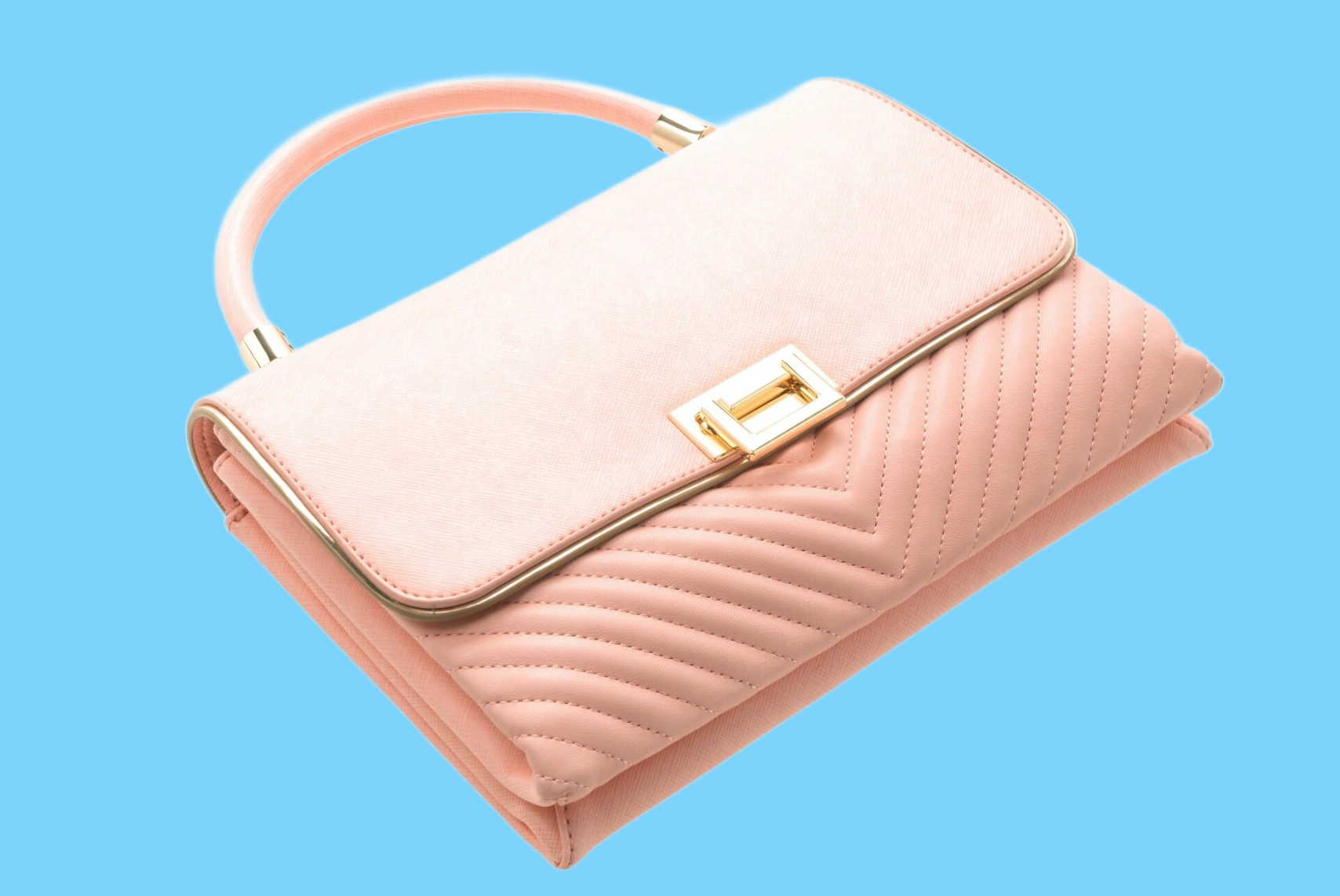
Enhanced Product Appeal
Using light blue colors for product photography is advantageous as it adds a touch of calmness, peace, and serenity, enhancing the visual appeal and desirability of the products.

Captivating Product Showcase
By opting for a light blue you are choosing serenity, openness, and effective communication, while also inspiring creativity and imagination. Its soothing hue evokes tranquility and promotes clarity in various contexts.
Use Light Blue as a Base for Edits and New Versions
A plain light blue background gives you a clean slate to build on. Once added, it becomes much easier to create new versions of the same image for different campaigns, product pages, or seasonal updates. With our AI product photography tools, you can also add studio quality shadows, test different background colors,or explore other edits without starting from scratch each time.
Explore More AI Tools
Frequently Asked Questions
How to add a light blue background to my image?
To add a light blue background to a product photo, upload your image to an online tool. You can use Patternful to add a light blue background with AI, making your product stand out more clearly against other listings.
Can I use the light blue background tool for commercial use?
Yes absolutely! Images edited using Patternful.ai's light blue background tool are ready for commercial and personal use.
What about privacy? Are my product photos safe?
Yes, your images are safe with us. Patternful.ai prioritizes user data safety. Your images are always private, proprietary, and they remain your property. All your uploaded images are automatically deleted from our servers after a few hours.