Watercolor Illustration Images
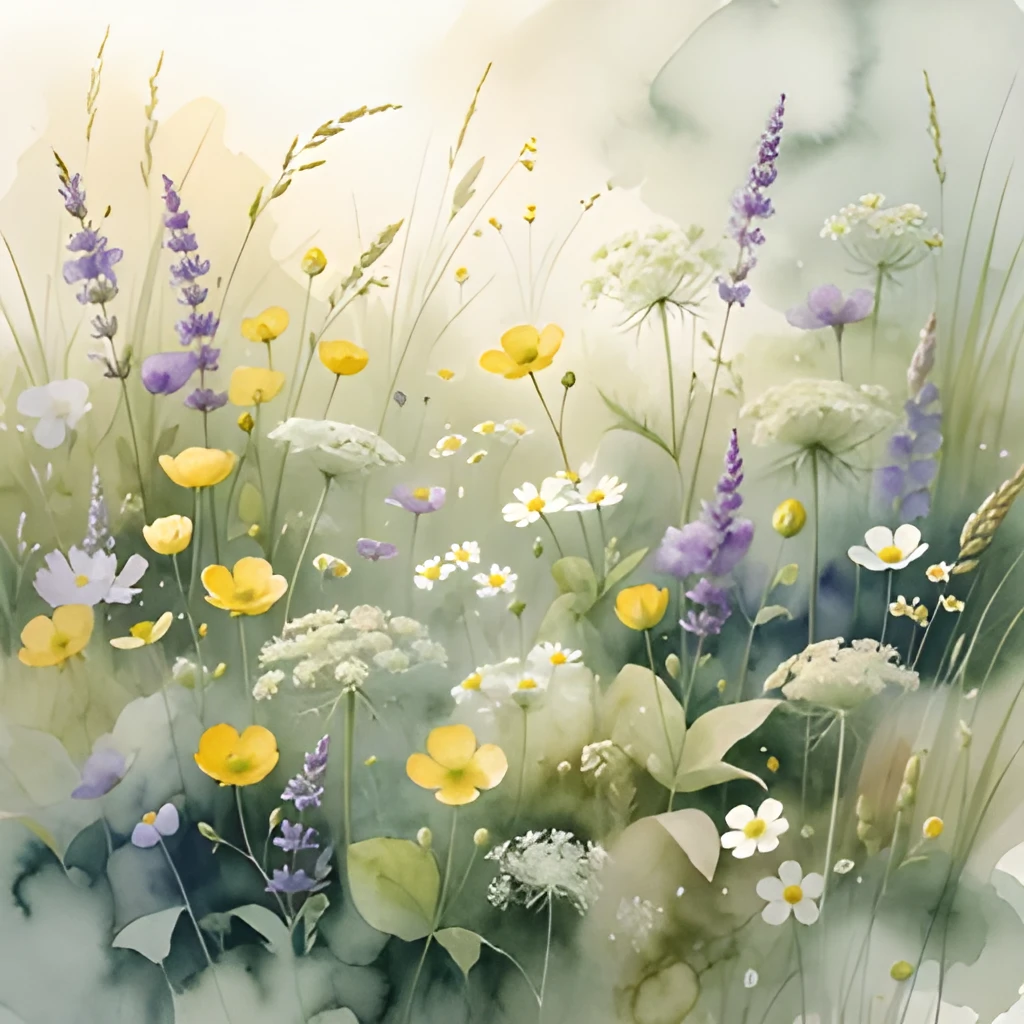
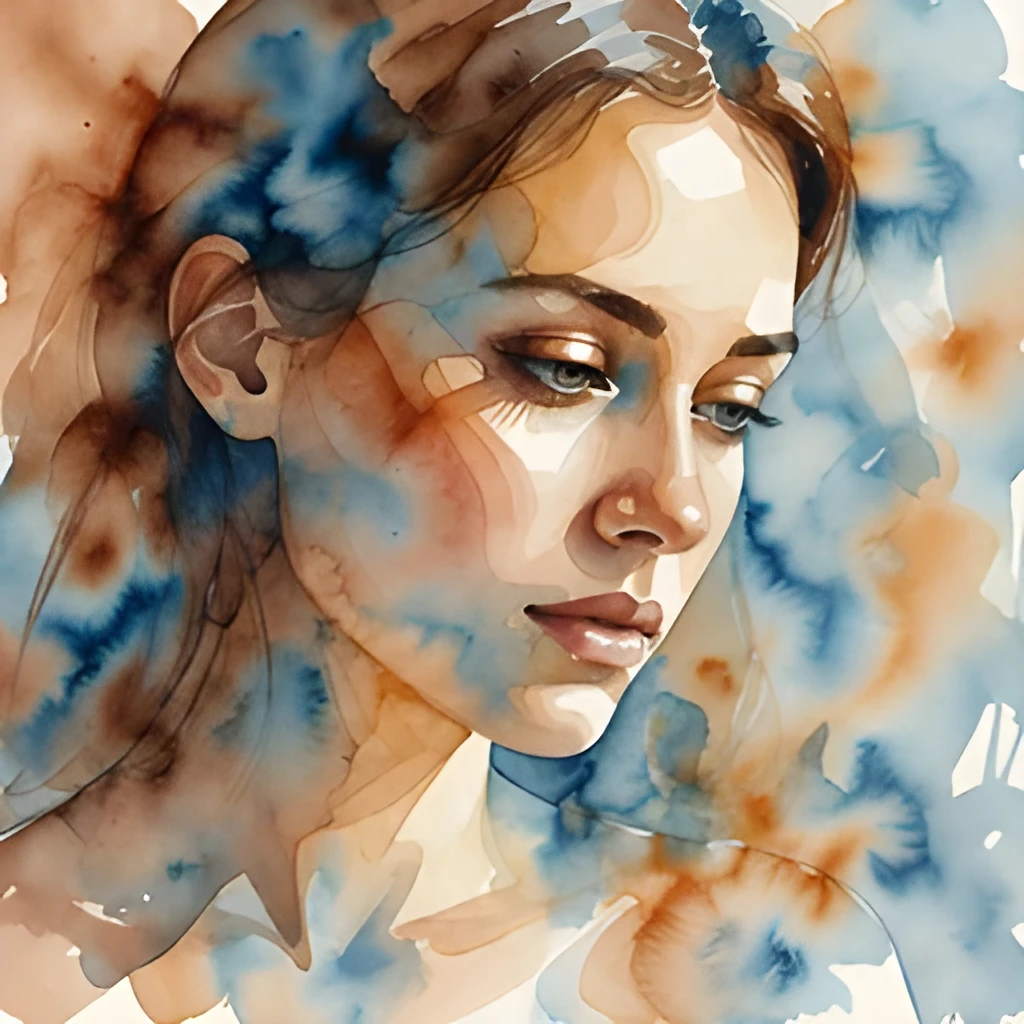
Recover Real Detail, Not Just Size
Our watercolor illustration image upscaler doesn't simply enlarge your image—it intelligently reconstructs lost detail, sharpening every brushstroke, color transition, and texture that makes your watercolor art unique. Whether your original is a phone snapshot or a small scan, the AI analyzes the painting's style and fills in missing information to reveal the depth and nuance you created. Your artwork emerges crisp and vibrant, with all the subtle washes and fine lines preserved.
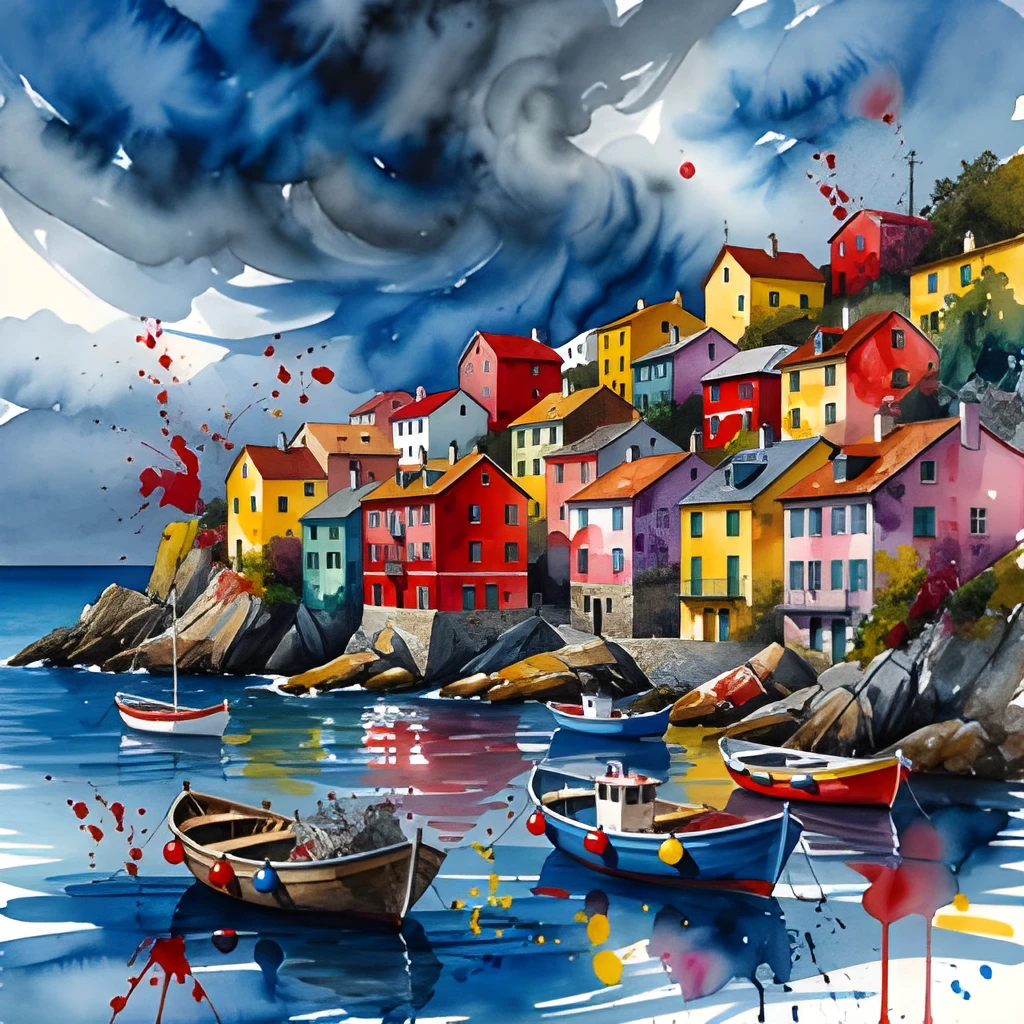
Print-Ready Resolution in Seconds
Create gallery-quality watercolor illustration images optimized for large-format printing, canvas reproduction, and professional display. Our upscaler produces high-resolution outputs suitable for framing, fine art prints, and exhibition catalogs—no more pixelated or blurry results. Upload a small digital sketch or photograph of your watercolor, and receive a polished, exhibition-ready image that captures every pigment blend and artistic intention.
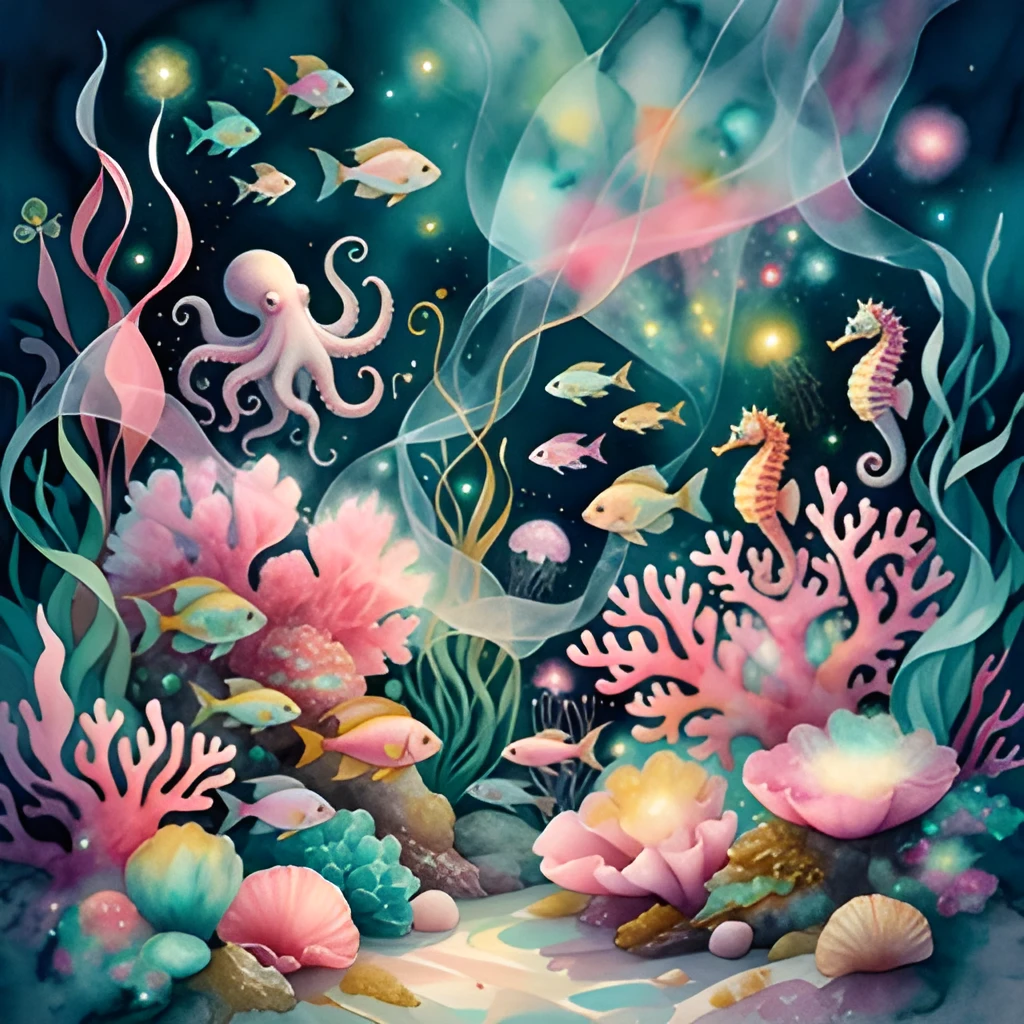
One-Click Enhancement, Zero Manual Work
Skip tedious manual retouching and Photoshop adjustments. Simply upload your watercolor illustration image, click upscale, and receive a finished high-resolution file in moments. No need to adjust colors, sharpen layers, or blend edges yourself—the AI handles the heavy lifting, preserving your original artistic vision while enhancing clarity and vibrancy. Perfect for artists, illustrators, and designers who want instant professional results.
Popular Uses for Upscaled Watercolor Illustration Images
Portfolio and Print Publishing
Upscale watercolor illustration images for art books, portfolios, and gallery catalogs. Ensure your work looks stunning whether displayed digitally or in print, with every detail visible to potential clients and collectors.Social Media and Web Display
Share your watercolor illustration images on Instagram, websites, and online marketplaces at optimal resolution. High-quality visuals attract more engagement and showcase your artistic talent to a wider audience.Canvas and Fine Art Reproduction
Prepare your watercolor illustration images for canvas printing, giclée reproduction, and custom framing services. High-resolution upscaling ensures print fidelity and professional results every time.
Frequently Asked Questions
Will upscaling my watercolor illustration image change the colors or style?
No. Our watercolor illustration image upscaler preserves your original colors, brushwork, and artistic intent while enhancing clarity and resolution. The AI intelligently reconstructs detail without altering your painting's character or palette.
What file formats can I upscale for my watercolor illustration images?
We accept JPG, PNG, and other common image formats. After upscaling your watercolor illustration image, download the result in high-resolution PNG or JPG, perfect for printing, archiving, or sharing online.
How do I upscale my own image?
Click "Upscale an Image" to open the Patternful Image Upscaler, upload your watercolor illustration images (or any photo), and let the AI enhance the resolution and detail. Then download the high-resolution result — no design skills required.
Will upscaling add detail or just make the image bigger?
The AI upscaler reconstructs fine detail and sharpens edges as it increases resolution, so results look genuinely crisper — not just a stretched, blurry enlargement. It works best on photos that are soft, low-resolution, or small.
What formats and sizes are supported?
You can upload common image formats (JPEG, PNG, WEBP) and download the upscaled result at a higher resolution suitable for print, social media, and web. Larger source images produce larger, more detailed outputs.