Wallpaper Images
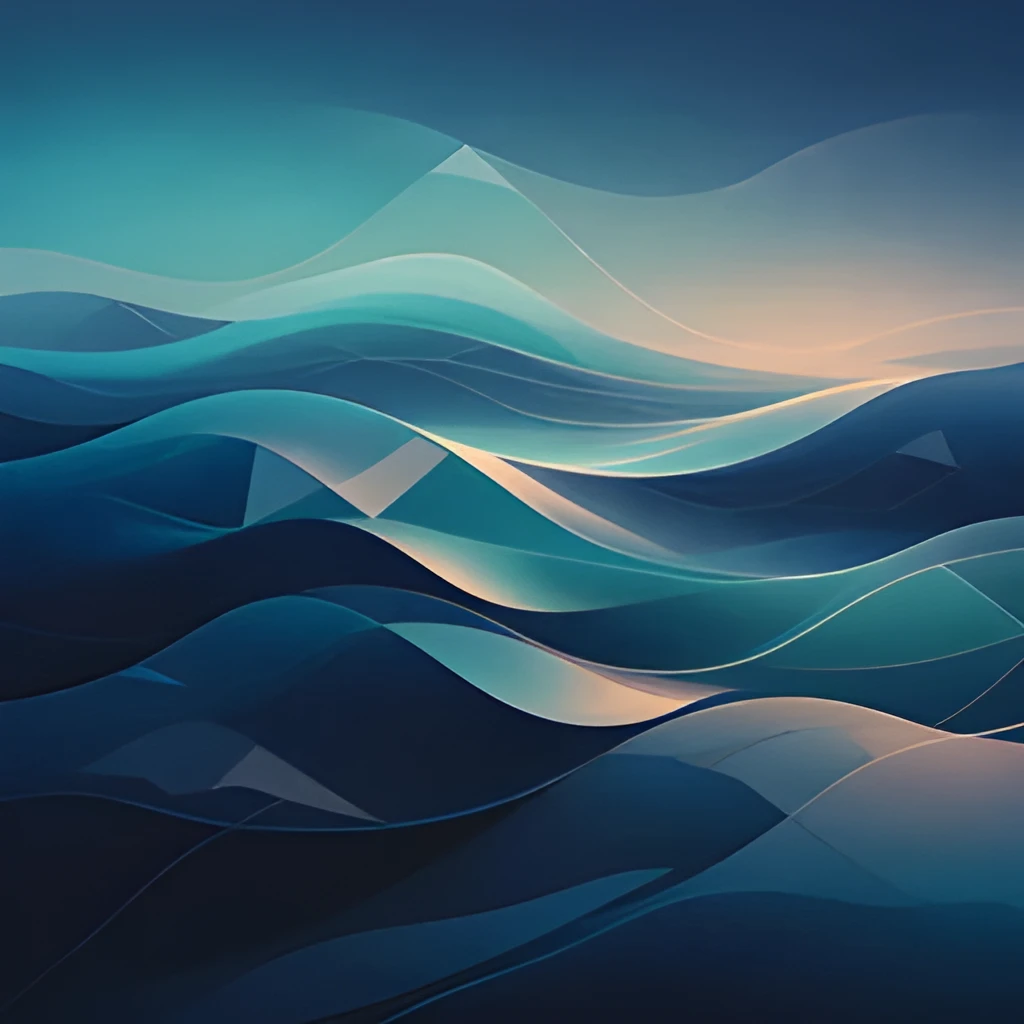
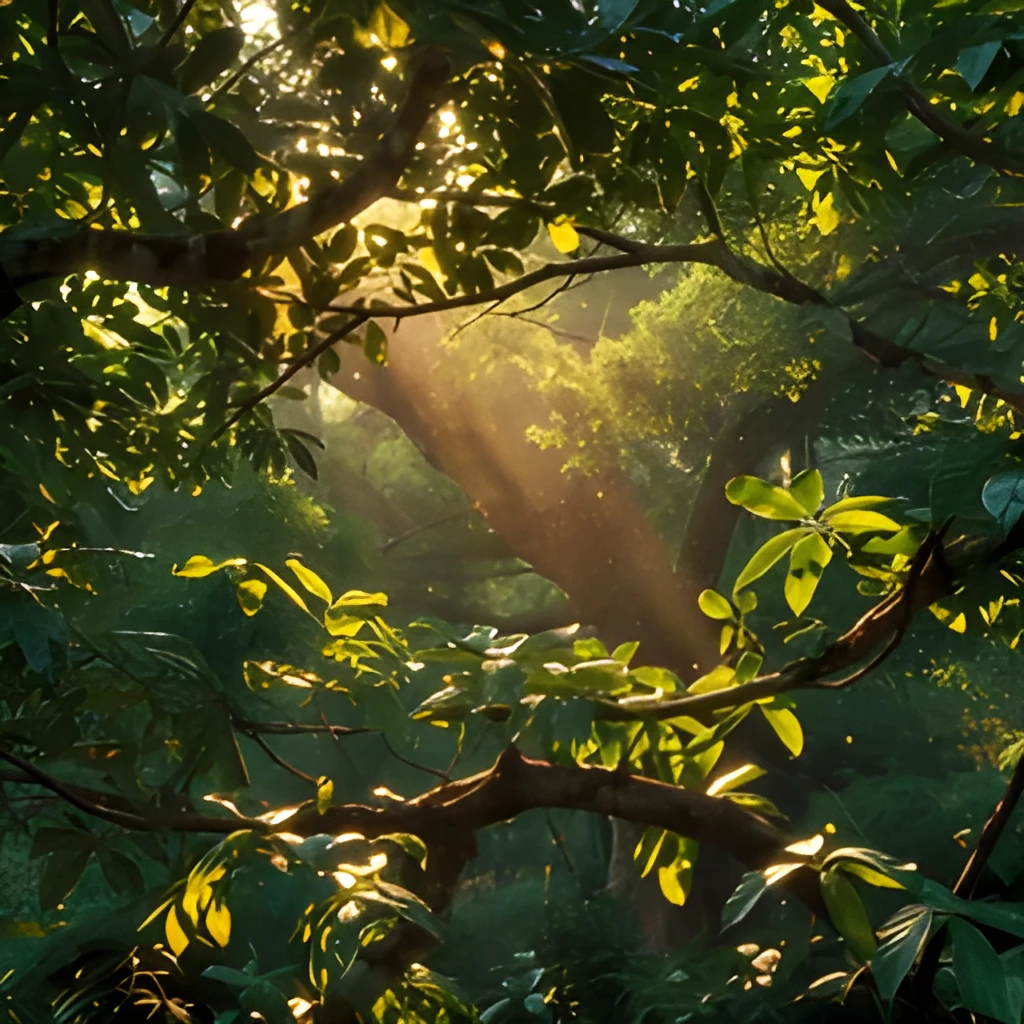
Recover Hidden Detail in Every Pixel
Our wallpaper image upscaler doesn't just enlarge your image—it intelligently reconstructs fine details lost in compression or low-resolution sources. Whether your wallpaper features intricate patterns, textures, or gradients, our AI reveals the subtle nuances that make it beautiful. Watch as pixelated backgrounds transform into smooth, refined visuals with natural color transitions and crisp pattern definition, making even heavily compressed wallpapers look professionally polished.
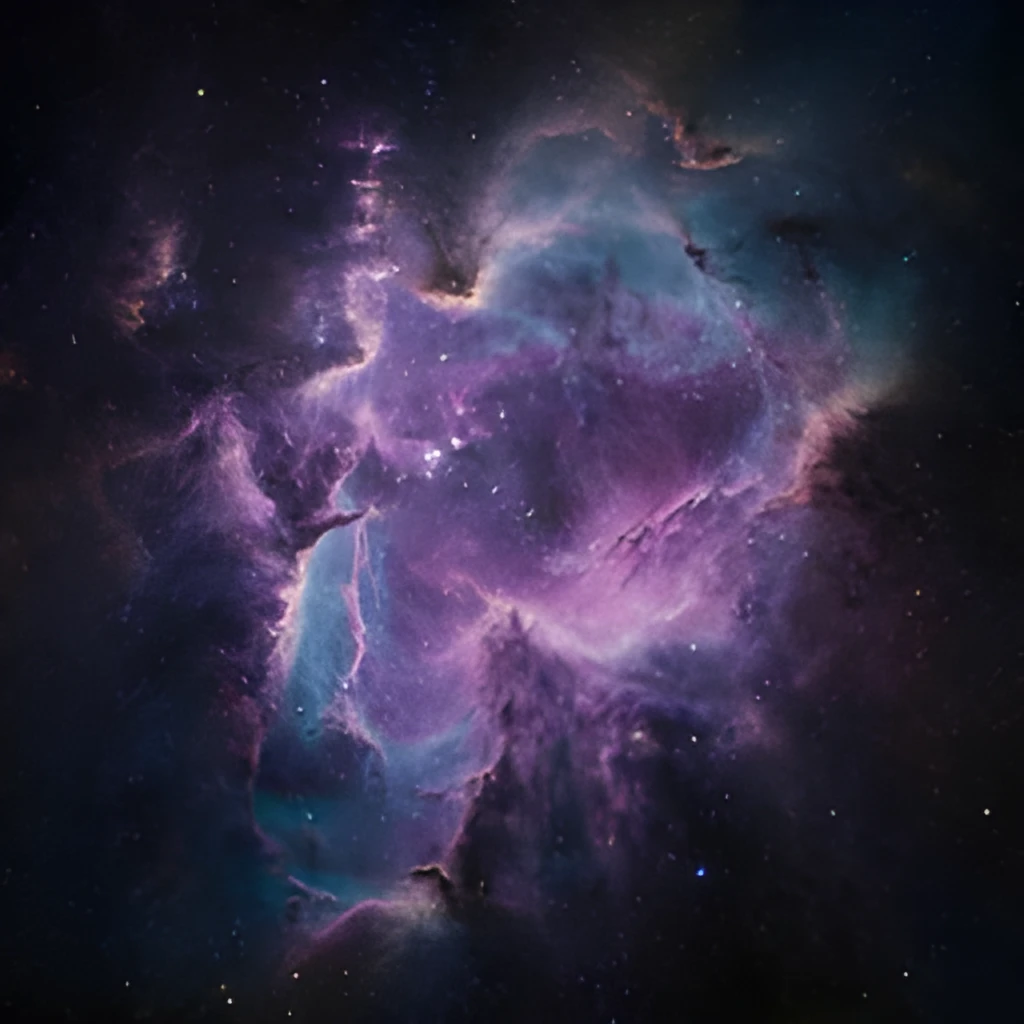
Print-Ready and Screen-Perfect Resolution
Upscale your wallpaper images to any resolution you need—from ultra-wide monitor displays to high-DPI smartphone screens, or even large-format prints. Our wallpaper image upscaler generates genuinely sharp, artifact-free output that maintains visual integrity across all devices and sizes. Whether you're creating a 4K desktop background or a custom printed canvas, the enhanced resolution delivers stunning clarity without the blurring and distortion of basic resizing.
One-Click Enhancement, No Manual Work Required
Skip the complex editing software and time-consuming retouching. Simply upload your low-resolution wallpaper image, and our wallpaper image upscaler automatically enhances it in seconds with zero configuration needed. No filters to tweak, no layers to adjust—just instant, beautiful results ready to download and use immediately. The entire process is designed for speed and simplicity, so you can refresh your digital space without any technical hassle.
Popular Uses for Upscaled Wallpaper Images
Restore Blurry Desktop Wallpapers
Breathe new life into favorite wallpapers that have become pixelated or compressed over time. Our wallpaper image upscaler sharpens every detail, making old or low-quality backgrounds look fresh and modern on any monitor.Create Custom Mobile Home Screens
Upscale wallpaper images to perfect clarity for phones and tablets, ensuring your lock screen and home screen backgrounds remain crisp and beautiful at any screen resolution or pixel density.Prepare Wallpapers for Large Prints
Turn digital wallpaper images into high-resolution artwork suitable for printing on canvas, posters, or murals. Our wallpaper image upscaler delivers the resolution and quality needed for professional print production without quality loss.
Frequently Asked Questions
Can your wallpaper image upscaler handle very small or heavily compressed images?
Yes. Our AI is trained to recover detail and improve clarity even from heavily compressed or tiny wallpaper images. The larger the original image, the better the result, but we can enhance nearly any source. Some extremely small images (under 100 pixels wide) may have limitations, but most wallpapers upscale beautifully.
What file formats does the wallpaper image upscaler support?
We accept all common formats: JPEG, PNG, WebP, and more. You can upload wallpaper images in any standard format and download the enhanced version in the format of your choice. This makes it easy to integrate upscaled wallpapers into any workflow.
How do I upscale my own image?
Click "Upscale an Image" to open the Patternful Image Upscaler, upload your wallpaper images (or any photo), and let the AI enhance the resolution and detail. Then download the high-resolution result — no design skills required.
Will upscaling add detail or just make the image bigger?
The AI upscaler reconstructs fine detail and sharpens edges as it increases resolution, so results look genuinely crisper — not just a stretched, blurry enlargement. It works best on photos that are soft, low-resolution, or small.
What formats and sizes are supported?
You can upload common image formats (JPEG, PNG, WEBP) and download the upscaled result at a higher resolution suitable for print, social media, and web. Larger source images produce larger, more detailed outputs.