Vintage Photos
Recover Lost Detail, Don't Just Enlarge
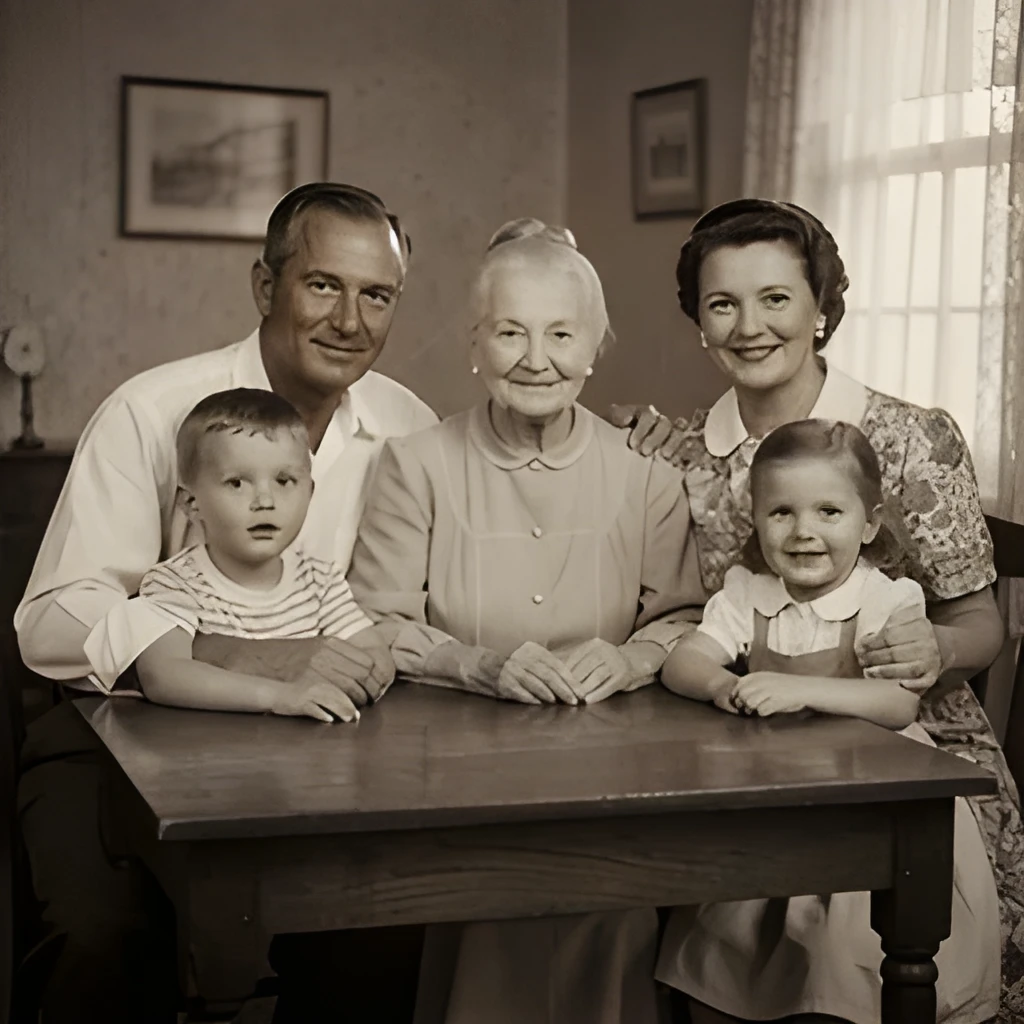
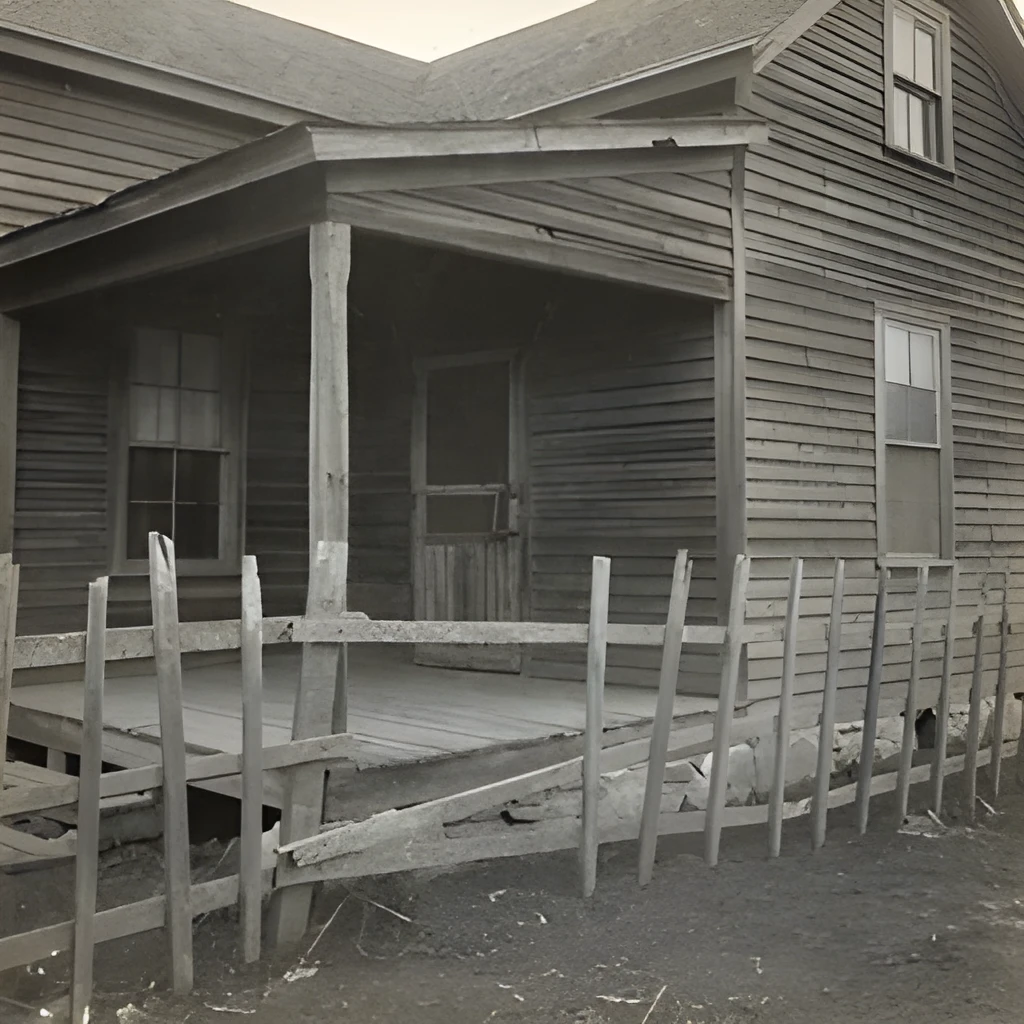
A vintage photo image upscaler powered by advanced AI doesn't simply stretch pixels—it intelligently reconstructs fine details that time and degradation have obscured. Our technology analyzes the patterns in your old photo and fills in missing texture, sharpness, and subtle tones that a basic enlargement would miss. The result is a crisp, natural-looking image that honors the original while revealing details you thought were lost forever. Perfect for family portraits, old landscapes, and cherished memories trapped in low-resolution scans.
Print-Ready Resolution in Seconds
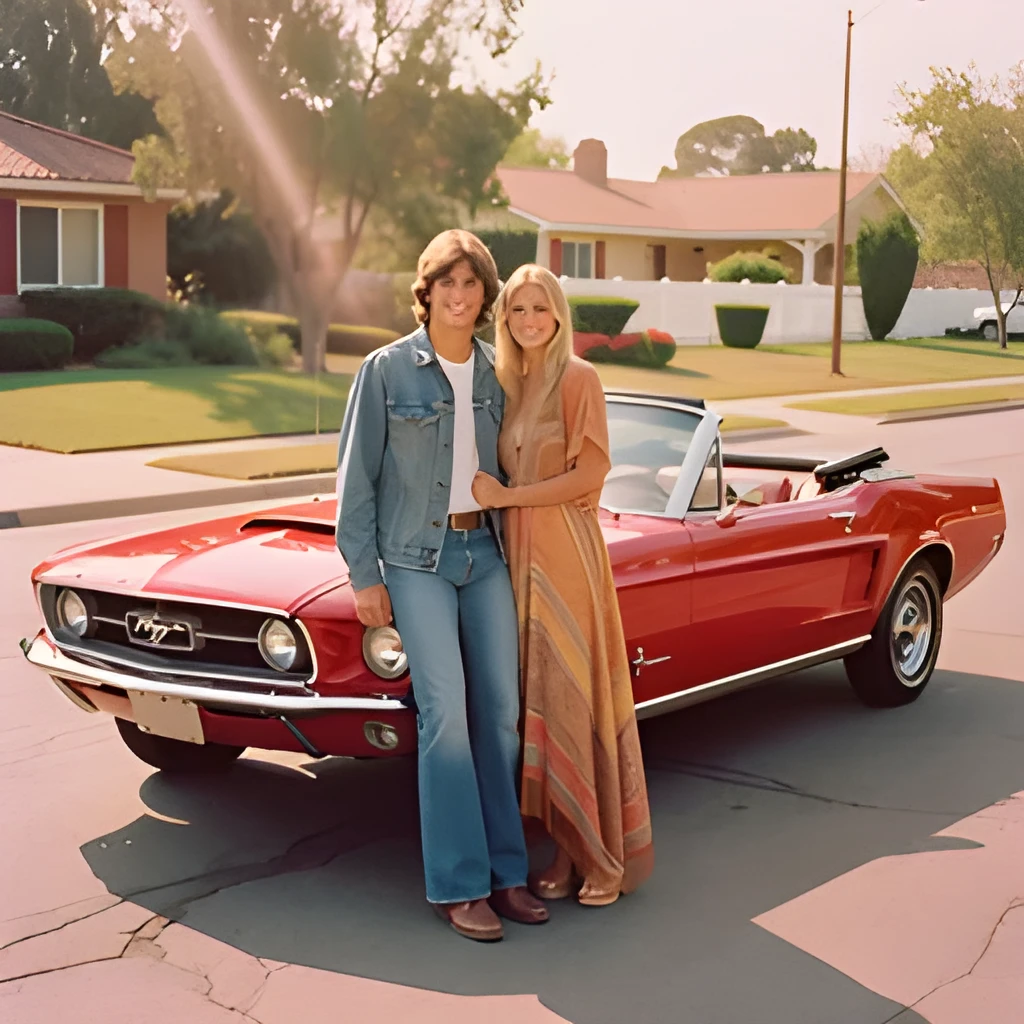
Transform faded vintage photos into gallery-quality, high-resolution files suitable for large prints, canvas, or professional framing. Our vintage photo image upscaler produces output up to 4x larger while maintaining exceptional clarity—ideal for wall art, photo books, or heirloom displays. Whether you're restoring a sepia-toned family portrait or a grainy snapshot from decades past, you'll get a sharp, vibrant result that's ready to print at any size. No waiting for manual restoration artists; upscale instantly and share or frame within minutes.
One-Click Restoration, Zero Manual Work
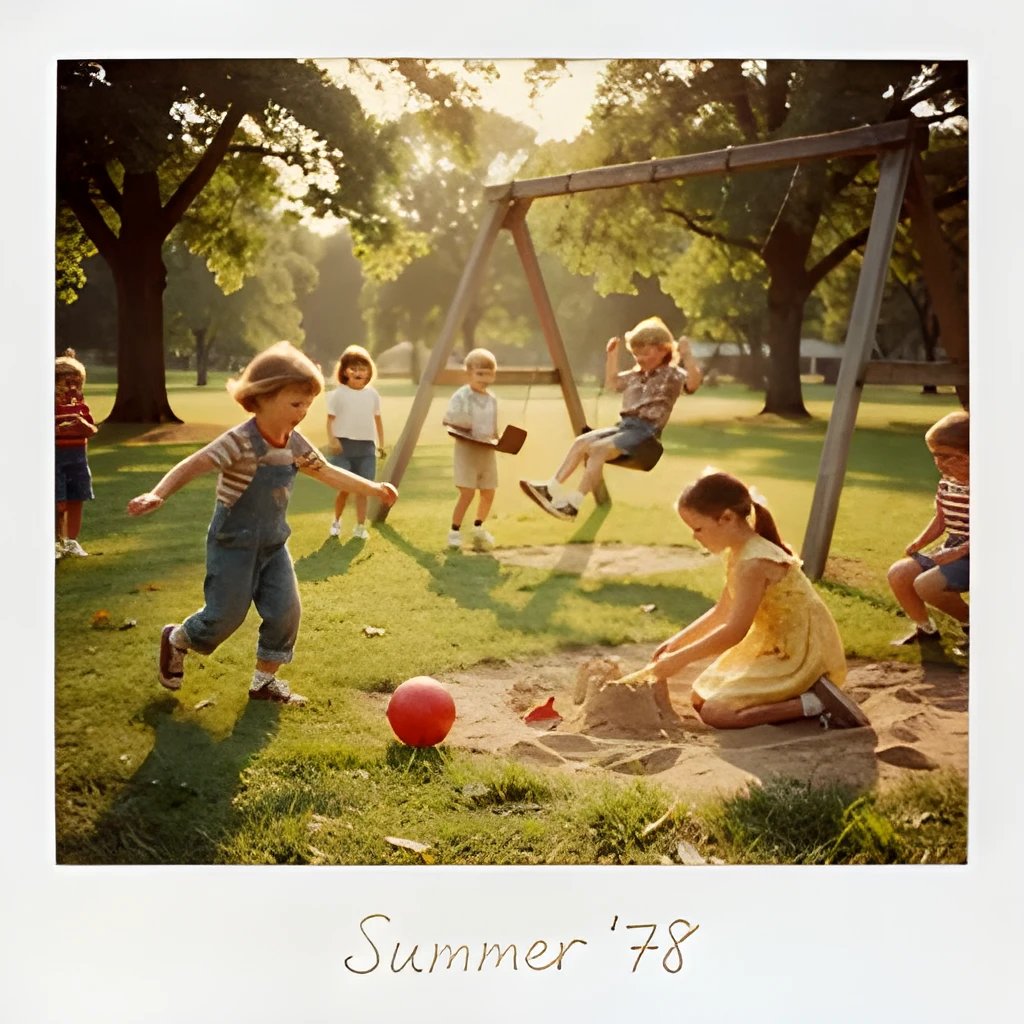
Simply upload your vintage photo image and let our upscaler do the work. There's no need for expensive retouching software, Photoshop skills, or hours of manual editing. Our intelligent vintage photo image upscaler automatically enhances clarity, reduces grain, and sharpens edges in a single click. The process is fast, intuitive, and requires nothing more than dragging and dropping your old photo. Batch upscale multiple vintage photos at once and reclaim your entire photo archive in high resolution without any technical hassle.
Popular Uses for Upscaled Vintage Photos
Restore & Frame Family Heirlooms
Bring old family portraits and vintage photos back to life for display. Upscale a cherished black-and-white photo of grandparents or a faded color snapshot from the 1970s to hang proudly on your wall or in a family gallery.Create Photo Books & Keepsakes
Build stunning printed photo books, scrapbooks, or memory albums using upscaled vintage photos. High-resolution output ensures your old family photos look sharp and professional on every page.Share Memories on Social Media
Turn vintage photos into eye-catching social media posts, stories, and album covers. Upscale old family snapshots to crisp, vibrant images perfect for Instagram, Facebook, or Pinterest nostalgia posts.
Frequently Asked Questions
Can a vintage photo image upscaler really recover detail from an old, blurry photo?
Yes. Our AI-powered vintage photo image upscaler analyzes pixel patterns and intelligently reconstructs fine details—textures, edges, and subtle tones that degradation has softened. While it can't add information that was never captured, it recovers clarity and sharpness remarkably well, especially for scanned photos, prints, and digital images from older cameras. The result is noticeably sharper and more lifelike than the original.
What file formats does the vintage photo image upscaler accept?
Our upscaler accepts JPG, PNG, WebP, and other common image formats. Upload your vintage photo scan, digital copy, or even a photo of a physical print, and we'll enhance it to high resolution. You can download the upscaled result in the same format or convert to your preferred output format.
How do I upscale my own image?
Click "Upscale an Image" to open the Patternful Image Upscaler, upload your vintage photos (or any photo), and let the AI enhance the resolution and detail. Then download the high-resolution result — no design skills required.
Will upscaling add detail or just make the image bigger?
The AI upscaler reconstructs fine detail and sharpens edges as it increases resolution, so results look genuinely crisper — not just a stretched, blurry enlargement. It works best on photos that are soft, low-resolution, or small.
What formats and sizes are supported?
You can upload common image formats (JPEG, PNG, WEBP) and download the upscaled result at a higher resolution suitable for print, social media, and web. Larger source images produce larger, more detailed outputs.