Tote Bag Images
Recover Real Design Detail
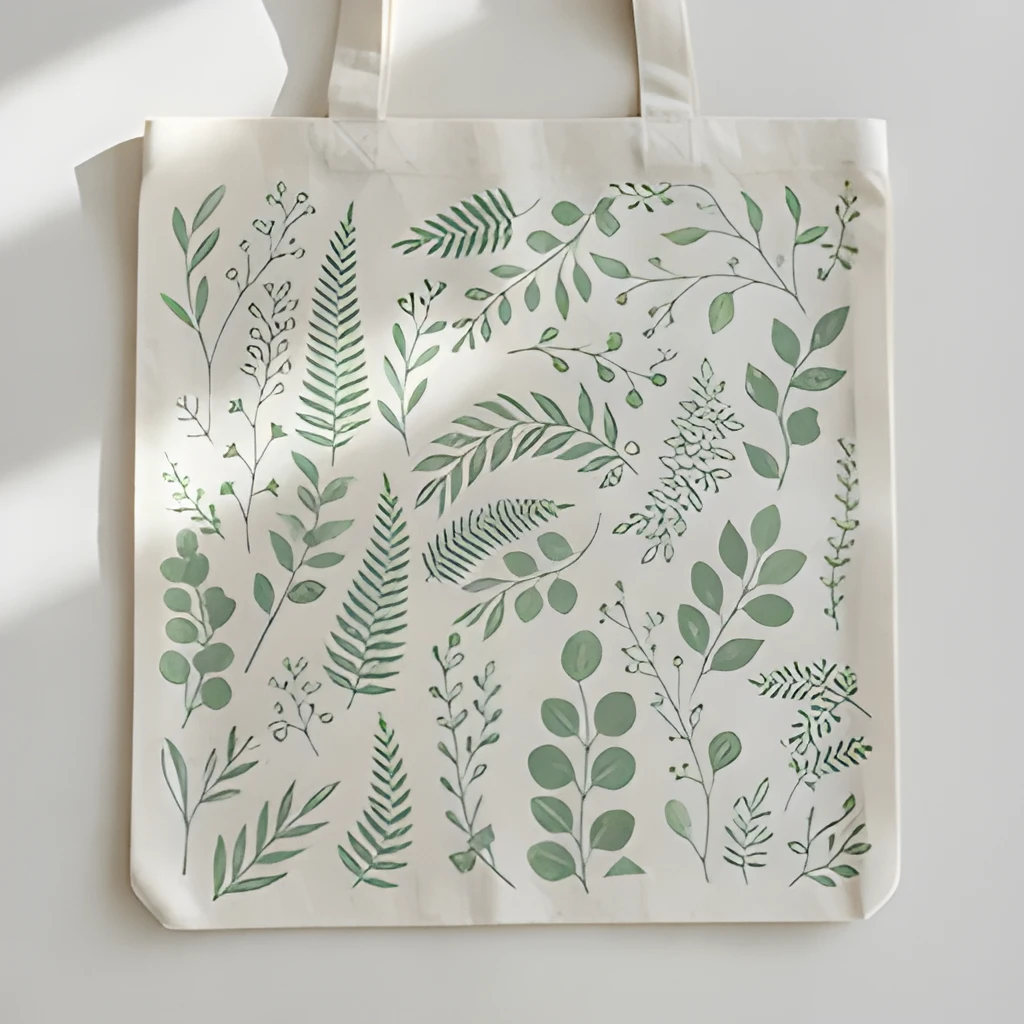
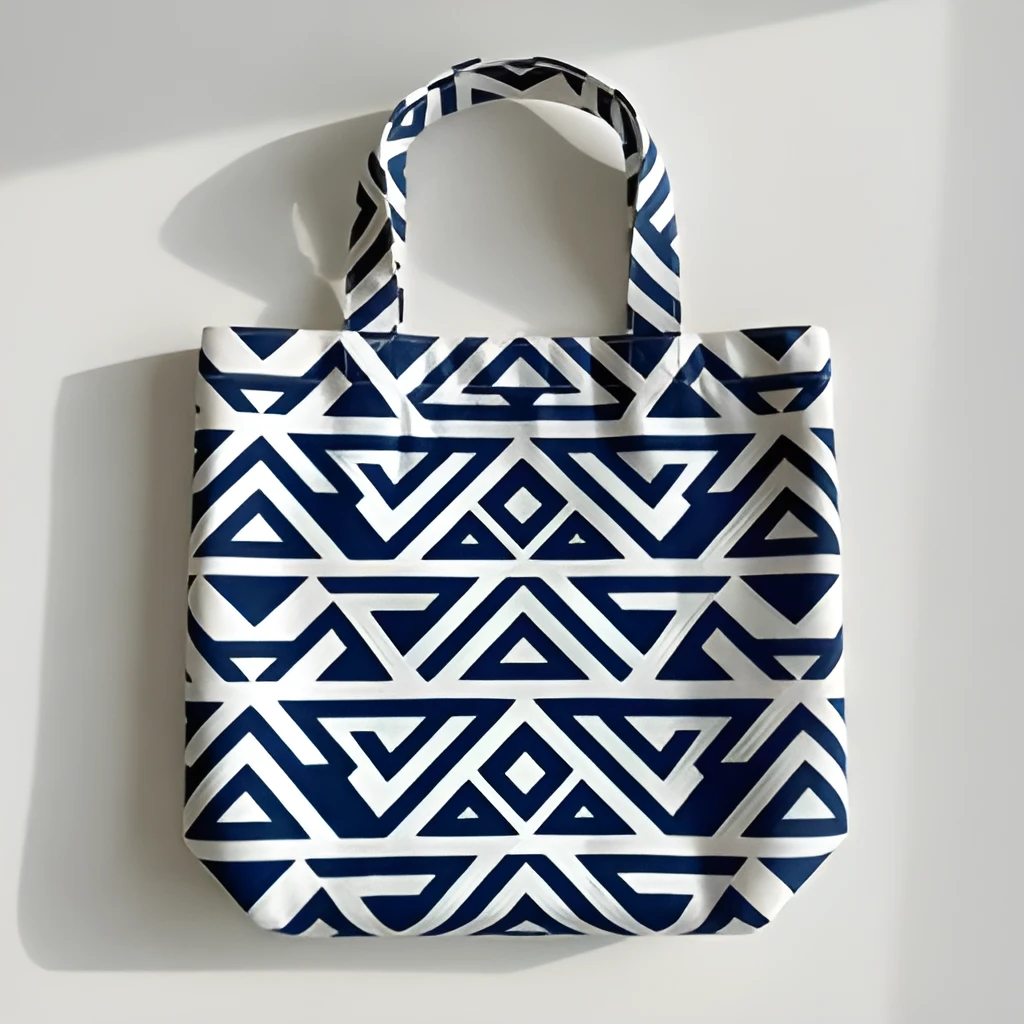
Our tote bag image upscaler doesn't just enlarge your image—it intelligently reconstructs fine details, textures, and print patterns that low-resolution photos lose. Whether your tote bag features intricate embroidery, woven textures, or complex graphic designs, the upscaler reveals the craftsmanship and quality that make your product stand out. Each stitch, color gradient, and pattern element becomes crisp and true-to-life, giving buyers and stakeholders a clear view of what makes your tote special.
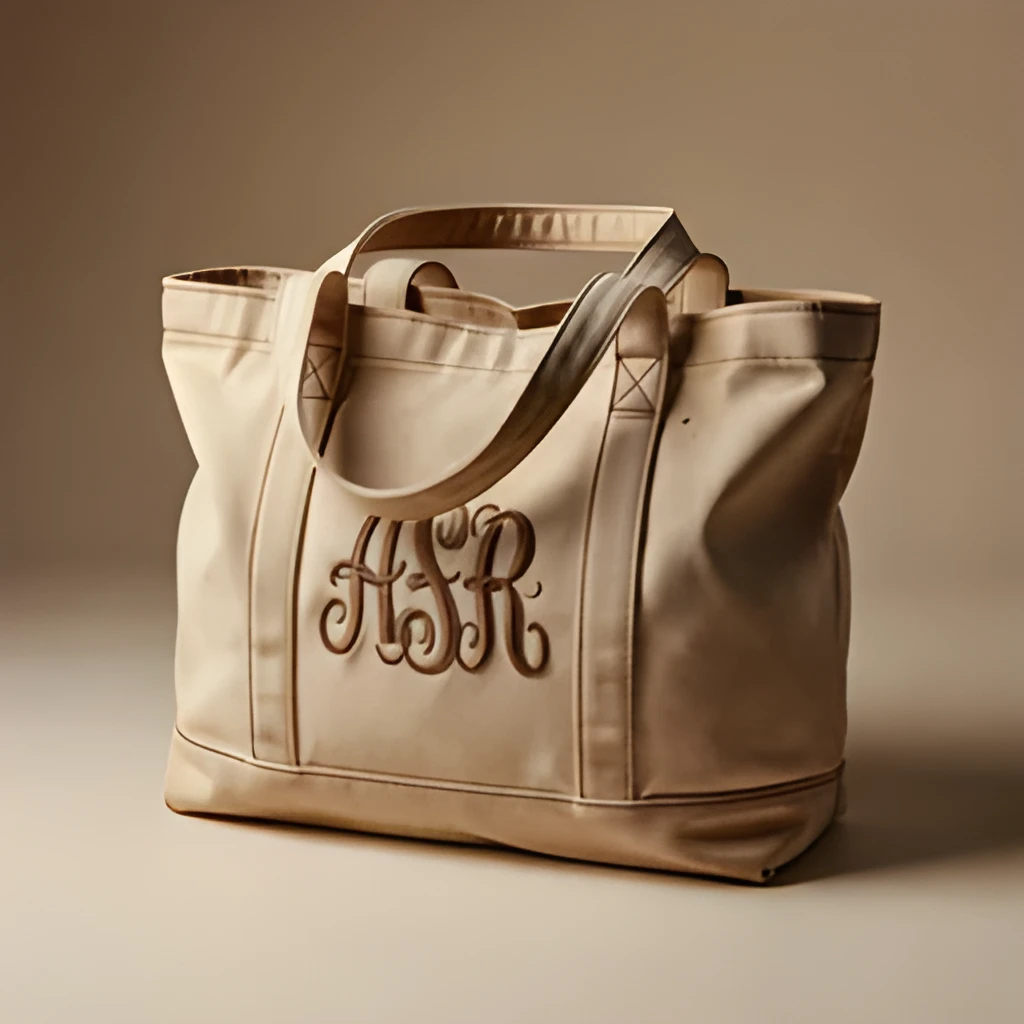
Print-Ready Resolution for Catalogs & Retail
Transform smartphone snapshots into professional-grade assets ready for print brochures, product catalogs, and retail displays. The tote bag image upscaler delivers sharp, vibrant output that works seamlessly across digital storefronts, social media, and printed materials without quality loss. High-resolution output means your tote bag images look stunning on any medium—from small web thumbnails to large billboard prints—ensuring consistent, polished branding across all channels.
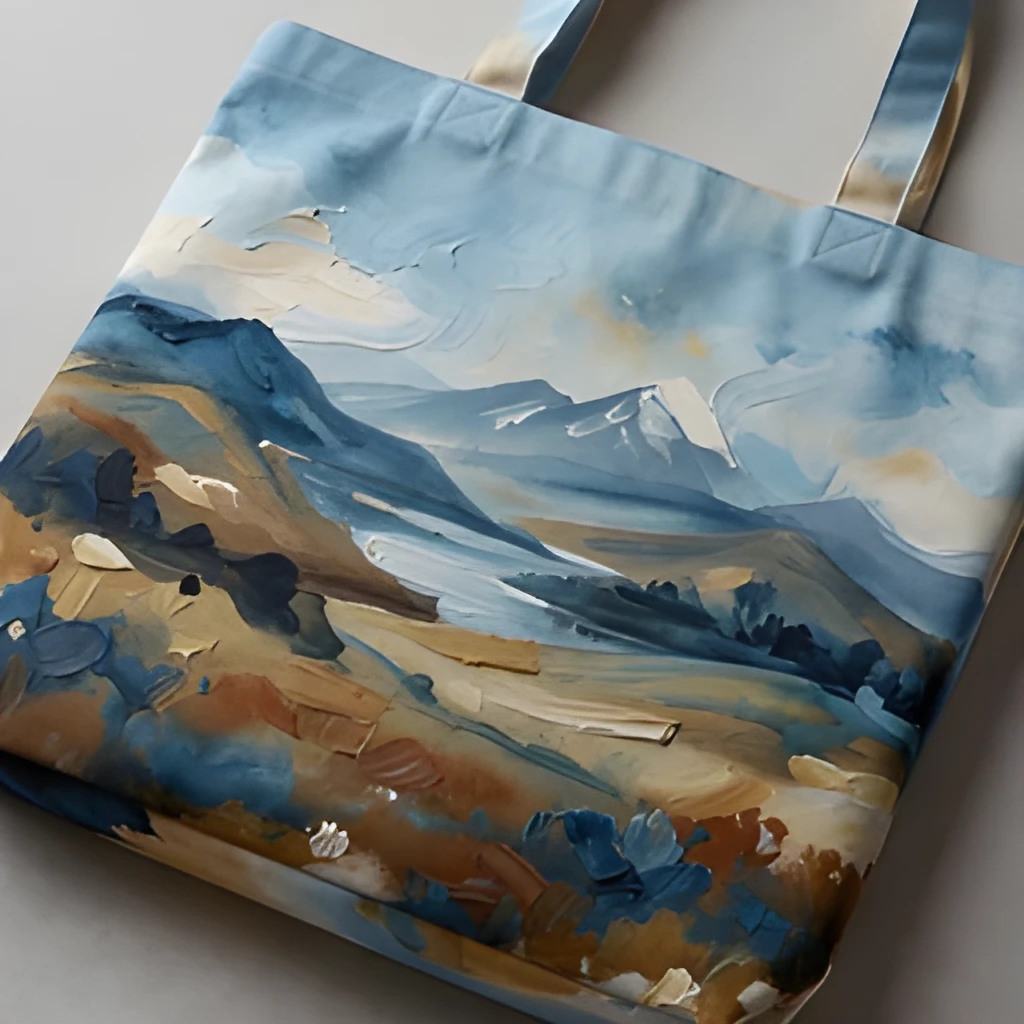
One-Click Enhancement, No Manual Work
Skip the time-consuming retouching and manual editing. Our tote bag image upscaler processes your image in seconds with a single click, using advanced AI to sharpen, enhance, and enlarge automatically. No learning curve, no complex software needed—just upload, enhance, and download your crisp new image. Perfect for busy designers, e-commerce teams, and product photographers who need fast turnaround without sacrificing quality.
Popular Uses for Upscaled Tote Bag Images
E-Commerce Product Listings
Tote bag sellers need sharp, detailed images to reduce returns and build customer confidence. Upscale product photos to show texture, color accuracy, and design elements clearly. High-resolution tote bag images drive higher click-through rates and conversion, especially when customers can zoom in and inspect quality.Merchandise & Brand Marketing
Design agencies and brand teams use tote bag images in lookbooks, social media campaigns, and promotional materials. A professional tote bag image upscaler ensures your branded merchandise looks polished in every context—from Instagram posts to printed advertising—maintaining visual consistency and brand prestige.Production & Quality Control
Manufacturers and print shops need clear, high-resolution images to verify design accuracy before mass production. Upscale tote bag samples and proofs to catch details, color shifts, and print alignment issues early, reducing costly errors and ensuring the final product meets specifications.
Frequently Asked Questions
Will upscaling my tote bag image look artificial or blurry?
No. Our tote bag image upscaler uses AI to intelligently enhance detail rather than simply stretching pixels. The result is a sharp, natural-looking image that preserves the texture, color, and design of your original tote bag. You'll see genuine detail recovery, not artificial smoothing or artifacts.
What image formats work best with the tote bag image upscaler?
The upscaler works with JPG, PNG, WebP, and other common formats. For best results, start with the clearest original you have—even slightly blurry phone photos will improve dramatically. There's no minimum resolution requirement; even small or compressed tote bag images benefit from upscaling.
How do I upscale my own image?
Click "Upscale an Image" to open the Patternful Image Upscaler, upload your tote bag images (or any photo), and let the AI enhance the resolution and detail. Then download the high-resolution result — no design skills required.
Will upscaling add detail or just make the image bigger?
The AI upscaler reconstructs fine detail and sharpens edges as it increases resolution, so results look genuinely crisper — not just a stretched, blurry enlargement. It works best on photos that are soft, low-resolution, or small.
What formats and sizes are supported?
You can upload common image formats (JPEG, PNG, WEBP) and download the upscaled result at a higher resolution suitable for print, social media, and web. Larger source images produce larger, more detailed outputs.