Texture Images

Recover True Texture Detail
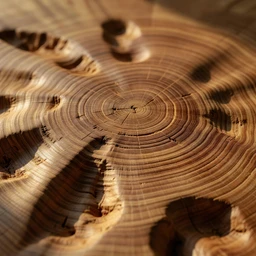
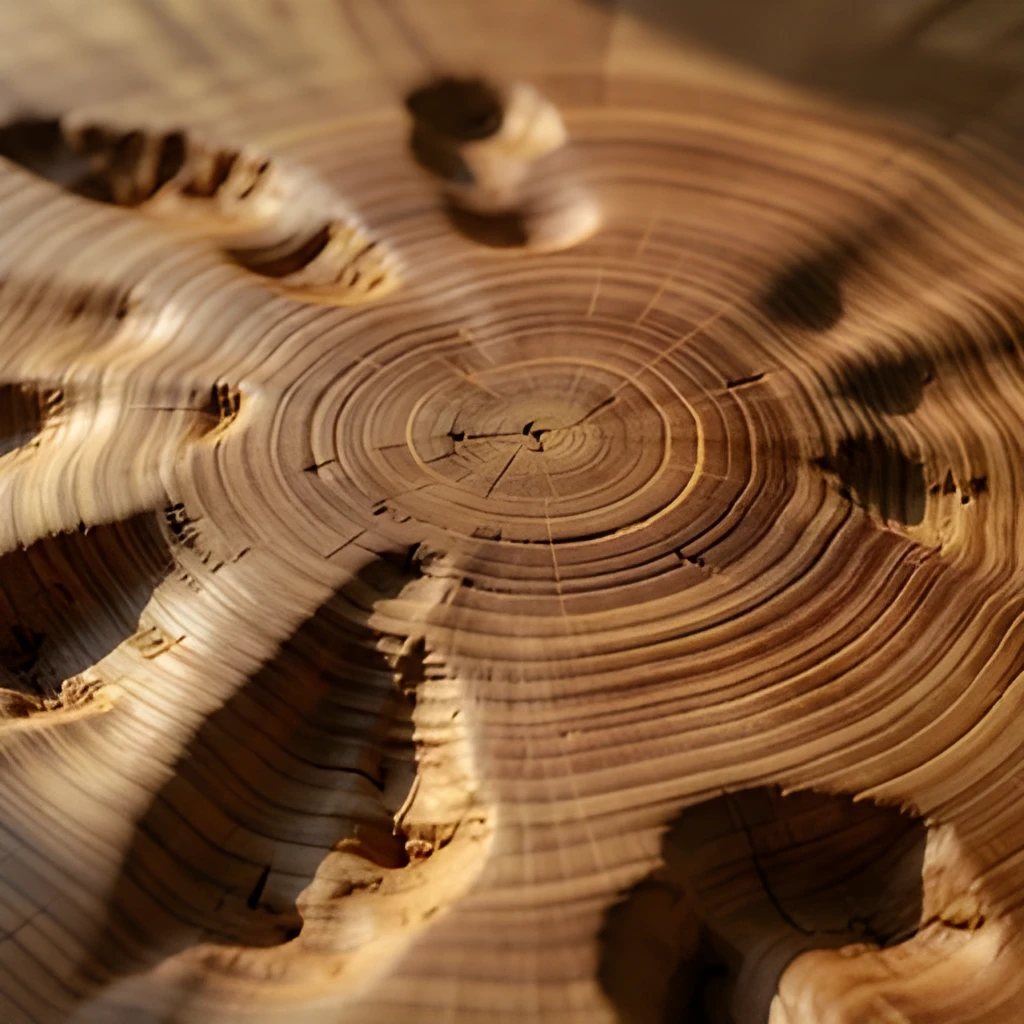
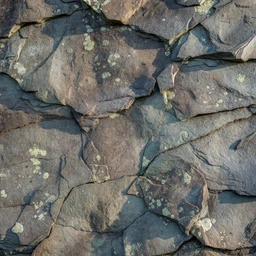
Our texture image upscaler doesn't just enlarge your image—it intelligently reconstructs the fine grain, weave, and surface characteristics that make textures compelling. Whether you're working with close-up shots of wood grain, fabric patterns, or weathered surfaces, the AI analyzes the original texture and intelligently fills in missing detail rather than creating blurry or artificial enlargements. The result is a crisp, authentic texture image that retains the tactile quality of the original.
Print-Ready & Web-Optimized Output
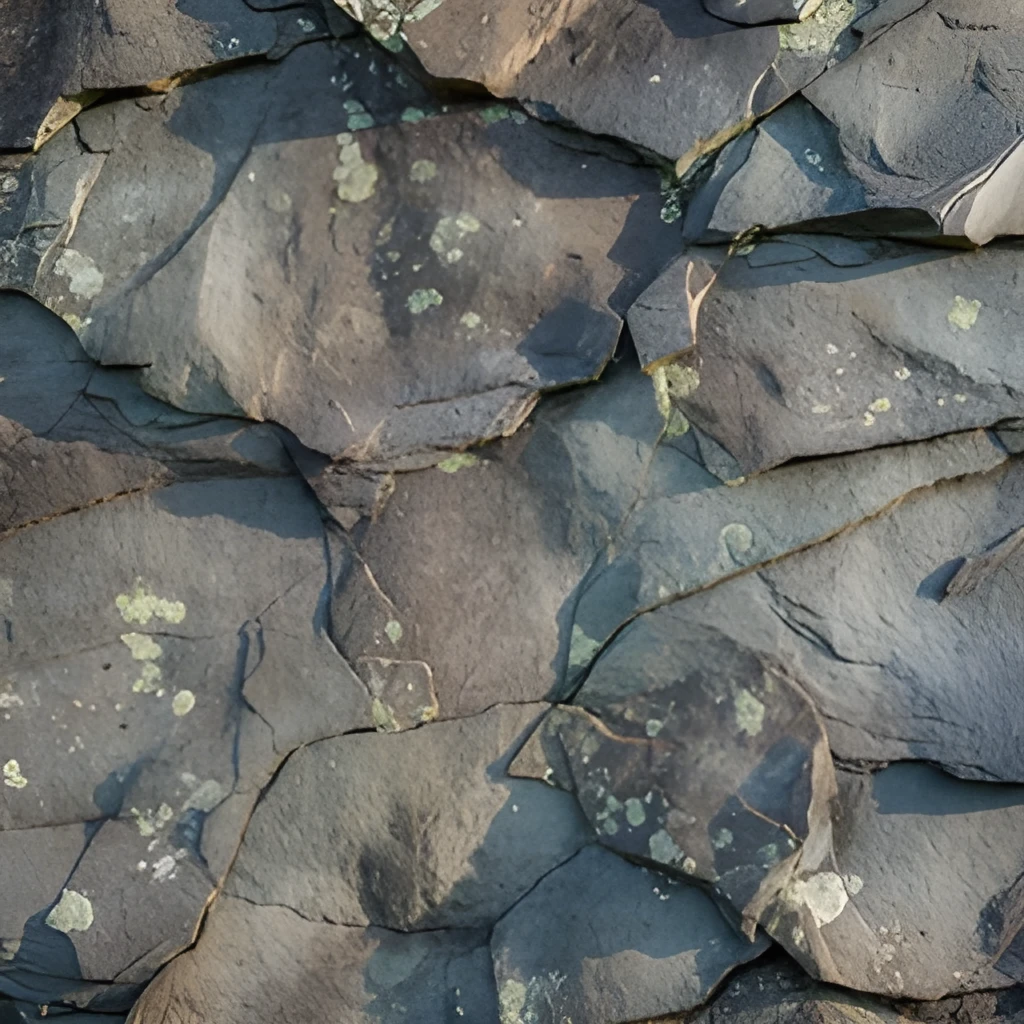
Upscale your texture images to resolutions perfect for large format prints, digital displays, and design applications. Whether you need high-resolution texture images for a catalog, website background, or architectural visualization, our texture image upscaler produces gallery-quality results. The enhanced clarity works beautifully across mediums—from small web graphics to oversized prints where fine detail matters.
One-Click Enhancement, No Manual Work
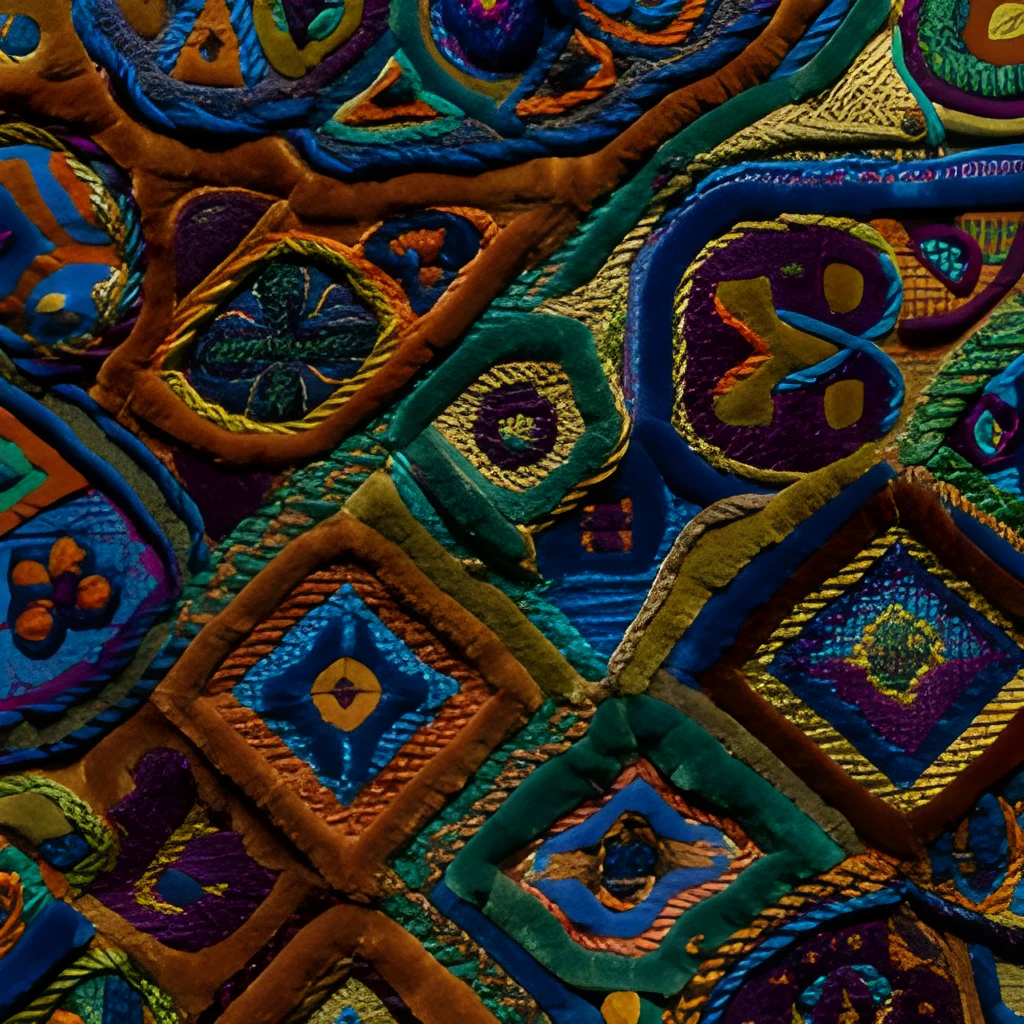
Skip the tedious manual retouching and Photoshop filters. Our texture image upscaler uses advanced AI to enhance your images instantly with a single click. Upload your texture image, select your desired resolution, and let the AI do the work. No technical expertise needed, no layer management, no complex settings—just beautiful, upscaled texture images ready to use immediately.
Popular Uses for Upscaled Texture Images
Product & Material Photography
Photographers and e-commerce teams use our texture image upscaler to showcase fine details in fabrics, leather, stone, and other materials. Upscaled texture images highlight quality and craftsmanship, building customer confidence and reducing returns from texture-related misunderstandings.Interior & Architectural Design
Designers upscale texture images of tiles, wallpapers, wood finishes, and stone samples for mood boards, presentations, and client portfolios. High-resolution texture images help clients visualize the finished space with true-to-life surface detail and authenticity.Print & Publishing
Magazine editors, book designers, and print studios use our texture image upscaler to prepare background images and decorative elements for publication. Upscaled texture images maintain clarity and impact across large-format pages without pixelation or quality loss.
Frequently Asked Questions
Will upscaling a texture image make it look artificial or blurry?
No. Unlike simple enlargement tools, our texture image upscaler uses AI to intelligently reconstruct fine details like grain, weave, and surface patterns. The result is a naturally enhanced texture image that looks authentic—not over-processed or artificially smoothed. The AI respects the character of your original texture while sharpening and clarifying what's there.
What sizes can I upscale my texture images to?
Our texture image upscaler can enlarge your images up to 4x their original size while maintaining clarity. This means a 1000×1000px texture image can become 4000×4000px—ideal for print, large displays, and detailed design work. For best results, start with the highest-quality original texture image you have available.
How do I upscale my own image?
Click "Upscale an Image" to open the Patternful Image Upscaler, upload your texture images (or any photo), and let the AI enhance the resolution and detail. Then download the high-resolution result — no design skills required.
Will upscaling add detail or just make the image bigger?
The AI upscaler reconstructs fine detail and sharpens edges as it increases resolution, so results look genuinely crisper — not just a stretched, blurry enlargement. It works best on photos that are soft, low-resolution, or small.
What formats and sizes are supported?
You can upload common image formats (JPEG, PNG, WEBP) and download the upscaled result at a higher resolution suitable for print, social media, and web. Larger source images produce larger, more detailed outputs.