Tattoo Design Images
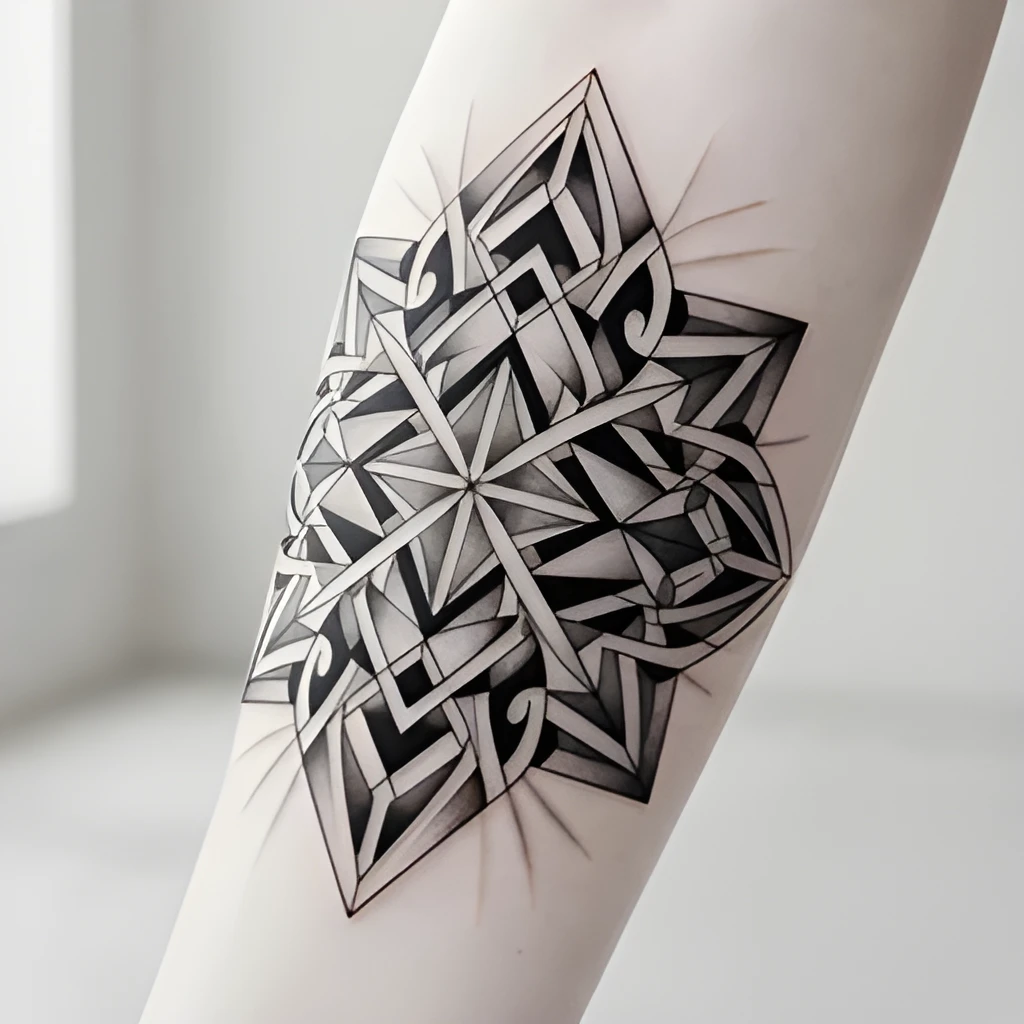
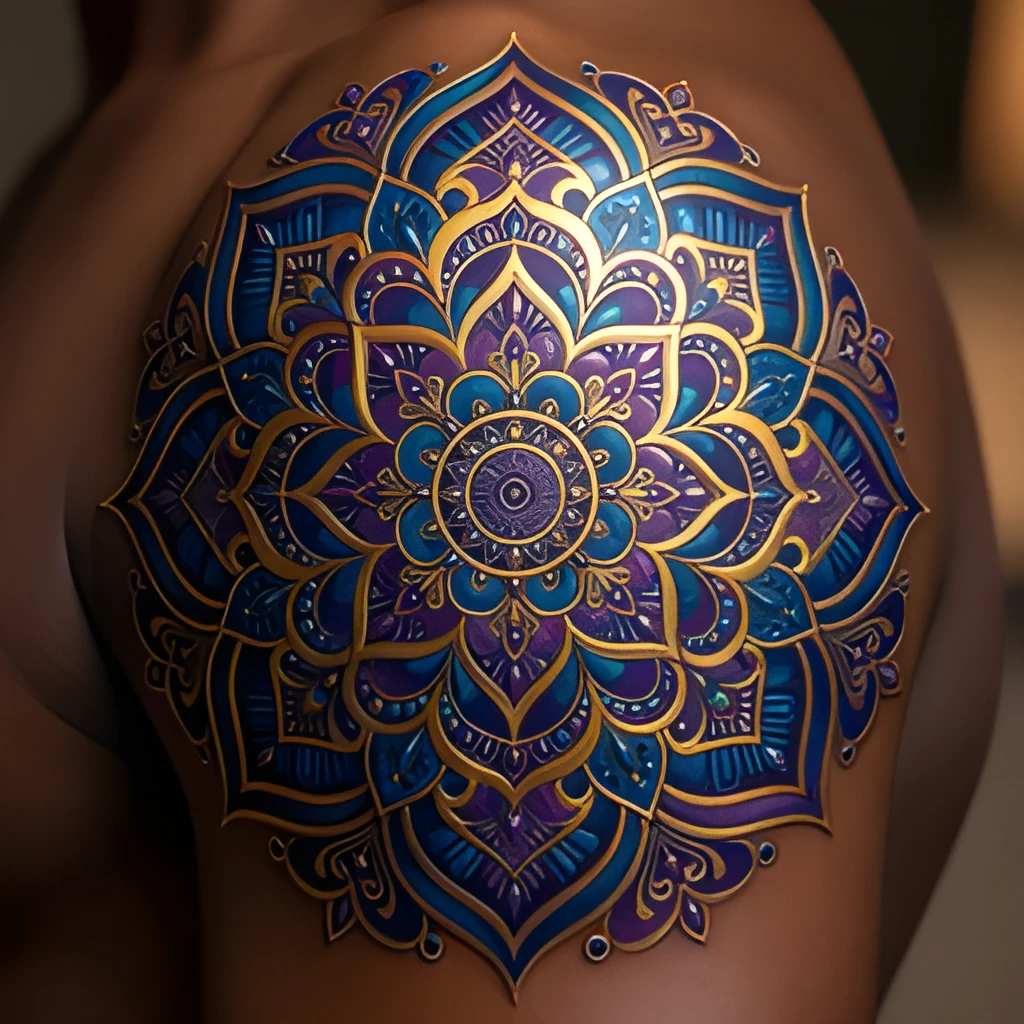
Recover Real Detail, Not Just Size
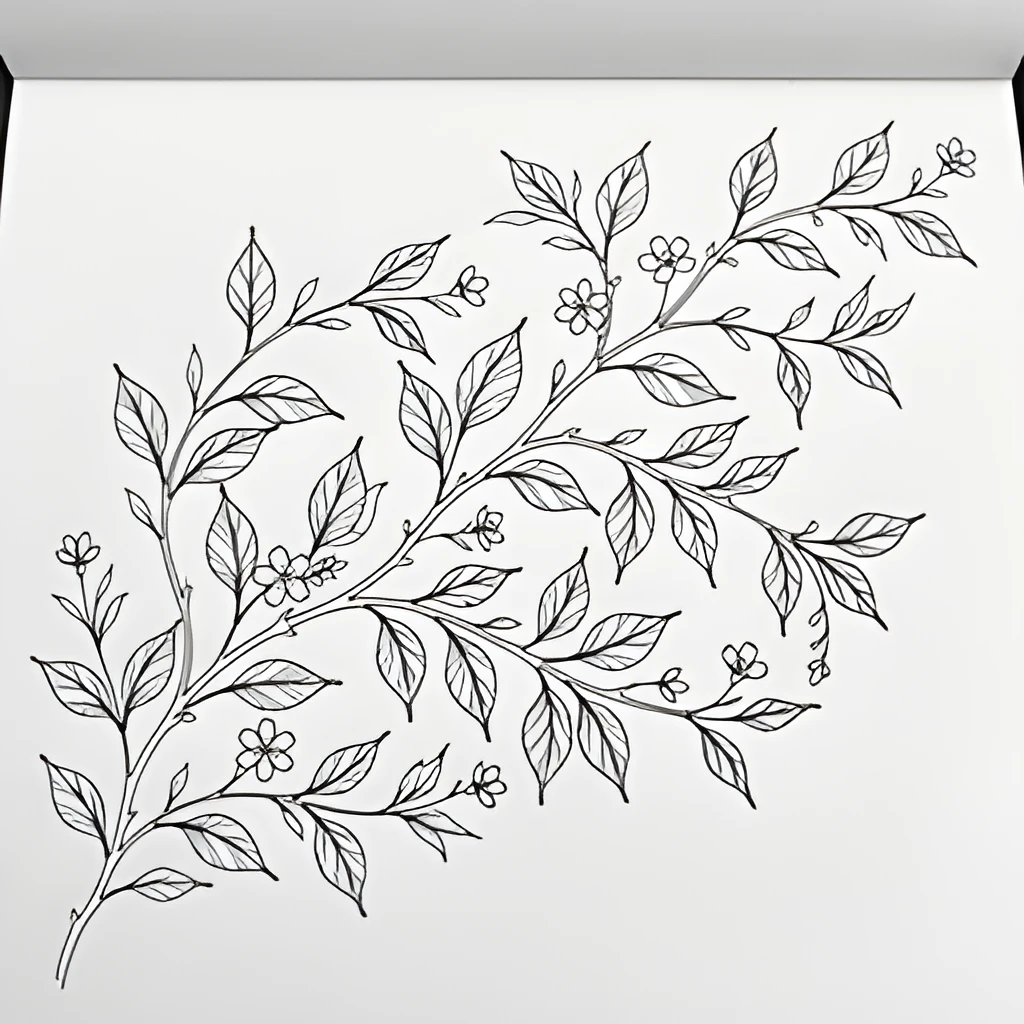
A tattoo design image upscaler powered by AI doesn't simply enlarge your photo—it intelligently reconstructs fine details that were lost in compression or low resolution. Fine linework, shading gradations, color saturation, and texture all become crisp and vivid. Your original artistic vision emerges with clarity you never saw in the small original, revealing the intricate craftsmanship of the design.
Print-Ready Tattoo Design Images
Transform your low-resolution tattoo design reference images into gallery-quality, high-resolution files ready for large prints, portfolios, and professional displays. Whether you're a tattoo artist showcasing your portfolio, a designer sharing concepts, or a client preserving a meaningful piece, your tattoo design image upscaler output is clean enough for print, web, and client presentations without compromise.
One-Click Enhancement, Zero Retouching
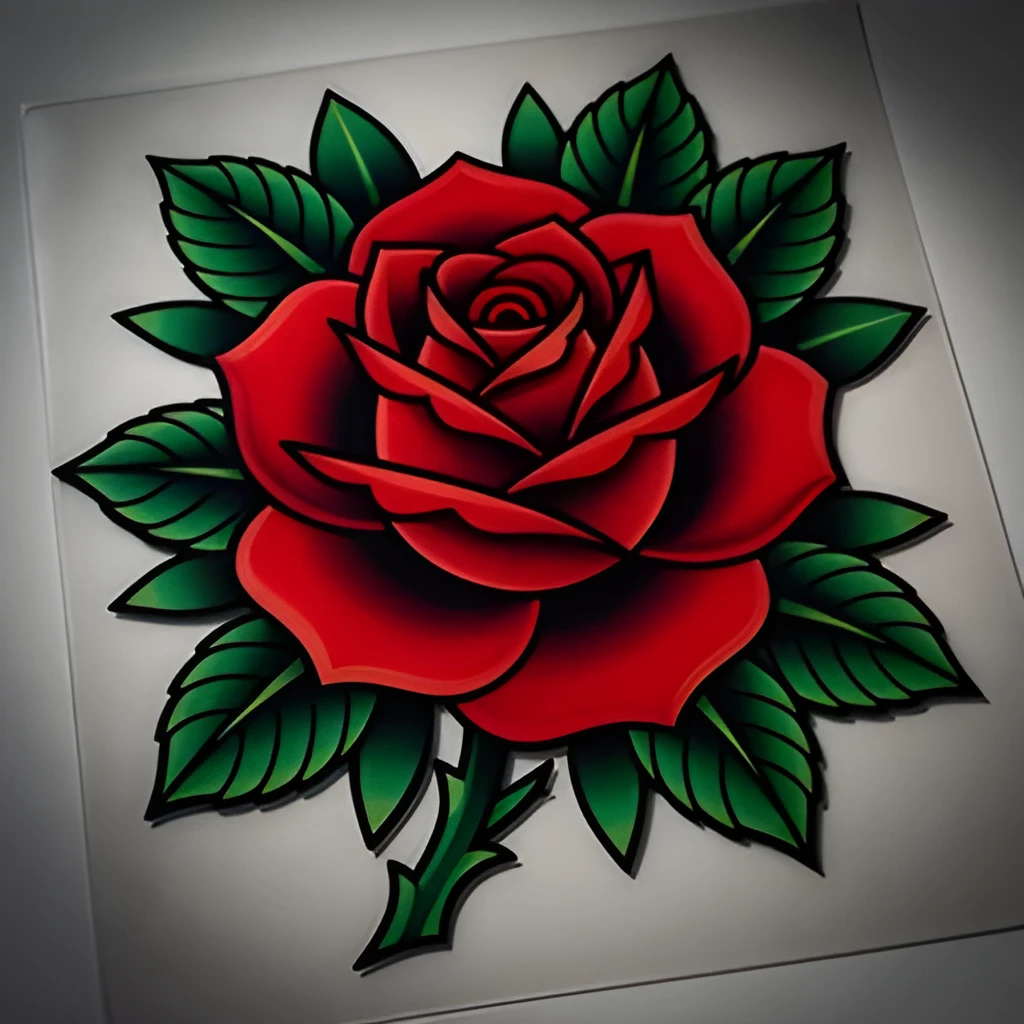
No filters. No manual editing. No hours of work. Simply upload your tattoo design image and let the AI do the heavy lifting—your tattoo design image upscaler processes it in seconds and delivers a polished, high-resolution result instantly. Perfect for artists on deadline and anyone who wants professional-quality upscaling without the learning curve.
Popular Uses for Upscaled Tattoo Design Images
Tattoo Artist Portfolios
Elevate your portfolio by upscaling small reference photos and finished tattoo images to stunning resolution. Impress potential clients with crisp, vibrant examples of your work across print and digital platforms.Tattoo Design Printing & Framing
Prepare your favorite tattoo design sketches and artwork for printing and framing. High-resolution upscaling ensures your designs look sharp and professional when displayed on your wall or in a studio.Social Media & Marketing
Share your tattoo designs on Instagram, TikTok, and other platforms with crisp, eye-catching detail. A tattoo design image upscaler helps your work stand out in feeds and attract new clients.
Frequently Asked Questions
Can I upscale small or blurry tattoo design photos?
Yes. The tattoo design image upscaler is specifically built to enhance low-resolution, compressed, or slightly blurry images. It reconstructs fine details like linework, shading, and color that were lost, making even phone photos print-ready.
Will upscaling change the style or appearance of my tattoo design?
No. The AI preserves your original design's aesthetic—colors, proportions, and artistic style remain faithful to the source. Upscaling only clarifies detail and sharpness without altering the core vision.
How do I upscale my own image?
Click "Upscale an Image" to open the Patternful Image Upscaler, upload your tattoo design images (or any photo), and let the AI enhance the resolution and detail. Then download the high-resolution result — no design skills required.
Will upscaling add detail or just make the image bigger?
The AI upscaler reconstructs fine detail and sharpens edges as it increases resolution, so results look genuinely crisper — not just a stretched, blurry enlargement. It works best on photos that are soft, low-resolution, or small.
What formats and sizes are supported?
You can upload common image formats (JPEG, PNG, WEBP) and download the upscaled result at a higher resolution suitable for print, social media, and web. Larger source images produce larger, more detailed outputs.