T-Shirt Images
Recover Lost Detail, Not Just Enlarge
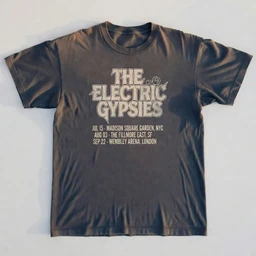
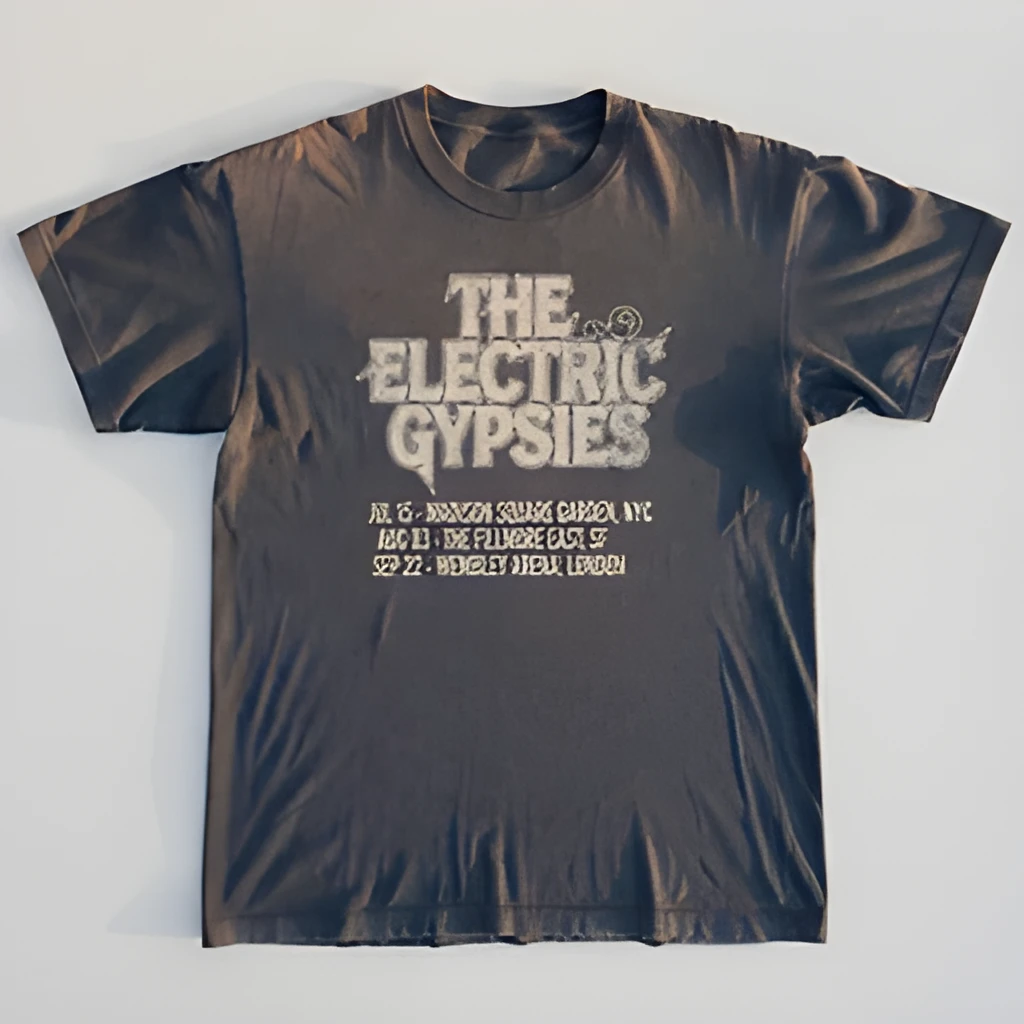
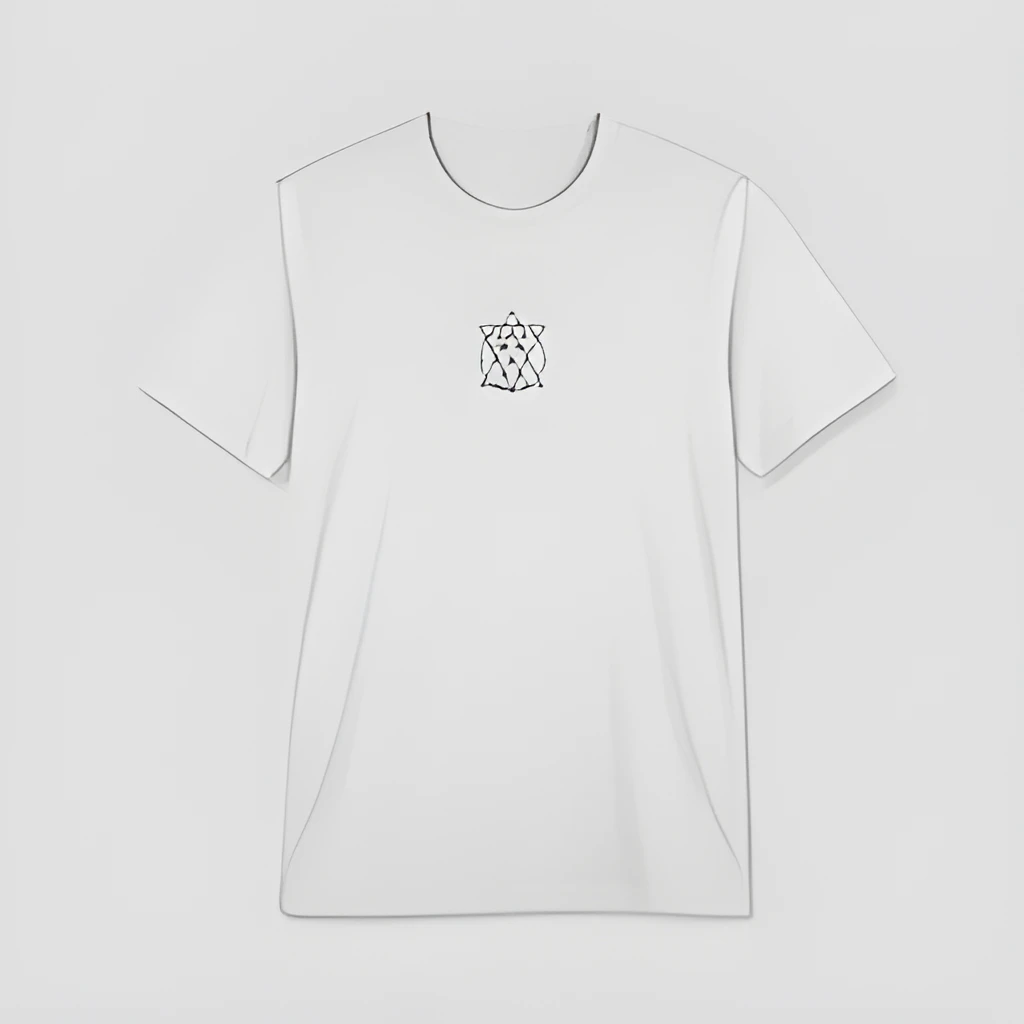
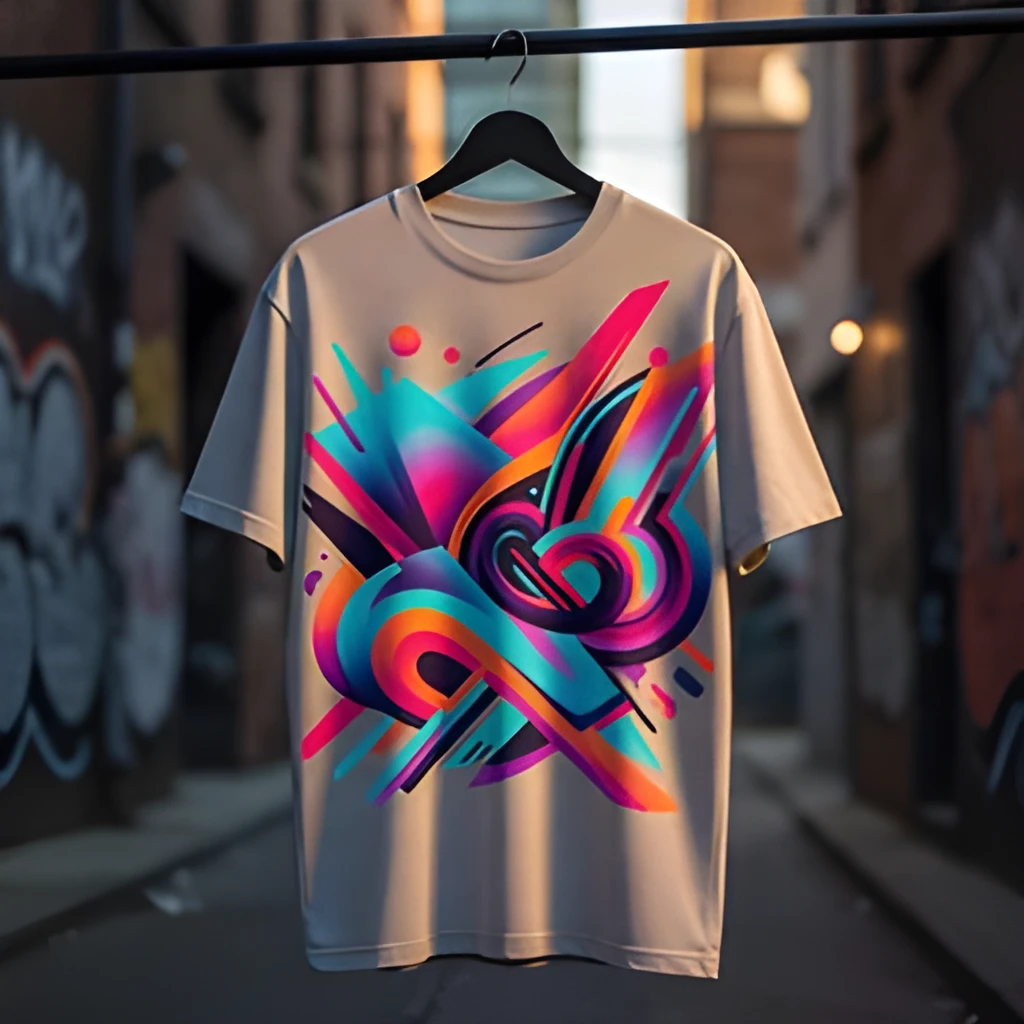
Our T-shirt image upscaler doesn't simply stretch pixels—it uses advanced AI to reconstruct genuine detail in fabric texture, print patterns, and color gradients. Whether your design is a vintage band tee, custom graphic print, or intricate embroidery, the upscaler intelligently fills in missing information to reveal crisp edges and vibrant hues that were hidden in the low-resolution original. You'll see seams, stitching, and fine typography come into focus.
Production-Ready Resolution for Print & Web
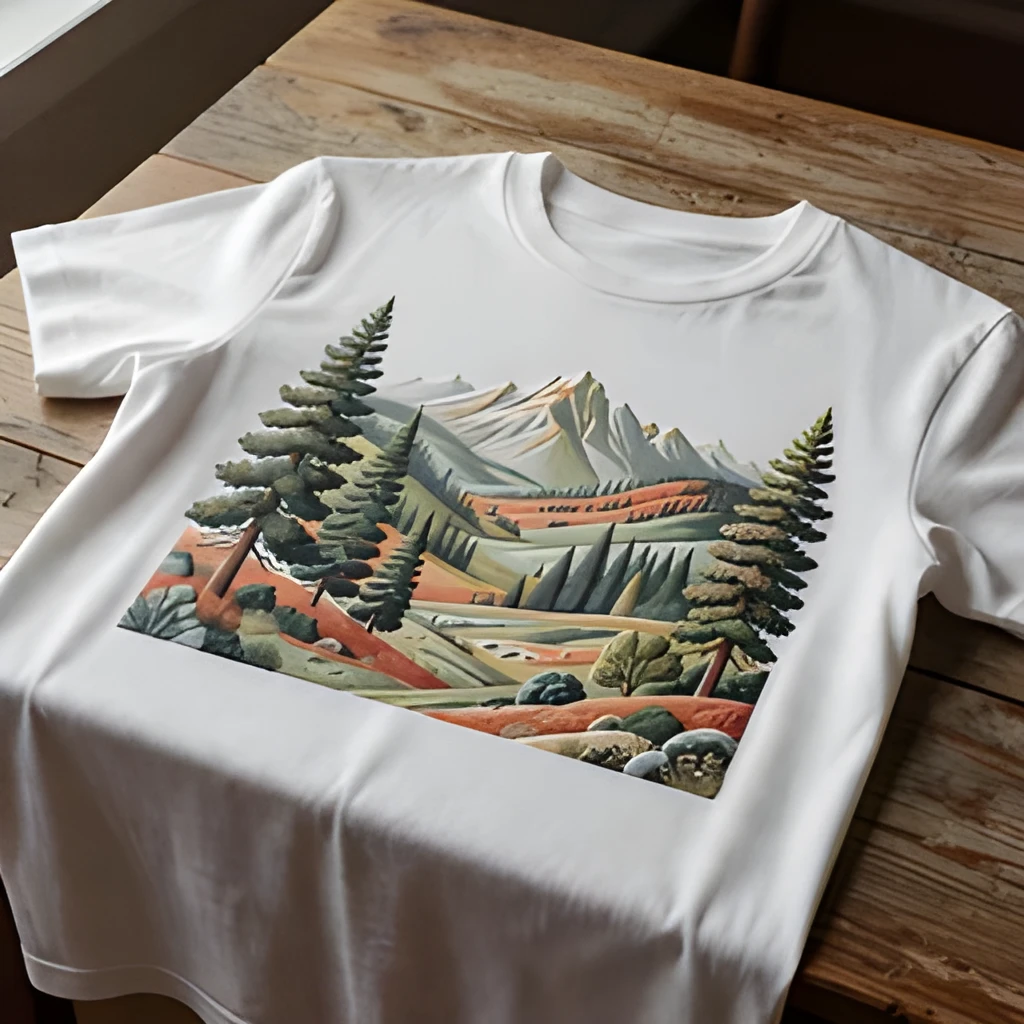
Create print-ready T-shirt images at 4x the original resolution—perfect for product catalogs, packaging mockups, and large-format displays. The T-shirt image upscaler delivers consistent, artifact-free results that look professional on storefronts, social feeds, and promotional materials. No more blurry product shots or pixelated design mockups holding back your brand's visual impact.
One Click, Zero Manual Work
Skip the Photoshop filters and time-consuming manual retouching. Upload your T-shirt image, hit upscale, and receive a high-resolution version in seconds. The T-shirt image upscaler handles all the heavy lifting—sharpening, denoising, and detail enhancement—so you can focus on selling, marketing, or designing rather than wrestling with editing software.
Popular Uses for Upscaled T-Shirt Images
E-Commerce Product Photography
Enhance low-resolution product photos for online stores. Upscale legacy T-shirt inventory images to match modern marketplace standards, making listings look professional and driving higher conversion rates on Shopify, Amazon, and custom stores.Print & Merchandise Production
Prepare T-shirt designs for screen printing, DTG, and embroidery services. The T-shirt image upscaler ensures your artwork meets vendor resolution requirements and prints with sharp color separation and crisp details every time.Social Media & Marketing Content
Turn grainy smartphone photos or older T-shirt catalog images into eye-catching social assets. Upscale before posting to Instagram, TikTok, or Pinterest to maximize visual impact and engagement without looking amateurish.
Frequently Asked Questions
Can the T-shirt image upscaler handle printed logos and graphics on fabric?
Yes. The upscaler is optimized for textiles and excels at recovering detail in screen-printed graphics, embroidered designs, and heat-transfer logos. It preserves the character of each printing method while sharpening edges and enhancing color fidelity.
What file formats does the T-shirt image upscaler accept?
We accept JPG, PNG, WebP, and other common image formats. Upload your T-shirt photos in any standard format, and download the upscaled result as a high-resolution image ready for print, web, or further editing.
How do I upscale my own image?
Click "Upscale an Image" to open the Patternful Image Upscaler, upload your t-shirt images (or any photo), and let the AI enhance the resolution and detail. Then download the high-resolution result — no design skills required.
Will upscaling add detail or just make the image bigger?
The AI upscaler reconstructs fine detail and sharpens edges as it increases resolution, so results look genuinely crisper — not just a stretched, blurry enlargement. It works best on photos that are soft, low-resolution, or small.
What formats and sizes are supported?
You can upload common image formats (JPEG, PNG, WEBP) and download the upscaled result at a higher resolution suitable for print, social media, and web. Larger source images produce larger, more detailed outputs.