Smart Watch Images
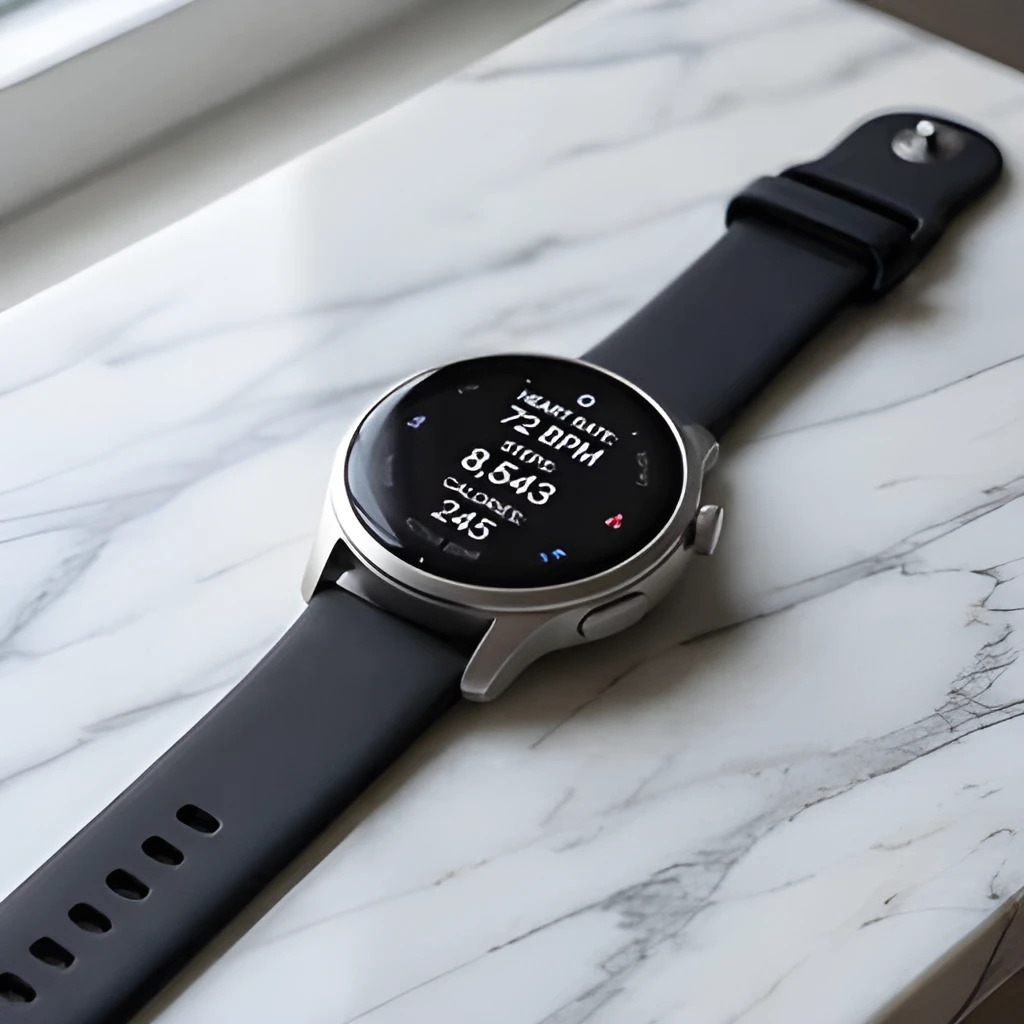
Recover Real Watch Details, Don't Just Enlarge
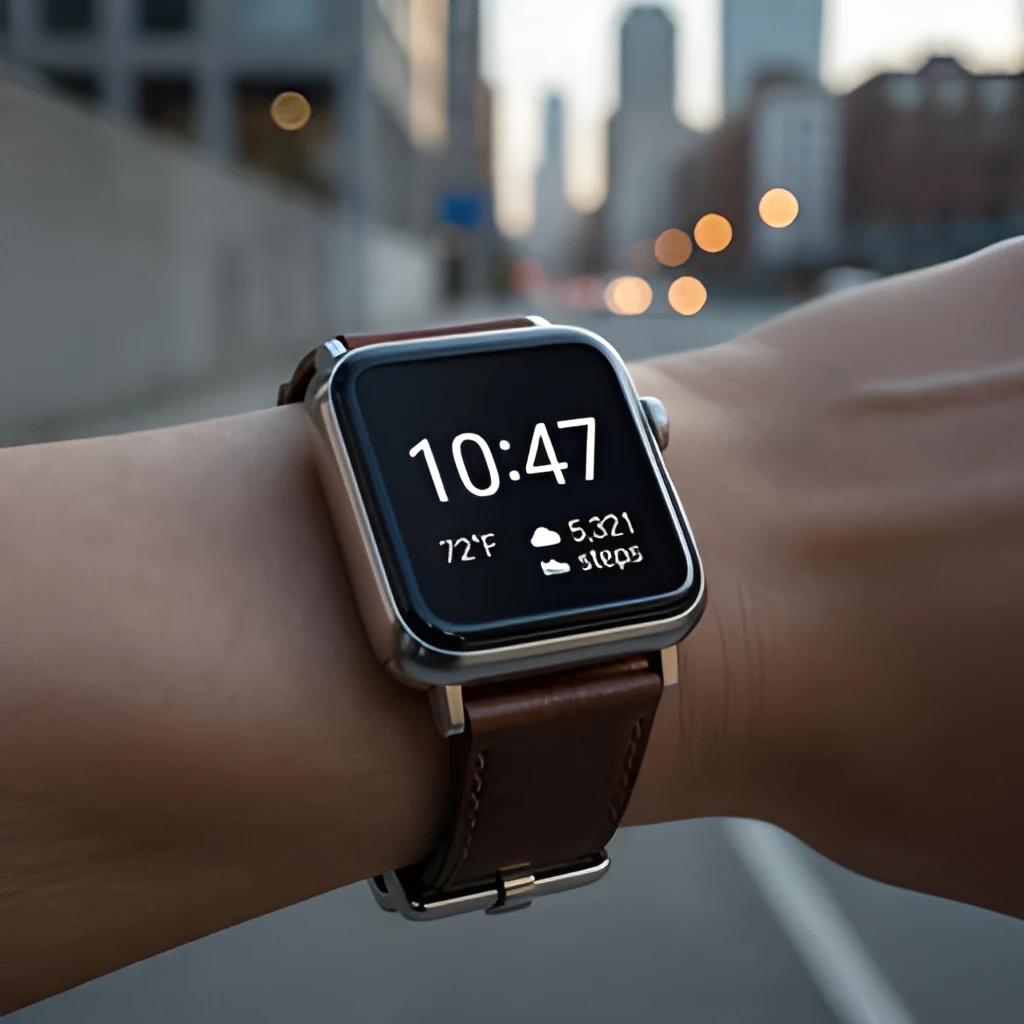
Our smart watch image upscaler doesn't simply stretch pixels—it intelligently reconstructs fine details like screen text, band textures, and watch face complications that get lost in small photos. Whether you're capturing your favorite timepiece or documenting a new device, AI enhancement reveals the clarity and precision that was always there. See the difference between blurry enlargement and true detail recovery.
Studio-Quality Output for Any Platform
Transform blurry smart watch photos into crisp, professional-looking images ready for print, e-commerce, blogs, and social media. Our smart watch image upscaler produces high-resolution output that showcases your device with the detail it deserves. Whether you're writing a review, listing a watch for sale, or sharing on Instagram, your images will look polished and trustworthy.
One Click, No Fiddling—Just Better Photos
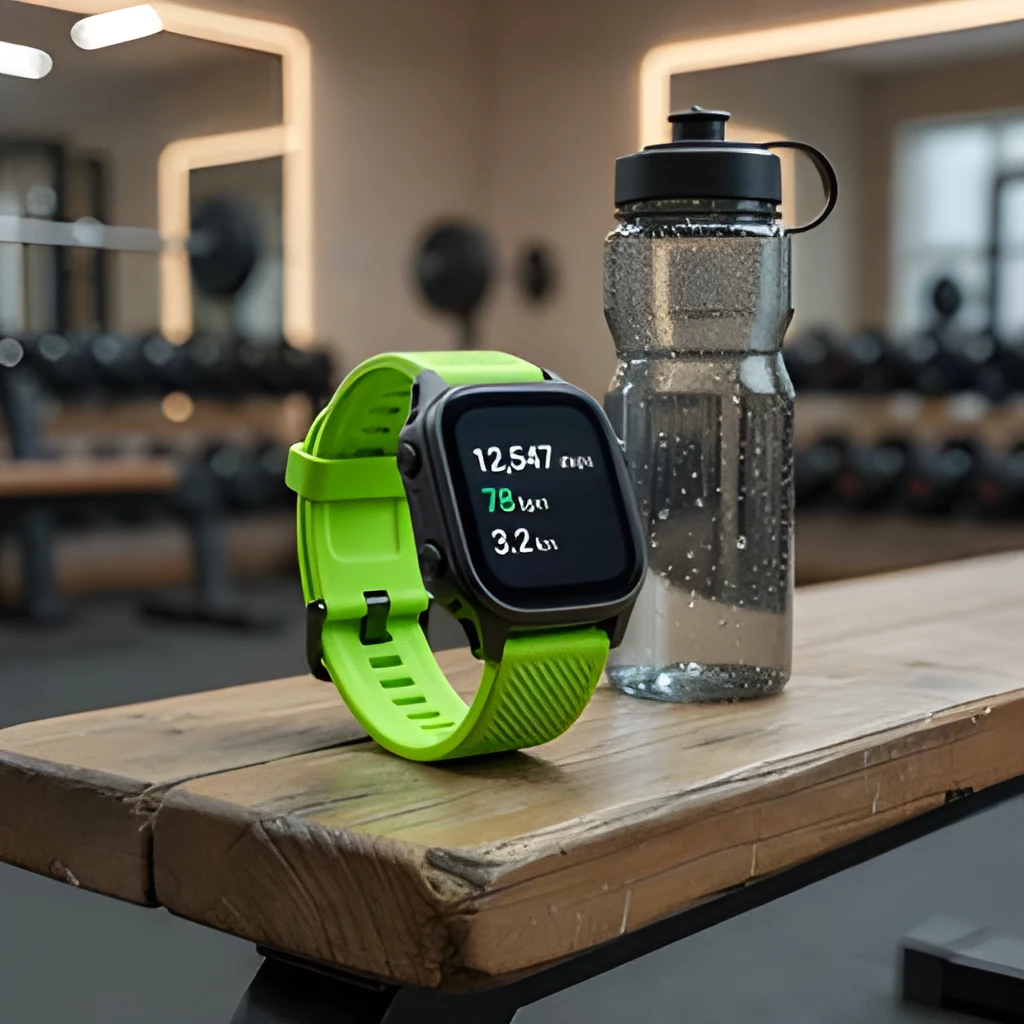
Forget complex editing software and manual retouching. Simply upload your smart watch photo and let our AI do the work in seconds. The smart watch image upscaler automatically enhances sharpness, clarity, and color while preserving the authentic look of your device. No settings to tweak, no expertise needed—just instant, high-quality results.
Popular Uses for Upscaled Smart Watch Images
Product Reviews & Tech Content
Bloggers and reviewers rely on crisp, detailed smart watch photos to showcase features and build credibility. Use our smart watch image upscaler to transform phone snapshots into professional product images that highlight display quality, band materials, and watch face details.E-Commerce & Resale Listings
Selling a used smart watch online? Upscale your photos to show condition and detail clearly. High-resolution smart watch images from our upscaler help buyers see exactly what they're getting, boosting confidence and faster sales across platforms like eBay, Facebook Marketplace, and specialty watch forums.Social Media & Personal Collections
Share your smart watch collection with impact. Instagram, TikTok, and watch enthusiast communities expect sharp, vibrant images. Our smart watch image upscaler turns casual phone photos into gallery-worthy posts that catch attention and showcase your devices in the best light.
Frequently Asked Questions
Can your smart watch image upscaler enhance tiny product photos from websites?
Yes. Our smart watch image upscaler works on images of any size—thumbnail product photos, screenshots, old device pictures. The AI reconstructs detail rather than just enlarging, so even very small smart watch photos become usable, sharp images suitable for reviews, comparisons, or personal reference.
Will upscaling preserve the authentic colors and appearance of my smart watch?
Absolutely. Our smart watch image upscaler enhances clarity and sharpness while maintaining color accuracy and the genuine look of your device. The AI respects the original tone and character of your photo—it doesn't over-process or add artificial effects, so your watch looks like itself, just clearer.
How do I upscale my own image?
Click "Upscale an Image" to open the Patternful Image Upscaler, upload your smart watch images (or any photo), and let the AI enhance the resolution and detail. Then download the high-resolution result — no design skills required.
Will upscaling add detail or just make the image bigger?
The AI upscaler reconstructs fine detail and sharpens edges as it increases resolution, so results look genuinely crisper — not just a stretched, blurry enlargement. It works best on photos that are soft, low-resolution, or small.
What formats and sizes are supported?
You can upload common image formats (JPEG, PNG, WEBP) and download the upscaled result at a higher resolution suitable for print, social media, and web. Larger source images produce larger, more detailed outputs.