Shopify Product Images
Recover Hidden Detail in Product Photos
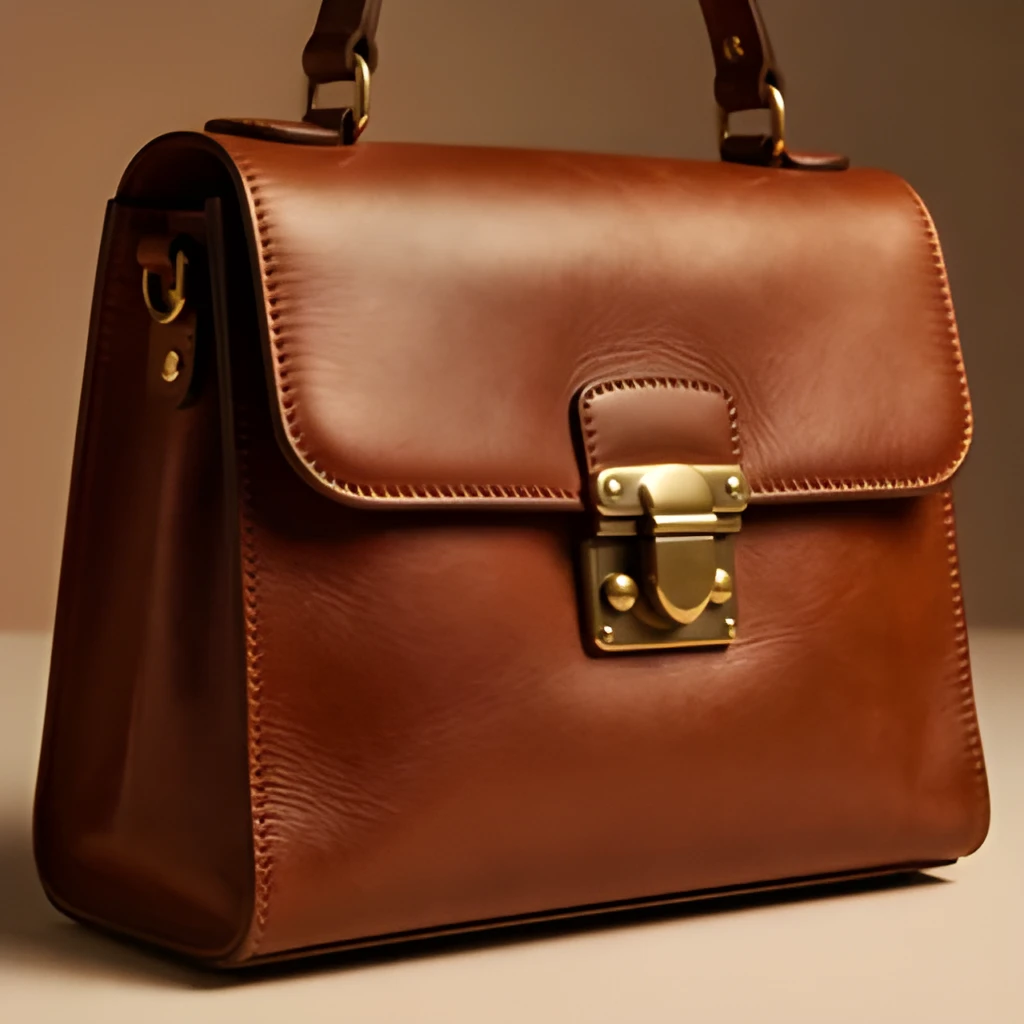
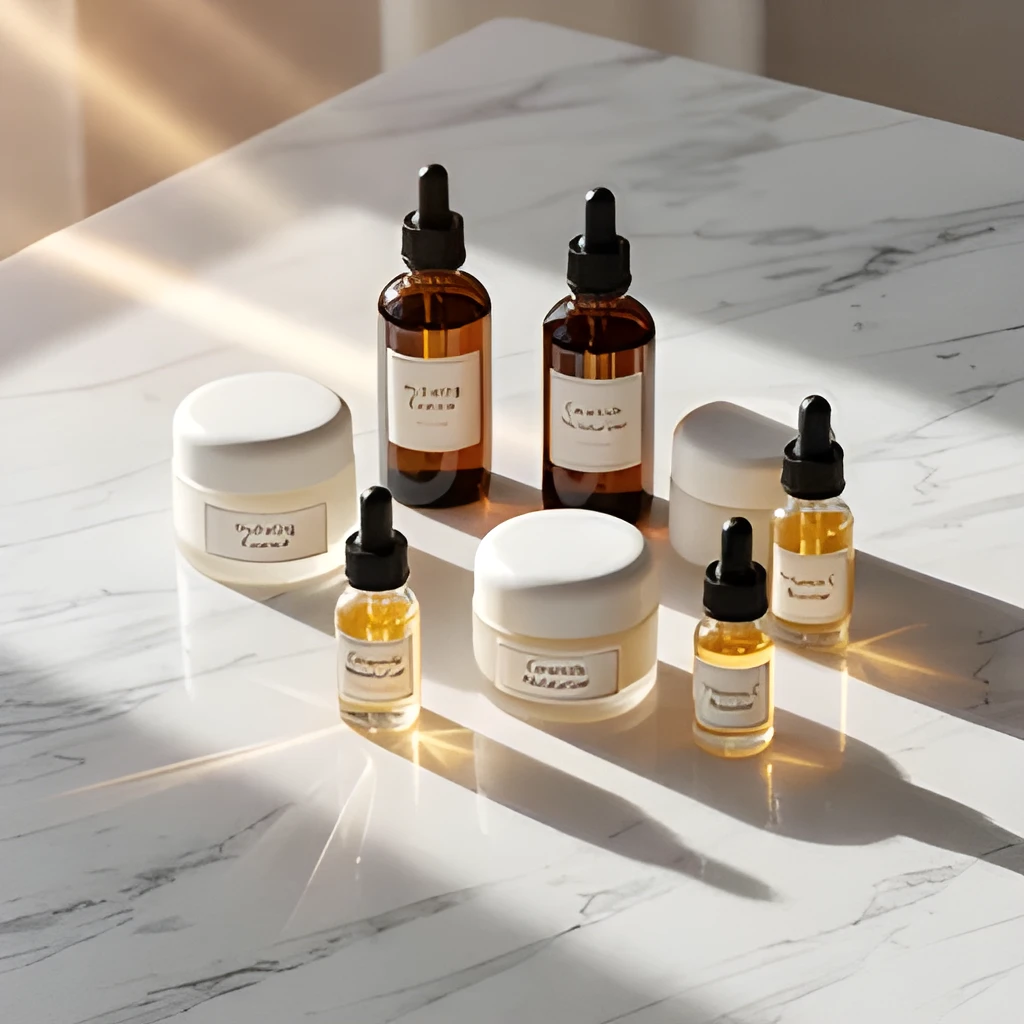
Your Shopify image upscaler doesn't just enlarge—it intelligently reconstructs lost texture, fabric weave, and fine details that compressed uploads strip away. Whether it's the subtle sheen on a watch face or the fine print on packaging, our AI restoration brings clarity and dimension back to every product shot. E-commerce buyers trust what they can see clearly, and upscaled product images build confidence in purchase decisions.
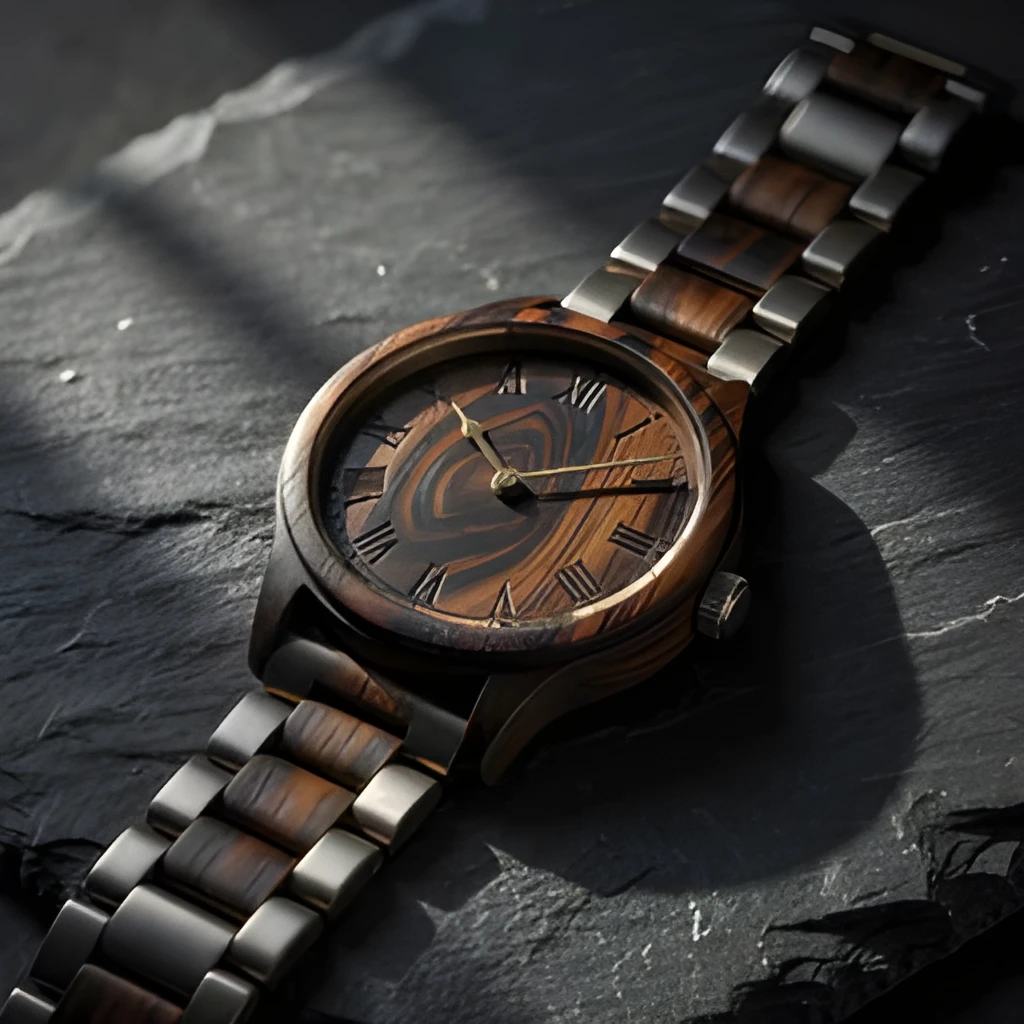
Professional Resolution for Every Sales Channel
Expand your Shopify image upscaler output to sizes that work across mobile, desktop, print catalogs, and social media ads—all without blur or artifacting. High-resolution product images load faster, rank better in search results, and display beautifully on high-density displays and large monitors. One upscaled image serves your entire sales pipeline, saving you time and storage space while keeping your product catalog consistent and polished.
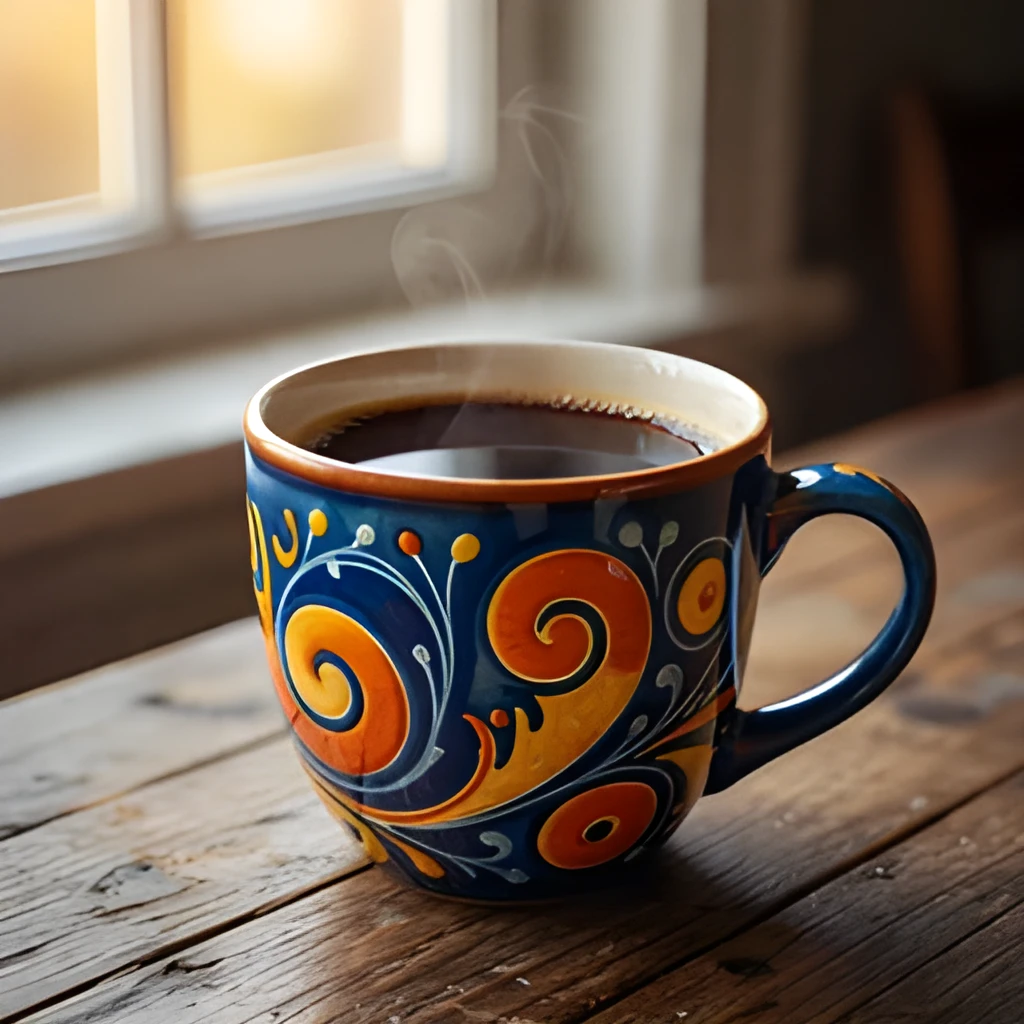
One-Click Enhancement, No Manual Retouching
Skip the Photoshop workflow. Our Shopify image upscaler processes each photo instantly with a single click—no cropping, filters, or tedious touch-ups required. Batch upscale your entire product library in minutes and download ready-to-use images directly. Perfect for busy store owners and marketers who need fast, reliable quality without the learning curve of professional design software.
Popular Uses for Shopify Image Upscaler
Scale Small Product Thumbnails for Desktop & Mobile
Shopify store owners often inherit small or compressed product images from suppliers. Upscale them to crisp, high-resolution versions that look stunning on all devices and don't pixelate when customers zoom in to inspect details.Prepare Images for Print Catalogs & Marketing Materials
Print-ready product images require high resolution (300 DPI) and large dimensions. Use a Shopify image upscaler to enlarge your best-selling product photos for flyers, brochures, and seasonal catalogs without quality loss.Enhance Supplier Photos for Brand Consistency
When you source products from multiple vendors, photo quality varies. Upscale generic or low-res supplier images to match your brand's visual standard, ensuring every product detail shines and your store looks professional and curated.
Frequently Asked Questions
Will upscaling my Shopify product images make them look artificial or blurry?
No. Our Shopify image upscaler uses advanced AI to intelligently reconstruct detail rather than simply stretching pixels. The result is sharp, natural-looking product photos that retain texture, color accuracy, and fine details—perfect for e-commerce without any visible artifacting.
Can I upscale multiple Shopify product images at once?
Yes. You can upload and process multiple images in one session, making it fast and easy to refresh your entire product catalog or prepare a bulk order for print. Each image is upscaled individually and ready to download.
How do I upscale my own image?
Click "Upscale an Image" to open the Patternful Image Upscaler, upload your shopify product images (or any photo), and let the AI enhance the resolution and detail. Then download the high-resolution result — no design skills required.
Will upscaling add detail or just make the image bigger?
The AI upscaler reconstructs fine detail and sharpens edges as it increases resolution, so results look genuinely crisper — not just a stretched, blurry enlargement. It works best on photos that are soft, low-resolution, or small.
What formats and sizes are supported?
You can upload common image formats (JPEG, PNG, WEBP) and download the upscaled result at a higher resolution suitable for print, social media, and web. Larger source images produce larger, more detailed outputs.