Shopee Product Photos
Recover Lost Detail in Product Shots
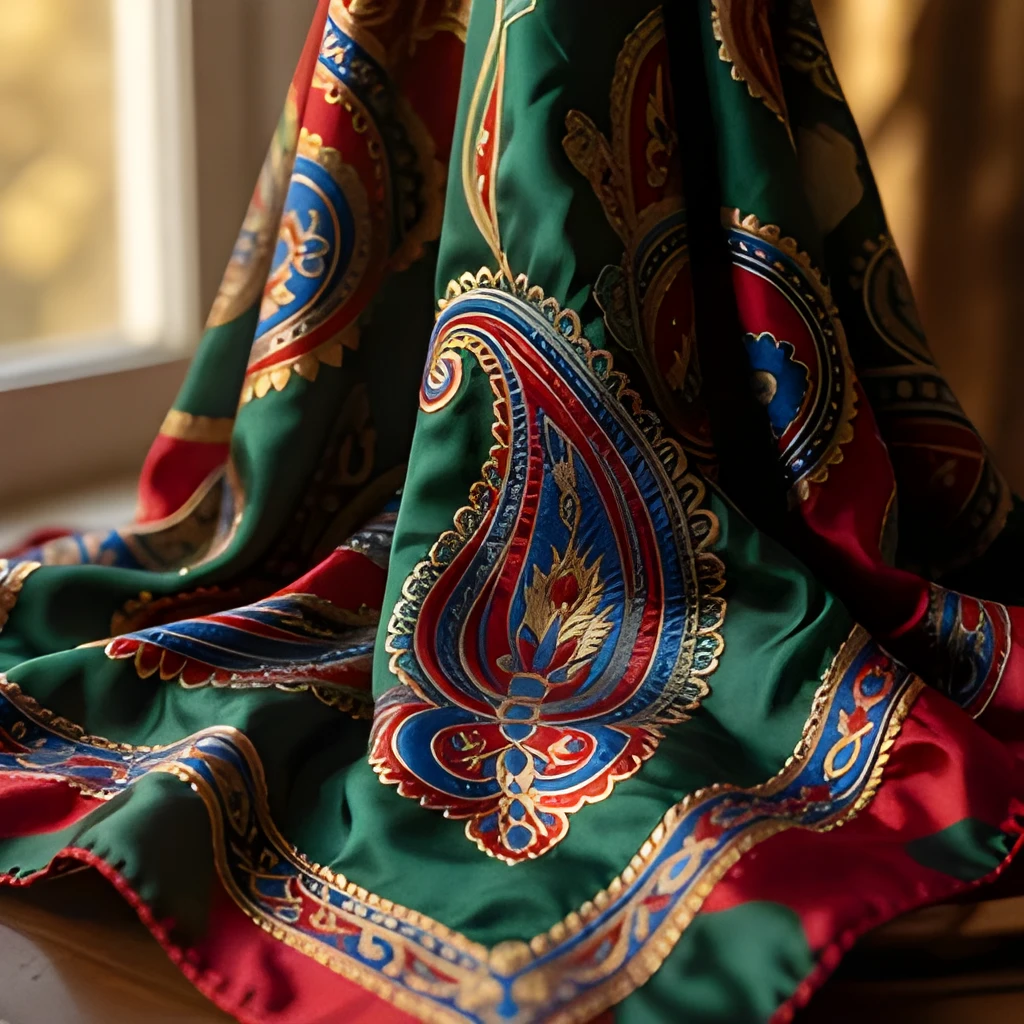
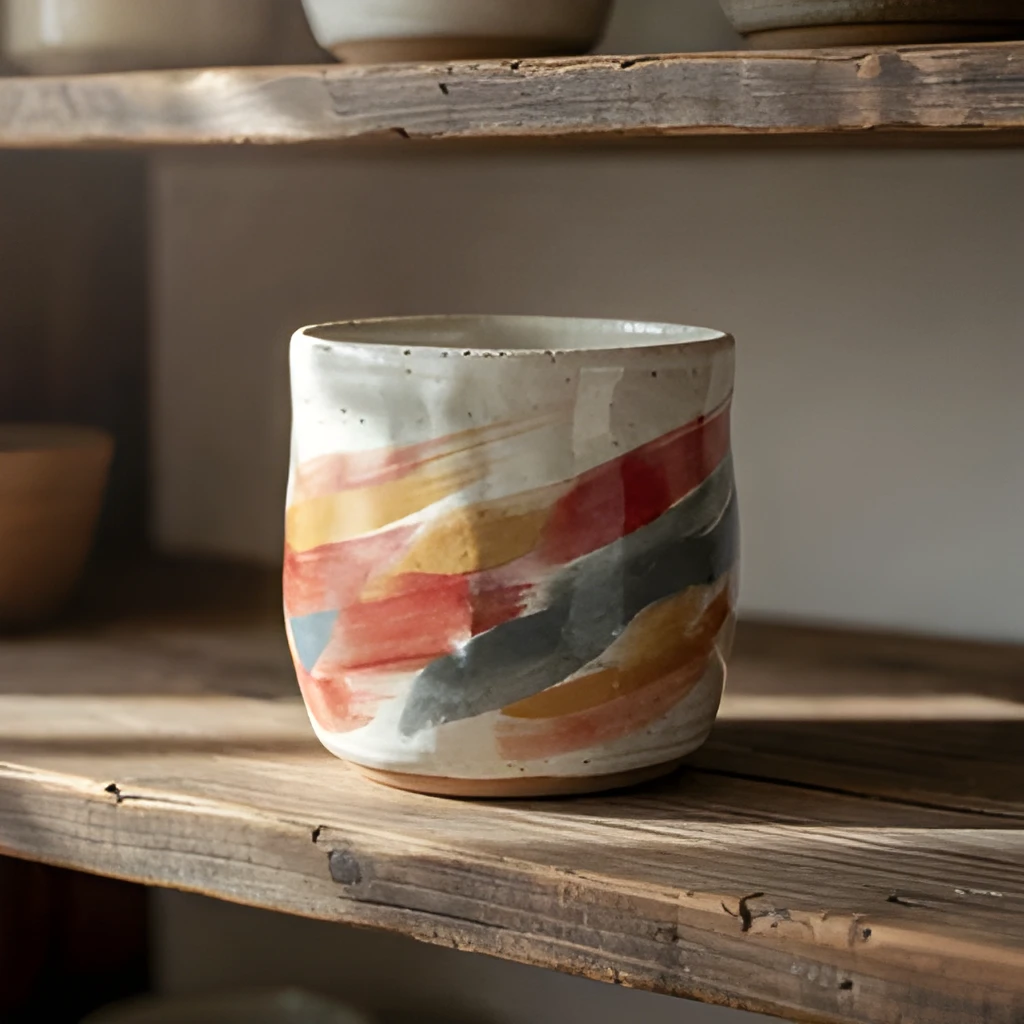
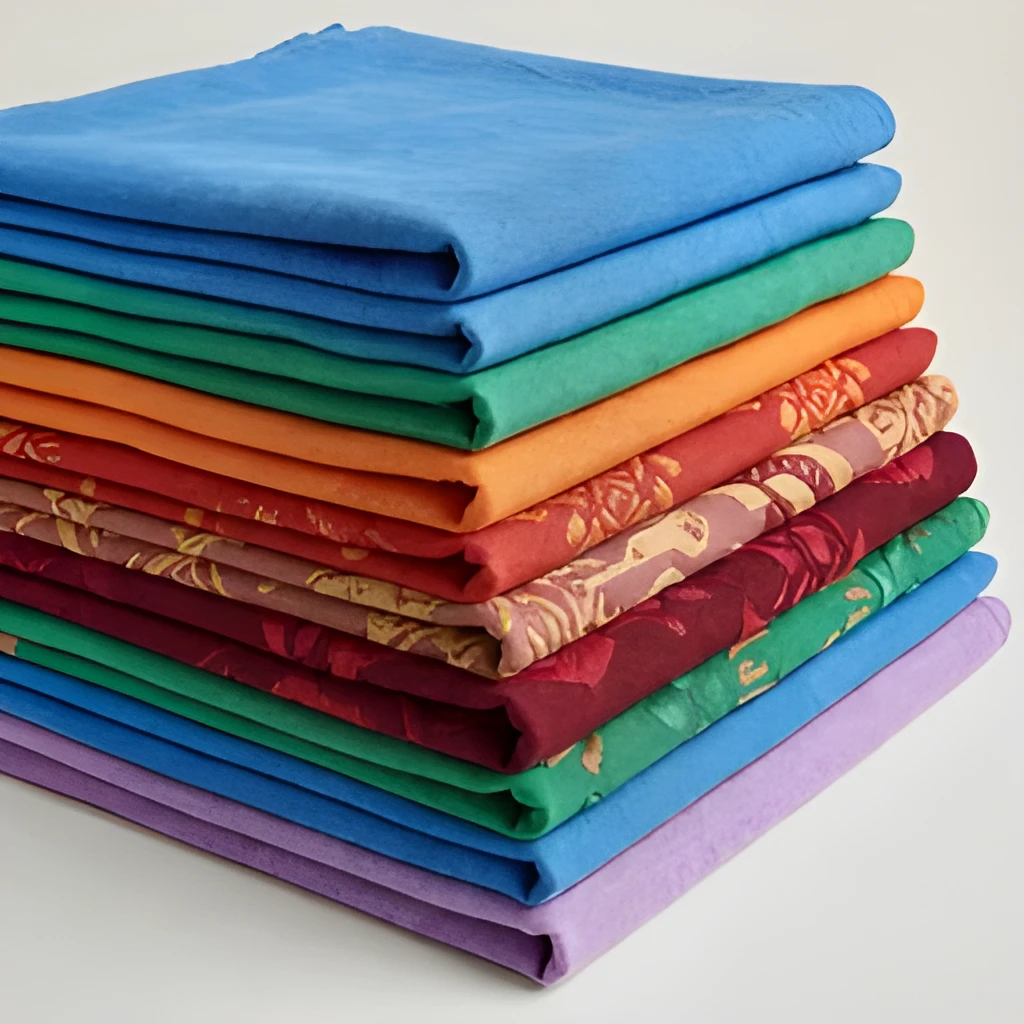
Shopee product photos often start as compressed thumbnails or smartphone snaps. Our shopee image upscaler doesn't just enlarge—it reconstructs texture, color, and fine details intelligently. Watch blurry fabric patterns become crisp weaves, faded product logos regain sharpness, and small imperfections vanish. Every brushstroke of your product's character emerges, making your listings far more compelling to buyers.
Print-Ready & Multi-Platform Output
Whether you're uploading to Shopee's high-resolution slots, printing product catalogs, or sharing on Instagram and Facebook, your upscaled images shine everywhere. Our shopee image upscaler produces pixel-perfect results that scale beautifully across screens and print media without degradation. No more squinting at thumbnail previews—your customers see exactly what they're buying with professional clarity.
One-Click Enhancement, Zero Retouching
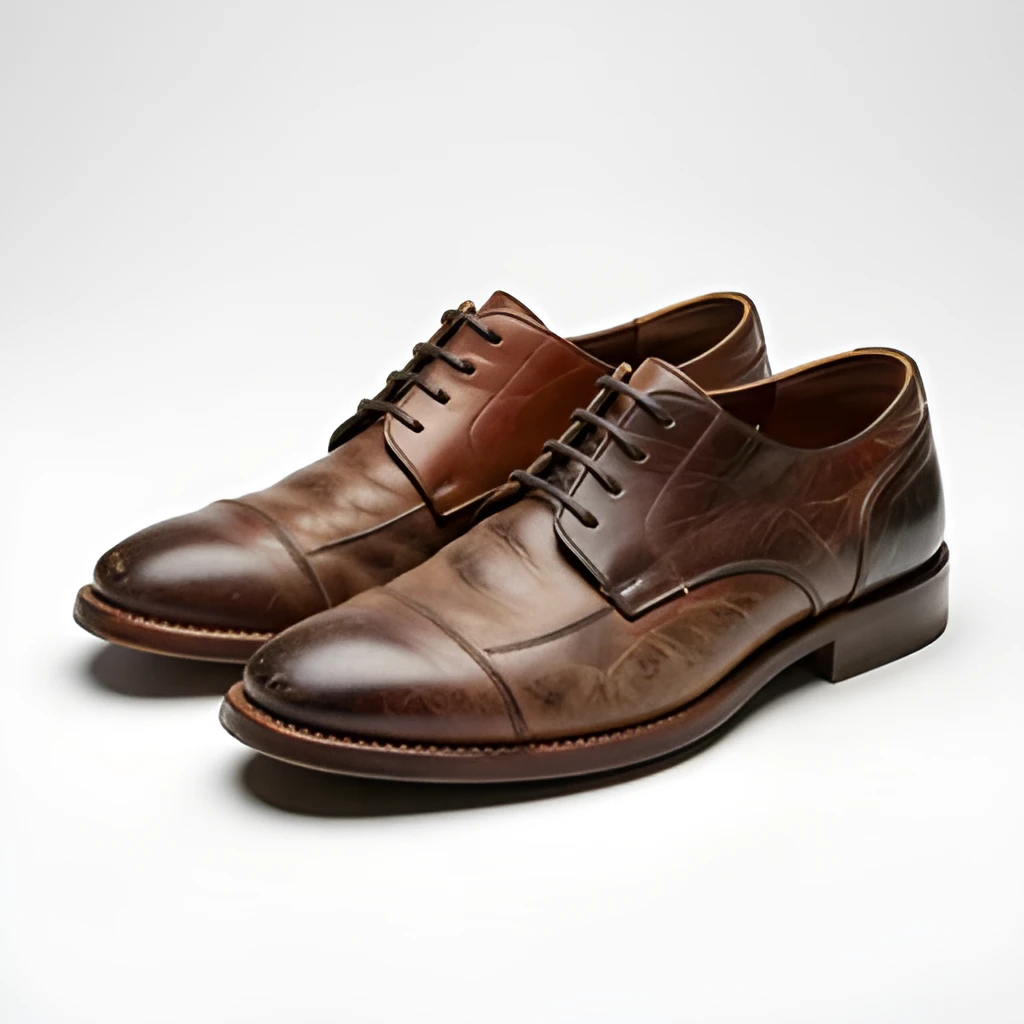
Forget tedious manual editing or hiring a designer. Upload your low-res shopee image, hit upscale, and get a polished result in seconds. No filters, no artificial smoothing, no loss of authenticity—just your original image restored to its best possible form. Batch upscale dozens of product photos simultaneously and refresh your entire Shopee storefront in minutes.
Popular Uses for Upscaled Shopee Product Photos
Enhance Existing Shopee Listings
Breathe new life into old product photos. A shopee image upscaler helps you instantly improve the visual appeal of your current inventory without re-shooting, boosting click-through and conversion rates.Scale Mobile Snapshots for Store Launch
Starting a new Shopee store? Convert quick smartphone photos into gallery-ready assets. Our shopee image upscaler transforms casual shots into professional product visuals that build customer trust.Create Print Marketing Collateral
Print catalogs, flyers, and lookbooks with confidence. Upscaled shopee product images deliver the sharpness and color fidelity needed for high-quality printed materials and promotional campaigns.
Frequently Asked Questions
Will upscaling my Shopee product photo make it look artificial or blurry?
No. Our shopee image upscaler uses advanced AI to intelligently reconstruct detail rather than simply stretching pixels. The result looks natural and maintains the authentic character of your original image—just sharper and clearer.
Can I upscale multiple Shopee photos at once?
Yes! Patternful's batch upscaling feature lets you upload dozens of low-resolution shopee product images and process them simultaneously, saving you hours of one-by-one edits.
How do I upscale my own image?
Click "Upscale an Image" to open the Patternful Image Upscaler, upload your shopee product photos (or any photo), and let the AI enhance the resolution and detail. Then download the high-resolution result — no design skills required.
Will upscaling add detail or just make the image bigger?
The AI upscaler reconstructs fine detail and sharpens edges as it increases resolution, so results look genuinely crisper — not just a stretched, blurry enlargement. It works best on photos that are soft, low-resolution, or small.
What formats and sizes are supported?
You can upload common image formats (JPEG, PNG, WEBP) and download the upscaled result at a higher resolution suitable for print, social media, and web. Larger source images produce larger, more detailed outputs.