Procreate Images
Recover Hidden Detail in Your Procreate Artwork
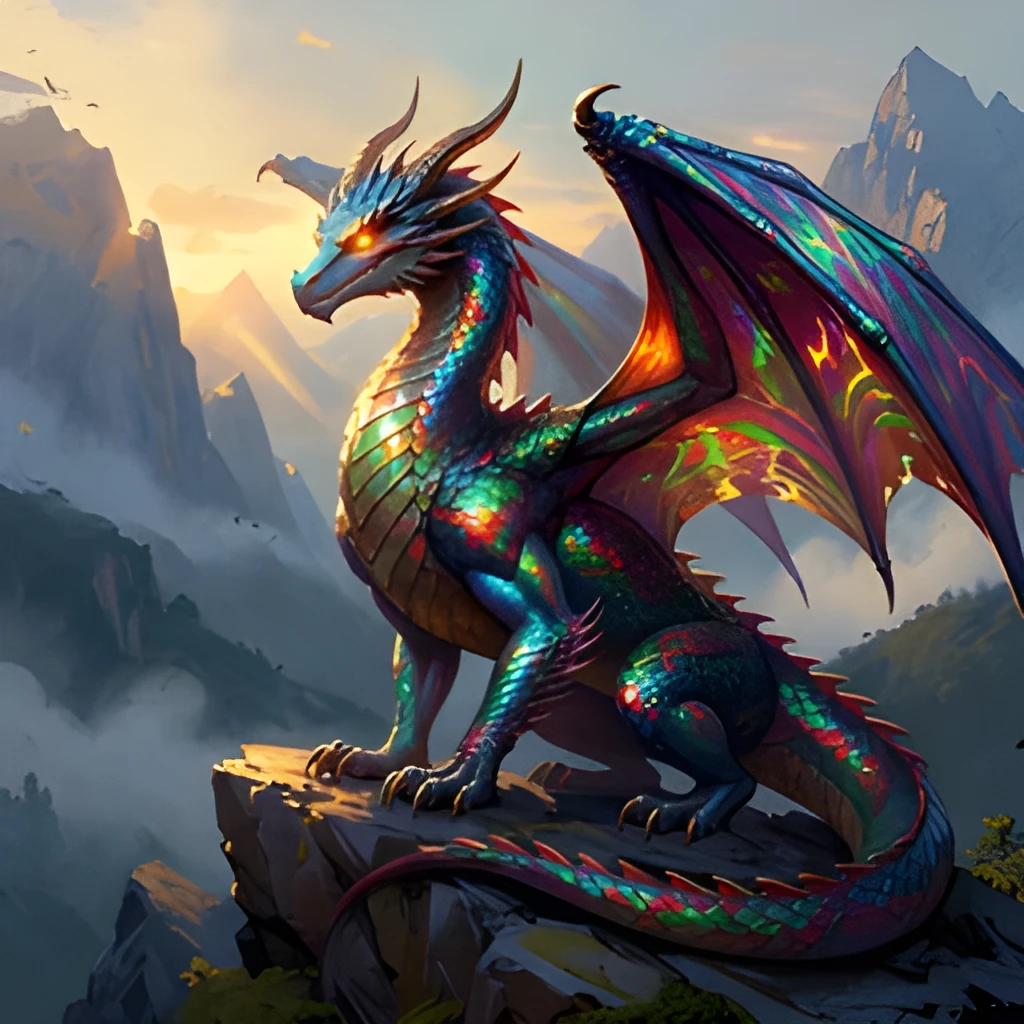
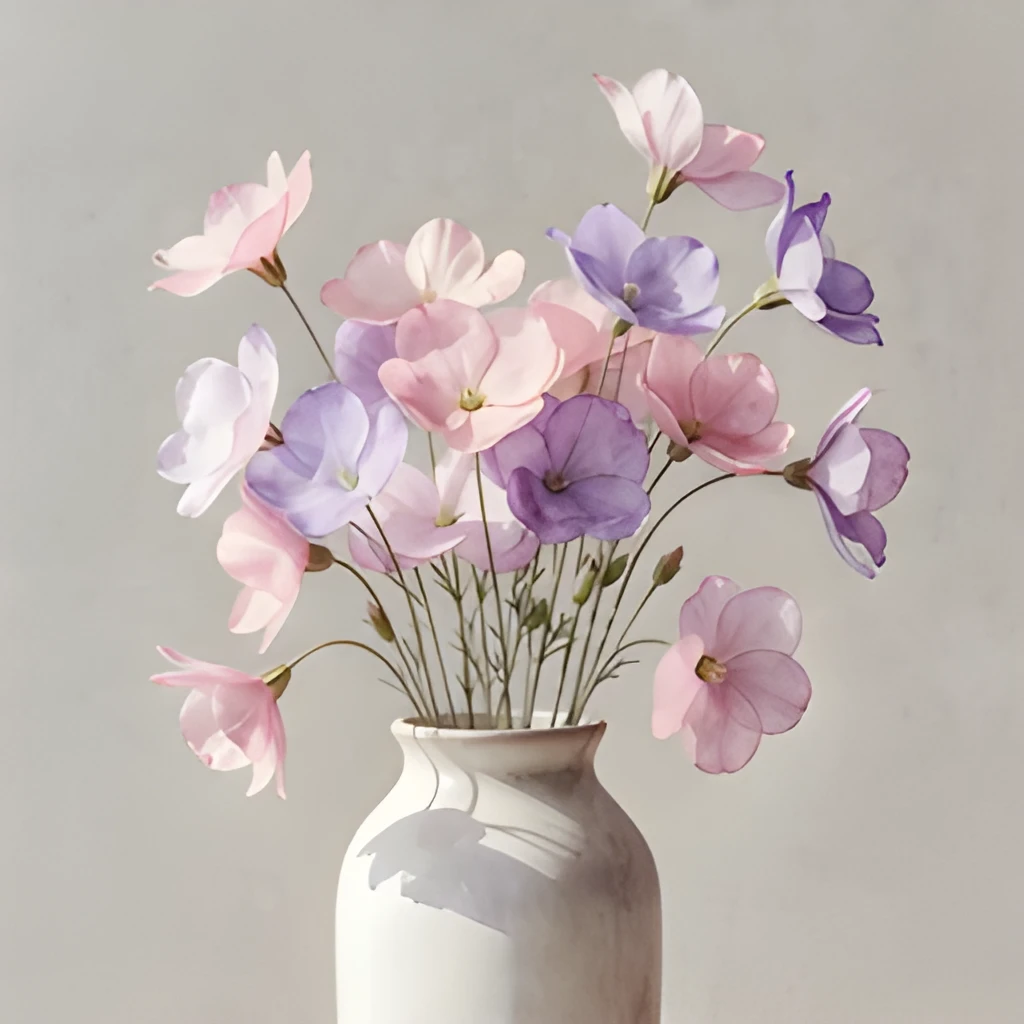
When you export a Procreate image at smaller dimensions, fine details and subtle brushwork get compressed. Our procreate image upscaler uses advanced AI to intelligently reconstruct lost detail, revealing textures, color transitions, and strokes that were hidden in the original file. Every layer of your digital art is enhanced, not just enlarged—your artistic intent shines through at any size.
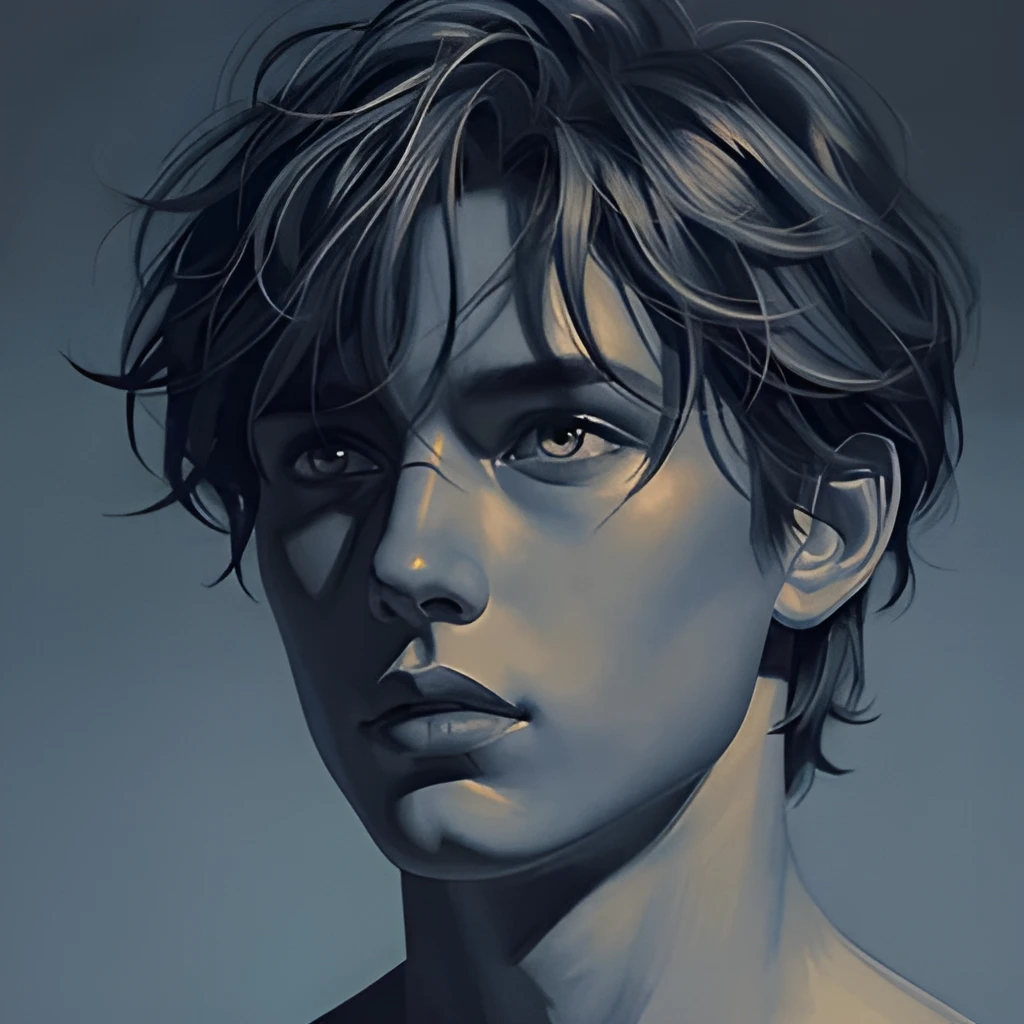
Print-Ready Resolution for Gallery and Merchandise
Expand your Procreate creations to museum-quality, print-ready dimensions. Whether you're preparing work for a fine art print, merchandise, or portfolio display, a procreate image upscaler delivers the sharp, high-resolution output professional printers and platforms demand. Go from screen-size sketches to wall-sized prints without quality degradation.
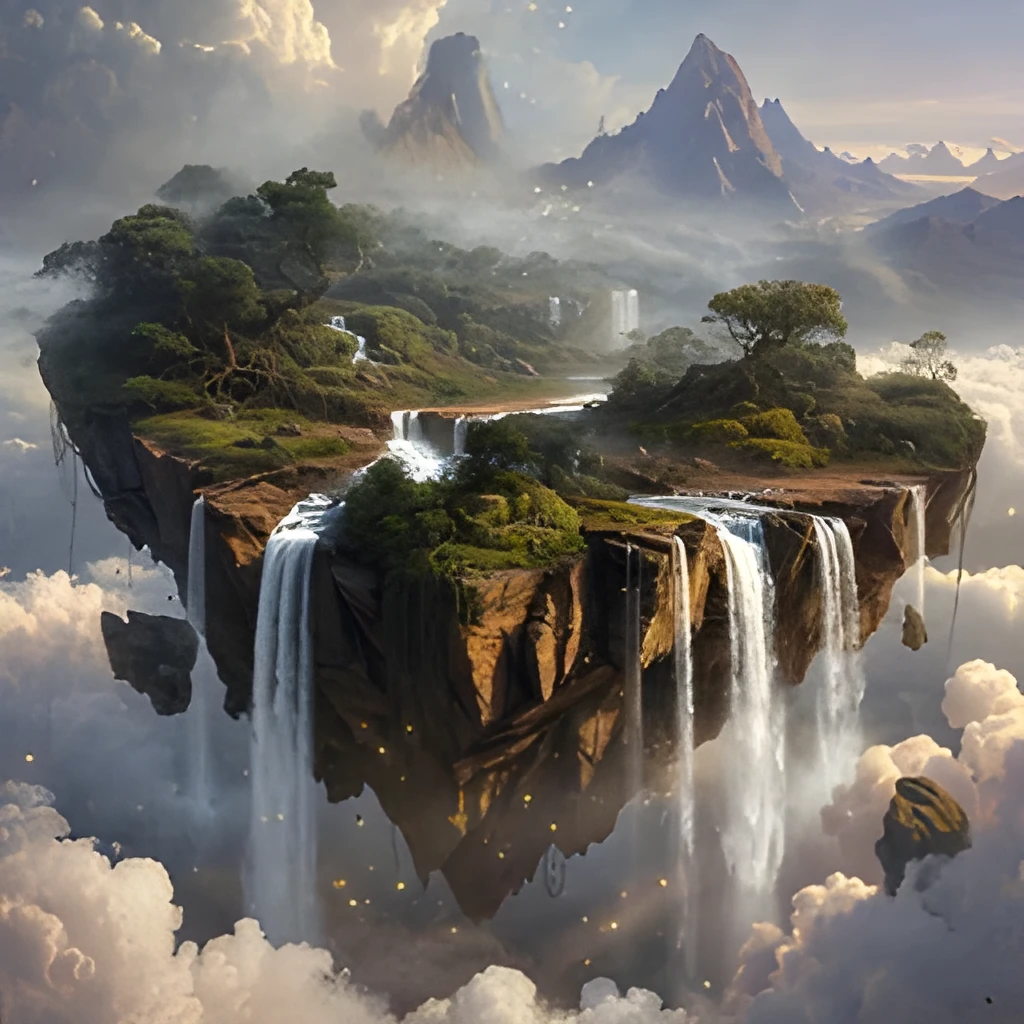
One-Click Enhancement—No Manual Retouching Needed
Skip the tedious manual upsizing and re-brushing. Upload your Procreate file, click upscale, and get a crisp, enhanced result in seconds. No need to re-export, adjust filters, or hand-retouch edges. A procreate image upscaler handles the heavy lifting automatically, so you stay focused on your creative work instead of technical prep.
Popular Uses for Upscaled Procreate Images
Prepare Digital Art for Print
Transform Procreate sketches and paintings into print-ready files for gallery shows, art books, and limited-edition prints. Upscale to the exact dimensions your printer or print-on-demand service requires, with crisp lines and vibrant color.Expand Portfolio Work for Web and Social Media
Create eye-catching, high-resolution versions of your Procreate illustrations for your website, Instagram, and online portfolios. Stand out with sharp, professional-looking artwork that impresses potential clients and followers.Upscale Procreate Exports for Animation and Game Design
Boost resolution on character designs, concept art, and backgrounds created in Procreate for use in game engines, animation studios, and digital pipelines. Ensure every asset meets production standards without starting from scratch.
Frequently Asked Questions
Will upscaling my Procreate image lose the sharpness of my brushwork?
No. Our procreate image upscaler is specifically designed to preserve and enhance fine brushwork and artistic detail. Unlike simple enlargement, AI reconstruction brings out the texture and subtlety in every stroke, so your artwork looks crisper and more defined at higher resolution.
Can I upscale Procreate files directly, or do I need to export first?
Export your Procreate file as a PNG, JPG, or TIFF at your current resolution, then upload it to our upscaler. The tool works with any standard image format, and you'll get back a high-resolution version ready for print, web, or further editing.
How do I upscale my own image?
Click "Upscale an Image" to open the Patternful Image Upscaler, upload your procreate images (or any photo), and let the AI enhance the resolution and detail. Then download the high-resolution result — no design skills required.
Will upscaling add detail or just make the image bigger?
The AI upscaler reconstructs fine detail and sharpens edges as it increases resolution, so results look genuinely crisper — not just a stretched, blurry enlargement. It works best on photos that are soft, low-resolution, or small.
What formats and sizes are supported?
You can upload common image formats (JPEG, PNG, WEBP) and download the upscaled result at a higher resolution suitable for print, social media, and web. Larger source images produce larger, more detailed outputs.