PNG Images
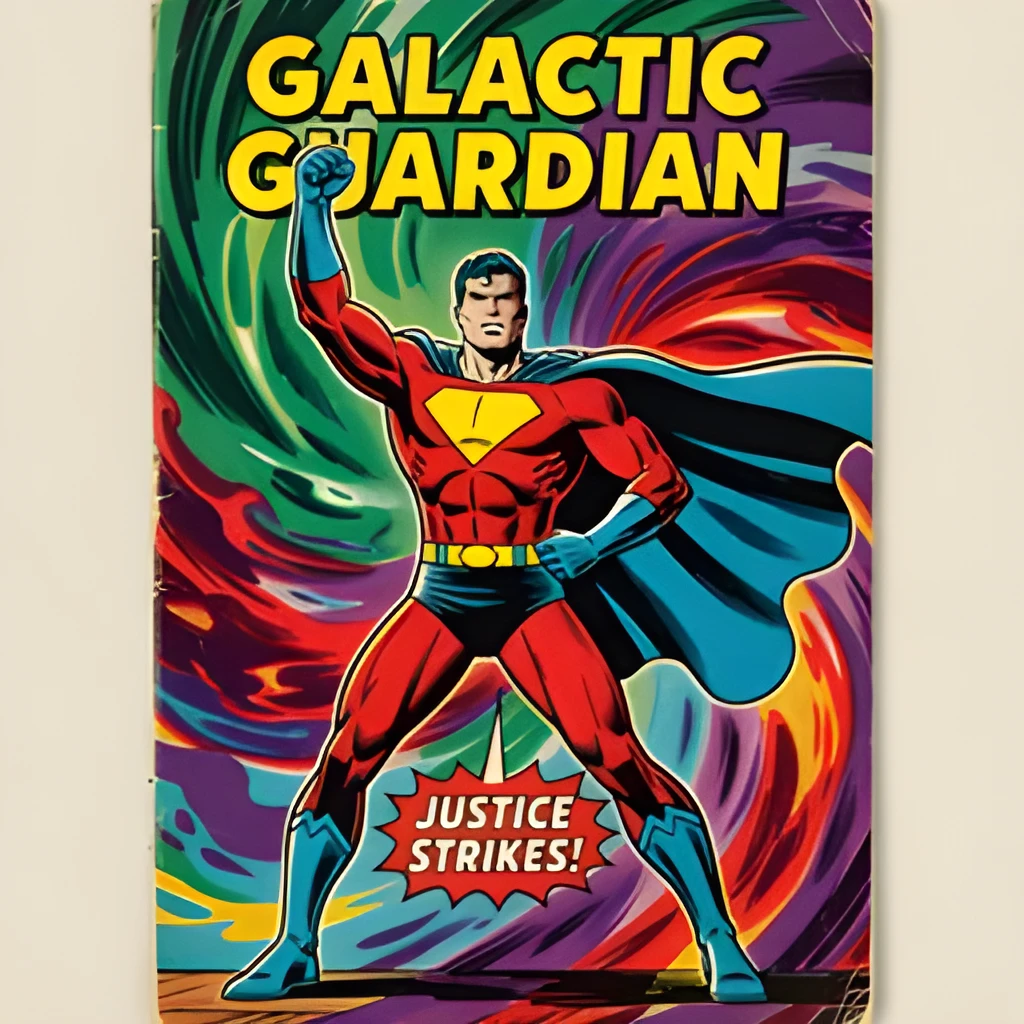
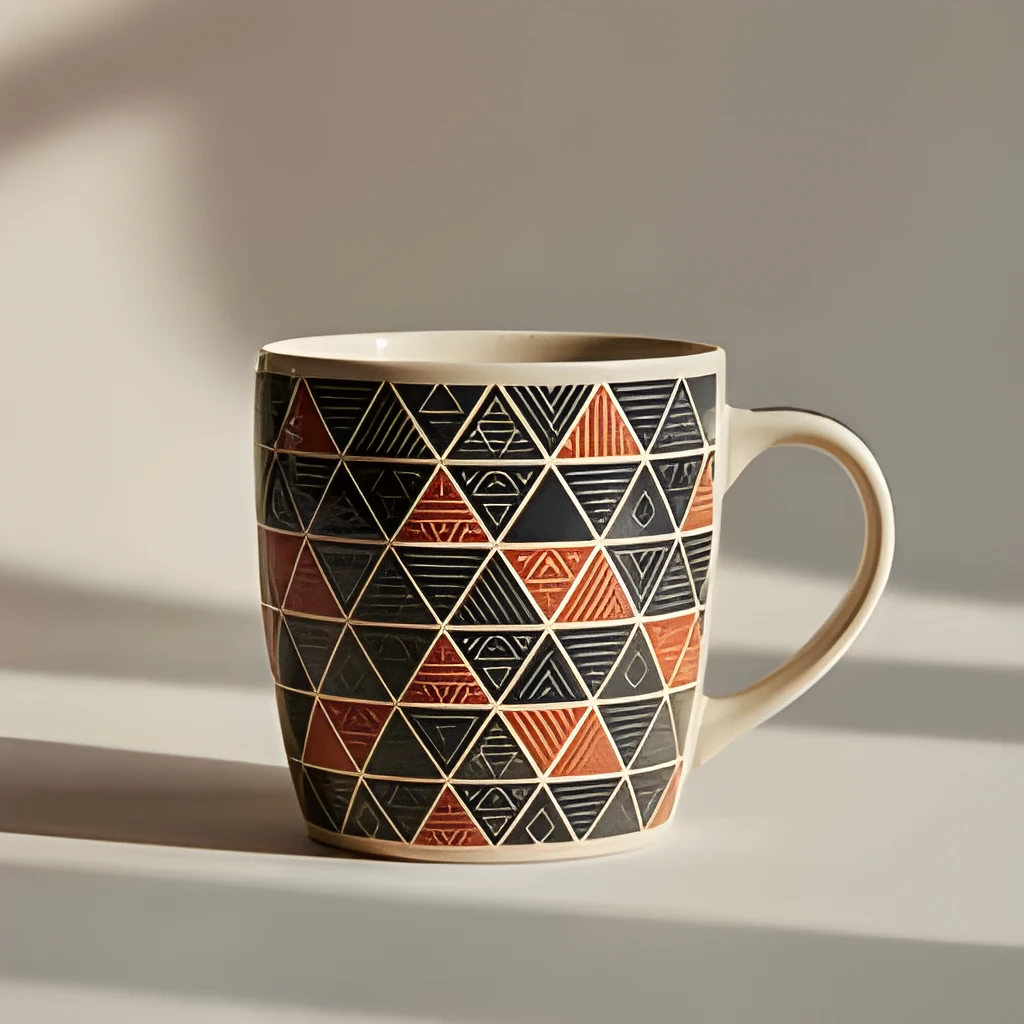
Recover Hidden Detail in PNG Images
Our PNG image upscaler doesn't just enlarge—it intelligently reconstructs lost pixels and sharpens fine details. Whether your PNG started as a screenshot, graphic, or compressed photo, the upscaler reveals texture and clarity that seemed lost. See crisp edges, smoother gradients, and recovered text in your upscaled PNG files.
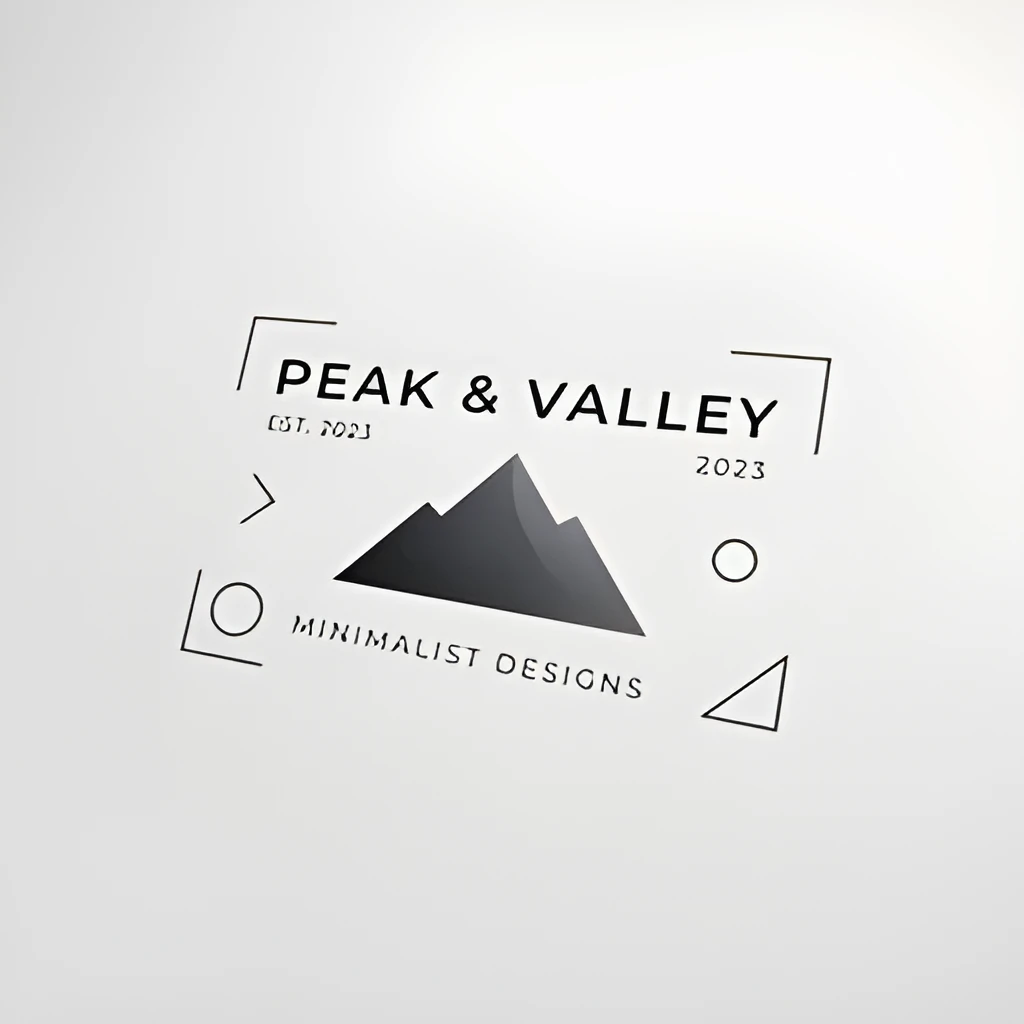
Publish PNG Images at Any Size, Print or Web
Transform small PNG files into high-resolution assets ready for print, e-commerce, or billboard displays. Our PNG image upscaler maintains the lossless format while scaling up to 4× the resolution, so your graphics stay pristine on any platform. Perfect for logos, icons, web banners, and product images that need to look sharp everywhere.
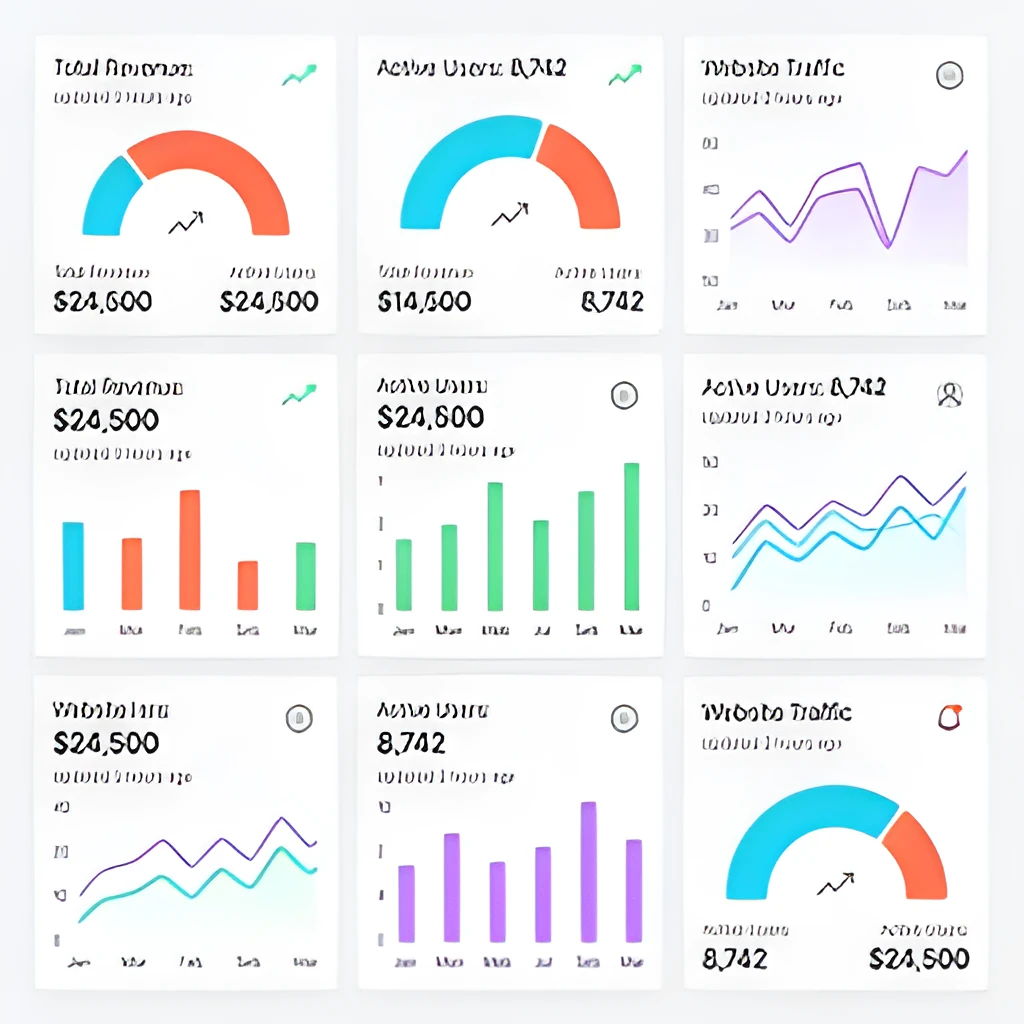
One-Click Enhancement—No Manual Work Required
Upload your PNG image, watch it enhance automatically, and download in seconds. No layers to adjust, no brushes to wield—our PNG image upscaler handles all the heavy lifting with a single click. Transparency is preserved, edges stay clean, and you get professional results instantly without retouching or post-processing.
Popular Uses for Upscaled PNG Images
Upscale PNG Screenshots & UI Designs
Enlarge user interface mockups, app screenshots, and design mockups while preserving clarity and sharp text. Perfect for presentations, portfolios, or documentation where your PNG designs need to shine at larger sizes.Enhance PNG Logos & Graphics for Print
Scale PNG logos and vector graphics to poster or print size without pixelation or blur. Our PNG image upscaler maintains crisp edges and vibrant colors, ideal for branding materials, packaging, and large-format printing.Upscale Product Images for E-Commerce
Transform small PNG product images into large, detailed assets for online stores and catalogs. Improve customer experience with sharper, more professional-looking product photos that drive engagement and sales.
Frequently Asked Questions
Does the PNG image upscaler preserve transparency?
Yes. Our PNG image upscaler maintains full transparency and alpha channels while enhancing resolution. Your PNG files stay lossless and compatible with all applications after upscaling.
How much can I upscale a PNG image?
Our PNG image upscaler can enhance PNG files up to 4× their original size while preserving quality. The best results depend on your starting image size—larger source PNGs yield sharper upscales. Try it free to see how your PNG looks.
How do I upscale my own image?
Click "Upscale an Image" to open the Patternful Image Upscaler, upload your png images (or any photo), and let the AI enhance the resolution and detail. Then download the high-resolution result — no design skills required.
Will upscaling add detail or just make the image bigger?
The AI upscaler reconstructs fine detail and sharpens edges as it increases resolution, so results look genuinely crisper — not just a stretched, blurry enlargement. It works best on photos that are soft, low-resolution, or small.
What formats and sizes are supported?
You can upload common image formats (JPEG, PNG, WEBP) and download the upscaled result at a higher resolution suitable for print, social media, and web. Larger source images produce larger, more detailed outputs.