Pixel Art Images
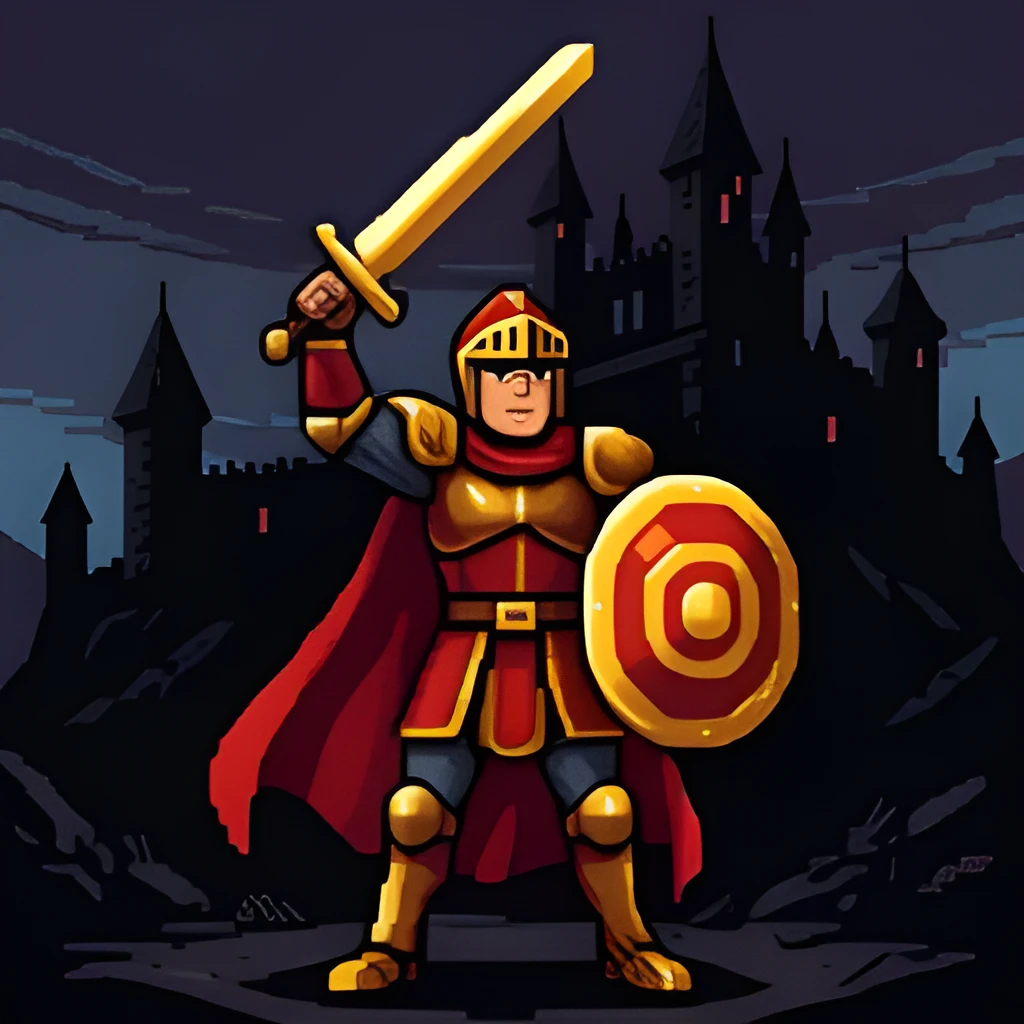
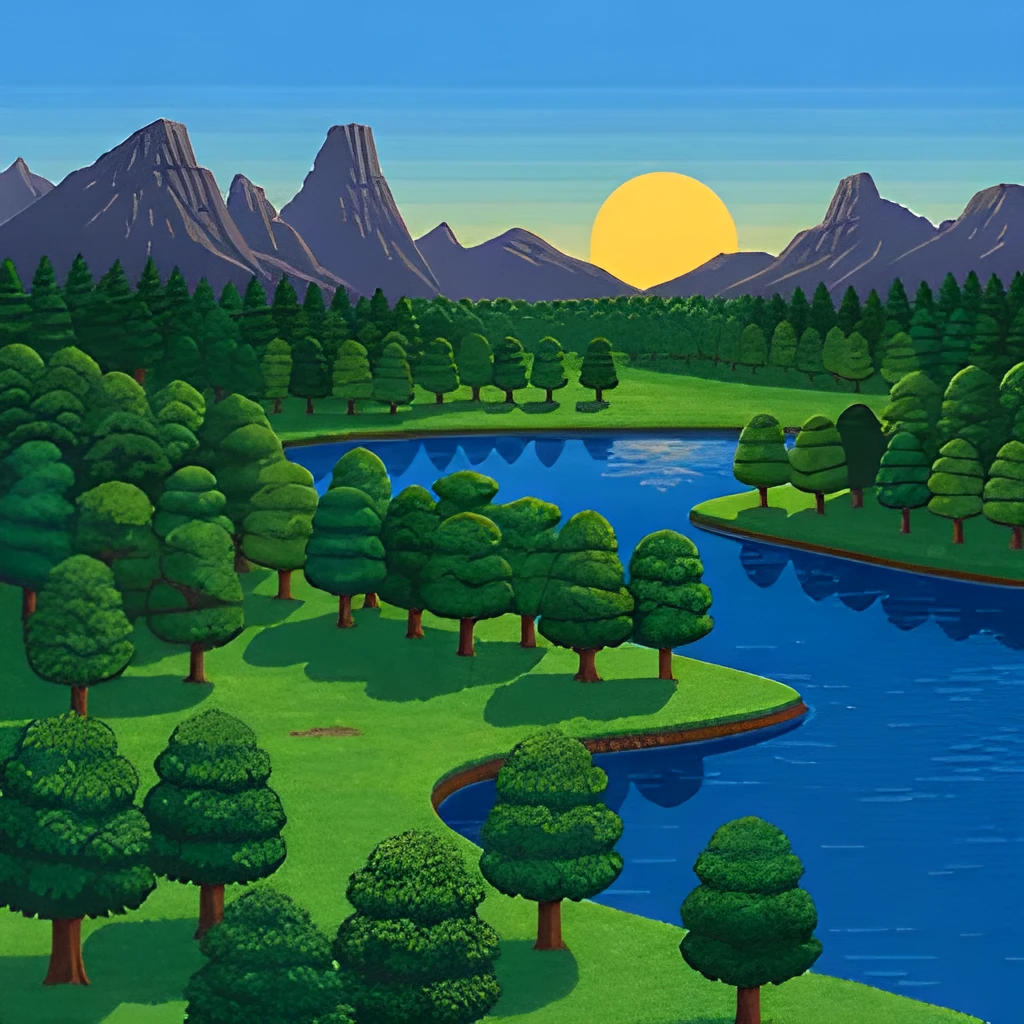
Recover Hidden Detail in Pixel Art
Our pixel art image upscaler doesn't just enlarge blocky pixels—it intelligently reconstructs the artwork you intended, revealing subtle shading, color gradients, and fine lines hidden in the original low-resolution file. Whether you're working with classic 8-bit sprites, 16-bit game assets, or retro digital illustrations, the AI understands pixel art composition and fills in the gaps with authentic detail that respects your original artistic vision.
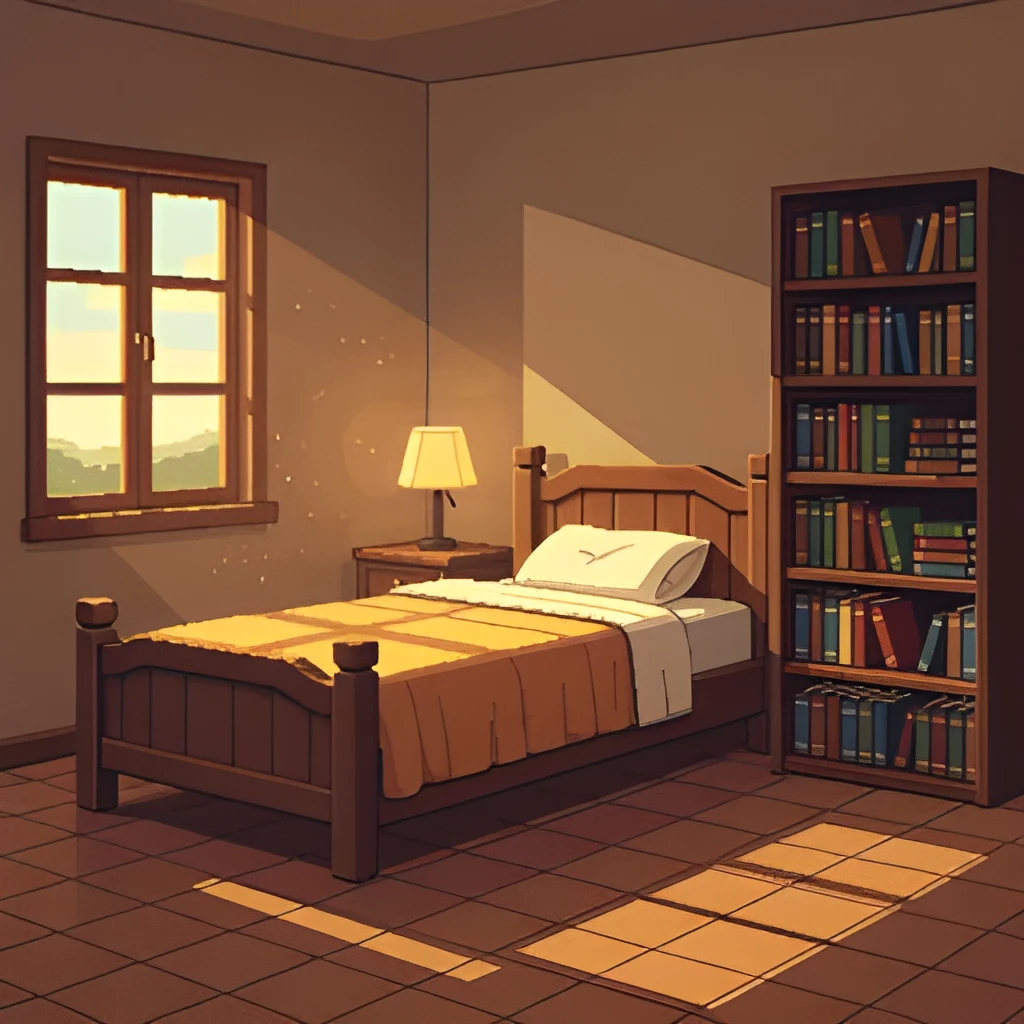
Gallery-Quality Resolution for Print & Display
Transform tiny pixel art images into large, frameable artwork ready for high-quality printing or web galleries. The pixel art image upscaler produces crystal-clear output at 2x, 4x, or higher magnification, giving your retro creations the professional resolution they deserve. Perfect for merchandise, poster prints, portfolio websites, or archival digital collections without the muddy, blurry look of traditional enlargement.
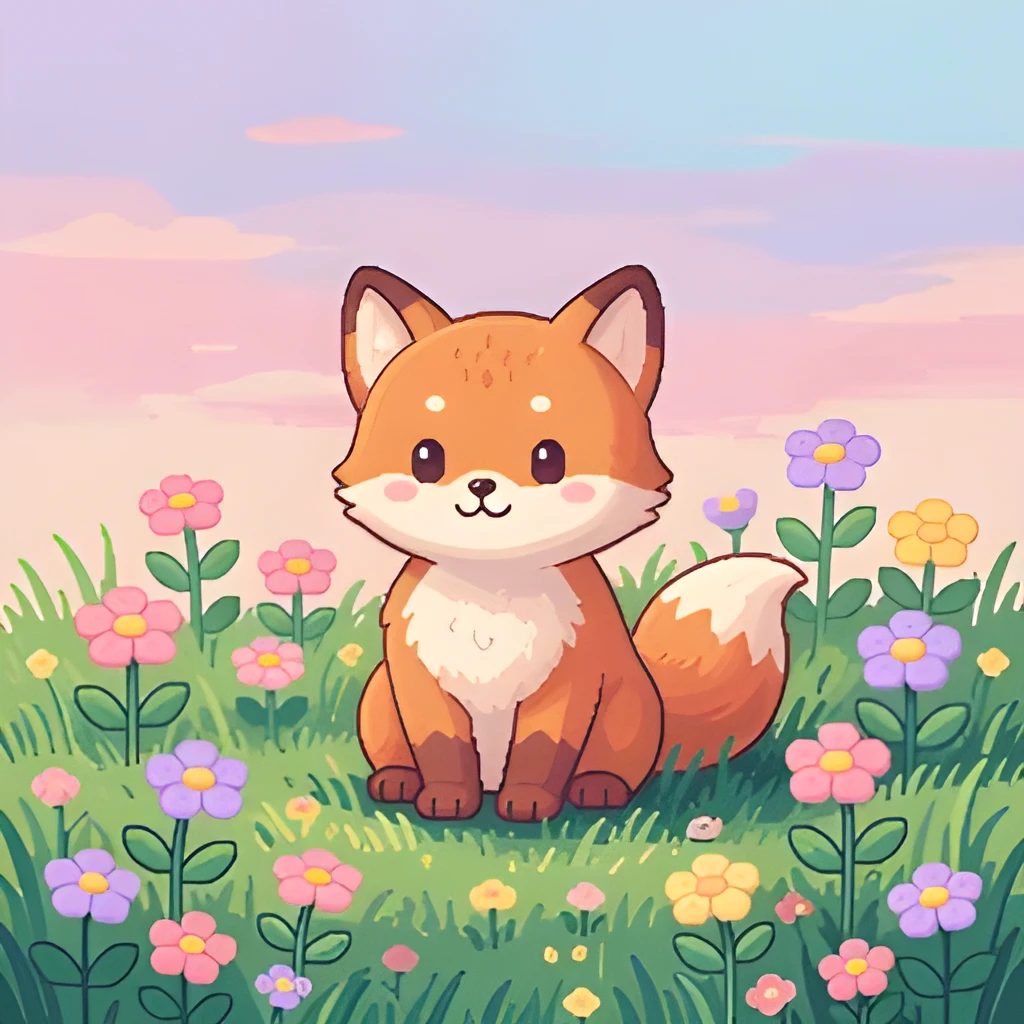
One-Click Upscaling—No Manual Touch-Ups
Skip hours of manual redrawing or Photoshop resampling. Simply upload your pixel art image, and our AI handles the rest in seconds. The pixel art image upscaler automatically detects edges, colors, and pattern structures, delivering polished, ready-to-use results instantly. No filters, no artistic guesswork—just clean, expanded artwork you can download and share right away.
Popular Uses for Upscaled Pixel Art Images
Restore & Archive Retro Game Art
Preserve classic video game sprites, mockups, and promotional pixel art at higher fidelity. Upscale old Nintendo, Sega, or indie game graphics to modern display standards for fan sites, documentaries, or personal archives.Print & Merchandise Pixel Art
Turn small pixel art illustrations into large posters, t-shirt designs, and printed merchandise. The pixel art image upscaler ensures artwork stays crisp and vibrant when blown up for physical products.Share Retro Art on Social Media & Web
Publish pixel art with professional clarity on Instagram, Twitter, and portfolio websites. Upscaled pixel art images load faster and look sharper on all screen sizes, boosting engagement and visual impact.
Frequently Asked Questions
Will upscaling my pixel art make it blurry or lose the pixelated style?
No. Our pixel art image upscaler is specifically tuned to preserve the signature blocky, retro aesthetic while adding clarity and detail. It enlarges your artwork cleanly without smoothing or distorting the pixel-by-pixel character that makes pixel art unique.
What file formats does the pixel art image upscaler support?
We accept PNG, JPG, GIF, and BMP files. PNG is ideal for pixel art because it preserves transparency and avoids compression artifacts. Upload your image, and we'll upscale it to high resolution in the same format.
How do I upscale my own image?
Click "Upscale an Image" to open the Patternful Image Upscaler, upload your pixel art images (or any photo), and let the AI enhance the resolution and detail. Then download the high-resolution result — no design skills required.
Will upscaling add detail or just make the image bigger?
The AI upscaler reconstructs fine detail and sharpens edges as it increases resolution, so results look genuinely crisper — not just a stretched, blurry enlargement. It works best on photos that are soft, low-resolution, or small.
What formats and sizes are supported?
You can upload common image formats (JPEG, PNG, WEBP) and download the upscaled result at a higher resolution suitable for print, social media, and web. Larger source images produce larger, more detailed outputs.